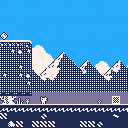
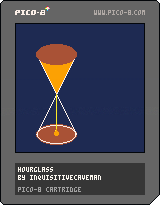
Just a little something I made for fun :)
There is no interactivity, just an hourglass that lasts for about 16 seconds, so that I could make a gif out of it.


 0 comments



Hi, it looks like keyconfig is not saved. I keep changing player 2 ⭕ and ❌ buttons to G and H keys but no matter what at each reboot (Win 11) they're back to TAB & Q keys. In fact no matter which keys I used the button_keys part in config.txt is always filled with 0's. Yet Pico-8 (0.2.6b) says "saved config.". On the other hand if I set show_fps to 1 I do get fps shown so this is the intended config.txt I guess.
1 comment
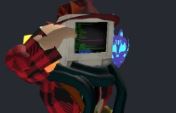

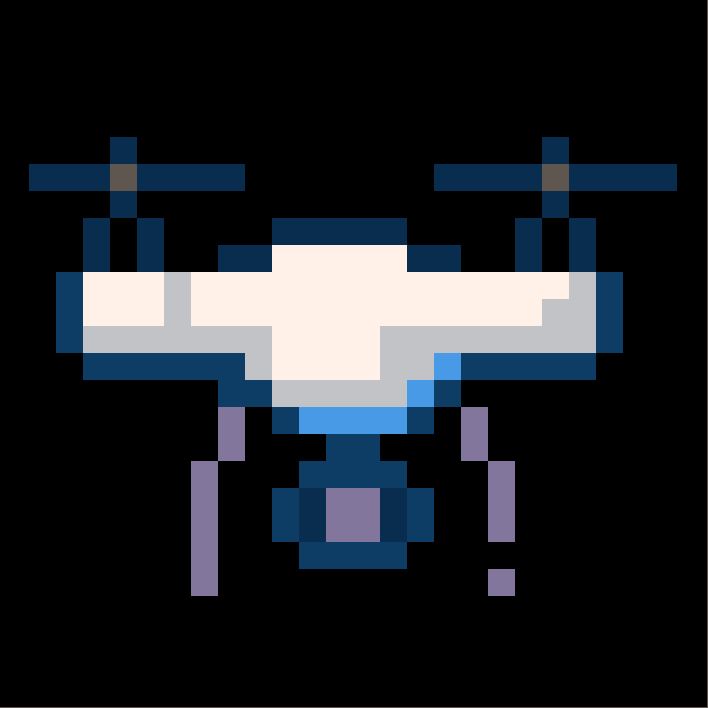
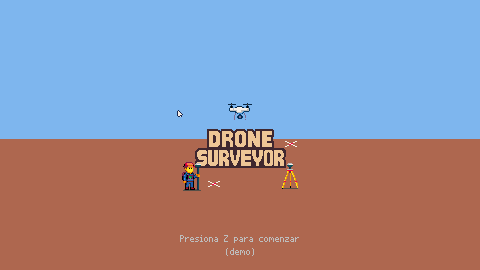
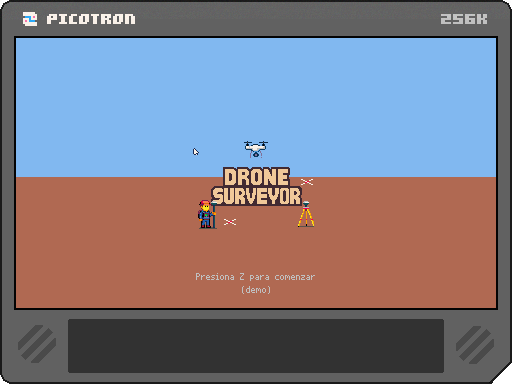
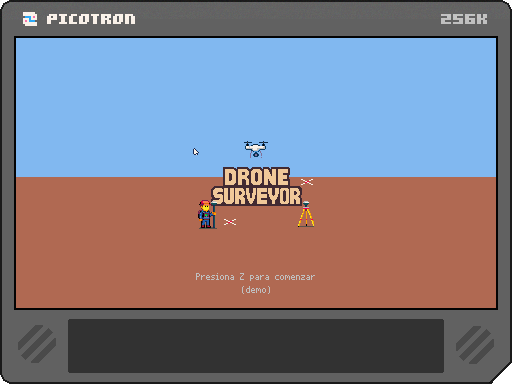
"Drone Surveyor: Cartografía Salvaje" is a simulation RPG about drone-based topographic surveying, presented as a cozy pixel art game with a top-down view. You play as a solitary surveyor equipped with realistic measurement technology, venturing into unknown terrains and overcoming environmental challenges and local situations. Through interactions with wildlife and local inhabitants, the game unfolds a touching and surprising story—where each survey becomes an excuse to explore, connect, and discover something beyond just geographic data.
Of course, none of this is really finished yet.
 0 comments


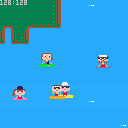
Work in progress of new paddle with friends game. The goal is to have autonomous paddlers to hang out on a lake.
0 comments

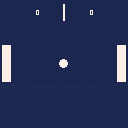
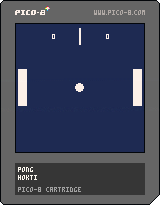
Pong Game
first game in PICO-8 it took me 4 days
Controls
P1
UP, Down: up, down arrow keys
P2
UP, Down: E, D keys
Reset
X Button
0 comments
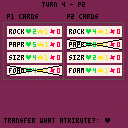
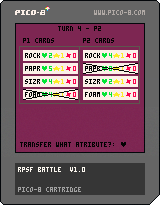
RPSF BATTLE v0.91b
A turn-based card game where players take turns selecting one of four cards—Rock, Paper, Scissors, or Foam—and choose an action: attack, sacrifice, or rest. The goal is to eliminate all opponent cards through strategy, upgrades, and timing.
Rock beats Scissors? Scissors beat Paper? Paper beats Rock?
Actually... Rock deals 2 damage to Scissors, and Scissors has 2 health by default—so yes, Rock usually kills it. But outcomes depend on stats, which can evolve during the match.
Each card has three stats: ♥ (health), ★ (bonus attack power), and ✽ (cut damage dealt to attackers).
Attacks end turns. Sacrifices don’t. Rest ends turn and only heals (+♥) if the card has exactly 1 HP.
0 comments
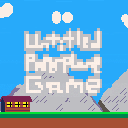
Untitled Paperplane Game
DESC
Untitled Paperplane Game is a relaxing paper airplane with challenges, easy and tight controls, and a multiplier system to keep you entertained for hours (or 30 min).
CONTROLS
Left to pull up
Right to dive down
THE "challenges" IN QUESTION
Updrafts: give you a lil boost up into the air, but watch out! might push you into a..
Bird: they decrease your height and throw off your nose.
Wind Gust: the wind current doesn't like you so he tries to push you down!
MULTIPLIER SYSTEM
The closer you are to the ground, the higher your airtime multiplier!
DEV COMMENTARY
I wanna say thank you to all who helped me shape this game the way it is today,
(especially @lucatron for his bird tweetcart where I got the idea to do so)
and I wanna thank YOU for playing. Comment your airtime and God bless you. <3
5 comments





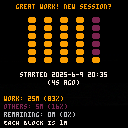
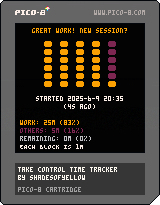
Take Control Time Tracker
What's this
A timer tool for visually tracking where your time goes during a set focus session. Track when you are actually focusing on the thing you want to work on, or are spending more time doing other things despite what you intended. Watch your progress as the time goes up and blocks grow as they reach their target value e.g. 1m, 5m, 10m, etc., and as you get more blocks with your chunks of time. If you cancel a block timer while it is growing, you lose that block.
Try your best to take control! Aim for a work percentage of at least 80%!
Toggle Auto On so that the blocks can grow continuously without you needing to start them again, best for short times e.g. 1m or 5m, or when you're really focused.
0 comments

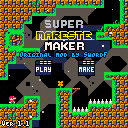
Wanted an Mario Maker in PICO-8 but with the mechanics of Celeste Classic???? So there's an new game.... ¡Super Mareste Maker! An Texture Pack of Celeste Maker (OG Game by SwordF) that makes finally an mario maker in pico-8!!!! Create your own and unique levels with this TP, and make your dream come true! Also, you can play your levels from the original Celeste Maker with the textures of Mareste!!!! And also, credits to @SwordF to the original game, and to @Gabe_8_bit to the textures of Mareste!! AND ALSO, i recommend you to play Celeste Maker and Mareste to support the original creators too! So.... Bye!!!!
P.D. 1: I hope someone in the future will make an Mario Maker similar to the real game.... PLS DO IT.
2 comments

Hello,
I would like to ask for help on how to release a cart properly.
I've made three.
- The first: Included in a post, became a Cartridge in about an hour, I deleted it, and reuploaded as a WIP (checks out)
- The second: I included it in a new post as a Cartridge, but it's not shown anywhere.
- A Third: Uploaded via the Submit button, not shown as well.
I've followed the How to upload Pico-8 games tutorial on the resources page. Yet my own releases page remains empty.
I have three questions:
- How do I release a WIP as a finished Cartridge?
- How do I release a new Cartridge, such that it finds its way into the Carts section?
- Can users get listed for making their first game too gorpy?
I would love to know more!
Regards,
skipperd
4 comments



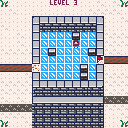
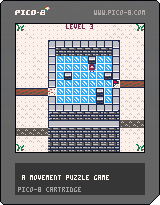
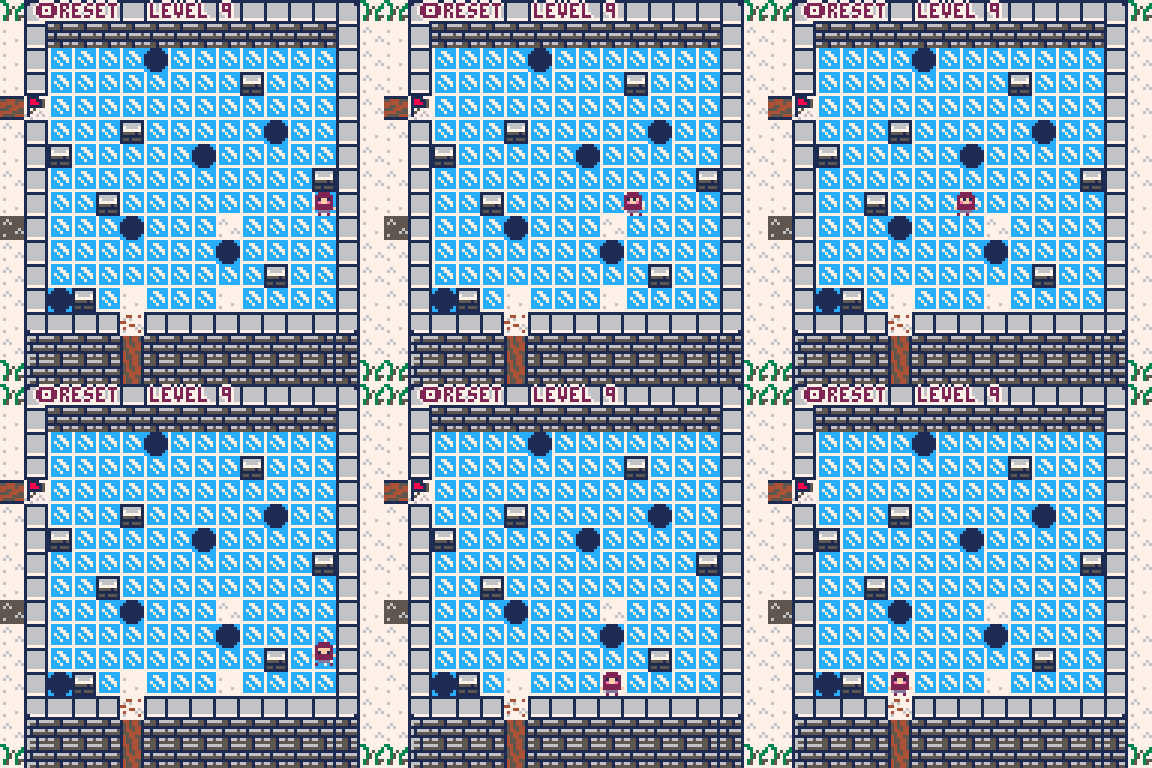
This is a movement Puzzle game. Your character will slide across the Ice. Can you reach the finish ?
Features:
- 16 levels
- Soundtrack consisting of 4 unique tracks
- Different mechanics such as holes, switches and tiles that you can walk/stand on
- Beautiful title screen
- level select menu
- menu items in pause menu
changelog
0.02
- updated to 60 fps
- added two more levels
- new mechanic -> holes that you can fall into
0.03
- new feature title screen
- new feature menuitem to go back to level select
- new content 10th level
0.04
- new content level 11 and 12
- new feature reset level
- new game mechanic -> switches that activate stones
0.05
- new content added 4 more levels. The total level count is now 16
- fixed a bug regarding state of switches when levels are changed
- added menuitem to reset the level
0.06
- added a full soundtrack spanning 4 tracks across 16 levels
- levered stones now have a different color
- outline added to bottom text
 8 comments



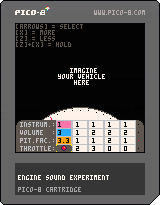
Hi all,
The other day I saw Engine Sound Test by @The_Gamer_1475 and I wanted to rev it with [x].
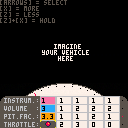
So I made a gizmo to rev four changeable chords and learn about generating sound in Pico-8.
print("\a") Is a magnificent feature!
You can use [z] and [x] to change a value selected with [arrows].
The values in white are notes.
0 --> silent
1 - 72 --> c0 - b5.
I've tried to generate a revvable engine sound and the base four four tone chords for the four cylinders are vertically stacked and editable with [z] and [x].
Give her a spin with the red button.
0 comments

I have looked around but been unable to find anything that clearly describes how best to utilise the colour table features of Picotron. I may just have missed it so if you know of a good resource please feel free to redirect me!
So I was looking into the colour tables and from what I know so far, its a lookup table that describes which colour to use when colouring a pixel. By default I know that drawing over a colour with another (drawing red over blue for example) will just result in the new colour being placed, replacing the previous colour (so the pixel is now red in my example).
I know that other colour blending techniques could take advantage of this, however I cant seem to figure out how to modify the values in the table. In a game I'm working on for example I would like to be able to draw a 'shadow' that is essentially just an oval using a predefined 'shadow colour', and it would darken each pixel it draws over by 1 'unit'.
I suspect I would need to alter the values for the shadow colours 'row ' or 'column' in the colour table so it returns a different value but figuring out how is a mystery!
7 comments






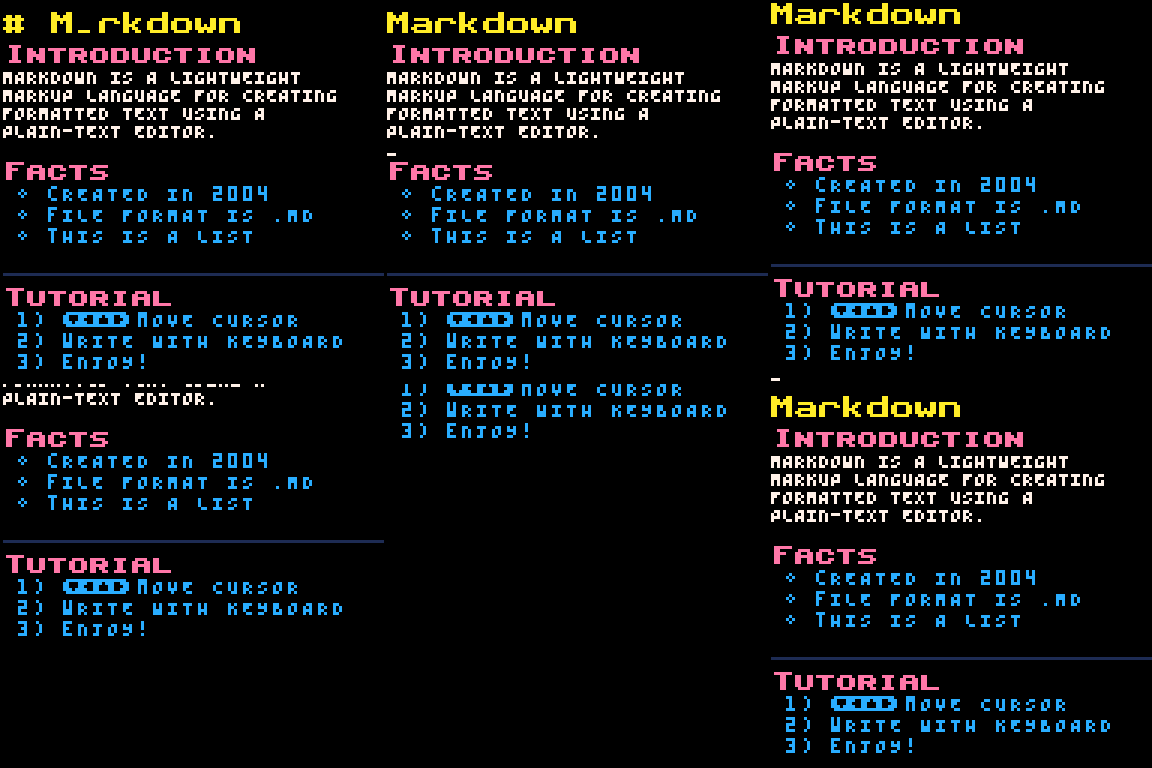

Markdown Editor
What is this?
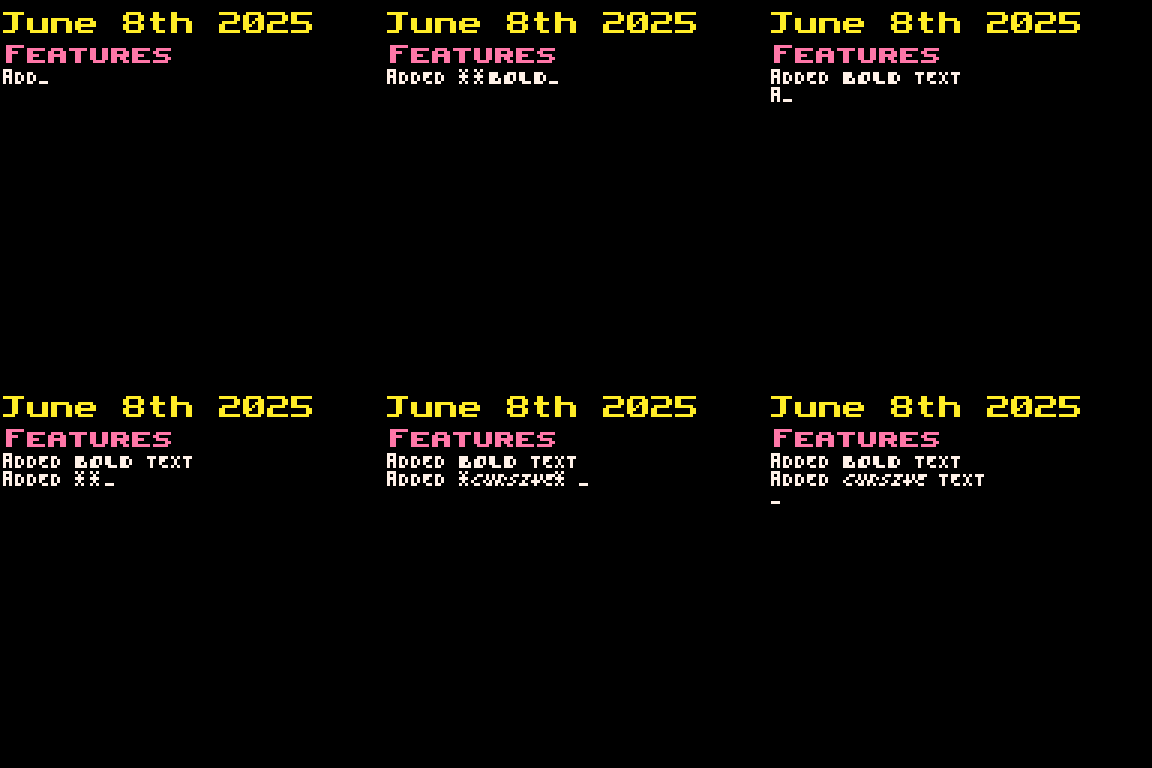
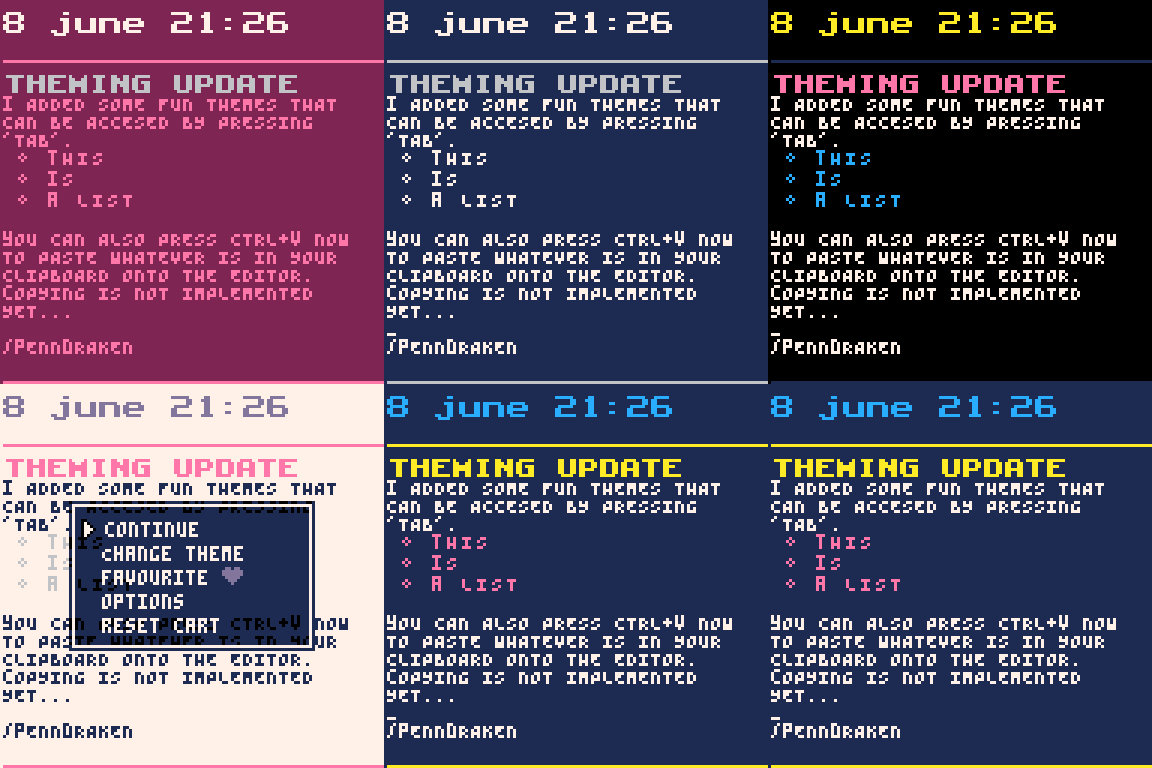
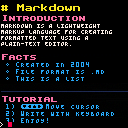
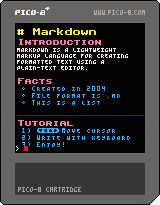
This is a text editor, that allows you to write Markdown in Pico-8. Use arrow keys to move cursor. Simply load up the cart and start typing!
Features:
- Two heading styles
- Body text
- Automatic text wrapping
- Bullet lists
- Numbered lists
- Horisontal lines
- Upper/ lowercase letters
- Enter to create new line
- Moveable cursor
- Markdown preview disabled on line that is currently being edited
- Bold/ cursive using
**and*
0 comments