


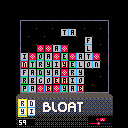
Arrow Keys to move Dominoes, and Z/X to rotate
Here's a fun little word game I prototyped a little while back! Only four letter and five letter words will cause the dominoes to clear, partially because three letters are too short, and because storing 6,7, and 8 letter words inside of Pico-8 sounded above my skill-level and/or impossible. Hope you enjoy!


 0 comments

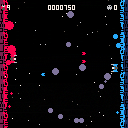
Been working on my first Pico 8 game for the last few days. Thought it was finally "okay" enough to share!
This is Friendly Fire! An arcade-y SHMUP like game where you control 2 ships at once in reverse directions. Enemies come at you from the middle pointing either left or right, it's your job to stop them from reaching either border, and to also not ram into your own bullets.
Bullets cannot hurt the border, that includes enemy bullets and your own, but they CAN hurt everything else, including you. Basically, don't hit yourself, and don't hit the enemies.
Controls:
Up/Down arrows - Move up or down, both ships move in opposite directions to each other
2 comments






Soo... I bought a raspberry pi zero and I'm trying to get it to work so I can run and create pico 8 games on it. But every time I try to make it boot, it does this:
.
.
.
.
In short, it does nothing. Has anyone had this problem and maybe solved it? Thanks!
Oh, and we should have a name for pi's that run pico 8 games that we all use.
(I tried to load the raspberry logo into pico 8. it didn't work)
13 comments

So.. let's say that someone tells how to have infinite health in the comments of a game called "banana run". Should there be a "Report as Revealed Easter Egg"? This would help conceal the secrets of the game. Do you think there should be this? Or should it only be available to the dev?
NOTE: I have not heard anything about this being added. I just thought it would be handy.
4 comments


With 0.2 onwards I noticed that cmd+w now closes pico8, whereas before I used it a lot to jump to the beginning of the line. However, cmd+e still jumps to the end of the line, which is rather inconsistent!
I don't know which functionality is really intended (since cmd+w is a valid closing shortcut on Mac), and if cmd+w/cmd+e was ever intended to be used (ctrl+w/e also work), but I think the inconsistency should be looked at at some point.
I'm on a MacBook Pro with MacOS Catalina 10.15.4
0 comments


Was confused by the upload mechanism and ended up with some redundant unlisted carts in my uploads (listed in "add cartridge" > "select from uploads"). How do I remove these? I don't see any way to delete them.
3 comments


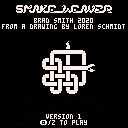
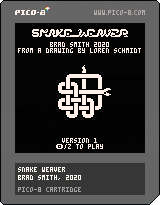
A prototype of a game that is sort of a combination of Nibbles and Sokoban, but also the snake is explicitly allowed to weave over and under itself.
Inspired by a drawing by Loren Schmidt: https://twitter.com/lorenschmidt/status/1253546559469387776
Version 1 is a prototype. It contains a few demonstration levels, and a bunch of empty ones. It also includes a built-in editor. Press ENTER to open the cart menu and edit levels. See the source code for more instructions.
4 comments


Okay, comment on what color flower you like best. please only comment once. This is for Great Heroic Meadow Adventure. YOU MUST CHOOSE ONE OF THESE
Blue Flowers:
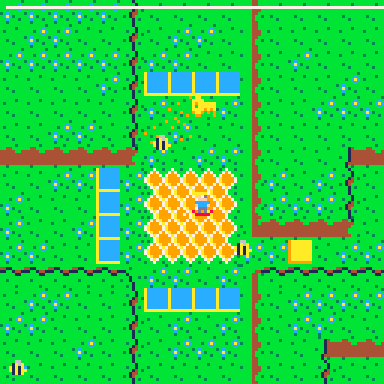
Purple Flowers:
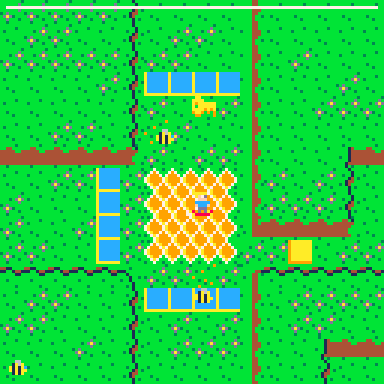
Pink Flowers:
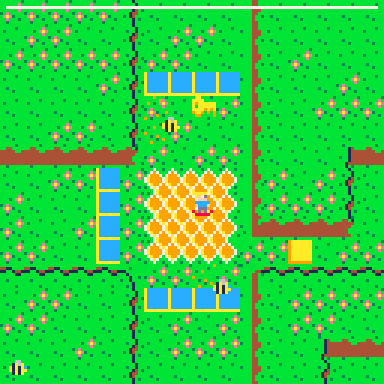
Purple and Blue Flowers:
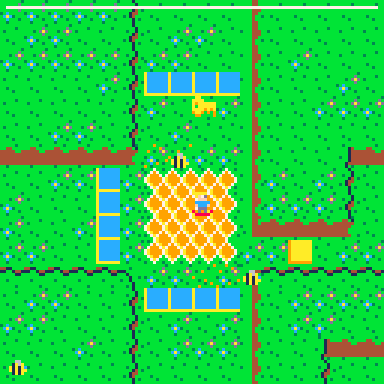
Pink and Blue Flowers:
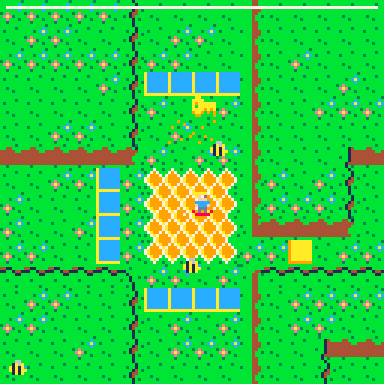
Purple and Pink Flowers:
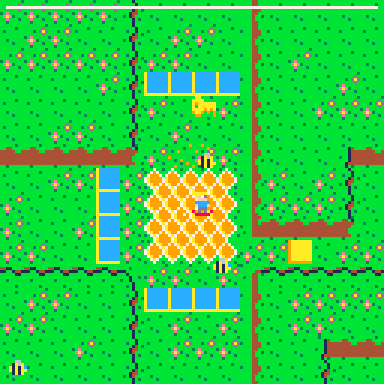
Thanks!
Other: ___
these are the votes:
Currently the top flowers are pink and blue 50% and purple and blue 50%
2 comments

 (1).gif)


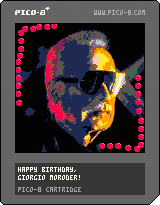
My humble and sub-par homage to the legendary musician Giorgio Moroder, because yesterday he turned 80 years old.
Quite cr*p and obviously not as good as his music by a LOOOOOONG shot, so it is a fortune that he will probably won't ever hear this rendition of his famous song "Chase", from the original soundtrack of the movie "Midnight express" ^_____^; (he won an oscar for that score, first time ever a synthesized song won an academy award, years before Vangelis)
1 comment

So I know how to make actors and objects appear at different times but how do I make them appear after something happens for example:
An enemy gets defeated. How do I make it drop, say, a laser powerup?
The player steps on a button. How do I change the floor from water to jelly?
The player defeats an actor. How do I make chocolate appear?
I could go on forever.
Does anyone know how to do this?
Thanks!
4 comments


.gif)
I've finished all the levels on my game! I'm planning on maybe making an itch.io version with more levels, but I'm not sure yet. There won't be many more updates from here unless there are any bugs in the game. Have fun!
0 comments

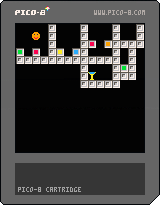


Hello together
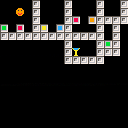
I just started with pico8, lua and game-programming. I am trying to make a small fighting game and have a question concering animations. I want the player-sprite to be idle and if i click a button it should respond instantly and play an animation. Is there a way I could write the function "punching" with less code? Sprite Number 17, 18 and 19 are the sprites for a punching animation. The function first checks if the current sprite is between 17 or 19...if not it sets it to 17 (start of the punching animation)...then it iterats through the animation and checks again if the sprite is greater then 19 to set it back to 17. I have the feeling I have to much code in it...especially that I check twice if player.sp is greater then 19. Is there a more efficient way? Thanks in advance :)
function _init()
    player={
        sp=1,
        x=59,
        y=59,
        anim=0,
        state="idle",
        flp=false,
    }
end

function _update()

[ [size=16][color=#ffaabb] [ Continue Reading.. ] [/color][/size] ](/bbs/?pid=75555#p) |
7 comments


The pico8 manual states this about SFX instruments:
"SFX instruments are only retriggered when the pitch changes, or the previous note
has zero volume. This is useful for instruments that change more slowly over time.
For example: a bell that gradually fades out. To invert this behaviour, effect 3
(normally 'drop') can be used when triggering the note. All other effect values have
their usual meaning when triggering SFX instruments."
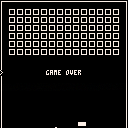
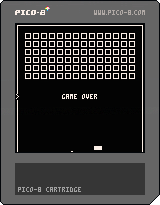
However it seems that adjacent notes (with the same SFX instrument and with the same pitch and non-zero volume) do cause the instrument to be retriggered when the second note is at index zero in a looping sequence. Also, setting the second note's effect to 3 inverts the behavior and the instrument is continued rather than retriggered, but only when the second note is at index zero.
The attached .p8 cart demonstrates this. It has these SFXs:
0: the SFX instrument
1: pattern looping from 0 to 8, with no effect on the note at index 0. The SFX instrument is retriggered at index 0.
2 comments


.png)
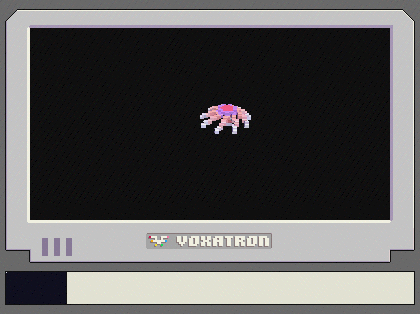

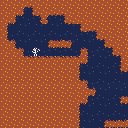
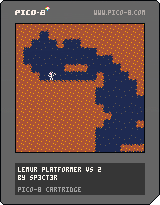
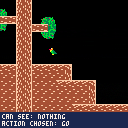
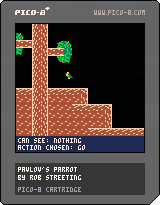
I'm uploading my first PICO-8 game that I made in the GMTK Game Jam a couple of years ago. The theme was "Genre without Feature", so I created a platformer with no direct control over the character. Instead, you have to teach it what to do by rewarding or punishing it's actions. It has a few issues, but mostly I'm very proud of it. Enjoy!
P.S. An important thing to note is that the parrot remembers what it's learnt after it dies. This is important for getting past some obstacles!
 1 comment
