





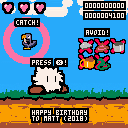
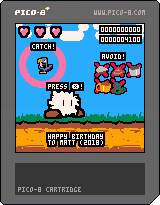
[edit: slight animation improvement, bugfix]
Press X to jump over the hazards. And try to catch the birds for extra points.
High score is saved using cartdata.
This is a late birthday present for a good friend (Matt). The little fluff is a character we used to doodle a lot when we were supposed to be paying attention in class. It was fun to make it come to life for a cart.
Happy Birthday, Matt! Now you are old. Ha! Soooo sooo old, you old guy.


 3 comments


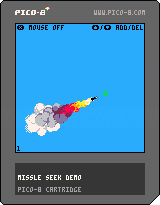
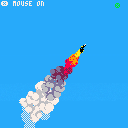
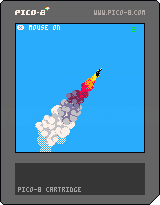
Demo of a missile seeking behavior and a nice flame/smoke effect. Not sure what I would use it for. Code is pretty clean and easy to follow. Toggle random target pos and mouse control with X key.
Uses some code for timers in my snippets repo https://github.com/unstoppablecarl/pico-8-snippets
v2

v1
 11 comments






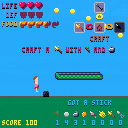
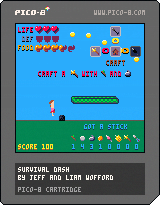
We built this survival-endless runner genre mash-up for Ludum Dare 41.
Use Z to jump, arrow keys to craft items like food, armor, and weapons.
3 comments



I wanted to make a little compilation of tweetcarts for a while and The Pippin Barr Game Idea Jam #2: The Museums Jam gave me an excuse to throw something together. Please enjoy this museum of tweets.
3 comments



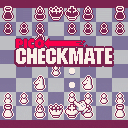
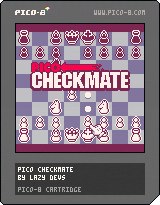
A simple, cute retro version of classic Chess made in Pico-8. Full implementation of almost all of the Chess rules with a juicy interface and some basic AI to play against. Created as part of the Chess Jam 2018. Here is the game's entry on itch.io.


Jucy animations were very important to me. My Chess AI will never be competetive. So I focused on the game being pretty, readable and fun to play. I wanted to add even more functions but sadly, I ran out of tokens. I tried to squeeze in as many as I could.


52 comments







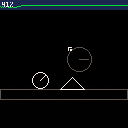
As a temporary side project, I hastily ported Randy Gaul ImpulseEngine to pico-8/LUA.
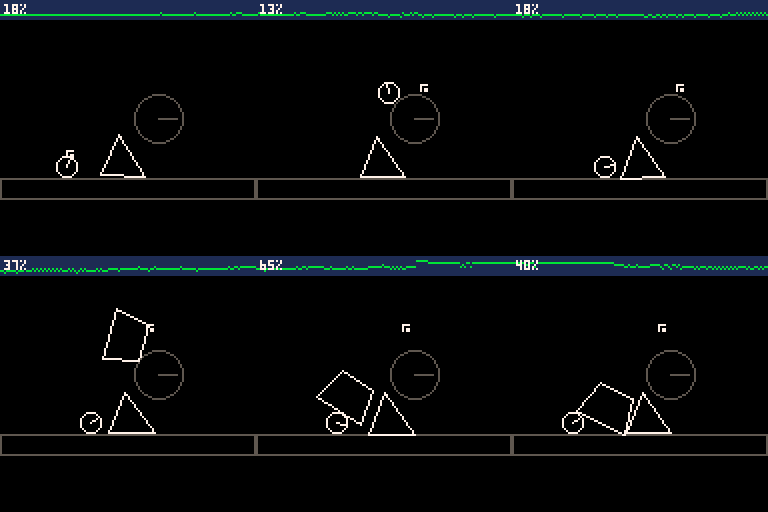
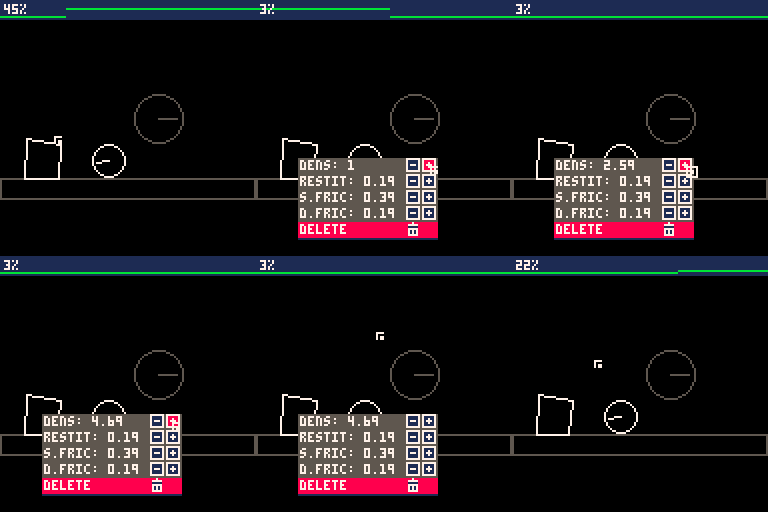
Usage
Requires a mouse
- left mouse button: create a random shape at mouse cursor or drag shapes
- right mouse button: show/hide world or body options
- button c: show/hide debug information
Dev Log
The physic engine is a direct port from Randy Gaul's work, detailled in a series of articles:
How to Create a Custom 2D Physics Engine
0 comments
An example implementation of automatically-calculated delta time in Pico-8, allowing for framerate-independent game logic.
It's not much to look at, but a detailed description is available in the code comments.
Example use case:
You've built a project targeting 30FPS, but it turns out to be optimized enough to run at 60FPS.
Normally, switching from using _update to _update60 after the fact would be a painful job involving a lot of manual number editing, and you'd be screwed. However, if you had built your project with delta time in mind from the start, you could simply rename and everything will continue to move at the 'correct' rate.
3 comments



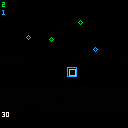
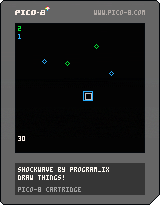
Controls
Menu: Up arrow to go to instructions page. Up arrow again to start game.
Game: Up/down/left/right arrows to move. Z to set off green shockwave, X to set off blue shockwave.
Mechanics
Shockwaves will sweep away the rocks of the same colour, but your ship is vulnerable to either kind so you had better sweep carefully! Watch the cooldown marker in the bottom left corner.
Commentary
Bah I was doing so well with my 2D board game thing from a few nights ago but I really didn't have enough time to make it happen so this came together just today. It's an awful mess in many ways but came out better than it might have done.
itch.io page: here.
2 comments


Shoot 'em up, arena style!
First PICO-8 game, made sporadically over the weekend.
Anyone know how to F7 Label capture on a Mac?
TODO:
Music
CPU AI
More Levels
More Guns
More Backgrounds/Level doodads
6 comments


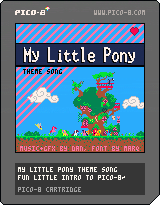
Just got started with Pico-8 and decided to track a pretty cool song! Thanks to marq from pouët for the font.
Might expand this to little game eventually, but I'm happy with it as-is right now. PICO-8 is an awesome platform!
edit: Not sure if this is the right place for a music cart like this to be posted. If it should be somewhere else on the bbs, please let me know!
2 comments

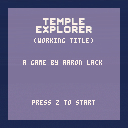
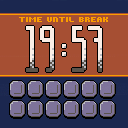
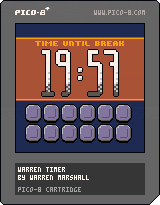
So I did this little pomodoro timer today for fun. It implements 20 minute work cycles with 5 minutes of rest between. For every work cycle you complete, you get a gold coin. :)
The code is horrifyingly rushed and sloppy so take it for what it is ... a project to while away a lazy Sunday.
I even wrote a proportionally spaced text routine for the 3 lines of text this thing displays. I'm THAT kind of nerd.
 2 comments

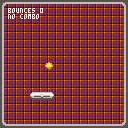
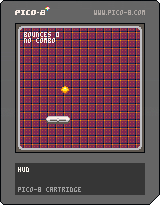
My first Pico-8 cart, a dumb little twist on bat-and-ball games that involves keeping a juggle combo going so the game will say nice things about you.
Made as an exercise in tool-learning and object-oriented programming.
v2
Updated with sounds, refined physics and a couple of new mechanics. Bounce the ball off the ceiling or floor for style!
v3
Properly constrained paddle to play area.
1 comment


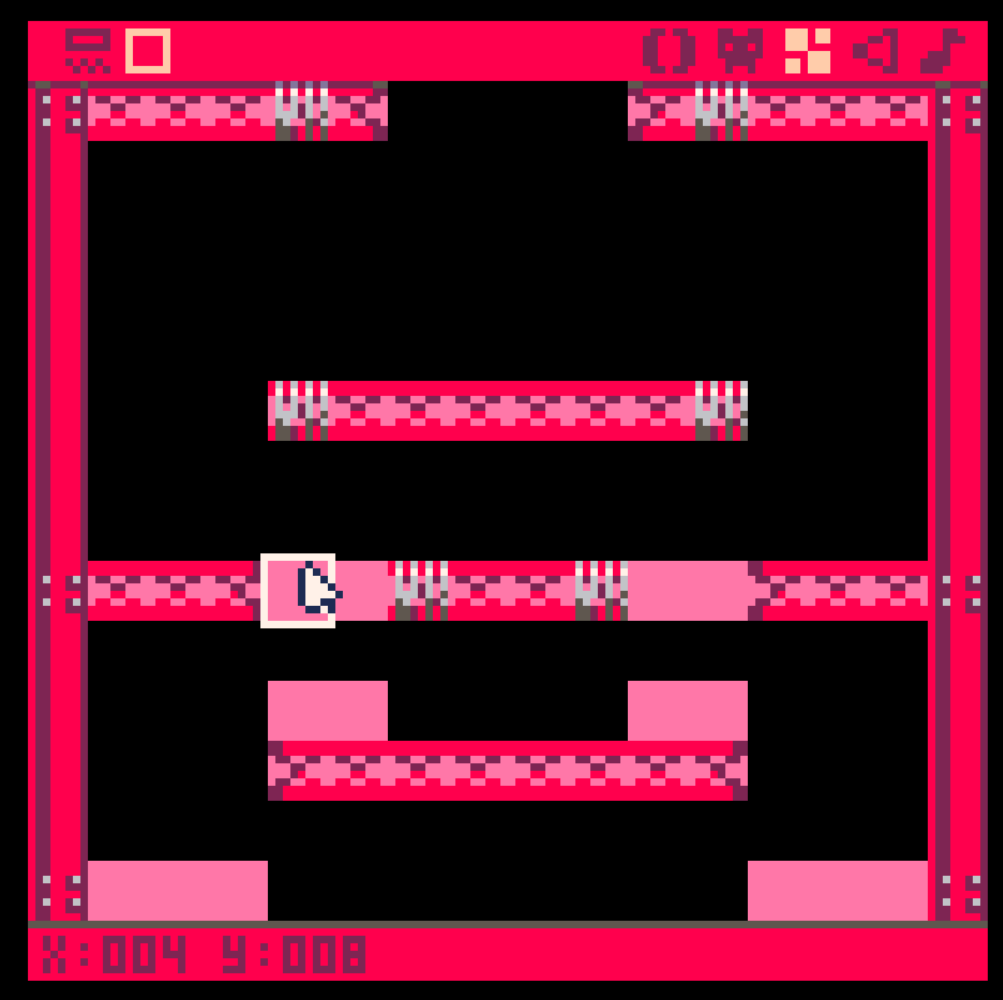
the image is map of my game.
pink rectangles are empty sprite on the map.
If game characters enters the location of these empty sprites, some events should happen.
I asked similar question some days ago, a person said me to use mget method.
https://www.lexaloffle.com/bbs/?pid=51536#p51536
I thought I should compare player's x coordinate and y coordinate to coordinates of sprite. I tried some days but nothing helped.
p={
    x= --x coordinate of player
    y= --y coordinate of player
}
|
p.x and p.y are coordinates of player. I can't change that because my code has 600~700 lines..
could someone help me with simple examples or description?
5 comments


Cabledragon was talking to me about perlin and simplex noise generation, and we were looking at various web pages on the subject. One of them was a novel implementation of a simplex noise generator, written by Kurt Spencer, a game dev who did not wish to be subject to Perlin's patent on his own version of simplex noise:
http://uniblock.tumblr.com/post/97868843242/noise
With a public-domain javascript implementation of 2D, 3D, and 4D noise here:
https://gist.github.com/kdotjpg/b1270127455a94ac5d19
The 3D and especially the 4D code is rather long and spaghettilike, though I suspect for good reason, but I noticed the 2D code was not too bad, really, so I took a pair of Lua shears to it and made it fit on our little platform.
It performs pretty well. It looks good, and while you can't efficiently use it to set every pixel on your screen, it's quite adequate for caching your terrain at app launch, or even for real-time generation of the area immediately around you, if you can be somewhat economical with how many times you sample the noise.
Note that, as mentioned in the code, the shell I wrote around this adaptation isn't particularly useful. It's just a custom-made and optimized-to-the-point-of-being-ugly viewer for the noise generator.
[b]The generator code is on the second tab, and that's what you'll want to look at if you want to use it yourself.
13 comments



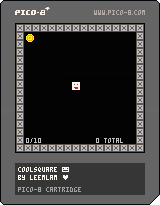

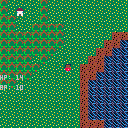
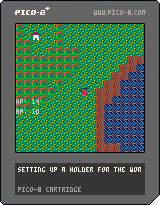
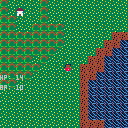
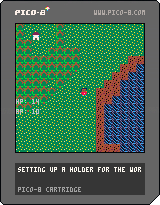
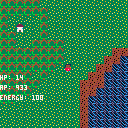
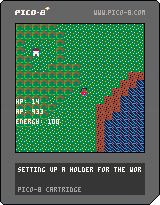
This is a first attempt at putting together a game in Pico-8. It's not done, of course, and most of the game features haven't yet been implemented. Eventually, I hope it'll be a demake of something like Neo Scavenger.
v0.10
-Refactored code to contain multiple states (states other than main game mode not yet implemented)
-Cleaned up old code that had been commented out
-Commented most things for clarity
v0.06:
-Added system for terrain types
-Updated HUD and removed useless Energy stat
-Updated art assets slightly
v0.05:
-First commit, laid down basic movement, map drawing, and set up the player
0 comments


I'm not sure if any chip / pocket chip users have been following the discussions over at nextthing forums but it looks like they are officially done.
We have traditionally taken our updates via apt-get update and I was wondering what might happen if their servers go offline. Is there going to be a binary that we can install?
I don't think anything is going to break anytime soon but I thought that it couldn't hurt to ask.
D
2 comments