Hi everyone,
I got inspired by the 1-Bit Clicker jam to experiment with a new game and have an issue with a single mouse click being active for a few frames while I would like it to behave just like BTNP where the click stops registering on the next frame until I press it again.
Hope that makes sense :)
Thanks for your help.
K.


 11 comments




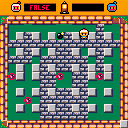
I'm having a go a making a Bomber Man inspired clone. Some work to do yet.
I intend to make it 2 player initialy, then may have a go a some basic AI opponent.
Any feedback welcome.
To do next: player animations, finish game tiles, then get the player two up and running.
1 comment

Hello everybody! I normally use Gamemaker Studio but my graphics card crapped out on me and I only have a Linux laptop as a backup which Gamemaker Studio doesn't run on. Fortunately, Pico-8 does run on Linux! I've owned Pico-8 for a while but never really used it so I figured this was a better time than any and I'm pretty glad I did now. This program has really made me appreciate the Lua programming language. It's super simple to use and learn. Over the past few days I put together a simple starter project that lets you not worry about the boring stuff and just jump straight into making your game. The only thing I didn't write myself is the insert function which is edited from Adam Scott's "Missing Built-ins" extension.
Features:
-Sprite animations
-Sprite origins
-Automatic depth sorting
-Mouse support
Plans:
-Integrate map editor
-Collision system
-more to come? we'll see.
4 comments


Hi,
New to Pico 8 and currently simply exploring the pre built cartriges. I notice that I can use keyconfig to set my controls, but when I play a cartrige Pico-8 seems to be taking in input from the numerous flight sim equipment I usually have permanently plugged in. I guess this will not be a problem when I move this over to a Raspberry, and the obvious solution is to unplug my flight sim equipment (joystick, throttle, pedals all seem to be interfering), but since I do often flight sim this is rather a pain.
Is there any software/config fix I can to make it Ignore the joysticks unless I explicitly tell Pico-8 that I am using a controller? Keyconfig matches what I want, but I still get random keys not working (ex, with all three plugged the right key stops working and I think my pedals take over that key, unplug pedals and now my up key stops working etc).
Thanks for your help in helping me find a way to keep both flight simming and Pico-8 together!
0 comments

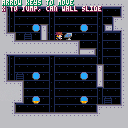
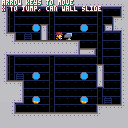
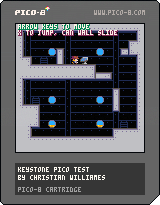
This is just a little cart designed to show off platformer character controller logic, testing it for a different project so I can show the proof-of-concept to my team.
It's very stripped down, supposed to just show off the logic and basic movement.
Here is a reference for the Pico-8 API, to help understand any unknown functions
Press the "code" button at the bottom of the game window to view the source code
Edit:
Altered wall-jump physics to make leaping off the wall easier
Added pause menu option to tweak wall slide delay timing
 1 comment
This is just a little cart designed to show off platformer character controller logic, testing it for a different project so I can show the proof-of-concept to my team.
It's very stripped down, supposed to just show off the logic and basic movement.
Here is a reference for the Pico-8 API, to help understand any unknown functions
3 comments


I don't really know what to say about this, it's just something I made to get to grips with lua and pico-8 and all that.
0 comments



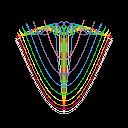
I made a little tool exploring higher-order Lissajous patterns. Well, I'm not entirely sure they're actually called that, but this name sounds very mathematical :-). Some outputs look like human tongues or crests, some like butterflies, some like atomic mushrooms.
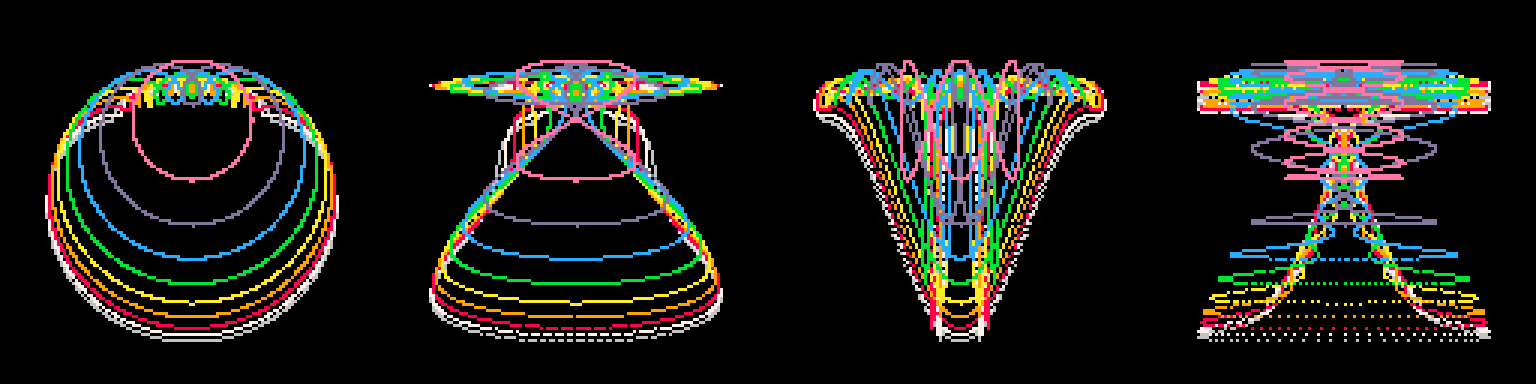
I'm sure everyone knows the principle of the basic Lissajous patterns. You iterate the following through a reasonable range of T and plot the points as you go:
X = sin(T / Rx) Y = cos(T / Ry) |
Rx == Ry gets you a circle, Rx == 2 and Ry == 1 is a paraboloid, and Rx == 1 and Ry == 2 looks like an hourglass. The images generated by my cart extend this a little bit. I sum a few "higher harmonics" before plotting the result:
X = 0 Y = 0 for I = 1 to speficied_order: X += sin(T * I / Rx) * R Y += cos(T * I / Ry) * R R *= 0.75 |
1 comment


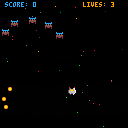
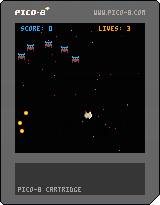
Early test of some Shoot 'em Up stuff I've been tinkering with.
System has following features:
- Space partitioning collision detection, with pixel accurate thanks to https://www.lexaloffle.com/bbs/?tid=2179
- Cardinal spline interpolation for enemy flight paths.
- Timers
- Simple object system
- Simple game state machine
0 comments

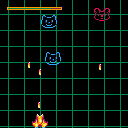
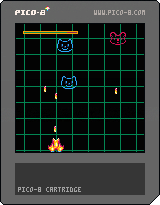
Done at "Grawitacja 8-bit Gamejam" - 7-9.04.2017, Kraków, Poland
Future updates:
- proper titlescreen/ending
- major code refactor
- more sprites and moving paths
- additional bonuses
- actual levels
- HUD improvements
- bug fixes
- special edition for Yerzmyey/H-PRG
I would like to hear any opinion about this little piece of crap, any other suggestion or just a bug report
Keep in mind that was my first PICO-8 code, and I've seen the Pico for the first time less than a hour before gamejam.
PS: Don't put me in jail, even if this PICO-8 copy was unlicensed. Is that cartridge a "bootleg" now? :D
0 comments

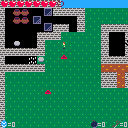
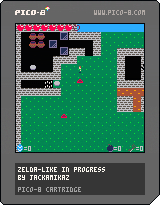
Will you manage to cross the bridge?
Will you solve the air blower puzzles?
New update :
- pots
- air blowers
- spikes
- two air blower based puzzles
To do :
- signs
- bow
- boomerang
- NPCs
- proper story
- more enemies
- a boss
- more interesting map
- title screen
- pause menu
 2 comments



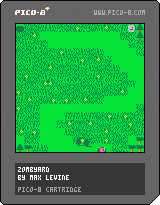
My first Pico-8 cart. This took me probably way longer than it should've to make, but I learned a lot along the way about Pico-8 and Lua. If you can think of a cleverer name than "Zombyard," please let me know. I may update the game with more levels, but right now there are just 10. Hope you enjoy!
For more games, visit maximilio.itch.io.
0 comments

Every time i try to Copy using Ctrl-C in the Pico-8 editor on my Raspberry Pi it quits to the command prompt. Could it be reading it as the command line kill process shortcut? Im pretty sure i was able to copy using this shortcut before but even after a reboot it wont work now.
Any Ideas? Thanks.
2 comments


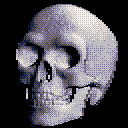
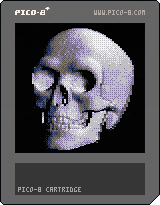
Inspired by old-school demo-scene effects, here is a new and improved grayscale bump map render, which takes 8 bit height map input and generates real-time shading effects.
Please see GitHub for Python image conversion script and sample files. (https://github.com/electricgryphon/pico-9-height-map-converter)
I found the skull height map in the following forum:
http://www.cnczone.com/forums/artcam-pro/156994-last-supper-bas-relief-trade.html
--Electric Gryphon
5 comments





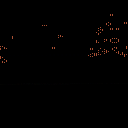
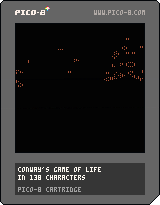
Ok with a bunch of help from LRP I have an entry that works in 138 characters! I'm so happy I managed this. I didn't think I'd actually be able to compress it this small. It was a lot of fun to do.
code:
k=2^13::s::for a=0,k do n=0 for x=0,8 do n+=peek(k*3+a+x/3+x%3*64-65)end poke(a,n==12 and 4 or n==16 and peek(a))end memcpy(k*3,0,k)goto s |
Original post:
Was trying to make Conway's Game of Life into a #tweetjam entry but wasn't able to get it below 175 characters. It reads the screen to do the simulation so while it will always display the same simulation from the BBS you can do whatever input data you want if you download the cart by having whatever you like on screen when you hit run.
6 comments


Hi,
Since the webmaster got rid of massive spam yesterday, the forum looks all messed up on updated Chrome/Win 7:
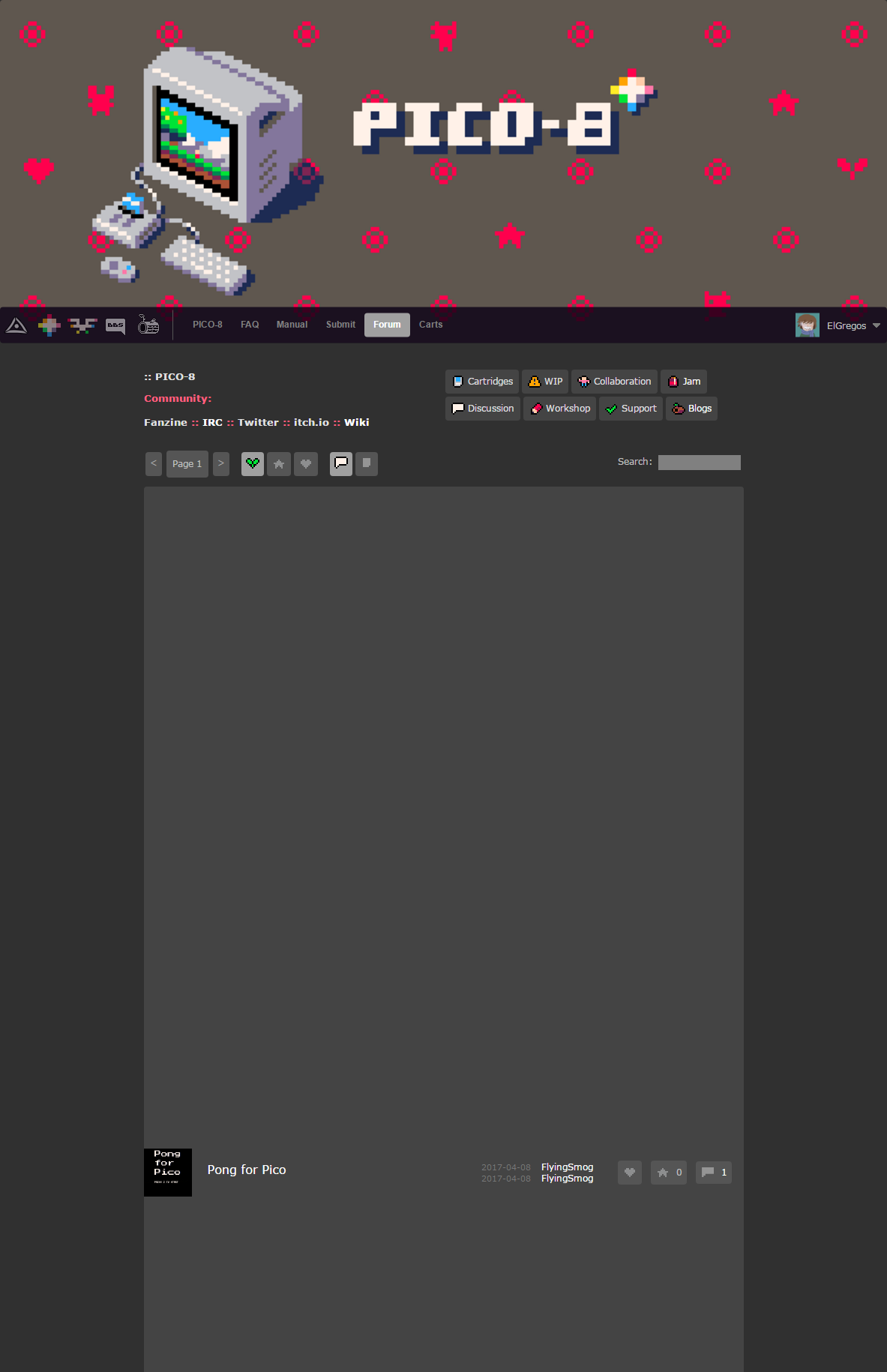
Something with display:flex and height:100%
It's ok on Firefox though.
4 comments




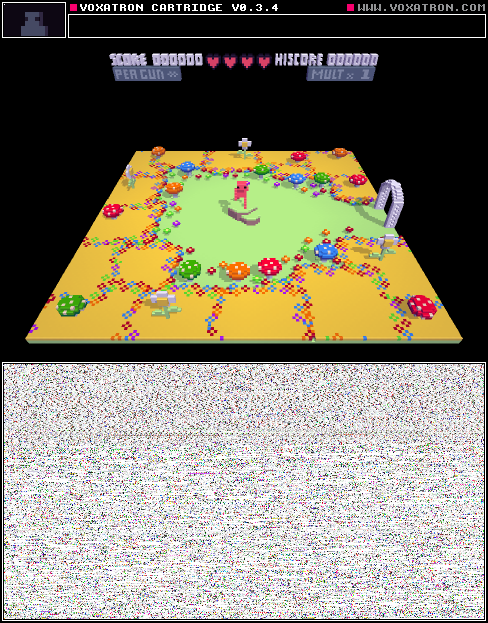
It's a big adventure!
You get stuck when going through doors often. Just return to the last checkpoint, and try again.
0 comments
This is a simple demo of storing movement in speed and angle values instead of speed-x and speed-y. It shows a ball bouncing around inside a box.
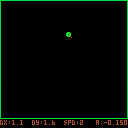
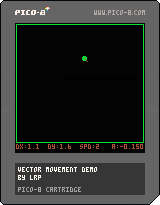
Controls:
up/down: change movement speed
left/right: change movement angle
x: pause movement
z: randomize the movement angle
Introduction to pico-8 angles:
right: 0
up: 0.25
left: 0.5
down: 0.75
The speed of the ball is stored as ball.speed and the angle is stored as ball.angle. When the ball moves, the program uses sin() and cos(), along with the speed and angle, to calculate how far to move the ball in each direction (x/y movement).
dx=ball.speed*cos(ball.angle) dy=ball.speed*sin(ball.angle) |
The advantage of storing the speed and angle speed-x and speed-y is that they are easier to change directly than manipulating x-speed and y-speed. For example, when the ball bounces off a wall, you can just change the angle and know that the speed will stay the same.
This demo calculates speed-x and speed-y every frame, which isn't really necessary. In a real program, you would probably want to store all four values: speed, angle, speed-x and speed-y, and only recalculate speed-x and speed-y when you change the speed or angle.
In the bounce_ball() function, the angle you provide is the angle of reflection. For example, a vertical line has an angle of 0.25 (it goes straight up) and a horizontal line has an angle of 0.5 (it goes straight left). You can tweak these angles if you want the ball to bounce off at a different angle.
0 comments
Hi,
I'm working on my "Who dares" game (v0.13.3 for now) and now fight with bullets movements. Player and foes can move and shoot on 8 directions. To prevent all those sprites going faster on diagonals I just multiply their step value by 0.75, an approximation on cos(45) (or sqrt(2)/2, you choose) to get back to integers every 4 frames. Anyway, those sprites move look jagged on diagonals. I first found a way to fix this by copying Y decimals to X coord, but it's rather complicated and not the best way I think. Plus, it also messes with collisions.
So I went to basics: if movement is jagged because of float coords, how is drawn a float positioned pixel? I made the little cart here to experiment this. To make it short, a float pixel will be drawn at a floored, and not rounded, position. So pset(9.75,9.25) will put a pixel at 9,9. Fine with that, but further experimentations show bugs, as shown here.
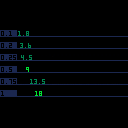
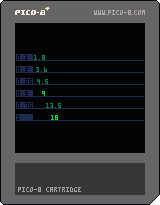
The cart shows 6 different increment, named px, each one its own line. Every nth frames (fq value set on line 11) a value named x, initiated with 0, has px added, then printed at x position on light green if it's an integer, ie if x==flr(x), dark green otherwise.
Things go well when px=0.25, 0.5, 0.75 and 1: they turn light green when no decimal, the same moment they move 1 pixel right. Can't ask for more.
But things are not too good on first two lines (px=0.1 and 0.2):
x keeps being drawn with dark green, that means the x==flr(x) is always false, even when the value shown have no decimals.
When those values drop their decimal, they should move 1 pixel right. But they don't, it happens on the next increment. As if their no-decimal value is in fact lower than the integer.
While those steps only has 1 decimal, quickly their added value have decimals like 0.999, 0.998, etc. Quicker with px=0.1 (0-1, then 5 and >), later with 0.2 (33 and >)
My jagged movements probably have little to do with this bug and is more about using 0.75 factors and having X and Y that don't have their integer value changing at the same time. But well, I just discovered this and wanted to share.
Anyway if anyone knows how to simply have nice diagonally moving float positioned sprites, I'd really be happy to hear!
4 comments