


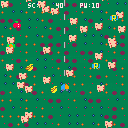
Fantasy Concon is a shoot 'em up game.
Control
Arrow key... move
Z... shot
When you touch enemies, PW decreases. When PW becomes 0, the game is over.
Bonus Item
P... recovers PW
S... speed up
R... reverse
Apple... 11 pts.
Banana... 8 pts.
Green capsule... gather
Have fun!


 0 comments

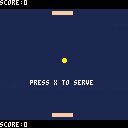
I need help - if you try hitting the ball with the sides of the paddle, it gets stuck inside the paddle and bounces around a bunch of times. How can I fix this so that it just bounces off of the side?
Arrow keys for bottom player, ESDF for top player.
2 comments



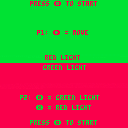
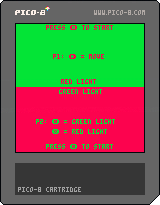
A Pico-8 recreation of a childhood favorite! Player 1 tries to make it to the end of the screen while player 2 tries to stop them. Player 2 wins if they can stop the other player 5 times but, player 1 wins if they make it just once!
0 comments
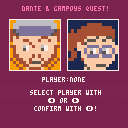
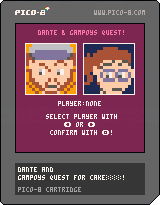
1st real thing i made in Pico 8 (except for little tests, but this is also a test D:)
just wanted to get the hang of setting hitboxes and stuff... just learning how to find out all these things myself :D
0 comments


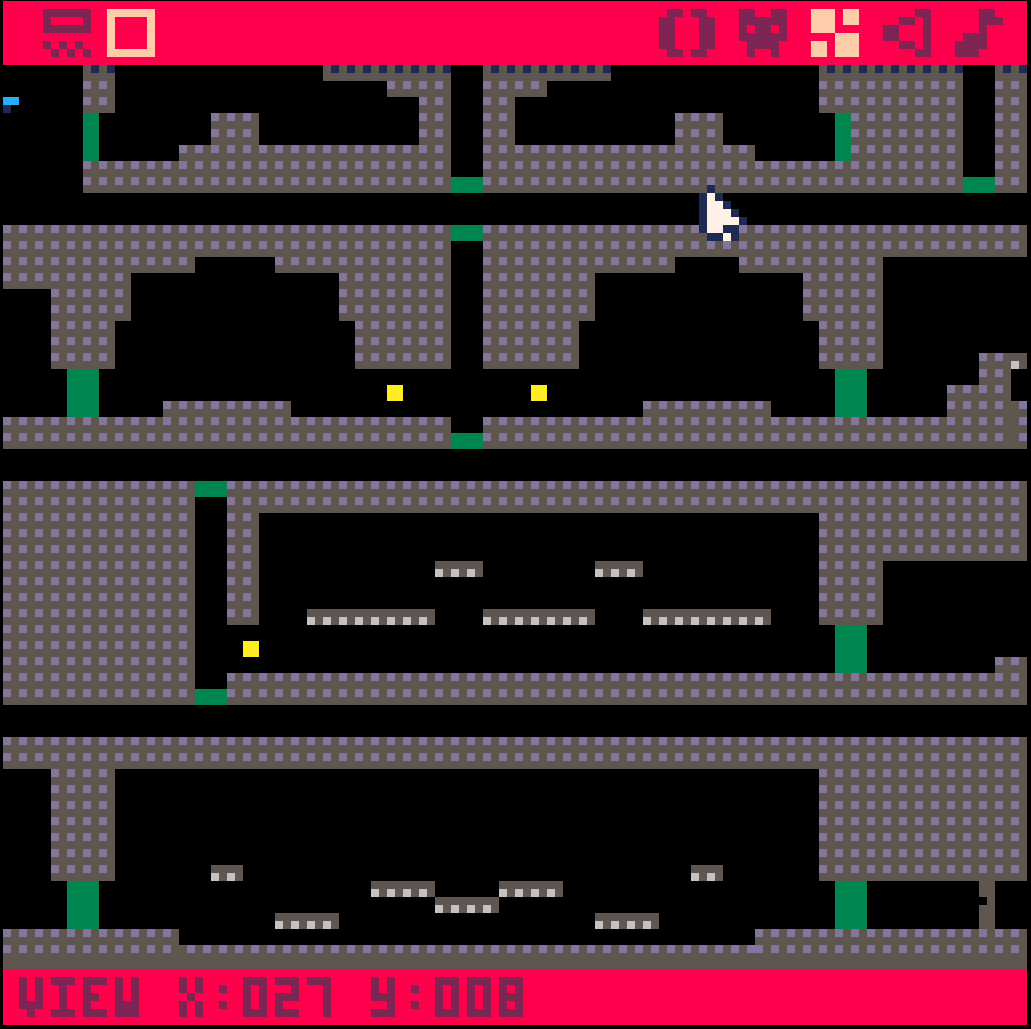
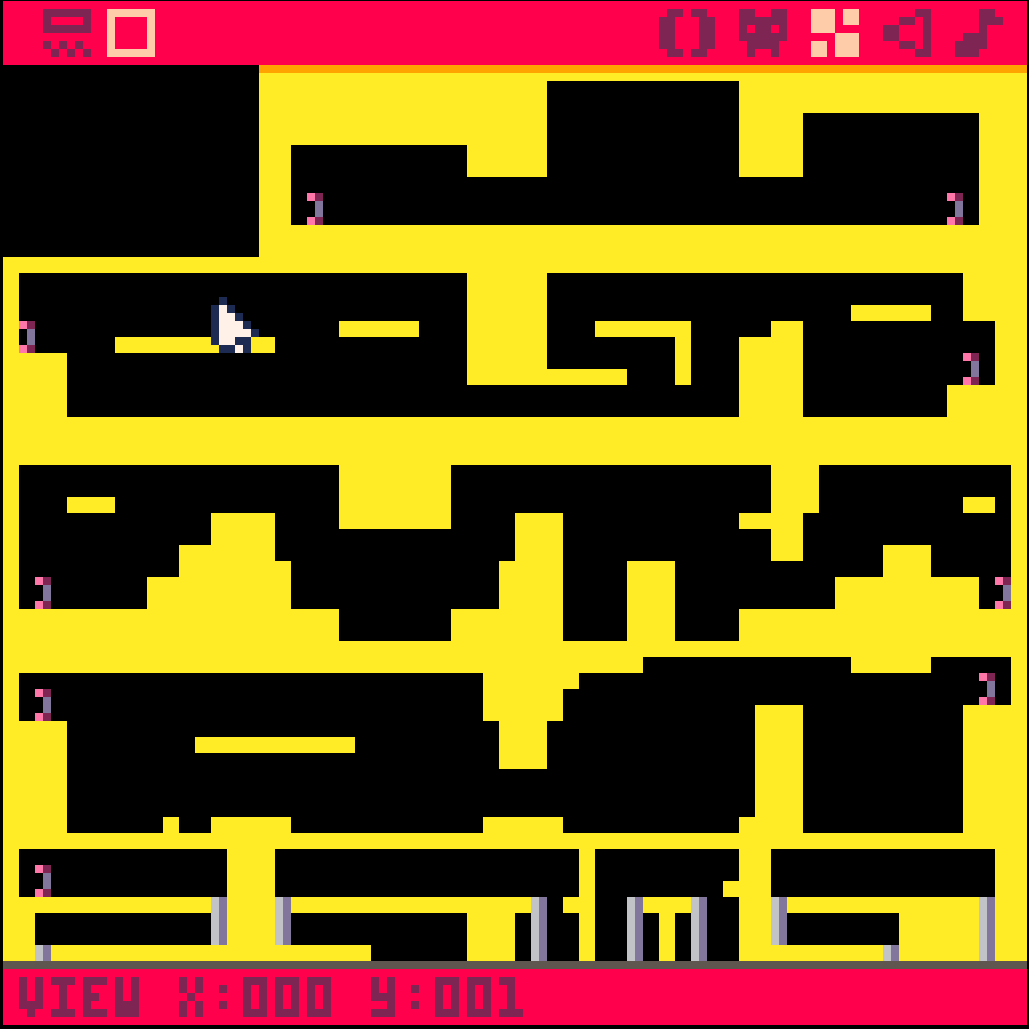
So, I'm going for some modular map usage, and in the interest of map management, I need to learn of a way to make "scroll cuts" and "jump cuts" between segments. For instance, the "Concert of the Damned" map is broken up into pathways that exit to the left and right, and the top and bottom. The "green blocks" indicate doorways that will jump the character into the next scene upon collision. But don't let the layout fool you! Since the map is modular, each of these scenes doesn't just connect to it's neighbor, they're designed to cross-script to one another. 200x on the other hand, scripts gameplay mechanics into the segments and warps between them, but I also need to preserve the scrolling within each scene, while not scrolling to the other scenes in visible range (perpindicularly). The screenshot for it shows horizontal corridors, but I have a section of vertical ones as well; so it's not just as simple as only scrolling on the X-axis.
What I need is a way to cut the scrolling at the ends of the screens, and jump-cut to another segment of the map; while preserving the scrolling in the segments themselves. Any code monkeys care to give me a little tutorial on that?
3 comments


Hi
I use a german keyboard layout and when I try to create the characters {,},[,],\,~ (all created with alt+ctrl) they doesn't appear in the editor or command line. I use v0.1.10c.
I know there are/were some problems with the different layouts, so has someone the same problem and can maybe offer a fix?
2 comments


So, I was looking at the manual (while I was working on a project), when I noticed the GPIO setup.
I just had the idea that if anyone owned 2 GPIO-capable devices, then couldn't that allow for networking? Sure, that does have a few issues:
- only 6 bits at a time (pCHIP has 6, but CHIP and RPI have 7)
- only 2 devices can be connected
But couldn't that work? Maybe Pong could work, as well as turn-based games.
If anyone has access to 2 of these devices, hopefully you can help me (I only have 1 RPI).
0 comments

Simple sand and water simulation.
Controls:
Button 0 = Reset
Button 3 = Spawn water line
Button 4 = Spawn sand pixel
Button 5 = Spawn sand line
Could be optimized by removing static sand and water particles from the list + optimizing the update order.
Not really much of a game yet but is fun to play around with. Thinking of trying to make a puzzle game with this involving scales.
3 comments
So, I think that for anyone visiting the site, there could be a pop-up to help them out.
I think this would also fix the whole button issue, as everyone would know what the X and O buttons are.
0 comments

Gameplay:
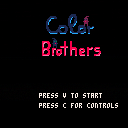
You need to move both character into the gates.
blue character -> blue gate
violet character -> violet gate
Done during our lessons at our school in germany by me, Aizer, and JasminSky.
Programmer: Dominik Dotzauer (Aizer)
Artist: Barbara Beil (JasminSky)
0 comments


Hi,
I'm trying to have a sprite move in front of and behind other objects to simulate z-index ordering, but I'm not sure how to do this in PICO-8. I figured it would work something like if object_a.y > object_b.y, move behind that object.
I saw somewhere someone giving each object/sprite a "z" variable that would control what order things were drawn, but that wasn't for PICO-8 so I don't know if that could be recreated here.
After some searching, I see that this has been done in The Lair and Kick Wizards, but I'm very new to Lua/PICO-8 so I'm having a hard time finding how they're doing it. Any help is greatly appreciated.
The Lair: https://www.lexaloffle.com/bbs/?tid=4051
Kick Wizards: https://www.lexaloffle.com/bbs/?tid=27697
Thanks!
8 comments





Ok, I have Voxatron and Pico-8 in my updates, but when ever I click it, it just takes me back to the purchase page...im confused. How am I supposed to download it?!
0 comments

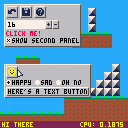
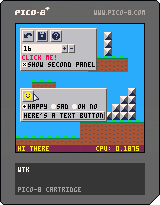
A simple WTK you can use for editors and such. Code and documentation here. The version there is probably newer than the one in this demo cart.
Mouse interaction only, except for text fields.
15 comments



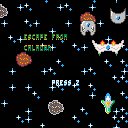
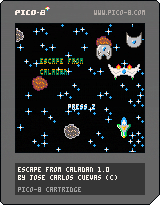
My second game with PICO-8. This time I went for a Xenon 2 type of vertical shooter, but the music sucks ;-)
The premise is simple, kill enough enemies so you can escape from the level and then confront the boss. To do so, you have your stolen prototype ship, trying to jump back to Earth and safety.
You've got ahead of yourself five levels, with each their own boss, and armed with five weapon levels to get away. The game also records high scores arcade style.
Instructions:
- Z: Shoot
- X: Megashot, only when the yellow bar is full.
- Arrows: Move, dodge and aim with your ship.
The small pulsating balls are powerups and don't hit the ships either.
2 comments
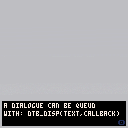
Dialogue Text Box Library (DTB)
DTB is a code snippet that you can use to implement a dialogue text box to any game in just seconds.
Setting it up goes as follows:
- Add the dtb code to the top of your own code.
- Call dtb_init in your initialization.
- Call dtb_update in your update.
- Call dtb_draw function in your draw.
And that all there is! You can now simply call "dtb_disp" wherever you want.
Usage
dtb_init(numlines) |
Call this to initialize all dtb's variables. Takes an optional parameter which defines the maximum number of lines that will be displayed. Defaults to 3.
dtb_update() |
24 comments







So... I guess what I'm aiming for is a back-calculating method for controlling player movement, via globals. So, let's say I'm wanting a typical jump-to-same-level duration to be 90 frames; and for it to go up 3.5 "tiles" of 8 pixels apiece; with a 0.8x accel/decel rate (gravrate). I define the jumpheight as 28 (pixels) and the jumptime as 45 (ground-to-apex; so half of 90), and then use that to calculate jumpvelocity.
My usual go-to is jumpvel=2sqrt(gravity tiles * gravrate), and then letting the typical gravity accel/decel take over from there. "gravity" is seperate from gravrate, in case I want to disable it (by making it 0) reverse it (by making it -1), or reducing it (making it a decimal, usually between 0.5 and 1).
Also, working on a similar accel/decel for horizontal walk/runspeed... so let's say I'm aiming at 0.3 px/frame to be the max speed (18 pixels a second, or a little over 2 tiles, so you can jump four across, level-to-level)... I still want a 20-frame accel and 10-frame decel delta to that, to give some fluidity to the player's motion, it's not all "everything or nothing." So the actual velocity is like "0.3 - (0.015 * runframes, if less than 20)" and then at release, setting that value to 20 and reducing it 2 at a time so that the calculation still affects the movement speed.
...
I think I'm losing my mind though, so am I still doing this right? >.>
I'm increasingly forgetting stuff, and when I'm working and calculating, it's interfering with my work - and THEN when I'm off, I'm no longer calculating, and everything's kind of getting messy. Dammit!!
4 comments


Is there a way to go back to splore list using a gamepad? I'm using a raspberry pi to play games. But it's annoying to plug a keyboard just to go back to game list.
3 comments


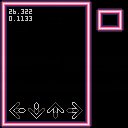
I'm currently working on a game and I seem to be stuck on something that should be fairly simple.
I want to create arrows under specified conditions (I have a beatmap in the spritesheet) and whenever a beat should happen, an arrow should be created which goes down the screen until it hits the buttons etc etc. The part I'm stuck on seems to be creating those arrows.
From what I gather, I am supposed to be using tables and metatables? I have started some code relating to this but I feel like I am just making guesses, and none of the tutorials that I see cover instance creation.
Also I spent a lot of time working on what I have so far, especially the music, so let me know what you think of the very little that is there.
 4 comments
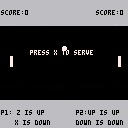
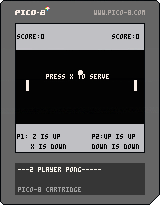
So far shitty pong game for two players. Put it here so it wouldn't die away in my profile.
0 comments


