Any chances of manual, at least on site getting index and links, using a href and a anchor html tags? I mean, it would make it easier than having to scroll down in order to get to the section you're interested with.


 3 comments



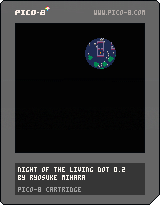
prototype of a Resident Evil-ish game.
Controls
arrow keys: move
z: shoot
x: restart when you are dead
2 comments




Pretty basic notion, but I'm falling over on this...
With a sprite that has a starting X,Y and a speed, I'd like the sprite to remain on screen.
However:
-- locks sprite off screen after passing the screen boundary
-- if btn(0)
--and x<128
-- then//move sprite
-- if x < 128
-- then
-- x=x-speed
-- end
-- end
-- locks sprite centre screen
-- while x < 128 do
-- if btn(0) then
-- x=x-speed
-- end
-- end
6 comments


Just out of curiosity, how close does my attempt to implement pset() come to the built-in version? Mine appears to be slower.
function my_pset(x, y, c)
  addr = 0x6000 + shr(x, 1) + shl(y, 6)
  old_val = peek(addr)

  if (band(1, x) == 0) then
    new_val = c + band(0xf0, old_val)
  else
    new_val = shl(c, 4) + band(0x0f, old_val)
  end

  poke(addr, new_val)
end
|
2 comments


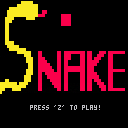
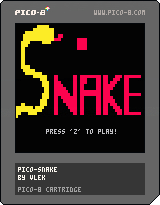
Here's my version of snake. I have it done enough to say it's a fully-fledged version. Yes, I know my graphics aren't the best, but I was more focused on creating the best version of snake I could and be as economical with the processing as possible. If you're in need of an idea as to how to create a random generator that has to take into consideration where other objects are, then you may want to take a look at how my create_food function works. It may not be the best, but it's much better than randomly choosing locations and checking whether they're acceptable.
Constructive criticism is always welcome.
INSTRUCTIONS
Just like normal snake, attempt to eat the food without running into yourself or going out of bounds.
Version 1.0
Added start/win/lose graphics and menus
Added food eating sound
Added out-of-bounds and tail-eating lose conditions
Added food
Added "choosey" random food placement algorithm
Retooled game checks to be more efficient (within ticks where possible)
Added a substantial amount of comments to code
Version 0.1
Initial game release
0 comments
I know next to nothing about writing raycasters and demo that comes with Pico is too obfuscated for me. Could someone create a raycaster that can take vector data (sorta like DOOM does) and can render both ceilings and floors? Obviously making it flatshaded since with pico's palette textures wouldn't look good, not to mention texturemapping would be a performance killer for Pico.
0 comments


I discovered that the pipeline character ("|") renders as a colon (":").
Is this intentional or just a copy/paste bug in the font?
4 comments


I've seen many approaches to combat the limited accuracy of the maths functions, time() due to the fixed point number size limit of 32,768
Given that all of this must have been solved during the 8-bit era are there any best practices or recommended solutions we should know about?
4 comments

Think of the possibilities! And it could be as simple as adding the following function:
freq frequency [channel]
sets channel's frequency to frequency hz. If no channel is provided, 0 is assumed. 0 or negative frequencies mutes it (no sound). Frequency is also reset when sound or music plays on a given channel.
2 comments


9 patterns/6 song slots (a bit inefficient because 3/4 time collides rather unhappily with the tracker's design assumptions), never uses the last track so that's safe for sound effects.
a song to use! you like? I can make more! Though I dearly, DEARLY wish the audio popping issues in the engine will be addressed. :'(
I have more (high-fidelity) game music here: https://github.com/0xabad1dea/glorytales/
7 comments




I just submitted this to the Wiki, but figured it might be more visible here.
Here is how I handled text centering in some recent code. Any improvements are welcome.
textlabel="this is some cool text!!!" function hcenter(s) -- string length times the -- pixels in a char's width -- cut in half and rounded down return 64-flr((#s*4)/2) end function vcenter(s) -- string char's height -- cut in half and rounded down return 64-flr(5/2) end function _draw() rectfill(0,0,128,128,0) print(textlabel,hcenter(textlabel),vcenter(textlabel),8) end |
1 comment
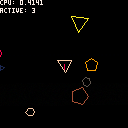
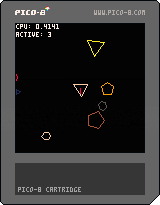
After debugging some physics issues in PICORACER-2048 I decided to make a little area to play around with improving the physics and collisions.
I'm using the "Separating Axis Theorem" to find collisions, and clipping to find the contact points.
Lots of work to do still, many optimisations can be made.
Known issues: contact points are sometimes broken, collision response is not always right.
Optimisations to make:
- cache AABB
- cache world polygons
- don't check AABBs that are not in the same area
- don't check equivalent axes more than once
- remember the previous axis since it's likely to be the same or next to it on the next iteration.
5 comments


Hi everyone,
From some time I wanted to put this project together:
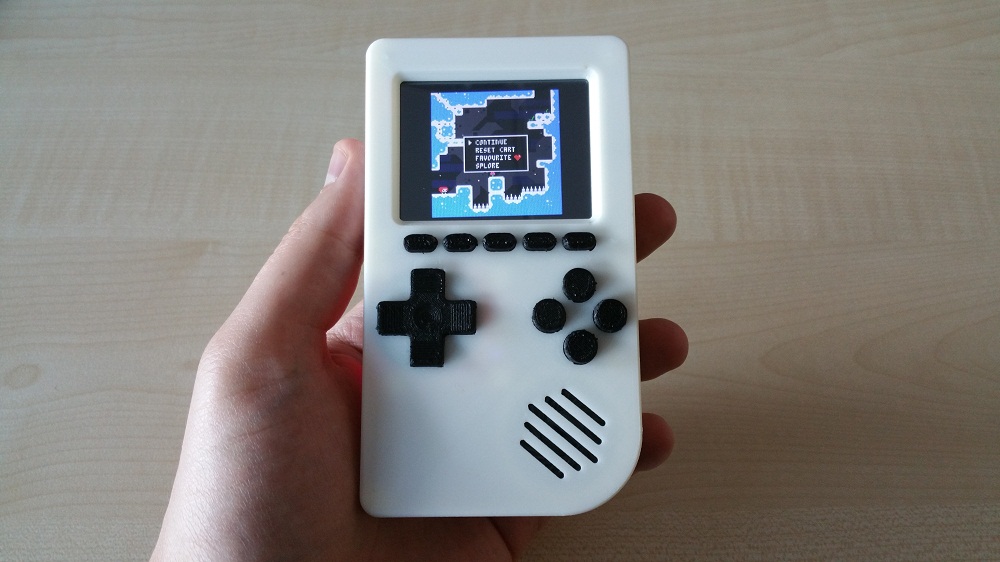
PICO-8 running on Pocket PiGRRL.
Check it out and let me know what do you think in comments below.
All the best,
petri
4 comments
I'm playing with P8 again and for my next game I'd need to get a pixel-perfect collision. Anyone got any samples of that?
6 comments
This one drove me nuts for a while today: it appears that if a runtime error occurs during a coroutine, coresume returns false and no runtime error is reported. This is indistinguishable from the coroutine finishing normally when using the return value of coresume for this information.
Example:
x=4
y=4
cor = nil

function anim()
  printh('x start='..x)
  for i=4,124,4 do
    x=i
    y=i
    yield()
  end
end

function _update()
  if btnp(5) then
    cor = cocreate(anim)
  end
  if cor and not coresume(cor) then
    cor = nil
  end
end

function _draw()
  cls()
  circfill(x, y, 4, 7)
end
|
This waits for a press of btn 5, then moves the circle across the screen once. Now introduce a runtime error inside anim(), such as by replacing "'x start='..x" with "'x start='..zzz" (attempt to concatenate a nil value). It runs, but just doesn't move the circle. Introduce a similar runtime error in _update() and you'll get the expected runtime error thrown all the way to the runtime environment, where it halts the program and prints an error message. Ideally it'd do the same from within a coroutine.
I haven't checked Lua 5.1's behavior in this regard. If there's a common way to handle it, I'd enjoy knowing about it.
P.S. I'm not sure what costatus(cor) is supposed to return. If I test it within this example's _update() it always returns true, even if the coroutine function has exited, which doesn't seem to match Lua's coroutine.status(cor). If there's a canonical definition I'd enjoy an explanation, otherwise this needs to be documented.
9 comments


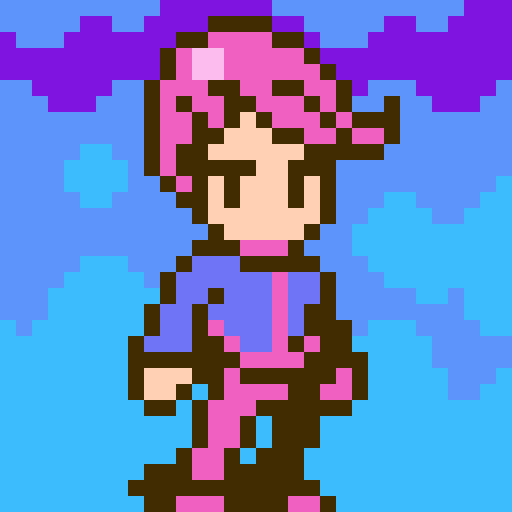

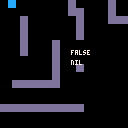
I've been looking at a lot of the collision scripts for map tiles and they all make sense and work well...except when I start scrolling the map. I'm trying to make a scrolling side shooter (a la Gradius) but for the life of me can't get the scrolling speeds to match up so that the player doesn't get stuck on the walls.
Collision is working because the player stops but then he can't move up/down or back once he's blocked. I know that moving opposite direction should be doubled (which in this script it's not) but other than that, I just don't have my head around it. Hoping some extra eyeballs can help out.
What I'm trying to achieve is if the player hits a wall, they can at least move any non-blocking direction to avoid getting pushed off the screen.
The scripts I've studied have been great and at least got me this far...I'm just trying to make things move with the camera.
 2 comments


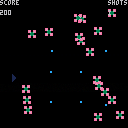
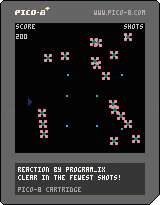
Tried to get this together in a night for #p8jam2 ("chain reaction"), but didn't quite make it. Had a different idea originally, which I ended up putting way more time into before realising it didn't make much sense. Oh well, game jams am I right?
Blow things up, they will blow more things up. Try to shoot the right ones so that you end up taking as few shots as possible.
Arrows: Move
Z: Fire
2 comments

.png)

I was kinda nnoyed that I didnt get everything finished in time for the jam so I added a few improvements - off competition - just while I am still in the swing of it.
Changes:
- second mighty enemy type "saw robot"
- improved background parallax scrolling
- graphic overhaul, cleaned up the pixly mess a bit
Still missing the actual story point and a bit of an extended level.
How to play
Left/Right - walking
Up - Jumping
X - run/hang/slide down
Y - shoot (if you have collected energy balls)
How to jump really high?
You walk left/right with the cursors.
Up lets you jump (up right/left)
if you press X while walking you will run!
If you jump against a wall running and hold X, you will cling to the wall (slowly sliding down).
From that you can jump again to flip flop up a higher ridge.
2 comments