


When I start up voxatron the page i get to looks very different from that on the wiki, it shows:
carts
designer
options
exit
The main page on the wiki (and on all the pictures of the game I have seen) it shows:
play
editor
options
exit
Have i Installed the game wrong? Or do I have a different version from all of the people on the wiki? please help!
thanks!


 6 comments


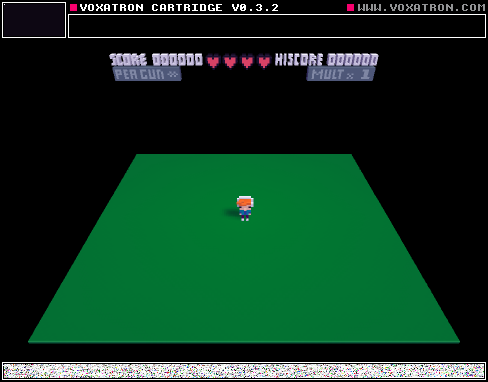
The Room 3 is a very simple level that I created, but it´s a little bit difficult. Is one of my first levels.
0 comments



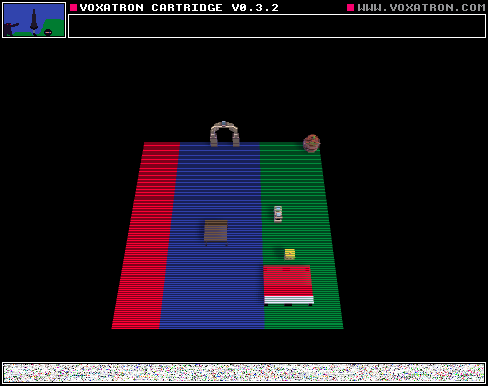
I was bored... so i decided to make a tiny game to be a sequel to deshn adventures 4, i hope you enjoy... and it is very very lite. :)
0 comments

Just after I posted "BOOM", I noticed that I had mixed up with the doors links and that. In this version of BOOM, I "fixed" the doors link.
13 comments


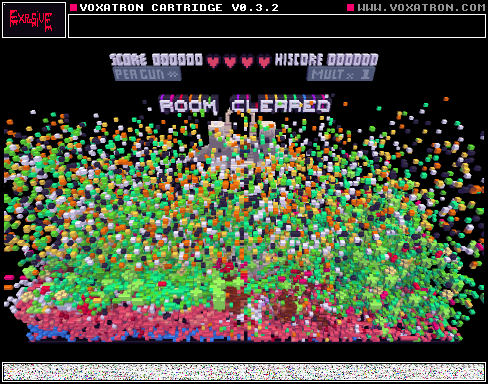


this is a adventure hardcore map that you have to try and survive!
GOOD LUCK!
you'll need it.
3 comments

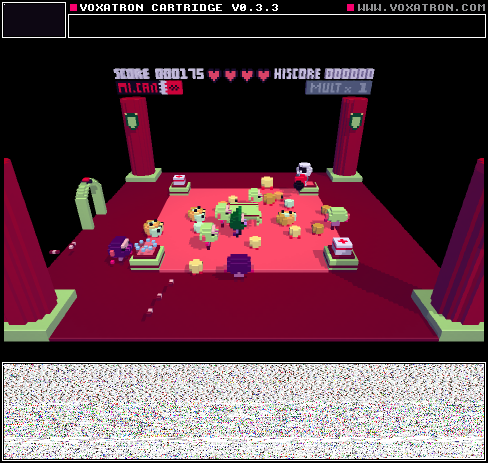



There are two computers in the room I'm in. On one of them, when I open the game, go to BBS levels, and press update, BBS levels appear. On the other computer, they don't. What do I do?
6 comments



We tried to use 2 Keyboards for 2Player game but it didn't work.
Did we go wrong about it. We just plugged in second USB keyboard hopping game will
figure out to control one char with first keyboard and second character with another keyboard.
Please advice.
How do you use 2d png importer?
sound editor; Does any documentation on it is available some place?
Thx everyone.
1 comment


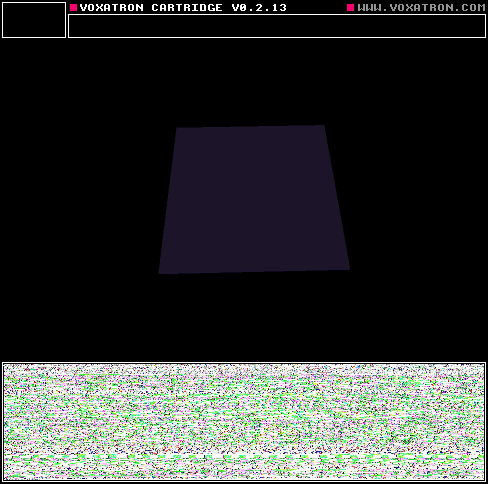
Here's a quick example of a cartridge with a title screen.
To do this, use the script called 'Switch Room' in the internal tab. It will be possible to write your own scripts in Lua later, but these scripts are placeholders for now.
-
Open the Internal objects tab (on the right of the navigator -- it shows 'Actors' by default)
-
Click on Internal and then open Scripts
-
Place the 'Switch Room' script somewhere in the room, and set the trigger to SYSTEM:BUTTON:SHOOT.
- Set the object's parameter (just below the trigger where it says 'Script') to the number of the room you want to switch to.
Note that there's no need to have a controllable player actor from the start -- you can introduce the player after the title screen / intro or whatever.
12 comments





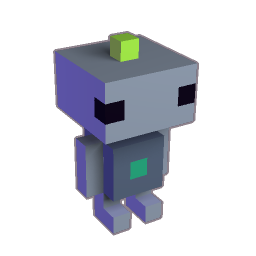

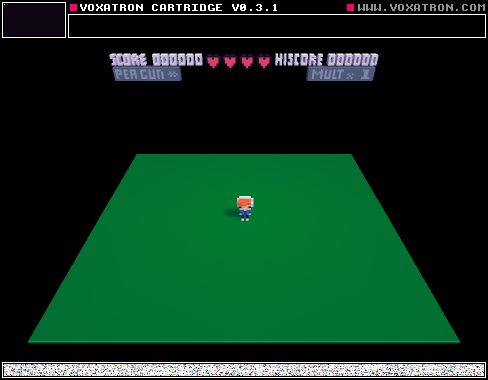
I see a lot of games with a screen for intro's and that kind of stuff.
My question:
Can somebody explain how to make automatic transitions to the next room?
Like when I press X it goes to the next room.
Thats all I need to know :D
Thank you!
2 comments

I have all my money on my Visa and i don't have amazon or paypal, what can i do to pay for voxatron?
0 comments


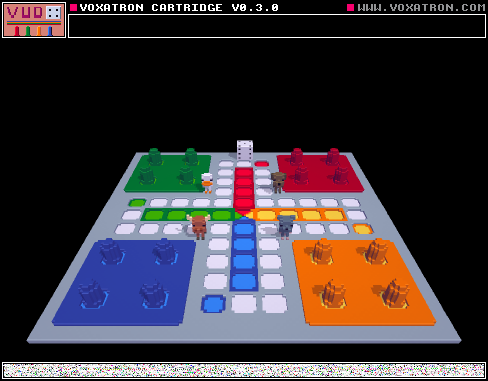
Voxel+Ludo = Vudo
This is a version of Ludo made in Voxatron. You can either play it with 2, 3 or 4 players. You can just carry and throw the characters you won't use to the side.
Feedback is appreciated, especially on the dice.
7 comments


Hi All
Voxatron 0.3.2 is now up on your games page or Humble download page (check the version number on the file). This is another bug fixing update, recommended in particular to Windows users as the 0.3.1 package was broken and still included 0.3.0's save game bug o( )o.
v0.3.2
Added: Monsters to default resource tree
Added: HOST:M-STATE:COLLECTED
Fixed: (Windows) save games broken
Fixed: WORLD:RANDOM not selectable trigger
Fixed: Can not deselect aliased objects by clicking
Fixed: Favourites sometimes not saved
Fixed: Custom pickup score does not respect bonus multiplier
11 comments

So i'm making a game and want a dialogue to happen between the king and his daughter.
Inside the monster object for the king (I thought this was the best thing to do because I want him to walk)I made an animation, in this animation object I have a few props. Every time the player presses the shoot button I want the animation to continue.
The thing is I can't get it to work.
It plays way too fast.
If it's not possible to make the animation progress every time I press a button it would also work as a slower animation. Do I just need to make a lot of frames or not?
The second thing I couldn't get to work is having two triggers.
So I want the player to be near and to press the shoot button.
I watched some tutorials and i'm about halfway.
It would be great if somebody could help me a little :)
3 comments

