


.png)


Super Hitbox Maker is a fighting game with a character creator that is expressive and easy to use. Up to two players can make their character simultaneously, then fight against each other or bots. Share your creations and add your friends characters to your roster.
Share your characters by pressing 'Copy' on the in-game keyboard, and import characters by copying their character string (i.e. ninja-------1acxe5rd1j-kh), pressing CTRL + V in game, then pressing 'Paste' on the in-game keyboard. Alternatively, you can type in the last 13 letters of your character string, starting with the number 1 (ninja-------1acxe5rd1j-kh). Join the Discord to share your creations and try characters made by the community.


 2 comments


I tried making a shortcut to the (accidentally released) Neko Puzzle to put in my launcher apps, and was a bit confused when I saw that it tripped the "modified /system" flag that locks you out of the main leaderboards until reboot.
Steps to reproduce:
- On a fresh boot, go to System Menu -> About.
- Check that there's no "modified /system" label
- Open filenav and navigate to /system/apps
- Right-click neko_puzzle.p64 and click "Make Desktop Shortcut"
- Observe "modified /system" label in About.
 0 comments


 0 comments


Picobench
Picobench is a benchmark cart covering a number of common drawing operations in Picotron. By pressing X, you can time each scene to see how fast each operation is under various circumstances. Benching can be done on individual scenes, or en masse.
I got the idea for this cart while making a particle system. I wanted to know what graphics functions would be the most efficient, but I was also curious about other aspects, such as how many scrolling parallax layers Picotron could handle. That's why the primary metric for these tests is "screenfills/frame".
There are currently over 70 different scenes in Picobench. With this project I wanted to explore and demonstrate several aspects of Picotron's performance:
0 comments


I've been hard at work on many changes! I made the melee chain hits to give a multiplier for killing groups of enemies with one punch. I'll be working on some level design next week and have prototype 2.0 out soon.
I also found a massive improvement for performance which has made the game feel much smoother!
Play the current prototype here: https://www.lexaloffle.com/bbs/?tid=157080
Thank you everyone for your feedback and support!
0 comments



1-on-1 soccer game
Dribble past your opponent and charge up your shot
Press X to dribble, Z to super shoot
Without the ball, press X to slide tackle, Z to chase
Jogo de futebol 1 x 1
Drible o adversário para carreguar o super chute
Pressione X para driblar, Z para chutar
Sem a bola, pressione X para dar um carrinho, Z para perseguir

 2 comments

.jpeg)


As I'm self-learning game dev of course I had to do the obligatory pong clone. There's nothing too special about it but I figured I'd share it anyway.
Controls:
Left paddle:
e- up
d - down
Right paddle:
up arrow- up
down arrow - down
0 comments
In this arcade game, control the cat as it hunts mice and birds, and accumulate points by maintaining the combo.
Press Z or X to jump, use the directional buttons to control. Use the double jump to maintain the combo.
Neste jogo de arcade, controle o gato enquanto ele caça ratos e pássaros e acumule pontos mantendo o combo.
Pressione Z ou X para pular e use as setas direcionais para controlar. Use o pulo duplo para manter o combo.

 2 comments



PICO-Q2N: Chat Battles
PICO-Q2N is a turn-based strategy game I developed to launch a collaborative project with my friend Maspidez and celebrate our twitch community.
It is inspired by games like Pokémon and Final Fantasy, featuring members of our Twitch chat.

Controls
PICO-8 offers 4 directional arrow buttons and 2 action buttons (O/z, X/x) that perform different actions based on the current scene.
In the main battle scene:
- Primary Action: Select character, action, and target.
- Secondary Action: Undo.
In the map scene:
- Primary Action: Start level.
- Secondary Action: Open team selection scene.
0 comments


Hook
You are an Electron
Navigate through mazes
Travel through portals
Get to the Atom
Game
Quantumaze is a simple maze & portal concept that can generate fairly challenging puzzles.
Like most mazes the goal is to travel from the start to the finish.
These mazes contain portals that comes in pairs. Go in one, come out the other.
If you step on a portal, it sucks you in, so you can't step over them
You can't immediately go back through a portal you just came out of
Dead ends and inescapable loops exist
Update v1-3
Added Turbo mode! By holding X, the player's speed doubles.
Background:
Back in college my friend & I worked out this simple concept but only made a couple of mazes by hand.
1 comment




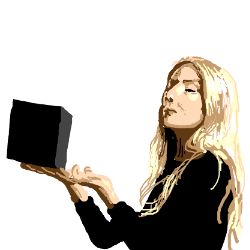


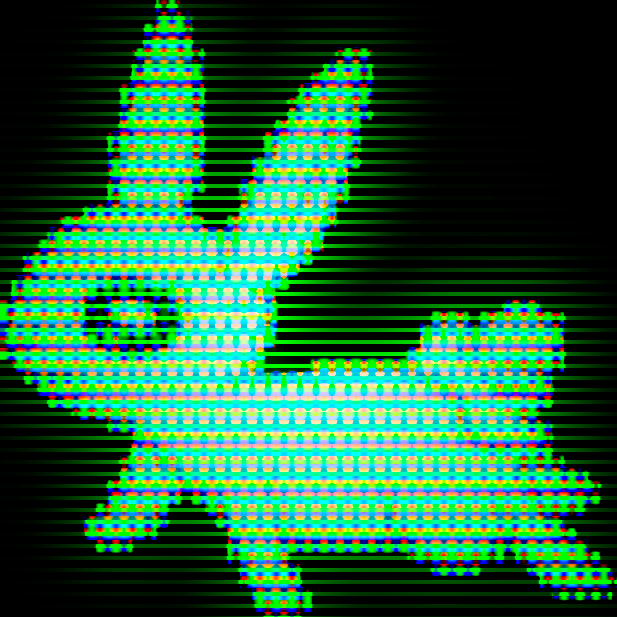


a project i've been working on lately:


it's just a basic cpu monitor
import tab 0 for the actual util
usage:
cpu_pico_init in your _init() to initialize
cpu_pico in your _draw() to draw the gadget
oh, also your game state is 100% safe
i designed it to look cool, so don't worry about corporate bluff
0 comments


I made a boids simulation! thanks to the wikipedia article on boids, and on circular mean.
if you're unfamiliar, boids are bird-oid objects that follow three rules:
- cohesion: try to move towards the center of the local flock
- alignment: try to move in the same direction as the local flock
- separation: don't get too close to other members in the local flock
if anyone can figure out why they tend to move to the right (after some time), let me know. I don't see an issue with my circular mean implementation and I don't know why it's happening lol
0 comments
yo @zep i found an issue with the official manual
in RELOAD:
the code section (>= 0x4300) is protected and can not be written to
link here at section 6.7, function RELOAD
i think that's from some abandoned architecture from ver. 0.1.0?
can you [ @zep ] change it?
because that range is now user data which means it's not code and ain't no protected
0 comments
Introduction
Hi everyone!
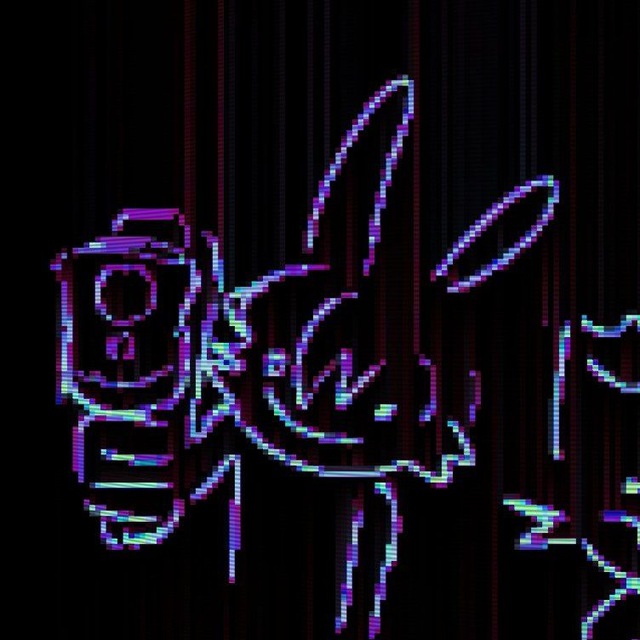
I'd like to show you a cool idea of a progressive pico-8 music system I had and how I implemented it.
By "progressive" soundtrack I mean one that gradually changes during the playthrough, opposed to abruptly switching between different tracks. That's the word - progress.
Now, dynamic VGM is not an original concept at all. In fact, many titles feature some sort of a dynamic music system. Breath Of The Wild loves to synchronise combat with the background track. ULTRAKILL divides exploration and combat segments by juggling multiple tracks. "Sound Shapes" (does anybody remember that PS4 game?) is itself built around the mechanic of gradually changing the background theme! Celeste's bgm gains and drops layers during progression.
I made that in Pico-8
I'm working on an abstract platformer in pico-8. The game is divided into levels, with each level having it's own vibe, gameplay elements, and music.
 2 comments


Hello Friends!
I learned about PICO-8 last week and soon after started making my first game.
I hope you have fun playing my Rogue-Lite Space Shooter!
There are different kinds of power-ups:
Triple Shot Blast, Missile, Triple Missle, Laser and Orbiter.
F-SPD stands for "firing speed".
The Radar shows the nearby sattelites.


Shoot the aliens, level up, upgrade your ship and resupply at the sattelites!
Credit to Cherry Bomb by Lazy Dev for the explosion animations!
4 comments




来由(origin)
我们开始了一个有关于圣诞主题的像素画比赛,根据成员(群内QQ名字:NPC)的作品得来的灵感。
故事:圣诞老人为了救回孩子们的礼物而战斗。
We’ve kicked off a pixel-art contest with a Christmas theme, inspired by a piece from our member NPC (QQ group name).
操作方式(How To Play)
左右方向键移动,X/M/V:射击,Z/N/C:靠近礼物搬运, 下:靠近礼物袋放下礼物。
Left/Right keys for movement,
X/M/V keys for Shoot
Z/N/C keys for Transport
Rown keys Get close to the gift bag and drop the gift.
左边提示礼物数量,右边提示倒计时。当礼物满或者倒计时满游戏结束。
The left side shows the gift count; the right side shows the countdown.
The game ends when either the bag is full or the countdown reaches zero.
更新:注意,小心企鹅,不要被它偷走礼物哦!
Update: Beware of the penguin, don't let it steal your gifts!
制作(MAKE)
《圣诞老镖客》游戏由B站Up主:像素游戏社 的主持人YWY编写和设计,美术资源中的麋鹿来自"像素同好会"QQ群(794463839)内名字(NPC)的成员。游戏中的配乐来自 JJK
The game 《Red Christmas Redemption》 was coded and designed by YWY, host of the Bilibili channel Pixel Game Club.
The in-game reindeer sprite comes from member NPC in the QQ group “Pixel Fans United” (794463839).
The soundtrack is by JJK
0 comments


操作方式(How To Play)
上下左右方向键移动,X/M/V:普通攻击,Z/N/C:特殊攻击。
Up/Down/Left/Right keys for movement,
X / M / V : Normal attack
Z / N / C : Special attack.
游戏初始会给2个蟠桃,蟠桃可以触发特殊技能:猴毛分身攻击。或者当收集到5个时候会恢复一条命(当命不满的时候),如果满命得分+1000。
At the start of the game,you are given 2 peaches.The peaches can trigger a special skill:Hair Clone Attack.Alternatively,when you collect 5 peaches,it will restore one life(when your life is not full).If your life is already full,your score will increase by 1,000 points.
来由(origin)
5 comments


操作(How To Play)
开局进入游戏和选择角色界面时,使用键盘方向键(上下左右)和 X 确定
When entering the game at the start and on the character selection screen, use the arrow keys (up, down, left, right) and X to confirm selections.
在游戏中使用鼠标左键进行抽卡,卡展示时鼠标左键点击卡外收卡继续。(如果手机平台,手指触摸代替鼠标左键)
During gameplay, left-click the mouse to draw cards. When a card is displayed, click anywhere outside the card with the left mouse button to close it and proceed. On mobile devices, taps on the screen work in place of left mouse clicks.
游戏玩法(Game Play)
2 comments