Hello,
I'm new to PICO-8 and trying to follow the "How to make a game with PICO-8 |Corgijam" video on Finji's channel. As far as I can tell, my code matches the tutorial with the exception of the print statements I added at the end to try and sort out the problem. The only other difference I can identify is that the tutorial use sprite 0 for the background whereas my background is sprite 2, but even when I change my background to sprite 0 in the map editor, the issue remains. (mget(npx,npy)) returns a value of 0 on both my background and obstacles, except for the top half of my map where it returns a value of 4, and a couple of spots on the edge, where it returns a value of 3. I'm at a loss because my background is 2 and my obstacle is 5. Thanks for any help!
My code:
px = 8
py = 8
function _update()
input()
move ()
end
function input()
nx = 0
ny = 0
if (btnp(⬅️)) nx = -1
if (btnp(➡️)) nx = 1
if (btnp(⬆️)) ny = -1
if (btnp(⬇️)) ny = 1


 4 comments




extracted from the game i made for 1-BIT JAM #5, "winter never ended"
i liked the things that it created, so i wanted to make a standalone version ... i hope you enjoy
press X to change the dream
0 comments


.png)


A PICO-8 arrangement of the World 4 theme from Super Mario Land on the Game Boy.
Lemme know what you ppl think :D
4 comments




┏━━━✦❘༻༺❘✦━━━┓
.DUNGEON BOMBER.
┗━━━✦❘༻༺❘✦━━━┛⠀
a roguelite by
Temple Lion Studios
━━━━━━━━━━━━━━━━━━━━━━━━━━━━━━━━━━━━━━━━━━━━━━━━━━━
I chose to dabble in procedural generated maps,
boss fights and an upgrade system, for my first game,
hehe. More epic games to come...
Temple Lion Studios is a creative force that makes
Games, Animation and Music!
Follow us on youtube, if you like :)
Please be good to my little baby here.
I tried to eliminate all bugs, but I'm new to this,
so it might not be perfect.
One love <3
dungeonbomber #templelionstudios #firstgame
Updated: September 1st 2026
- Title Screen!
- Instructions on level 0
- Torches randomized animation
- Updated hud icons
- Speed and Sprint works better now
- Fixed Room generation error
7 comments



[New version is available! Check it out here: https://www.lexaloffle.com/bbs/?tid=157949]
A shmup I'm working on for the Picotron! It's a prototype right now! Give me your feedback guys!
Follow the game's development and join our community: https://discord.gg/Vrp4XuPZvR
Controls:
WASD/Arrow Keys: Move
J/Z: Wide Shot
K/X : Rocket Punch (Hold to suck in coins for score multiplier)
L/Ctrl: Focus Laser
M : Stop the music
-TIPS-
Orange flashing enemies can be executed with the Rocket Punch!
You must charge your Rocket Punch by shooting enemies first!
Landing a punch on flashing enemies recharges another punch immediately
14 comments






I really tried. Posting this so I can try sharing this elsewhere but I couldn't figure out how to do it without posting publicly!
I know almost nothing about computers. I have never tried to code anything before these last few weeks. This took me an embarrassing amount of time. At one point I accidentally woke up my spouse because I was crying out of frustration at 1:00+ am after spending 5 hours trying to figure out how to do something (which I have still not figured out) The time really flies...
I have read the manual 1000x and I will look at forums/reddit/the wiki/etc and I will still get lost.
It was a lot of fun. I'm going to keep trying!!
5 comments



Here's a short code snippet that allows you to fetch the current user's icon/avatar gfx via podnet (in picotron). returns the gfx blob, or nil if it couldn't be fetched or the user is not signed in. You'll notice that if you go to podnet:// in filenav, the folders have the icons of the corresponding user, which is the basis of this function.
function get_icon()
	if stat(64) then
		local meta=fetch_metadata("podnet://"..(stat(64)))
		if meta and meta.icon then
			return meta.icon
		end
	end
end |
3 comments


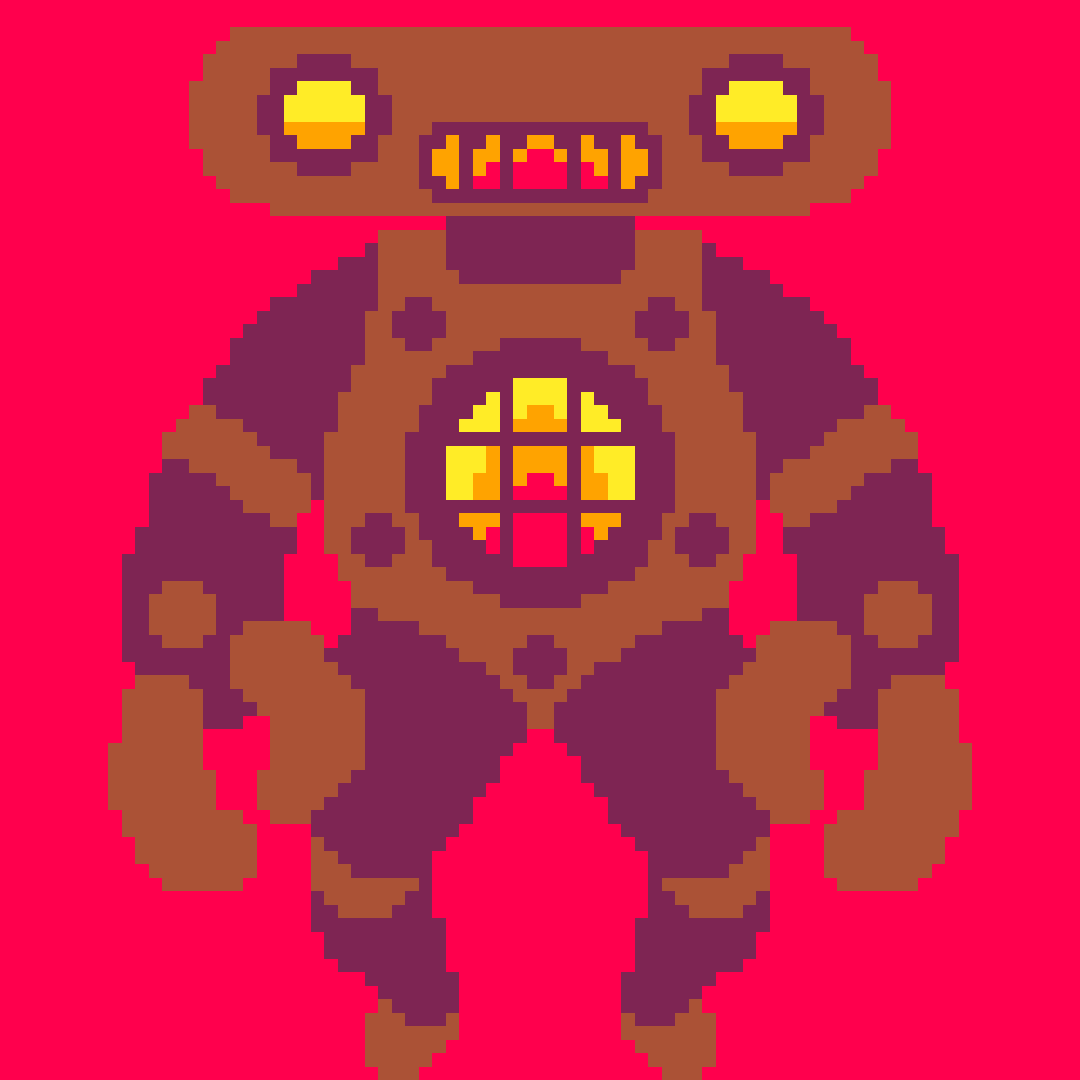


A tiny scoresub multiplayer game in 500 chars!
Controls
- Ctrl-R to begin game (needs a warm launch to setup)
- Left/Right to move
- Get inside the white box or be smushed!
- Your longest run will be shown in other players' games
q=""x=49
r=39
w=25
f=1
window{width=98,height=50}s=scoresub("_a6",1)srand(stat(91))::_::p=btn()x+=p\2%2-p%2
if(d)w=rnd(98-r)r-=1
d=f%20==0
cls()rect(w,9,w+r,46,7)for i=1,#s do
m=s[i]if(m.user_id==stat(64))b,m.extra,m.x=m,"",x?"♥",x-4,0,m.c
y=m.extra[f]and ord(m.extra[f])or m.x or x
m.x=y
m.f=m.f or 0
if d and(y<w or y>w+r)then

[ [size=16][color=#ffaabb] [ Continue Reading.. ] [/color][/size] ](/bbs/?pid=190288#p) |
0 comments


Fortrebosque is a Castlevania fan game made in Pico8.
The game is small, but open-ended. There's 3 bosses and 3 sub-weapons to find in an interconnected castle.

Simon and his whip/chain/flail thing!

Use sub-weapons to defeat tricky enemy formations!

Fight Dracula!
Tips:
- Subweapons use MP, which refills whenever you move to a new room. So use your subweapons as much as you can!
- You can make permanent progress in the castle even if you die! Here's what persists between deaths:
- You keep any sub weapons you picked up.
10 comments



This is my first attempt at making a game, it is a simple Breakout clone but with a Tiki theme, I have many plans for where to bring it in the future but for now enjoy level one.
0 comments



Hello. I want to make a factory game and I'm having trouble creating the simulation engine. Could someone help me or give me tips on how to implement it?
My goals are kinda simple where all machines are 1x1 and can accept from 3 directions while outputting from one.
Thanks beforehand. :)
1 comment



I wanted to create a tiny .lua file to use in your projects to save the map to .png, not unlike PICO-8's export function.

HOW TO USE:
- add this function to your project
- call it with save_map_as_png(map_data,save_path,cls_color,custom_tile_size) where map_data is your map as userdata, save_path is your destination (defaults to /desktop/map_export.png)cls_color is a custom background color(defaults to 0) and custom_tile_size is your custom tileset resolution(defaults to 16)
- draws the layers back to front, just like the vanilla map editor
function save_map_as_png(map_data,save_path,cls_color,custom_tile_size)
    local this_data=map_data[1].bmp
    local nr_of_layers=#map_data
    local map_spr=userdata("u8",this_data:width()*(custom_tile_size or 16),this_data:height()*(custom_tile_size or 16))
    set_draw_target(map_spr)
    cls(cls_color or 0)
    for i=nr_of_layers,1,-1 do
        map(map_data

[ [size=16][color=#ffaabb] [ Continue Reading.. ] [/color][/size] ](/bbs/?pid=190271#p) |
0 comments


This is my first published Pico8 game. I really hope you like it!


Controls
- Arrow keys to move around.
Xbutton to Shoot. Player will always target closest mob.- When you shoot, a skill check bar will show up, press X again to stop the moving bar on the grey or gold areas to land a hit or a critical hit.
Rules
This is a turn-based minimalist roguelike game. Mobs will only move if you move or shoot.
Skill check difficulty scales with mob distance, so getting closer to mobs will make it easier to land a hit but they will also be able to hit you as well if they get too close.
4 comments

A puzzling adventure through strange lands.


You can also play this on itch.io here!
Controls
Menus:
Arrows: Change Selection
Z: Confirm
X: Cancel
General Gameplay:
Arrows: Move
Z (Hold): Inspect
X (Tap): Use Current Item
X (Hold): Change Item
Using Items:
Arrows: Directions
X (Tap): Close or Confirm
X (Hold) Change Item
You can quickly leave many areas from the pause menu.
About


After a hiatus of 4+ years following my last full cart release, I finally have returned with a new PICO-8 game!
37 comments