I'm no expert in any of this frankly but I wanted to document how I got Picotron working using Portmaster on my ARM based retro handheld, the Anbernic RG353P. Since the ARM release this was the first thing I wanted to do, even though my device has a 4:3 3.5 inch screen (which is not ideal).
I have only tested it on Ark OS but in theory as long as your OS supports SDL 2 it should be the same process. Don't shoot me if I'm wrong.
- Create a picotron folder within your ports folder (for me this sits within roms/roms2 - make sure you pick roms2 if you have a second SD card)
- Download and extract the ARM version of Picotron to your new picotron folder
- Create a picotron.sh file with the following content and save it to the ports folder (not the picotron folder - the parent folder)
#!/bin/bash
# PORTMASTER: picotron.zip, Picotron.sh

XDG_DATA_HOME=${XDG_DATA_HOME:-$HOME/.local/share}

if [ -d "/opt/system/Tools/PortMaster/" ]; then
  controlfolder="/opt/system/Tools/PortMaster"

[ [size=16][color=#ffaabb] [ Continue Reading.. ] [/color][/size] ](/bbs/?pid=170294#p) |


 4 comments




There is a recent feature request on the arkos github asking if the joystick could control the mouse. I managed to make it work on my device, and thought others might want to use it too, so here is a tutorial. Only tested on rgb30 and this tutorial is for that handheld running arkos, altough most ARM chips should work. Other devices might have their events in a different location, you can run evtest from ssh to test it.
- ssh into the device using the info from here
- Get
xboxdrv. You can either install the official files usingsudo apt-get update sudo apt-get install xboxdrv
Or get the package I compiled that fixes the bug where there is a 60-90 second delay. The .deb file is here you need to unpack it, move it to the sd card and install using:
1 comment




-- parametrlər
player = {
x = 64,
y = 64,
s = 2,
sprite = 1 -- bu sprite ID-dir
}
item_sprite = 2 -- item üçün sprite ID
score = 0
max_score = 15
items = {}
-- itemləri yarat
function spawn_items()
for i=1, max_score do
add(items, {
x=flr(rnd(120))+4,
y=flr(rnd(120))+4,
collected=false
})
end
end
function _init()
spawn_items()
end
function _update()
if score >= max_score then
return
end
-- hərəkət
if btn(0) then player.x -= player.s end
if btn(1) then player.x += player.s end
if btn(2) then player.y -= player.s end
if btn(3) then player.y += player.s end
-- sərhədlər
player.x = mid(0, player.x, 120)
player.y = mid(0, player.y, 120)
-- item toplanması
for item in all(items) do
if not item.collected and abs(player.x - item.x) < 5 and abs(player.y - item.y) < 5 then
item.collected = true
score += 1
end
end
end
function _draw()
cls()
-- itemləri çək
for item in all(items) do
if not item.collected then
spr(item_sprite, item.x, item.y)
end
end
-- karakteri çək
spr(player.sprite, player.x, player.y)
-- xal
print("xal: "..score, 1, 1, 7)
-- təbrik mesajı
if score >= max_score then
rectfill(20, 50, 108, 78, 0)
print("UYY ALLAH, QAZANDIN!", 30, 60, 11)
end
end
0 comments


In this strategic arcade game, you navigate a maze collecting items while avoiding enemies.
Disclaimer: This is not pac-man and not affiliated with Bandai Namco.
Controls:
- Arrow Keys – Move the player around the maze.
1 comment

-- parametrlər
player = {
x = 64,
y = 64,
s = 2,
sprite = 1 -- bu sprite ID-dir
}
item_sprite = 2 -- item üçün sprite ID
score = 0
max_score = 15
items = {}
-- itemləri yarat
function spawn_items()
for i=1, max_score do
add(items, {
x=flr(rnd(120))+4,
y=flr(rnd(120))+4,
collected=false
})
end
end
function _init()
spawn_items()
end
function _update()
if score >= max_score then
return
end
-- hərəkət
if btn(0) then player.x -= player.s end
if btn(1) then player.x += player.s end
if btn(2) then player.y -= player.s end
if btn(3) then player.y += player.s end
-- sərhədlər
player.x = mid(0, player.x, 120)
player.y = mid(0, player.y, 120)
-- item toplanması
for item in all(items) do
if not item.collected and abs(player.x - item.x) < 5 and abs(player.y - item.y) < 5 then
item.collected = true
score += 1
end
end
end
function _draw()
cls()
-- itemləri çək
for item in all(items) do
if not item.collected then
spr(item_sprite, item.x, item.y)
end
end
-- karakteri çək
spr(player.sprite, player.x, player.y)
-- xal
print("xal: "..score, 1, 1, 7)
-- təbrik mesajı
if score >= max_score then
rectfill(20, 50, 108, 78, 0)
print("TEBRIKLER BALIM", 30, 60, 11)
end
end
0 comments


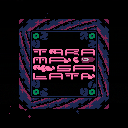
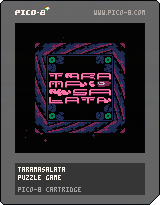
Working on a puzzle game about a dip with a weird name
I'm currently working on a new game inspired by some shitty mobile game sliding block puzzles. This is a game that I have wanted to will into existence out of the frustration that there aren't many games out there like this without terrible monetisation.
There are ~30 levels atm, with a spread of difficulty, there is an option to skip in the menu if needed! I'm testing out a mechanic for garlic, which only moves when next to an olive but I'm worried it doesn't translate too well, so if you play the last few levels lmk how it is :)
So yeah, enjoy! (or don't)

|
[48x16] |
 10 comments





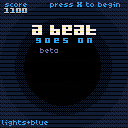
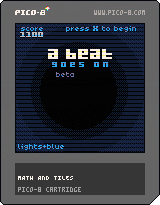
A Beat Goes On (wip)
lights + blue
this game has flashing lights and a bunch of moving visual effects.
May (not probably) continue working on this later, and add more mechanics and polish, but here is A Beat Goes On! A simple arcarde game with a Pac-Man/Snake style of movement where you press a direction and you keep going in that direction in a grid, but those inputs to turn must be timed to the rythym, as you avoid various (3 kinds of) obstacles that also move to the music.
Used: Font creator (cart: #sprite2sfont), (adjusted) CRT filter by Charliedi and the tunnel visual effect adjusted from Zep's PICO-8 0.2.6 update log.
Enjoy!
1 comment



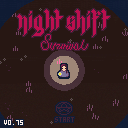
Guide
Info
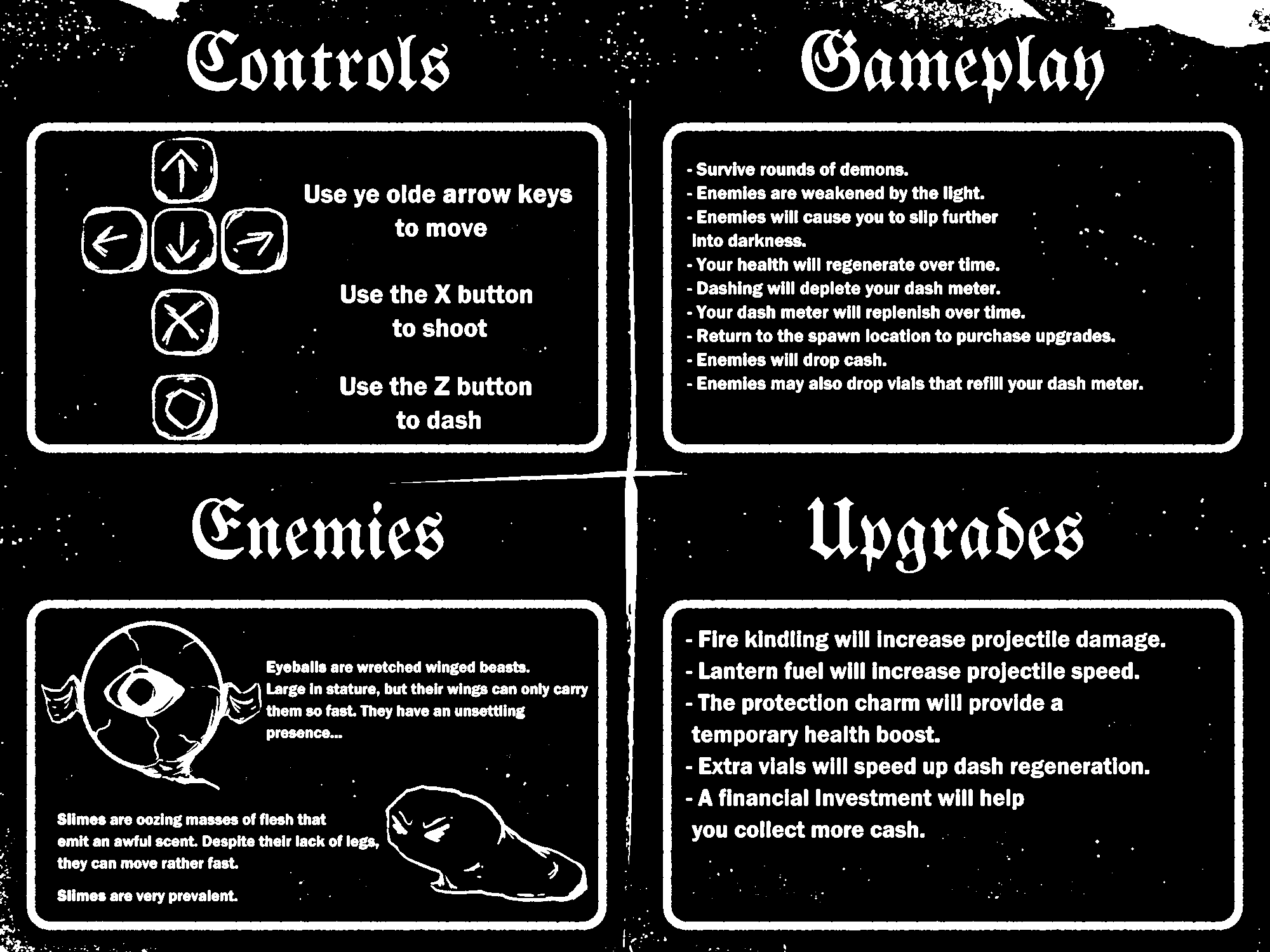
Night Shift is a small surivial game in Pico-8. You must surive waves of demons throughout an endless night.
v0.75
- Dashing has i frames now.
- Previous direction is maintained when no keys are pressed.
- 'Dash Vials' can now be dropped by enemies on death.
- 'Dash Vials' will replenish dash meter (inidcated on right of screen).
- Gravestones randomly placed on map to add some variety.
- Upgrades can be purchased in between rounds
3 comments





I was following the Picotron manual example provided under sock:accept(), found here, and whenever I use it it will invariably start detecting hundreds of new clients in that port. I have tested it in a cartridge with a counter as well to confirm that it is, in fact, hundreds of clients (around 300-500 before stopping on its own in the "listening" stage). The problem isn't just tied to the port "8899" since using any other ports will yield the same results. When my partner tested it, this didn't happen.
Furthermore, whenever this happens, I am also unable to create a socket in a different terminal. Typing in a = socket("tcp://localhost:8899") will not do anything while the listener terminal is up. Typing it in a terminal without having opened a listener will freeze up Picotron for a few seconds. In both cases, doing ?a prints nothing and doing ?a != nil prints "false".
My antivirus (Bitdefender) doesn't detect it as a threat and I've added Picotron into the allowed firewall rules, so at this point I am at a loss.
4 comments


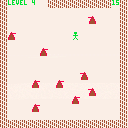
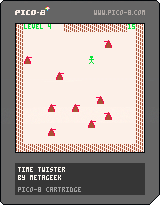
Time Twister: a game in which you're being chased by robots. You can run, or you can teleport. When you teleport, you go back in time, sort of; a ghost player appears and makes the moves you did up until the time you teleported. Each robot chases the nearest player (either you or a ghost). When robots collide, they're destroyed, leaving a wreck; when robots collide into the wreck, they're destroyed, too.
Inspired by a Macintosh game, circa 1987, called Daleks; Daleks was similar, except for the time travel part. Daleks seemed like it was inspired by the game Chase, in More Basic Computer Games, published by David H. Ahl in 1979.
I admit it's pretty simple; it's my first pico-8 game.
0 comments

I'm currently using pico 8 education edition. Is there a way for me to export to itch.io without getting the full paid version? I'm not necessarily looking to export but maybe convert my p8 files into something that can be played on itch.io
0 comments





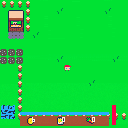

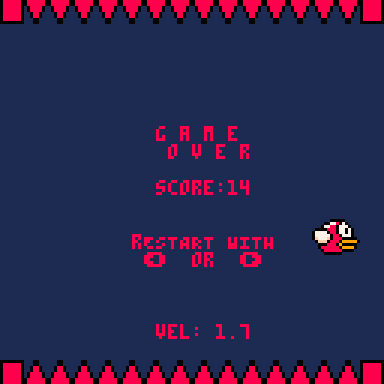
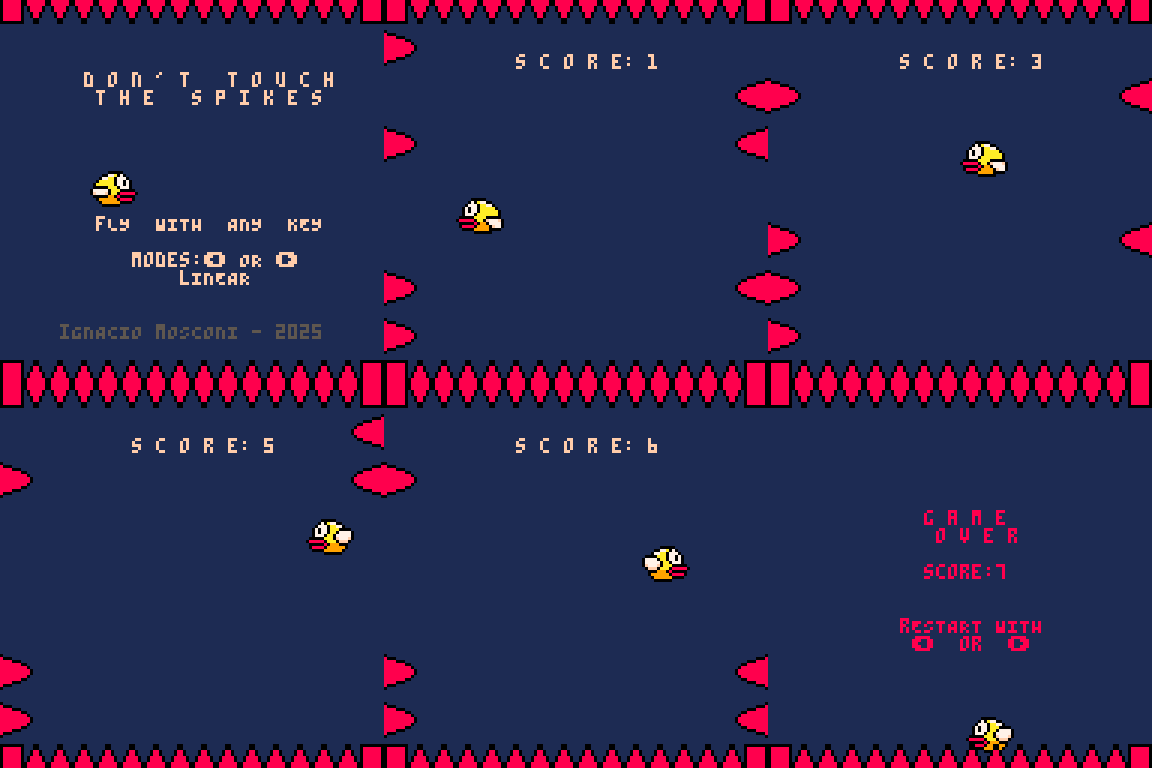
DON'T TOUCH THE SPIKES - PICO 8
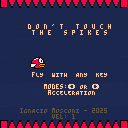
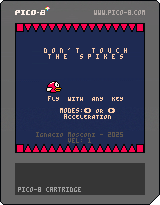
I wanted to close my pico-8 journey re-using the code I made for flappy bird. I reutilized the "flap" logic and the bird animations to create a new game, a remake of Don't touch the spikes!
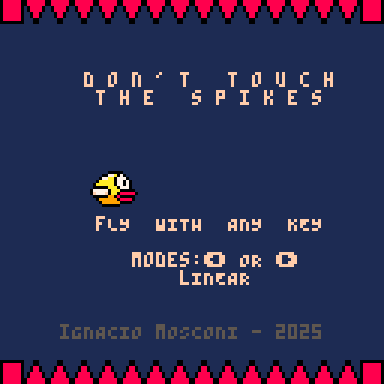
The challenge here was to manage multiple instances of the spikes and detect collisions on all of them, but that could be done with the help of arrays.
I really liked Pico-8 as a developement platform becaue its restrictions allowed me to focus purely in solving the gameplay issues I faced. As I stated before, it didn't overwhelm me, and helped me actually finish these projects.
To add variety to the gameplay, I created two gamemodes: one is called "linear", because you have the same speed all the time, and the other one is called "acceleration", because you get +0.1 speed every two points. It's my favorite one, as it gets pretty chaotic haha.
 0 comments



You play as the great wizard Orion. Cast your magic spell to turn zombies back into humans. It will also keep spooklets and blobs at bay. How high can you get your score before you're turned into a zombie and your hunger for high scores transforms into a hunger for BRAINS?!?!
It's messy, it's rough around the edges...
But, here it is! My first ever video game. I've never programed a thing a day in my life until now. I wanted to make a video game for my nephew for his birthday. This game was designed to be (basically) non-violent, wizard themed, and easy to get into but difficult to get a super high score. There's so much more that I'd love to do with it but I was on a major time-crunch. From first day coding to upload, this took me 3 weeks (with a vacation in the middle). The code is a messy disaster, the title screen is not as elaborate as I planned, the levels of the sound effects and music are less than ideal... but I made a video game for my nephew! I'm happy.
2 comments



Dear fellow devs!
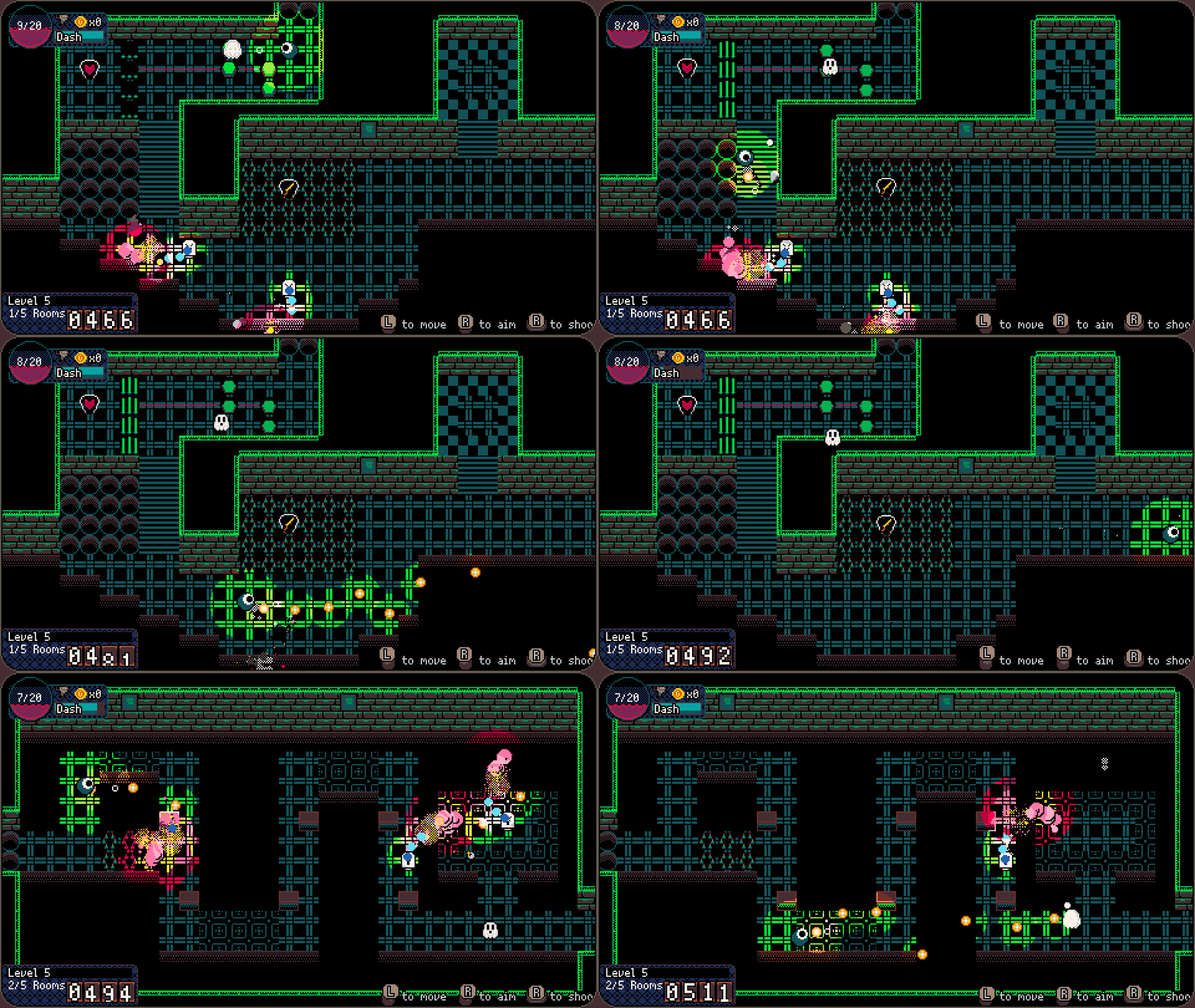
I fell in love with Picotron and wanted to create a bigger title fit for a release on Steam. That's how "Journey Through The Nightmare Realm II" was born, and it just released on Steam. It would mean the world to me if you could check it out or wishlist it to appeal to the algorithm. Thank you!
Here is what I learned about the process:
Why?
Picotron and PICO-8 are really nice and cozy development environments, creating games and other applications in them feels great. The spirit of helping each other and sharing your games in our community is really important to me and I will never stop doing so. From time to time I create bigger projects that I sell on Steam, which I used to create with Godot, another great engine. Playing around with Picotron has shown me that it is very possible to create bigger (read >2 MB) projects in this engine. So I set out to do just that, and find out the following:
11 comments