


Perfect 100
A grid hopping game. Fill the grid counting from 0 to 99.

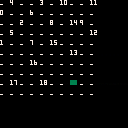
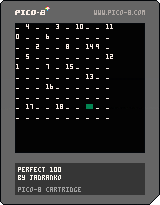
The goal of the game is to fill in the cells of the grid with numbers going from 0 to 99 to form a Perfect matrix of 100. The rules are simple: move vertical, horizontal or diagonal skipping 2 cells (horizontal or vertical) or 1 cell (diagonal).
The green cursor lets you select your next move. Press the 1st button to cycle between choices, press the 2nd button to confirm the move.
Restart the game if you get stuck and can't move.
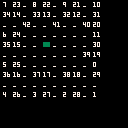
Can you reach 99? :P
I made this for the #TweetTweetJam 10 on May 2025. It is written in Pico-8 and the code is 500 characters long. Credit to https://thisismypassport.github.io/shrinko8/ for an excellent tool to shrink the code.


 2 comments




Hello
I am running Picotron in full screen mode on Arch Linux with a window manager (i3), and when I try to move the mouse to another window located on my secondary monitor, it teleports the cursor back to the center of the Picotron window.
This isn't a huge deal, and I don't know if it can be fixed, but it's inconvenient enough that I figured I'd share it here.
0 comments

🎮 Controls
- cursor keys : select / move player
- c : validate, laser hit
- x : navigate back, pause, options
🚀 Blast from the Past
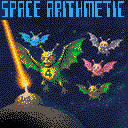
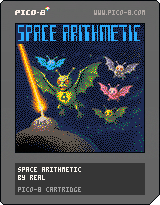
In 1985, AlAlamiah released Space Arithmetic for the MSX, an educational shooter designed to teach kids math in a fun way. Decades later, this PICO-8 demake brings back the addictive challenge.
🏆 New Achievements & High Scores
Unlock achievements when you hit 100 points in a category.
Compete for dominance in the global high-score table.
Your progress is saved—no shortcuts, just skill.
0 comments

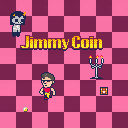
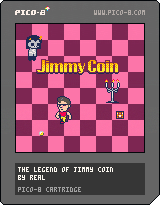
Get all the coins in under 3 minutes, but watch out, the ghosts are fast and relentless. Some chests may give you an edge... others might make things worse. Think quick, move quicker, and collect everything before time runs out!
Controls
- x: start game
- cursor keys: move Jimmy
2 comments





How to play
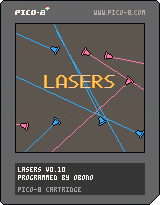
Move the character and switch its color.
You get points while being hit with same color ray. It’s damaged while being hit with different color ray.
The life point is displayed if it’s not full. When it becomes empty, the game is over.
D-pad: move the character
Z, X: change the color of the character
This is also released on itch.io.
Release notes
0.10 (June 6, 2025)
- Initial release.
1 comment

Oshidashi! Sumo
A sumo wrestling platform fighter!
Slapping your opponent pushes them back and does damage. The more damage you've done, the easier they are to push. Grabbing your opponent allows you to push and slap them. Get your opponent to the edge of the ring, and slap or push them out!
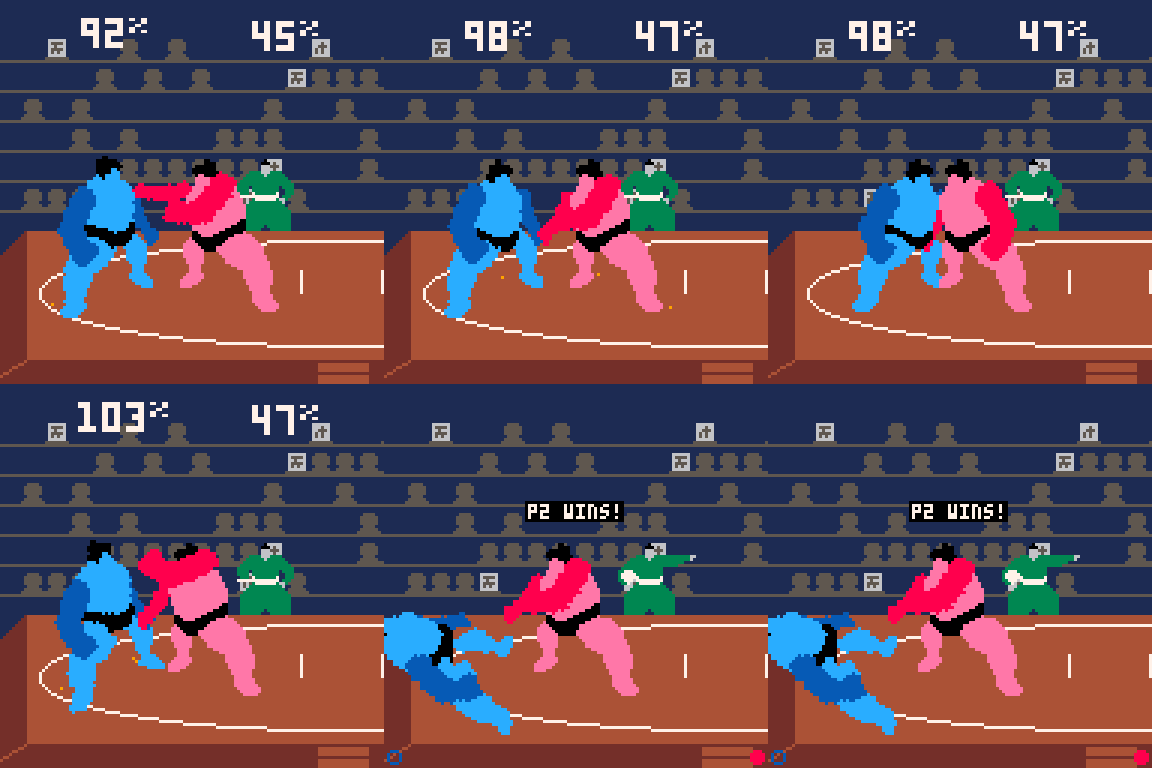
Controls
Left or right: Move
Left Left or Right Right: Dash
X: Right arm slap
O: Left arm slap
X+O: Grab
Down: Block
Game by Tyler R. Davis
Music by Cory Shane Davis
Changelog
1.1: Fixed Japanese text
2 comments



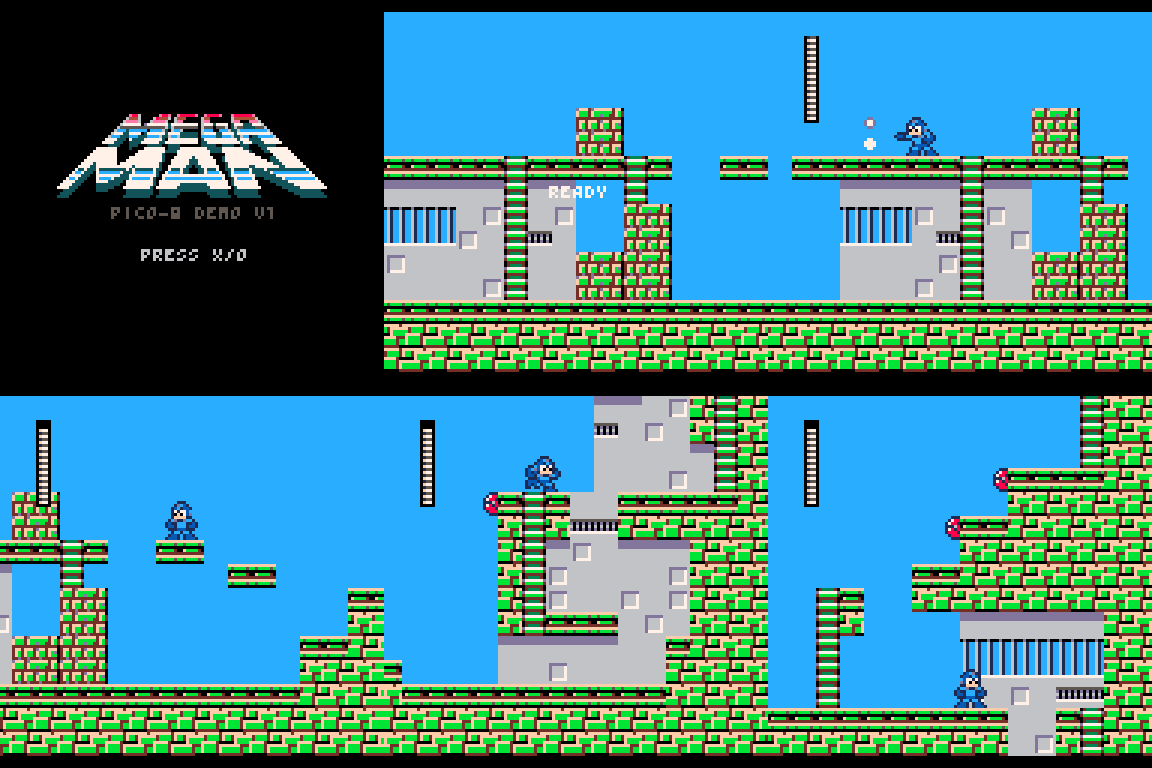
Uploaded a vertical slice demo of my WIP Mega Man demake. https://lexaloffle.com/bbs/?tid=51064
1 comment
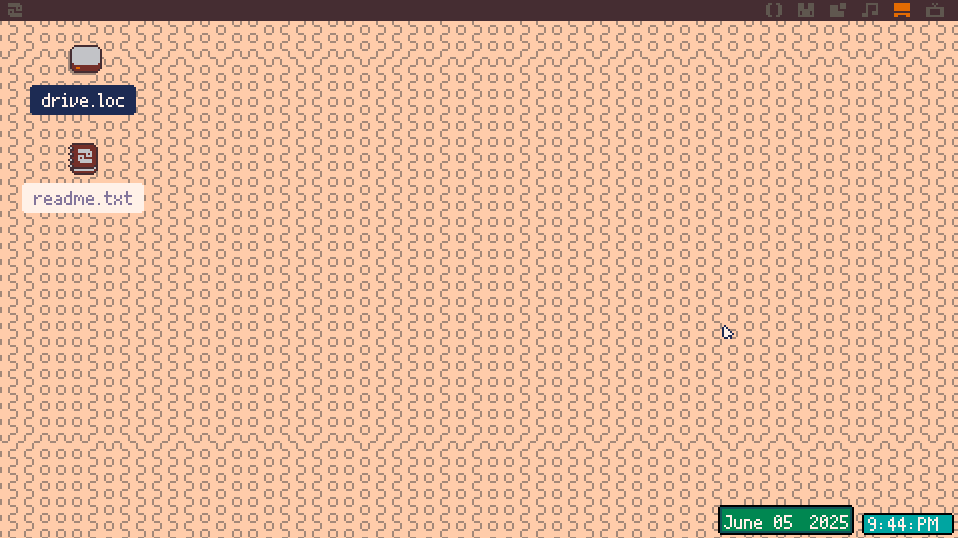
Hello, I'm making a small clock and date app, It's already on my widget tray as a widget, I'd like to be able to have it on the corner of my desktop when starting up, I found it is done by modifying startup.lua, is there a way to do that and save the changes?
 2 comments
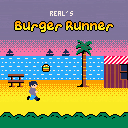
« Burger Runner is an endless runner where you jump and double-jump to collect as many burgers as possible. Choose from four distinct environments, each featuring its own lively soundtrack by Snabisch. You have three lives to dodge obstacles and keep the run going. »
Controls
- cursor keys for menu select
- x : start/jump
4 comments


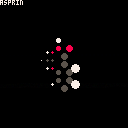
Made for YSA (Youth Stemm awards)
Molecules featured:
Aspirin:
Heart medication used to prevent CHD and used in patients who have already had heart attacks because of it.
https://en.wikipedia.org/wiki/Aspirin
Paracetamol: Very common painkiller, usually comes in 500mg sugar tablets
https://en.wikipedia.org/wiki/Paracetamol
Adrenalin:
Flight or flight hormone, does many many things. Is also used to restart your heart during defibrillation
https://en.wikipedia.org/wiki/Adrenaline
0 comments

Hello,
I have painted the wrong area of the map editor and destroyed a previously made level. Luckily I do have a backup of an older file. How do I copy a 16x16 map editor area from one cart to another cart ?
2 comments


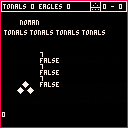
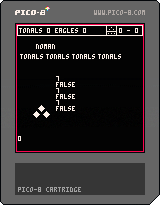

copy and paste this code (with "puny font"-mode - ctrl+p)
cls()

storage_readfn={peek,peek2,nil,peek4,[0]=bitread}
storage_writefn={poke,poke2,nil,poke4,[0]=bitwrite}

storage_adr=0x8000

storage_metabytefield={
 __index=function(t,key)
  return t.read(t.adr+t.byte*key)
 end,
 __newindex=function(t,key,value)
  t.write(t.adr+t.byte*key,value)
 end,
 __len=function(t)
  return t.len
 end
}

storage_metadata={

 __index=function (t,key)
  local m=rawget(t,"_storage")
  if tonum(key) then
   local adr,byte,size=unpack(m._num)
   if (key>0 and key<=size) return storage_readfn[byte](adr+byte*key)
  elseif m[key] then
   local adr,byte=unpack(m[key])
   return storage_readfn[byte](adr)
  end
 end,

 __newindex=function (t,key,value)
  local m=rawget(t,"_storage")
  if m._num and tonum(key) then
   local adr,byte,size=unpack(m._num)
   if (key>0 and key<=size) storage_writefn

[ [size=16][color=#ffaabb] [ Continue Reading.. ] [/color][/size] ](/bbs/?pid=168111#p) |
1 comment


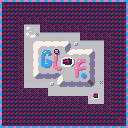
Thank you to everyone who gave some feedback! I have reworked some of the levels and added a 5th world to explore! Ignoring potential bugs, this is the first full release of GLOF! I hope you have as much fun as I did making it. This has been one of the largest creative projects of my life and I'm excited to create more pico-8 games in the future <3
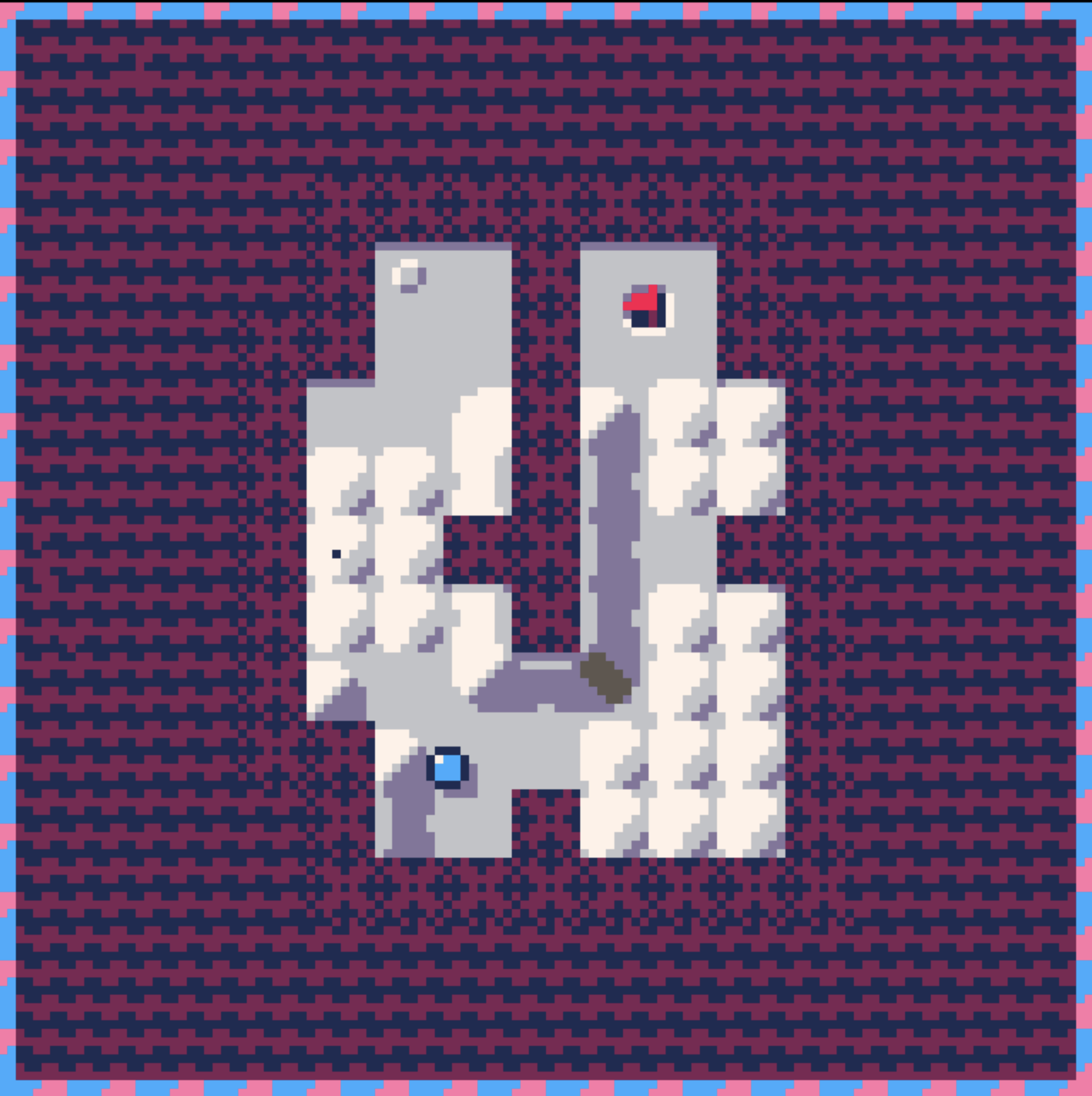
Play GLOF here!
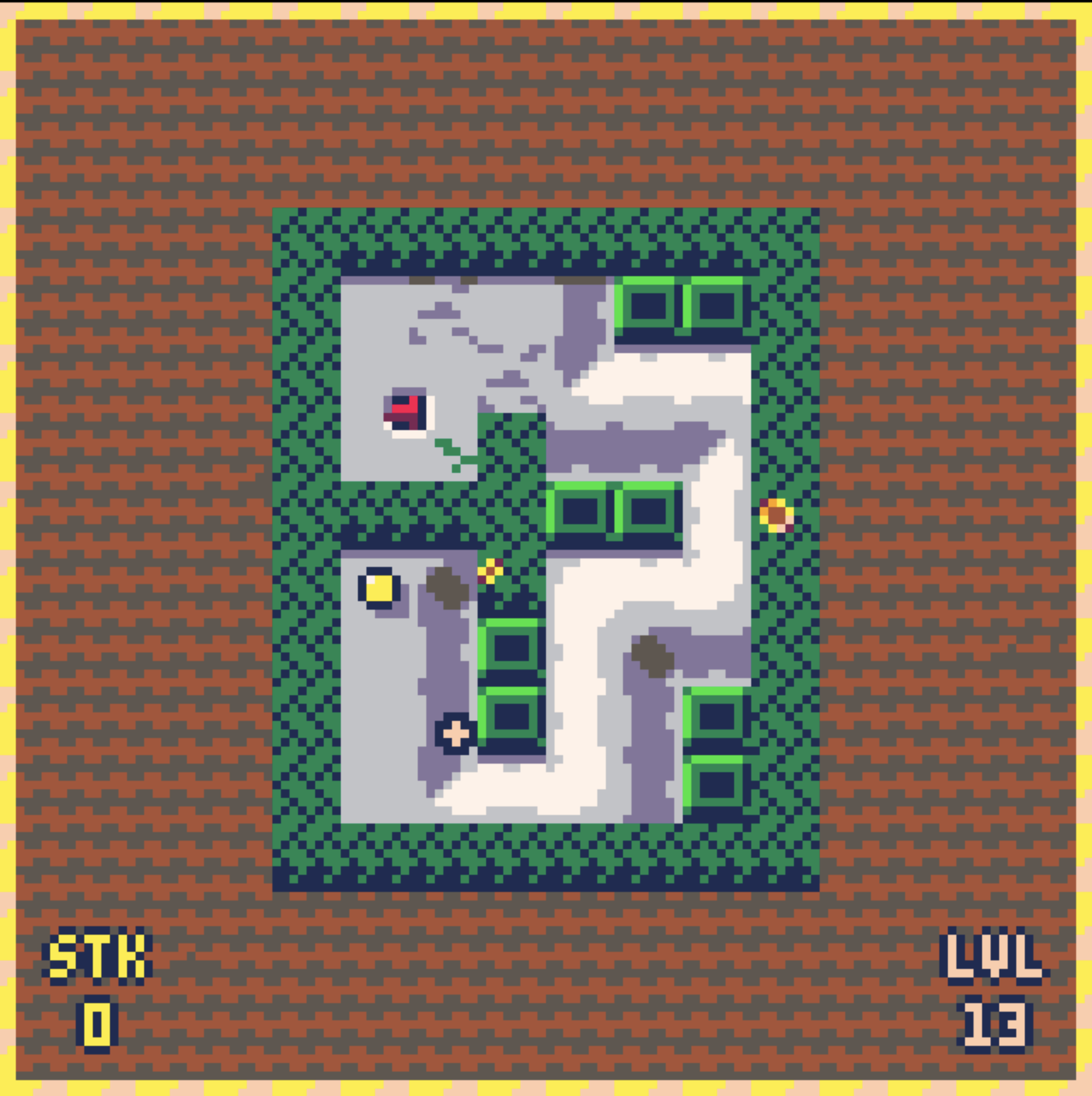
If you get to the end of GLOF, I'd love to hear your thoughts. I'd also love to see who ends up getting the best time/lowest stroke count!
-fuzzle
6 comments




Thank you to everyone who gave some feedback! I have reworked some of the levels and added a 5th world to explore! Ignoring potential bugs, this is the first full release of GLOF! I hope you have as much fun as I did making it. This has been one of the largest creative projects of my life and I'm excited to create more pico-8 games in the future <3
Play GLOF here!
If you get to the end of GLOF, I'd love to hear your thoughts. I'd also love to see who ends up getting the best time/lowest stroke count!
-fuzzle
2 comments


learning project for pico 8
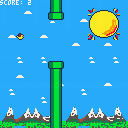
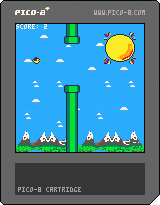
I followed along with spacecat and his flappy bird tutorial https://www.youtube.com/watch?v=ubDItG3lGe4
Then ive added a few different things and messed around with music and art, might come back to this to test out
other pico 8 features
0 comments

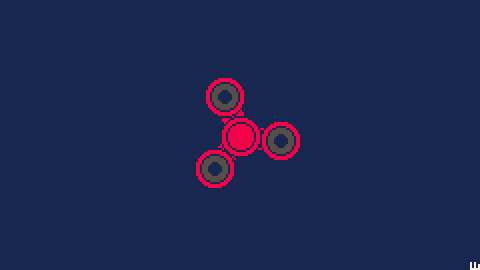
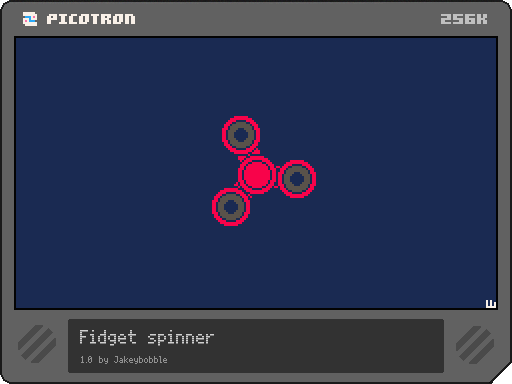
Desktop fidget spinner for at least some of your fidget spinner needs!
How to control your fidget spinner:
- Left click to accelerate
- Right click to cycle colors + hold shift to cycle backwards
- Hold left + right mouse button to close the program
To add the cart to your desktop:
load #fidgetspinner save /desktop/fidgetspinner.p64 |
First cart :-)
0 comments


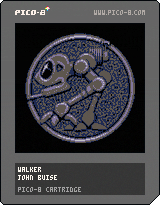
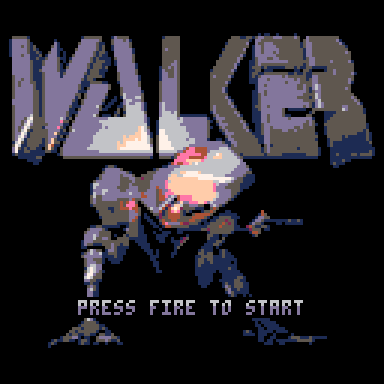
A SIDE-SCROLLING BLAST FROM THE PAST
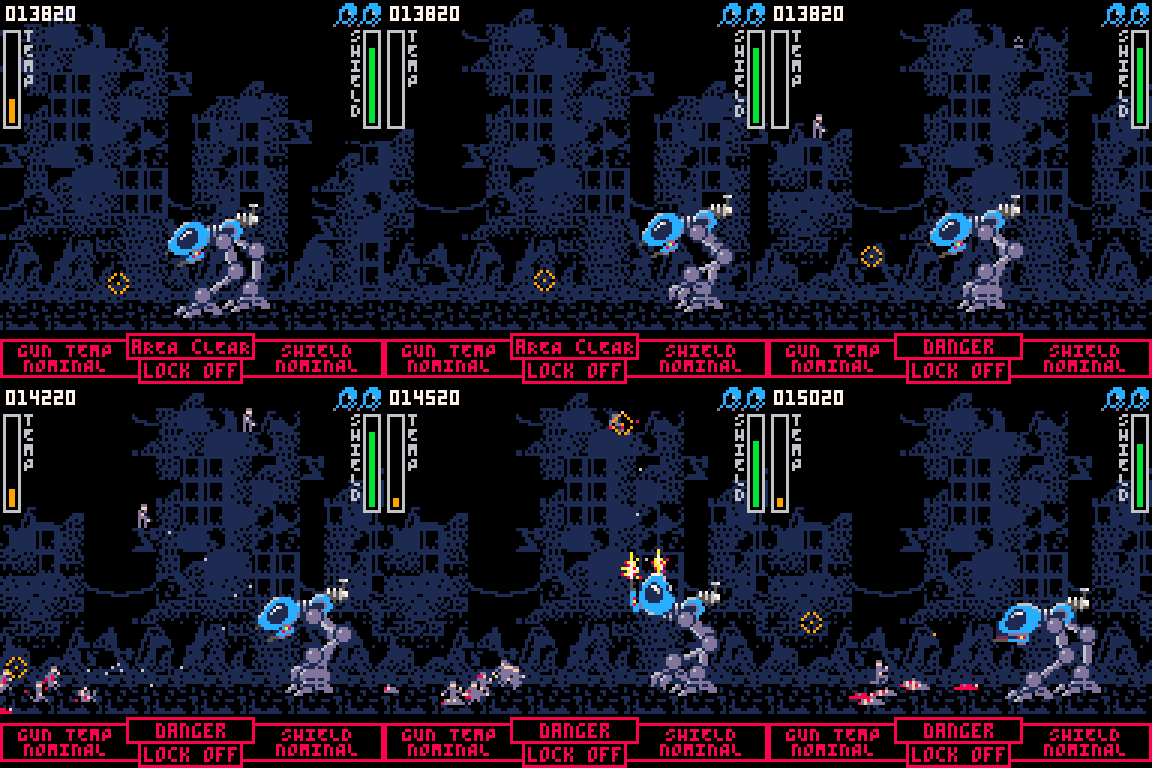
Based on the original Amiga classic I loved playing as a kid, this is my tribute to a game that left a serious impression. Getting into PICO-8 lit a fire, and rebuilding this classic was my way of seeing how far I could take it. So fire it up, and enjoy a compact, side-scrolling shooter where you pilot a bipedal mech, blast enemies to bits, and try not to overheat. Built entirely in PICO-8. Same spirit, smaller footprint.
HOW TO PLAY
The game is perfectly playable with a controller, but I recommend playing it with keyboard and mouse, just as the developers originally intended.
39 comments







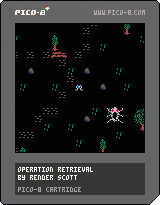
Operation: Retrieval is a short horror game in which what you can't see can't hurt you. As a drone operator, pilot your drone through the forbidden zone and collect 5 datapoints to upload to central command. The drone's camera flash is your only tool for visibility, but beware! Light attracts unwanted attention in the forbidden zone...
Originally just a prototype for an upcoming university project, I decided to flesh it out into a proper small game, since working with PICO-8 is just so much fun :D
Arrow keys: movement
V/X/M: trigger flash
2 comments
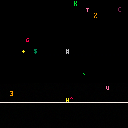
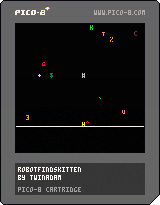
You are a robot. You must find the kitten.
Here is a short port of robotfindskitten to PICO-8! Use the arrow keys to move around and find the kitten. Reset the screen with x or z.
Developed by TwinAdam using the PICO-8. Portions of code are modified from robotfindskitten v2.8284271.702 (originally licensed under GNU GPL v2.0 or later license) and released under the GNU GPL v3.0 or later license.
GNU GPL v3.0 License
Copyright (C) 2025 TwinAdam
This program is free software; you can redistribute it and/or modify
it under the terms of the GNU General Public License as published by
0 comments