






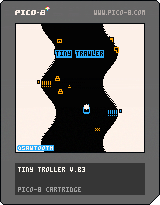
Playtest Goals
-how does lack of goal feel?
-how does movement feel?
-find unintuitive things
-find frustrating points
How To Play
⬅️➡️ - To Turn Boat
⬆️⬇️ - To Accelerate / Slow Boat
🅾️/Z to open trap menu & confirm selection to set trap
❎/X to exit menu
.png)


 4 comments



I’ve been trying to run pico-8 carts on a new Anbernic RG40xx cube handheld device and although they run they crash when trying to access the menu commands (and some also crash mid game). The message reported is ‘NO CARTS FOUND! PLACE P8 CARTS IN SDMC:/P8CARTS/‘
I have installed the pico-8 raspberry pi files and tried just about every permutation of folder but nothing fixes the problem because it seems the pre installed pico runtime ‘fake08’ takes over (I. Hope this makes sense). I have tried removing this program but it is reinstalled every time I start the device. Any ideas on how I can fix this?
FIXED! To anyone else having this problem my solution was to reinstall pico-8 making sure Windows hadn’t changed the Linex file during the unzip process. For a more detailed explanation I suggest searching for how to install pico-8 on KNULLI.
10 comments


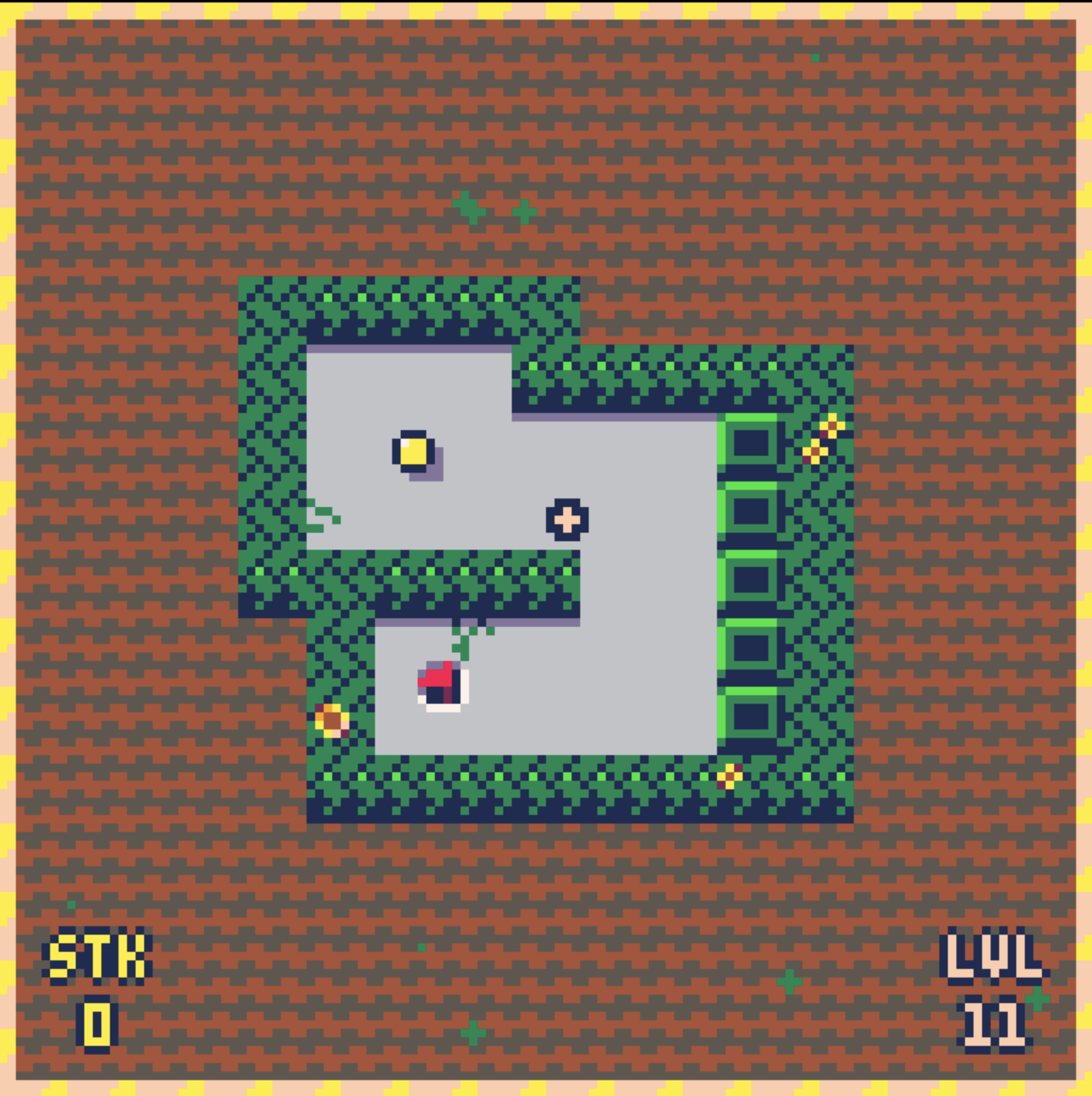
After some feedback, I have redesigned slopes and one certain feature (that was not well received) and added 15 new levels! Now including world 4, and a bonus world with 5 challenging levels! Glof is still unfinished, however I am ready to move onto a new project, but if you have any suggestions still drop them here!

 2 comments



.png)

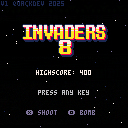
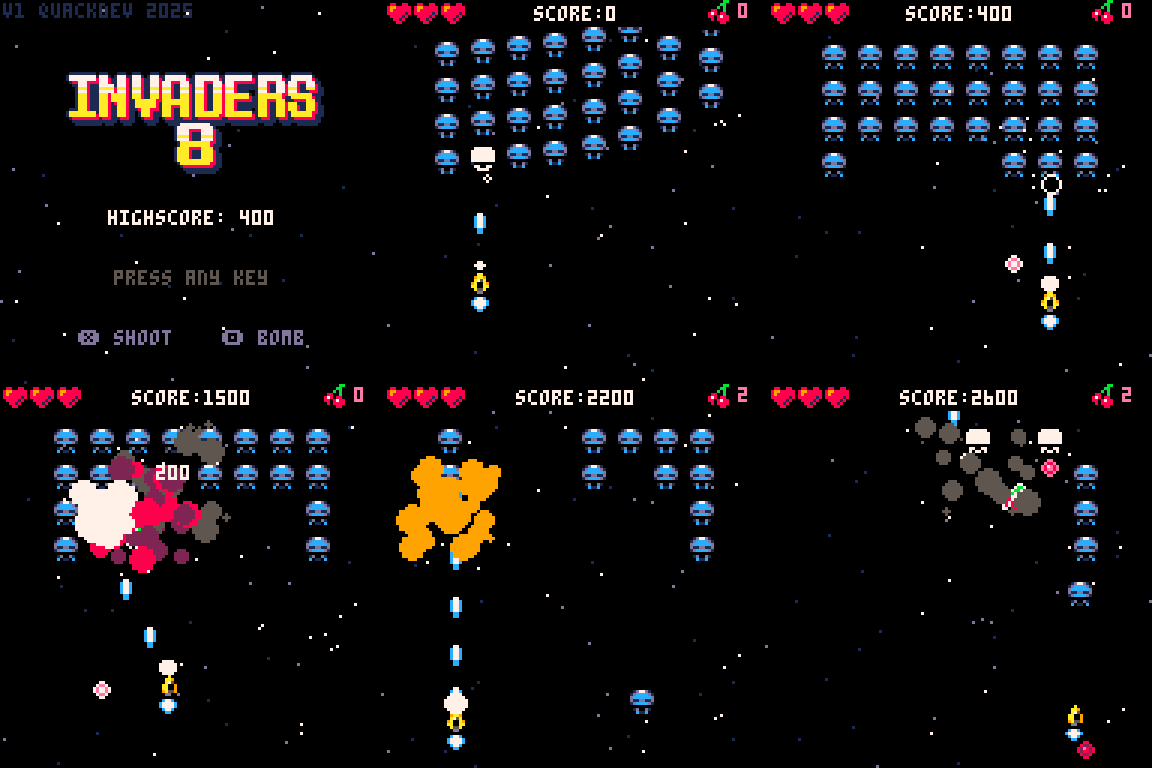
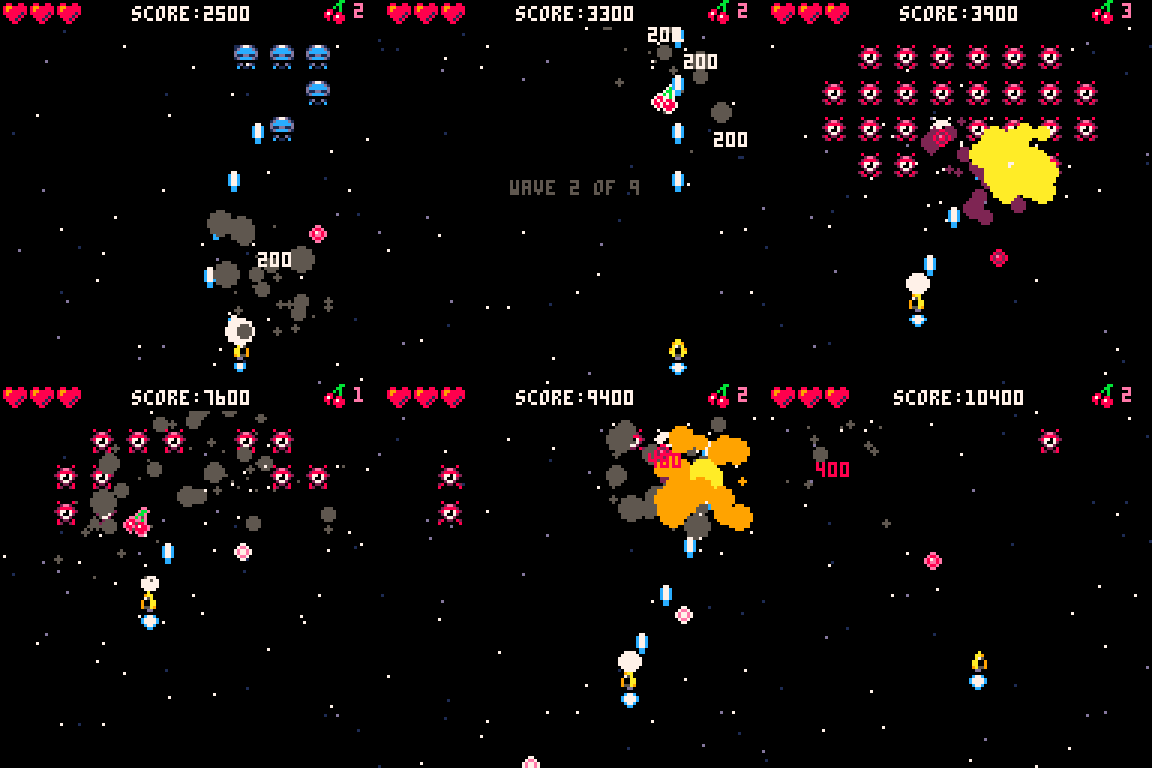
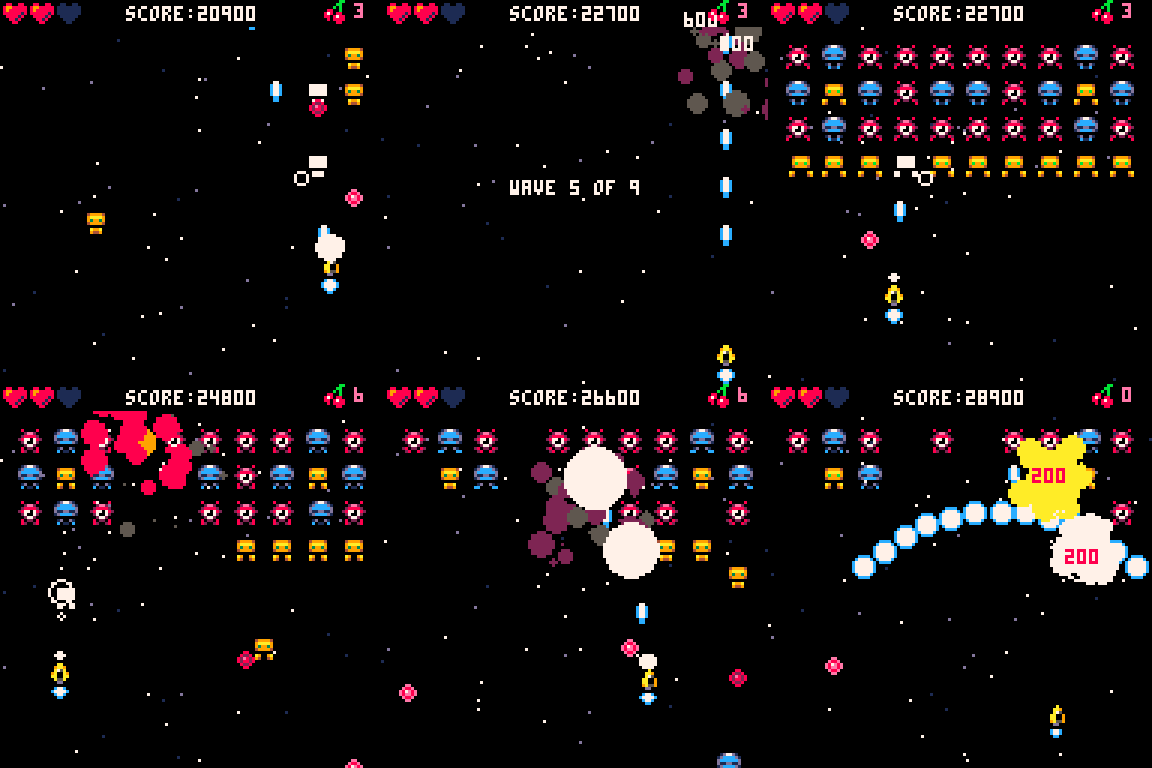
ABOUT GAME
INVADERS-8 is a basic arcade Shoot 'em up game reminiscent of Space Invaders or Galaga. Pilot your yellow spaceship on a mission to protect Earth against alien invaders!
CONTROLS
Use the following controls:
Arrow keys - Move the ship
X - Shoot
Z - Bomb
PICKUPS
Occasionally, defeated enemies will drop pickups. Collect them to increase your bomb strength or use to recover your lost lives.
CREDITS
INVADERS-8 was made using the Lazy Devs Shmup Tutorial on YouTube.
1 comment




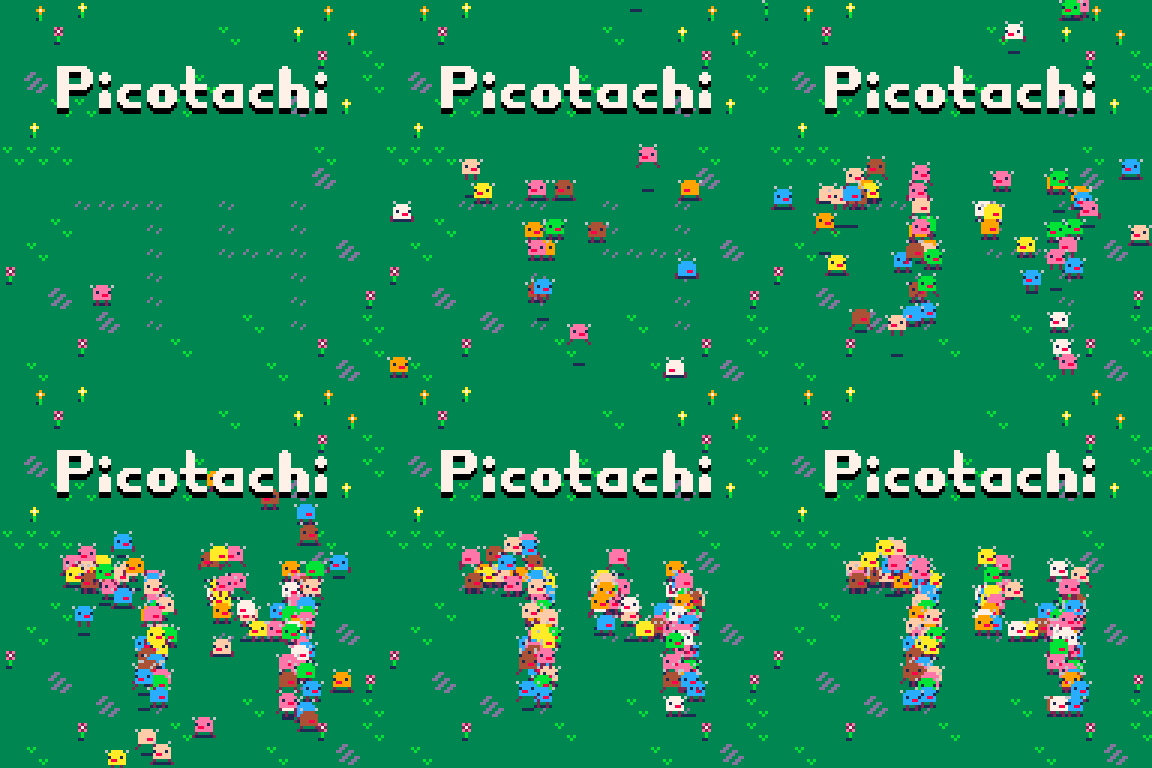



Watch your wallet grow alongside your fish!
Only supports mouse and keyboard for interactive play. Limited gamepad support now available! Enable in menu.
All players may select pets using the arrow keys. They are currently just for show.
This is not my IP, the original is called Insaniquarium.
(Patient players will be rewarded...)
3 comments


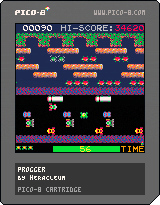
Controls:
⬆️⬇️⬅️➡️ move
⭕️ [Z/C] Start button
⬅️/➡️ previous / fast forward Menu pages
Game:
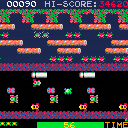
My Pico-8 demake of Frogger (1981 Konami)
trying to keep the original arcade game vibes and look&feel.
I actually finished it like one year ago lol and quite quickly; in one week the core of the game was there but took quite some time for tweaking difficulty ramp, few touches here and there. I initially imagined adding some Prog music to give some sense to the title but finally opted asking @Trog and his son to prepare 7 of the 26 random tunes the original game has, along with the main theme.
There are 15 level layouts, increasing enemies (snakes and otters). The timer is actually 60 seconds instead of the 30 secs, thus making the remaining time bonus easier to get.
5 comments




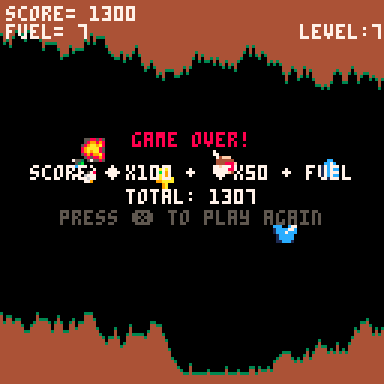
Hi-Score of 1307 on Level 7
Austin's Flappy bird clone using a chicken Jockey, Work in progress.
v4
Press x on keyboard, or (x) on mobile, to start.
Cave Level.. only the up button to flap your wings, keep the rhythm.. too frequent pushes increases height
- avoid TNT and the walls, you start w/ 3 health
- collect diamonds for 100pts towards high score
- totem adds health
- food will be used for +10 fuel in landing levels (you start w/ 50)
- Armor speeds up the game and allows invisibility for 2 seconds
--Survive for 18 seconds to get to the next level
Lander Level... land softly... retry if you have any extra life left.
0 comments
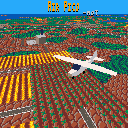
UPDATE: Now with mouse support. Enable from the pause menu.
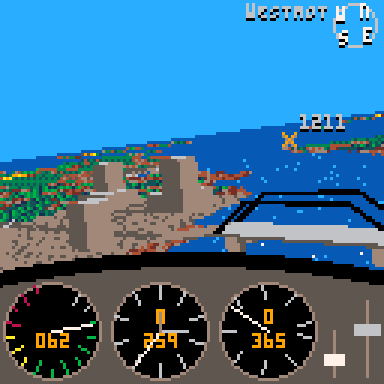
A cozy flight sim lite for PICO-8.
Become a pilot for Pico Air, a small air company operating between the islands of Pico Isles.
Perform deliveries, charter flights, crop dusting and other jobs to unlock new planes.
Features:
- A 16km x 16km map to explore
- 3 different planes
- External camera views
- Photo mode
Controls
- Arrows - Ailerons and elevator (roll and pitch)
- O + Up/Down - Throttle
- O + Left/Right - Rudder
- X + Up/Down - Adjust elevator trim
- X + Left/Right - Flaps
Or use player 2 controls for throttle and rudder.
 32 comments












This is my first cart.
I hope you all enjoy. Please do not criticize my unoptimized coding, I just wanted to post this ASAP. Anyways this took a lot lot lot of play testing, and I am really satisfied with how it turned out!
Very curious to see the highest score..
Don't worry, the pin layout is not random!
.gif)
Version 1.4:
- Improved the customization menu greatly
- Added CHAOS mode! Play classic but with only chaos!
- Added ZEN mode! Play casually, just for practice and fun!
- Added brief descriptions to some menu options!
- Spent way too long optimizing tokens. This will probably be the last major update
11 comments
.gif)




expint(): Counting To Eleventy-Bajillion In PICO-8 With Exponential Integers (v 1.01)
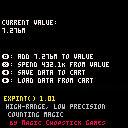
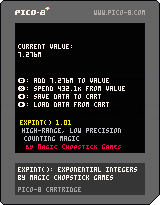
Overview
Hello, everyone! I'm back with another Quick 'n' Dirty code snippet: extreme range, low precision Exponential Integers!
expint() lets you easily work with extremely large numbers at low precision in PICO-8. You can create them, add to them, "spend" from them, display them in a friendly format, and save/load them using a single 32-bit data slot.
expint() is particularly well-suited to games where you need to track very large amounts of points or money, like incremental games/idle clickers, large-scale exploration games, and other places where 32k just isn't gonna cut it.
Update: Version 1.01
- Fixed weirdness with the
print()function - Shaved a few tokens off, to boot
The Snippet And Its Use
Install
Paste the following snippet into your cart:
[hidden]
function expint(new_sig, new_exp)
	local num = {}

	function num._step_up(steps)
		while steps > 0 do
			num.sig \= 10
			num.exp += 1
			steps -= 1
			if num.sig == 0 then -- we've lost all precision; for whatever we're doing, this number is as good as zero
				num.exp += steps
				steps = 0
			end
		end
	end

	function num._norm()
		while num.sig >= 10000 do
			num._step_up(1)
		end
		while num.sig < 1000 and num.exp > 0 do
			num.sig *= 10
			num.exp -= 1
		end
	end

	function num.add(val, sig)
		local to_add = expint(val, sig) -- be non-destructive with arithmetic; copy info into another expint to protect precision
		to_add._step_up(num.exp-to_add.exp) -- instead of doing any logic, just run step_up
		num._step_up(to_add.exp-num.exp) -- on both the numbers. It'll only affect one of them.
		num.sig += to_add.sig
		num._norm()
	end

	function num.spend(val, sig)
		-- if val < num, subtracts val from num and returns true
		-- otherwise, returns false
		local to_spend = expint(val, sig)
		if to_spend.exp > num.exp or to_spend.exp == num.exp and num.sig < to_spend.sig then
			return false -- to_spend is greater than num; can't make the spend
		end
		to_spend._step_up(num.exp-to_spend.exp) -- instead of doing any logic, just run step_up
		num._step_up(to_spend.exp-num.exp) -- on both the numbers. It'll only affect one of them.
		num.sig -= to_spend.sig
		num._norm()
		return true
	end

	function num.print()
--		local suffixes = split("K,m,g,T,P,E,Z,Y,R,Q") -- SI suffixes
		local suffixes = split("K,m,b,t,qU,qI,sX,sP,oC,nO,dE") -- number suffixes
		local return_string = num.sig
		if num.sig > 1000 then
			local modval = num.exp%3+1
			local suffix = num.exp\3+1
			if suffix > #suffixes then
				return_string = sub(return_string,1,1).."."..sub(return_string, 2).."X10^"..(num.exp+3)
			else
				return_string = sub(return_string, 1, modval).."."..sub(return_string, modval+1)..suffixes[suffix]
			end
		end
		return return_string
	end

	function num.save(cart_slot)
		dset(cart_slot, num.sig | num.exp>>16)
	end

	function num.load(cart_slot)
		num.sig = dget(cart_slot)\1
		num.exp = dget(cart_slot)<<16
	end

	num.sig = new_sig
	num.exp = new_exp or 0

	-- handle special cases: input can also be either an integer in string format or a table (assume it's another expint()!)
	if type(new_sig) == "string" then
		num.sig = tonum(sub(new_sig, 1, 4))
		num.exp = max(#new_sig-4, 0)
	elseif type(new_sig) == "table" then
		num.sig = new_sig.sig
		num.exp = new_sig.exp
	end

	num._norm()
	return num
end |
2 comments

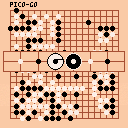
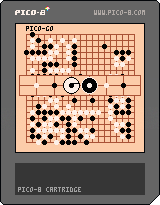
Hi there!
I've made an (almost) fully-featured Go board game for the Pico-8 inspired by this tweetcart by Munro. Feel free to submit any bug reports if you encounter any weird behaviors.
Features:
- Auto capture
- Suicide restriction on placing pieces in eyes
- Piece capture counter
- Illegal placement feedback (cursor flashes red and won't allow you to make an illegal move)
- Awesome design - entirely thanks to Munro
I'm still a bit new to the game of Go, so I may have missed a few rules I'm not aware of, feel free to let me know if there's something I should add.
Planned features:
- Auto-scoring
- Pre-defined rulesets
0 comments

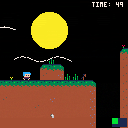
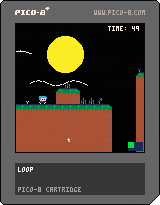
My jam game called Sun Break, finished in 7/8h. Very short scope but worth it, hope someone like it. The itch.io is https://raphaelkieling98.itch.io/sun-break
> You are a girl in a temporal loop. Are you able to escape? 10/15m of playtime :)
5 comments




So yeah
I joined the pico-eightely world of Pico-8 and decided to try to do some stuff.
One of the things I (and assumedly many others) noticed is the quirk of the numbers range only going up to ~32700 because it's only stored on 8 bytes, and I figured I could try improving on this system...
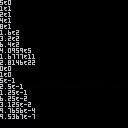
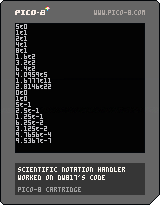
Now of course many others did before me, and I could have tried to improve on their systems but I decided to do my own whole thing so instead of trying to recreate a mechanical calculator or a double-type number system, I went for the "scientific approach".
I made these snippets (located in tab 1) to turn a simple "12" into "1.2e+1" and to have the ability to do some math operations with it, all in just a bit over 200 tokens.
0 comments
Hi, I have an RGB30 with an up-to-date version of Rocknix and the latest RPi (64 bit) version of Pico-8 installed.
Some games run and play just fine, Celeste 2 for example. But some games quit after they've loaded when I try to play them. For example, ExTerra - It loads okay, but when I select 'play' and then 'retro' or 'modern' from the in-game menu, it flashes "loading" briefly on the screen and then quits.
Does anyone have any ideas on what might be happening? Thanks.
2 comments





I’m a low-vision developer who recently fell head-over-heels for Pico-8 and Picotron—honestly, the low-res aesthetic is a game-changer for central vision loss. With fewer pixels and tight constraints, these platforms are some of the most playable and buildable game dev environments I’ve come across.
That said, I’ve been running into some accessibility bumps—especially with the IDE tooltips. The red-on-brick-red color scheme is tough to parse, and jumping my gaze from one side of the screen to the other really adds up in eye strain over long sessions.
Here’s my wishlist:
• Screen reader support: If tooltips and field labels had ARIA tags or other hooks for screen readers, I could fly through tools without as much visual fatigue.
• Retro screen reader mode: Even better? Imagine a built-in reader that sounds like an old-school ’80s computer voice. Bleeps, bloops, the whole vibe. Functional and fun.
I know accessibility work takes time, but even a small tweak—like upping the contrast on tooltips—would go a long way. I’d love to hear if others have worked around this or if it’s on the roadmap.
2 comments
