Hello, this is my first published cart! Enjoy popping this virtual bubble wrap :D
(Only supports mouse and keyboard for right now)
(Press the Menu button to toggle the bonus...)


 2 comments



Skilled Explorer Creeps 'Round Every Tunnel (S.E.C.R.E.T.)
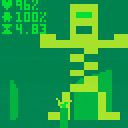
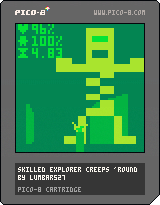
This was my submission to the 2024 Github Game Off.
You are an explorer in some secret caverns or something.
Itch: https://lumbar527.itch.io/skilled-explorer-creeps-round-every-tunnel
Controls
⬆️⬇️⬅️➡️ to move.
❎ to shoot.
🅾️ to reload.
Tab to switch between gun and torch.
Map Editor
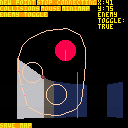
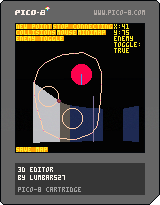 0 comments

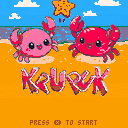
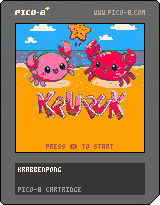
Krupuk
A cute Pong-like Squash-Game for 2 Players only.
Up+Down to move your Crab. Press x while moving to speed up the Crab.
Thanks to:
- my Daughter for the kawaii GFX
- Nerdy Teachers for the great Tutorials
1 comment


Hi all, I'm new to the wonderful world of Pico-8. I picked up programming a while ago as a hobby and have had this idea for a gorpy game enemy that reassembles its self as you fight it. I was hoping to see it in Doom or Doomlikes but never have so I gave it a go on a scale that was manageable to me. It used to have little critters that would fly off the slaughter (there was a sword first) to feed from the gorp and lay eggs but I could not fit that into the cart with a life and score system which forced me to focus on gameplay. I LOVE these limitations and the past two weeks got me further than I thought I would.
I appreciate it when games let you figure them out so I tend not to give any instructions apart from controls. Feel free to share what you think about this, feedback and ideas are more than welcome.
What's this?
Gorpslosh is a top-down hack 'n' slash with ignitable goop and matches.
How does it work?
• [arrows] to move in absolute direction
5 comments






Use keyboard for best experience
Now with online scoreboard!
Make sure you're logged in otherwise the scoreboard will not work!
If you find a bug with it leave a comment! I'm still figuring out how the scoreboard works!
Maid 2 Fish
The Picotron sequel to the PICO-8 Maid to Fish
Files can be downloaded here
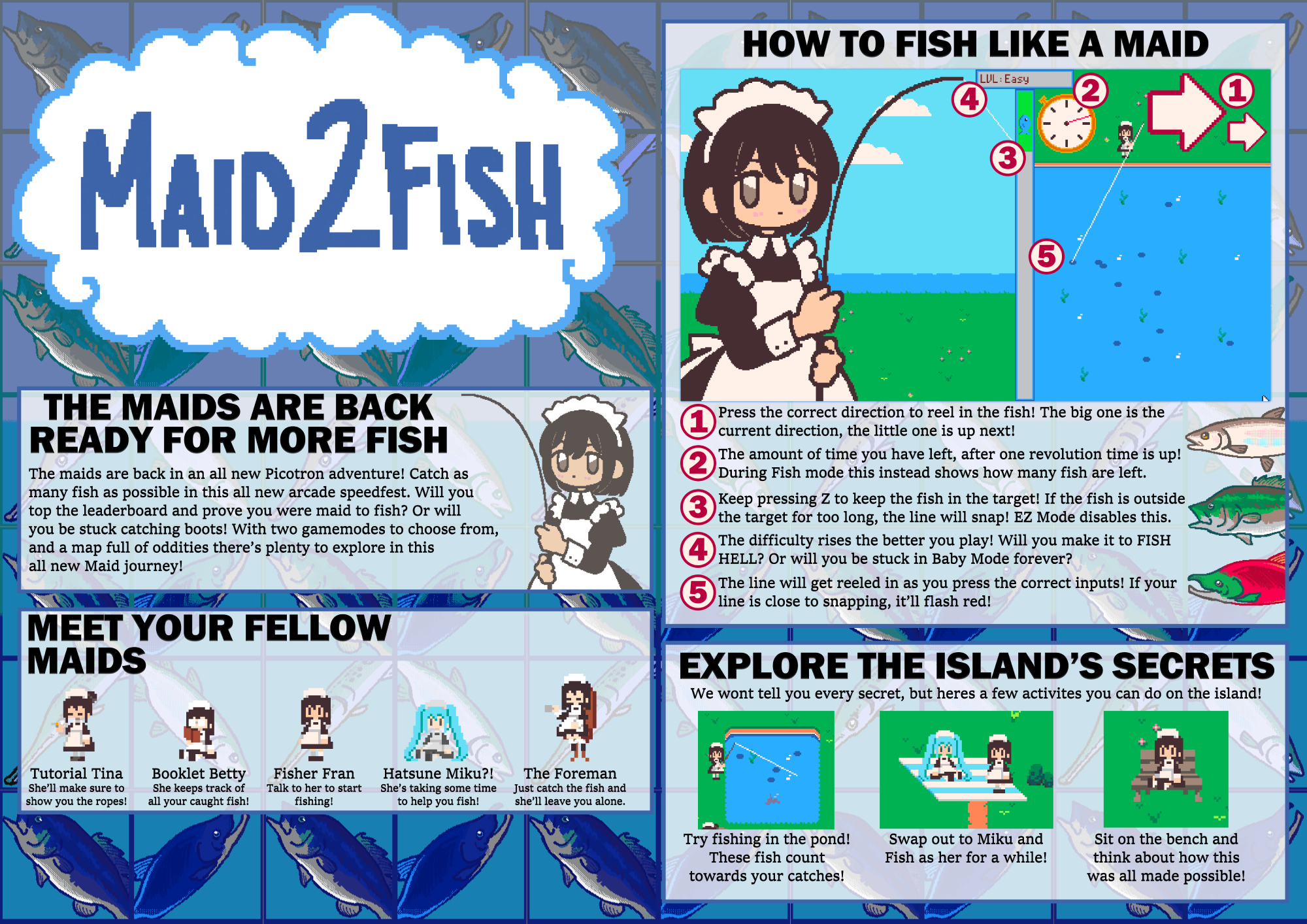
Controls
Overworld:
- Arrows/WASD to move
- Z/F to talk/interact
- X/G to run
Fishing:
- Arrows/WASD for directional inputs
- Z/F to move target
Game modes
- Timed mode: Catch as many fish as possible within the set time!
4 comments


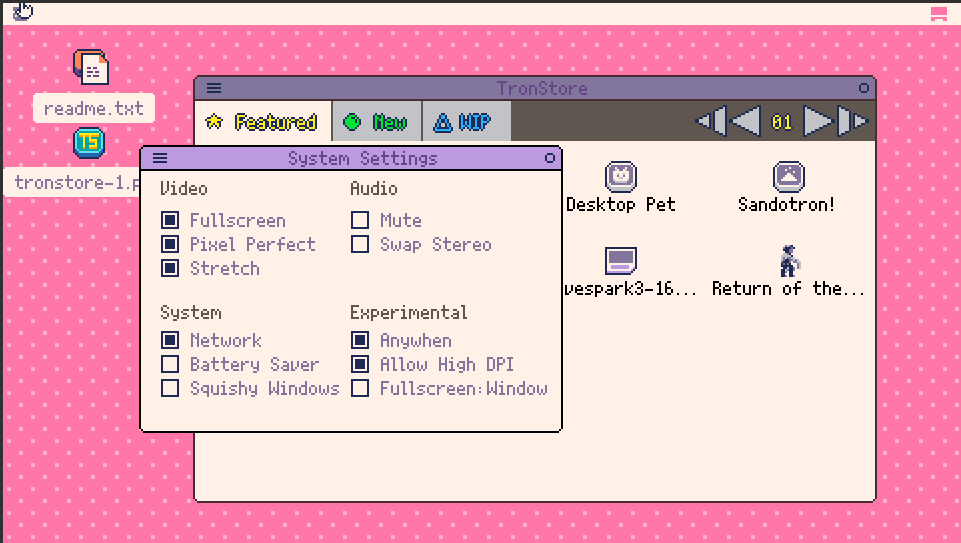
Hello! The web Picotron player seems to have an uneven pixel scaling issue. I'm seeing it in both Firefox & Brave at 100% size.
Firefox 100%
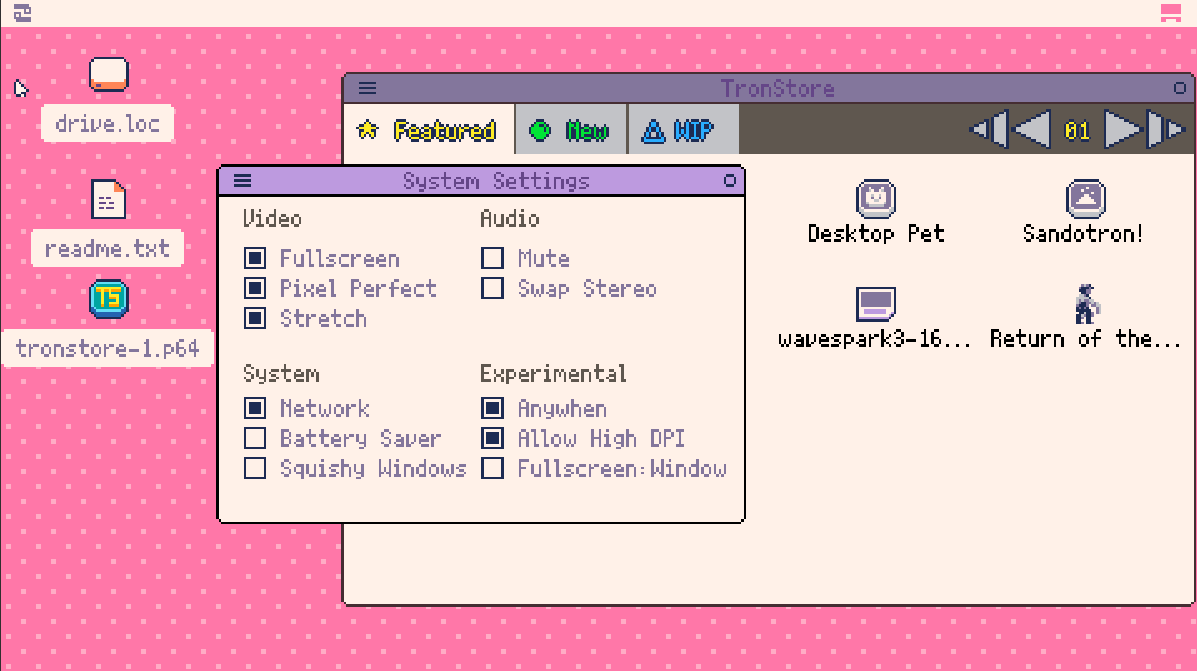
Brave 100%
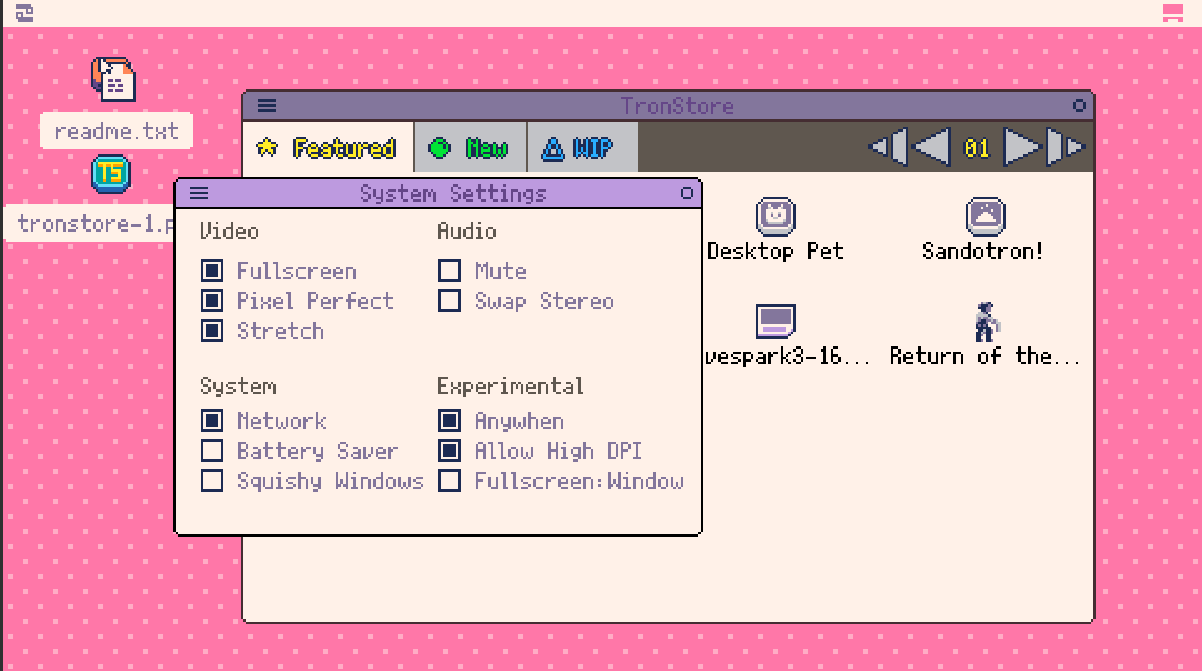
I did manage a temp workaround by finding a browser scaling that fixes it, though the results are weird. I have to scale Brave to 80%, FF to 120%.
Firefox 120%
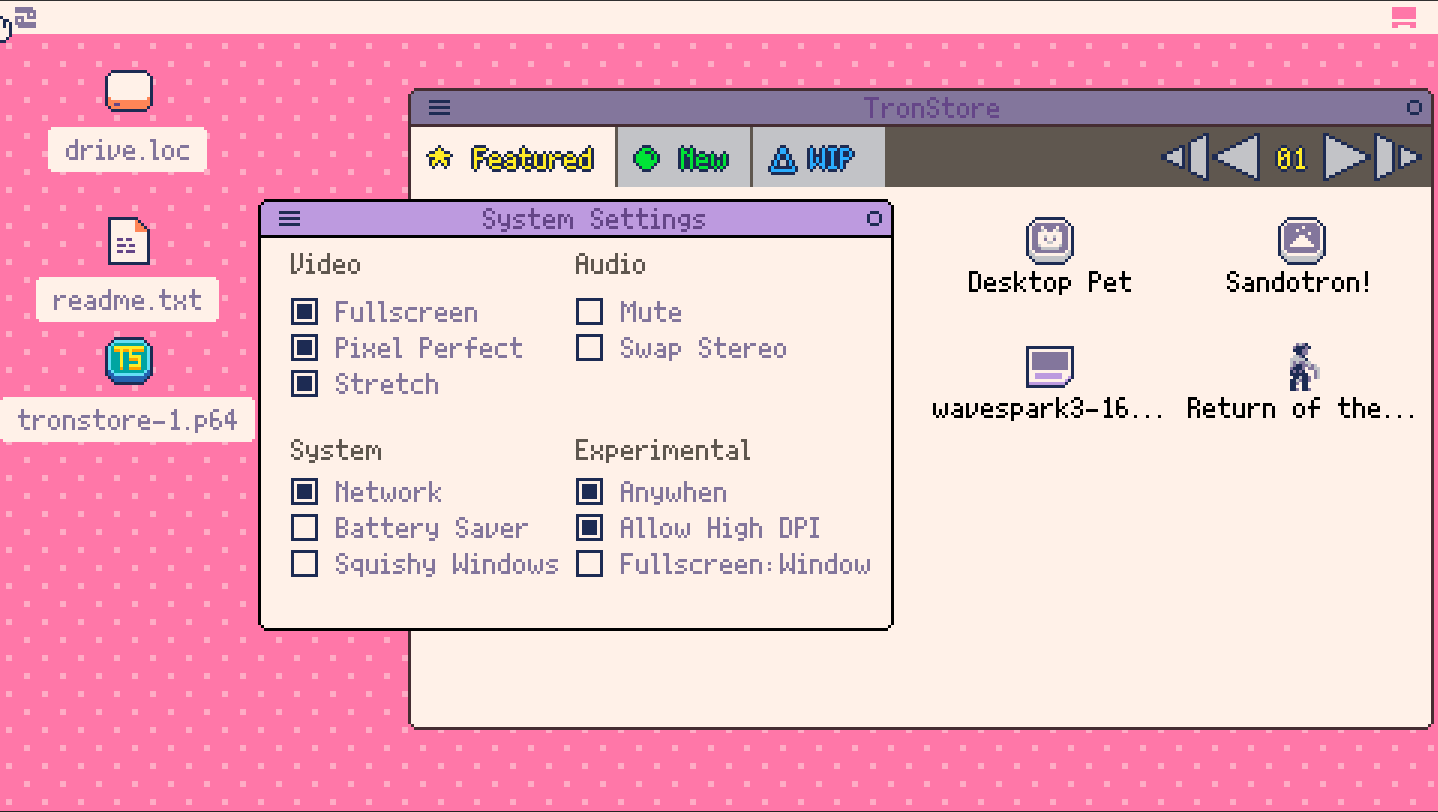
Brave 80%
I'm running Win11 at 2560x1440. No issues with real Picotron.
I tried editing "Fullscreen", "Pixel Perfect", "Stretch", & "Allow High DPI" in the web version but they don't seem to do much in the web player?
Apologies if this is a duplicate. I looked around & didn't see anything.
0 comments
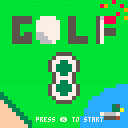
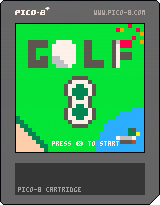
Welcome to golf8 a classic 3 button golf game. Play through 18 holes featuring:
- Variety of terrain
- Slopes
- Trees
- Wind
- Shot shaping
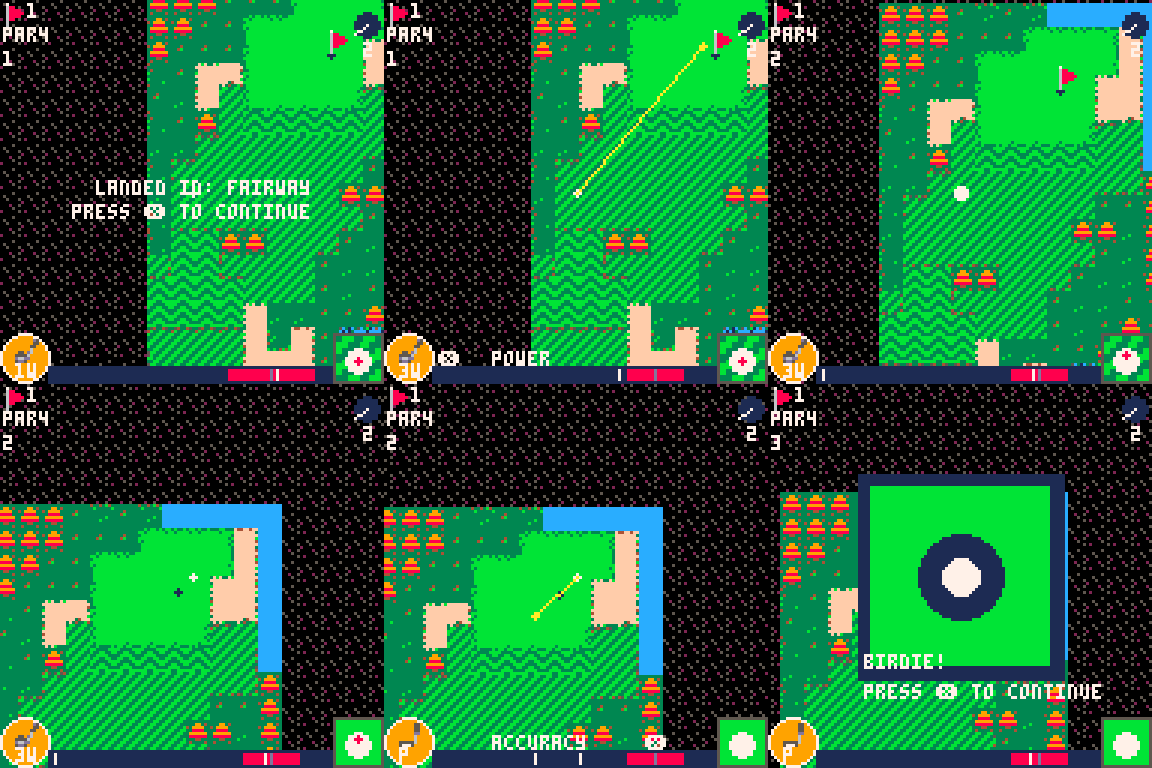
How to Play:
z to view the hole
left/right to aim
up/down to switch clubs
Press x to start a shot
x to set the power level
x to set the accuracy
While the bar is moving:
left/right - curve the ball opposite this direction
up - top spin
back - back spin
This is my first ever game published so please have fun! And give constructive feedback.
There's enough room in the cart for another course if people are interested.
Thank you for playing! Post your scores!
2 comments
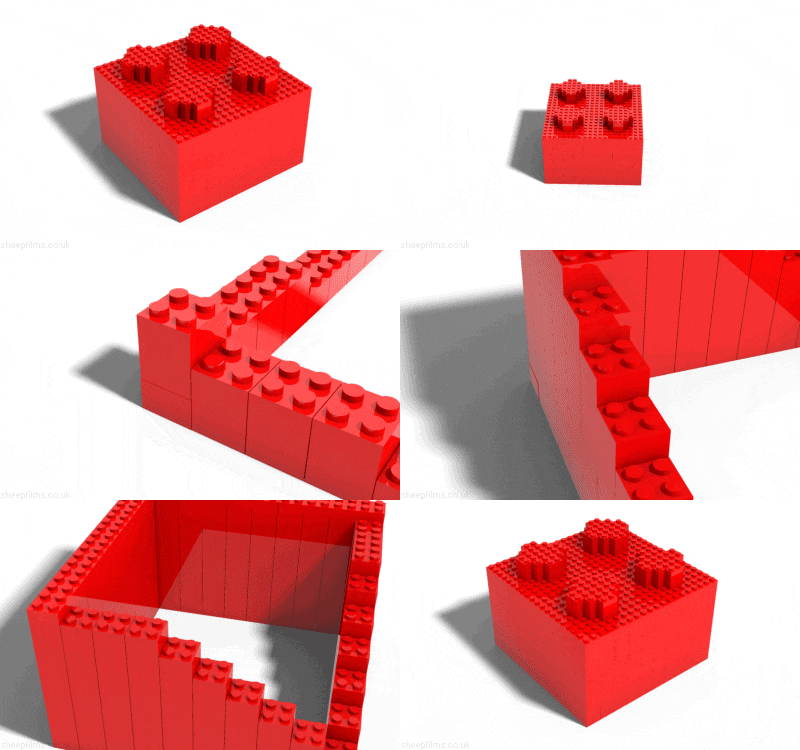


Hey everyone! I made a cartridge you make art by pasting squares and triangles. It was inspired by Rhythm n' Face, a game where you move shapes to the rhythm to make a face.
Controls:
D-pad/arrow keys = move shape
X + up = change shape
X + left = rotate shape 90 degrees counter-clockwise
X + down = change shape's color
X + right = flip shape horzontally
O/Z = paste shape
You can access various options through the menu.
4 comments





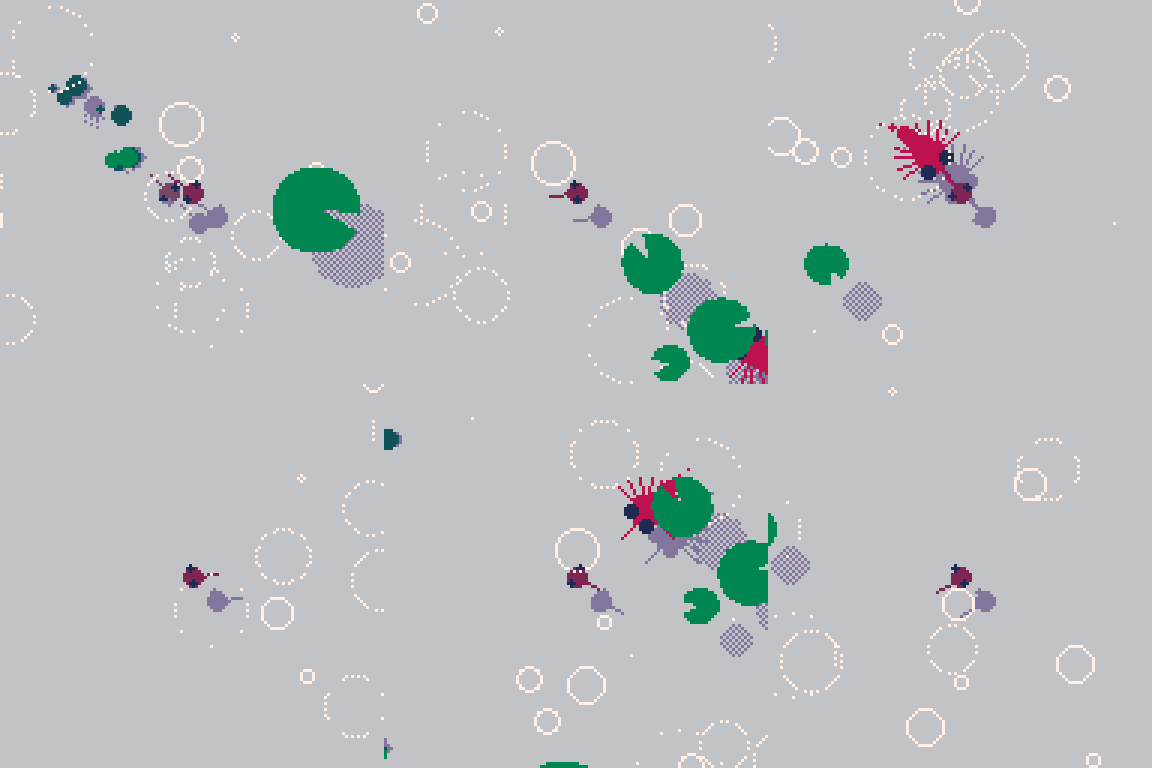
Kikkervisje
A side project that might be gettingout off hand a bit.
Finally heppy with how the things that want to eat you turn out.
4 comments






Maybe a bit of a niche feature request, but it would be nice if we had memset variants for blocks of values that take up multiple bytes, like how peek & poke now have variants for i16, i32, and i64 with peek2/poke2, peek4/poke4, and peek8/poke8 respectively. As it stands, initializing/filling a memory-mapped block of n values of anything other than bytes requires n instructions plus the cost of a for loop, so having the ability to reduce that to a single function call would be a great boon!
1 comment


This game started as something completely different. My kids (under 4) wanted to play my game. So I decided to just cut/not follow through on some more complicated concepts in favor of something they can play and "feel" like they're actually doing something (and something I could finish on the weekend..) If you play around with some other controls you'll find it does some things that are left over from the previous version of what it was.
 1 comment
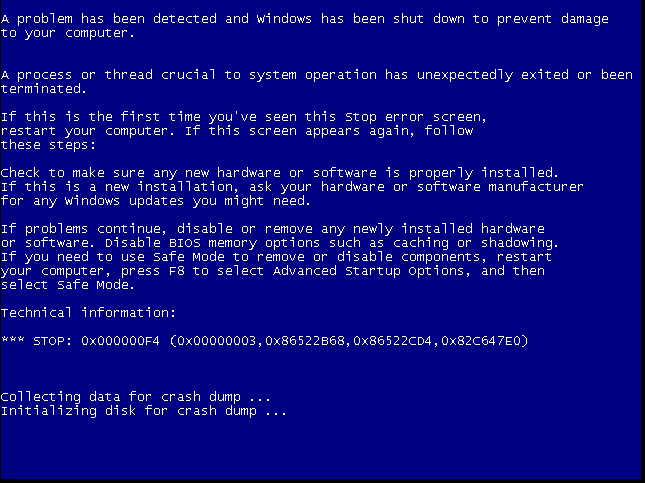


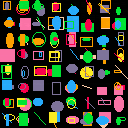
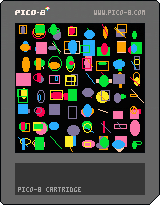
When you want to export a sprite sheet in a binary cart, the export command doesn't work.
So you can get around that limitation by taking a screenshot at 1x scale.
extcmd seems to work!
You can use this technique if you want to use a drawing program or sprite generation tool in a binary cart.
memcpy(0x6000,0,0x2000) --sprite-sheet to screen
extcmd('set_filename','spritesheet')
extcmd('screen',1) --[x1]scale screenshot
|
0 comments

Apologies to anyone who plays this.
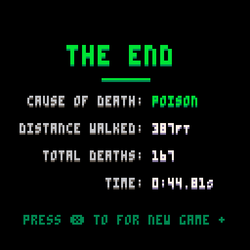
Toxic Quest
Play as a knight at the apex of their journey.
This game was made for the Illinois State University Game Dev Club's 2024 Summer Game Jam
Theme: Pick your Poison
Controls: Arrow keys + x
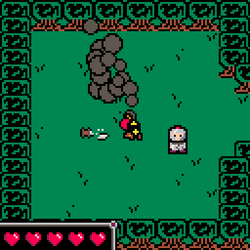
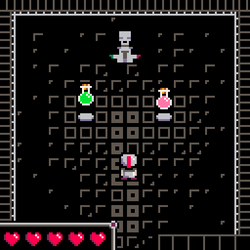
Features:
- Dynamic Poetry
- 17 Endings
- Heart Throbbing Story
Assets Used:
4 comments


ART OF COMBAT v.1.1
Now... Fight for Glory!!
By Edgar Åberg
2 PLAYER ONLY!!
Changes:
-went from 6539 tokens to 5564
-brand new input code that is only 110 tokens (Was 173 tokens before)
-three new stages (the city one was scrapped and replaced with a castle)
-removed redundant graphics as well as improved the games presentation.
0 comments
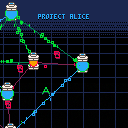
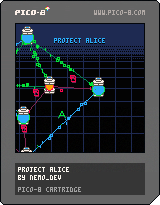
This is a small project from years ago I never finished. It is playable so I figured I would upload it.
Project Alice
Project ALICE is a small game based a variation of Shannon's Switching game as described in on Oxley's survey on Graph Theory.
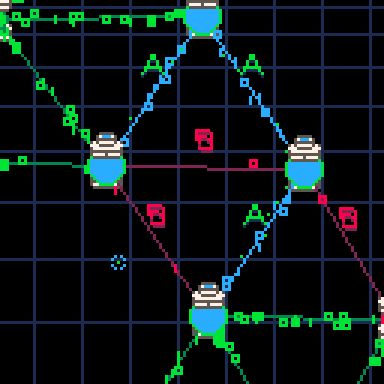
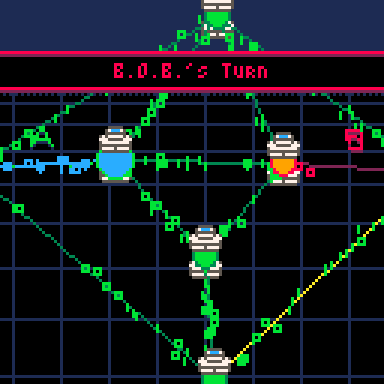
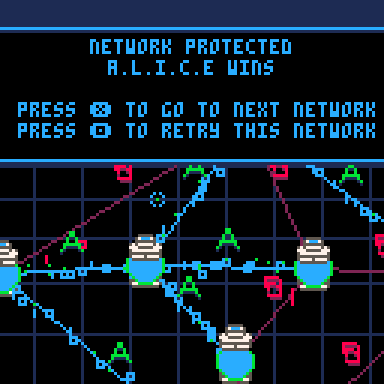
BOB destroys a connection every turn
ALICE protects a connection from being destroyed every turn
BOB wins if the network is disconnected
ALICE wins if all nodes are reachable through protected edges
Playing as BOB can be trivial if you know what to do. I recommend playing as ALICE (Protector)
CONTROLS:
0 comments

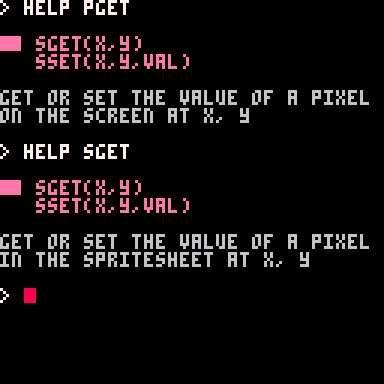
this is an extremely minor bug, but the built-in documentation for PGET and PSET shows example code for SGET and SSET instead.
 1 comment



Minesweeper
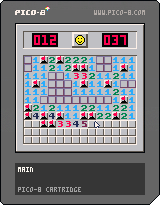
How to play
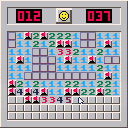
- Tiles with numbers indicate how many mines are around that tile
- If you know where a mine is place a flag on that spot
- To win reveal every tile that isn't a mine
- There may be times where you just have to guess
- Personal best times are now saved!
Controls
- Left Click / Button Z: reveal a tile
- Right Click / Button X: place/remove flag
- Scroll wheel / (Left + Right) Click: special flag macro
- Arrow Keys / Enables basic button mouse controls
- Click the face icon to reset the grid
- Difficulty settings can be found in the pause menu (Enter Key)
About
- Released on May 25th, 2025
- Made in less than a week
7 comments