


Yep i have got some time left and i just made this thing, i'm a very bad artist and it is the first time i make non stick characters so give a discount, and i take this photo whit the tablet cam. If you want a game of this chapter (yes Deshn Venks/Adventures is a history That i have in my head...With more developed story than my games) say to me.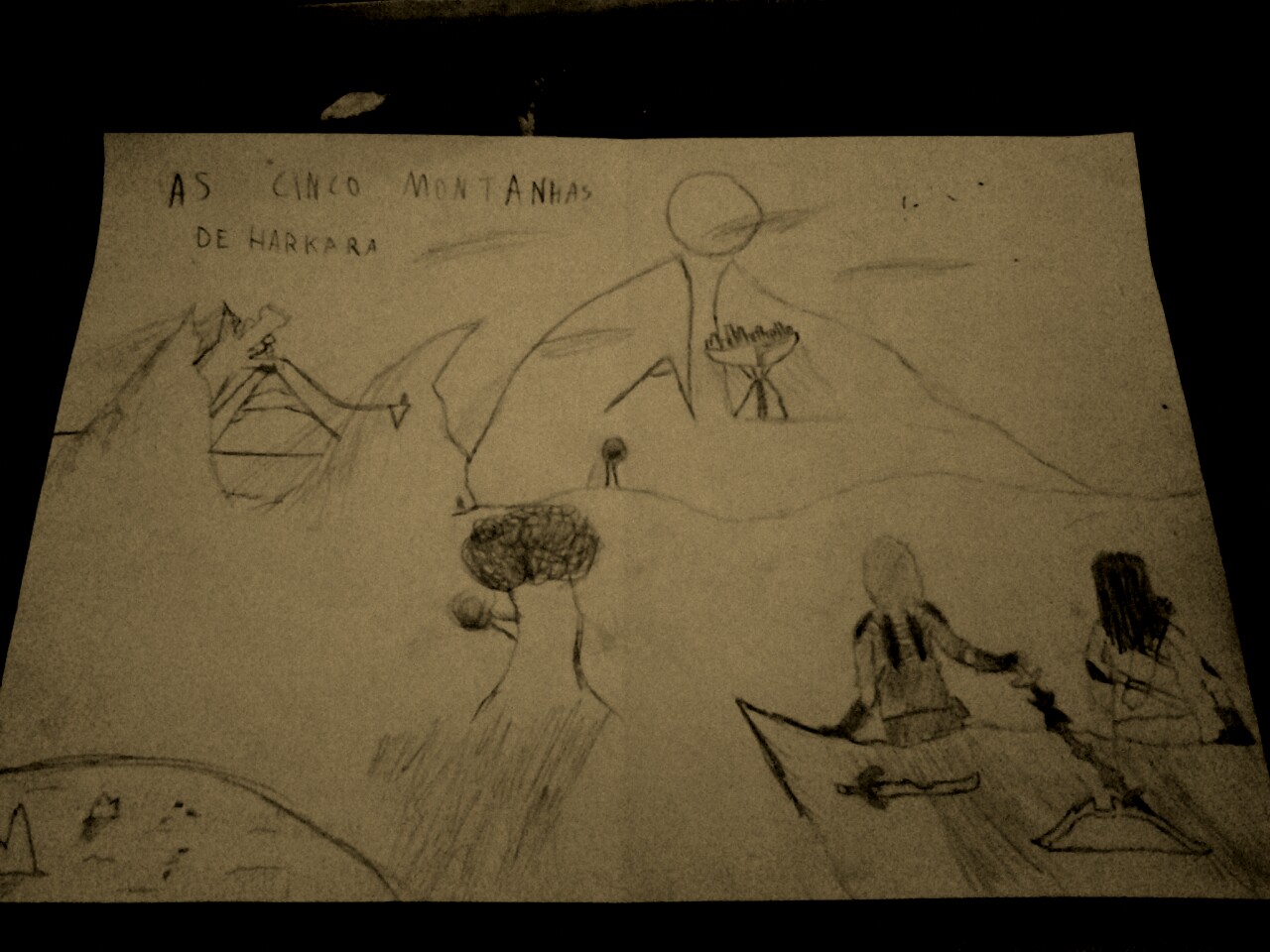


 6 comments


First of all: hello everyone!
Long time lurker and follower of Voxatron here, finally caved in and made an account just so I could pester you all with a technical question. :p
It might have been answered elsewhere, but nothing came up when I searched. How does the renderer manages to "highlight" the edges of the voxels? Is that the edge drawn on top of the voxel itself with a tinted color? Or something trickier?
I am really fascinated by the way Voxatron displays its world, hence why I'm poking at the info I can find ^^
5 comments



When I start up voxatron the page i get to looks very different from that on the wiki, it shows:
carts
designer
options
exit
The main page on the wiki (and on all the pictures of the game I have seen) it shows:
play
editor
options
exit
Have i Installed the game wrong? Or do I have a different version from all of the people on the wiki? please help!
thanks!
6 comments


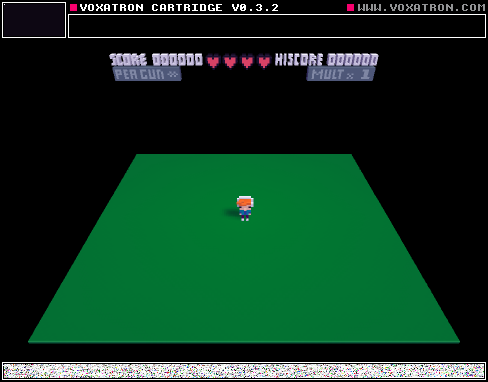
The Room 3 is a very simple level that I created, but it´s a little bit difficult. Is one of my first levels.
0 comments


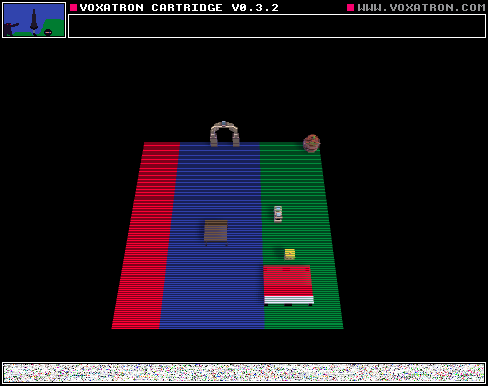
I was bored... so i decided to make a tiny game to be a sequel to deshn adventures 4, i hope you enjoy... and it is very very lite. :)
0 comments

Just after I posted "BOOM", I noticed that I had mixed up with the doors links and that. In this version of BOOM, I "fixed" the doors link.
13 comments

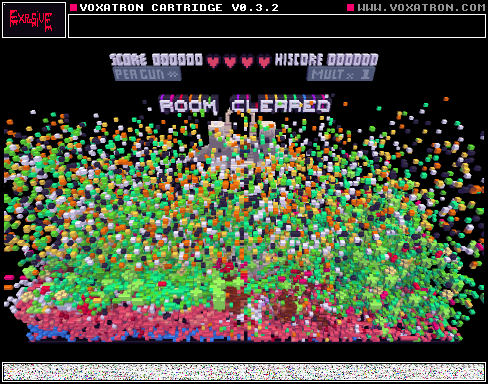


this is a adventure hardcore map that you have to try and survive!
GOOD LUCK!
you'll need it.
3 comments



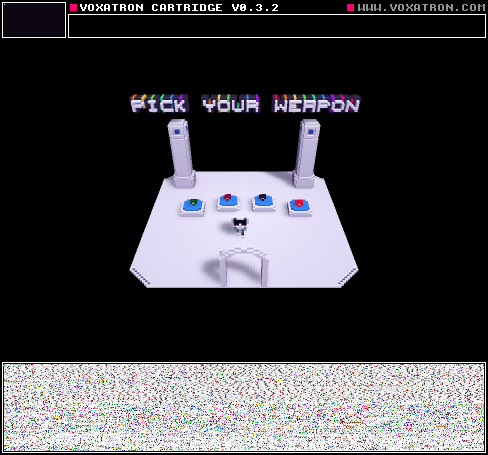

There are two computers in the room I'm in. On one of them, when I open the game, go to BBS levels, and press update, BBS levels appear. On the other computer, they don't. What do I do?
6 comments



We tried to use 2 Keyboards for 2Player game but it didn't work.
Did we go wrong about it. We just plugged in second USB keyboard hopping game will
figure out to control one char with first keyboard and second character with another keyboard.
Please advice.
How do you use 2d png importer?
sound editor; Does any documentation on it is available some place?
Thx everyone.
1 comment
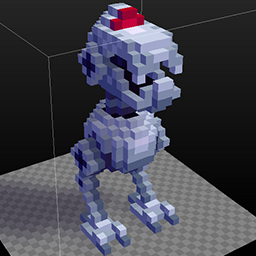


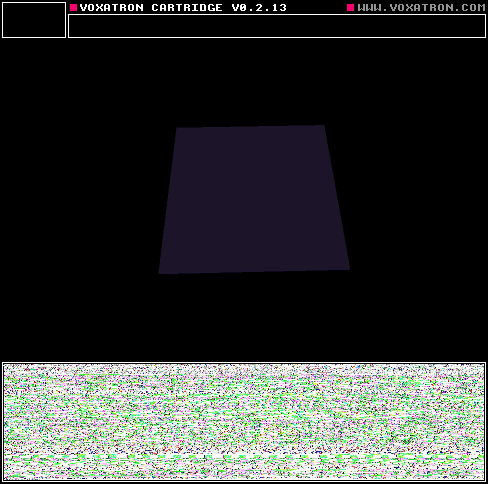
Here's a quick example of a cartridge with a title screen.
To do this, use the script called 'Switch Room' in the internal tab. It will be possible to write your own scripts in Lua later, but these scripts are placeholders for now.
-
Open the Internal objects tab (on the right of the navigator -- it shows 'Actors' by default)
-
Click on Internal and then open Scripts
-
Place the 'Switch Room' script somewhere in the room, and set the trigger to SYSTEM:BUTTON:SHOOT.
- Set the object's parameter (just below the trigger where it says 'Script') to the number of the room you want to switch to.
Note that there's no need to have a controllable player actor from the start -- you can introduce the player after the title screen / intro or whatever.
12 comments






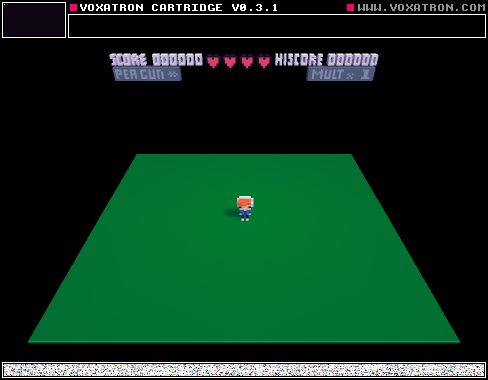
I see a lot of games with a screen for intro's and that kind of stuff.
My question:
Can somebody explain how to make automatic transitions to the next room?
Like when I press X it goes to the next room.
Thats all I need to know :D
Thank you!
2 comments

I have all my money on my Visa and i don't have amazon or paypal, what can i do to pay for voxatron?
0 comments


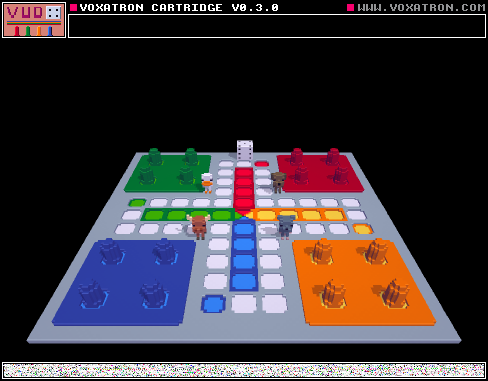
Voxel+Ludo = Vudo
This is a version of Ludo made in Voxatron. You can either play it with 2, 3 or 4 players. You can just carry and throw the characters you won't use to the side.
Feedback is appreciated, especially on the dice.
7 comments


