


this is a adventure hardcore map that you have to try and survive!
GOOD LUCK!
you'll need it.


 3 comments


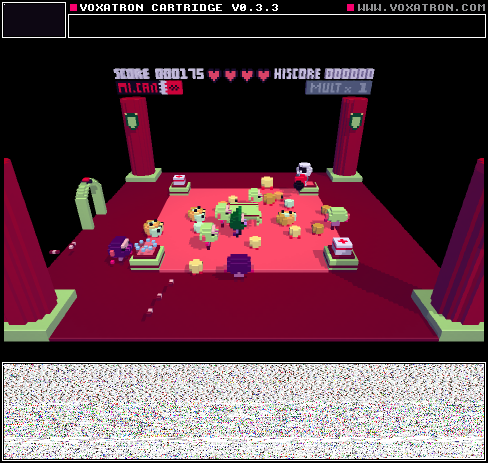


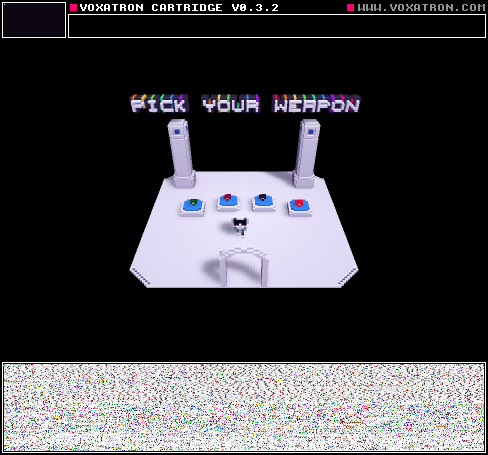

There are two computers in the room I'm in. On one of them, when I open the game, go to BBS levels, and press update, BBS levels appear. On the other computer, they don't. What do I do?
6 comments




We tried to use 2 Keyboards for 2Player game but it didn't work.
Did we go wrong about it. We just plugged in second USB keyboard hopping game will
figure out to control one char with first keyboard and second character with another keyboard.
Please advice.
How do you use 2d png importer?
sound editor; Does any documentation on it is available some place?
Thx everyone.
1 comment
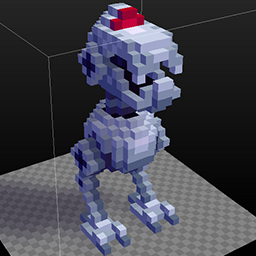


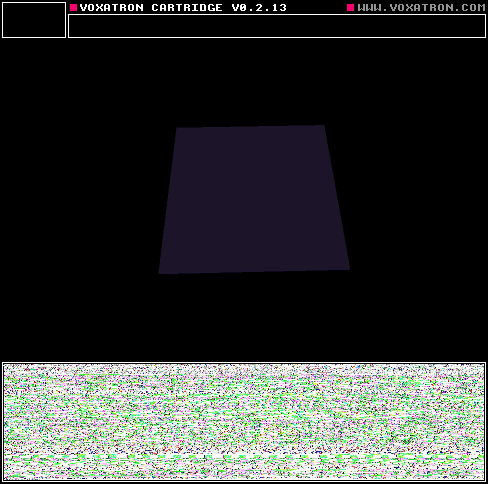
Here's a quick example of a cartridge with a title screen.
To do this, use the script called 'Switch Room' in the internal tab. It will be possible to write your own scripts in Lua later, but these scripts are placeholders for now.
-
Open the Internal objects tab (on the right of the navigator -- it shows 'Actors' by default)
-
Click on Internal and then open Scripts
-
Place the 'Switch Room' script somewhere in the room, and set the trigger to SYSTEM:BUTTON:SHOOT.
- Set the object's parameter (just below the trigger where it says 'Script') to the number of the room you want to switch to.
Note that there's no need to have a controllable player actor from the start -- you can introduce the player after the title screen / intro or whatever.
12 comments




I see a lot of games with a screen for intro's and that kind of stuff.
My question:
Can somebody explain how to make automatic transitions to the next room?
Like when I press X it goes to the next room.
Thats all I need to know :D
Thank you!
2 comments

I have all my money on my Visa and i don't have amazon or paypal, what can i do to pay for voxatron?
0 comments


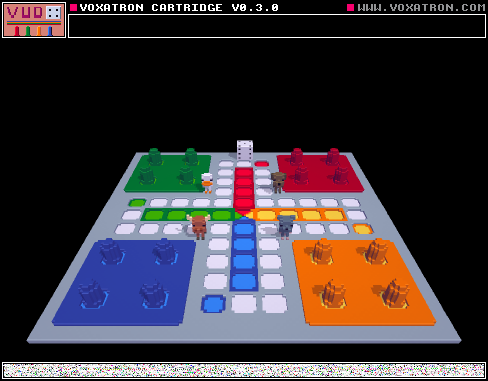
Voxel+Ludo = Vudo
This is a version of Ludo made in Voxatron. You can either play it with 2, 3 or 4 players. You can just carry and throw the characters you won't use to the side.
Feedback is appreciated, especially on the dice.
7 comments


Hi All
Voxatron 0.3.2 is now up on your games page or Humble download page (check the version number on the file). This is another bug fixing update, recommended in particular to Windows users as the 0.3.1 package was broken and still included 0.3.0's save game bug o( )o.
v0.3.2
Added: Monsters to default resource tree
Added: HOST:M-STATE:COLLECTED
Fixed: (Windows) save games broken
Fixed: WORLD:RANDOM not selectable trigger
Fixed: Can not deselect aliased objects by clicking
Fixed: Favourites sometimes not saved
Fixed: Custom pickup score does not respect bonus multiplier
11 comments


So i'm making a game and want a dialogue to happen between the king and his daughter.
Inside the monster object for the king (I thought this was the best thing to do because I want him to walk)I made an animation, in this animation object I have a few props. Every time the player presses the shoot button I want the animation to continue.
The thing is I can't get it to work.
It plays way too fast.
If it's not possible to make the animation progress every time I press a button it would also work as a slower animation. Do I just need to make a lot of frames or not?
The second thing I couldn't get to work is having two triggers.
So I want the player to be near and to press the shoot button.
I watched some tutorials and i'm about halfway.
It would be great if somebody could help me a little :)
3 comments

So I'm working on another board game and this time I need a dice. I'm still pretty new with the microscripting so I'm not sure if this is possible. What I have right now is a dice monster that I can pick up and throw around, with an animation with all 6 sides facing upwards. What I would like is that a random animation frame is picked and stays with that frame until I pick the dice up again and throw it. I thought the function "host in air" could work with this but I have so far not found a proper solution. I don't know how I can get the animation to freeze on a random frame either.
2 comments


Wow its been a long time and look at all the progress I have made...
Well I can't really show you because its a surprise but I can show you a couple of things:
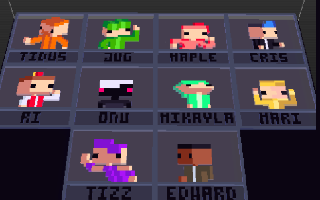
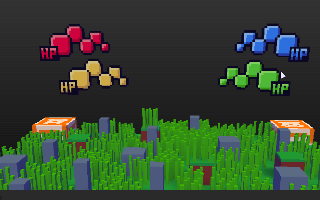
Look two new characters!!!! actually there are four And here we see one of the original levels with
but I hid the other two for now:3 my new health bars. Don't they look cool?
How long has it been? Lets see... 2014-10-27 Three months wow (Thats three months I have been working on Point Crash V2.0. of course i didn't work 24/7 but you get the idea). The Outcome for Point Crash V2.0 is looking BEYOND AWESOME.
Point Crash
The new multiplayer crazy maniac fighting game.
This is a demo.
Has 8 characters to chose from, 3 Stages, and one epic battle.
Because of my not so good programming skills this will require the users to set up game
NOTE do not shoot or hurt each other before battling.
NOTE the green + on top of your character is your health bar.
NOTE there are five weapons in the game that all spawn after the "start!" appears. Weapons looks should be obvious.
NOTE the dots on top of a level picture shows what weapons appear in that level.
NOTE requires 2 players. The previewable version (above) does not support 2 players.
BUG selecting more than one character causes weird character appearances.
BUG does not always happen but if it is your first time playing it may not let you after the first screen (It says "fire to continue" but may not work) to fix this just restart the game.
Setup Rules:
- Select a character, but only ONE character may be chosen per player (changing a character after you have selected one will result in bugs, LOTS OF THEM)
- After you select your character go to the box with a black square on it to teleport to the level selection.
- After you teleport select a level if you did not select characters (or accidentally teleport before selecting) just return using the same box.
- Once you select a stage please move both of character to opposite sides of the arena. Wait until it says "Start!" then battle to your hearts content (or failure)
- Once the battle is finished and one player remains you may restart back to checkpoint to quick restart the match. If you do not want to play again either quit or restart to beginning.
The names of the character on the roster from left to right:
Jug (green), Maple (pink), Cris (blue), Tidus (orange), Onu (black), Mikayla (Mint), Tizz (Purple), Edward (Brown)
Please enjoy more than 20+ hours of work put into character creation and character selection theme
I am open to constructive criticism anything to make the game better :P
Please tell me of any bugs, or any features you would like to see in the future.
I am currently working on a Version 2 with lots of better stuff but may take a while. I will consider adding all offered features into this game
3 comments


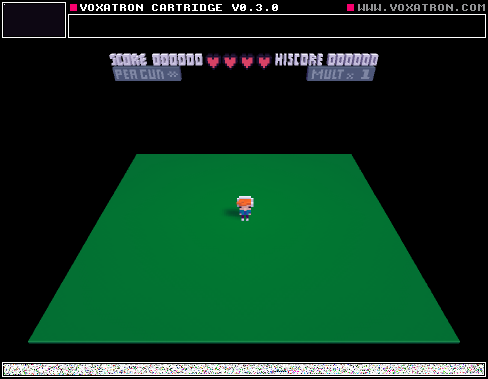
Hey Guys,
Just started a new Cartridge. It's my first project.
I'm still trying to get a hang of making enemy's and that kind of stuff.
Version 1.1

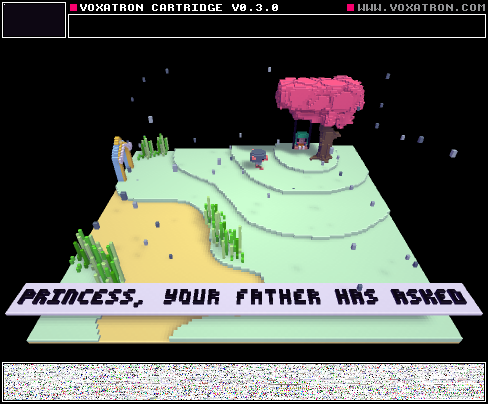
First version.

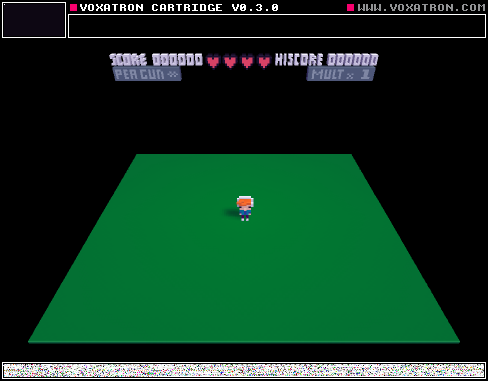

Some art I made for the game.
2 comments

Hi,
I purchased the Voxatron from Mozilla Humble Bundle, downloaded the game from humblebundle.com website and installed it. But apparently there seems to be no "Adventure Mode" in Main Menu, only Alpha Carts and BBS :( So I can't play this wonderful game with saves and stuff. Can you tell me what did I possibly did wrong?
1 comment


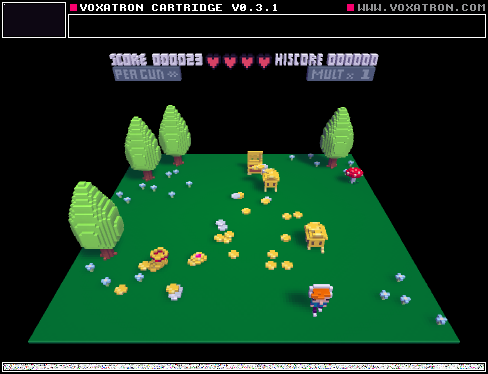
Here's a demonstration of the new object aliasing feature in 0.3.0. Click "Play >" to try it out in the browser, or if you'd like to open it in the designer, click on "Cartridge" and save the file somewhere handy (and then CTRL-O to open it from inside Designer).
For some background on how to make custom objects in Voxatron, try the tutorial: Modifiers and Monster Attacks
So, what is object aliasing?
An alias is a reference to another object definition. It looks like a regular item in the object navigator, but all it does is point to a definition somewhere else. This is very similar to aliasing in a file system -- for example, a desktop shortcut in Windows is not the whole program, but just a link to open it.
To create an alias in Voxatron, select the item(s) to alias and press CTRL-M. ("Make alias"). This creates the alias in the paste buffer, so you can now navigate to the location you would like to paste it and press CTRL-V. You should see the little arrow icon in the top right indicating that it is an alias.
What are they good for? In Voxatron Designer, they are really useful! There are two main uses, and in this tutorial we'll be covering only the second one:
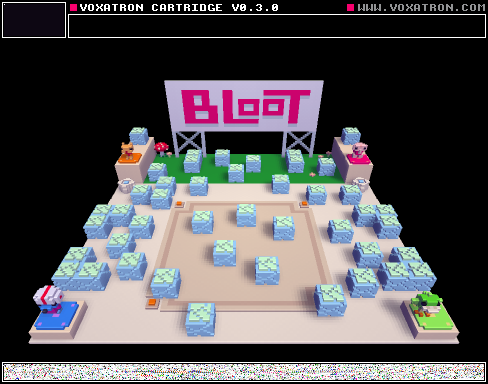
- If several objects share the same component, you only need to define the component once and then make aliases to refer to it from each player. I'll talk about this more later, but if you'd like to see an example, check out the COMMON folder that is used by each player definition in Bloot:
 1 comment
Hi All
Voxatron 0.3.1 is now up on your games page or Humble download page (check the version number on the file). This is just a quick bug-fixing update, but is highly recommended as game progress saving is broken in 0.3.0.
v0.3.1 Changelog:
Fixed: Save games / checkpoints broken when Voxatron is clean installed o_O
Fixed: Sticky joystick buttons and sticks making menu navigation impossible
Fixed: Object references break when loading .vob.png
Fixed: Able to edit internal items from toolbar object button
Fixed: SYSTEM:BUTTON doesn't work when player 1 doesn't exist
Fixed: Bullet life shown even though meaningless (use DURATION instead)
Fixed: Corrupt internal music item at end of list
Fixed: 2d png importer crashes for files larger than 128x128
Fixed: Default pickup sound plays even when default_sound flag is 0
Fixed: Pickups can not respond to life <= 0 event
Fixed: HURT event triggered when player life increases
Fixed: Monster entry stops after P1 dies in 2-player arena
Fixed: Grenades damage indestructible walls
Fixed: Placing room objects resets properties each time
Fixed: 2-way doors facing in the same direction causes crash
Fixed: Bullets hurt player even when hurt_same_team flag is 0
8 comments


I just found a bug to do with movement while shooting.
Using the keyboard for moving and shooting (Ex. WASD and JKIL) while shooting up right (AKA holding I and L at the same time) the character can only move forward. You can't move any other direction just forward. This also happens with down right (AKA holding K and L at the same time) but strangely not any left diagonals. This was just a weird little bug i found. its not game breaking but still kind of annoying.
1 comment
