




Previously: Dungeon Design Assignment v 0.1
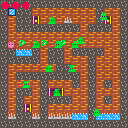
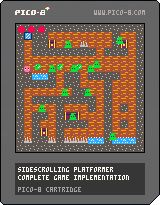
More progress today.
Added:
- Chests and items
- Adversarial enemies
- Traps and water
- Health and Inventory system
- Game reset conditions
Son thought it would be a good idea for the enemies to spawn new enemies if a shot misses. Chaos ensues. The first implementation produced unplayable framerates as every single enemy on screen immediately aimed at the player and started shooting regardless if they could hit or not. Suddenly infinite enemies. lol Another fun feature was the enemies running away from the player to make it harder to destroy them.
Still more to do, but this is going great.


 0 comments



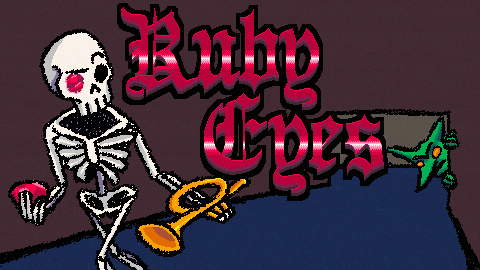
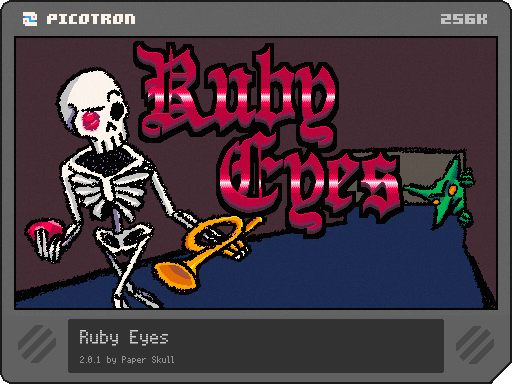
Wouldn't you be prettier with Ruby Eyes?
Ruby Eyes is an intentionally opaque roguelike dungeon crawler where your goal is to become beautiful. Climb the floors of the Necromancer's tower and defeat your fellow minions who block your path to true beauty.
Knowledge is a skill, not a right.
Your stats are not described clearly anywhere in the game. It's up to you to learn from your experiences and determine the best path forward in the next run. There are no harmful or useless stats: everything benefits you in some way!
No skipping a turn - Plan carefully.
Be creative in your use of doors and items to ensure that you don't get hit! Step carefully around new enemies to learn their patterns and abilities.
16 comments






I use Karabiner on MacOS to rebind e.g. Caps Lock to Left CMD, and Left CMD + j to Arrow Down. Sometimes Pico-8 interacts strangely with this, interpreting it as though I'm pressing CMD and Arrow Down, while Karabiners Event Viewer shows it as:
CMD pressed
CMD released
Arrow Down pressed
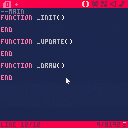
I understand this is tricky to solve, but I think it could be all right if I could just unbind the Cmd + Down = end of document hotkey in Pico-8. Is there a way to unbind or rebind editor hotkeys in Pico-8?
0 comments

LORE:
Somehow you got stuck after work in the office.
Trying to find a way out, you found a door to the next building where the office is going to be expanded.
However, it seems that ancient constructions are below the ground, and your curiosity led you to a dangerous adventure...
The game is not finished! This is for testing only, feel free to explore and see what might be waiting for you in each update!
Version 0.9 (04/09)
-
Gaming experience
- Fog of War - Implemented
- Monsters
- Line of sight - Improved
Version 0.8 (01/09)
- Combat system
- Improved enemy AI (Line of sight implemented)
Version 0.7 (29/08)
-
Functionality
- Fade-in and Fade-out effect when starting/restarting
- Combat System:
- HP system for the player
Version 0.6 (28/08)
-
Functionality
- Restart game after death
-
Combat System:
- Death animation for monsters
- Death screen
- To be added:
- Death animation for player
Version 0.5 (27/08)
-
Combat System:
- Dmg to player
- Monsters now chase you
- Dmg to player sound effect
- To be added:
- Death
Version 0.4 (26/08)
-
Combat System:
- Dmg to monsters
- Collision causes damage
- Dmg sound effect
- Dmg display (floating texts)
- To be added:
- Dmg to player
0 comments

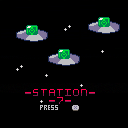
Hi! this is my first pico 8 project and I am super proud of it. It took about a week to develop, and there is some jank (ok, a lot of jank) but I'm still proud of how it came out. Have fun!
2 comments


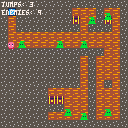
The Challenge
The assignment today for my son was to design a dungeon that used these principles:
- Clear goal
- Have a challenge
- Adds new elements one at time
- Rewards and surprises
- Multiple paths
He's super into Kirby, so of course, this was just an extension of Kirby and the Amazing Mirror. First he drew out his map, then designed it in Lego. From there I helped him iterate until we came up with a final dynamic dungeon. Next I built his map into an actual game. There are a lot of things missing still, but the basic functionality is there.
- Clear goal: Find the final piece of the mirror (in the big chest)
- Have a challenge: Enemies, final boss (gray Metaknight), traps
0 comments




Hi! As a hobby project, I was thinking about buying as cheap a computer as possible and setting it up as a dedicated machine to run Picotron on (probably using Eric Canales's Picotron Laptop Bridge). But all of the discussion of minimum specifications I've seen has been pretty vague, so I'm not sure exactly which benchmarks I should be looking out for. Does anyone here have any guidance as far as that goes?
1 comment


This time I wanted to try something different. I asked ChatGPT to make me a playable Space Invaders game just to see what it would turn in and this is the result. All graphics and code were generated, I just made some sound effects, and suggested features and polish.
My AI is named Max, so that is what it landed on for a game title.
I thought the game was fun enough to warrant a release!
(Edit)
I actually enjoy this framework so much I think I'll flesh it out.
WARNING: FLASHING COLORS


Note: A saved copy of the cart will remember high scores!
Change log:
3 comments


 Hi everyone,
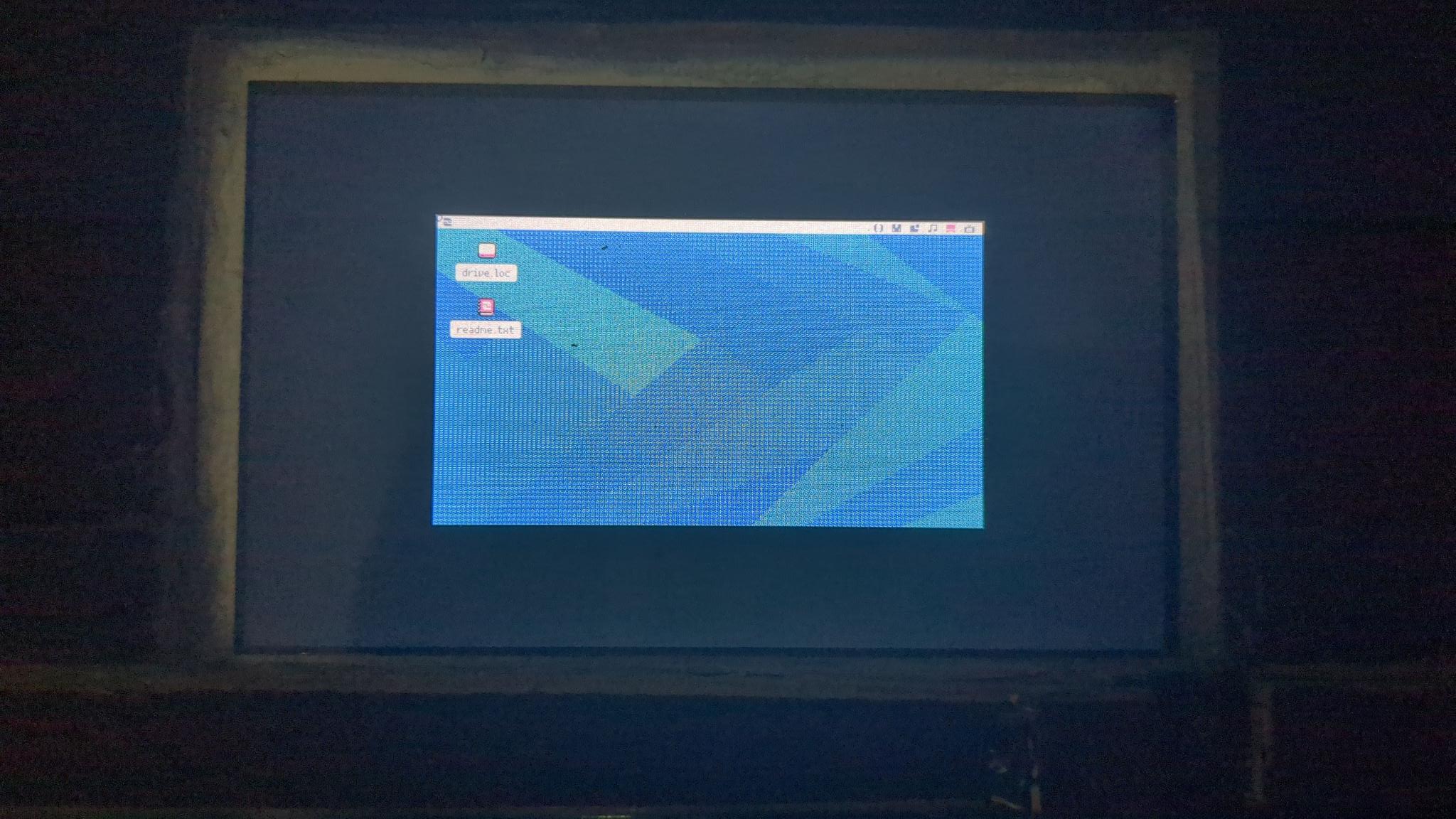
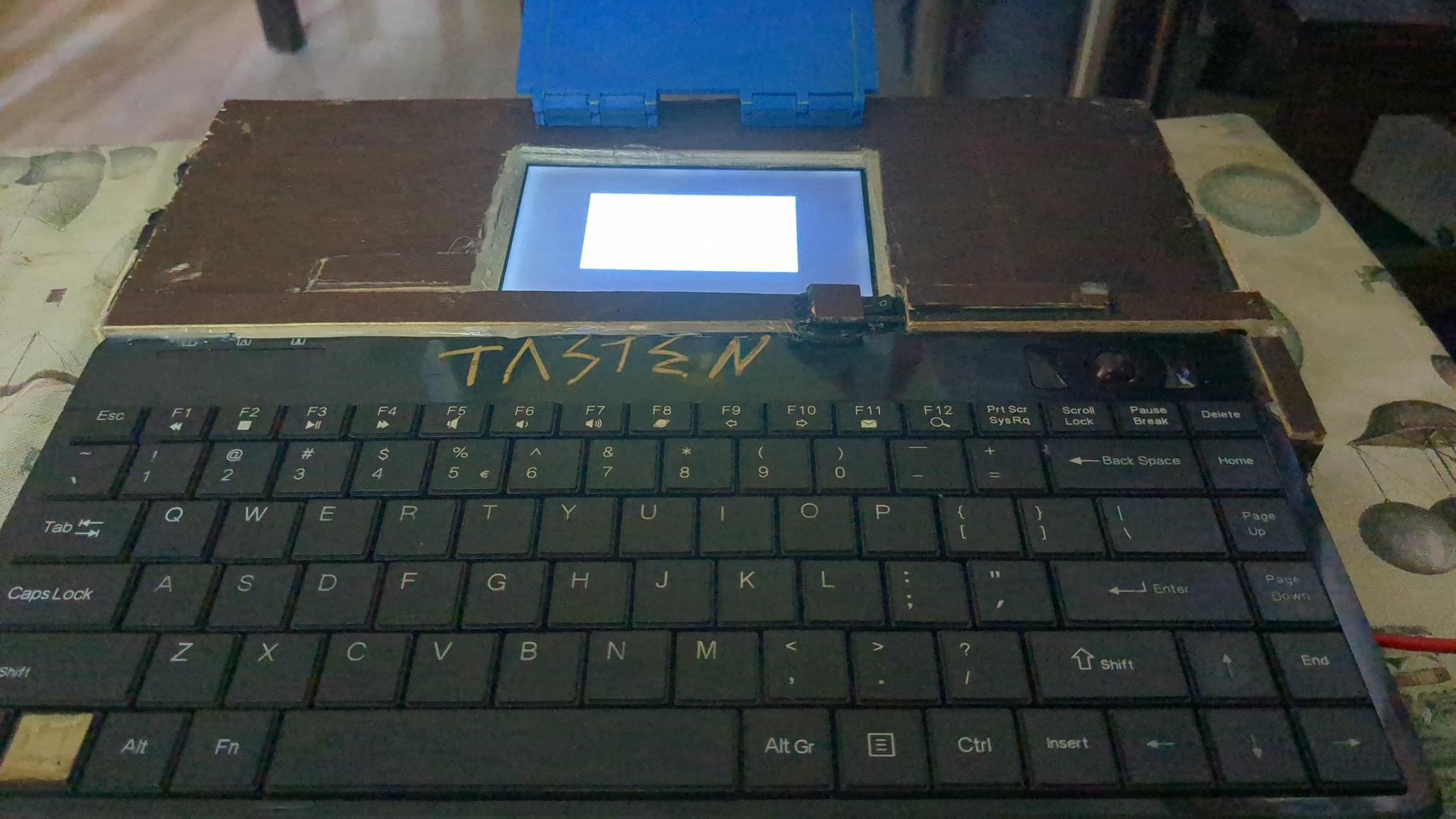
I’m running a Raspberry Pi 3 A+ together with a Waveshare 5‑inch display, and I’m trying to set up Picotron on Raspberry Pi OS Lite. The goal is to build a kind of “mini Picotron computer” with a keyboard and mouse.
The problem: Picotron always starts in a very small SDL2 window. When I try to switch to fullscreen, it crashes instantly. On Pico‑8 I was able to fix similar issues by adjusting console parameters, but in this case nothing seems to work. Even when I change the framebuffer resolution to 480×270, the window still stays tiny.
Has anyone here run into this issue or found a workaround?
3 comments


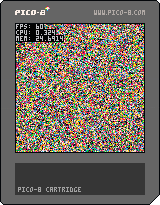
Hey, this is my first cart! I was just messing around to figure out how fast can I put pixels on screen. Turns out it's possible at 30% of cpu!
Epilepsy warning!
 3 comments

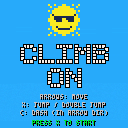
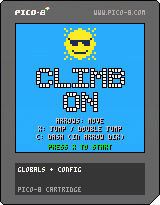
Climbing game!
Goal: Climb as high as you can without falling. You get 3 lives and then you end up in the hospital...
Controls:
- Arrows to move
- X to jump/double jump
- C to dash
 1 comment




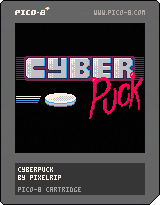
Cyberpuck is an air hockey meets Klask-like game I'm currently playtesting. The game REQUIRES 2-PLAYERS at this time. I realize this probably limits my potential audience but I'd love constructive feedback from anyone who wants to give it a try. Go easy on me its my first video game of any kind :)
1 comment
.jpeg)

My first ever video game.
Planes will fly across the screen from left to right. Your goal is to destroy them with a missile, but you only get one shot per turn. Time your shot carefully. If you miss, or if a plane reaches the right side of the screen, it’s game over. Good luck!
0 comments

An example for quadtree implementation, including following functions:
- divide the quadtree nodes by a line segment. The nodes will subdivide until size is 1.
- find a node that contains the given point. floor inclusive, ceiling exclusive.
It is somewhat bulky(around 600 tokens), and might need flood filling or some other features to be practical.

 0 comments

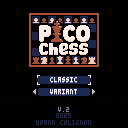
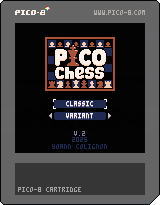
A simple chess game to play with a friend.
There is no turns and no move limitations, so follow the rules if you want.
I might add a start menu and some modes later.
This is my 3rd game ever and I had a lot of fun coding it.
Have fun
Version 2
- added a menu with multiple variants
- added sounds
In crazy house the pieces can appear outside the cemetery if there is too much on one side. Might fix that or not.
3 comments


IMPORTANT: Trying to enter the editor on the web will crash, you can only use it on your picotron machine or in the standalone version.
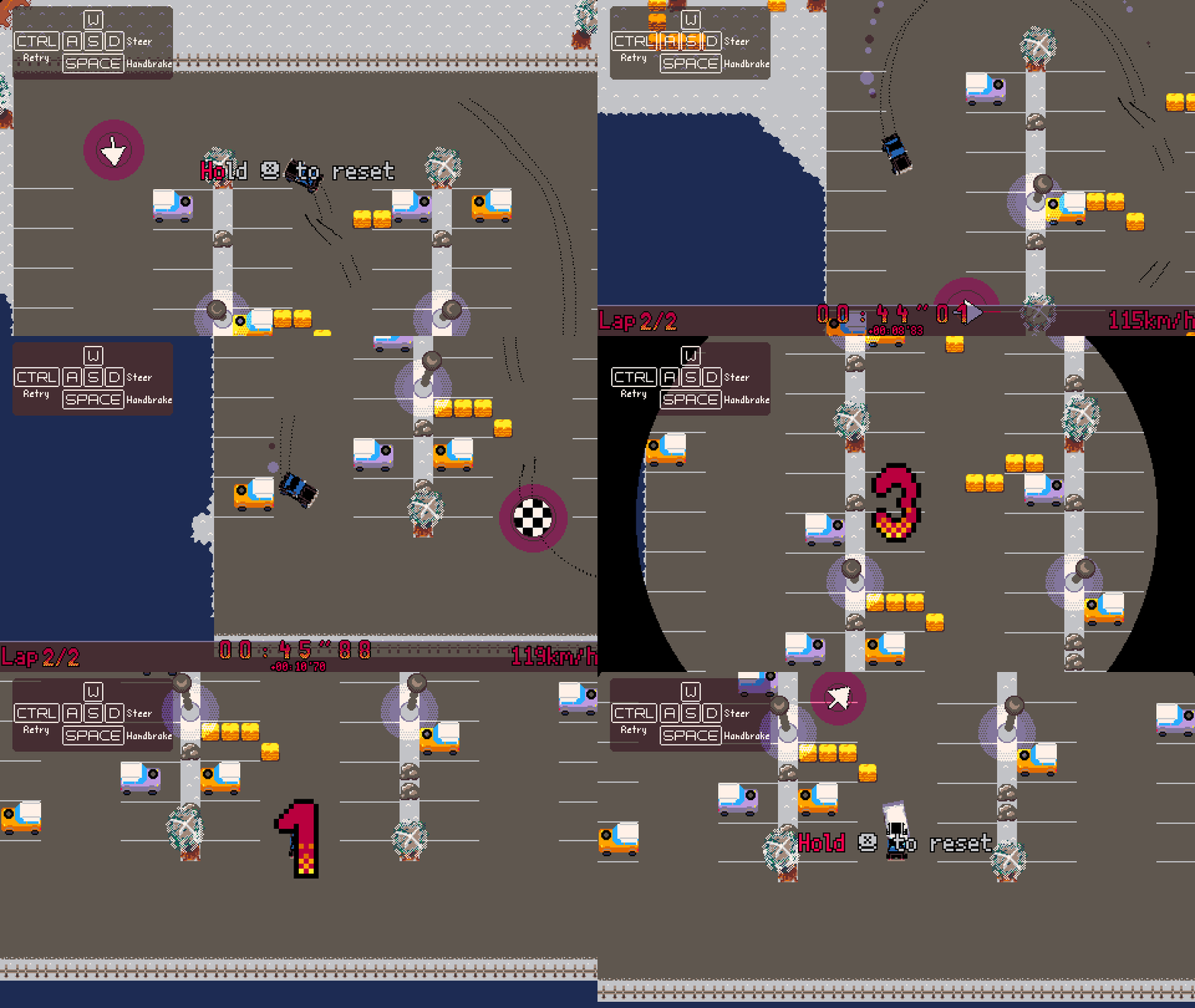
Rallytron
I really enjoyed driving in Grand Theft Auto San Andreas and wanted to get as close to that feeling as possible within Picotron. This is a soft first release to catch any bugs prior to a release on itch.
Learning the game
All the courses are unlocked from the get-go, but you have to finish them with the Pinter to unlock the other cars. The on screen instructions can be toggled in the pause menu.
Controls:
THIS CAN NOT/HARDLY BE PLAYED ON MOBILE!
WASD to move your car/choose a car and race
22 comments





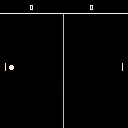
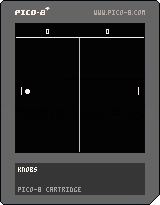
You are the paddle on the left
UP, DOWN: Move the paddle
Z: slice the ball and send it downwards
X: lob the ball, sending upwards and slowing it down
Z+X: perform a smash! Send the ball flying with great speed!
First to 10 wins! :)
I'm struggling a lot with the "graphics" + collision; right now the ball only collides with the back line of the sprites (the left side of the player paddle) no matter what the graphic shows. Hoping to fix that soon.
0 comments