





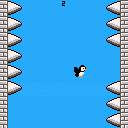
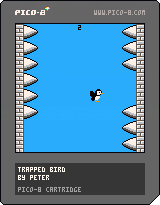
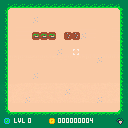
The GMTK Game Jam 2025 theme was loop, so I made a silly little game where you have to keep a trapped bird safe.
Update - Pushed a small update to the bird animation


 4 comments





About the Game
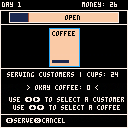
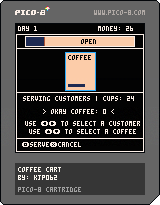
Coffee Cart is a casual, fast-paced coffee shop simulation game inspired by Overcooked and Lemonade Tycoon. Stock your cart and serve your customers, but as a one-person shop, things get hectic really quickly. Make sure your water is hot and coffee is ground as people rush to get the best coffee in town (yours!).
How to Play
Tap Z to start the game.
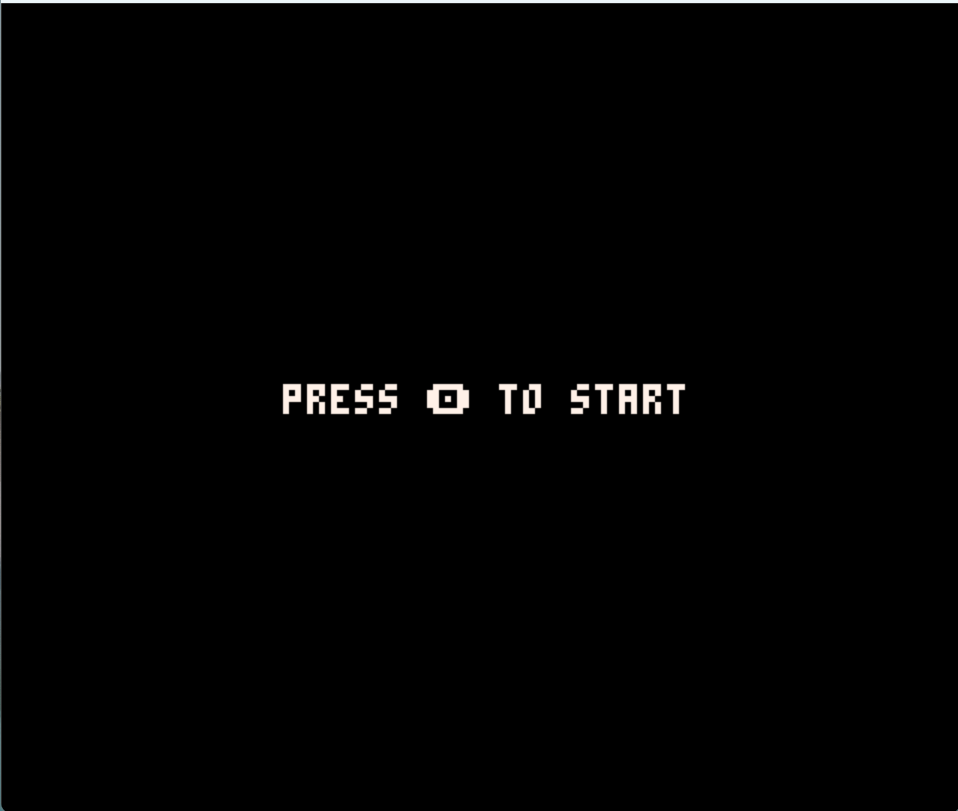
First, you need to stock up your inventory. Use the arrow keys to select between options and hit Z to buy those items.
Make sure to at least by one set of each. Beans will be used to make ground coffee, and cups are needed to actually serve your coffee!
One purchase of beans gets you 12 units, and one purchase of cups gets you 24 units.
0 comments

Bee kleeker
A simple clicker game by two brothers refusing to go to sleep !
Made with love and honey !!!
1 comment






Hi, I am totally new to coding and have been learning little bits on pico-8 for a couple of weeks now. I was trying to practise a very basic wraparound effect, so that a circle being moved with the arrow keys can go off one side of the screen and reappear on the other.
This is the code:
'function _init()
x=63
y=63
speed=2
radius=15
leeway=2*radius
end
function _draw()
cls()
circfill(x,y,radius,8)
end
function _update()
if btn(➡️) then x+=speed end
if btn(⬅️) then x-=speed end
if x>(127+leeway) then x=(0-leeway) end
end'
The above code works as expected, but I originally wrote the wraparound effect line as:
'if x=(127+leeway) then x=(0-leeway) end'
(So 'if x=' rather than 'if x>')
But with the original version I get a syntax error of 'then' expected near '='
Can anyone explain to me why one version is functional but the other isn't?
Many thanks for any help!
3 comments



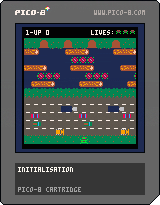
Hi All,
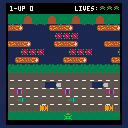
I've got a noob question I'm afraid and sorry this is such a long post! I've tried searching the forums and wider internet but haven't been able to find an answer my tiny brain can understand! I'm pretty new to coding and very new to Pico 8, loving it so far and just trying to clone a few basic games as a learning exercise.
Currently working on a Frogger-like, but I'm really struggling to make the 'log riding' mechanic work. I'm using AABB collisions and have a hit box defined for the frog and the water area. The plan is then to make touching the water kill the frog unless it's also colliding with a log hit box.
I'm creating the frog as an object within a table during init, then using a build_level function in init to add the logs to another table as below.
2 comments


I am trying to edit sprites at runtime (using a sprite to store a large map), I know the sprites can be resized and from what I can tell the limit is 512 pixels in dimension?
I managed to draw to the sprite using set_draw_target() and then pset to draw the pixels I want, but I can't figure out how to then read the pixels! The guide mentions sset and sget which I know from pico8 but I can't make them work for some reason, I figured maybe I need to return the sprite as a user data with get_sprite but then sget doesn't seem to be a function of user data and can't find anywhere that explains how to use sget and sset.
Also I know the sprites will reset when the game is run so how would I then overwrite the sprite with the edited version so I can save the generated map?
4 comments




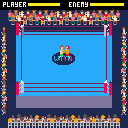
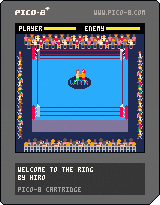
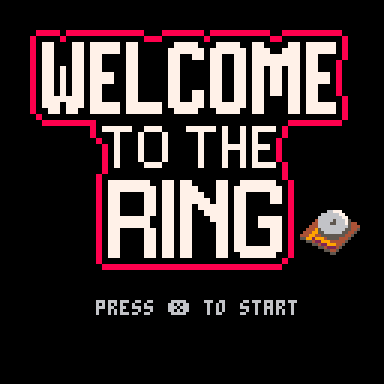
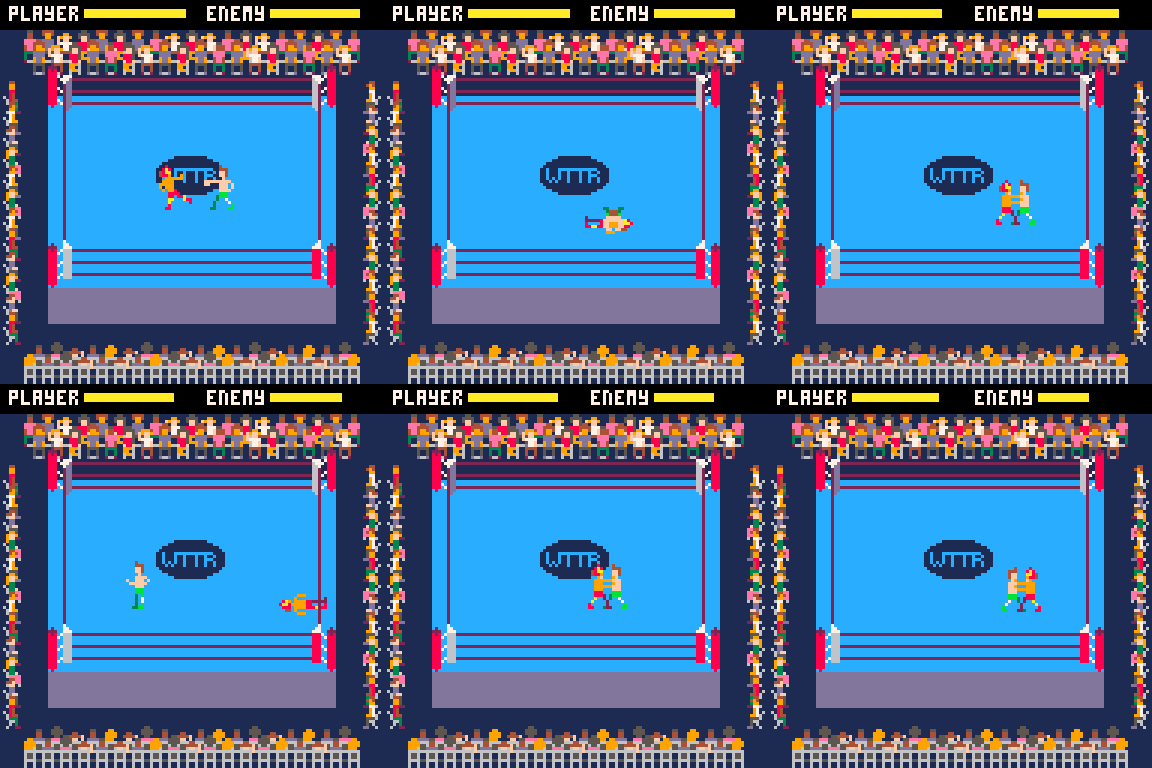
Welcome to the Ring
Hello everyone!
I’ve made a simple pro-wrestling game called Welcome to the Ring.
You win by draining your opponent's stamina, pinning them, and getting the three count!
Controls
| Button | Action |
|---|---|
| ←/→/↑/↓ | Move |
| Z | Punch / Kick (hold direction) |
| X | Grapple |
6 comments





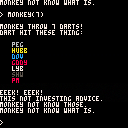
This cart is best used by loading like:
load #stockmonkey run |
because it requires using the command prompt.
The story with this one is:
I unexpectedly got a really tiny amount of money and decided to split it between the (two) kids and put it into stock brokerage accounts for them. Then they had to pick stocks to invest it in, which thankfully isn't too difficult these days due to fractional shares.
One kid picked a few stocks with some help, but the other one wanted to try the "monkey throws darts at a stock page" approach.
Both are learning pico-8 though so I decided to take this opportunity to write some simple pico-8 code to pick random S&P500 stock symbols in a way that's simple enough for younger kids to understand the code.
0 comments

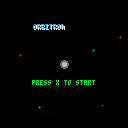
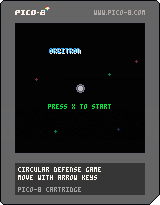
Dodge enemies with left and right to move along the orbit, and up and down to shrink and grow your orbit press X to blast when you are powered up.
Dodge Missiles and Orbiters until they leave for points
At 50 Score, A minelayer will spawn, The minelayer itself is harmless, but the mines it lays will destroy you.
There is also a secret enemy at 150 score...
0 comments

It appears that the web runner for Picotron doesn't work properly in Firefox on macOS. I cannot launch carts. The Picotron desktop appears and I can use the built-in apps, but running the associated cart doesn't seem possible. I've tried double clicking, manually loading in terminal, Ctrl+R etc, but nothing.
When I try in chrome, the cart is launched immeadiately on boot.
0 comments

I really don't know how to use this, but I have been thinking in getting into game development for years now, so I will just get to it with pico8 to have a start.
0 comments


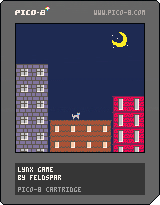



Crimson Night
How long will you last? How many demons can you banish back to hell?
This is my very first attempt at making a game.
It’s been a challenging but incredibly rewarding ride—lots of trial and error, learning as I go, and plenty of moments where I got stuck. But I’ve finally managed to bring it to a playable state.
I used AI-assisted coding mainly for repetitive tasks, debugging, and a few small things where I was stuck and couldn’t find the right solution on my own. But zero AI was used for the visuals, sprites, graphics, animations, SFX, or music. Those are all made by me.
Still a long way to go, but getting it this far feels pretty damn good.
🎮 v.1.5 — The Crimson Ascension
You asked. I listened. The darkness has been improved.
🦇 Level Up Banner: No more accidental power-ups. Choose your fate like a proper supernatural hunter.
💀 Damage Feedback: Getting hit now actually looks painful. You’re welcome.
❤️ Blood for the Bloodthirsty: Every 50 kills, enemies now drop Hearts to restore your HP. You should still pick it up, but murder has never been so nutritious.
🏃♂️➡️ Dash of the Damned: Dash now doubles as a dodge. Slip into the enemy line and become briefly untouchable. Because getting hit is for mortals.
🎵 New & Extended Music: More gothic atmosphere. More tunes to die to.
🏆 High Score Board: Challenge the Dark Lords and show them who really runs this night. Screenshots only, because apparently we're not made of money.
⚖️ Difficulty Rebalance: You might actually survive longer now. No promises, hunter.
✨ Quality of Life: Polished some visuals, squashed some bugs, and generally made the night slightly less crimson.
=================================
🎮 v1.0
- Full Version is now live
- New Enemies and animations
- Fixed the waling animation
- Many bug fix and improvements
🎮 v0.8
- Improve SFX and Music
- UI improvements
- Gameplay improvements
- Enemy animations
🎮 v0.5
- Better start screen
- More challenging difficulty
- lots of small but impactful visual tweaks
🎮 v0.4
Survive as long as you can.
Collect XP gems, level up, and unlock powerful abilities.
30 comments








Controls
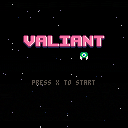
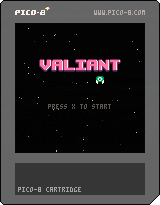
Since this is a basic shmup, it's only fitting the controls are as basic as as it gets.
Arrows keys (up, down, left, right) move you about the screen, and holding down X continuously fires.
Simple as that.
Rules
Kill the enemies to progress through the fight as it adds more and more enemies to the screen.
Once you reach the last stage, you need to defeat the Big Boss Lad before your health bar reaches zero.
Behind The Scenes
This is my first ever game of any sort on any engine. I've never coded anything before (so if you wanna see a bunch of horrible inefficient code, treat yourself.) But I decided to give gamedev a go after a friend mentioned it's not that difficult.
2 comments


