


Hello!
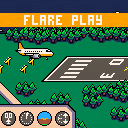
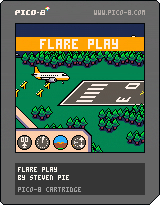
This is a special version dedicated to the latest mini-game in my first game "Keep the Mood On" (https://www.lexaloffle.com/bbs/?pid=keep_the_mood_on-0)
Your mission: land the aircraft as smoothly and as precisely as possible using the cockpit instruments — especially the glide slope.
After each landing, you'll receive a score — and of course, your goal is to get the highest one!
The higher the difficulty you choose, the more turbulence will shake the aircraft... but the better your difficulty bonus will be in the final score calculation.
Hope the game brings you lots of fun!
Steven Pie


 2 comments



AxoDodge
A Dodger Mod
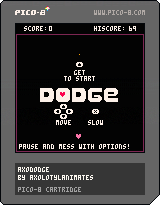
original
dodger is by shirtman, and it's their first ever game on pico8. go show them some love: Dodger by shirtman
intro
dodge bullet :o (but now its deltarune)
features
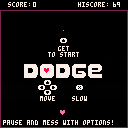
- an original cover of Rude Buster from Deltarune
- added my classic stuff like themes
- new gamemode that slows down the player to raise difficulty
- grazing (from deltarune) has been added
- you can now hold (x) to slow down for precision
- infinite waves (though good luck surviving that long)
controls
the main menu shows it off
conclusion
I am once again telling you to GO PLAY THE ORIGINAL CART PLEASE
2 comments




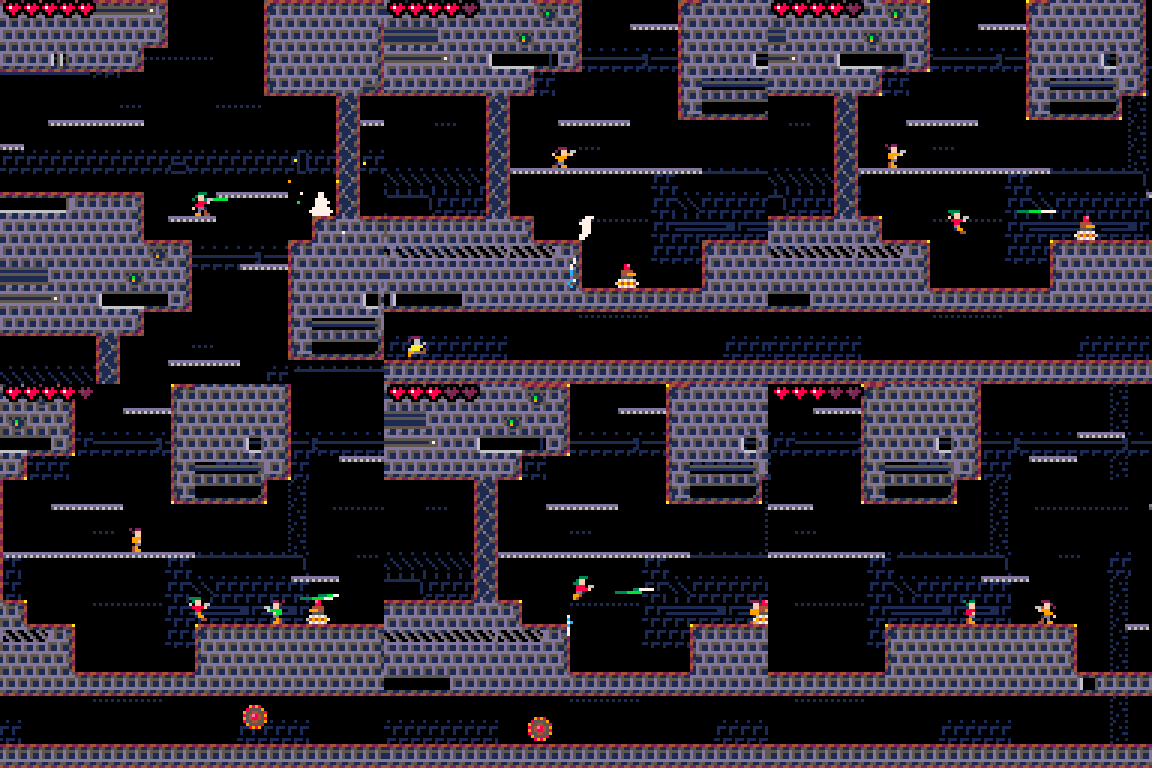
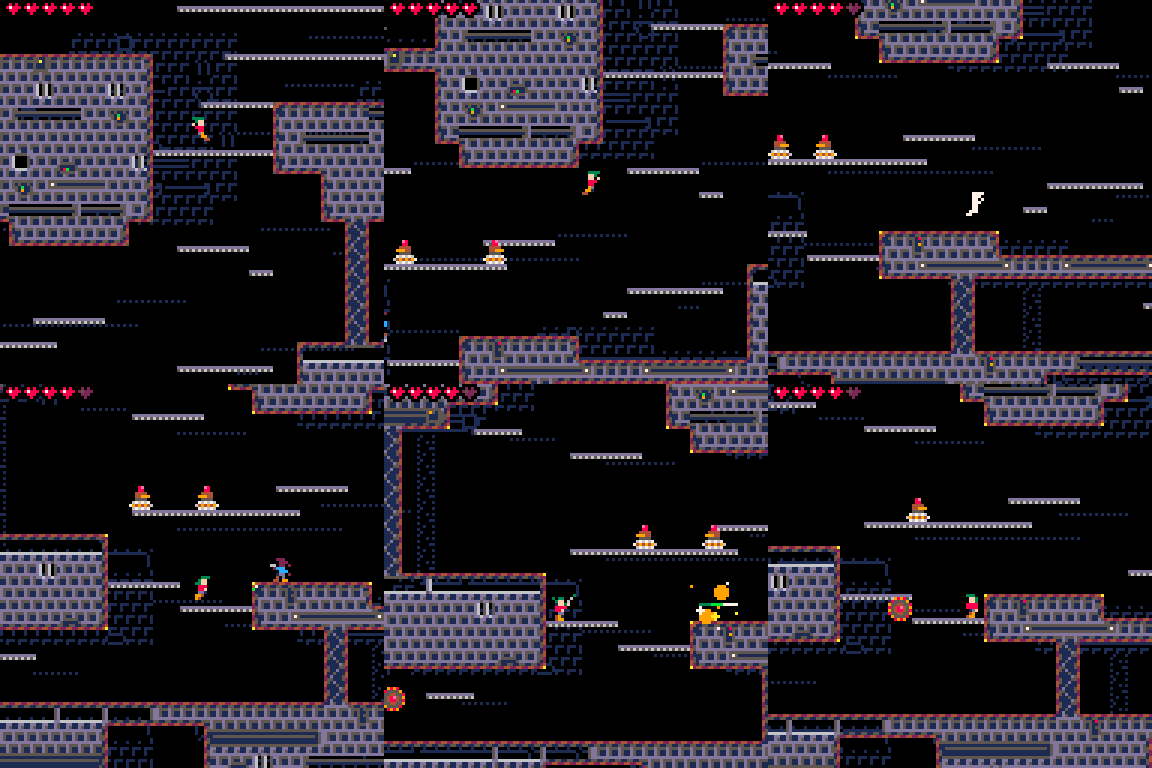
Overview
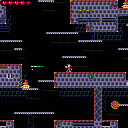
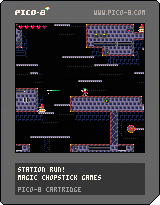
Hello again, everyone! I've added another fun little work-in-progress toy to my larger space exploration epic to go along with my Galaxy Generator and Endless Ships! toys. This one I'm calling Station Run!, as it's your basic run-and-gun platformer. Highlights of this toy include procedurally-generated levels and fast, fluid player controls.
Your objective is simple: travel down through all ten levels on a randomly-generated space station to claim victory. Keep running into robots and getting shot by other people to claim defeat.
1 comment


A simple complex function plotter. Now with webplayer support!
Controls
Press <- or -> to cycle through functions, P to change function sets, N to recolour magnitudes, C to toggle between greyscale and colour modes, and X to toggle between phase and magnitude.
Up and down zooms in and out, / resets the zoom, + and - change the colouring scale, and 0 resets it.
Use the WASD keys to pan the camera around.
Functions
- All functions give results in polar (for graphing)
Example functions (exmp)
- z^2 - 1/4 A binomial with poles at z = 1/2 and z = -1/2
- (z^2+0.25)/(z^2-0.25) A rational function with poles z = 1/2, z = -1/2, z = i/2 and z = -i/2
- e^(e^z) Exponential of an exponential
- e^(1/z) Has an essential singularity at z = 0, zooming in shows that it hits every value in C except 0 (see Great Picard's Theorem)
Trigonometric and complex functions (trig)
- Sine, cosine and tangent functions (sin, cos, tan) (note that along the imaginary axis, they correspond to i.sinh, cosh and i.tanh)
- Exponential (e^x)
- Real and imaginary parts (Re and Im)
- Identity and complex conjugate (z and z-star)
- Absolute value and argument (abs and arg) (note that the branch cuts for arg are at 0 and 2.pi)
Monomial and inverse monomial functions (poly)
- z^n for all positive integral n (note the zero of degree n)
- z^0
- z^n for all negative integral n (note the pole of degree -n)
Constant functions (const)
- 1, i, -1 and -i (for calibration)
Issues
- When looking at a negative power, renormalizing will blow the colour scale to an absurd proportion. Eventually, non-linear colouring/shading will be added to fix this.
1 comment



This is my first ever game made inside Pico-8!
How To Play
Controls: Up/Down/Left/Right to move.
You play as the Yellow Square. Earn score by collecting Orbs. For every 5 score, A red square will spawn in the middle and bounce off the borders of the screen. The goal of the game is to collect as many Orbs as you can without touching the red squares.
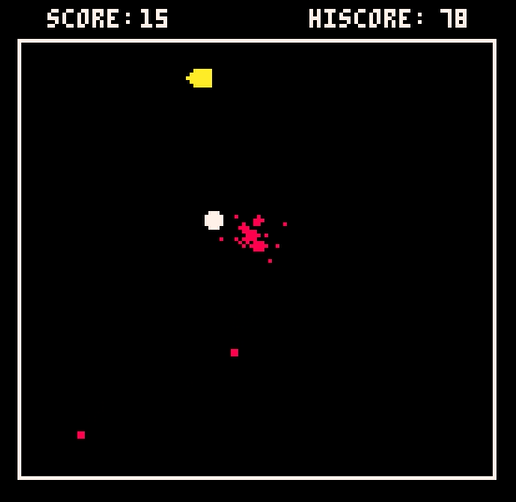
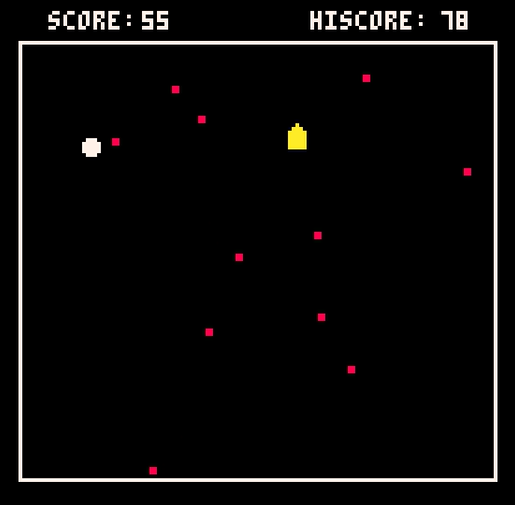
Some Development Backstory
I originally wanted my first Pico-8 game to be a basic platformer. I then proceeded to find out the hard way just how difficult that was for someone just starting out and learning the ropes of the engine. I had to make something a bit simpler.
7 comments




Don't mind the code quality, I just wanted to make this idea as quickly as possible. I've always loved cursed UI ideas and thought it would be really funny to have a volume slider where you dragged the box while the slider stayed in place, and so here it is.
0 comments


Small little puzzle game using my old algorithm for generating levels
- Move with arrows
- press X to "undo"
- try to get to the treasurechest
0 comments


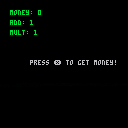
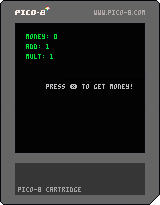
Decided to make an incremental game and hit a math wall
Postponing this project until I enjoy math :)
 0 comments


Hey everyone, I was just wondering for a potential multicart project:
How would I pass data from one cart to another, mainly a base cart for things like high score or level unlocks?
Thanks in advance.
5 comments


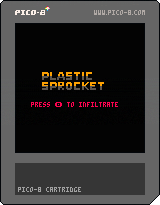
First full game in Pico-8(and first publicly published game ever).
A shot at a turn-based, procedurally generated, stealth game.
Music by Robby Duguay
Disclaimer:
Any resemblance to existing works—real, fictional, or tactical—is entirely intentional. Dense Adder knows exactly what he’s doing.
2 comments

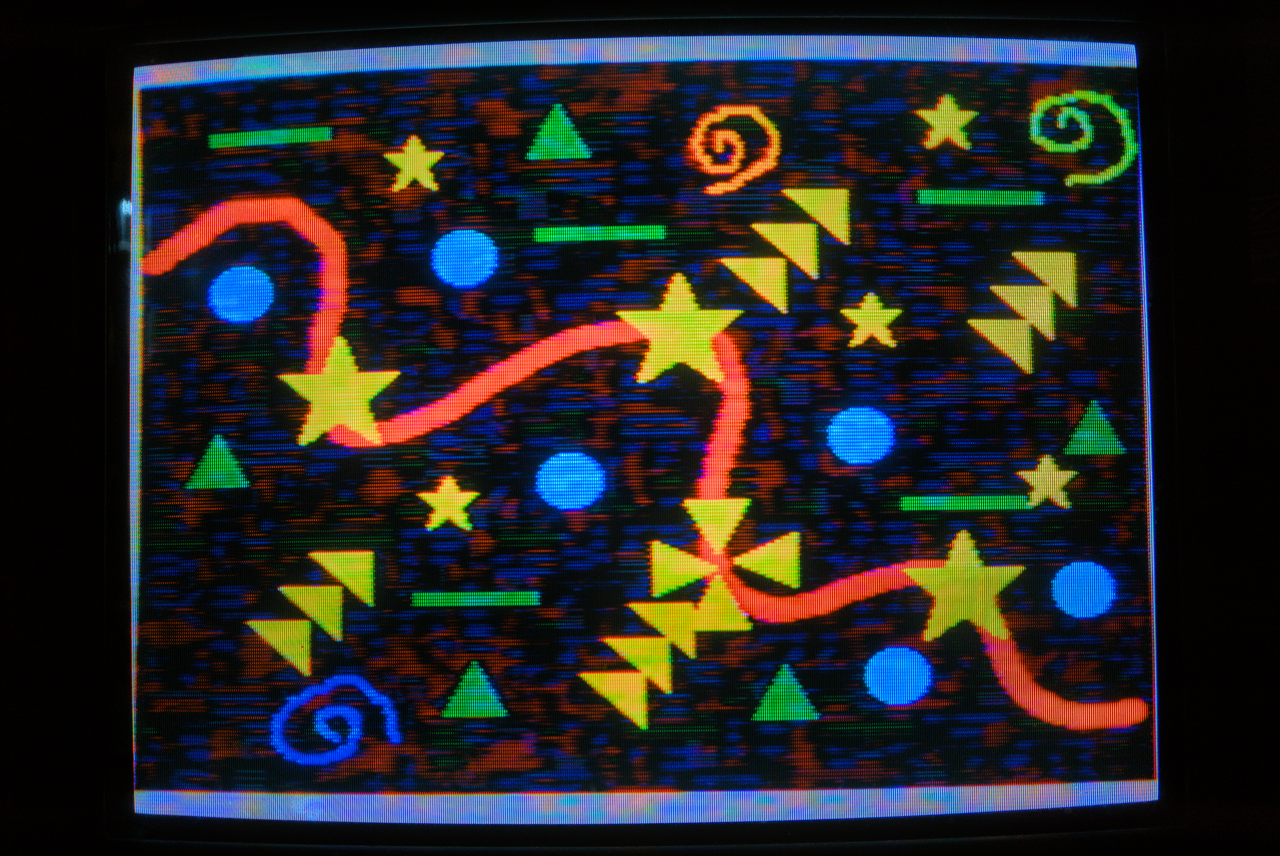
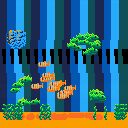
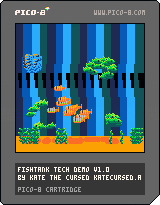
Pretty basic demo showing off schools of fish ~ basically just combining particles and finite state machines to make them either group or scatter at different moments. There's no game but you can tap the glass!
Feel free to break this off and use it like a library in your own projects!!
My biggest personal breakthrough here was adding 'parent' relationships into my lil OOP setup so that each fish can live within the school object and inherit behavior-modifying values from the hive-mind while still acting independently in certain scenarios :)
0 comments

hi all! it's been a while!
the past couple of years have been a pretty cool and wild ride (moving to a new house, learning new skills, starting new projects, passing exams, etc.) but i've decided to return to my roots (that is, to make things with PICO-8 once more).
i likely won't be posting as frequently as i used to, but i hope you like what i do end up showing off.
as for the cover itself, it's a personal favorite song of mine! i tried to recreate the sound effects used in it as best as i could. constructive criticism is appreciated!
(note: if you would like to use my work for your own projects, please ask me for permission and credit accordingly!)
4 comments



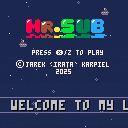
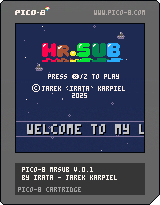
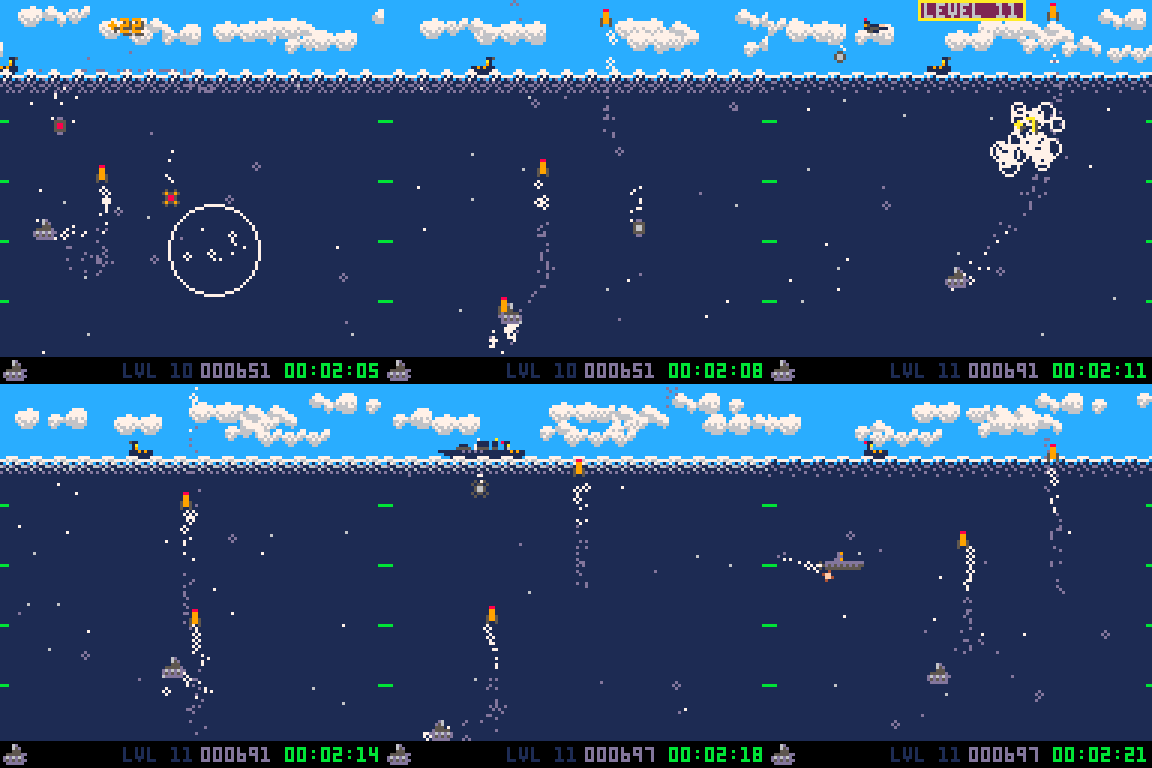
One-screen underwater shooter.
Controls
Move Mr.Sub with arrow keys and use Z to shoot missiles.
Mission
Move Mr.Sub around the screen, shoot your missiles to eliminate enemies and avoid getting hit. The deeper you are the more points you're gonna earn for successful shots. Your mission is to get as many points as you can get and survive as long as you can.
Levels
The difficulty level starts with 1 and gets incremented every 10 seconds. The first 5 levels are introducing new enemies to let you learn their mechanics. From level 6 up to level 12 the difficulty is making all enemies (including Mr.Sub) move and drop bombs a little faster. From level 12 the only thing that counts is survival. Stay alive as long as you can.
7 comments








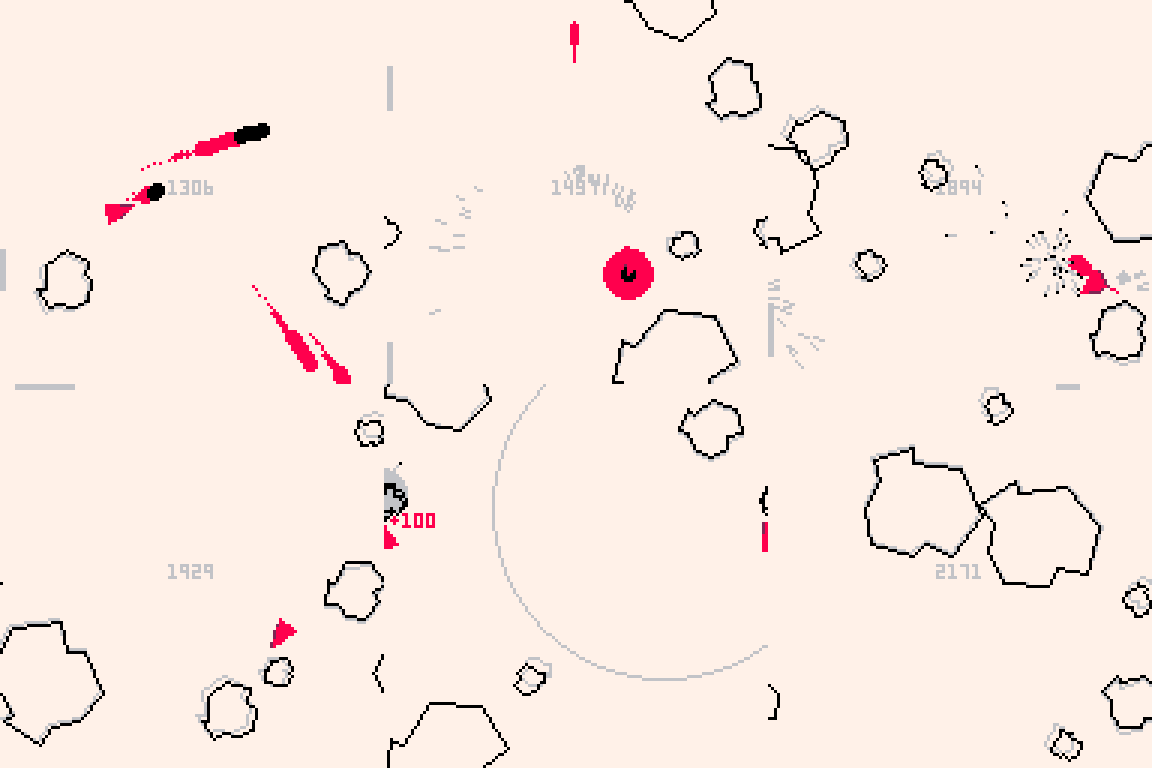
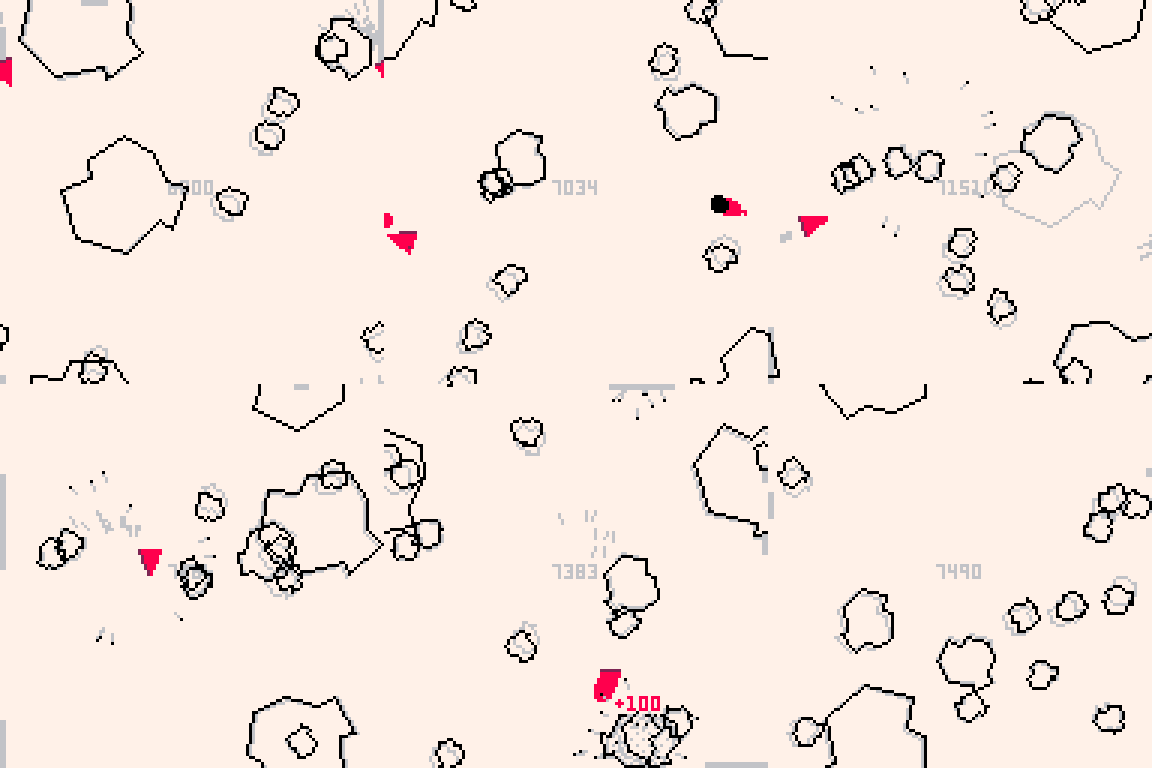
Asteroids, but time only moves when you do.
How to play
Stay alive to score points. Destroy asteroids to score more points.
Controls
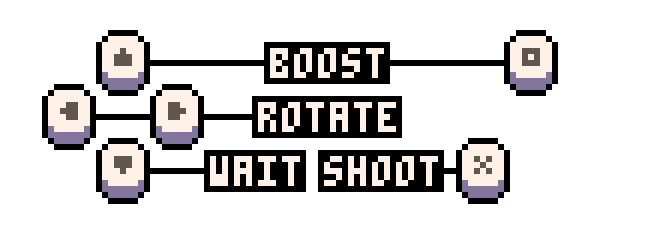
- Left/Right arrows: spin
- O button/Up arrow: accelerate
- X button: shoot
- Down arrow: wait
Tips
- Because your ship's engine is always running, time will still advance when not pressing any button (albeit slowly)
- While bullets don't wrap around the screen, it is possible to shoot yourself if you're not careful
- You can use your cannon's recoil to get yourself out of tight situations
15 comments






I'm trying to make a Zelda style game, but i can't for the life of me figure out how to work the inventory.
What I'm trying to do is make a sort of Silent Hill thing where it shows the one you highlighted as being larger than the previous, and next item. I'm not doing anything complex, each item you can get corresponds to a sprite in the sprite sheet (probably 14 sprites in total, 33 to 47). I'm using a table called inv by the way, I don't know though.
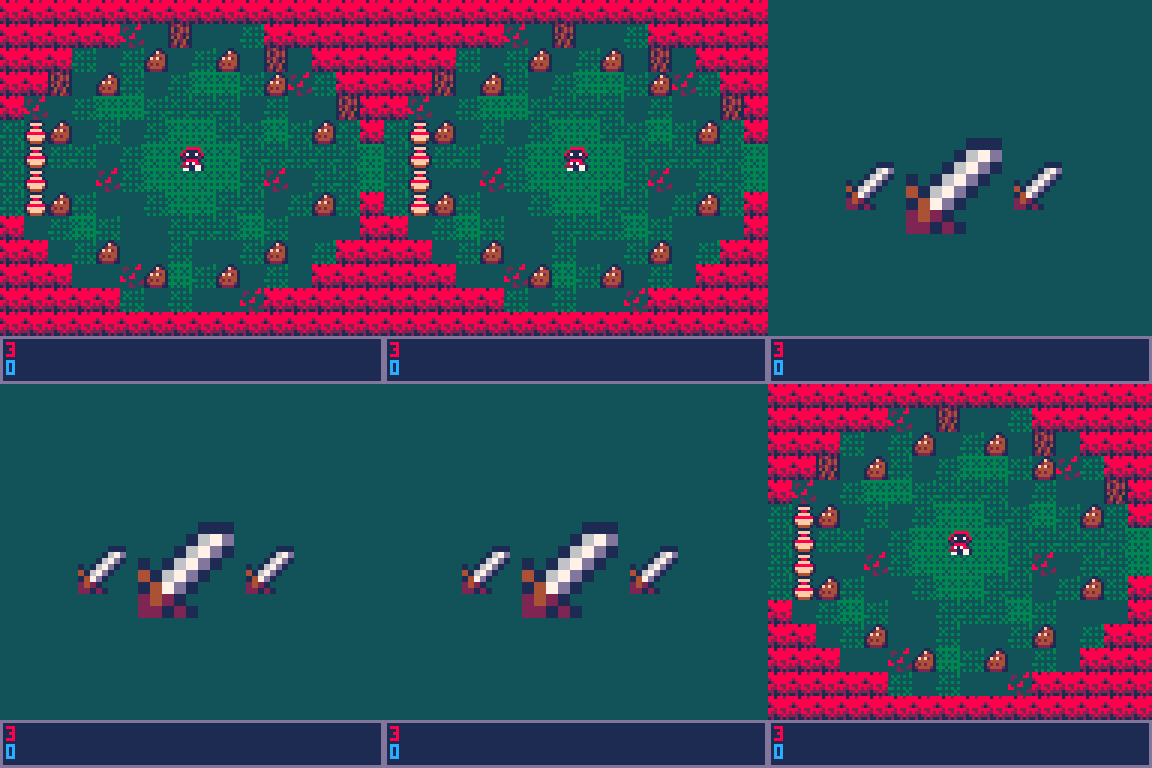
Here's a gif and the code for the inventory. the gif is from earlier, right now I've just kind of left the code blank-ish for now.
--inventory-- function upd_inv() poke(0x5f30,1) if btn(➡️) and bhd==false then itmsel+=1 elseif btn(⬅️) and bhd==false then itmsel-=1 end --this just makes sure the buttons are pushed once if btn(➡️) or btn(⬅️) or btn(⬆️) or btn(⬇️) and bhd==false then bhd=true elseif bhd==true and not btn(➡️) or btn(⬅️) or btn(⬆️) or btn(⬇️) then bhd=false end if btn(6) and bh6==false then state="play" bh6=true elseif bh6==true and not btn(6) then bh6=false end end function drw_inv() --slots, middle shows item hovering over, right shows next item, left shows previous item sspr(8+slm*8,16,8,8,46+camx,46+camy,32,32) sspr(8+slr*8,16,8,8,82+camx,54+camy,16,16) sspr(8+sll*8,16,8,8,26+camx,54+camy,16,16) end |
Sorry for any bad grammar or spelling, and/or if this is confusing. It's 3:54am as I'm writing this and I'm also new here.
7 comments