


Hi everyone! I was just chilling the other day when I had the idea to make a BrainF*** Fantasy Console!
IN PICOTRON (Prototyping in p-8 is fine
It works the same as BrainF*** (See https://esolangs.org/wiki/Brainfuck)
Except...
-
{ And } work the same as [ and ] except they only jump when the current cell != 0
-
+,-,< And,> can now have a Base-10 byte (0-255) after them indicating how much to add/subtract/etc to the current cell.
-
Speaking of arithmetic, there will be a new symbol called "*" that just sets the current cell to the value after it.
-
"," Will now only output a number 1-6 depending on what PICO-8 Button is pressed. (L=0, R=1, etc)
-
"." Now Is more Complicated!
The number following number meansL
0: A1Z26 (prints in 0,0)
1: A number!- Hexadecimal
3: A GRID!!!
- Hexadecimal
The grid is as follows:
X,Y
0,0 ... ... ...
... ... ... ...
... ... ... ...
... ... ... 3,3
This works like So:


 0 comments


With the release of Picotron to the digiverse, I feel as though the general consensus is to upgrade from less to MORE:
More sprites
More data
More map (extra files even!)
More detailed sound/music
But what I want to know is: in your opinion, does Picotron possess a comparable level of features to Pico-8 at this point in time?
Is the jump to Picotron recommended yet?
Thanks.
3 comments


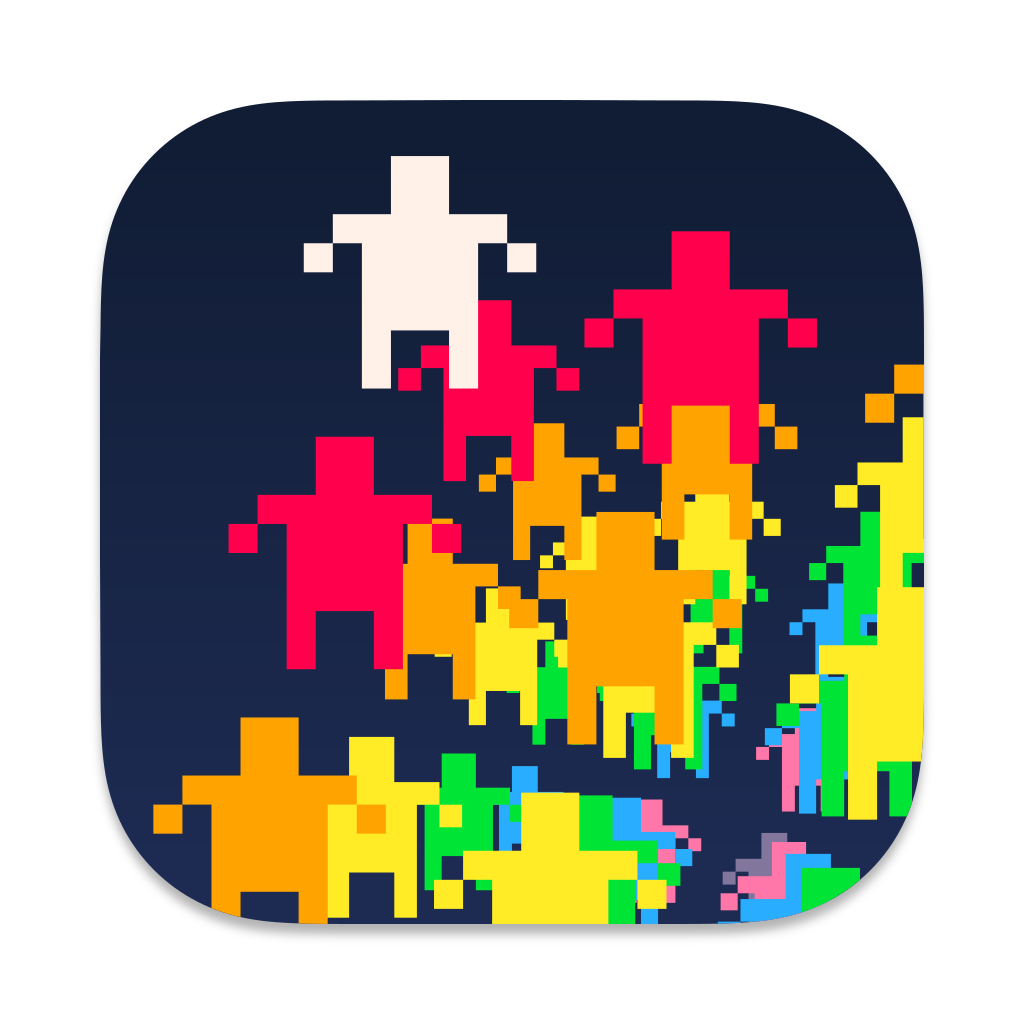
I recently got PICO-8 with Picotron and Voxatron. The default icons looked out of place on my Mac and I decided to make icons and post them here for other Mac users.
The icons are for PICO-8, Picotron, Voxatron, Lexaloffle BBS, PicoCAD, and PicoSynth.
The icons are images that can be saved from the browser for use on a Mac running Big Sur or higher.
Icons
PICO-8

Voxatron

Picotron

Lexaloffle BBS
PicoCAD

PicoSynth
 0 comments

I've seen many people on the BBS/Discord struggling to grapple with intermediate pixel art concepts, so I wanted to write a post commemorating Pixel Art etiquette so that you, even you, reader, can create your own pixel art.
What is Pixel Art?
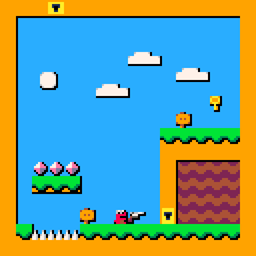
Pixel art is any drawing made from a set palette of colors where the colors act as though limited by a grid. Pixel art is art made from squares. It was widely used in early video game and computer graphics, and has grown a large following for its pleasing aesthetic.
Why Should I Learn Pixel Art?
There is no formal reason to learn pixel art. It is not often enough to stake a career on. In many circles, pixel art is considered dated, if not obsolete. The only reason to learn pixel art is for the fun of learning pixel art within itself, though it does have applications within stylized/indie game development and graphic design for retro machines. If you master pixel art, you may also find an improved skill in art and graphic design.
1 comment


I need help adding a variable to a menu. I've created simple menus that I can add plain text to with "", but I have no idea how to add a variable to that menu.
Context is that the variable is a hunger meter that will go down periodically. I want the menu to display the current number of hunger.
3 comments




Hey @zep ! I just wanted to call a specific bug with the new UI's to attention. First off, the new ui's look great, but they have been causing issues with Code blocks in previews, on a user's page. Take a look.
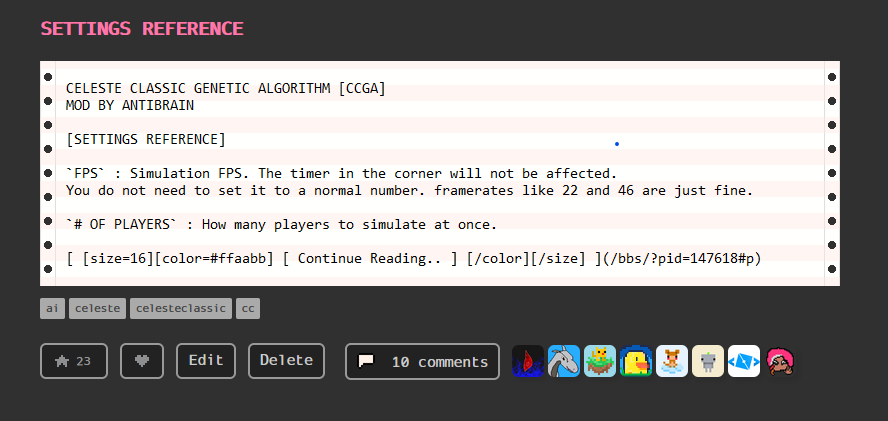
As you can see, since the code block isnt technically being closed, since the preview is cutting it off, its eating up the continue reading button! This isnt the most site-breaking issue, but it is still annoying. You can see this by visiting my blog page and scrolling down to "CCGA".
Thank you for reading!
1 comment


Creating boxart for your games
After watching @thesailor create a manual I felt inspired to create some boxart for their game.
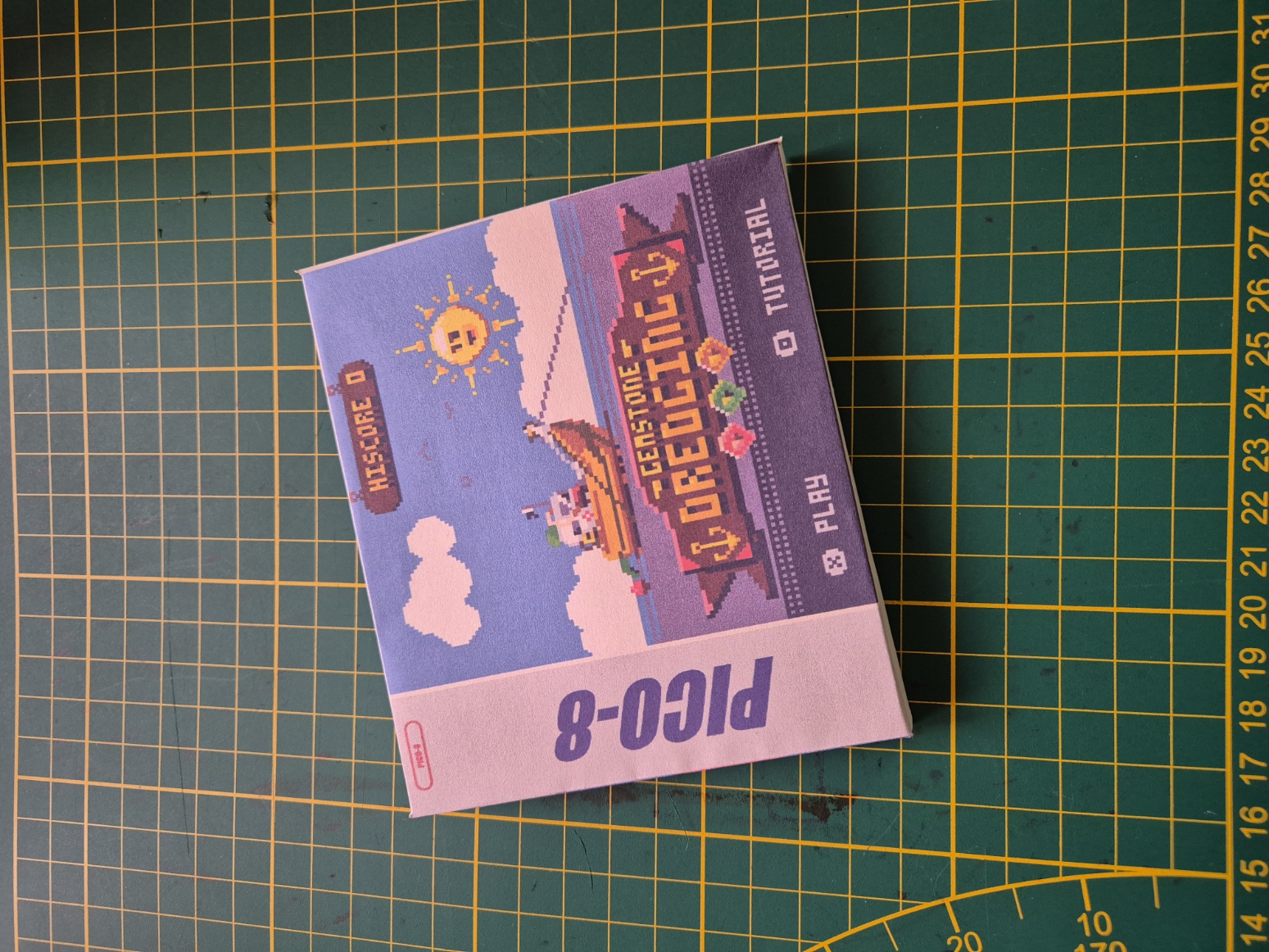
I also turned the file I used for that into a template that I would like to share with all of you. Your games deserve a nice box, your games deserve to be displayed! Maybe add a little manual or a QR code that leads straight to the game. And do share what you come up with :)
Make your own boxart!
You can find the template on my itch.io
0 comments

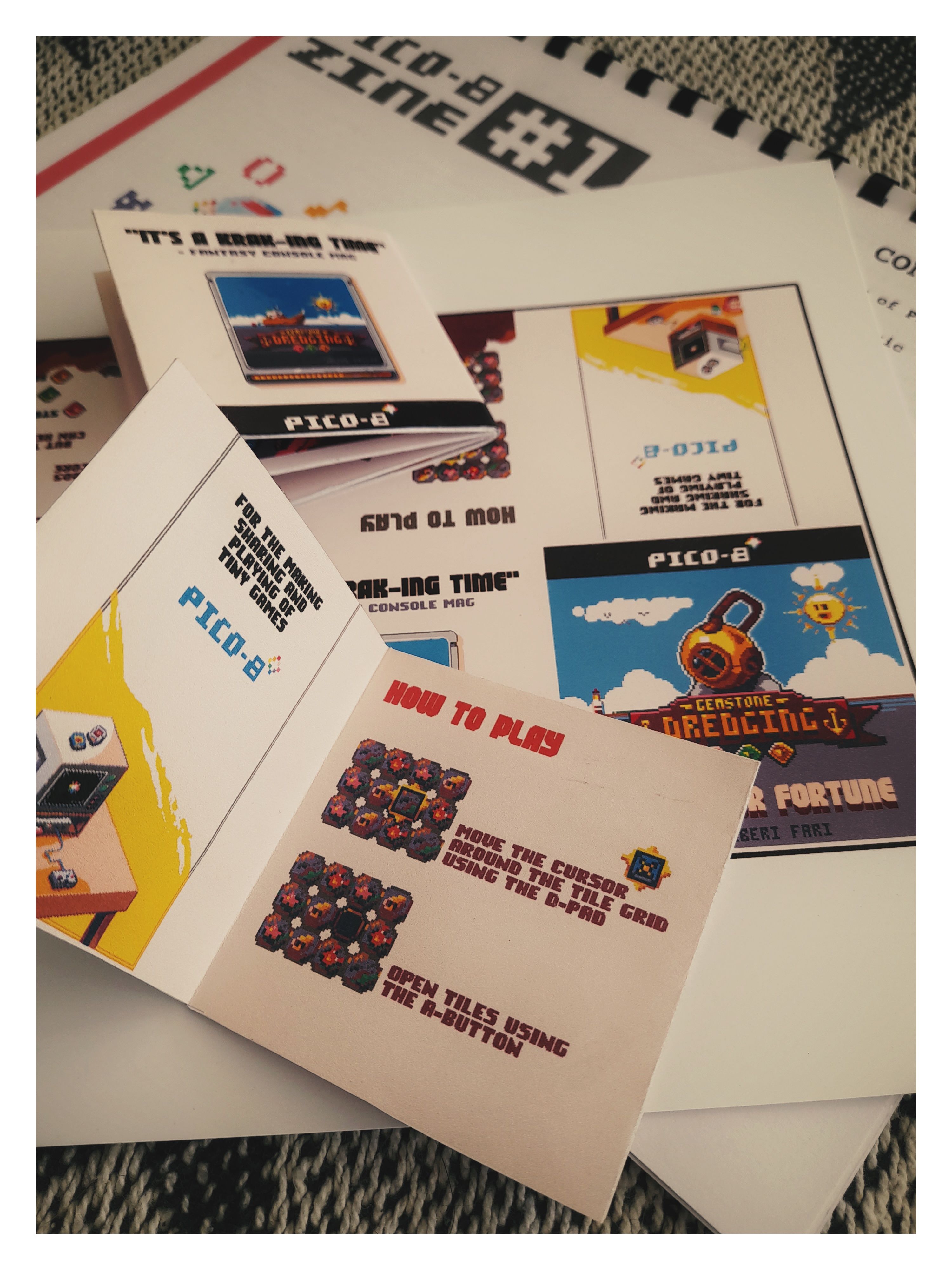
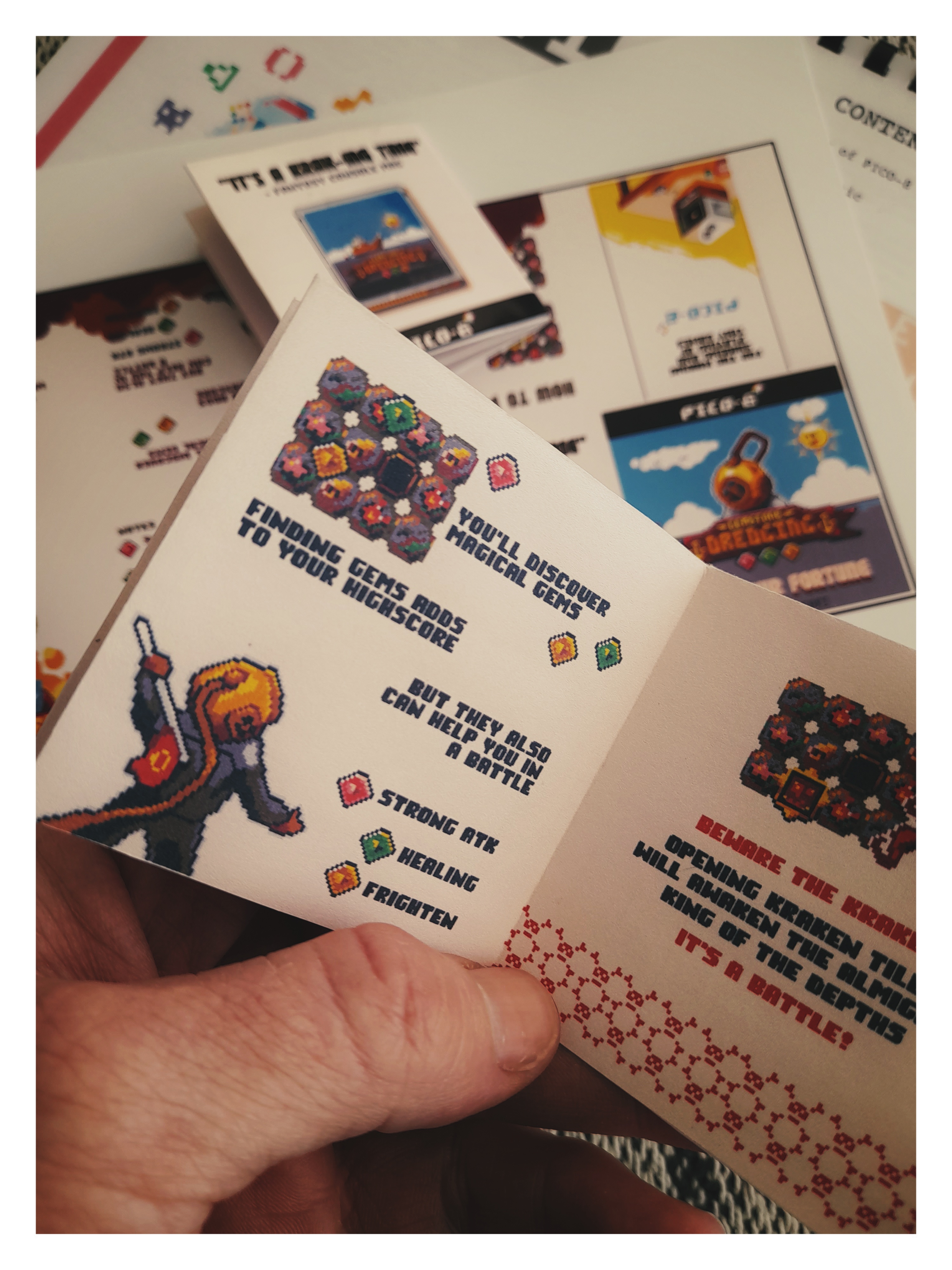
I created this booklet design for my game Gemstone Dredging
It's a tiny printable booklet template you can use to create a custom game manual for your Pico-8 games (or for any other use really).
 0 comments

Hi, i'm new to the forums of PICO-8, and learning how to use the program yet, but i love the huge community here, so i wanted to share some ideas for fan games in case someone is interested:
1) A game based on Sonic, you can also use other games inspire by it like: Spark the Electric Jester, Freedom Planet or Kyle and Lucy: Wonderland, basically a platformer where you must run fast, you can included any original gimmick if you want.
2) A Castlevania-type game like Bloodstained, where you continue forward while dealing with any enemy in your path, or the Zelda-like Mina the Hollower, a game where you explore different places and get items that help you in your quest.
3) One based on Virtua Fighter, having different fighters with different moves, basically with an arcade mode that ends with a final boss.
4) A game similar to Hypnospace Outlaw, a point-and-click game where you explore a world full of different pages, trying to complete objectives as you see an entire community of people sharing their interests and creations.
0 comments


Dear Mr. White,
I just recently found out that there is a Windows-version of Jasper! I bought it instantly. May I kindly ask if the full DOS-version V1.1 is still available. I gladly pay for it of course. Greetings,
Patrick
0 comments


First, a big thank you for fixing the code viewing functionality of BBS pico-8 carts.
Now for the ping related problems :
when a user has a space or a minus sign in his user name, the ping is either lost, or worse sent to another user :
For example, user Peter Mosevich won't get pinged because of the space, but unrelated user Peter will.
Support for something like @Peter Mosevich with documentation in the Formatting Help would be welcome.
0 comments

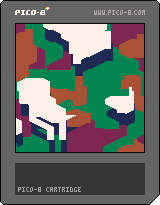

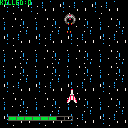
press ⬅️ to turn left
press ➡️ to turn right
press ⬆️ to move forward
press ⬇️ to move backward
press 🅾️ or z to fire
press ❎ or x to boost
0 comments



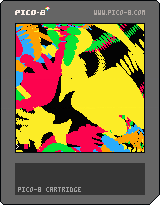
Tweetcart- all source code is 280 characters or less.
Edit in Education edition here!
The blue lines indicate the trajectory of simulated particles as they are pulled by the planets' gravity. If a particle hits a planet (one of the colored outlines) it colors its originating pixel the color of that planet. If a particle doesn't hit a planet within a certain number of steps in the simulation, it colors the originating pixel black.
0 comments


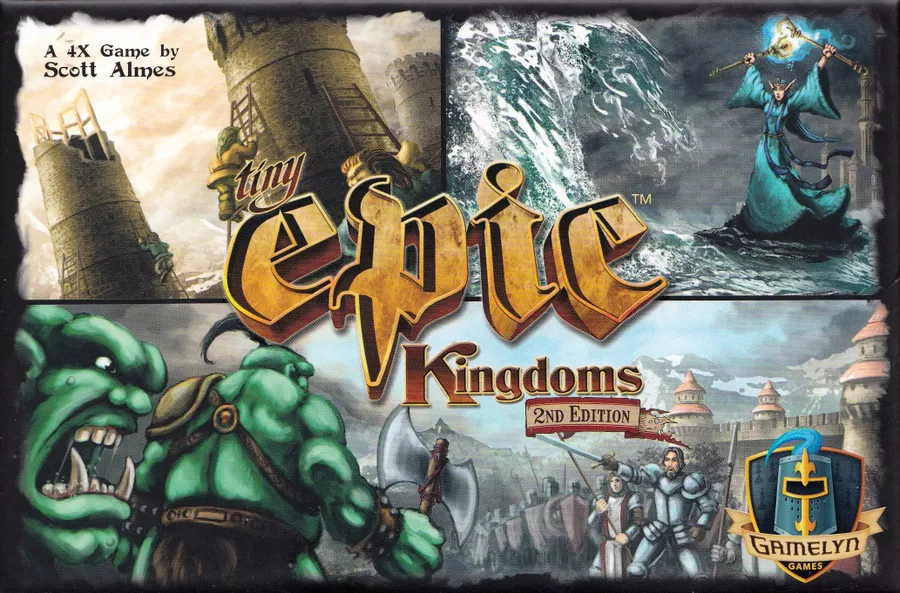
Motivation For the Game
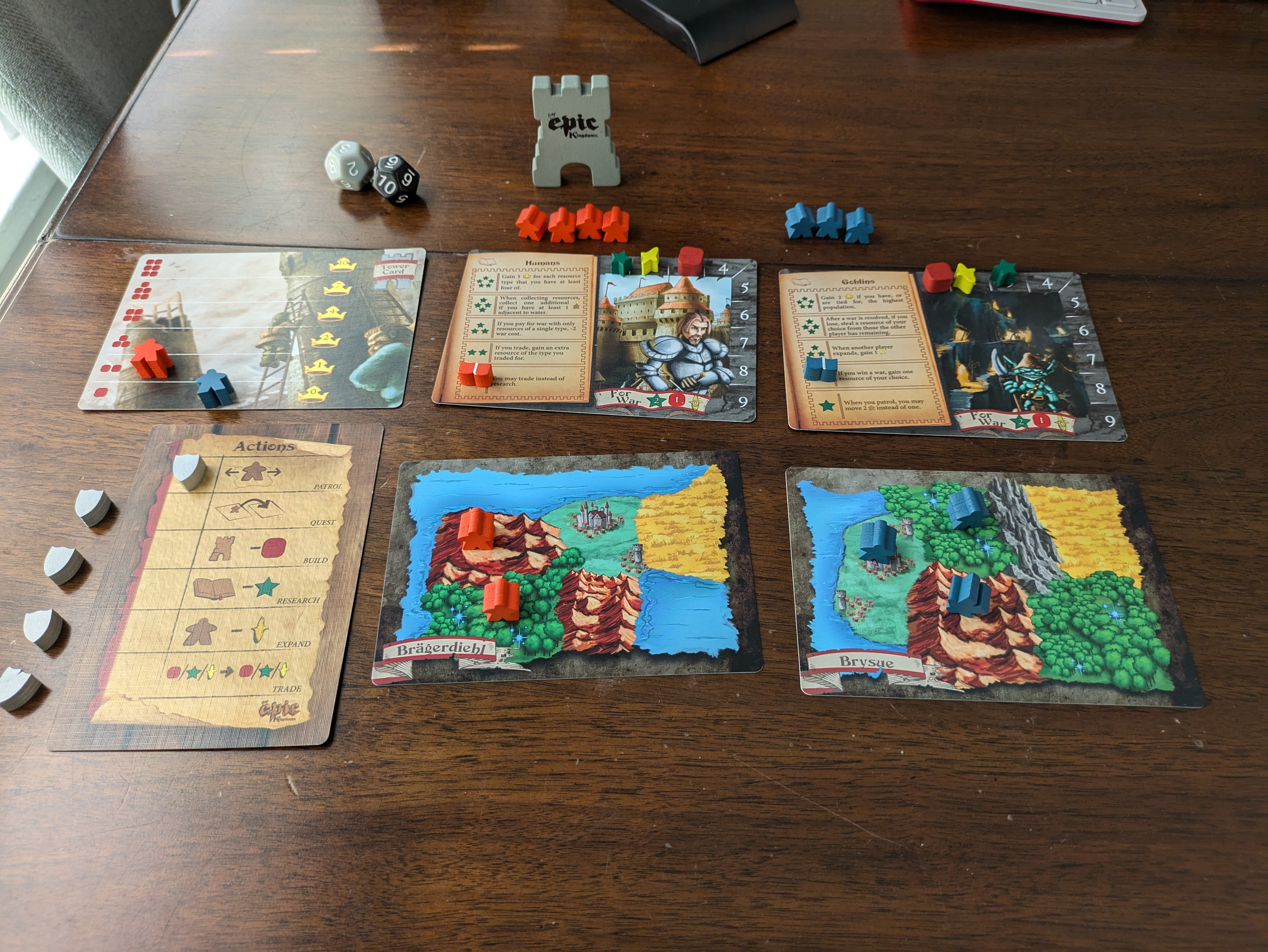
Tiny Epic Kingdoms is one of my favorite boardgames to pick up and play. I love big strategy games but often don't have the time or the people for a massive game of Twilight Imperium (Sardaak N'orr all the way!). I really like that Tiny Epic is a game I can play in less than an hour that gives a similar experience to something like Twilight Imperium or Dune or any other grand strategy boardgame without dedicating a whole day to it.
Deciding to make this Tiny Epic Kingdoms into a Pico 8 cart came from playing the solo variant at a coffee shop while I was killing some time and realizing it would be fairly simple to implement it into Pico 8.
Development
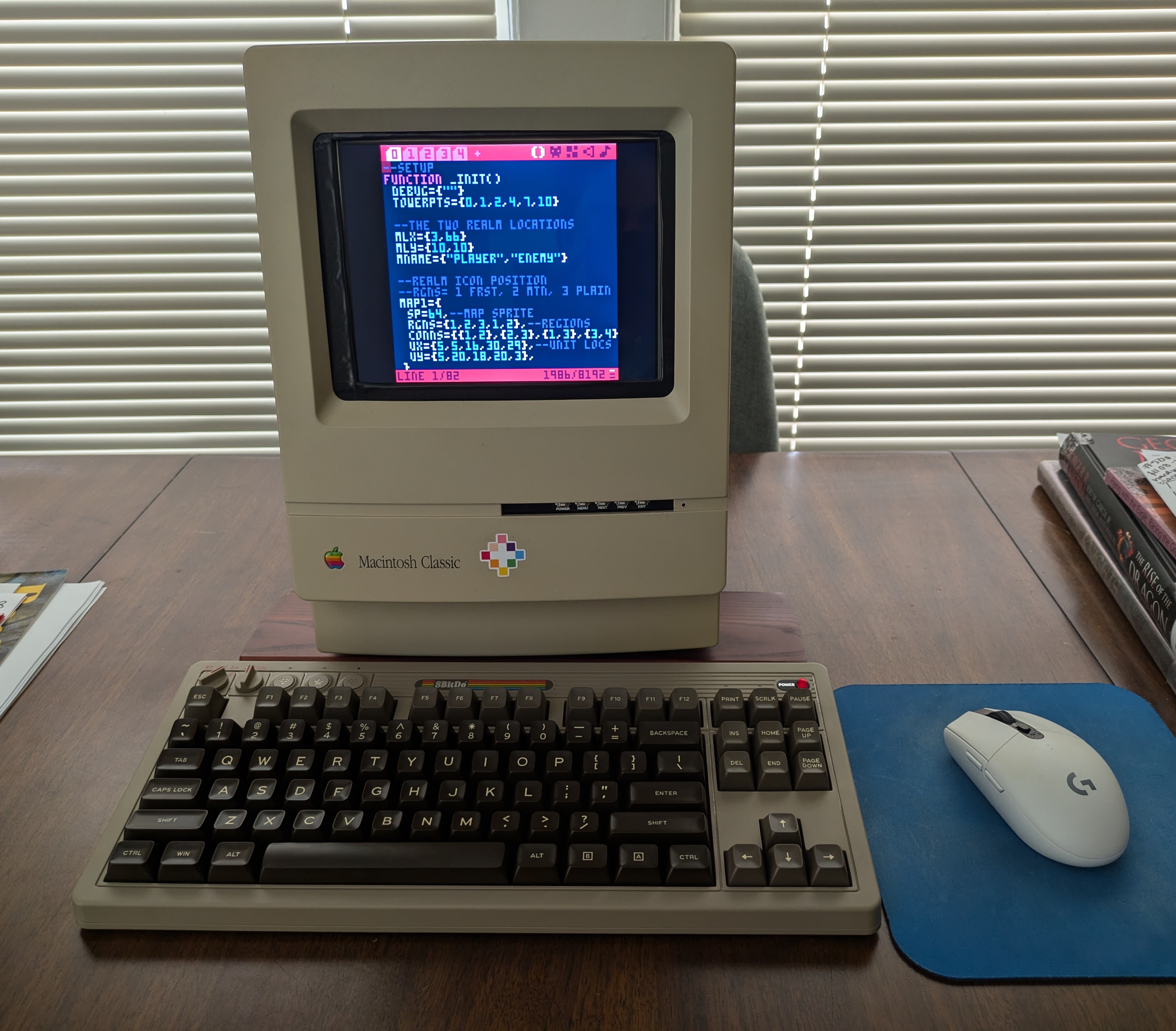
80% of the development was done within the Pico 8 engine with some of the development done on my little Pico 8 mac with a Raspberry Pi 3 inside! I jumped into VSCode in the last stretch for Debugging the AI and cleaning up tokens. It makes things convenient when you need to mass rename something or look at two parts of code quickly. I still enjoy using the Pico 8 internal editor the most. It's so cozy and nice to be able to do everything in the little program.
0 comments