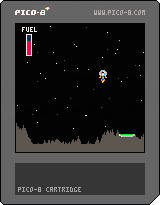





So this is the reason I've been wanting to make a new post for a couple of days
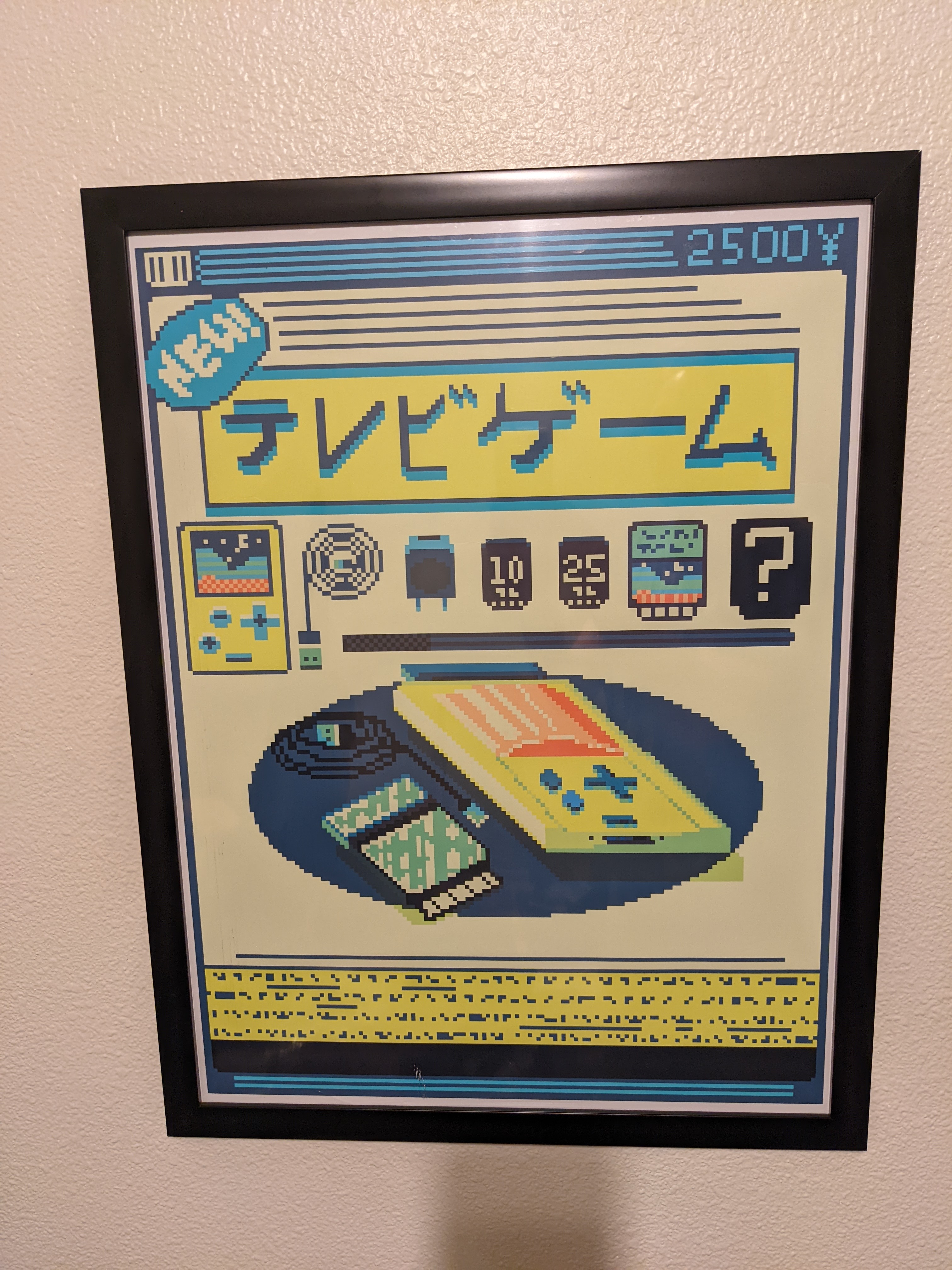
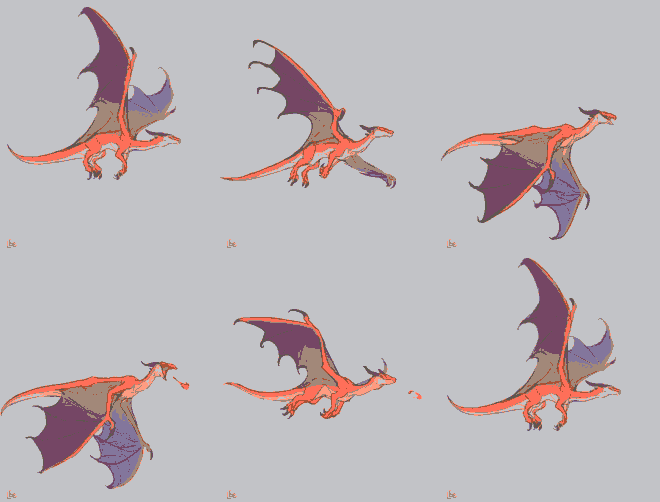
One of my favorite coffee shops / board game stores within walking distance of my place has had this hanging on the wall for a while and every time I saw it it gave me a really strong Pico 8 vibe, a few months back I met up with some family there and I guess they caught me staring at the poster because a few weeks ago it was given to me as a late birthday present which rocks because i was a bit bummed that i didnt grab it earlier or figure out who the artist was
i know its not actually an ad poster but its pretty close. i may have to buy a pico8 logo sticker to apply to the outside of the frame
edit: if the author is a user here speak up, if not il post the artists info next time im in the shop and can ask "who did it" so credit can be applied
Another edit: it just says video game if anyone was wondering


 0 comments

Hi, I haven't been on here in a long while, but I do own a copy of Pico 8, and even have a game WIP (That I never finished) and when I finally logged back in to give Pico another shot it seems I can't download any version of Pico 8. Can someone explain whats going on, and maybe fix it if it's a bug?
11 comments




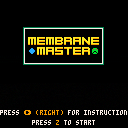










license: https://creativecommons.org/licenses/by/4.0/
(ie. feel free to use it for whatever as long as you cite me)
controls:
- X button regenerates some non-fixed parameters
- O button opens the debug menu (I encourage you to change parameters, colors, brush configuration)
- touch/click the screen to paint with the brush
- on PC: "s" button saves a screenshot, "g" button saves a gif
creator: Andrew E. Brereton
date: 2022-03-04
twitter: @aebrer
website: aebrer.xyz
medium: Pico-8, Lua
 2 comments

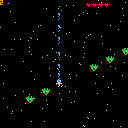
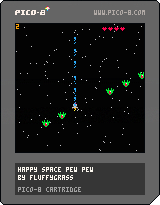
I'm just posting the first cartridge I was able to finish.
This is a tutorial by @ztiromoritz and can be found here: https://ztiromoritz.github.io/pico-8-shooter/#
I started coding and picked up Lua like 20 days ago and also found out about Pico-8. I did some other tutorials and I've been reading about coding and all that, but this one is important to me since it was the first tutorial that I could actually understand what I was copying from the tutorial to Pico-8!
-- what I added
- Multiple enemies
- Multiple levels
- An ending
After finishing it, I added some extra features that I could code - after a lot of trial and error lol.
-- stuff that I ended up not adding because I don't know how to:
2 comments

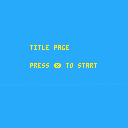
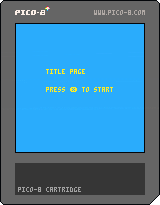
I've been playing around with figuring out music on the Pico-8. I decided to whip together a quick title screen test. The code is supposed to play a little ditty (sfx(4)) on the title screen but nothing plays until after I press X to go to the next screen. As far as I can tell, code wise that shouldn't be happening. Any idea what's going on here?
function _init()
cls(0)
scene="title"
end
function _update()
if scene=="title" then
update_title()
elseif scene=="instructions" then
update_instructions()
elseif scene=="page2" then
update_page2()
elseif scene=="page3" then
update_page3()
end
end
function _draw()
if scene=="title" then
draw_title()
elseif scene=="instructions" then
draw_instructions()
elseif scene=="page2" then
draw_page2()
elseif scene=="page3" then
draw_page3()
end
end
function update_title()
if btnp(❎) then
    scene="instructions"
end
end
function draw_title()
cls(12)
sfx(4)
print("title page",30,45,10)
print("press ❎ to start",30,63)
end
function update_instructions()
if btnp(❎) then
scene="page2"
end
end
function draw_instructions()
cls(3)
print("instructions",40,5,7)
print("page 1",25,45,4)
print("press ❎ to continue",25, 120,7)
end
function update_page2()
if btnp(❎) then
scene="page3"
end
end
function draw_page2()
cls(3)
print("instructions",40,5,7)
print("page 2",25,45,4)
print("press ❎ to continue",25, 120,7)
end
function update_page3()
end
function draw_page3()
cls(3)
print("instructions",40,5,7)
print("page 3",25,45,4)
end
1 comment
.gif)




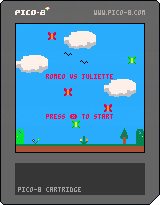
Runner/versus/fighting game where the goal is to get the crown in the enemy's castle.
Project done for Ada Tech School.
0 comments
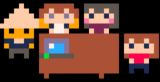
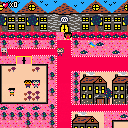
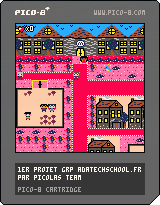
The Game :
Your mission is to discover the neighbourhood around the new school's address(in Paris) and get out of your comfort zone to discover the final surprise.
Controls :
Arrow keys - Move Picolas
[X] - Run and Close dialogue
Background :
We are four students from Ada Tech School Paris and for our first group project we had to make a game with Pico 8 in two weeks.
Credits :
Anne, Cyril, Helene and Myriam.
Four students at Ada Tech School
3 comments


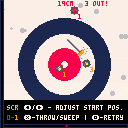
Curling!
A fairly detailed and accurate curling sim. Currently experiencing some ahem performance issues. Also only simulates one end as of now.
0 comments

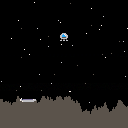
Controls:
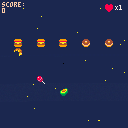
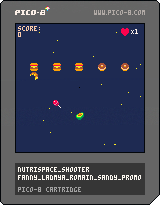
Move your Ship = Cursor
Restart = X
So here comes the second tutorial from Dylan Bennett's "Game Development with PICO-8". I would love to come back to this and add some animations.
Next Project will be the breakout-tutorial by lazy game dev on youtube.
0 comments

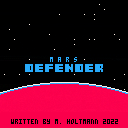
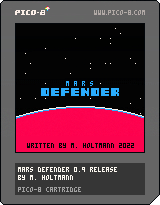
After a week of programming I'm happy to release Mars Defender.
It's my first game for PICO 8.
5 waves of attack will keep you occupied for about 10-15 minutes.
Your mission: Destroy all the aliens and save your men.
Keyboard controls:
Start game with x
Navigate ship with cursor keys.
x = fire
z = Go to intro page after game over.
Or use our favorite controller.
Enjoy!
4 comments
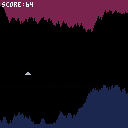
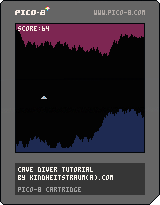
Controls:
up = cursor up
play again = X
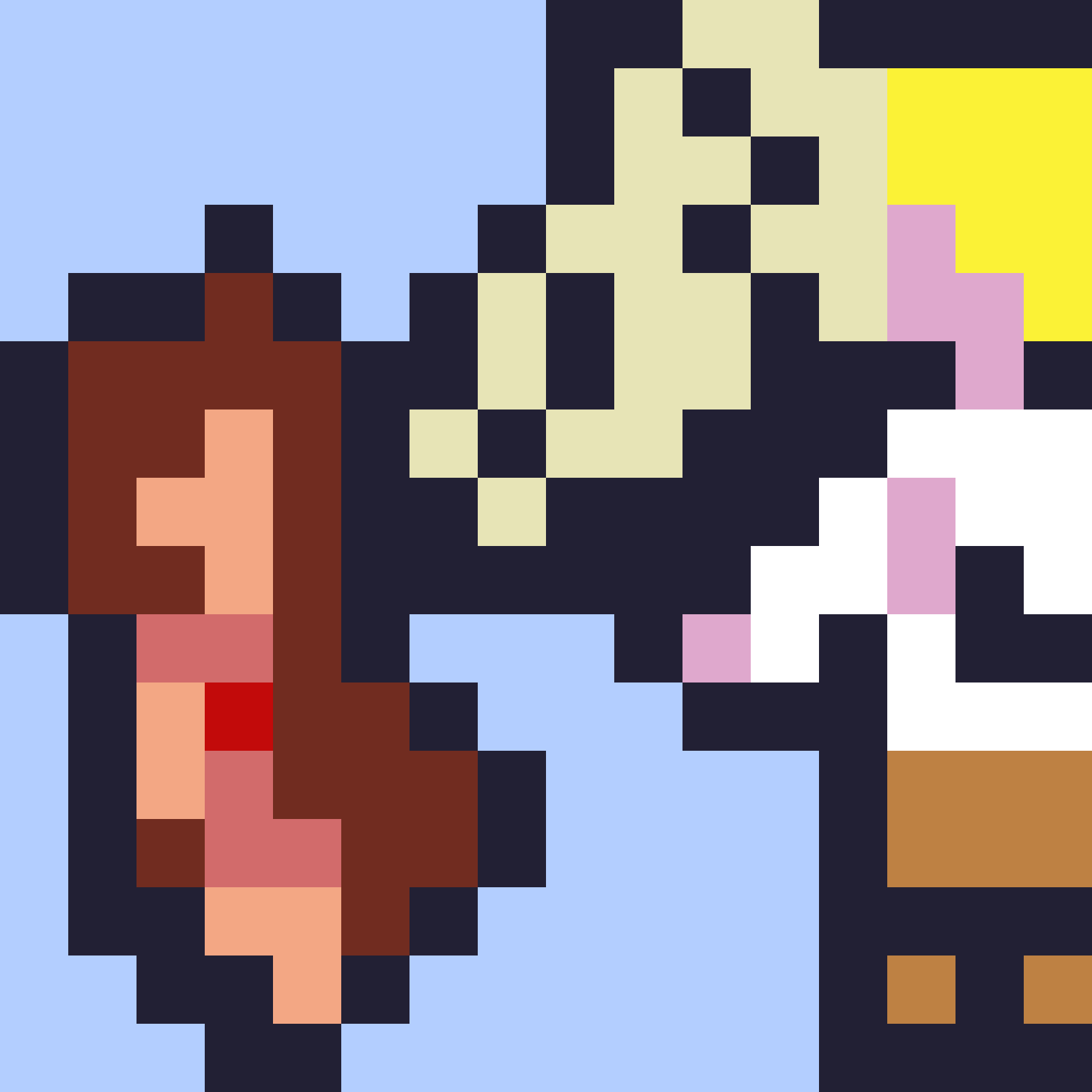
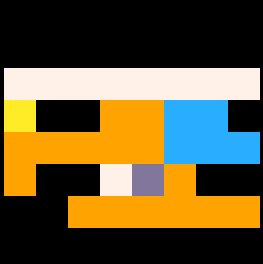
I made this as my first project after the tutorial by Dylan Bennett in "Game Development with PICO-8".
Just changed the sprites and colors for now.
2 comments