Friends: The One With The Embarrassing Trivia
A small game inspired by my favorite TV show «Friends» and one of its most memorable episodes - «The One With the Embryos» (S04E12).
In this short adventure you can explore the apartments of our favorite characters and then take part in the famous trivia game prepared by Ross.

Features:
-
Choose who you want to play as: Chandler or Monica
-
Explore the apartments before the trivia to find hints
- Quest interactions depend on the character you choose - Chandler and Monica have their own opinions about every question


 2 comments





ENG:
--version #1:base game
--version #2:
- add controle with arrows
- and fixing all bugs
--credits
creator:Artemproff68
coder:Artemproff68
drawing sprites:Artemproff68
beta testes:Artemproff68,Stasman68,Irina
original idea:greg youtube
Overflow is strategic game.
Rules:
Overflow Rules:
Overflow can be played with 2-4 players.
The game has two stages, but before the game starts, the order is determined first: give each player a number, and you'll be assigned colors. Numbers will appear in front of each color, so you know who's playing which color, and this will determine the order.
After this, the first stage begins: the 'setup' stage: each player takes turns placing blocks of their color on the empty board (you need to hover over the cell you like and press x). Once the board is filled, the 'game' stage begins.
'Game' stage: in this stage, you push lines of blocks using arrows (you need to hover over the arrow you like and press x). Also, on the next turn, you can't push from the opposite side of the arrow you clicked on in the previous turn.
There is also a blocking function. A blocking block can only be placed once per round on a gray cell (you need to hover over the gray cell you like and press x). This takes a turn. After this, you can move your blocking block and This also takes one turn. If a player runs out of blocks, their block disappears and they can no longer move.
What does a block do? It prevents the lines on which it was placed from moving.
The goal of the game is to be the last one on the board.
if u readthis u can skip rules in game
RUS:
--версия #1:полная игра
--версия #2:
добавлено управление стрелочками
и исправлена большая часть багов
--авторы
создатель:Artemproff68
кодер:Artemproff68
создатель спрайтов:Artemproff68
бета тестеры:Artemproff68,Stasman68,Irina
оригинальная идея:
0 comments


Introduction
Wield the Morning Star (Flail) and your secondary weapon to defeat enemies and obtain the Amulet of Yuehor.
How to Play
- Arrow Keys: Move, Crouch
- X: Attack
- Up + X: Throw
- Z: Jump
I use my sprite placement tool to arrange and store the positions of interactive objects.
Sprite Mapper
介绍
利用流星锤和副武器,击败敌人,获得约亨儿护身符。
如何玩
- 方向键:移动,下蹲
- X:攻击
- 上+X:投掷
- Z: 跳跃
我通过我制作的精灵放置工具来布置和存储可互动对象的位置:
Sprite Mapper
5 comments


Loose Ties is a turn-based tactical game about deducing out who is at the party. Move through the house, chat to the guests, and dance to get a little extra attention. Deduce the personality of each guest by observing how they behave before the vibes turn sour! Can your social battery hold out for 4 wild nights?
Loose Ties was developed for the 2026 7 Day Roguelike Challenge.
Credits
The character sprites are adapted from Loren Schmidt's phospher art pack. There's so much character in here, check it out!
Shout Outs
I wanted to include some shoutouts for projects that I drew inspiration from while making Loose Ties!
17 comments




Boggarts & Billiards
Boggarts & Billiards is a small roguelike made for the 2026 7DRL jam. You play as Bop, a goblin on a quest with his trusty companion, Ball. Throw Ball around to defend yourself while you descend through the three floors of the dungeon and attain your delicious reward :)
Controls
D-Pad - Move
Press X - Pick up Ball/Throw Ball in the direction you're facing.
Hold Z - Aim without moving.
2 comments


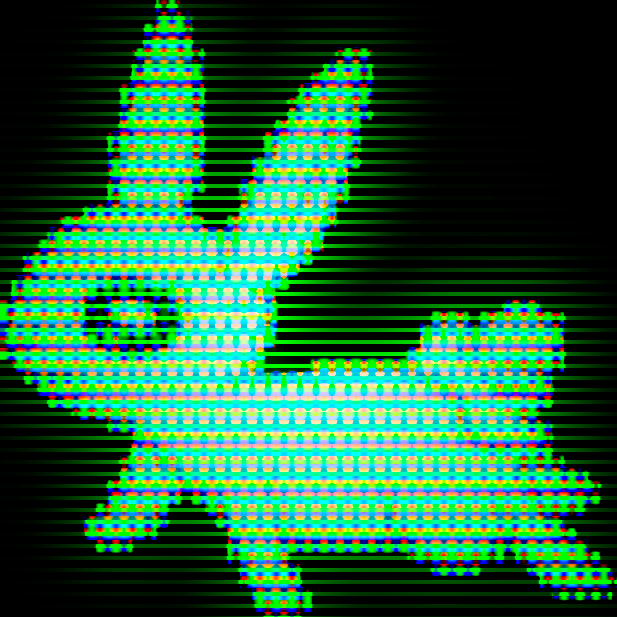


My entry for the 7-Day Roguelike Challenge 2026.
You are Tree Hugger, an earth pony with fertile hooves and a taste for mushrooms. Your goal is to reach the tree at the center of the dungeon and hug it with all of your hippie might.
You have a scroll containing a list of all the mushrooms you can find - this will be filled out as you discover the effects of mushrooms by eating them. Most mushrooms will make you trip, but you'll come down slowly over time.
As you explore, the dungeon will become overgrown around you, moreso in places where you've walked. Overgrown walls become weaker and mushrooms may spawn in overgrown tiles.
Mushroom effects:
- Fertility: Tiles become more fertile as you walk.
2 comments


A tribute to a game I grew up with, with a little twist borrowed from a different game I grew up with.
3 comments


DVD Logo thingy I made while following Lazy Dev's PICO 8 tutorial.
I intentionally don't call CLS() each frame to have a more fun effect.
The bouncing sprite changes its palette every 250 frames, and bounces at a random velocity.
1 comment

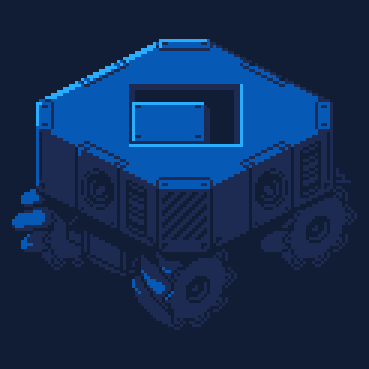


Delve into the caverns in search of the sacred fruit!
X - Inventory
Z - Select
Arrow Keys - Move
While I did get a finished game loop that I'm happy with, there's a lot of potential that couldn't be explored due to the time constraints of the jam (and spending too much time programming systems).
4 comments
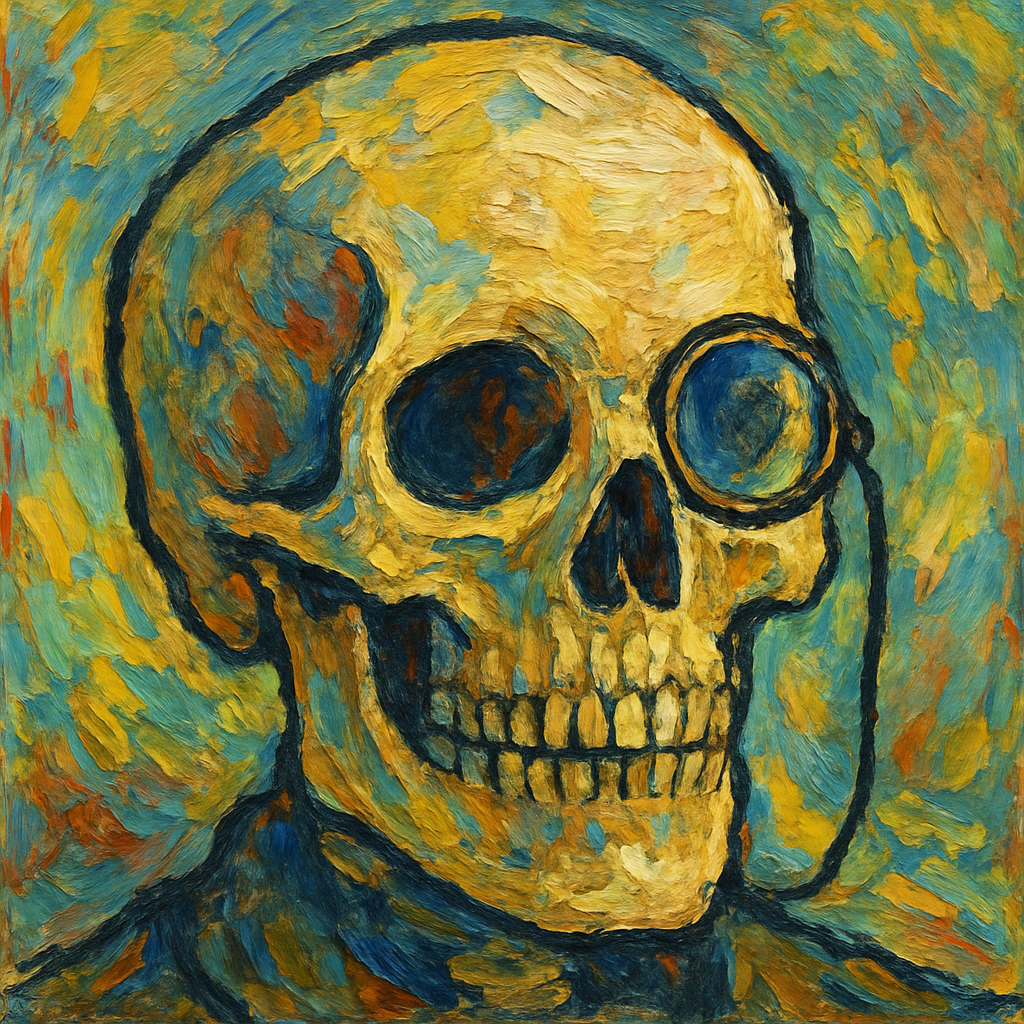

Shmup mockup I made while following Lazy Devs' PICO 8 tutorials.
It uses cls, rectfill, rect, print, spr and pal functions.
The alien mother's eye quickly rotates through different colours to give an intimidating effect.
0 comments

Edit 2026-06-22:
Cartridge removed in compliance with new Lexaloffle Generative AI policy. The cartridge was made with agentic coding tools, though art, writing, and music were made by myself. Feel free to play the version on my itch if you'd like. The project is currently on development hiatus as I burned out and am working on other games, but it contains a complete story as is.
I've been working on this for a while. A storybook tactics game inspired by Fire Emblem and Paper Mario!
Plays with either joypad or mouse. Mouse is my recommendation until I add better joypad shortcuts, but both should work.
Despite having worked long on this, there is still so much more I'd like to add. Let me know how you like the game!
Bold Font: lilwide by thelxinoe5
Title Font: Troll by somepx
5 comments




About
A very short game made in under 7 days for the 7DRL Challenge 2026 game jam.
Synopsis
A rogue-like-ish game where you start with every item already in your inventory, and constantly lose items / upgrades instead of obtaining new ones.
1 comment


Please post if you find any bugs with the boss.


Quick Start
Pick a tile from the palette at the bottom
Left click to place tiles
Right click to erase
Tools:
Paint: draw tiles one by one
Fill: fill an area
Controls:
Move mouse to screen edges → scroll the map
9 comments

A bit of a simple request, but it would be nice if the "extra" flag in gfx data remained unused, namely so custom editors could write to it to store per-sprite metadata without it being overwritten by the built-in gfx editor.
This is preferred over adding a new flag to gfx data so that custom tooling remains compatible between picotron versions.
This could be used by custom tools to store layers, animation data, tags, etc.
The same could apply to other formats like .map and .sfx
Why not use metadata?
You could use metadata to store this extra data, and hypothetically it shouldn't be cleared. But it's not a great solution. As long as you only use one editor it would work fine, but if you were to quickly use the built-in gfx editor to move a sprite, then load it back in your custom editor, your data is now all out of order.
Couldn't you add custom flags to gfx?
A quick glance at main.lua in the built-in editor shows two methods for saving and loading gfx data, both of them seem to only support very specific flags. If you were to save extra data in a custom editor, it would simply not get loaded by the default editor.
2 comments



A simple font viewer I made where you drag and drop a .font file to view it or use default_app font_viewer.p64
You can generate a png image of the font by pressing Z.
You can generate a copy-paste font download for your font by pressing X.
1 comment
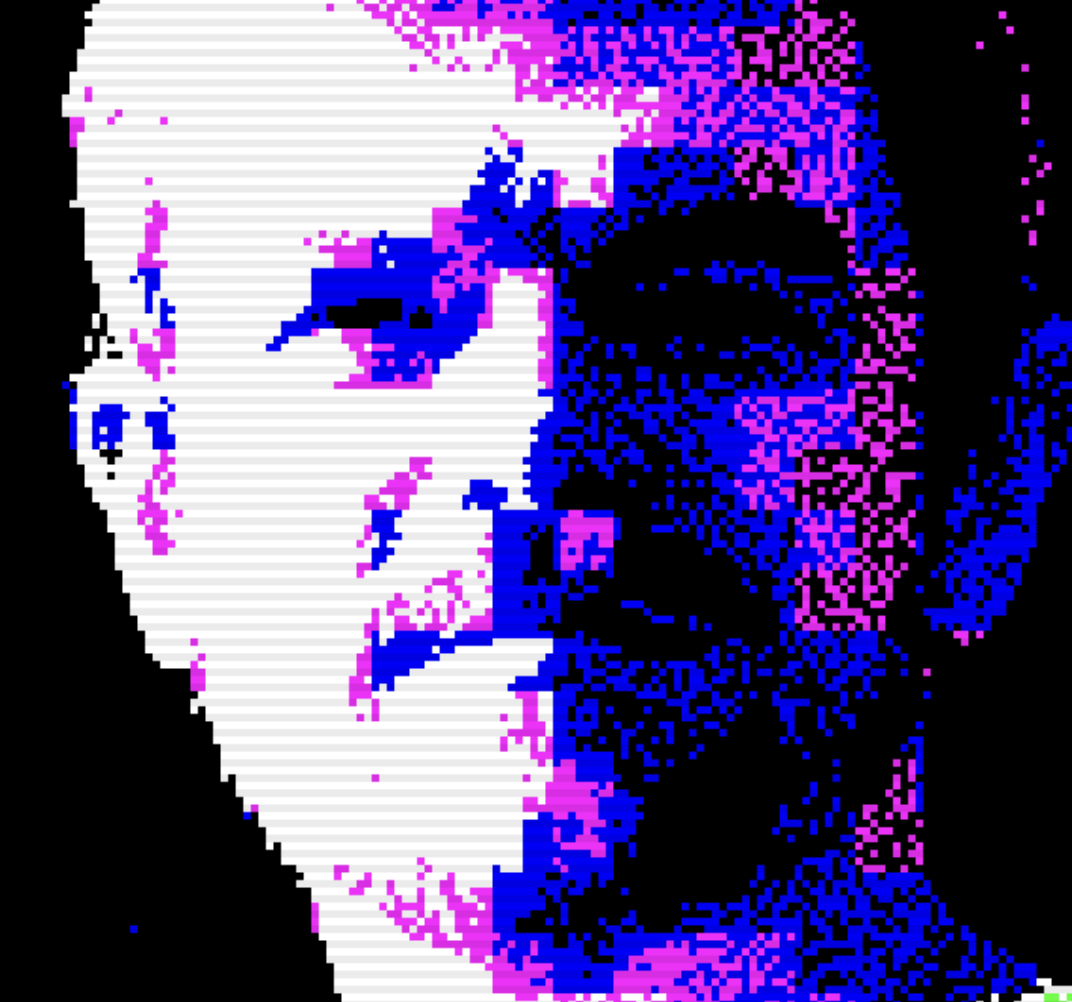


Please note: Magpie currently doesn't work in Chromium browsers due to a bug. Find binaries to download on itch!
Current Version: 0.2.1 (Joy)
Changes
0.2.1:
- You can now page between modes using CTRL + [,] or CTRL + <,> or click buttons in the top-right corner (thanks Verbante!)
- Added cart metadata (thanks Claus!)
0.2:
- Added many new functions!
- Added Code Explorer - go back in time and view your past Magpie code, load it back in and edit it!
- Refined the way timers worked, fixed some performance things, added new sprites.
9 comments