





Ninjoe finds himself trapped in the basement of Chickensnake Tower. He must take control of the light and shadow to puzzle his way out. Good luck!
If playing with a keyboard, z and c get mapped to the "o" button, and x gets mapped to x.


Special thanks to:
- @Doriencey (lex, itch) for designing many great and devious levels.
- The Toy Box Jam folks for playtesting, especially MaxOsirus, DeusTex, BryterGames, rob, samu, and morgan for their valuable feedback.


 17 comments








In your head the hellworms writhe. Or are they real?
Port of a twine piece I made in zero hours for PIGSquad does 0h Game Jam 2025.
Play the original here: chairodactyl.itch.io/writhing-hellworms
Playable with mouse, or directional buttons + O
Thanks to Zep and co for Px9 which was essential for this project.
Big thanks to my partner Cheese for their support as always.
Check out their games: cheesepak.itch.io
1 comment


a simple interactable water simulation
uses one array to hold values of all the x and y values, iterating through a given amount of them each frame.
it does not use continuous collision detection
x and o for passthrough and pull
0 comments


simple interactive cube wireframe
o to toggle rotation animation
x to switch between editing rotation or transformation
arrows to move cube
0 comments


|
[8x8] |
Hi All,
this is my first attempt at game development. well, first real attempt at it. I've tinkered with unity in the past but always got a bit offtrack. something about pico-8 really keeps me focused. its still very much in development, there are some serious balance issues and not everything is working perfect but its at a point where I feel I can post it.
its a classic dungeon crawler with a focus on weapon and armor synergy to unlock classes. the dungeon has an end, what is waiting for you when you get there?
18 comments




|
[32x32] |
Hello! I was wondering if anyone could help with this in picotron. I want some scripters to work on a project where you have a block coding system similar to scratch, but for pico tron. the thing will run as an app inside of picotron just like picotron's own editor. If something like this already exists, let me know. Thanks for reading this. Because picotron is NOT as easy as pico 8. and i kind of want to make a project with picotron faster than ever.
2 comments




My first ever finished game! (on PICO-8 or any other medium)
Developed in 2-day solo "gamejam".
It's a tower defense (literally).
Probably able to beat it in a few tries / 10 min-ish. (maybe not)
Controls
- o: confirm
- ↑/↓: select floor
- ←/→: select action
0 comments


I'm currently developing a side-scrolling platformer that implements two different jumping mechanics. The first one mimics the original Castlevania style—fixed-trajectory jumping, where your jump arc is locked once you leave the ground. The second is the more common approach, allowing players to adjust their direction mid-air. I'm unsure which one is truly better for my game.
1.fixed-trajectory jumping


2.allowing players to adjust their direction mid-air

 2 comments




From DeusTex comes the arcade mayhem you never knew you wanted. Inspired by the legendary Robotron: 2084, Chicketron drops you into a never-ending nightmare of angry chickens and mechanical Robochicken monstrosities that critics have called "deeply cursed." Angry Birds got nothing on this fowl bunch.
Wave after wave of feathered fury descends upon you, but you're a snail with a gun, so you won't be going quietly into the night. Send those mother-cluckers to meet their maker, and don't let them eat you in the process.
Rescue friendly fellow snails caught in the crossfire. Rack up points. Try not to think too hard about what's happening. Survive.
5 comments


Video Poker - Jacks or Better, based upon classic casino games, like vintage "Player's Edge" and modern "Game King" machines commonly seen in casinos. For the PICO-8 platform, this version of "Jacks or Better" has the colors, sounds, timing, logic, and user input closely modeled on the real-world machines.
Controls:
- [Z] - SELECT
- [LEFT ARROW] - move left
- [RIGHT ARROW] - move right
Source material from YouTube:
0 comments


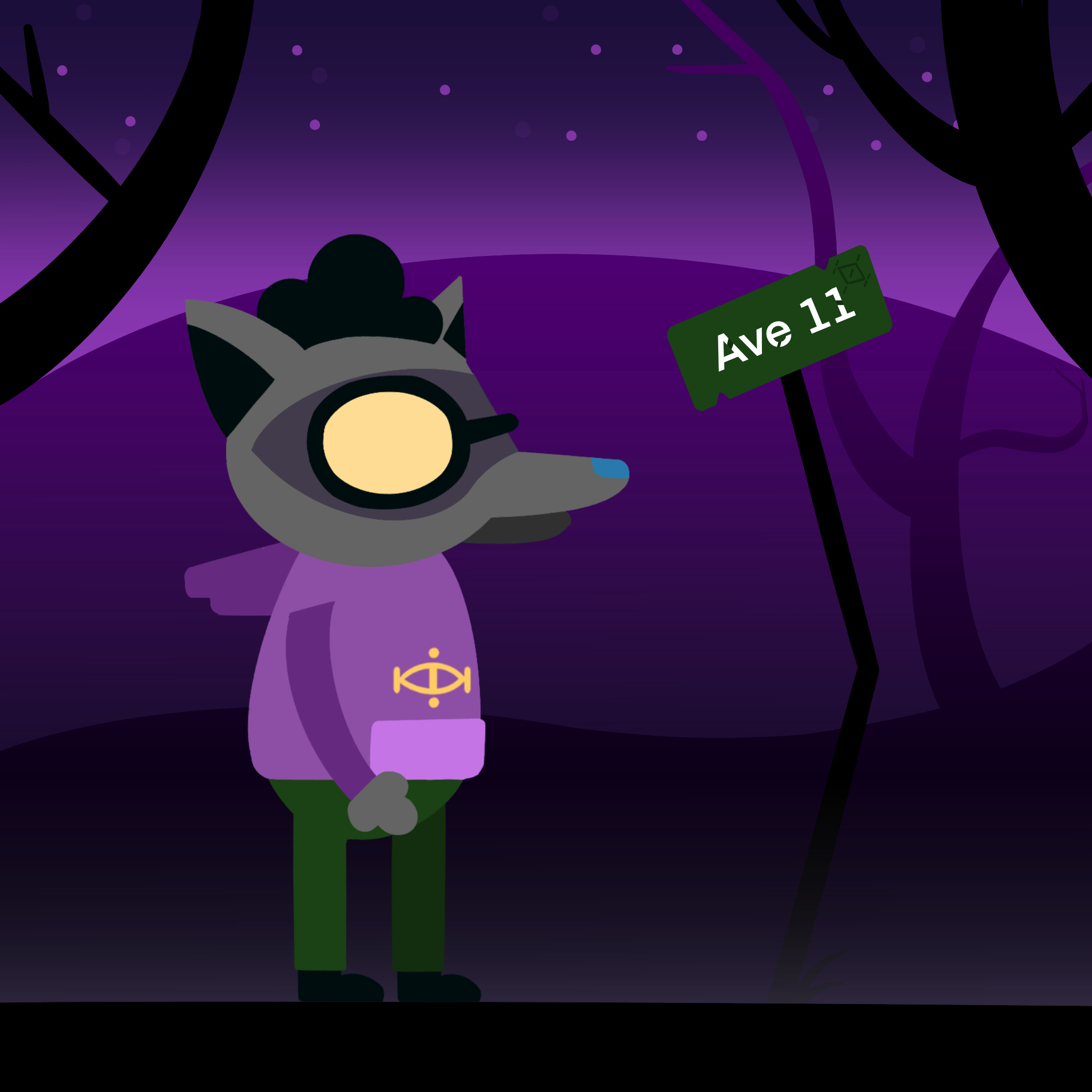
Ninjoe and the Reflex Maze!
This maze navigating rogue-lite game is a cross between Pac-Man and Tomb of the Mask. As you play more, you can permanently unlock power-ups for future runs!
I created this game for the Toy Box Jam 2025
I only used base assets ("Hard Mode")!
⬅️⬆️⬇️➡️ to move
❎ to use your power
🅾️ to toggle slow-mo and turn Ninjoe mid-slide
Level Goal: Unlock the Red Door with a key to turn it into a Green Door
Game Goal: Beat level 10
Thank you to playtesters:
@NarcolepticFrog
Ianschreiber
Samu
@deustex
KetchumGuy
Thank you @thattomhall for hosting this Jam!! And thank you to:
0 comments





-==================================================-
Welcome to Pippitron
-==================================================-
"May this cart help you find the joy if gamedev."
-- Wash
This cart is my attempt to port the code from
LazyDev's Top-Down Movement video to Picotron.
(https://www.youtube.com/watch?v=frqf73ycQc0)
I've taken the code at the end of each level and put
them in their own files so you can see the final
product of each stage of development. Functions are
suffiex with their level to help them run at the same
time. (Example: update_lv1(), draw_lv3, etc.)
Each level accepts button inputs to move the player
so I made each level's player respond to gamepads 0-3.
You can change which gamepad controls which player by
change that file's 'gamepad' variable.
End,
--Thanks for Reading Me
0 comments


I really hope this doesnt count as spam or anything. I just figured this was a good way to express how i'm feeling at the moment.
3 comments




Moving Maze Ninja, a dungeon crawler for maze lovers.
Discover a roguelite game like no other.
Controls
- Arrow Keys: Move the Hero / Navigate Menus
- X: Select / ui
- Z: Back / help
Rules
Combat: When you collide with an enemy, you enter a turn-based battle.
Loot & Leveling: Defeating enemies drops Gold, XP, and Gear.
. Survival: Manage your HP, Potions, and Smoke Bombs. If you die, you restart from maze and level 1.
Game Features:
- Procedural maze, enemies and gear generation
- Shop system
- Portals
- auto turn based combat with no luck
- super fast gameplay
-- Code Snippet: The World Engine function carve(sx,sy) maze [ [size=16][color=#ffaabb] [ Continue Reading.. ] [/color][/size] ](/bbs/?pid=180925#p) |
11 comments





Overview
I made this program to help me make ascii art for games. The most important feature is the print button. This copies to your clipboard a complete print statement with all the color codes and newlines included. You can then paste the print statement into your games draw function and it will render all the colors and text.
Because pico 8 doesn't have enough cart data to save larger blocks of text, the save button copies to clipboard the lists of the art currently on the canvas. It will also create a desktop file with the same data. You can then paste the art data (the lists called char and clr) into the first function of the p8 file to load that art when you run the program. Feel free to ask questions if you need help or more explanation! :)
0 comments