





I've been playing Computercraft and decided to create a simplified version of its Parallel API for Pico-8. This code introduces two functions:
waitforany and waitforall, which lets you run multiple functions in parallel using coroutines.
Actually, the entered functions don't all run at the same time; functions will run in sequence and switch between themselves whenever they yield(). The above cart shows an example usage of both functions.
waitforany()
Takes functions as parameters, and runs each one in parallel.
Returns the index of the first function that finishes.
usage:
waitforany(func1, func2, ...)
code:
function waitforany(...)
 colist = {...}

[ [size=16][color=#ffaabb] [ Continue Reading.. ] [/color][/size] ](/bbs/?pid=174466#p) |


 0 comments


A very buggy, janky, amateurish attempt to recreate Tetris in Pico-8. I made this over the course of a weekend and some change. I've wanted to dip my toes into pico for a while now and decided rebuilding a simple game I knew well would be the best way to do so. Learned a lot, and am really excited to try out more Pico development! Please don't play this, it's so bad. But also I can't stop you so whatever.
Left/Right - Move
Up - Spin
Down - Fast drop to bottom
Z - Store/Swap held block
0 comments
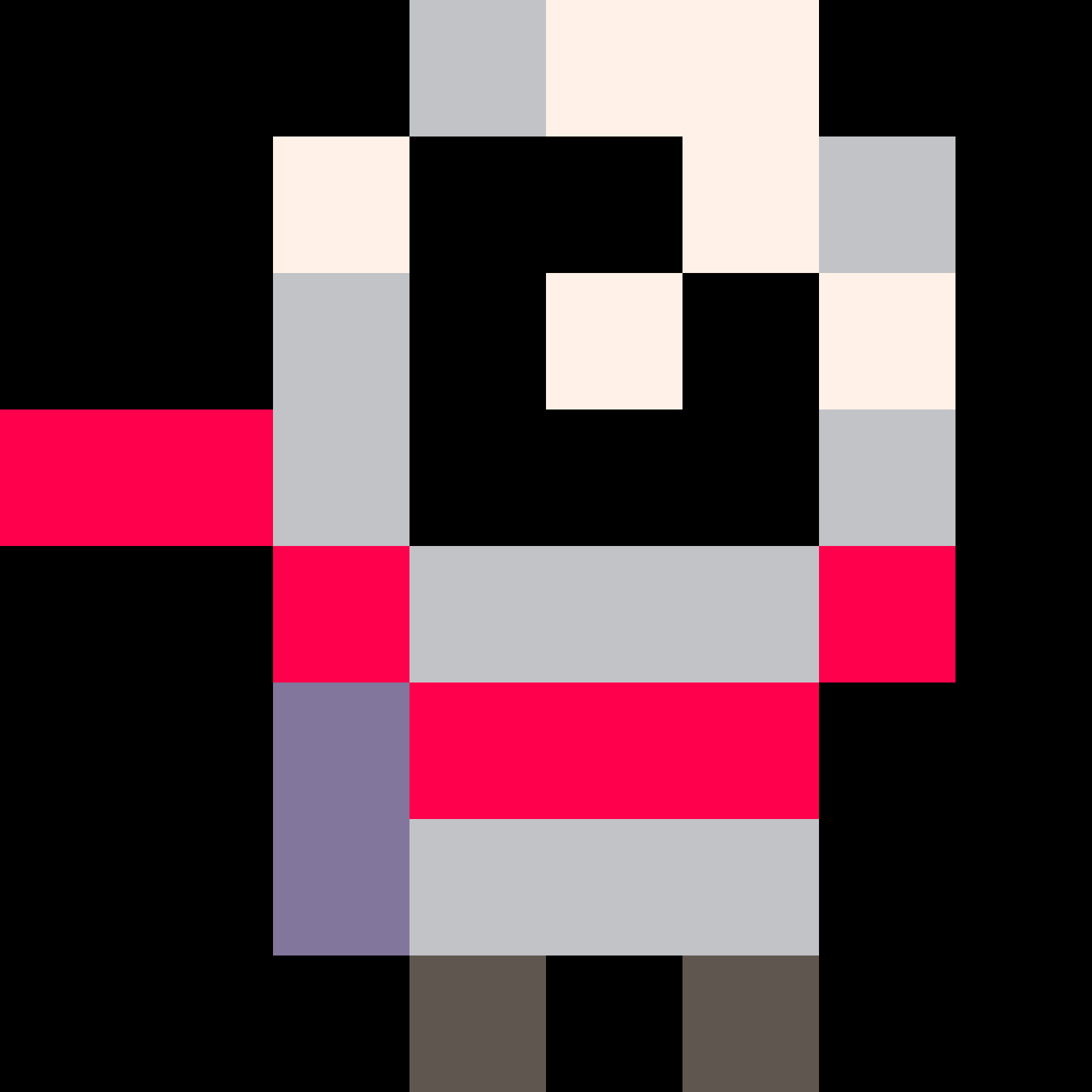


One day, this will have a real story and will be better fleshed-out. Until then, though, here's the engine. There's a little bit of documentation floating around in the code, as well as commented-out scraps of things that didn't work. Until then, though, feel free to leave feedback.
0 comments
Hi!
I'm Ch0p5h0p, but I'm known here as Blooper7.
I mainly specialize in firmware writing in C/x86 and making other projects in Python, but I like to make some games every now and then. I'm into platformers, story games, shmups, and bullet hells.
1 comment



I am recently investigating how to local cache Pico-8 game in iOS device. And I came across this css setup which can dramatically improve user experience in my opinion.
The trick is to stop bouncing effect, by set up html styles with https://developer.mozilla.org/en-US/docs/Web/CSS/overscroll-behavior
<html styles="overscroll-behavior: none;" > |
With simply having this, there is no more annoying dragging and selecting when using the virtual buttons. The drag and bouncing effect is super annoying when playing some games like all the drawing carts which needs touch operation on mobile device, which was inevitably recognized as dragging and pressing before.
When I have time, I will share more details. Another trick is to add a service-worker to cache your html file and the loaded .js file, which can turns a pico-8 game into a web app on your home page and run it locally. This trick even works for pico-8-edu, you can run pico-8-edu on your iphone/ipad locally without Internet. The only problem is that you can't run Load to load forum carts. But you can add a file loader which can upload cart file to emscripten file system instead.
1 comment


Trying to find out how to get pico-8 on a TI-84+ ce/c silver edition. I know that at least it is possible to get a singular cart on because of CEleste (ported by Comandz on Cementech and on github).Any ideas? (I can barely code TI-Basic)
(Info on CEleste: https://www.cemetech.net/forum/viewtopic.php?t=18180)
(CEleste: https://www.cemetech.net/downloads/files/2198/x2724 https://github.com/commandblockguy/CEleste)
0 comments


How to play
There are square panels around you. You must jump on them and go up (foreground side).
If you miss the panel and fall toward bottom, the game is over.
D-pad: move the character
This is also released on itch.io for PICO-1K Jam 2025.
Release notes
- 0.01 (September 23, 2025)
- Initial release.
17 comments




Z or C or (A) - swap - hold with left/right to carry
X or (B) or (X) - hold with any direction to push
Organize medical ingredients and complete recipes to heal some friends in mini pharma!
This is a small arcade puzzler I made in 9 days for the Falling Block Jam 2025! The optional theme was "Analog Memory", and this is why the people you help will give you beads as tokens of appreciation for your performance!

Ingredients come continuously from the top of the screen and you have to organize them to fill in recipes at the bottom of the screen. Completing the recipes continuously (no more than 2 gravity steps between ingredients) will get you better quality beads as thanks!
9 comments





.png)










What is Kero Comments?
Have you ever wanted to add fun sprite-based comments
to your code? Kero Comments can help you do that in 5
simple steps!

How to Use

- Use the green frog button to open the sprite
menu and choose a fun head sprite.

-
Use the blue talk bubble button to open the dialog
menu and decorate your talk bubble with colors
border styles, and fonts. - Write your message in the talk bubble itself

-
Use the orange copy button to copy everything
to the clipboard. - Use ctrl-v to paste into your code, text file, or
even the sprite editor ♥
Advanced Options

- Use the orange folder button to open your own gfx
files and use your own head sprites.
 1 comment



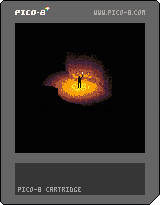
Caverns of the Souleater
Father told you these caverns hold a great treasure. But all you've found are endless tunnels and venomous snakes. As your torch burns low, you wonder if the gold was ever real. And why he didn't share this with your brother?!

Gameplay
Your goal is to escape these forsaken depths without being bitten by snakes. Torch should scare the snakes but once it wanes they will crawl to you and bit you. Unfortunately there's not much fuel in the torch so hurry up or put it off.
- Use the arrow keys to move the character
- Press Z to toggle torch
- Contemplate the path you took
- There are two endings, indicated by captions
6 comments



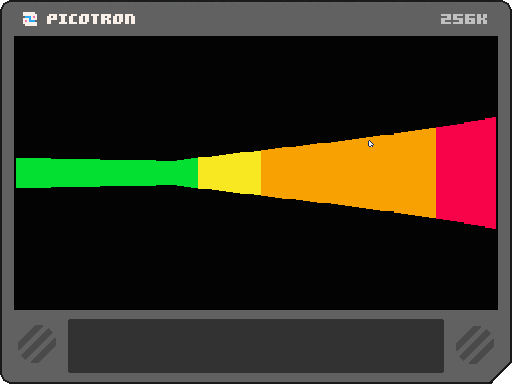
Hi, I've been experimenting with Picotron.
Raycast is hard for me to understand. I feel it's complex and difficult, so I built this cartridge so you can experiment with 3D.
I don't have much faith it'll go far, but it's useful if you want to make a 3D game.
Thanks for reading.
Sorry for the translator,
I don't speak English :)
1 comment
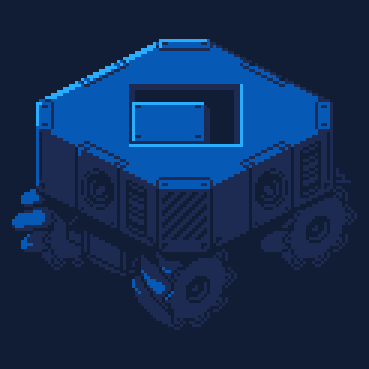
Due to the high demand of blocks, you will need to make your own polyominoes.
Arrow keys to move.
X + an arrow key to weld.
Z + an arrow key to drill.
made for the Falling Block Jam 2025
itchio page
5 comments

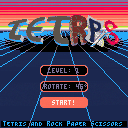
Submission to Falling Block Jam 2025
Controls:
⬅️➡️ Move block left/right
⬇️ Slow drop
⭕️ [Z or C] Rotate block clockwise
❎ [X or V] Rotate block counter-clockwise
[P or Enter] Pause Menu and options...
Gameplay:
Move the current block like it's Tetris... but it's not, the rules of Rock Paper Scissors apply, a quick recap just in case:
- Rocks beat Scissors
- Scissors cut Paper
- Paper wraps Rocks
Now this doesn't only apply when you drop a block onto others but you can hit single elements of your block on elements that they can beat while your block keeps going. For this reason there's no instant drop button.
5 comments




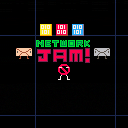
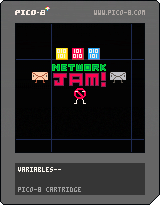
Someone's trying to load a video but it keeps buffering! Clear the network jam by collecting data in cyberspace! Watch out for enemies and corrupted data!
Made for WPI IGDA New Tech Game Jam
Theme: Lagging Behind
Alex Lanz - code and art
Ben Levy - code and art
Kevin Koroveshi - audio
2 comments

PICK-1K is an annual game jam where --- hang on, I think I misread the name of this competition.
PICK-1K is a wordlike roguesearch made in 1024 bytes for PICO-1K jam
. You have 32 seconds to find the singular "K" in the letter grid. Once you do, you'll pick a new detriment. The detriment will give you a negative effect, AND all the letters in the detriment's description will be added to the letter grid, making future rounds more difficult. If you touch any of the red pixels, you lose. If you run out of time, you lose. If you fail to pick 1 k, you lose.

 0 comments