


A Lua snippet that implements a stack of nested camera contexts. This makes it easier to apply translations when drawing composite graphics.
You can push new camera contexts with push_camera(x,y). This acts like a call to the standard camera function, but after this, all calls to camera are relative to x and y. You can return to the previous camera context by calling pop_camera().
You can push as many camera contexts onto the stack as memory allows.
An example of mixing push_camera and camera calls: Calling push_camera(-20,-30) sets the absolute camera coordinates to (-20,-30), like the standard camera function, and creates a new context. A subsequent call to camera(-1,2) sets the absolute camera coordinates to (-21,-28). Calling pop_camera() restores the absolute camera coordinates to the default of (0,0).
An example of pushing nested camera contexts: Calling to push_camera(-20,-30) sets the absolute camera coordinates to (-20,-30), like the standard camera function, and creates a new context. A subsequent call to push_camera(-1,2) sets the absolute camera coordinates to (-21,-28) and creates a new context. Calling pop_camera() restores the absolute camera coordinates to (-20,-30). Finally, calling pop_camera() restores the absolute camera coordinates to the default of (0,0).
do
 local cstack = {}
 local abscam = camera

 function push_camera(dx,dy)
  local cx,cy = peek2(0x5f28,2)
  add(cstack, {cx,cy})
  abscam(cx+dx,cy+dy)
 end

 function pop_camera()
  abscam(unpack(deli(cstack)))
 end

 function camera(dx,dy)
  local cx,cy =
    unpack(cstack

[ [size=16][color=#ffaabb] [ Continue Reading.. ] [/color][/size] ](/bbs/?pid=170984#p) |


 1 comment



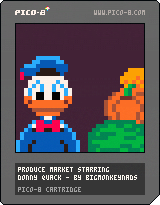
Produce Market Starring Donny Quack
Donny Quack is all out of bucks! His nephews wont let up on having their very own playground. Luckily a position has become available at the local Produce Market.
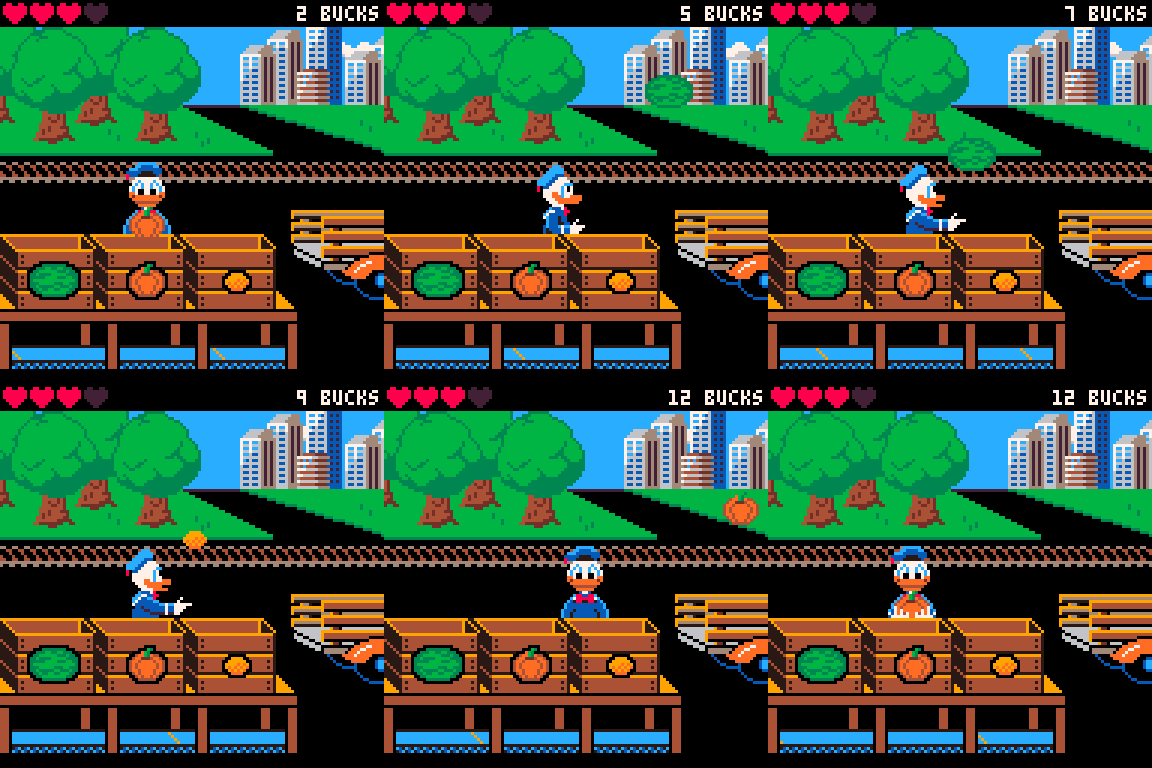
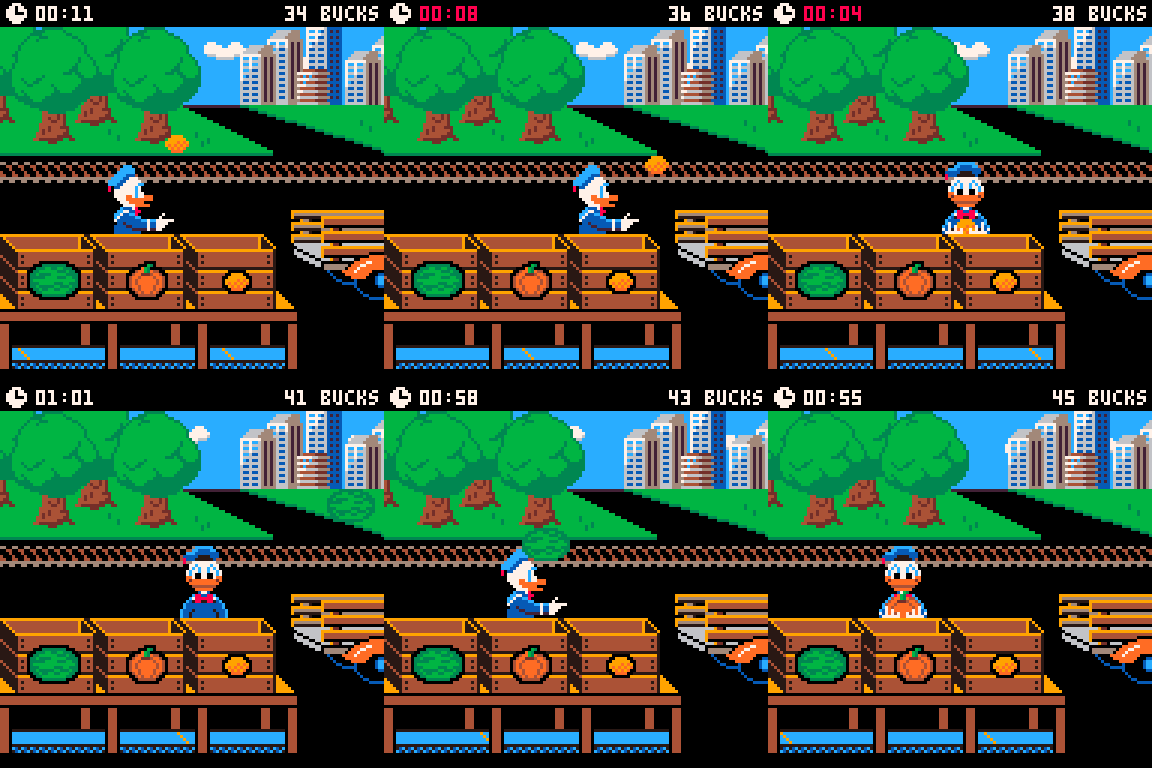
Your job at the market challenges you to catch products thrown off the market truck, then sort it into bins. Each bin is marked, showing which variety of product belongs there. You'll be paid for each product you catch and correctly sort.
Arcade mode
Timed mode
Controls
X/O: Drop produce
Arrow Keys: Move
Enter/P: Menu/Reset highscore
14 comments











Arrow keys to move
X to guess
A puzzle game made by Tate Maguire for the 2025 UNI Game Jam.
Check out the itch.io page here.
2 comments





don't stand too close to the glass it's still a little upset
(299 chars)
pal({1,3,9,140,13,12,6,0,8,11,10,12,14,135,7},1)
c,s,f=cos,sin,circfill
p=0::_::p+=1poke(24414,17<<p%4)f(0,0,99,0)camera(-64,-64)z=.5+c(t()/8)/2
for y=-40,40,3do for x=-38,38,3do
u,v=c(a)*x-s(a)*y,c(a)*y+x*s(a)q=c(y/4+t()+v/55)+s(x/3+t()+u/33)+c(v/66)+s(u/55)f(u,v,(.4+q/3)/z,15)end end
flip()goto _
|
2 comments



You can use arrow keys to revolve and move around!
I was inspired by a postcart, but i made my own spin on it! Please enjoy the vibes
P.S. Press X for something different!
 0 comments
.jpg)


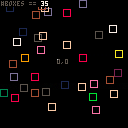
Use arrow keys to change the initial velocity of a spawned box, and reset the initial velocity by pressing right click.
Left click either spawns a box or, if hovering over another box, deletes it.
In the menu, you can delete all the boxes or change the colour of the box your spawning.
0 comments


I made a game with my four-year-old and worked off of his feedback. He felt very strongly that he wanted to make an Indiana Jones game. It is not a great game, but it plays. :)
0 comments


I am messing around with my first game! I did not follow a tutorial and just kind of made it up along the way. This is mostly a rhythm game. The idea is that the rings will stack and make soothing music (although the music does not sound great yet haha). Let me know what you think!
Jump over rings. That's it.
3 comments




I made a digital deck of cards (no joker) with all the cards and easy expandability
I made this because I wanted to make a blackjack game but was having trouble with the card logic, so I made this.
Use your left and right arrow keys to change cards
Feel free to use as long as you give credit!
UPDATE: I fixed the issue where both an Ace and a 1 card appeared, and added a little animation
UPDATE: Fixed animations
UPDATE: Press Z/X to get arandom card
5 comments


CRAZY GAME COMING SOON
hello
in about a year
i will publish a crazy big game
SPACEBOUND(a starbound demake)
it will be published here
could take longer than a year tho
0 comments



Loading
(244 chars)
_set_fps(60)fillp(◆)?"\^!5f11▒1⬇️😐<?◆🅾️☉8웃9:♥7"
a=1m=48c={}s="𝘭𝘰𝘢𝘥𝘪𝘯𝘨"::_::p=min(1,t()/8)a+=1for i=1,m do circfill(63+sin(i/m)*58,63+cos(i/m)*58,5,(i+a)/3)end?"⁶t⁶w"..s.."⁶g⁶pᶜ5"..s,39,63,2
line(39,76,39+54*p,76,9)?(p\.01).."%⁶1⁶c0",58,79
goto _
|
0 comments



DNA double helix in 146 chars.
(146 chars)
fillp(▥)c,l,m=circfill,line,64::_::for i=1,12 do o,s=i*10,sin(t()+i/12)*20 c(m-s,o,4,8)c(m+s,o,4,6)l(m-s,o,m,o,8)l(m,o,m+s,o,6)end ?"⁶1⁶c0" goto _ |
0 comments


Hi! This is a pause menu template you can use as is or as a jumping off point. It allows you to shut down Picotron(useful for exports) and control the volume. It has support for sub menus and custom actions. It can also be controlled by two players, which is important for STEAM to like your game. It consists of four parts of which you only need to use three.
init_pause_menu()initializes all the important stuff, use it to customize your pause menu. All menu elements consist of a title and a corresponding action. e.g.:{"Exit","EXIT"}.
it also declares a new global calledgame_paused. Use it to halt the execution of other update functions. Sadly we can't just stop the execution of the program due to our custom menu behavior. Use this function in your _init()
0 comments


FlappyPONG.V1
This is a pong game, with flappy bird movement. I made it for the #60minutejam. Press 'X' to jump after count down and 'C' (circle) to pause game at anytime. Collect blue collectibles to improve your score. I hope you enjoy the game as much as I enjoyed making it! It's a simple game and I plan to expand on it further if possible.
.gif) 4 comments
