





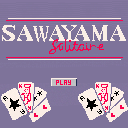
My first ever finished (or as good as) cart :) I tried to make a demake of the solitaire minigame from Zachtronics' Last Call BBS as I've been playing it a lot on my phone. I've only included mouse controls, which I know isn't recommended, I might come back later to add button controls as well if I feel like . There's also no auto solver so you'll have to drag the cards to the foundations manually.
How To Play
This solitaire variant works in a similar way to klondike-solitaire. You can stack cards of alternating colors and decreasing values, card stacks can be moved onto empty columns. Clicking on the deck in the top left will deal out three cards, you can hover over the cards to see their values. When the deck is empty a free cell is unlocked that can be used to store a single card. To win stack all cards in the foundation piles on the left from ace to king! :)




 2 comments


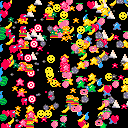
A fun tool that allows you to select any number of 42 different sprites to spawn and adjust the speed, amount, spawnrate, direction and background color.
Controls:
x - open/close menu
o - select
arrow keys - move cursor
trashcan - delete the sprites you have selected
2 comments

.png)


Strawberry Src
A slightly-less-simple code & text editor
Author: Matt Sutton / @xietanu.bsky.social
Version: 1.5.1


Overview
Strawberry Src is intended as an equivalent app to Picotron's in-built code or text editors, with new quality or life improvements to make navigating and editing code and text easier.
TIP:
You can set Strawberry Src as your default editor using the default_app command in the terminal.
Go to the terminal and type:
default_app <extension> <path to Strawberry Src cart>
E.g.
default_app lua /desktop/strawberry_src.p64
OR NOW: If you have it unsandboxed, you can do it directly from within Strawberry Src (look in the settings menu)!
35 comments







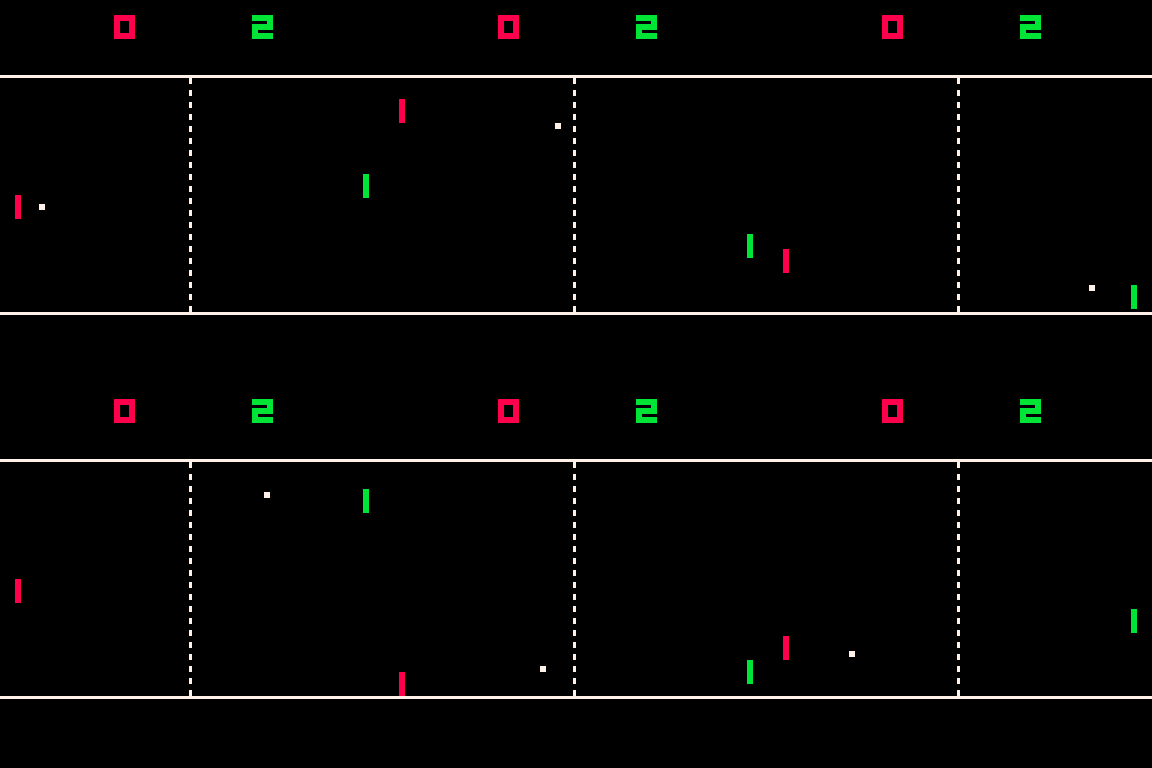
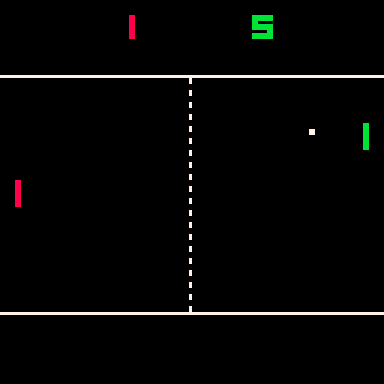
Controls
Up/Down to move paddle
Left/Right to increase/decrease ball speed
Rules
1-2 Players
First to 9 winns
About
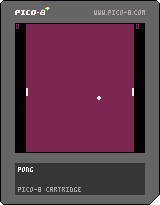
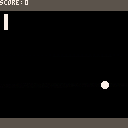
My first attempt for a Pico-8 game is a Pong tribute.
Hope you enjoy and please consider buying me a ko-fi
URL ko-fi
More games to come soon...
0 comments
On MacOS 15.4.1 every attempt to store gui tables crashes the app and results in "segmentation fault".
eg
local s = pane:active().foot
store("/ram/dev.pod", s )
s is an attached gui element
{
child = {},
width0 = 126.0,
text = "footer",
width_rel = 1.0,
sy = 200.0,
parent = "<PARENT REMOVED>",
height = 16,
border = "rrect",
update = <function 1>,
head = "<HEAD REMOVED>",
z = 0,
height0 = 16,
t0 = 0.0,
draw = <function 2>,
vjustify = "bottom",
sx = 4,
clip_to_parent = true,
width = 126.0,
bgcol = 3
}
( I remove the head and parent from the inspect output from http://github.com/kikito/inspect.lua, to reduce the output)
0 comments

|
[40x8] |
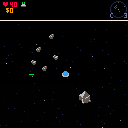
This is a space game I've been working on. There's not a lot to do in it right now, but there's quite a bit I'm hoping to add in the future. If anyone has ideas I'd be happy to hear them.
Controls
⬆️⬇️⬅️➡️ - Move
❎ - Use item
🅾️ - Interact / Switch item
Changes
0.0.2
- Asteroids now spawn around player
0.0.3
4 comments


A simple, procedurally generated vertical platformer / climber.
You change colors on the fly, and only interact with surfaces that match your color.
8 comments
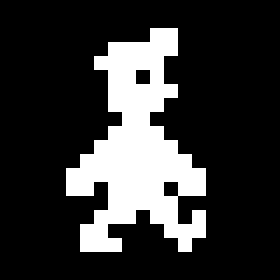

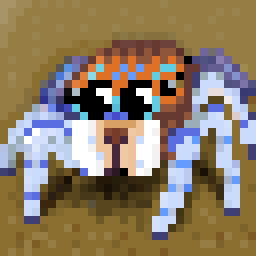

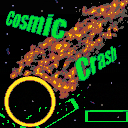
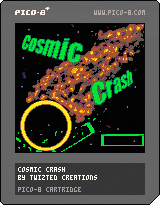
What if Arkanoid and Geometry Wars had a baby?
Changelog:
Ver 1.3.1
- Hurry Up now properly resets when a life is lost instead of just losing a ball
- Lost ball particles updated
- Multiball chances refined
Ver 1.3
- Hurry Up resets when the player loses a life
- Multiball can no longer split a ball offscreen
Ver 1.2
- Ball escaping the top corners of the screen has been fixed (Hopefully)
- Ball no longer gets stuck in the screen edge when being rammed by the paddle
- Press X to skip the (admittedly long) dev logo and go to the title screen
- Increased chances of dropping the Multiball powerup
- Minor level adjustments on "Metalcore" and "Spider"
8 comments



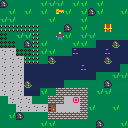


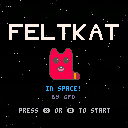
It's feltkat! In space!
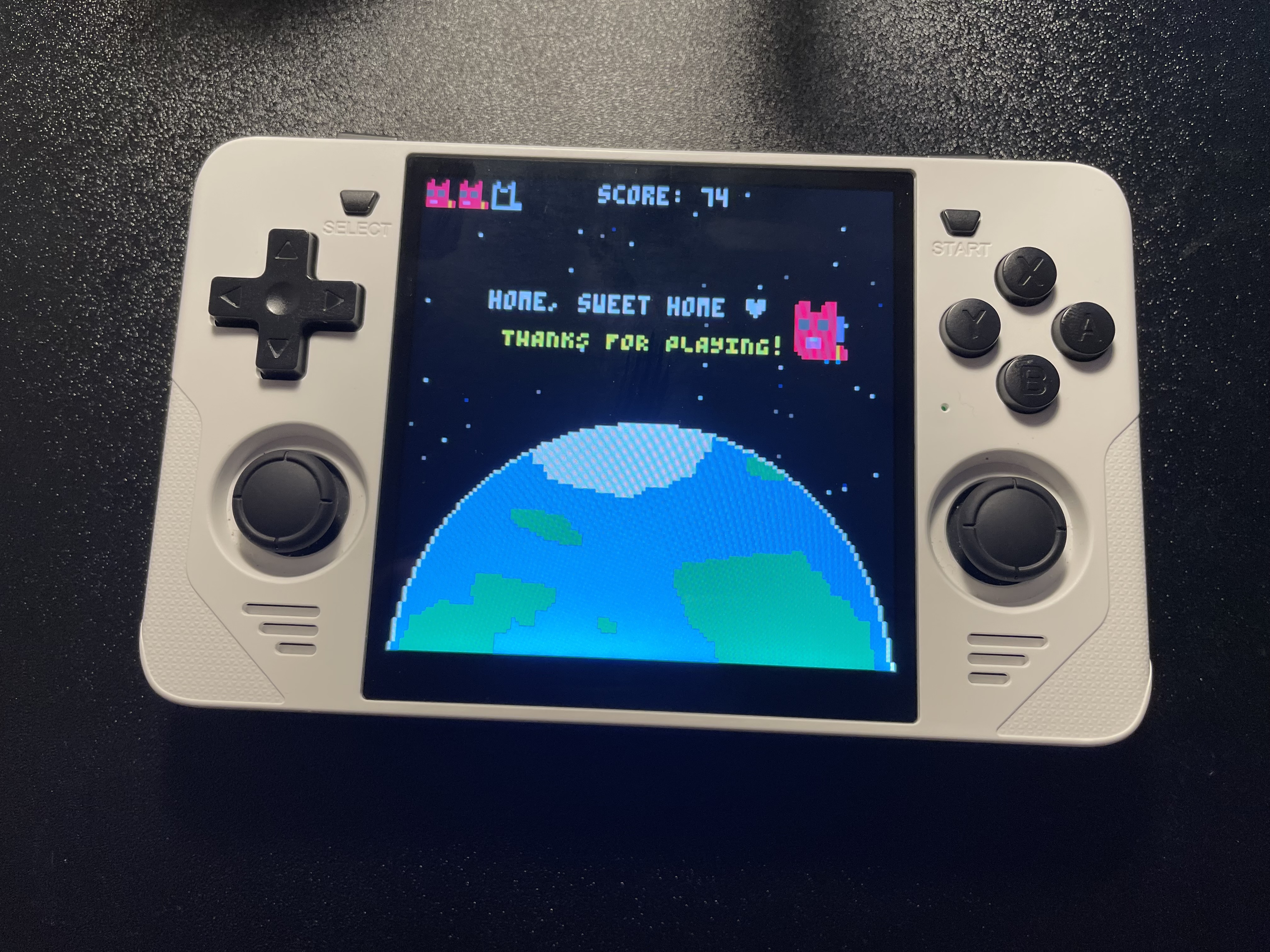
This is a fan game about feltkat by Amatrine. Use the directional buttons to move, collect coins, and avoid spacerocks. Help feltkat make it to the planet!
This is my second game ever, so the code isn't very good, but I had a lot of fun making it! There's one extra life at 20 coins, one at 40, and one at 70, but they only spawn if you've lost one or more lives. Feedback is appreciated :D
See if you can beat my high score!
 6 comments



hey guys, can you please explain the hit function in my code. I used a tutorial for it but i want to understand it.
x = 63
y = 35
dx = 0
dy = 0
grid_x = 0
grid_y = 0
map_tile = 0
flag_tile = 0
function _update()
dx = 0
dy = 0
grid_x = flr(x/8)
grid_y = flr(y/8)
flag_tile = fget(mget(grid_x,grid_y))
if btn(⬅️) then dx = -1 end
if btn(➡️) then dx = 1 end
if btn(⬆️) then dy = -1 end
if btn(⬇️) then dy = 1 end
if hit(x+dx,y,7,7) then
dx = 0
end
if hit(x,y+dy,7,7) then
dy = 0
end
x += dx
y += dy
end
function _draw()
cls()
map(0,0,0,0,16,16)
spr(2,x,y)
end
function hit(x,y,w,h)
collide = false
for i=x,x+w,w do
if fget(mget(i/8,y/8))>0 or
fget(mget(i/8,(y+h)/8))>0 then
collide = true
end
end
return collide
end
4 comments






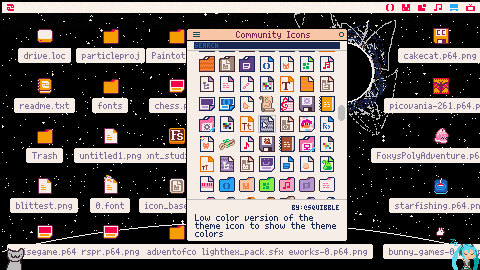
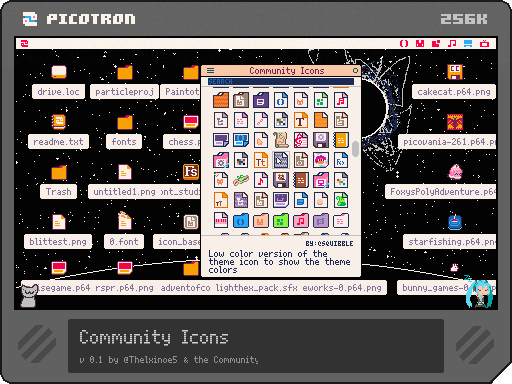
Apologies for the delay! I've now taken all the icons made and submitted for the P-icon-tron jam and compiled them into a single cart for everyone to use! Thank you to everyone who participated!
Hover over an icon to view its name, description and author, and click it to copy it to the clipboard. Then you can simply paste it in the icon editor of your files! You can search for icons as well, and by starting the search with @ you can filter by creator. In the hamburger drop down you can switch between full-color, low-color (based on your system theme) and grayscale.
I also recommend checking out Squibble's Icon Base, since it will allow you to set custom icons as defaults for your files and folders!
1 comment

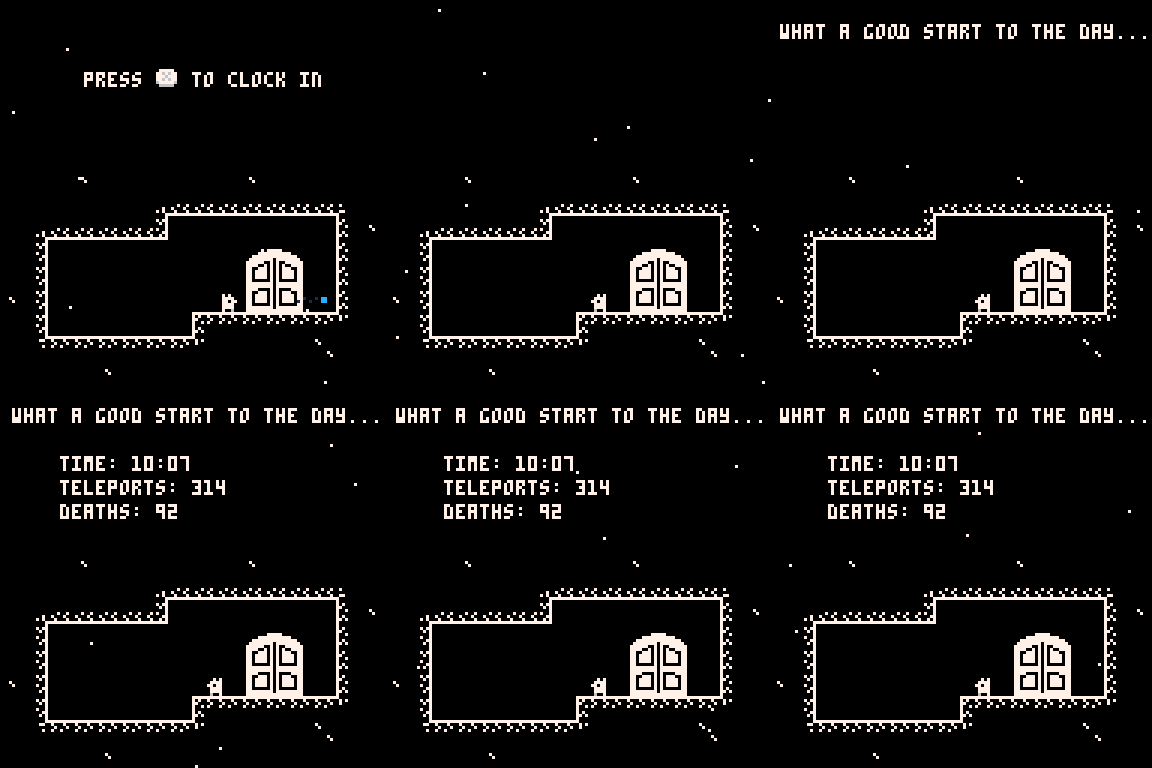


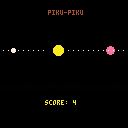
A clone of PakuPaku — built using PICO-8, with no external sprites or assets.
It’s basically a one-button game:
Press any arrow key to flip your direction.
Eat pellets. Dodge the ghost — unless you're powered up.
Fast, focused, and minimal. Just pixels, logic, and a bit of chaos.
Made as a small learning project.
Thanks for playing!
0 comments


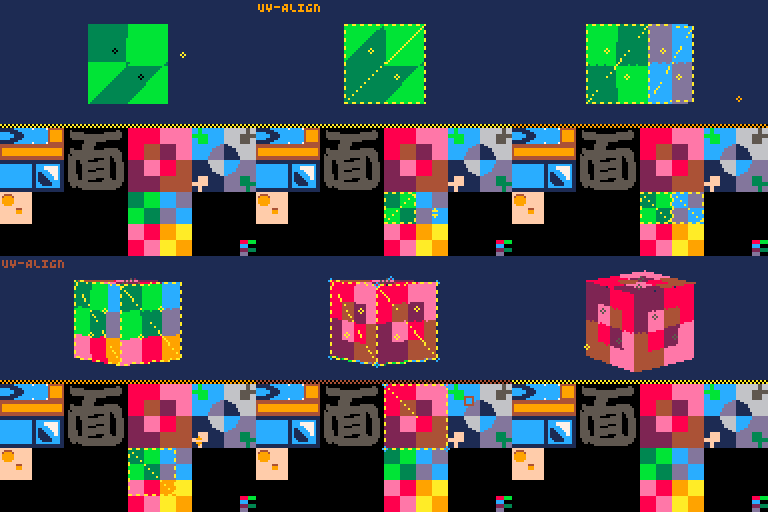
You can now apply textures on the UV editing screen!
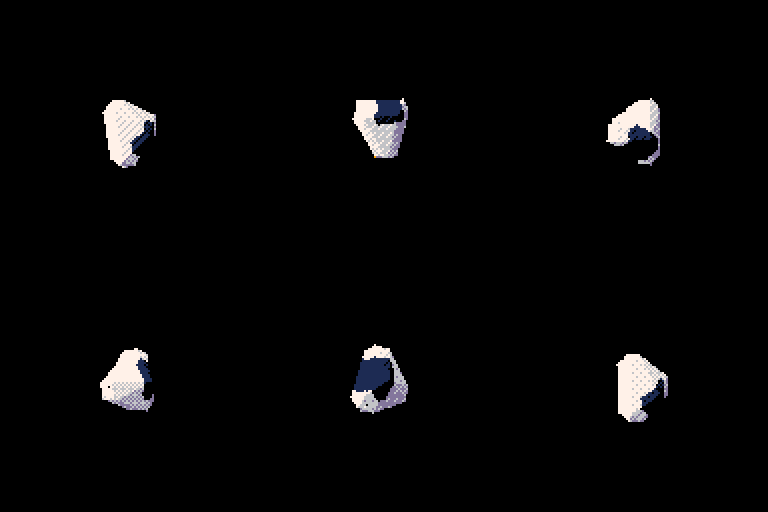
The sample code also includes a way to draw that data!
-- PELOGEN library codes --
-- .
-- .
-- .
-- PELOGEN library codes --

-- load model(& color & uv)
local o=objload({16,17,18,19,20},{ 23 },{32,33,34,35,36})
_set_fps(60)
while 1 do
cls()

--set scales
o.scale={2,2,2}

--reset rot & init rotate:z
o.rot[3]=t()*0.4
objrot(o)

--(*1)set cordinates
o.pos={64,64,64}

--(*2)rotate:x
objrot(o,0.0625,0,0)

--(*3)add to raster-buffer on 'tx' mode
addraster(o,'tx')

--(*4)draw all raster-buffer
drawraster()

--short-code (*1)-(*4)
--default-render-mode: _p_render='tx'
--objdraw(o,{64,64,64},{0.0625,0,0})

flip()
end |
The trial version includes a 3D model saving function!
3 comments


A Speedrun puzzle game. As a Macintosh computer, you have to combine blocks at high speed. The main task: there should be no "1" blocks left.
Not for playing on touch screens!
3 comments