


This prototype was made for Pico-View, a monthly web-zine hosted on NerdyTeachers.com.
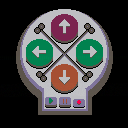
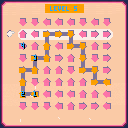
This month's prototype is named "Simon's Skull". It is a template for building your own game similar to the original Simon game/toy.
This prototype has a couple interesting features to learn from:
1) Custom Color Palette; using a mix of the default and hidden colors.
2) Game States; A clear separation of the computer's turn and the player's turn.
The game has the same rules as the original, where you listen and watch the buttons being played by Simon (the computer) and then you have to repeat them back in the same order. Use the arrow keys to play the pattern. We added our own theme to the game by making it look like a skull and crossbones and that can be taken farther such as using this as a minigame for unlocking chests in a main pirate themed game.


 0 comments

I’m trying to make my own console using pico-8, but I’m have an unfathomably hard time trying to get it to work. I’ve tried using the official Pi os, and that didn’t work (and I used both 32 and 64 bit) and I’ve tried on Xubuntu using the Linux 32 and 64 bit downloads. And still it doesn’t work. I’ve scoured the internet and haven’t been able to find anything to help. Literally any help will be appreciated.
0 comments








by shanecelis

Library
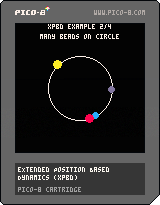
This is a library to simulate physics using the eXtended Position Based Dynamics (XPBD) methodology.
xpbd.p8
- page 0, library - 1368 tokens
- page 1, demo - 698 tokens
Demo
It contains the following demos you can access with the left and right keys:
- a single bead on a ring;
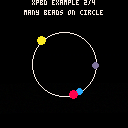
- multiple beads on a ring;
- a squishy square;
- and an about page with particles.
The bead examples are ports of Matthias Muller's [ten minute physics][10min] examples.
Usage
Include the first page for the library contents without any demo code.
#include xpbd.p8:0

function _init()
  local a = particle:new { pos = vec(64, 64) } }
  local b = particle:new { pos = vec(74, 64) } }

[ [size=16][color=#ffaabb] [ Continue Reading.. ] [/color][/size] ](/bbs/?pid=136950#p) |
1 comment


Hi,
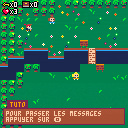
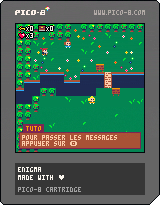
Im at Ada Tech School and really beginner to code moreover on Lua and pico8. In team of 3 we have to make a game on pico8 and this what we do with my 2 mates Arthur and Lucas in 2 weeks.
I hope you will enjoy it, please be indulgent all of us never touch to pico8 before.
Thanks for your time.
0 comments

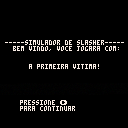
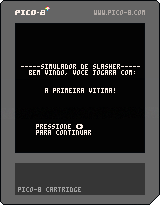
Uma breve aventura em texto feita rapidamente para a primeira avaliação do curso que estou participando sobre lógica de programação. Apenas registrando o que estou fazendo.
0 comments



I'm on a two-week trip, and my only PC during my time away from home is a small Chromebook (IdeaPad Duet by Lenovo). Until I was in a hotel room and started installing PICO-8 for fun, I completely forgot that the computer's CPU was ARM, not Intel. Fortunately, there are several variations for Raspberry Pi. I discovered that 'pico8_64' among them works flawlessly on my ARM Chromebook. All I had to do was install 'libsdl2-2.0-0' using good old apt-get.
0 comments
I've started to dip my toe into thinking about token minimization. Now I write most of my code in Emacs' pico8-mode, which I love since it presents the code in the same font as pico-8 so I don't feel I've strayed too far.
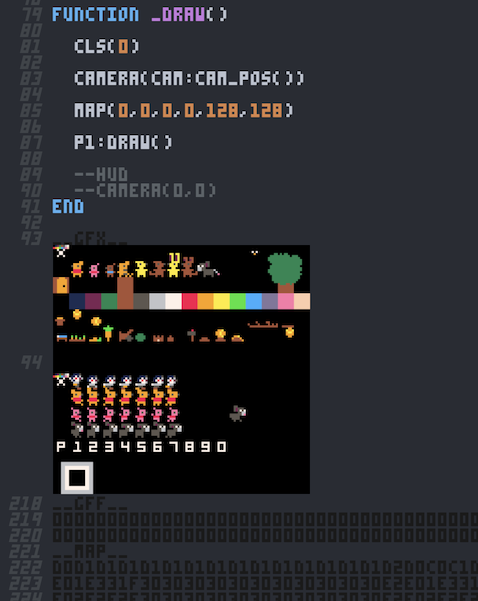
But I've been aching for a way to count tokens outside of pico8's editor. I found the p8tool which can do that and more, so I wrote this elisp function to make it accessible for me within Emacs.
(defun pico8-token-count (beginning end)
    "Calculate the number of pico-8 tokens in the file or region."
    (interactive "r")
    (let ((path (if (use-region-p)
                  (let ((temp-file (make-temp-file "token-count-" nil ".p8")))
                      (write-region "pico-8 cartridge // http://www.pico-8.com\nversion 5\n__lua__\n" nil temp-file)
                      (write-region beginning end temp-file t)

[ [size=16][color=#ffaabb] [ Continue Reading.. ] [/color][/size] ](/bbs/?pid=136058#p) |
1 comment

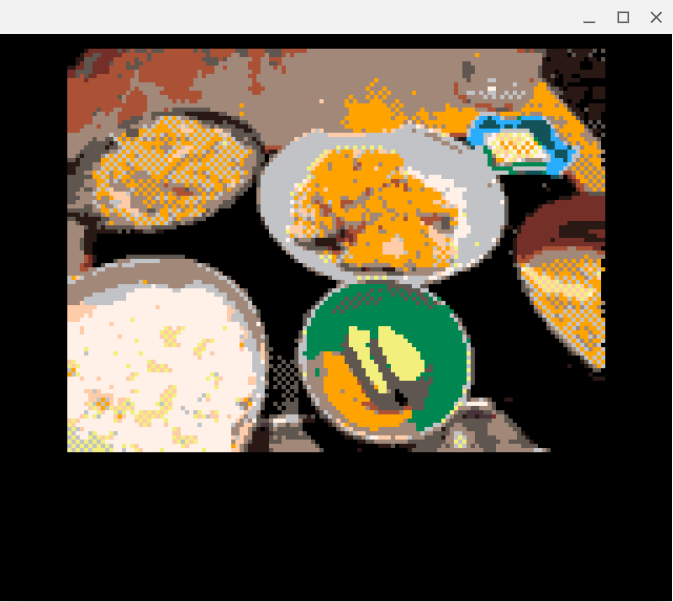
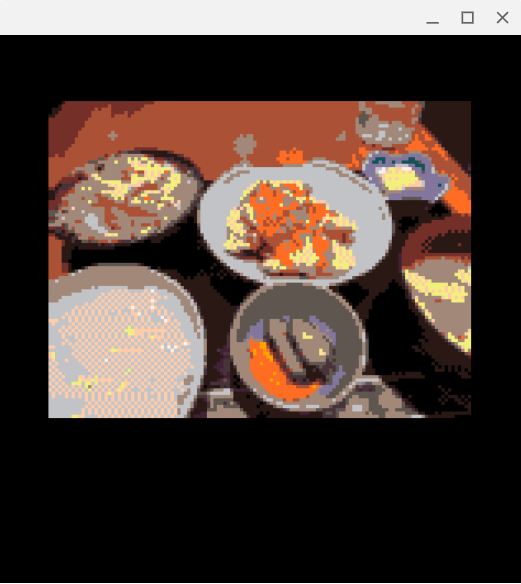
I've decided to use chroma.js (https://gka.github.io/chroma.js/) to obtain palette colors that are closer to what the human eye perceives. This greatly improves the accuracy of the original colors. Now my photo of supper looks delicious...
0 comments
Hello,
I own a Miiyo mini plus, rg nano and an powkiddy rg30.
Is it possibly to use my official pico8 license on that devices?
Or is that not possible because that devices are not windows/linux based?
2 comments


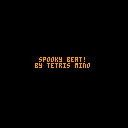
halloween is coming up so i decided to make a music for that reason
its simple music, but on halloween, ill do an even spookier thing (get ready for that)
anyway, have a happy halloween, and hopefully the same for every other day
0 comments

Hey folks! I'm trying to get Pico 8 running on my ODriod Go Advance running Batocera 37. When I select a cart and run it using "lexaloffle PICO8 OFFICIAL", it does nothing. I have exhausted all Google sources. I followed the Pico 8 wiki entry instructions on the Batocera site. The log says I'm getting this error: FileNotFoundError: [Errno 2] No such file or directory: '/userdata/bios/pico-8/pico8' However there is clearly a pico-8 directory. I did set execute permissions on the pico8 file. Any thoughts?
1 comment

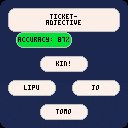
I'm currently learning Toki Pona, and made a
little multiple choice game to help me memorize the vocab.
0 comments
Wrote logic for encoding custom draw palettes, and additional 48 color virtual palette (by tiling) for my little encoder.
The tiling needs a lot of fine-tuning per an image, but I begin to know how...
 0 comments


Hey everyone!
I've been messing around with picotron, and some people keep saying (including myself) that they hope for more buttons to work with or more input methods, but i've discovered something interesting that anyone can use! (until api changes)
I've made a keyboard tester that is fully commented out, and explains how it works and how get_key works and how to use it. to run the cart, click "show" below and copypaste code into picotron, then run it.
0 comments