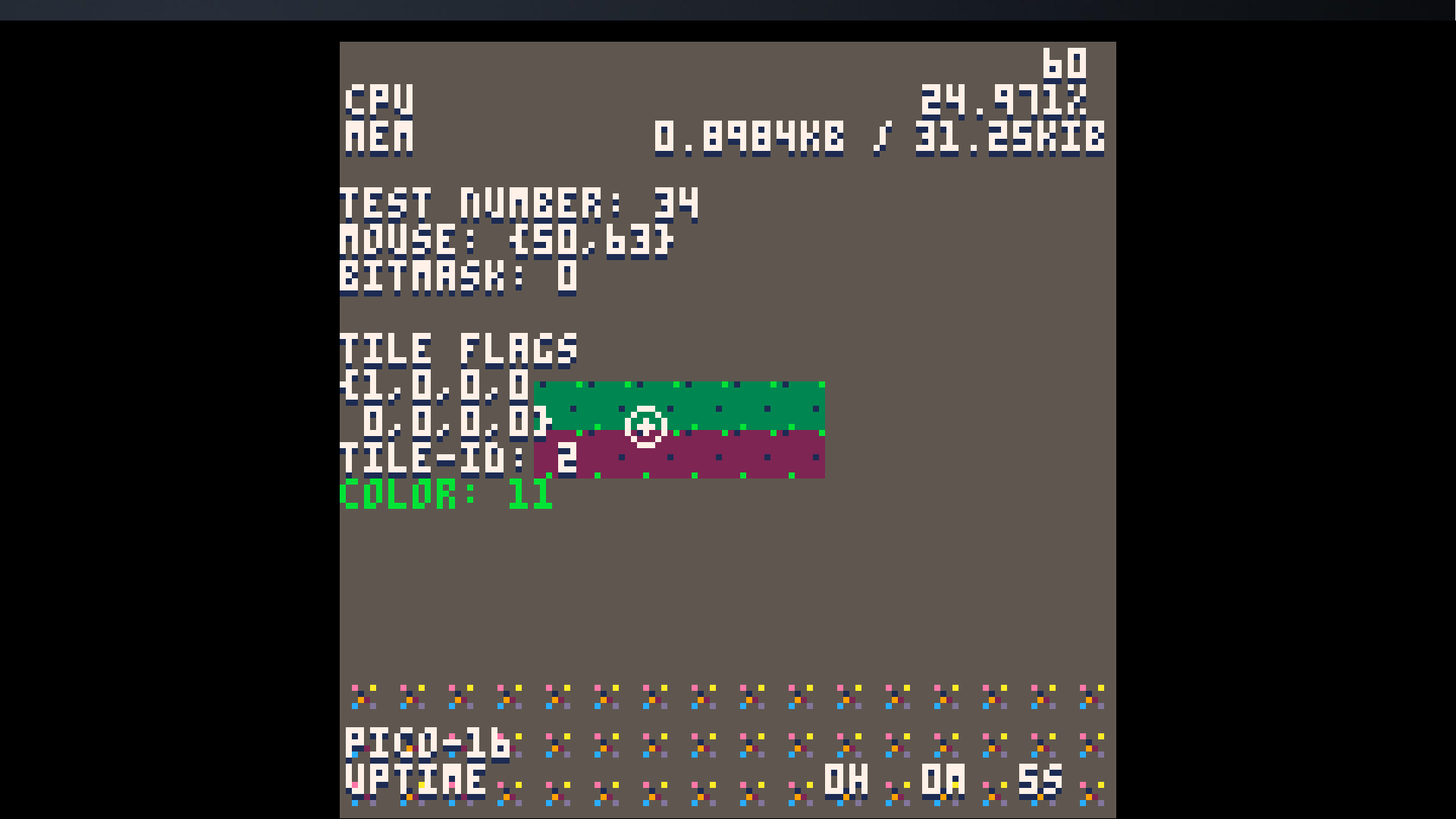
this nifty code lets you debug your project. Features it provides are in the codes guide on how to use it~

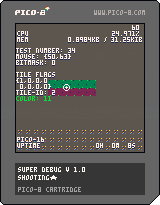
--super debug v 1.0
--shooting★

--[[
…………………………………………
      how-to use
…………………………………………
to use this code, check out tab
2 and copy the compressed code.
once its coppied, you'll need
to put "sdbg()" (without
quotes) inside of your
_draw() function, at the very
bottom. make sure its drawn
last.

by default, the key to display
debug info is the tilde key (
the ` next to the number 1 on
standard u.s keyboards). you
can change this by simply
changing dbg_dbtn. at your init,
you can put dbg_dbtn = 't' for
example, and then 't' on your
keyboard will open the debug
info.

if you want to adjust the
memory location, you can adjust
the variable called addr.
by default, its 0x5e00. to edit
it, do the same as editing
dbg_dbtn, just put it in
_init(). ( addr = 0x5e01 )
…………………………………………
      ★features★
…………………………………………
this code displays the following
information:
 ◆ framerate
 				(top-right)
  ………
 ◆ cpu usage
  ………
 ◆ mem usage/max mem
  ………
 ◆ test count
 				(how many times
    	you tested your project
    	since installing this code)
  ………
 ◆ mouse info
 				(location, click
    	#)
  ………
 ◆ tile flags & id
 				(displays all 8 flags on the tile
    	you're hovering over)
  ………
 ◆ color of hovering-pixel
 				(gets the color of the
 				pixel you're currently
 				hovering the mouse over.)
  ………
 ◆pico version
	 ………
 ◆ uptime
     (how long the test has
     been running for)
  ………
]]
|
Alternatively, you can copy the compressed code directly and just follow instructions from the code displayed above. here's the compressed code that makes the entire thing run.
--code
dbg_dbtn = '`' dbt = 7 don = false cc = 8 mc = 15 addr = 0x5e00 function dtxt(txt,x,y,c) print(txt, x,y+1,1) print(txt,x,y,c) end function init_dbg() poke(0x5f2d, 1) test_num = peek(∧addr) or 0 poke(∧addr, test_num+1) end dbtm = 0 dbu = {0,0,0} function sdbg() if stat(31) == dbg_dbtn then if don==false then don=true else don=false end end if don != true then return end local c=dbt local cpu=stat(1)*100 local mem=(stat(0)/100)/10*32 local fps=stat(7) local u=stat(7)..'' local _x=124-(#u*4) local du = {dbu

[ [size=16][color=#ffaabb] [ Continue Reading.. ] [/color][/size] ](/bbs/?pid=61379#p) |


 4 comments



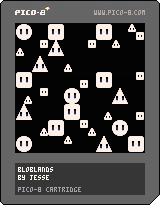


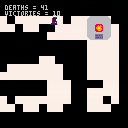
You have to retrieve the Solar Orb , in order to repair the sun , but beware Darknesses, before they grow and block every possible path.
Controls :
Arrow key : Move
C/O : Run
V/X : Teleport
1 comment



I know pcall isn't part of pico 8, which means you can't do regular Lua exception handling. I noticed though that coroutines swallow errors, and can return the error message. So I leveraged that to create a C#/Java style try catch finally function.
function try(t,c,f)
	local co=cocreate(t)
	local s,m=true
	while s and costatus(co)!="dead" do
		s,m=coresume(co)
		if not s then
			c(m)
		end
	end
	if f then
		f()
	end
end

cls()

try(function()
	print("hi ")
	--print("hi " .. nil)
end,
function(e)
	print("an error occurred:\n"..e)
end,
function()
	print("finally")
end) |
To use just use it like above. The finally function is optional, so most people will probably use it like this:
try(function() -- code end, function(e) -- exception handler end) |
Enjoy, and if you like it feel free to kick a buck to
10 comments






In the code editor, if you place the cursor at the very first character in the file, the delete key does nothing.
Expected behavior: It should delete the character under the cursor.
3 comments

There seem to be some bugs with the parsing of an escaped backslash:
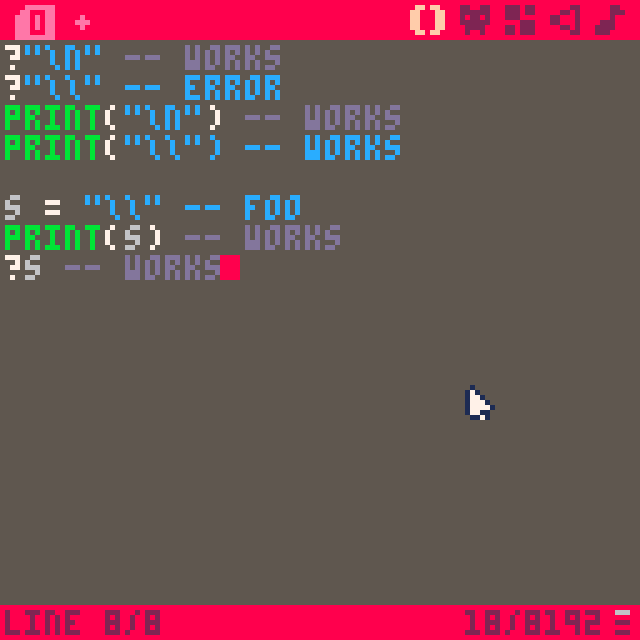
So, two issues:
- The syntax highlighter doesn't stop parsing the line as a string if it encounters two backslashes in a row, although it will run without problems
- ...except when used as an argument to the ? shorthand function, which will give an error
It's not in the screenshot, but if there are any trailing characters after the double backslash, the syntax highlighter will be happy again.
2 comments

Taken from a discord's discussion, algorithm provided by @ skaarjslayer: http://itinerantgames.tumblr.com/post/78592276402/a-2d-procedural-galaxy-with-c
And also reference to: https://en.wikipedia.org/wiki/Archimedean_spiral


 1 comment

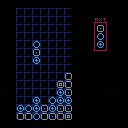
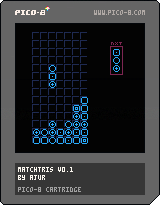
POC implementation of mashup between Tetris® and match-3 genre.
It's remake of an old game I played as a kid on one of the "Brick Game" handheld consoles.
Btw. if anyone knows what's the original name of the game, or what exactly console it is on, please write a comment - I cannot find the original game like nowhere - my google-foo failed on this one :D
3 comments


Hello,
i have a nes mini controller that i'd like to use with pico8.
I bought a mayflash "wii classic controller adapter" to plug the controller in usb.
The buttons are not correctly mapped by PICO8.
DPAD UP is mapped on pico8 button 3
DPAD DOWN is mapped on pico8 button 1
DPAD RIGHT is mapped on 0
DPAD LEFT is NOT mapped
BUTTON A and B are both mapped to button 5
I use the code over there to test the controller mapping: http://pico-8.wikia.com/wiki/Controllers
I decided to create my own controller mapping string using SDL2 gamepad tool. I read somewhere that i had to configure the left joystick to get it to work in pico8 but i wasn't successul. Putting this mapping in the sdl_controllers.txt file
03000000791d00000103000000000000,Dual Box WII,platform:Windows,x:b1,y:b2,-leftx:b15,+leftx:b13,-lefty:b12,+lefty:b14,
gave me the same result as before.
One thing i find odd is that in the log file i can read:
Reading controller mappings: C:/Users/USER/AppData/Roaming/pico-8/sdl_controllers.txt
7 comments

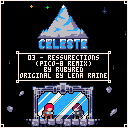
A PICO-8 remix of Resurrections from the Celeste OST.
Repeating parts are shortened for memory reasons.
Enjoy!
2 comments

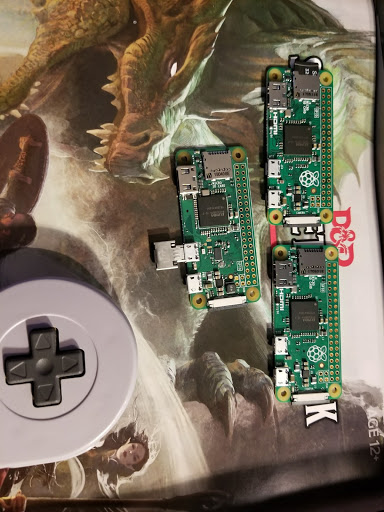
The Growing Collection of Raspberry's...
And I Made One Into a Pi-Co
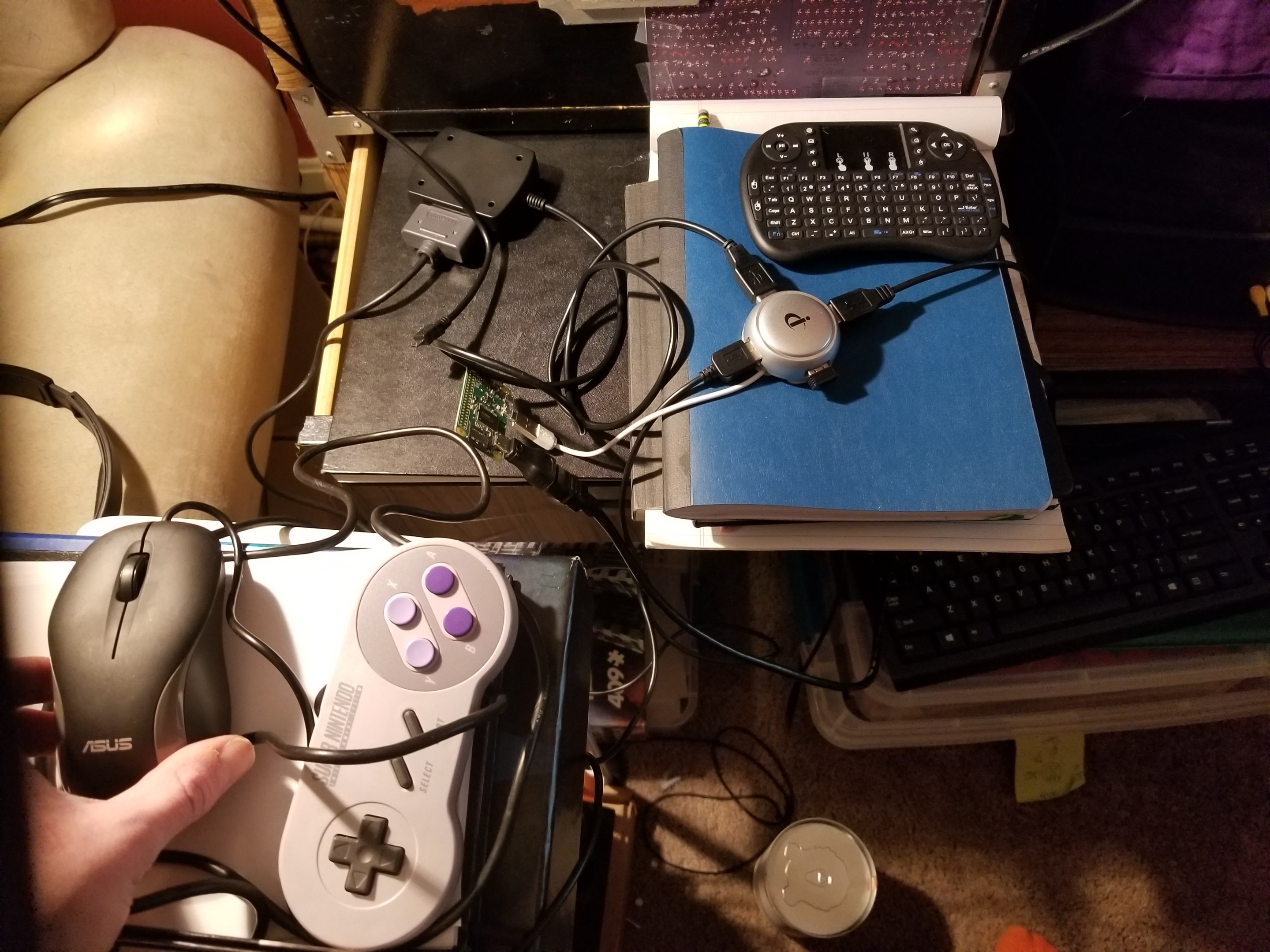
Except the only problem is...
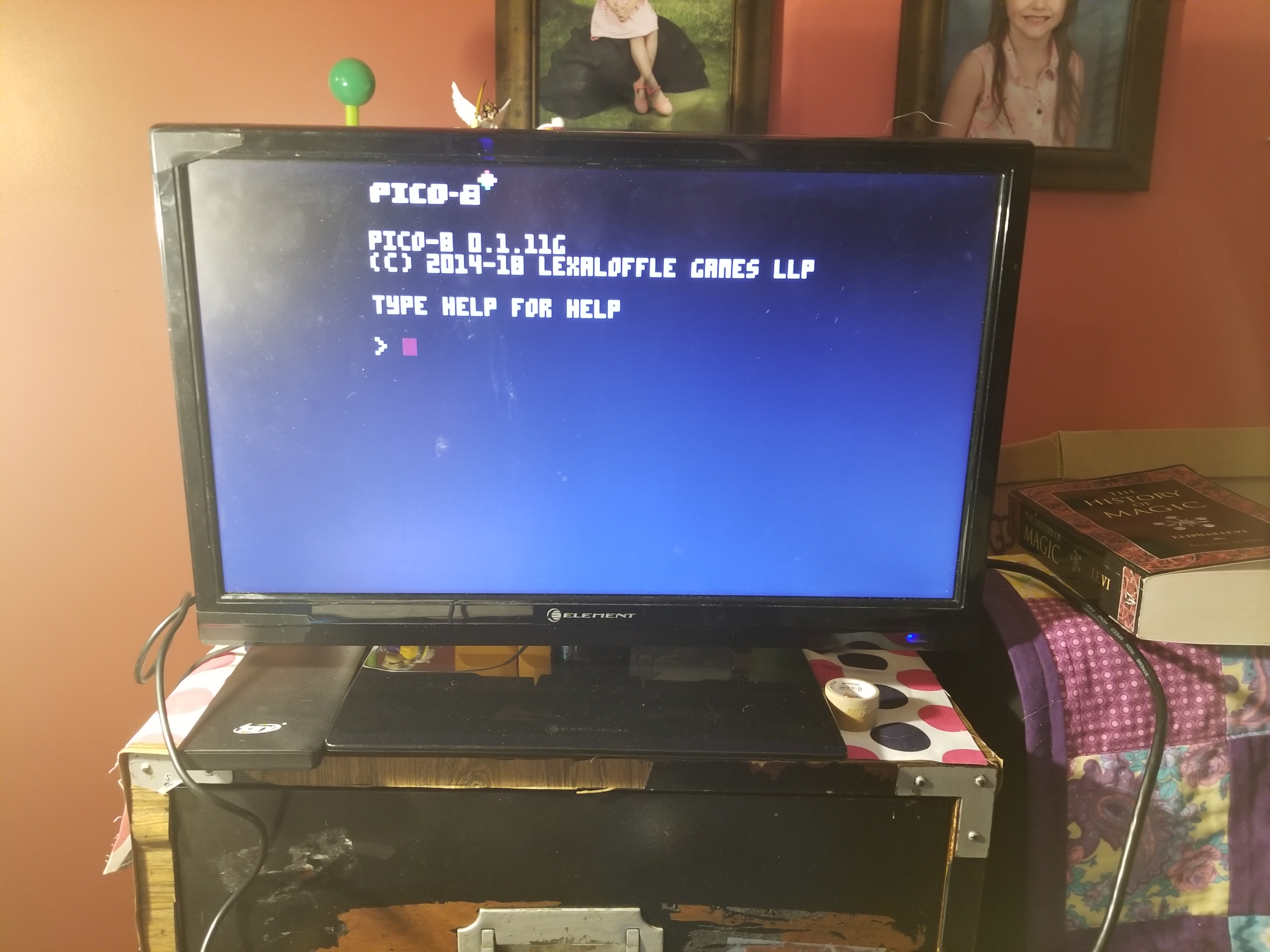
I can't seem to figure out how to use get it online. It boots right into Pico 8, and was the simplest process I've ever followed for a Pi project. Not even any image writing, just pasting files onto the SD card, which was a first for me. The image/process I followed is here and it works amazingly otherwise. If anyone has any suggestions as to how to alter the boot code (which is open source and listed on Guillermo's github, link is on the same site I already linked to), I'd really appreciate the help!
(Ps, the history of magic book is my attempt at researching "real magic" to help bring some authenticity into an alternate history DND style campaign I'm working on. It is...actually pretty much a very dull book honestly, I was hoping it would be a bit different than it is.)
6 comments



A tiny musical loop. While it's not particularly pleasant to listen to, I think making it helped me learn a lot about how Pico-8 music works.
0 comments

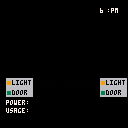
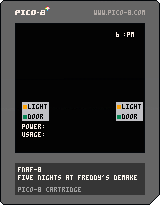
Massive WIP, but I thought I'd share.
My daughter is massively into FNaF, so I hear a lot about it, and thought a demake would be a good learning experience.
Directional buttons control the doors/lights and show how much power you're using.
Clock in the upper-right counts to 12 PM (which is technically wrong, but good enough for testing)
At 12, a "night over" message appears.
That's all it does for now.
Next will be adding the power supply/usage mechanic.
Then cameras, then I'll populate the pizzeria!
My goal is to come as close to 1:1 with the first game as Pico-8 will allow.
Any input is welcome and encouraged.
4 comments




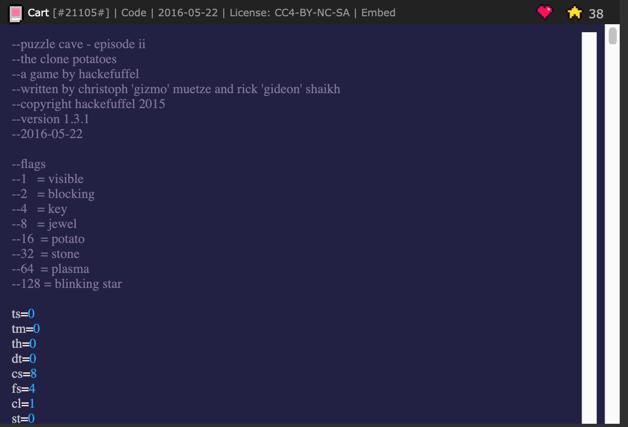
I love the new code display on the web player. I noticed one graphical artifact, which does not get in the way of reading the code but is nonetheless somewhat unpleasant. It appears like a second scrollbar, but is non-functional. See attached photo.
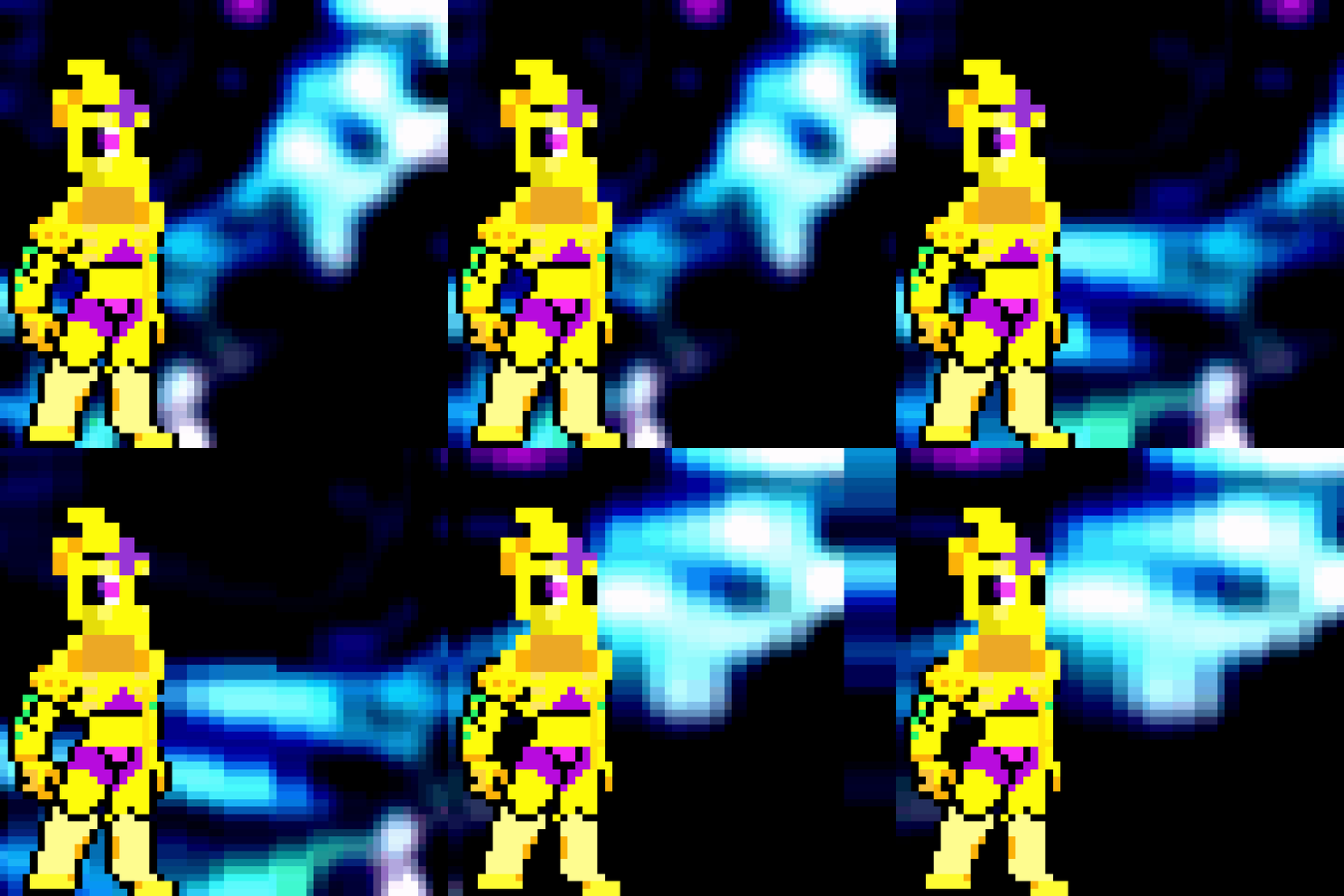
 3 comments


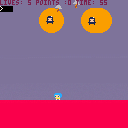
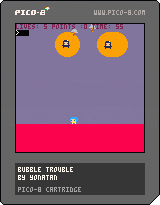
This is my attempt at trying to remake a Bubble Trouble!
Hit X to spawn a ball.
Hit Z to shoot spike at the bubbles.
Shoot them until the mini pops out and then try to save him to earn 10 points!
Save the minis to an get extra life, if you accidentally kill him you lose a life.
Getting hit by ball also makes you lose a life.
Try and get the most points in 60 seconds!
Good luck, have fun and let me know in the comments what you think!
1 comment

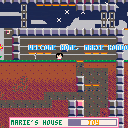
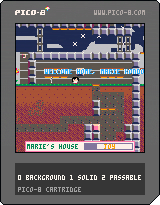
Marie Kondo's finally made it out of the clink, to find herself in a new neighborhood. Will she use her powers to spark joy for good or evil?
if you are holding a tool, you can break certain blocks by moving to the left or right of them. if you press the grab key while holding an item you drop the item unless you are also near a grab point, in which case you grab onto the grab point. the idea is to increase joy in all households till they hold a nice party for marie kondo. if you follow around the npcs, they'll talk about stuff they want or stuff they have too much of. it also seems the web player is a little buggy in that the controls stop working when the frame loses focus, so try downloading the cart if that seems to be the case.
5 comments



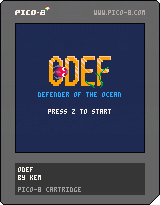
controls: just one button "z"
ODEF is a retro-arcade inspired game developed at Global Game Jam 2019 by Miray Çolakoğlu, Iskender Erdem, Ahmet Kerem Gündüz and Görkem Bozkurt(me)
This is the first game I made, and I had a lot of fun making it. Any feedback is welcome!
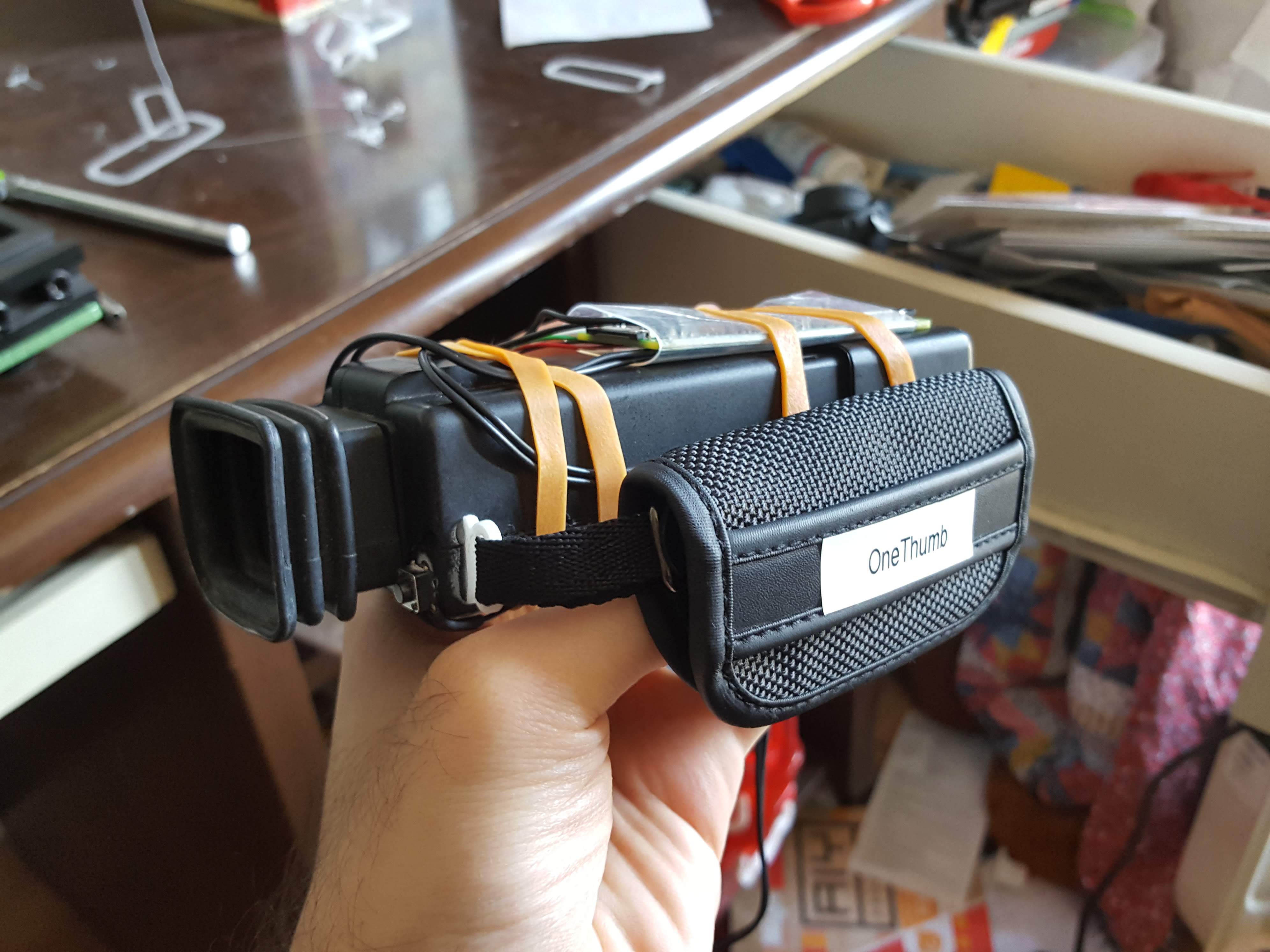
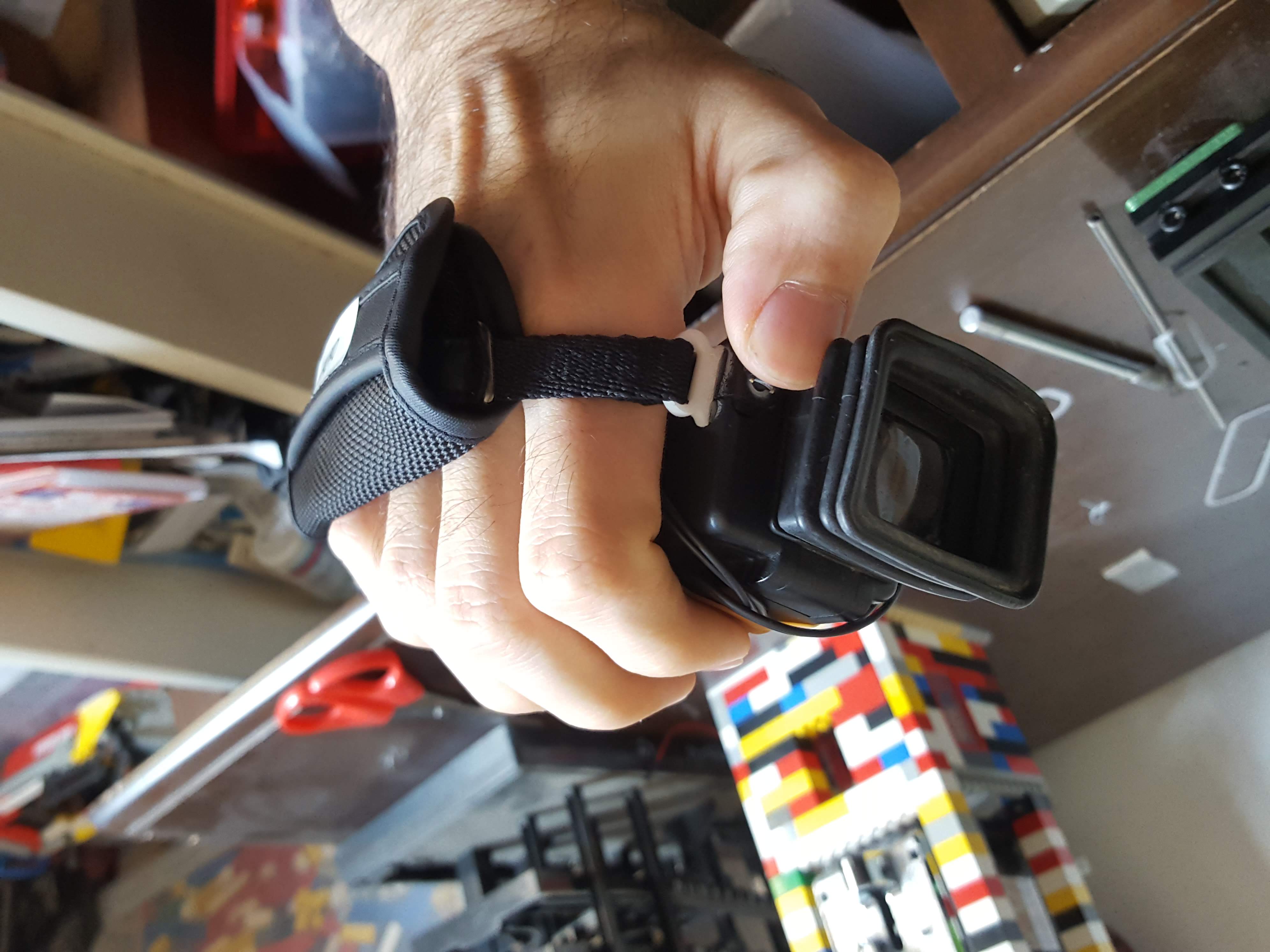
It's developed for a fantasy hardware that I've build called the One-Thumb Entertainment System(OTES)
<br>
 3 comments

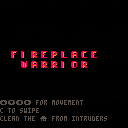
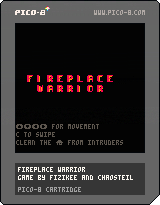

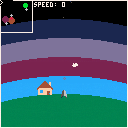
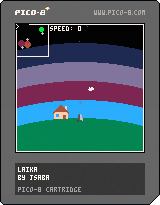
Version 0.2
Find and rescue your dog!
Thruster : X
Boost : Double Tap X
Brake / Hover : Z
Turn : Left / Right
HUD: Down
Tips:
- Use mini map
- If speed appears red, ship crashes on planet contact
- Watch out for mines
- Unfinished, no win condition
0 comments

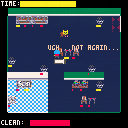
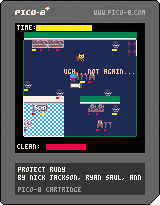
Harley just wants to relax for the weekend, and comes home to a giant mess in her house. She only has a little time before her weekend officially starts and must clean up her cats' mess before she can relax. Run around and clean up the dirty objects!
Controls: USB Controller enabled, Keyboard Controls enabled.
Multiplayer: Player 1 will play as Harley cleaning the house, while the secondary player(s) will play as cats making the Harley's house their own personal scratching post.
Credits:
Nick Jackson - Writer and Project Manager
David Tran - Sprite Artist
Anne Strickland - Compose & Sound Designer
Ryan Saul - Programmer
Big thanks to PIGSquad as well as all of our pets!
Made for Global Game Jam 2019
1 comment