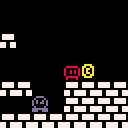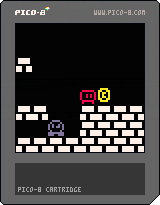


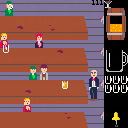
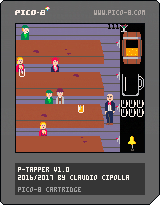
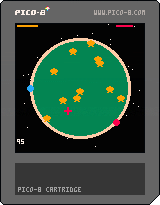
A remake/demake (plus a few new features) of one of my childhood favourites on the C64, "Tapper". It's my first attempt at making something with Pico-8, but it has been extensively tested by myself so hopefully I caught all bugs.
The barebones version was done in one day (got up, started programming, went to bed). Sound, extra graphics, little features and additional animations took three more days.
Manual included in the cart. Enjoy! (and maybe submit your highscores /w difficulty)
Full Manual:
Because stuff has been missed, I'm writing a full explanation of all features here.
You use Z to tap a beer. Holding the button will fill the glass, releasing it will send the beer across the table. The fuller the glass is, the more the receiving patron will be knocked back. If all patrons are knocked out of the bar, you win the level.
Patrons have to be fully inside to catch the glass (nobody likes being served while he hasn't even entered yet). Any glass that is not caught will smash and lose you a life.
When they finish drinking, they send the glass back to you. You have to either catch them, giving you a fresh glass (or loses you life if you fail to), or have the waitress collect them, which is convenient, but gives no points and you have to wait for her to return to receive the glasses.
You send the waitress by pressing X next to the bell at the bottom.
When the barrel is empty or close to empty (3 pixels of beer left), you press X while next to it to order a fresh one.
TIPS:
- Always have the waitress running, especially after level 2! You will need the glasses and can't afford to wait for them.
- The waitress also saves you from moments when two empty glasses arrive at the same time.
- You don't need to always send a full glass. If the patron is near the left end, a half-full glass will be faster and use up less of the barrel.
- At 3 pixels left in the barrel, you can get about one and a half glass out. Think of this as an emergency reserve and get a new barrel as soon as you can.


 7 comments



.png)


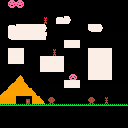










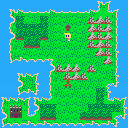
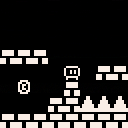
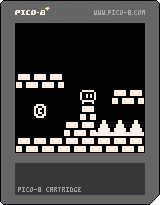
Very work in progress for the WDBT2 Game Jam I'm doing with friends. The theme is Teeny so why not make a game that totally isn't that thing.
To Do:
Fix Dumb Collision
Make World Map do stuff
Titlescreen
Enemies
Make it a game
1 comment


I'm having some trouble getting it to run on my fresh install Raspberry Pi 3.
I downloaded pico-8_0.1.10c_raspi.zip and unzipped it to /home/pi/pico8
When running ./pico8 from the terminal, I get no errors, but it does not do anything or return the command prompt unless I press CTRL-C to break out.
Double clicking on the actual executable also does the same thing.
What am I doing wrong?
Thank you!
0 comments

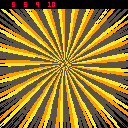
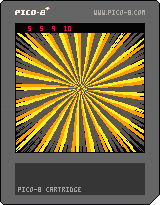
Made a random palette generator.
Press X to display the palette numbers and Z to make the sequence switch growth modes. I'm looking for ways to make this more useful.
Any suggestions for a way to sort the colour numbers?
At least it's a nice screensaver if nothing else :/
1 comment

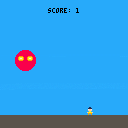
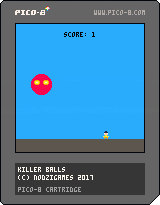
Nothing much really, just a simple dodge the ball game where the speed keeps increasing. This was made as a test for pico 8's engine. I must say, loving it so far! It's a very casual form of game development, and a good way to slow things down for the holidays!
0 comments

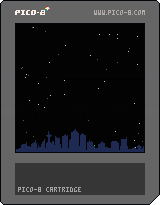


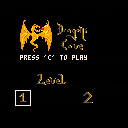
How to play: Choose a stage with the arrowkeys and press 'c' to start.
Ingame: P1 (the yellow dragonpub) moves with the arrowkeys
P2 (the ress dragonpub) moves with edfs
The goal is to collect the stones with your color before the other player collects theirs. You can relocate the enemies stones by collecting these.
This little game ,created with Pico-8, was done by me, Hengagenga, and my friend and fellow student Kay during our lessons at the "school of games" in Germany
Programmer: Philipp Schliebs aka. Hengagenga
Artist: Kay Riedl
1 comment


I got Voxatron thanks to Humble Bundle (despite Voxatron was available only on the $10 plan, i bought the base price which was 1$ and it also came with Voxatron by accident) and i thought about trying the designer, but i can't find a up to date youtube tutorial (many ones are made around to 2011 to 2013) and i cannot read the manual if i haven't followed a beginner tutorial.
1 comment


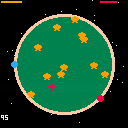

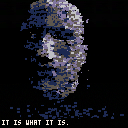
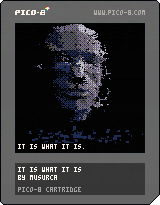
EDIT: changed the rendering style and improved performance. Happy New Year from a surly talking head!
Spend a long night with an uncooperative subject.
(Just a quick sketch—thanks to electricgryphon for the RGB dither-plotter. Head by Videroboy.)
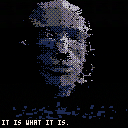
old version:
 1 comment



I'm currently rebuilding Invader Overload for an update and also plan to extend that title into other shooter games. Invader Overload made generous use of the tweetjam carts as animated backgrounds. It made the game what it is...I just added some space invaders on top of them.
I'm looking for more animated backgrounds. The art carts that made up the tweetjam thread don't come to me naturally but many of you it seems like second nature.
Here are a few examples of the backgrounds I used that were made by others:
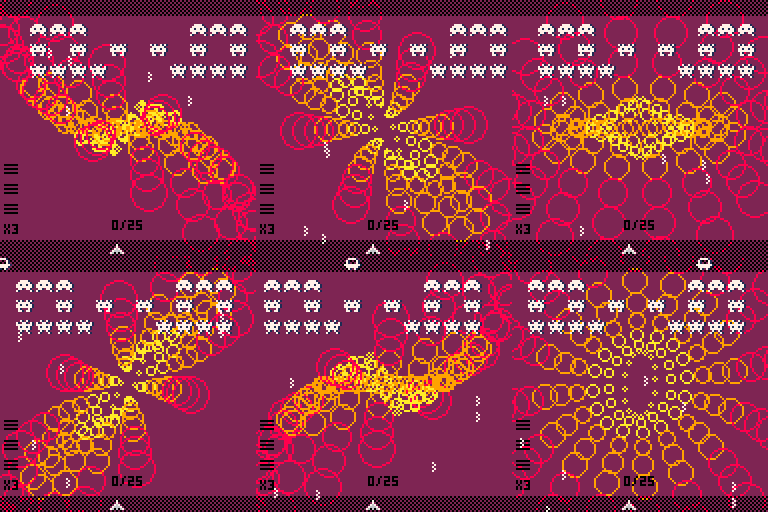
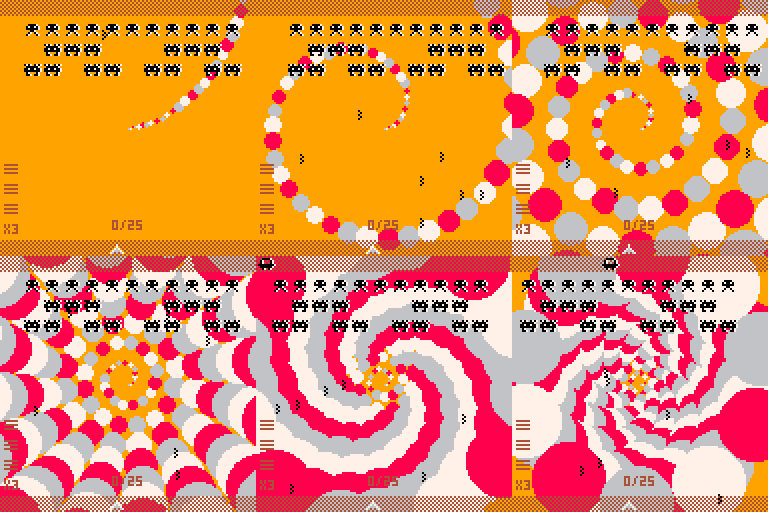
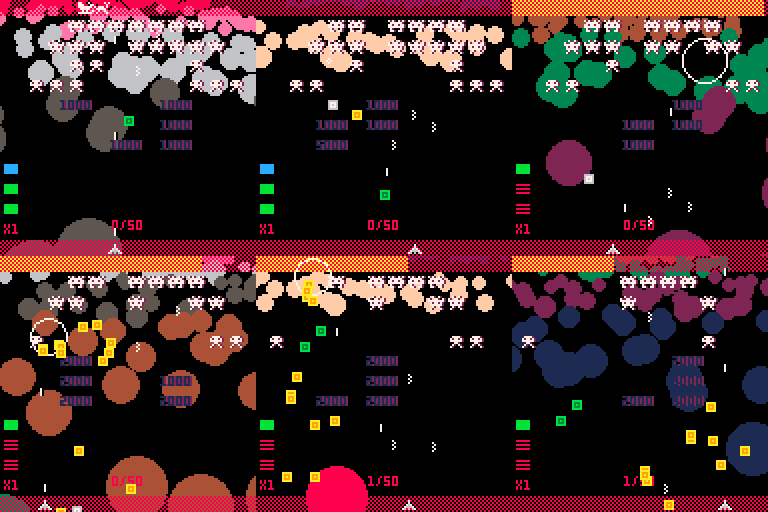
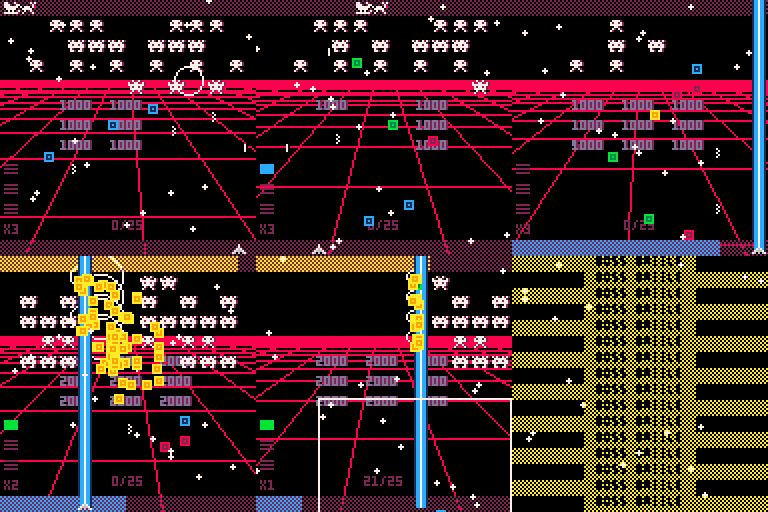
If these animated art demo things are you bag or just like making them, please consider posting a cart and/or sharing the code behind them. There's a good chance it will end up as a background in Invader Overload or spin-off game in the near future.
While tokens are an overall concern, I'm not too worried about it. I'm pretty good at refactoring once I have code in my hands, so share what you will.
The only restrictions are:
- The animation must make use of cls() as the rest of my game does so
- No sprites
- Nothing too crazy...remember, it's still a background
I appreciate any and all interest in helping with this project. Invader Overload has gotten a lot of positive reviews and traction when showing it off, so there's an audience that will certainly be seeing your work. Credit will be given certainly within the code as well as secondary credit screens in-game.
Any questions or code, please post a reply or hit me up on Twitter - @morningtoast - Thanks!!
0 comments

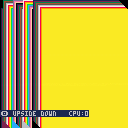
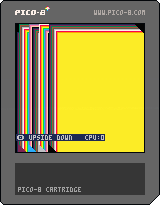
Think I found a bug while poking around at trifill related stuff...
If you give the Y co-ords to RECTFILL upside down (so that Y1 is a greater number than Y2), it seems to cost 0 CPU.
Here I am drawing 42 large RECTFILLs to screen in this manner. If you press Z/O, it will draw them with the Y values swapped, showing about 150% CPU usage instead, as you'd expect.
10 comments


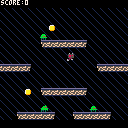
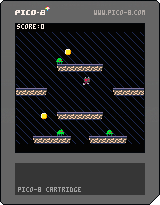
My first pico-8 game. A single screen platformer created to learn pico-8 during a new years jam with friends. Collect coins, avoid/smash bugs, get a high score.
TODO:
- titlescreen (do hafta?)
- sometimes collisions don't register properly. - fixed hopefuly
- clean up ugly code
 2 comments