



Version: 0.2.10
Platform: Linux (very messed up)
I get a Segmentation Fault in the level editor as follows:
- Edit a new room.
- Set the floor to NONE or VOID
- Place a block for the player to stand on such that it is at least 1 voxel above the bottom.
- Align player above said block.
(prior three steps are to prevent player from flying up out of the room of falling down out) - Enable extended walls feature (check box in EDITING ROOM box.
- Set the associated Z value to some value above 63.
- Start the play test of the room.
- Shoot.
If the value is set > 63, it seems it is clamped to 63 (the bottom of the room) for movement collision detection, but bullet collision detection does not seem to be protected and crashes immediately.
Now, why was I setting it to 127 instead of 63? Wetware bug, of course. :P
Edit: Fixed in 0.2.11


 1 comment


*Edit
Howdy, just checking to see if this level file is attached to this post
A short level I've created to test out some of my custom enemies and weapons, it's eventually going to be part of a much bigger level. feedback is welcome.

 5 comments


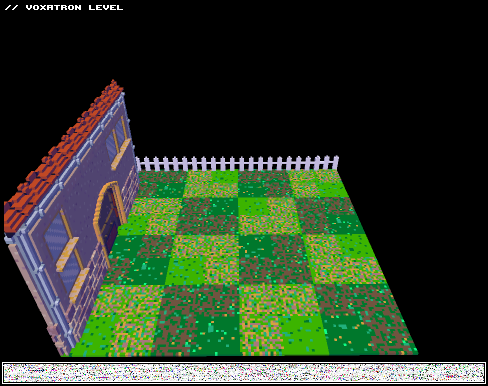



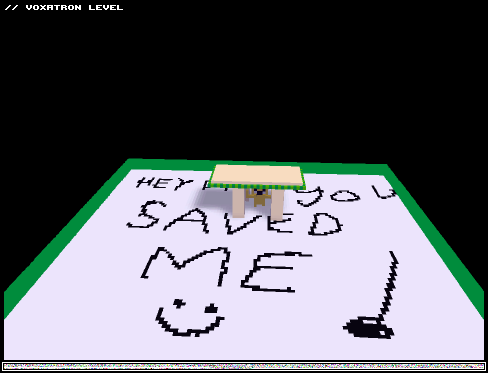
Well it is a great level and took me like a lot of time for modeling all that adventure time stuff mostly the jake and finn models and in this level you play as FINN have fun every body! :D
1 comment

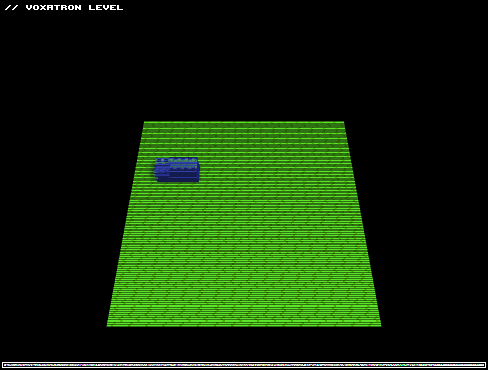
Its kinda stupid but its kinda cool at the same time you know I just love modeling im gonna make a whole lego land im working on that gient project =D so stay tuned!
1 comment

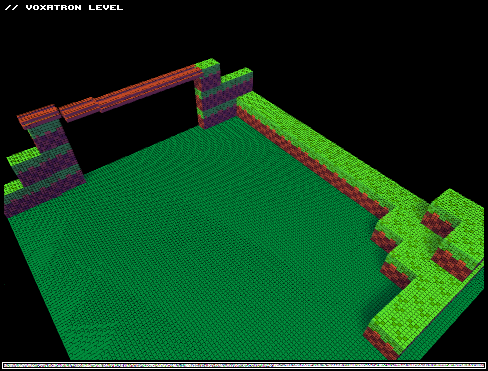
iT HAS AWASOME MODLES OF SONIC AND CHAOS EMROLDS AND SUPER SONIC and some random hills :3
2 comments

zep I payed for the game and now I need help how do I update my game? when I get to a level I get my self stuck in invisible walls and I cant move in any bbs levels So u said to update my game how do I do that cause my parents would kill me if I asked them to buy the game again please help! I already bought the game I need help to update it and if you say to buy it again I cant I already purchased it on your website and ive not been here for a very long time bro you've gotta help me Zep!
4 comments
This level is one of the best Me I have ever created (Good for me) But if you guys have seen anything better than this pls forgive me if this is kinda stupid its just a new test
3 comments


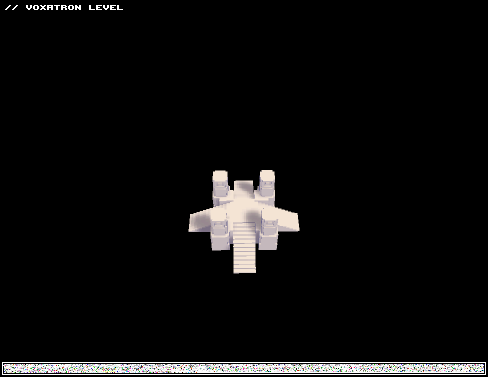



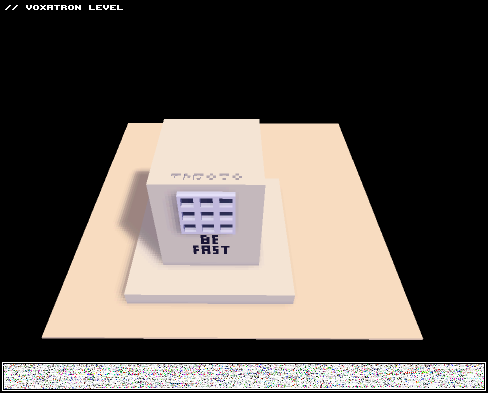
So I was working on my second part of the enchant levels and I wanted to add a little bonus (which is actually a big thing) on the third room you see this big monument on the middle of it, it is a decripter, and it works pretty much like fez's tetris code, but if you press all the buttons at once it simply activates all the modifiers needed to the event of the code, is there a way to avoid this? like, allowing the player to press the right buttons but to reset the sequence if he gets it wrong?
the level (WIP)
 5 comments

I have a question for zep regarding the Obj_id and Def_id modifiers:
I am defining Obj_id as the ID of the object in the room and the Def_id as the object ID that shows up in the navigator window (and near the name of the object above the modifiers section if you gave your object a name) when you click on the object. However, when I put them to work, they... don't work correctly.
I have an example still in progress but I will try to explain it first: I am making sort of a health bar for an enemy as a separate entity (It's all the way near the HUD). I have connected each animation in the health bar sequence to only show when the monster (defined by either Obj_id or Def_id) has a certain amount of hitpoints. However, all the modifiers are firing at the same time and clobbering the health bar's animation voxels. It's only showing the lowest amount of health (For it to show no health, the monster was set as a level goal and the health bar shows empty when "room clear" is true)!
My question is: Are Obj_id and Def_id working or not? If they are working, what am I doing wrong?
3 comments
So, Zep (or anybody who has some tips)!
  I'd like to start composing my own chiptunes. At this point I'm fairly comfortable with MilkyTracker from tutorials and covering songs, and I'm familiar with basic music theory from playing piano, but I still run into a brick wall of uncertainty when trying to compose anything original. I was wondering where you start when composing your tunes. How do you choose what instruments you want to use and what you want them to sound like? How much does knowledge of music theory affect your composition decisions? Do you use samples from other sources in your chiptunes, or do you create all your own instruments?

 As it is now, it feels a little like I'm trying to make a sculpture by shouting hexadecimal values at a ball of clay.


Am I being dim? It seems like this version doesn't use the Player Slots to actually save my progress. I've made sure the game folder's set to read/write.
But every time I go to play Robot and the Snow Dragon, I'm back to the start. Sadface. Wouldn't be so bad if I could alt-tab out, but when I do, the mousepointer is stuck to the top left corner of the desktop....
Win7 Pro 64... and sadness...
1 comment


If I copy & paste 25% of the time i FATAL CRASH*
if I copy & paste 30% of the time voxatron crash.
I randomly get crash... often...
sometimes, when I draw voxels, I... you guesses it... crash !!!
PS: the farthest I went on this update was to create the leg movement, then ... CRASHHHHHHH.!!!
- fatal crash: voxatron crash, freezes my comp and I can do nothing ( I can do nothing, don't post a solution for this I ain't stupid ).
4 comments


Title: Help incoming
Version: canceled
Type: experimental (some sort of 3d space invaders)
Difficulty: 1.5/5
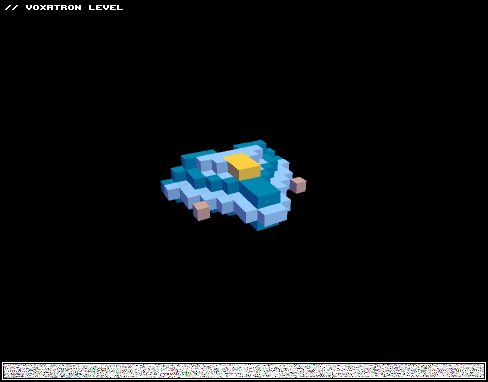
This level is a WIP, I was messing up with the character controls and realized I could make something completely different from the normal controls, there is yet much to do, maybe some tweaks with the control, a better aim system but mostly monsters and rooms it needs more work there in my opinion, but I would like yours too! what do you think of this gameplay? Should I add something? (like the idea of protecting a being while playing the level, some sort of companion or anything?) should I change something? (the gameplay, the monsters... anything) or should I delete something? anyway any comment is apreciated.
update: this project was canceled due to unfluid gameplay, it was just too anoying to go up and down to where you wanted and in the end I gave up, it would make more sense to use these controls on some sort of rage game where everything goes against you, but that wasn't my idea.
if anyone wants to work on this project or use it for something else, I won't stop you.
also, as a workaround for the life bug, I made a system of absoving/attacking, where you absorb your hits as hp if you are not attacking, there are no life boxes anymore. but it seems that you absorb more than you would lose if you were attacking if you get hit by the red cannon, I wonder why.
1 comment
How do I set up the diagonal frame for quantization (8)? I'm really excited to see what sort of 8 directional things I can make!
Also, I noticed an Inv. Item trigger. Is this trigger (which makes it sound like there's a way to make a player inventory) a fully implemented feature?
2 comments


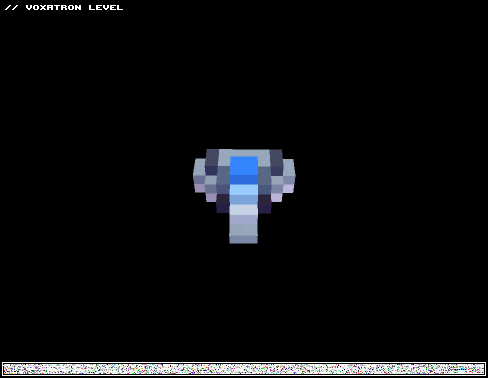
NOTE:
This is only a test build, meaning it has one room, but contains a few "upgrades" to the older versions, which include:
- Free floating
- Dynamic Floor base (3D-ish)
- Better explosions
- Different weapon firing skins (Right now only the laser, Integrated powerups (Triple, Blast) do not work)
- Enemy debris (Small ones cannot be shot, but you can run into them to destroy them, bigger debris require to be shot a bit before you can pass through them. All debris move.)
It does not contain:
- Story
- Dangerous Enemies
- New weapons
- Cutscenes
- Planets/Stars/Nebulae
But the above will be added to the full version in due time!
~ RC
1 comment


