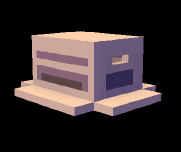


So, this may be isolated to me again, but I'm encountering a very aggravating glitch. I have monster modifier 1 (set to [periodic:600]) that plays an animation, then leads to modifier 2 (set to[trigger: none]) that plays an attack. The problem is the [trigger: none] modifier activates on its own as if it were on a random interval.
Here is what should happen (and does on occasion):
Monster is idle ([parent: active] modifier)
Modifier one activates and monster plays aiming animation, immediately leading to modifier 2
Modifier two activates and monster fires bullets while spinning
Monster returns to idle
Here is what actually happens:
Monster is idle
Modifier two activates, spinning monster without playing aiming animation
Monster is idle
I've played with the priority settings and the group settings, but neither seem to make a difference.
Every few times, the monster plays the animations in the proper order.
So why is a modifier triggering on its own if it is set to


 9 comments





| Hi, this thread is to honor some of the greatest map here, on voxatron in some categories. Everyone can participate. Post your level or just name it. If you think there's a better level somewhere else, let me know, I dont know every m user created stuff ! |
PS: all levels listed here contains custom monster / character. ( It means that previous version level wont be counted )
How it works:
Getting 10/10 is impossible, as it would be PERFECT. Even getting 8 is pretty rare ( It's a proffesional point of vue here )
Your posted maps need to have atleast Total of 16 points or more to be featured here. OR have 8+ points in 1 category
Gold First.
Silver Second.
Bronze Third.
[box=FF69B4]First case: Gameplay. ( How fun was it )
Second case: Graphics
Third case: Storyline. ( How the story is )
Last case: Creativity. ( Mobs are counted here. )
19 comments

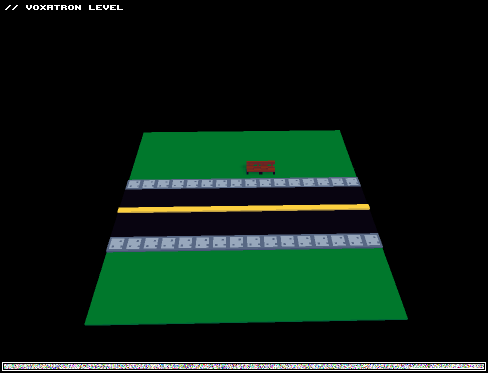
Hello people this is my first try at using different characters and I hope you like it.
Difficulty: Easy
Playtime: Took me three minutes
Item rundown:
Hot dog: 25 points
Burger:50 points
Cake: 75 points
Twinkie: 100 points
Salad: 1 point
Cookie: restores 1 life
Enemies:
Diet guy: Just runs around
Buff guy: tries to slam you with his muscles
0 comments

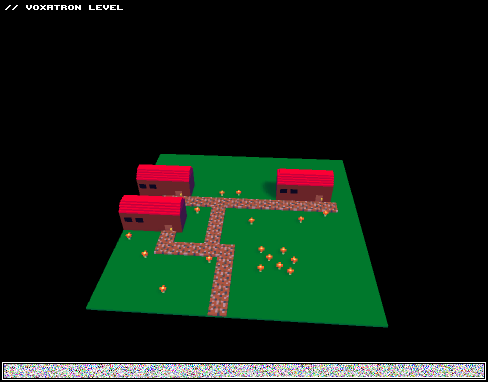
Danger watches over the land... Evil is ridden though the paths of the Voxel World... The only thing to stop is to to... destroy the devil's eye! Fight bandits, woodlings, and evil monks as you travel to rid this world of the Devil's Eye.
Difficulty: Perfect for most players
Playtime: 5 to 10 minutes
Genre: Action/Adventure
5 comments



The swamp... once a slimy and beautiful place now ruined by the toxic science industry. Save the swamp from the evil toxic swamp creatures!
Difficulty: Somewhat hard
Playtime: 3 to 5 minutes depending on # of deaths
0 comments
please notice that this level was made with the old character item, you can't change your character that way in 0.2.9 and this level will most likely not work on later updates (yeah, why did I do this? 'cause I wanted!)

Title: Parallel
Version: possibly final (maybe there are some bugs please let me know)
Difficulty: deppends on the player, really
Genre: timed puzzle
0 comments


I'll tell you how to use custom weapon!
Alright so as the founder of custom weapon I need to show you a tutorial.
First thing, you need to copy the character I have in my custom level: It has the character prop. ( else you can't )
It goes the same as a monster modifier, but you need to make the event to shoot ( when you shoot it shoots ) not random or anything.
You can play around like, when he jumps, let's say a circular array of bullet appear.
Dont forget to set the delay, else you would shoot like crazy making no sense !
7 comments
I did it !
really. I aint joking ... on my next update, you'll see it !
chec my custom weapon template thread !
I love my imagination
3 comments




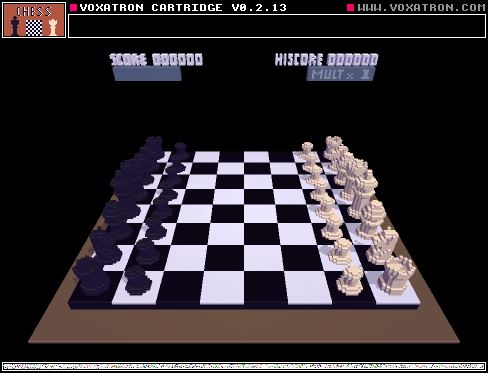
Playable chess in Voxatron. Not much else to say about it. If you find something wrong or got some feedback, let me hear it!
5 comments

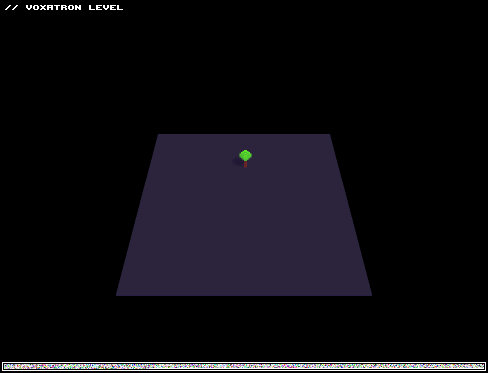
The voxelbot has really got himself into trouble this time! you have to defend yourself from attacking midgets in New Midget City.
Enemy attack rundown:
Orange: passive
Red: punches
Grey: shoots a bullet
Turquoise: Red, but faster.
Green: shoots rockets
Wizard: shoots a magic circle
Difficulty: quite difficult.
gameplay time: about 2 minutes
I hope you enjoy shooting midgets!
3 comments
I've found a consistent crash. When I attempt to load a level in the editor while I have a prop or animation (etc.) copied to the clipboard from the previously loaded level, Voxatron force closes (100% of the times that I've tested).
My process is:
Editor
Load Level
level.png
Objects
ctrl+v on whatever object
load level_2.png
crash to desktop
Can anyone confirm if this also happens to them?
14 comments

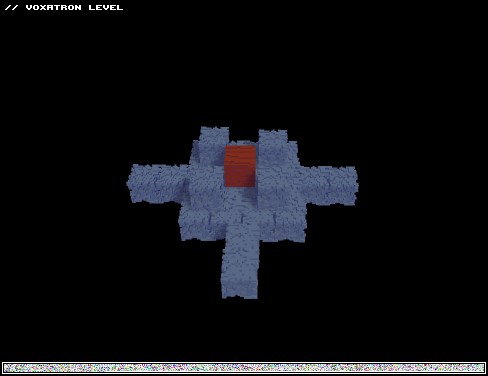
This is my first map so far. later i will make part 2 with a labratory.
One level i say is quite hard, but the rest of it is pretty easy.
Please don't hate if it's bad, it's my first map.
9 comments


.png)
ok so i wanna know how to make your own enemy but when i place it it's invisible like i put a prop of it in there so how do i do this?
18 comments