Hello everyone,
I am Unfortold from OnlineGamersGuide and I decided to start making videos showing off some of people's creations. I will try to post new videos as often as I can! if you want me to showcase a particular level just let me know through youtube or on here. I hope you all enjoy!


 0 comments

I was just making an object when I've noticed when I change size for example from 4x8x8 to 4x8x12, object is at bottom. However, after undoing, 4 bottom blocks are gone, and after undoing few times later, old object is now at top, but at 4x8x8, somehow there's 4 layers below checkerboard layer.
Normal:
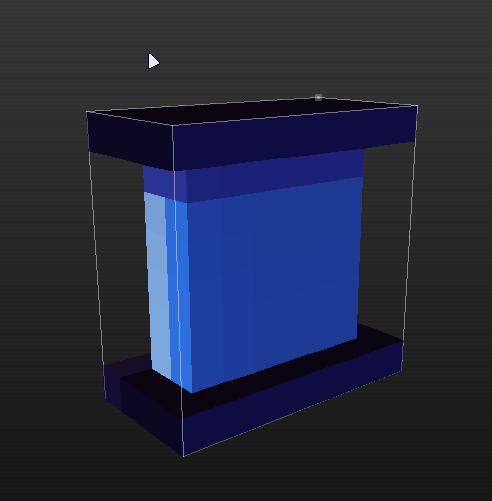
Resized:
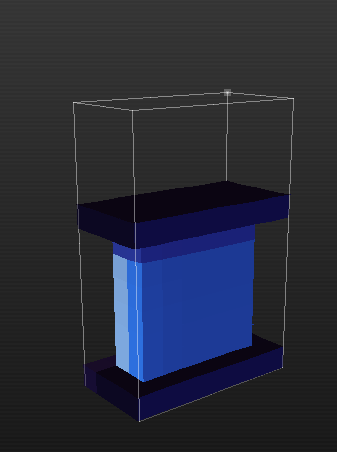
After Undo (problem starts here):
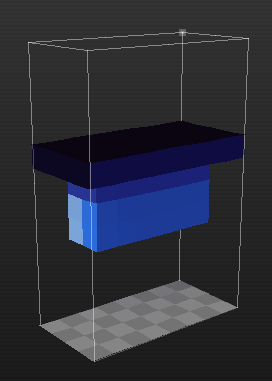
After Redo (corruption problem here, that garbage on top of object is just to use undo option, ignore it):
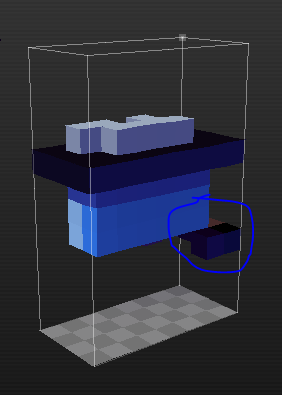
After 2x Undo (Where's checkerboard bottom layer?):
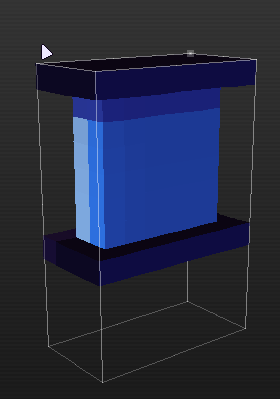
*I hope that it's not a problem if I uploaded pictures to here, undo and redo images might be broken due to "Space" in filename.
6 comments



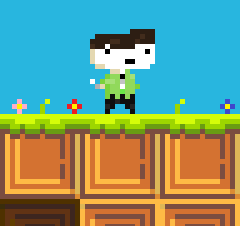



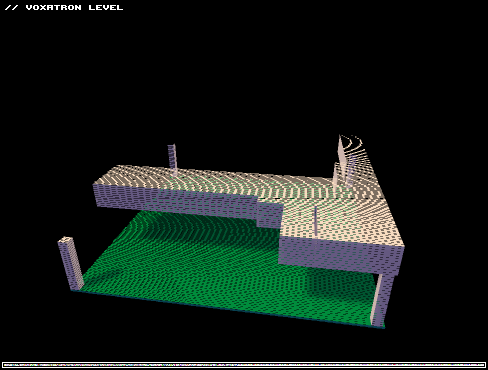


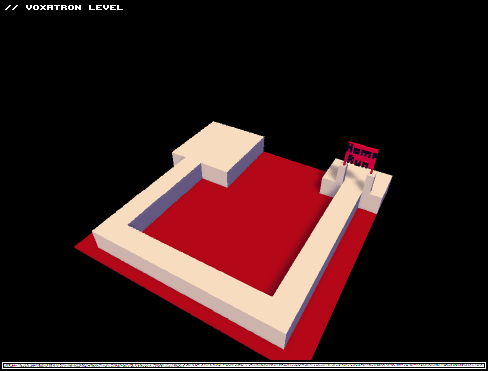


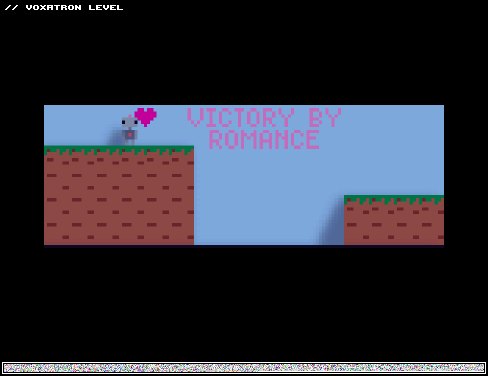
This level isn't about fighting. It's about love, romance, and conquest. It's about impressing the other robot. It's about life in 2D, in 3D.
It's about dying repeatedly in a bottomless pit until you figure out how to escape.
There are two ways to win, and hitting the floor of the pits are an instant game over. (Feel free to use the menu's restart room option if you reach such a screen, though.) Yeah, I know this adventure is short and simple (it doesn't even need powerups, I just threw one health pack in there to be nice), and my artistic skills are still rather lacking, but I hope it shows you some new and unexpected tricks and decent gameplay all the same.
I would totally force an orthogonal perspective on most of the rooms in this if I could.
8 comments






This thread is not for posting bugs, but for gameplay comments.
small blue guys: they are fine, perhaps even a little overused. They swarm very effectively and eat through obstacles. One complaint, though - they get stuck fairly often. I end up wondering if it's a broken/unfinished level or a tiny monster got stuck somewhere.
I think something should be done about stuck little guys. Not getting stuck would be ideal, but may be hard to achieve. A compromise would be blue guys making scared sounds if they're alone. That would let player know there's something left. More often than not single blue guys stop progress, so "scared when alone" makes sense.
Orange "rats": They work as an introductory enemy. But they're somewhat boring, and inefficient at killing. They occupy quite a lot of space but you can cut through them easily.
Level designers don't seem to like them much, I wonder why. I think they could be given a special ability like eating (destroying) powerups.
[b]Orange grunts:
0 comments


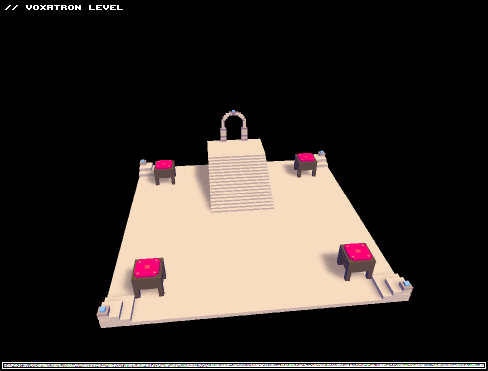
Alrighty, Just tried it a second...third...tenth time.
I finally managed to save the custom character, Yay me!
This is just a tiny little level, my first try at making one, nothing too fancy.
3 comments

A number of levels is classified as "finished", but they clearly aren't.
The most aggravating example is a level named "Test".
Others include:
Watch your step (unfinishable - infinite loop)
0 comments


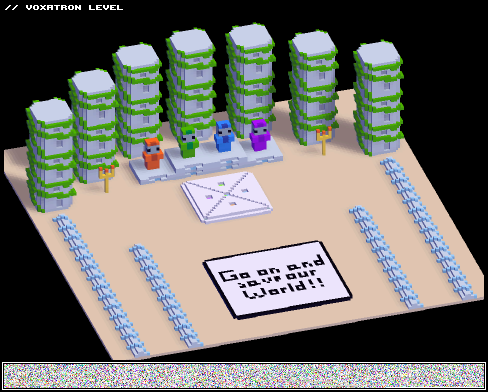
AAAAALLLRIGHT! I finally made it! Let me justify myself a bit :
I made this map once, and right at the end, willing to double check for errors, I mistaken the load button with the save button, overwriting my whole map with the default plain grass map. Yes, I punched a hole in the wall, thousands of them. Oh and I stopped playing Voxatron, sulking the game like a whiny little baby.
And then, some days later, this game was missing for me, it was like a part of my life. So I decided to make my map all over again! This time making sure to have a backup (3) somewhere everytime saving. And I've done it! It's online now and you've probably played it, or you will, I dare you will (Please).

 21 comments





Hello, i would like to make a simple post that i need a support, now i recently purchased a Humble Voxatron Debut, then i downloaded Voxatron and running the game... the problem is:
"Brutal Lag while is fullscreen"
Yes, it's bigger lag it looks like 1 FPS but more like frozen screen that's really unplayable to me, but it's only fullscreen, there a exception about the window mode goes everything is fine, it shows 50 FPS text is from options panel. It's not big deal.
My PC specs are:
Intel Pentium Dual Core 2.0ghz
2 GB Ram
ATI X1600 PRO Radeon 512 MB
Windows XP 64 Bit Pro (Windows Server 2003)
That's all
My regards,
Ivan
5 comments



v0.1.6 is a quick patch to resolve some show-stopping problems with v0.1.5:
- It's possible to load .vob.png files into separate slots again
- Linux Users: the game now uses your system's version of SDL by default. This should resolve the missing sound & bad performance issues in 0.1.5. If you still have trouble with performance, trying setting "opengl_blit 1" in ~/.lexaloffle/Voxaton/config.txt
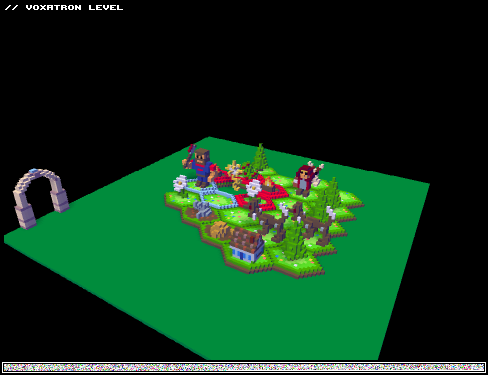
The main new features in v0.1.5 are the ability to add new character graphics to a level, and filter/favourite levels in the BBS LEVELS menu.
See the post for v0.1.5 for more details
There are already a couple of levels that show new character graphics. You need to update to the newest version to be able to see them (check your Humble games page).

 32 comments



In case you missed it, the Humble Voxatron Debut now has a total of 7 games. 3 of Lexaloffle's earlier titles have been added to the lineup, and 3 guest games: Blocks that Matter, Gish, and The Binding of Isaac. You can download them from your Humble games page, and as usual all updates are free, cross-platform, and DRM-free.
Jasper's Journeys is an adventure platformer I made with my brother Jumps (who did gfx & map design), and Dr. Petter (sound). We originally released it for DOS in 1997, and later reworked the whole game and released a Windows & Mac version in 2008. And it's still in active development! (More on that soon). Jasper is an old-school platformer that doesn't shy away from being challenging, and generally [i]videogames
7 comments



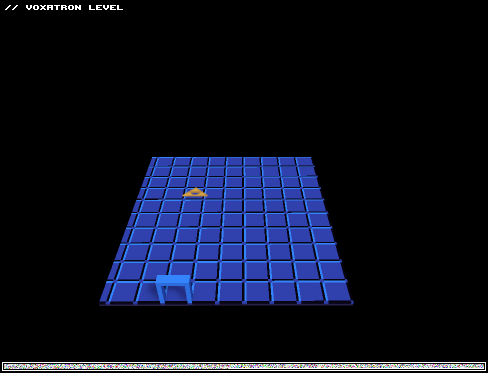
I originally tried to upload this level under a different named, messed myself up, then decided to make a couple minute aesthetic changes I'd forgotten to and re-upload it again. So, yeah. The objects are ones I made, inspired by the Zelda series. It's kinda short, and doesn't throw anything amazing on the table. It has a beginning and an end, though. :3
1 comment

The new keybinding options are great, but they're a bit lacking. If you have a keyboard that can't register a lot of button presses at one time, it can be a problem. Sometimes you might find moving diagonally, shooting diagonally, and trying to jump all at the same time. In that case, you'll be pressing two movement keys, two shooting keys, and the space bar, 5 keys, it can be too many.
8-way controls make things easier. Here's how to set it up.
I'll use the numpad as an example. Now, in order to make this work, you have to give each shooting direction three different keybindings, but luckily we can do that! Here are the bindings:
Shoot Up: Num-7, Num-8, Num-9
Shoot Left: Num-7, Num-4, Num-1
Shoot Right: Num-9, Num-6, Num-3
Shoot Down: Num-1, Num-2, Num-3
You'll notice some keys are bound to two different directions, but this is on purpose. For instance, Num-7 is bound to both Shoot Up and Shoot Left. Num-7 will make you aim Up and Left at the same time, so that makes you shoot diagonal Up-Left.
You can set up the directions like this, too, if you want, but it might feel a little weird if you're doing it over on the letters on the keyboard.
I tend to get really long winded, but I hope this helps someone!
3 comments


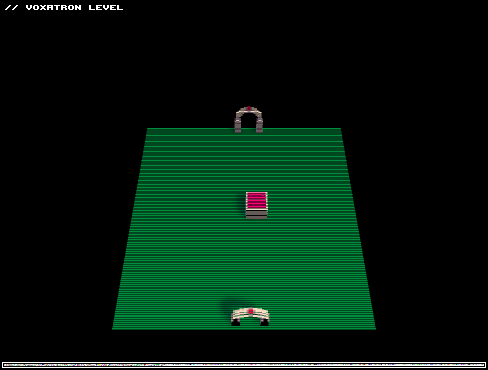
So, I noticed a lot of you are eager to start working on your own, custom Voxatron characters but don't really know where to start. I felt the same way too. Luckily, I overcame the learning curve and I'm here to make sure the same thing happens for you!
First of all, let's explain how custom characters work.
A custom character consists of 12 frames (frame 0 to 11). Each frame has the size of 15x15x16 voxels.
Frame 0 - neutral, not shooting or equipping the sword and armor.
Frame 1 - shooting, right (your character's right; your left)
Frame 2 - shooting, left (your character's left)
Frame 3 - sword and armor, neutral
Frame 4 - sword and armor, swipe 1
Frame 5 - sword and armor, swipe 2
Frame 6, 7, 8, 9 and 10 - your character's legs. I'll explain how this works below.
Frame 11 - sword and armor, drops. This is what your character will drop upon taking damage and losing the sword and armor and is purely eye candy.
*your character always swings the sword from right to left, so keep that in mind when working on these frames.
31 comments