

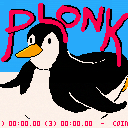
Plonk
The controls or TL;DR
In menu:
- Z/C = confirm, open menu
- X/V = cancel, close menu
In game:
- Z/C = slide
- X/V = melee/ranged attack
The lore
Plonk's mission in life is destroying tea parties all over the globe (don't ask why, some things are better left unexplained), and this has often gotten him into trouble. Today he has incurred the wrath of The Lady In Orange by thoroughly ruining her tea party. How they ended up on this ice sheet (especially since Plonk cannot swim)? We don't know. What we do know, The Lady In Orange is having none of it, and Plonk has to fight for his life!
The menu
Besides starting the game, you can change the following settings in the menu:


 0 comments
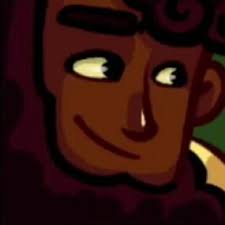

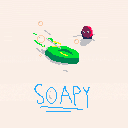
Push the other soap off the ice block as many times as possible. He gets faster and stronger every time he dies!
--UPDATED VERSION--
A multiplayer mode is now added!
The green one uses the arrow keys
The red one uses E,S,D,F
3 comments



Hi guys!
I've been working on this for a few days and I have it to a point where I'm confident enough to put it out :)
It's not done by any means, and I will continue to update it; get ready for sound effects and more tools!
Let me know what y'all think~! :D
Controls:
- 🅾️ to delete the last stroke (not a general undo)
- ❎ to toggle the gui elements
- ⬆️ and ⬇️ to change brush size
Tools:
- Pencil: draws lines
- Bucket: fills background or changes color of a line
- Push: moves the targeted stroke to the bottom
- Eraser: deletes the targeted stroke
Issues:
- Performance drops rapidly when there's a lot of strokes
4 comments







"From Rust To Ash" is roguelike auto battler where your items are your build. Fight, Loot, Scavenge. Arrange your items to benefit from each other, store items in your backpack for future synergies, scrap what you don't need to increase your health. Do all that you need to survive the encounters before you.
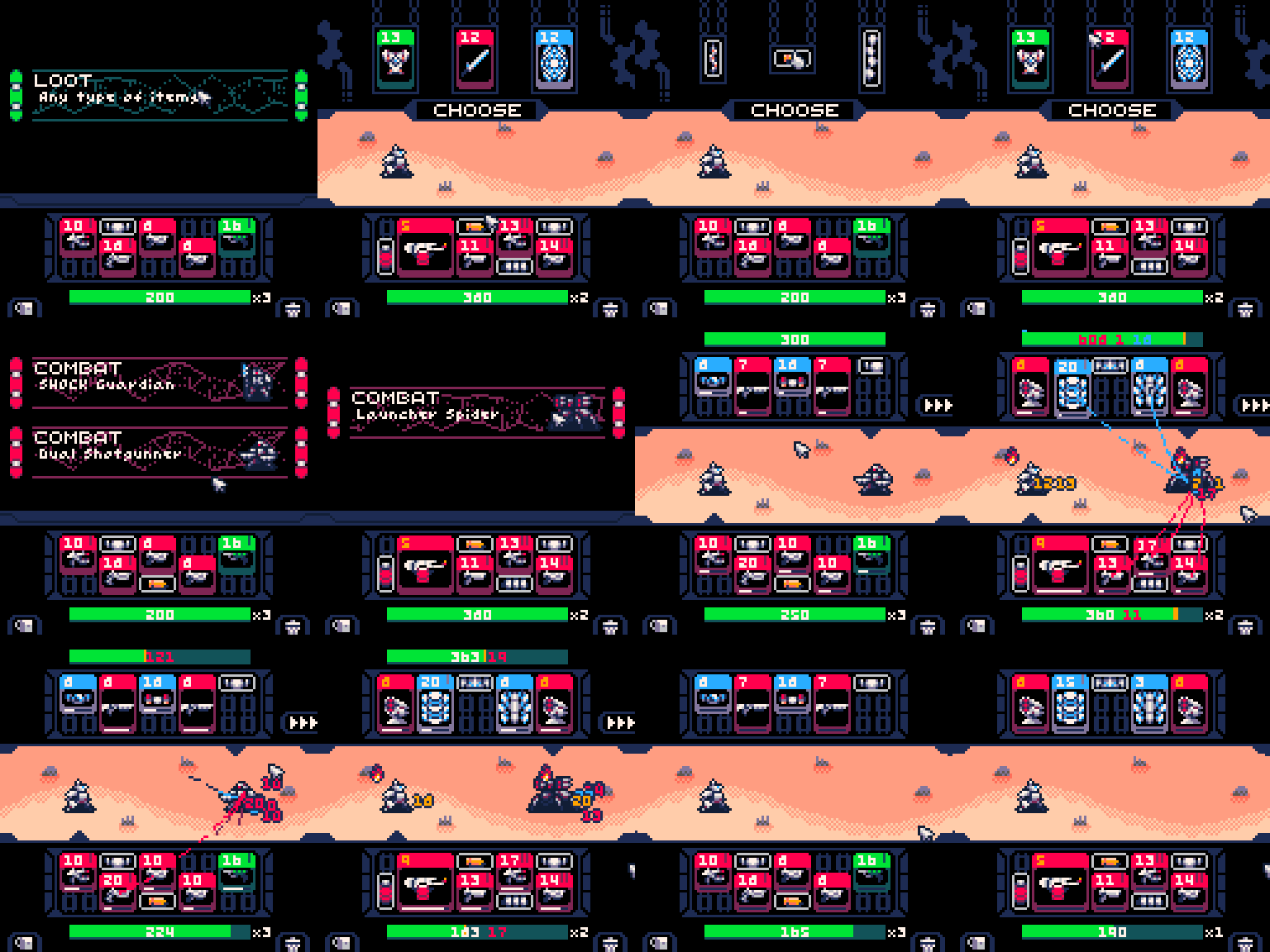

The game is designed to be completely played with a mouse, and aided by a keyboard. For Mobile and Handheld users, there is an option in the pause menu (Pause or P on Keyboard) that allows to change turn mouse mode off and allow the directional buttons / joystick to move the cursor, using the "X" button to simulate mouse clicks. On both Mouse/Keyboard and on Mobile/Handheld, the game uses the (Z) key or (O) button to open the inventory when possible.
90 comments








Easy to use dungeon maker, I tried to comment it so anyone can use.
Shows how to sort by y, so you can walk under walls


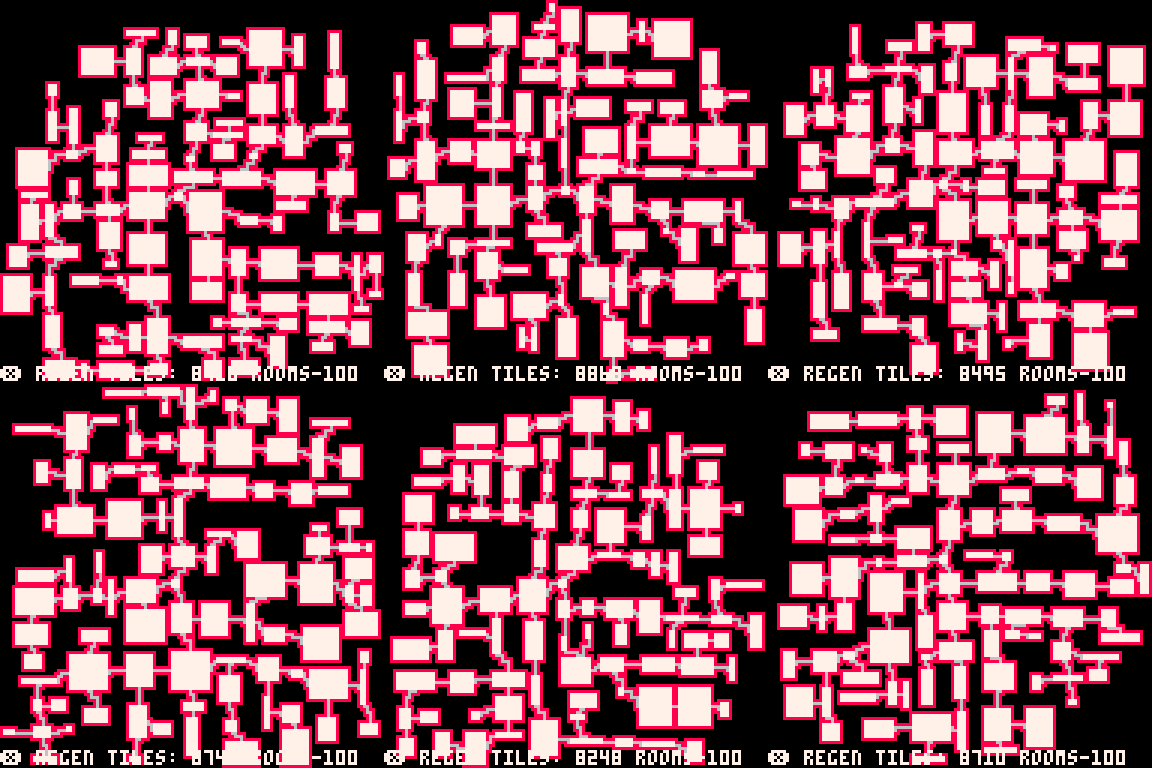
Controls
x to load a new dungeon
z toggles view from iso to 2d
arrow keys- walk around
About
This is the first stage of my Diablo demake, I still have to expand the rooms to fill more map to be real Diablo dungeon. This can be very useful to many game developers. Play with the numbers to customize your own game.
Have fun
Original map maker, no Isometric View
 1 comment






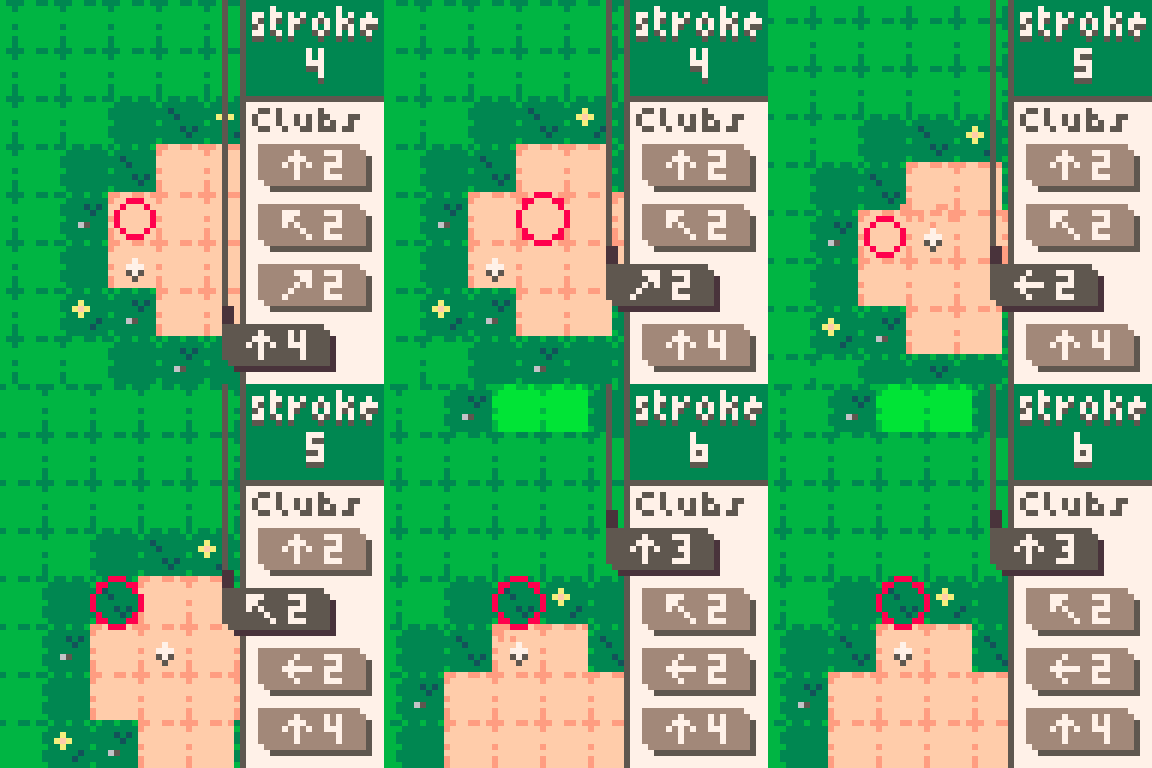
Caddie Cards
Tiny golf courses, tricky shots! Navigate hazard-packed holes with a handful of cards.
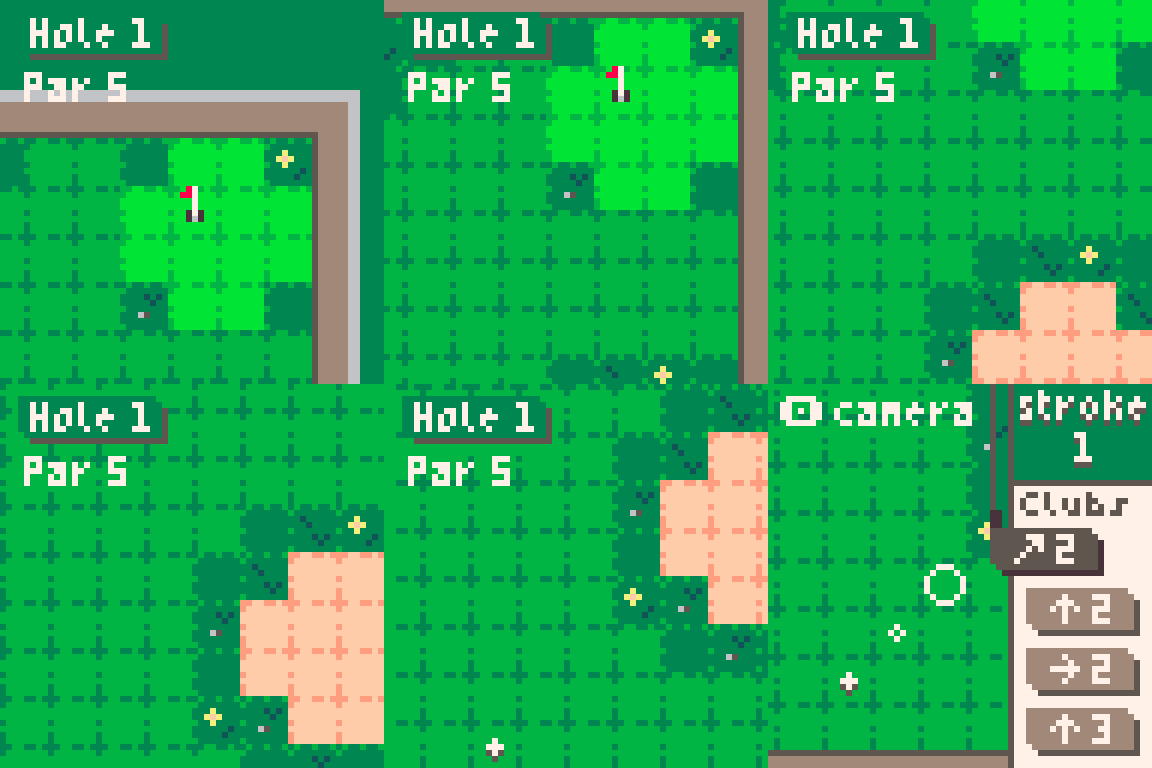
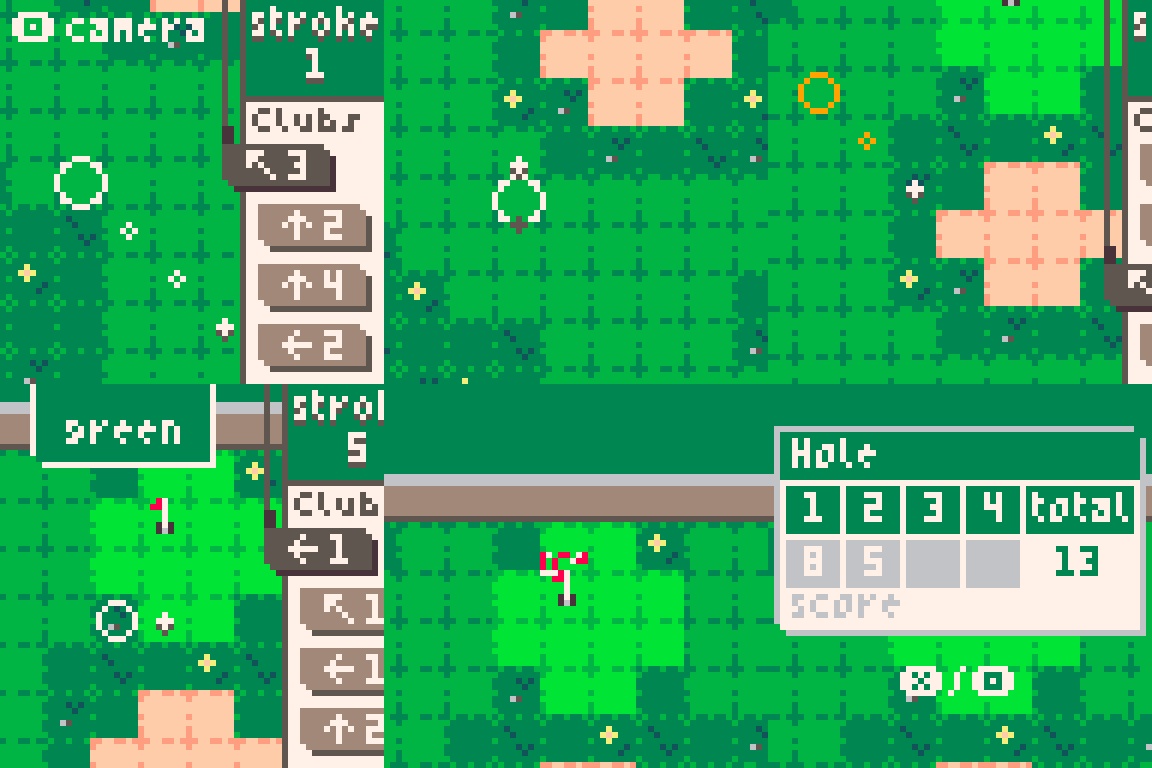
How to Play
-
Play cards to move your ball
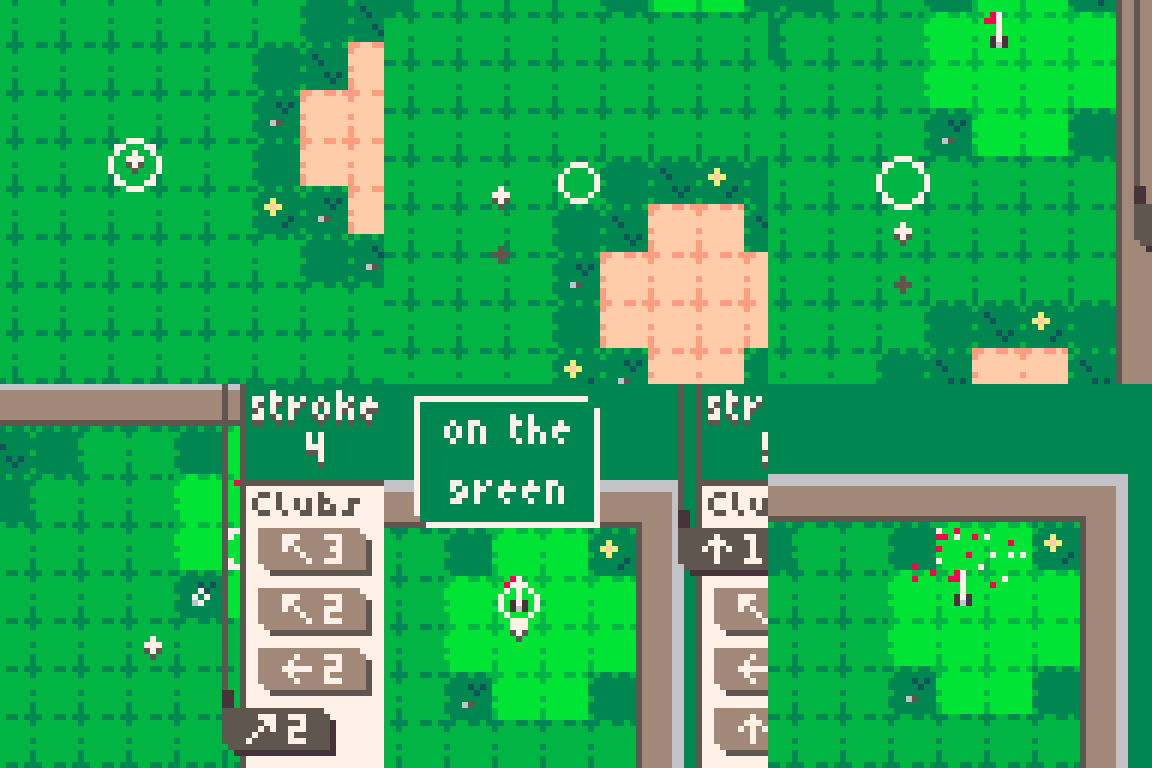
-
Shots can bounce off walls
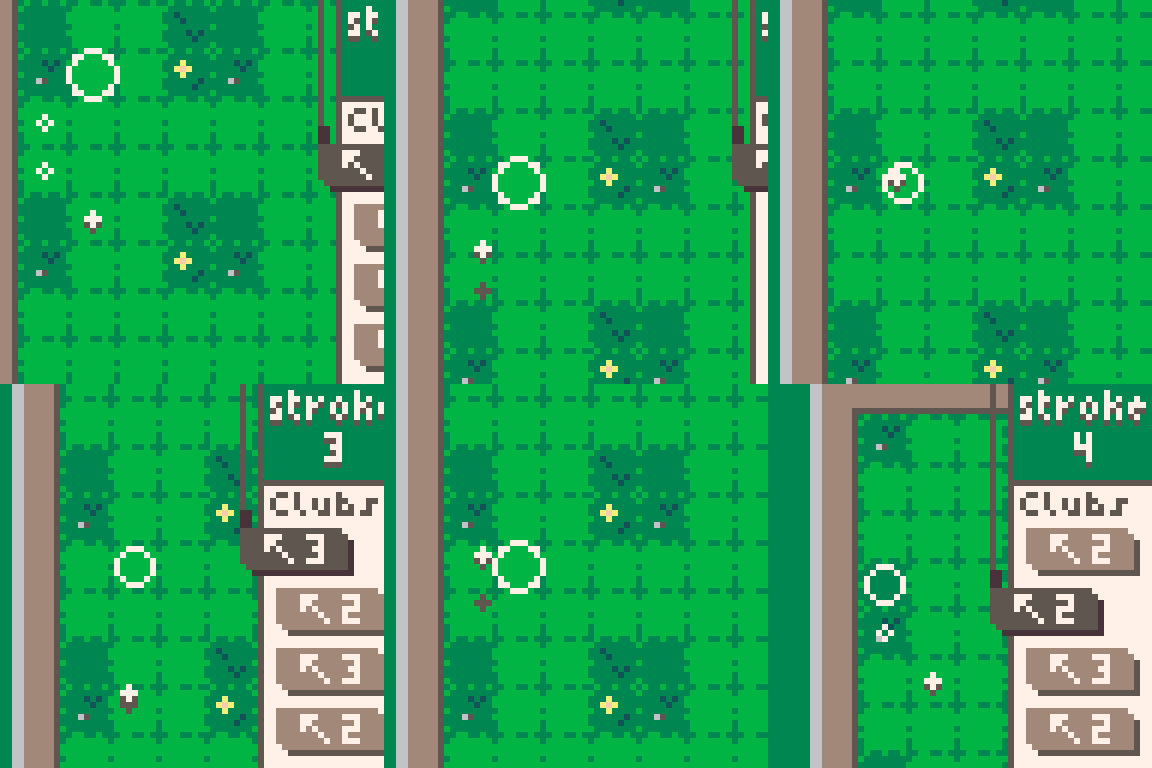
-
From the rough, max movement is 2 squares
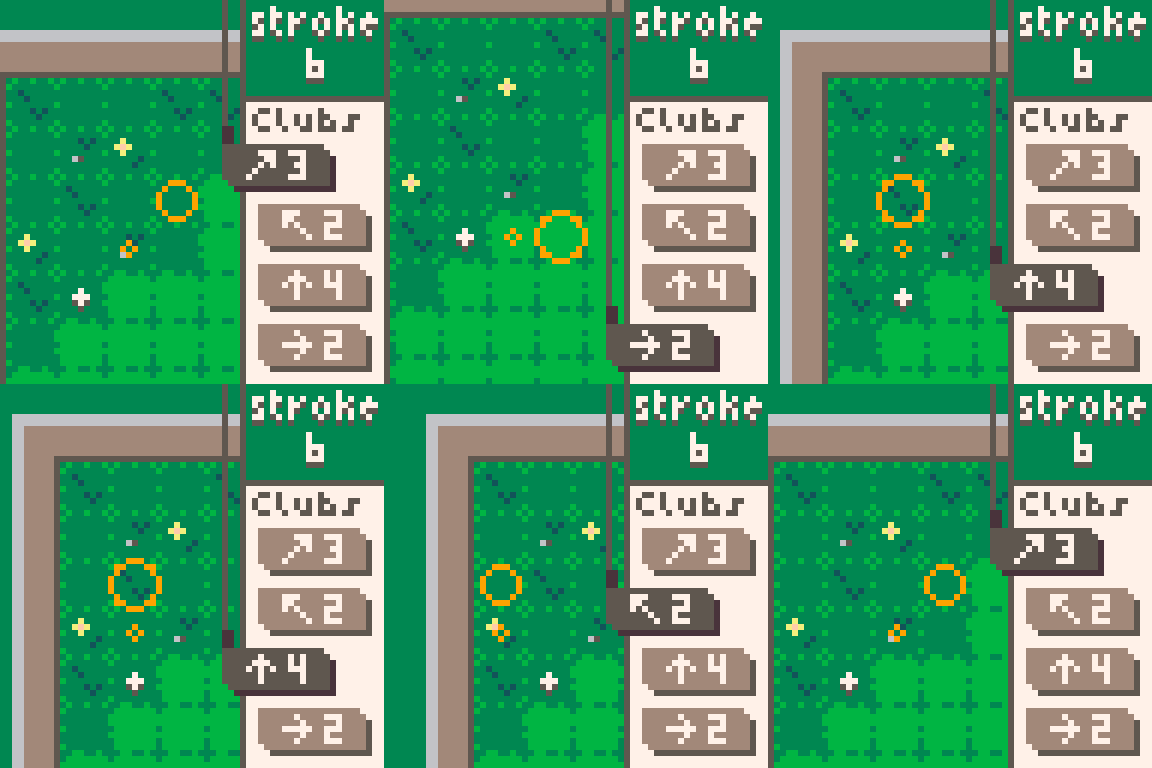
- From bunkers, max movement is 1 square
10 comments


This is just a template for people who are trying to make a celeste mod with cartdata
yes
0 comments
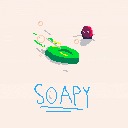
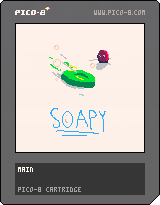
A game where you try to knock the other soap off the ice block
I tried my best to implement more interesting things such as power ups and different levels, but I gave up. I might update it sometime, but probably not.
Thanks to everyone in the Pico8 discord who gave me suggestions!
Known flaws:
The collision is a bit janky sometimes
3 comments


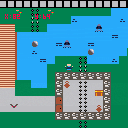
A snake with 2D chain physics and collision!
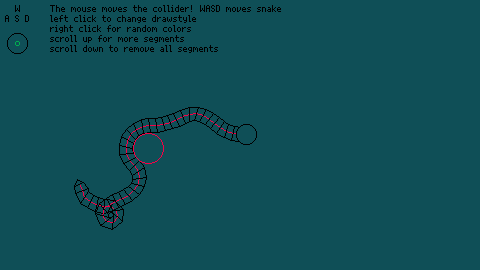
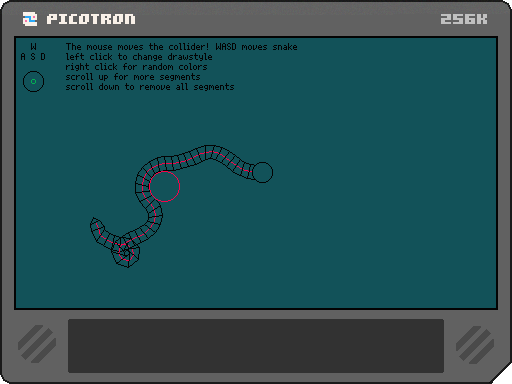
A simple controllable snake animation inspired by argonaut's video!
The snake is animated by constraining the center of each segment to the radius of the previous segment, then constraining the angles between segments by a specific amount. This was really fun to make and ended up being way more satisfying than I thought it would be! The mouse moves the collider, and scrolling the scroll-wheel adds segments. (Scrolling down deletes all the segments, I kept getting stale references and I was too tired to figure out why.)
This was my first time trying this for myself! I'd used circle collision in other game making tools, but going through the process of building them was far more interesting! In the end, I couldn't figure out how to get the sides based off the direction of segments so I crawled to chat gpt for help. It gave me a simpler solution, to just find the perpendicular lines of the direction vector. It works, but that means I can't find any other point relative to the segment for things like fins and eyes in the video... guess I've got to work on that next!
1 comment

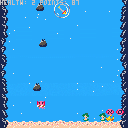
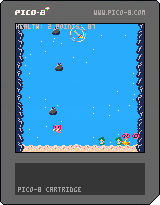
My first Pico-8 experience
Hey there! I’m a Game Development and Design student, and for an assignment I was encouraged to try a new engine outside of Unity and Unreal. PICO-8 came highly recommended, so after exploring how different it feels from Unity, I put together this small project in just two days: Oceanfall.
In this game, you play as a cute axolotl blowing bubbles at pieces of trash to stop pollution and keep the ocean clean!"
In the future, I might add menus (main menu, lose menu and some sort of settings menu), sounds (I got a headache just from looking at all these buttons!) and some more engaging gameplay loop (difficulty ramping up, etc.)
0 comments

Hex Die is a time-freezing tactics game where your only weapon is a very special die.
Roll the Hex Die to unleash a variety of skills while avoiding the enemy attacks.
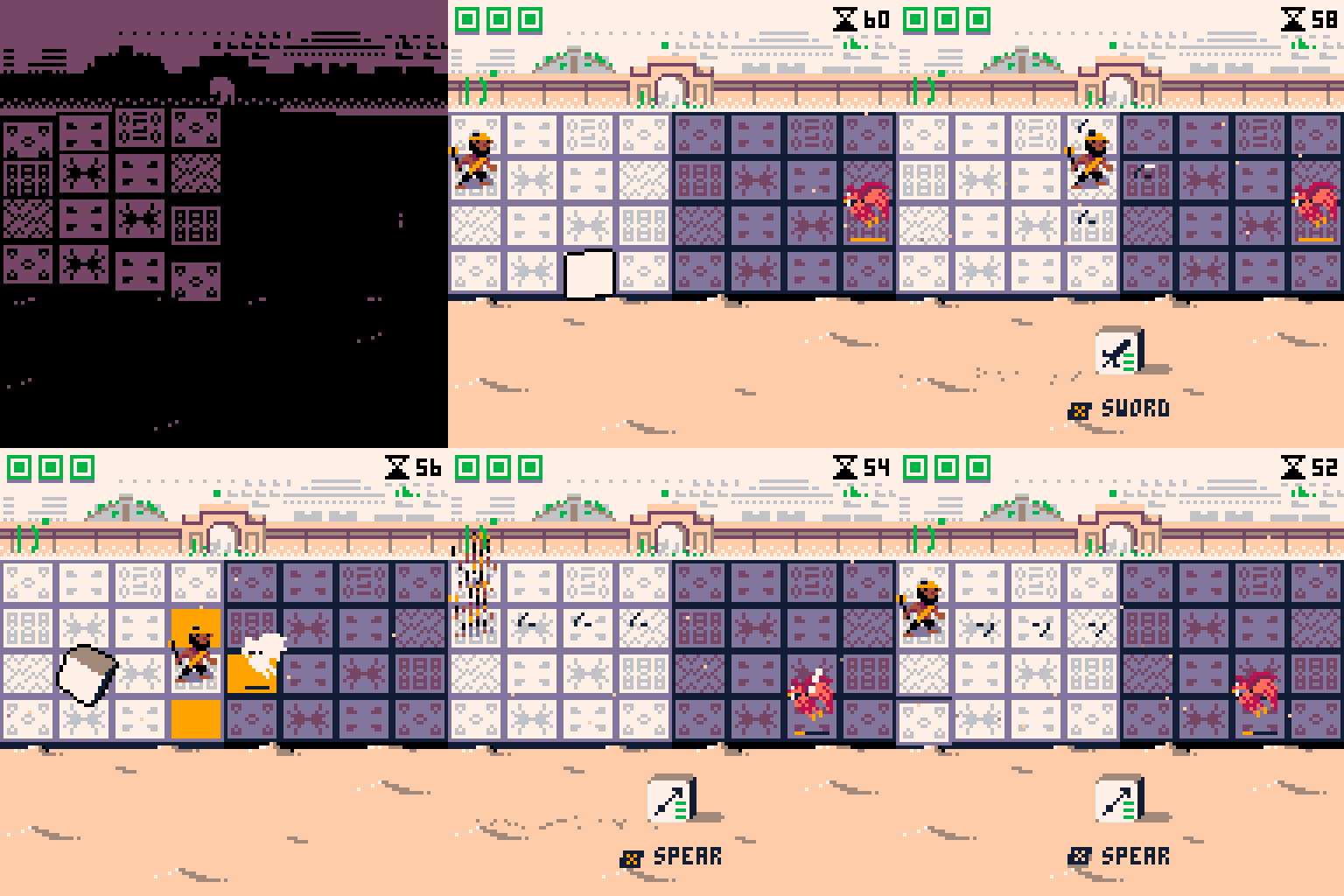
The Hex Die gathers power after each fight - Upgrade its pips, pick a stronger skill, or add unique effects.
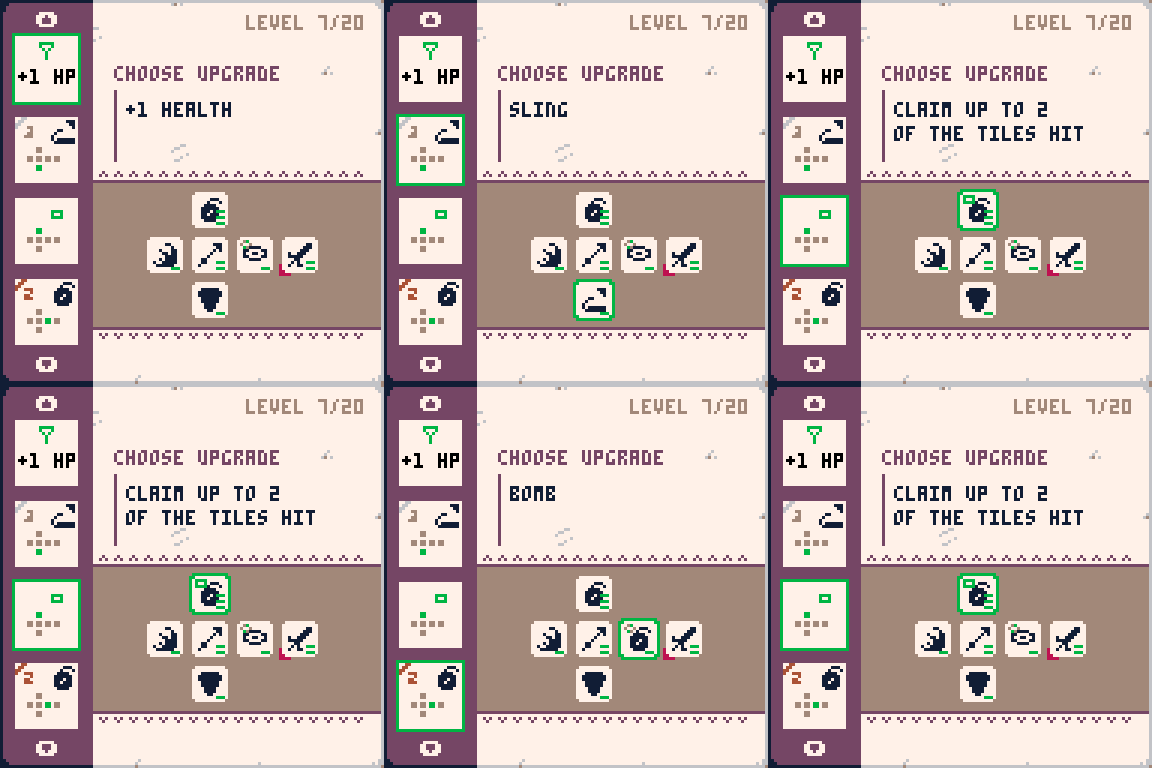
The Hex Die is powerful.
Each roll of the die freezes time until you act. Outmatched by increasingly dangerous foes, this power is your lifeline.
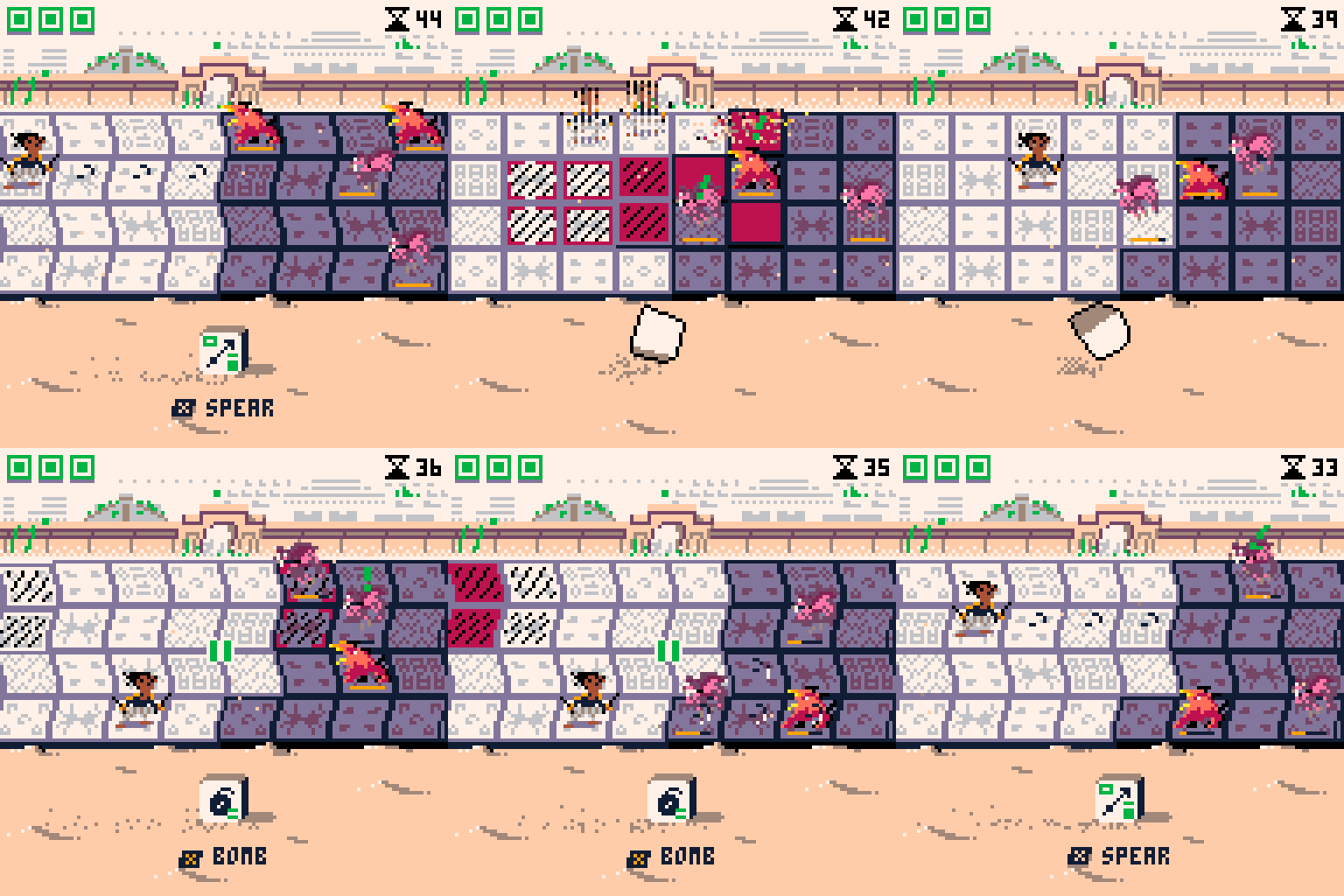
But don't waste too many rolls, because...
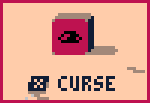
The Hex Die is cursed.
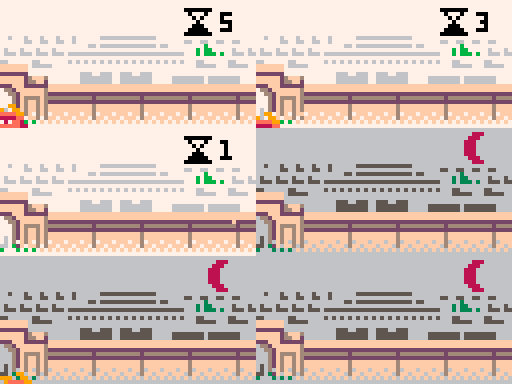
At night, one of the sides becomes cursed. Each roll has a chance to make you lose a tile on your side of the board. Play efficiently or this curse could be the end of your journey.
10 comments




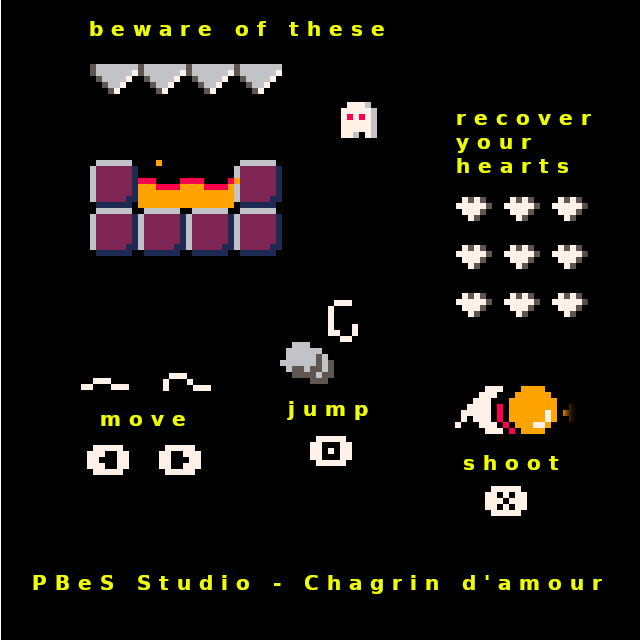
"Chagrin d'amour" is a very tiny small platform game that can be completed in a few minutes. There are currently 49 levels. In each one, you need to collect all the hearts to move on to the next level before time runs out. Watch out for the ghosts, they're super annoying. If you beat the game under 10 mn you could try the hard mode.
"Chagrin d'amour" was made as part of the Low Rez Jam 2025, I hope you like it.
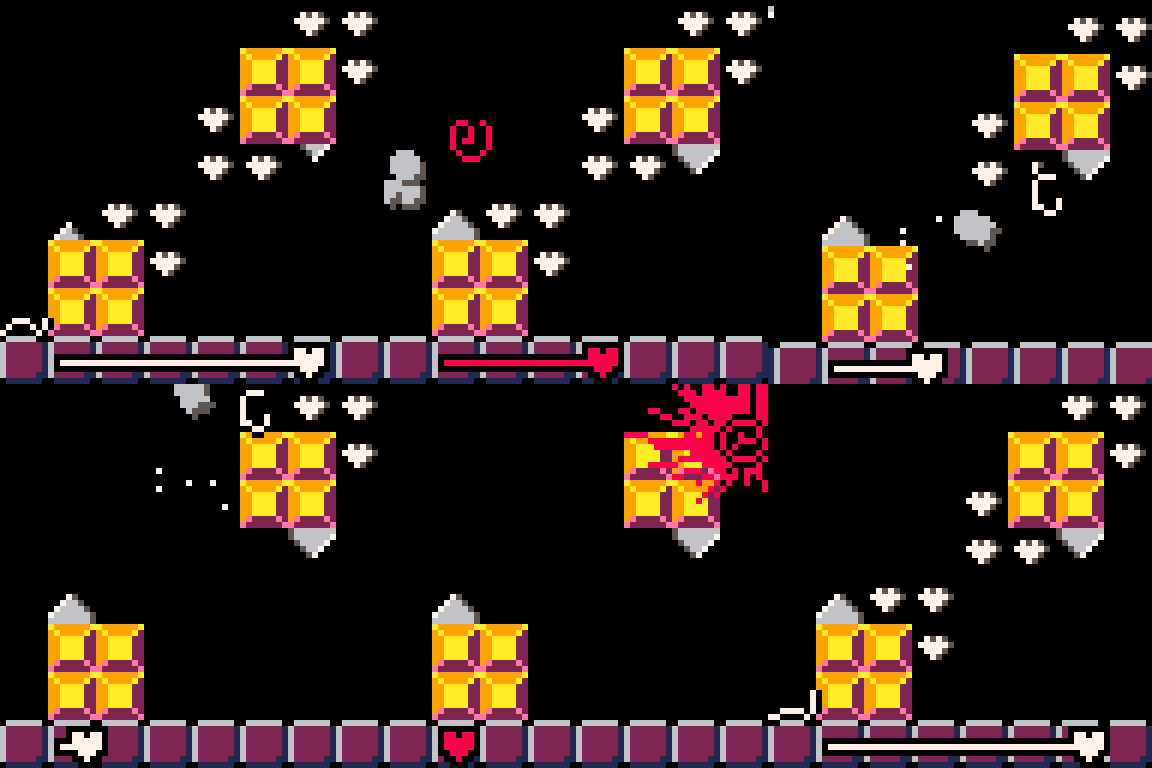
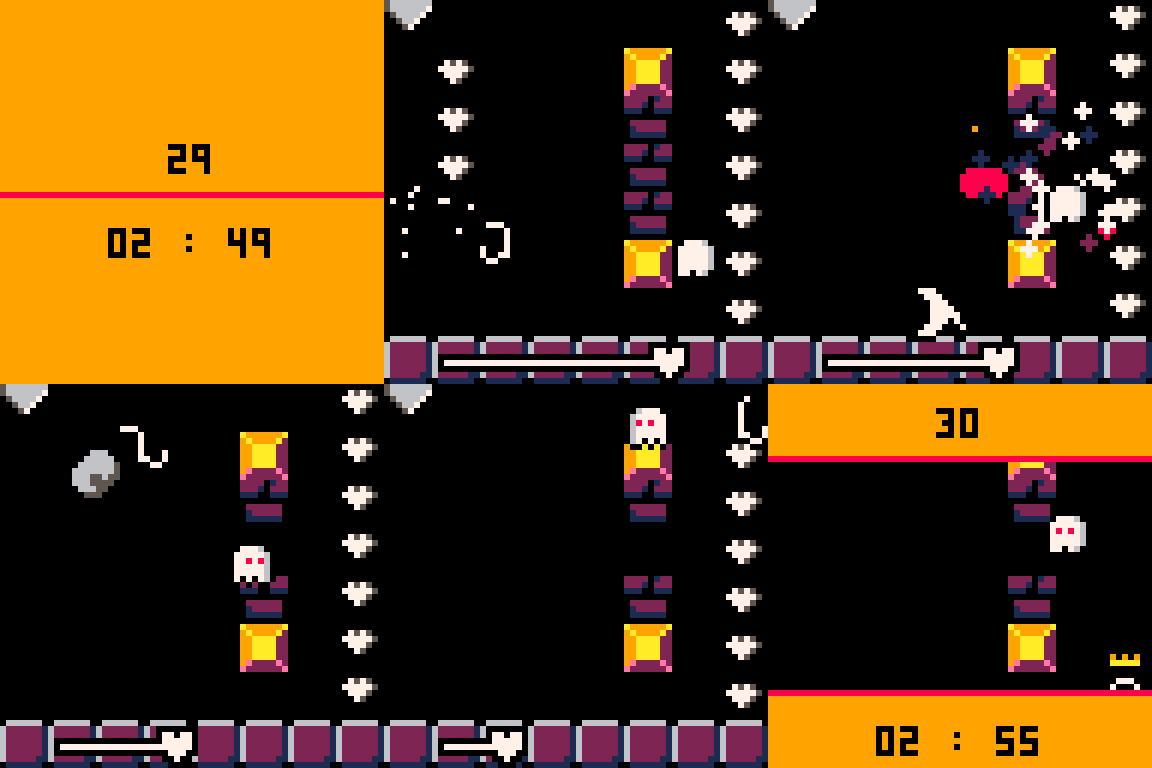
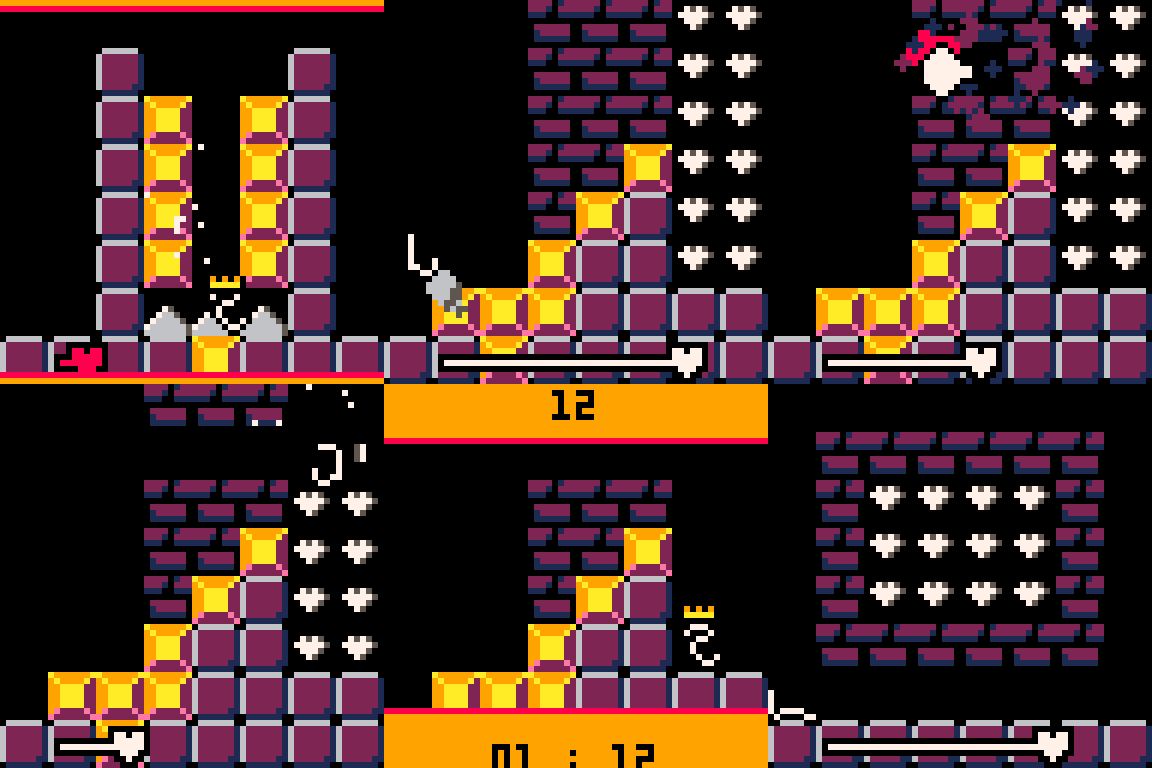
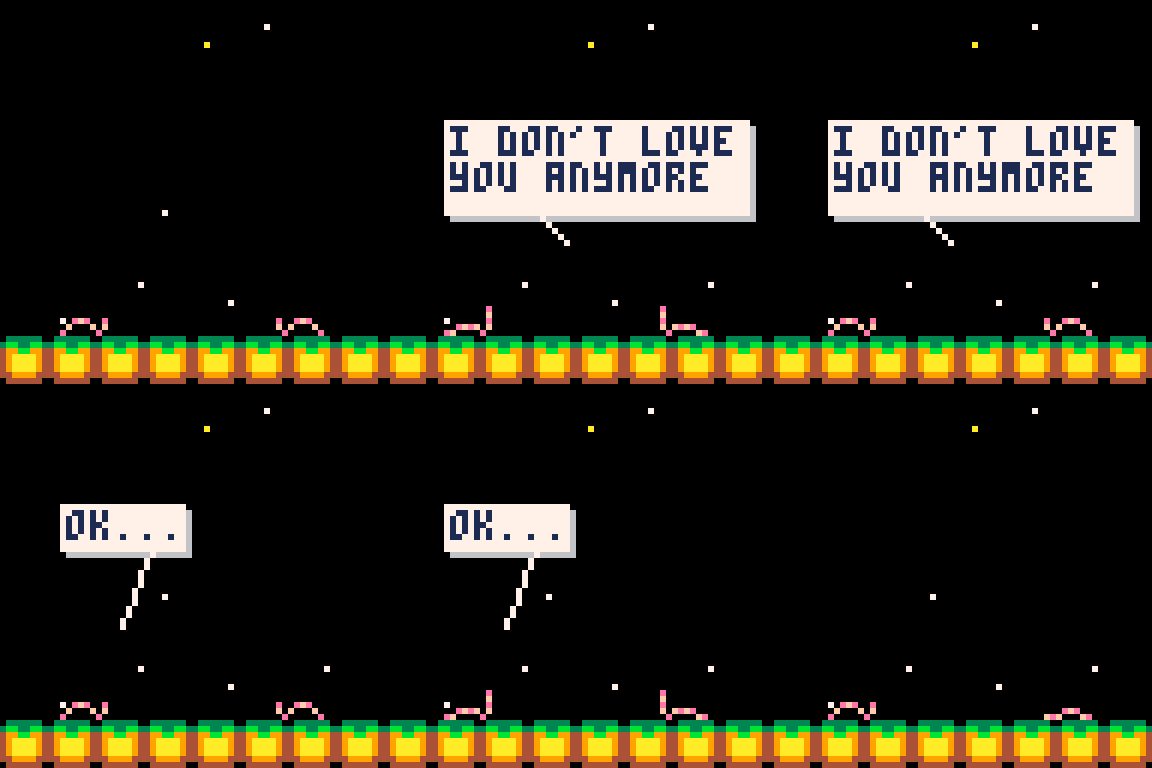 2 comments

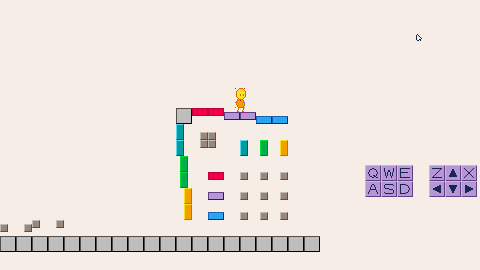
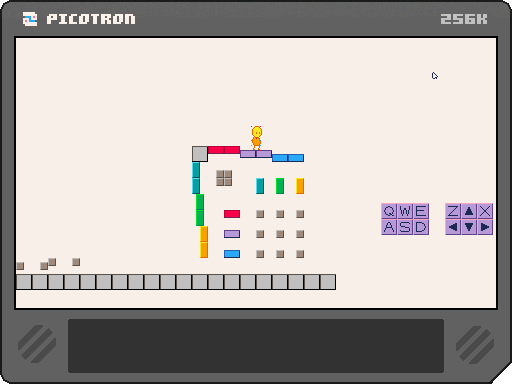
This here is my first time making a map tile collission function for 2D platformers.
My goal is to make a set of collission functions robust enough that I won't have to make new code ever again. Foolish as this may be it's a good exercise.
This version (v0.1.1) features speed-proofed collissions with solid terrain via map tiles, using flags 0 to 4 to indicate the size of the collission.
Feel free to use any parts of my code you fins useful. Making collission code is horrible and if I save someone else from having to make their own that'd be fantastic.
I have tried to comment the code thoroughly.
Please do contact me if you have any issues, doubts, criticisms, or advice.
0 comments

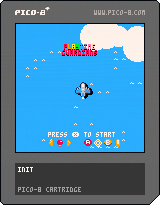
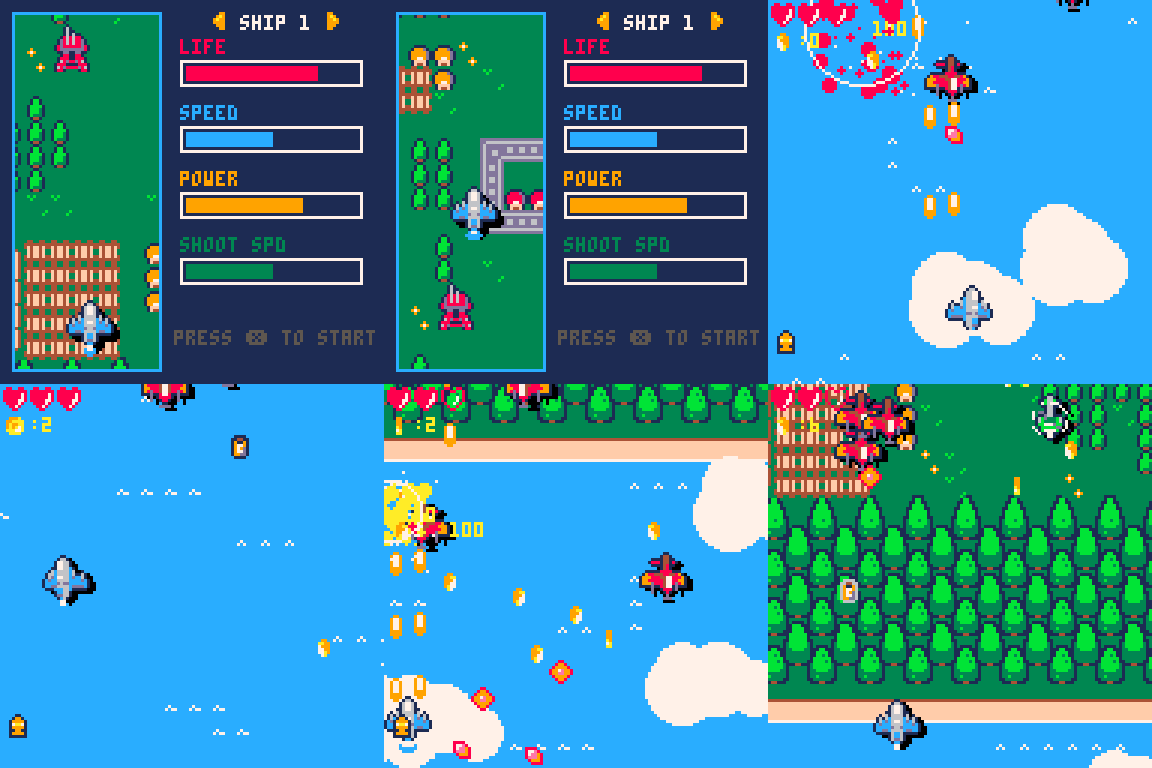
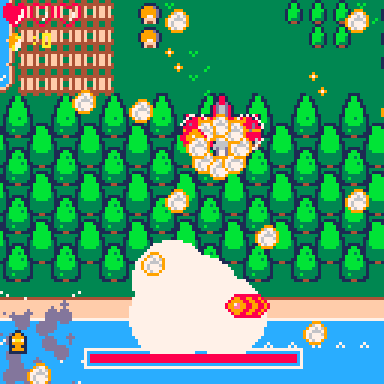
z for shoot and x for bomb
the drink can make you shoot faster, and the coin is just for point, it will also count how many plane you crash at last
it's a simple shmup game with random plane appear and have a last boss fight, hope you enjoy it
1 comment