




Floppy Wings 😎
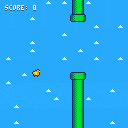
This is a simple Flappy Bird clone.
The speed increases every 5 points, and the gap decreases every 3 points.
How far can you get?


 1 comment
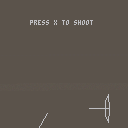

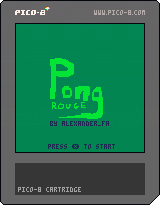
This is the first game i have made in pico8. I know that the code is really messy, and most of the variables are in swedish so good luck making remixes!
If you win a round, you get to keep the money you earned, if you lose the round you dont get to keep them. After each round you win, you have the ability to buy upgrades. There are also a few pick-ups during the rounds
The enemy gets faster and faster!
The controls are pretty self explanatory, move the arrows to steer the paddle
2 comments


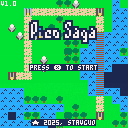
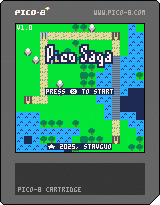
I'm excited to share the first public version of Pico-Saga, my new turn-based tactical RPG. My goal was to create a game with deep strategic gameplay, like Fire Emblem, but in a highly replayable, bite-sized format that you can enjoy daily.
Every map is procedurally generated, offering a unique tactical puzzle each time you play. This is an early release, and the unit stats and overall balance could definitely use some fine-tuning. I would be incredibly grateful for playtesters to share their opinions and help shape the game's future. Please give it a try and let me know what you think!
Controls:
Overworld:
- Arrow Keys: Move cursor
CKey: Select unit/castle
2 comments



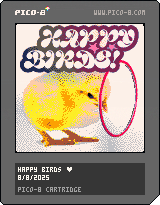
It's here!! Happy Birds is finally complete!
I had a lot of fun making this game, and I plan on making a lot more.
New to this version are:
- subtle graphics and music improvements
- improved collision and physics
- new death and opening visuals
- 6 new birds!!
I hope you all enjoy!!
8 comments



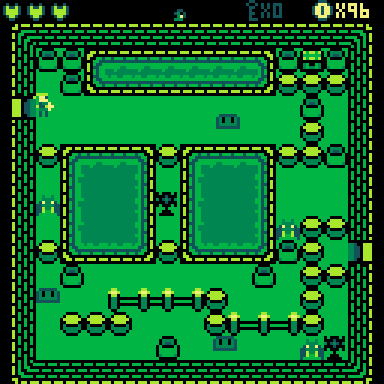
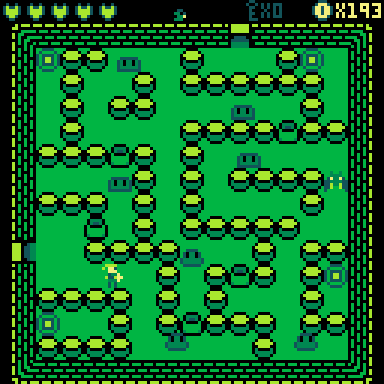
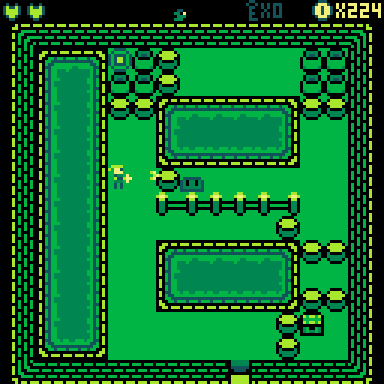
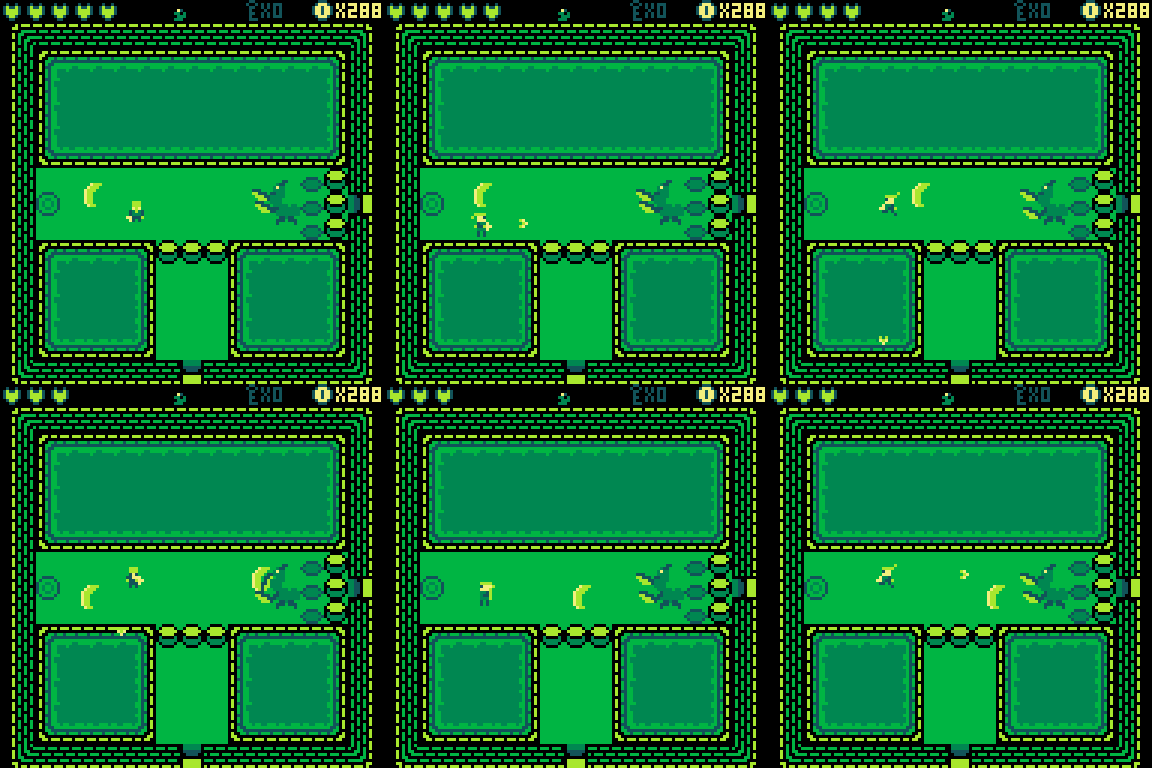
English:
Controls
In the start menu:
- to change selection: left / right
- to confirm choice: O
In game:
- Move: Arrow keys
- Interact: O (when shown)
- Spear attack: O (when unlocked)
- Magic attack: X (when unlocked)
- Reset / Restart: Open the menu with Enter and choose "Reset Cart"
Story
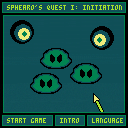
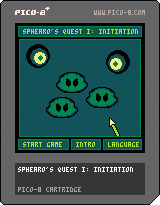
You want to join the kingdom’s knights, but first you'll have to prove yourself.
Luckily, you won't have to wait for a calamity to endanger the world just so you can rescue everyone.
Instead, you have to go through a short dungeon the knights have prepared for new recruits.
Behind the scenes
Looks like I finally finished my first game. ^^
Unfortunately, I also had to cut some content because I didn’t expect to reach the token limit on my first game.
Long story short.
The room with the last key was originally supposed to have a ladder that led to a room not shown on the map.
It would have featured a short fight against two of the eyes in a tight space.
After beating them, there would have been another ladder leading to the room where you meet the eyes for the first time.
The boss also got the short end of the stick.
He was supposed to actually move around.
For example, getting closer to the player as his health got lower.
Also, like the title states, this is supposed to be the start of a series of games.
Basically, in my attempt to learn programming, I'll try to make some games with different mechanics and loosely connect them through a story.
Who knows?
The next one might end up a platformer.
As long as my laziness doesn't get in the way. 😅
Last but not least, thanks for taking the time to give my game a try.
Since it’s my first game, I’d really appreciate any constructive criticism.
Deutsch:
Steuerung
Im Startmenü:
– Auswahl ändern: links / rechts
– Auswahl bestätigen: O
Im Spiel:
- Bewegen: Pfeiltasten
- Interagieren: O (wenn angezeigt)
- Speerangriff: O (wenn freigeschaltet)
- Magieangriff: X (wenn freigeschaltet)
- Neustart: Öffne das Menü mit Enter und wähle "Reset Cart"
Story
Du willst den Rittern des Königreichs beitreten, aber zuerst musst du dich beweisen.
Zum Glück musst du nicht warten, bis eine Katastrophe die Welt in Gefahr bringt, nur um alle zu retten.
Stattdessen musst du dich nur durch einen kleinen Dungeon, den die Ritter für neue Rekruten vorbereitet haben, durchschlagen.
Hinter den Kulissen
Sieht so aus, als hätte ich mein erstes Spiel endlich fertig. ^^
Leider musste ich auch einige Inhalte streichen, da ich nicht damit gerechnet hatte, das Token-Limit gleich bei meinem ersten Spiel zu erreichen.
Kurz gesagt.
Der Raum mit dem letzten Schlüssel sollte ursprünglich eine Leiter haben, die zu einem Raum führte, der nicht auf der Karte eingezeichnet war.
Dort hätte es einen kurzen Kampf gegen zwei der Augen auf engstem Raum gegeben.
Nachdem man sie besiegt hatte, hätte eine weitere Leiter zu dem Raum geführt, in dem man den Augen zum ersten Mal begegnet ist.
Der Boss war auch anders geplant.
Er sollte sich eigentlich bewegen.
Beispielsweise näher an den Spieler herankommen, wenn seine Gesundheit zur Neige geht.
Wie der Titel schon sagt, soll dies der Beginn einer Spielereihe sein.
Im Grunde werde ich, während ich versuche Programmieren zu lernen, versuchen einige Spiele mit unterschiedlichen Spielmechaniken zu entwickeln und sie lose durch eine Geschichte zu verbinden.
Wer weiß?
Das nächste könnte ein Plattformspiel werden.
Solange mir meine Faulheit nicht in die Quere kommt. 😅
Und zu guter Letzt: Danke, dass du dir die Zeit genommen hast, mein Spiel anzuschauen.
Da es mein erstes Spiel ist, wäre ich für konstruktive Kritik sehr dankbar.
3 comments




There's a really strange bug. When I use assert to check if the CH variable returns the total number of roomlist,
it works. But on the next line (when I remove assert), it mentions the following error:
bad argument #1 to 'random' (interval is empty) ???
What should I understand?
function rnd_room()
local choix
ch=#roomlist
debug=false assert(debug,ch)
choix=math.random(1,ch)
x=roomlist[choix].x
y=roomlist[choix].y
table.remove(rooml,choix)
return x,y
end
1 comment

.png)



Is there a chance we could make unsandboxing apps a little easier? I'm building a little installer tool and I'm not fond of basically telling the user "figure out where i live and unsandbox me or no-go; good luck"
My first thought is some kind of system "request unsandbox" pop-up permission request that reloads the program if granted, but that's kind of a pain and smells like a lot of new development effort.
Allowing sandboxed programs to summon their own 'about' page via create_process would be a great compromise, imo. It's already rate-limited to prevent abuse; /system/apps/about.p64 just needs to be added to the create_process whitelist for sandboxed programs. Then, a program can prompt the user to uncheck 'sandboxed' on its own about page and offer to open that for the user to eliminate needing to pick the right cart out of a folder.
I'm sure updating an app's sandboxed status at runtime is a big ask, but if it was also capable of create_processing itself while sandboxed, it could at least reload itself and, should the user have unchecked the sandbox option, launch free of limitations. Since it's subject to the same rate limit, and would just launch itself sandboxed again if the user didn't allow it, its risk seems low.
0 comments

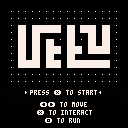
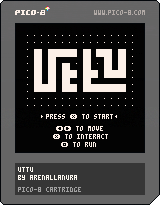
Uttu
Uttu is a small loop-based adventure game where you solve puzzles to learn how to escape.
In Uttu, you use loops to traverse and find your way.
Made for the GMTK Game Jam 2025 in 96 hours, with the theme ‘loop.’.
Have fun, and don't forget to post your final time as a screenshot!
How to Play
Use the left and right arrows to move.
Press (O) to run (Z on keyboard).
Press (X) to interact (X on keyboard).
Hint: It's a loop-based adventure.
Credits
Design/Art/Music/Code: ArenaLlanura
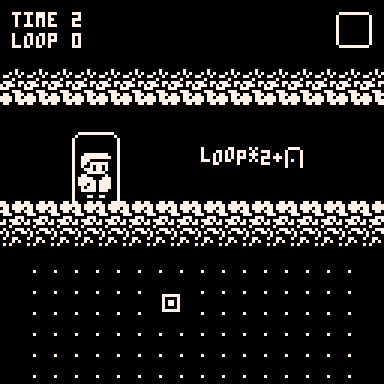
Hints
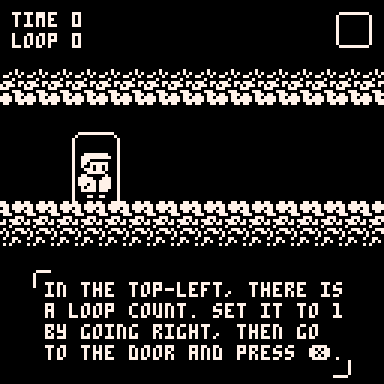
Tutorial
[hidden]Set the loop count to 1 by going right, then head to the door and press X.
7 comments


.png)


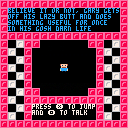
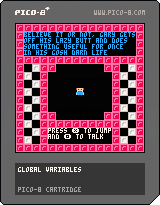
Made for GDEX 2025 Game Jam.
The prophecy foretold that only you, Gary, would be able to stop the dark lord from destroying the world. It can only be you Gary for the prophecy foretold it. Knowing that the dark lord, Aligoricus, could only return in such a way that you could physically defeat him, you bravely spent the 56 of your life eating snack foods and watching television as to nerf Alicoricus to the greatest potential. And now, you Gary, must get off your butt for the first time in your life and save the world.
Play Believe it or Not, Gary Gets Off His Lazy Butt and Does Something Useful for Once in his Gosh Darn Life and enjoy:
-Over 20 lines of dialogue
-A vast and sprawling world to explore
1 comment
Hello again, I am a complete beginner for those who didn't see my previous post. Been trying to create my own functions to perform certain tasks, but having trouble. In this case I was trying to make functions that could draw and move a player, in a way where I could substitute in different players using the brackets at the end of the function. However when I run this I'm just getting a black screen - so I'm guessing something wrong with the draw function? Would appreciate if anyone can point me in the right direction. Thanks in advance for any responses!
my code:
function _init()
--players
jim={
sprite=1,
x=63,
y=63,
w=1,
h=1
}
jon={
sprite=2,
x=63,
y=63,
w=1,
h=1
}
end
function _update()
cls()
move(jim)
end
function _draw()
drawplayer(jim)
end
function move(player)
if btn(➡️) then player.x+=1 end
if btn(⬅️) then player.x-=1 end
if btn(⬆️) then player.y-=1 end
if btn(⬇️) then player.y+=1 end
end
function drawplayer(player)
spr(player.sprite,player.x,player.w,player.h)
end
6 comments


I tried to configure Picotron in my current RetroPie setup. I got to the point where Picotron boots into its desktop. However I would like it to automatically load the cartridge that I selected in EmulationStation and start it. Is this possible with the current version of Picotron? If so, how should the entry in es_systems.cfg looks like?
4 comments


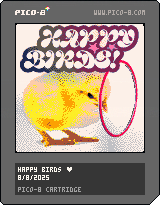
This is the third version of Happy Birds!!
I'm very proud of this version, the final version will come out very soon.
New in this version is:
- new label image!
- new music!
- subtle graphics improvements
- better menu screen
- better SFX
I hope you all enjoy!! :)
1 comment

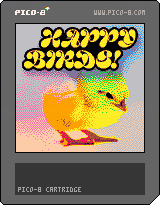
Hey guys!! This is version 2 of my Flappy Bird clone!
New in this version is the ground moving, variable cloud speeds, improved graphics on the hoops, and an awesome new cover!
I'm hoping to add music in version 3 (and maybe new birds, too!)
Hope you enjoy!!
0 comments
So, I've been bashing my head against settings and config files to no avail on a Raspberry board, so I have to ask this:
Is there any way to (or plans to) allow the screen to be rotated like Pico-8? I sure it was easier there because of the 1x1 aspect ratio, but running picotron from a raspberryOS lite without desktop (for the extra performance) just won't let it make proper use of the screen I got, sadly.
I'm already having a hard time trying to make the touchscreen work properly when things are turned clockwise, but if I could at least have picotron display vertically, part of the problem would be gone.
... I bet there's some insane way to code and configure the desktop so it's vertical anyway, but that wouldn't do what I need. I just need it to render using most of the screen instead of just a tiny thing in the middle.
0 comments




|
[8x8] |
How to Play
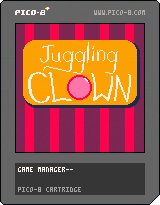
Use the left and right buttons to move the clown, and catch the balls before they hit the ground!
Balls will turn from red to green to blue, and then the clown will have a chance to launch them into the air for bonus points!
Launch enough balls into the air to activate a bonus round! Catch as many as you can, but don't worry about dropping any! After the bonus round, the game will get slightly faster!
0 comments
