


This is the final version, It's been one hell of a ride and one I thank you all for, and please tell me if you beat hard mode...
And yes the skulls are supposed to spawn on the snake, I removed it, but found it funner with it on.
Also I would recommend not asking me to make the game faster until after you have played it all, lol you'll understand soon...


 7 comments

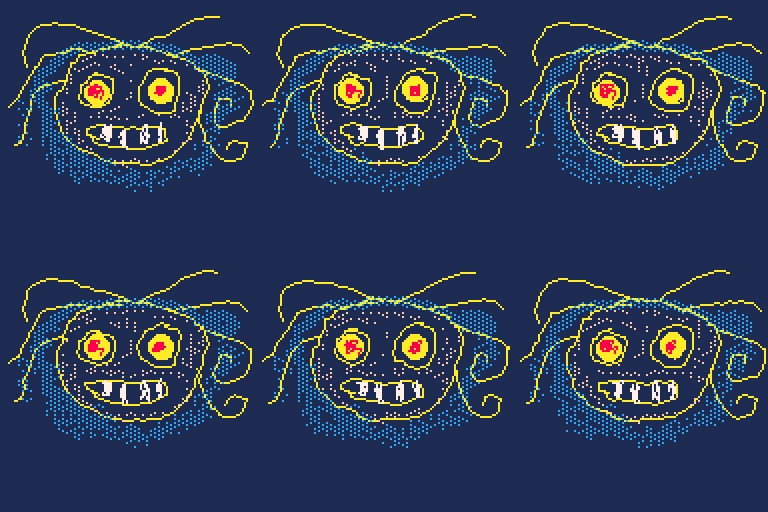


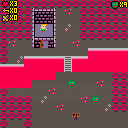
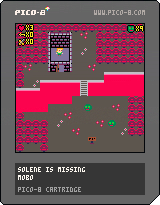
Solène is missing !
Ludovic, our hero, needs to rescue Solène !
Made for the TAGD Semester Game Jam - Fall 2020
6 comments

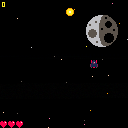
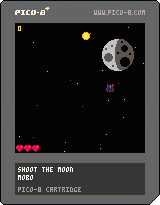
Shoot the moon
It's a shooter game with some blast SHOTS, and the objective is to shoot the final boss, the evil MOON!
Made for the Game Off 2020.
5 comments


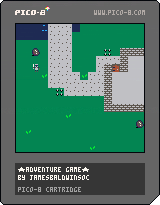
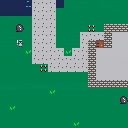
 3 comments
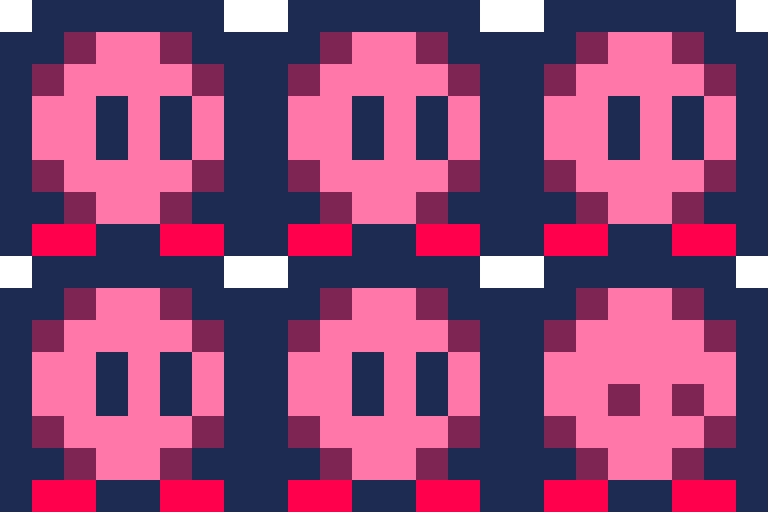
Poke values to change the width of various things, such as:
how wide the map is interpreted as
(poking 32 will make each row be split into 4 rows, below each-other)
sprite width+height
(pretend that PICO-8 has built in ?? sprites)
(so you can have 512 addressable sprites at 48,
but the map editor can only have the first 256, due to data reasons)
like fillp(), these would effect the editor.
These would just effect how data is read, not give you more or less (besides leftovers in the sprite memory)
Of course, this would be limited, but you could have one continuous line of map tiles, with no Y axis, or a 8 wide pillar, or anything in between.
Thanks for your time!
0 comments


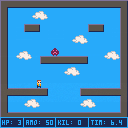
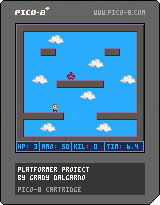
Simple platformer arena game for a school project. May expand upon in future.
O/Z to jump, X/X to shoot, arrow keys to move.
0 comments

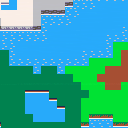
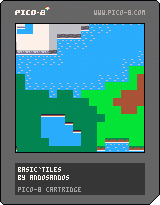
Basic Tilemap
Simple tilemap with edges. Dirt, grass, dark grass, snow, rock, desert sand, beach sand, and snow.
> Use arrow keys to move the camera around.
0 comments
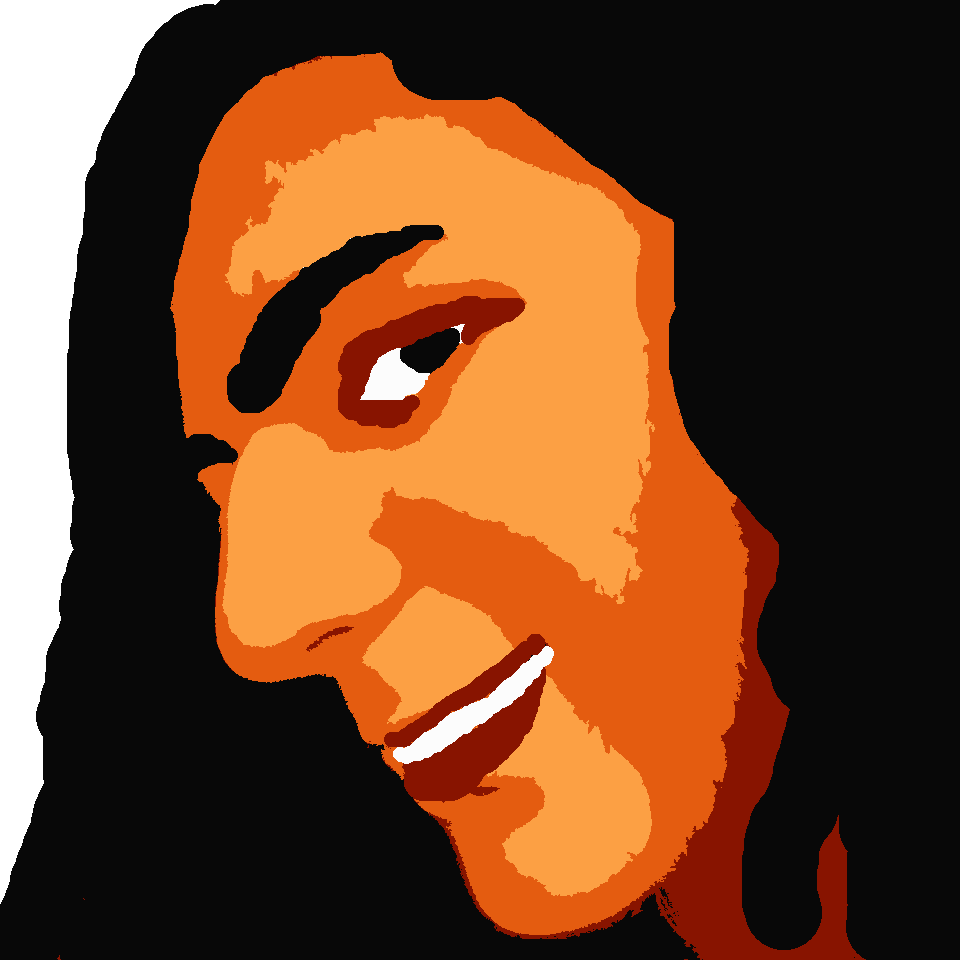


This is a pretty old cart that I never ended up sharing for whatever reason, but here it is now.
This one as well is open for credited use wherever.
6 comments





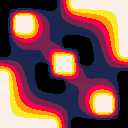
Hi everyone!
I made this simple 2D heat simulation to experiment a bit with PICO-8. It solves the steady-state heat transfer equation iteratively using the Gauss-Seidel method and it shows the evolution of the solution at each step. During the simulation the fps gets a bit low since the grid is fairly big (128x128), but anyway I think it gave an interesting result so I decided to post here! I hope you like it.
You can edit the configuration of the simulation using the mouse functionality to add or remove high and low temperature boundaries. If a boundary does not have a fixed temperature block it is considered an open boundary (dT/dx=0 or dT/dy=0).
Thanks and all feedbacks are very welcome!
1 comment



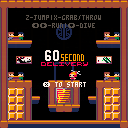
60 Second Delivery
Made for the UMBC Fall 2020 Hackathon
Credits
Programming: Erik
Art: Erik and Brandon
Music: Erik and Anthony
Level Design: Brandon
2 comments

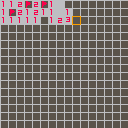
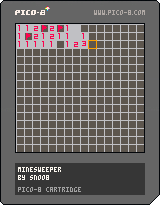
How to play:
arrow keys to move cursor
X to open cell
O to place a flag
You need to open all cells which don't contain bombs.
Number of bombs around a cell equals numeric label of that cell (e.g. cell with number 1 has one bomb hidden in adjacent cells).
Place a flag to mark a cell which you think contains a bomb.
0 comments

I really wish you could use the alternate colors (the ones shown in this video: https://youtu.be/AsVzk6kCAJY) in the sprite editor, because one of the colors is perfect for a sprite I need, and none of the other base colors do it for me. It would be nice if you could hold down a key combo and the colors would change to the alternate ones.
Edit: And yes, I understand that you can only have 16 colors on screen at a time. But it would be nice if you could toggle certain colors, so you only have to replace some of them.
6 comments

