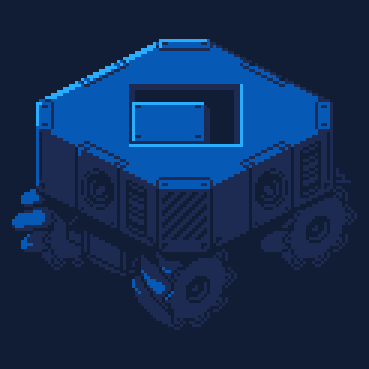
Flagger
A flag creator!

How to play:
- Press
[○]to start (or[Z]in the keyboard) - Select a ui button using the arrows, then press
[○]or[x]to press the interface buttons
> The first selector "BAND" switches the flag shape
> The other three selectors loop through the colors (basic 16-color palette)
Depending on the flag shape there will be 2 or 3 colors available
> The "R" button at the bottom selects a random flag shape with random colors.
The first flag is be created randomly with a subset of colors (to avoid duller combinations)
Description:


 8 comments


This is a small game I made to test the new highscores feature
Help the potato avoid the threats and survive as long as you can!
You can hop by clicking or by presssing the Z and X buttons
UPDATE: changed potato behavior to avoid ceiling cheesing
8 comments


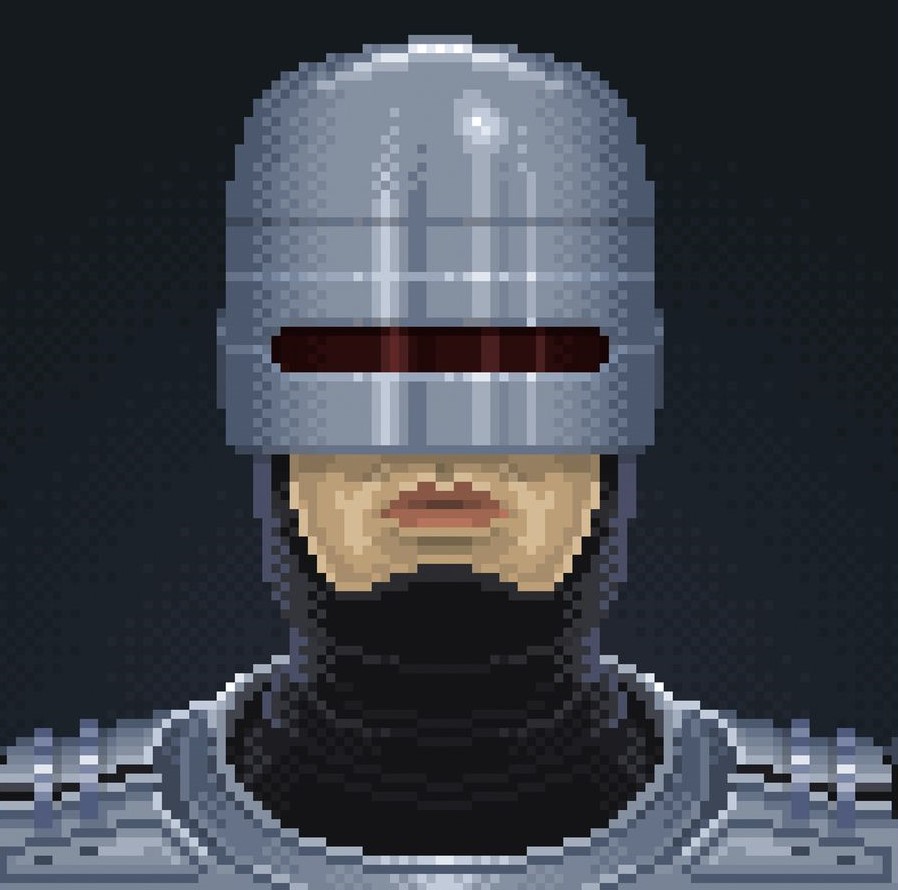




pico.io is a Slither.io remake in pico 8! Your goal is to have the most points
Get points from "eating" orbs
If you hit someone's tail, you die
If someone hits your tail, they die
left and right arrow keys to turn (you automatically move)
hold x to dash
3 comments




Demake of a game created by yiotro.
The original game has sadly shut down its servers. I miss it so much I had to make it in Pico-8.
Play against AI or with a friend! (Or just watch the AI play against itself!)
Try to knock all your opponent's balls off the table before they do!
Select your ball with L/R and X
Set your shot angle with L/R (up/down for fine aim)
Hold down X and use up/down to set your power
Once you've perfected your shot, release X to let your ball fly!
This demake is not totally polished; the AI is a bit drunk and the collisions can be janky at times. It doesn't do the original game justice by any means but it was a great learning experience for me to make!
3 comments


A fairly common word game where you need to work out what number corresponds to which letter. It can be played in an easy mode where you are given a couple of the letters beforehand, or a hard mode with no clues (challenging but rewarding).

Controls
Start screen
Use left/right arrow to select difficulty.
In game
Arrow keys to move around.
Press 🅾️ to select current letter and press 🅾️ again to place.
You can pick up a letter already placed on the grid with 🅾️ and move it or use ❎ to return it to the pile .
Press ❎ to drop the selected letter and pick another (also a quick way to jump to the letters).
5 comments


Description:
A high-stakes cosmic hunting game where speed is your weapon and your weakness. In the cold void of space, they are faster than you. To catch them, you must push your engine to the limit. But beware: your boost is your only shield, and your greed for high scores will leave your tank empty when you need to survive.
Experience the roar of the horizontal engine shake and the satisfying "BASHUN" sound as you pulverize those who dare to cross your path.
Controls:
[Left / Right]: Steer the ship
[X / V / ❎]: Start Game / Retry
(Z / C / 🅾️): BOOST
Note: You are ONLY invincible while boosting!
Pro-Tips (The "seopon" Method):
1.Chase the Echo: The scoring stays active until the enemy reaches -50 on the Y-axis. Don't let them escape into the distance!
2 comments


GO smash that ball, OPERATE your physics, MAKE your victories, EARN your hats, NEVER give up!
GOMEN!


In Gomen, hit the ball to earn points, and aim for coins to unlock new hats and costumes in the title screen!
Beat your highscore and improve your gameplay!
Controls
Move - ◀ ▶
Jump - 🅾
Run - ✖
Changelog
Version 1.0
- Published the game
Version 1.1
- Added a button cooldown for the gameover screen
- Changed some hats
- Added new hats
Version 1.2
8 comments




Use the arrow keys to move and pick up clocks to increase your score.
Clocks give you 0.5 more seconds to continue.
Just a small game I made while getting back into PICO-8.
0 comments


a WIP Doggy daycare game made in pico-8, check it out here: https://www.lexaloffle.com/bbs/?tid=155798
0 comments


Doggy Daycare is a management sim where you have to take care of doggies for a day, but beware these dogs bite and also run..

Features
- Take care of up to 10 various dogs (only 4 types of dogs, more coming soon)
- Clean up after the dogs, they don't like to be around pee and poop
- Make sure the dogs have water and food, you don't want them to start a fight
- Use your leash to redirect the dogs, moving towards or away from one another (they will fight, sometimes...)
- Pet the doggies to show them your love, keep them happy and they will give you a good time.
Controls
- use X to interact and O to leash a near-by dog
2 comments


Candy Chomp is another tiny game challenge on SpaceCat's Skool and this time the theme was candy. I struggled a bit because of the drive to make something "original" but I thought better of it in the end.
Move the mouth around with the arrow keys and eat the candy. Every piece of candy has its own score value, indicated by the pitch of the sound it makes when you eat it. Miss 10 candies and it's over.
Press X for a tiny speed boost, and there's also a wraparound to make sure you have an edge over those pesky out-of-reach candies. Hve fun ^^
4 comments




Snake 3310 is a tribute to the iconic Snake II from the Nokia 3310 era, rebuilt for Picotron.
Features
-
1bit Aesthetics: Pure nostalgic vibes.
-
4 Difficulty Levels: Can you handle the heat of Mamba mode? Or will you chill with Python?
-
BBS Leaderboards: Compete for the Top 3 in every difficulty level. Let’s see who really owns the grid!
-
Revamped Bonus Mechanics: Eat animals for massive points! Spawns now have different rarities, ranging from 20 points for the most common to a whopping 200 points for the rarest.
-
NEW! Kittens Hazard: Kittens now roam the map. Be warned... DO NOT try to eat them! They are infamous snake predators.
-
NEW! Trophies: Added 10 secret trophies to collect. Can you platinum the game? (More coming in future updates!)
- Perfect Win: Can you achieve the impossible and fill the entire screen?
Feedback welcome!
3 comments





Sooo~ about that last post... it's a little silly.
I had completely forgotten about PICO-8's extra video modes when I made it. Turns out you can use poke(0x5f2c,2) to set the resolution to 128x64 pixels and then stretch it out horizontally using a script/command-line parameters -draw_rect.
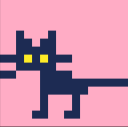
Here's a similar example, first uncorrected:

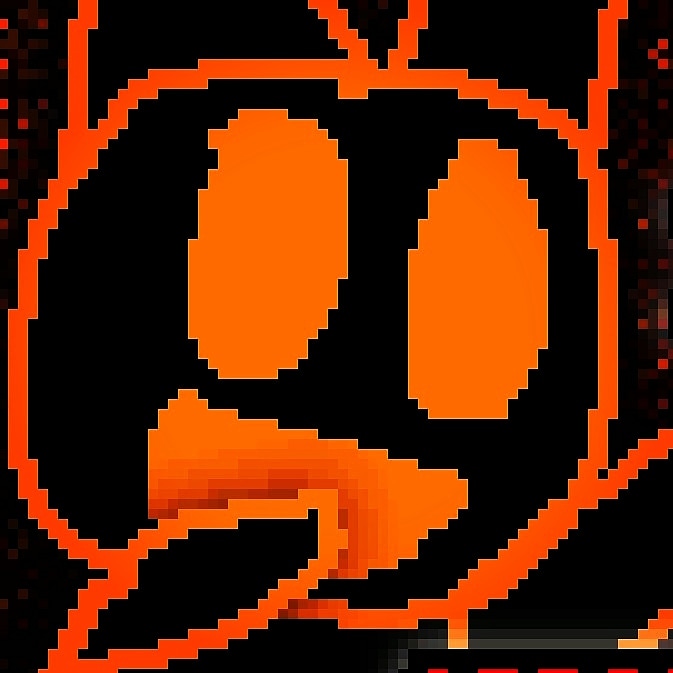
Aaaand now the corrected one:

It also has the upside of not requiring extra special treatment and fiddling besides two things:
- You have to make the game with this resolution in mind, since it can only use the top half of the screen.
and (unfortunately) - You still have to use custom launch options to make it work correct. For exported games that means a custom launcher to set the proper window and screen size.
This would actually be a lot easier if -draw_rect was affected by the position and shape of the window. Even an option to make it so PICO-8 stretches to fill the window would be preferable. Until then, I think this might be as good as it gets.
2 comments



Pocket SWarm is the cutest Galaga inspired game you'll find. Play it. Love it.
Pixel by pixel hand crafted sprites, AI assisted code. It's all good. Hope you love it!
0 comments



So, for some reason, if you try to divide a number by 0, picotron just completely freezes. That's it. Anyway, here's the code I was making when I encountered this bug.
function sprDim(s,getw)
	local spr_data = s

	if type(s) == "number" then
		spr_data = get_spr(s)
	end

	if spr_data then
		if(getw)then
			return spr_data:width()
		else
			return spr_data:height()
		end
	end

	return 0, 0
end
function tquad(src,x1,y1,x2,y2,x3,y3,x4,y4)
	local dist12 = sqrt( ((x2-x1) ^ 2) + ((y2-y1) ^ 2) )
	local dist34 = sqrt( ((x4-x3) ^ 2) + ((y4-y3) ^ 2) )
	local maxDist = max(dist12, dist34)

	if maxDist == 0 then return end

	for i=0, maxDist do
		local ti = i / maxDist

		local xa = x1 + (x2 - x1) * ti
		local ya = y1 + (y2 - y1) * ti
		local xb = x3 + (x4 - x3) * ti
		local yb = y3 + (y4 - y3) * ti

		tline3d(src, xa, ya, xb, yb, ti*sprDim(src,true), 0, ti*sprDim(src,true), sprDim(src,false)-1)
	end
end

function project(x,y,z,retX)
	if retX then
		return ((x*fov)/y)+240
	else
		return ((z*fov)/y)+135
	end
end

function _init()
	fov=1
	floorCorners={
	project(-1,0,1,true),project(-1,0,1,false),
	project(1,0,1,true),project(1,0,1,false),
	project(-1,1,1,true),project(-1,1,1,false),
	project(1,1,1,true),project(1,1,1,false)
	}
end

function printFloor(src)
	tquad(src,unpack(floorCorners))
end

function _draw()
	cls()
	printFloor(1)
end

function _update()
end |
UPDATE:
turns out it's not actually because of dividing by zero. Instead, it's related to arguments put into tline3d. See @Werxzy comment for more details.
1 comment