So on older versions of Picotron I could simply boot into a minimal installation of Raspberry Pi OS (i.e. no desktop environment, Wayland etc, just the command line), navigate to Picotron's folder and run the executable and it would boot straight into Picotron with no issues.
At some point the dependencies appear to have changed and now that is no longer the case, listing a missing dependency of libSDL2-2 when I try to boot Picotron. Installing the missing dependency fares little better, and Picotron now returns an error saying 'could not create renderer'.
Can anybody help me on what other dependencies are needed to get Picotron to run from the terminal, or do I now have to install a full desktop environment to boot into Picotron? Would be grateful for any pointers on this.


 3 comments


Welcome to Combat Chopper, an 80s helicopter combat flight simulator for Picotron!
Pilot your P8 64k Apachi armored attack helicopter on a series of missions destroying key targets in enemy territory.
This is a Picotron port of the original Pico-8 Combat Chopper.
Some Picotron differences:
- Sfx sounds slightly different.
- Analogue stick input is supported - if you have a capable controller.
- You can swap the sticks in the pause menu.
- Right bumper can be used to fire the current weapon.
- Left bumper can be used to drop a countermeasure.
Otherwise it's exactly the same game, using 95% of the same code.
3 comments


I made a Perlin Noise generator, you can move around thee noise but right now is generating the noise a efw times per second
the ideal case will be generate noise by chunks and only generate the new chunks and store the already generated chunks
but so far I don't know how to do it

 3 comments


My first game ever, a small shoot-em-up. Horribly inefficient, but I'm still very proud of it.
Thank you to Gruber for his song "Dimensional Gate" from PICO-8 Tunes Vol. 2 and Robby Dunguay for his song "Out of Control" from Nine Songs in PICO-8.
Additional thanks to Pancelor for their excellent debugging function, which can be found in their PICO-8 Debugging Tutorial.
A note on the source code:
Everything should be pretty readable, though I haven't gotten in the habit of writing comments. The game was written in an external editor and compiled into a single .p8, so it probably isn't very comfortable to read inside pico-8 itself. If you are interested in the source, I recommend saving it and opening it in an external editor.
4 comments





Satrun

Welcome to the 6th annual Satrun time-trials where pilots fly through the rings of Saturn to beat their personal best times and earn their place on the podium.
During your run, you must fly past space junk placed along the course while dodging the large rocks found in the rings.
The goal is to make it to the finish line in the shortest time possible while dodging the large rocks and flying around the space junk "slalom" style to get a speed boost.
At the start of the run there is a short countdown from 3 once the time runs out press and hold the Z/o button to accelerate to the max speed. To slow down, simply release the Z/o key.
2 comments


Description
This is a little game I made about a little dude who is struggling with his menal health. Your goal is to last as many days as possible.
How to play
-Use the D-pad/arrow keys to select one of the different actions.
-Press ❎/X to start heading towards a location to perform an action
-Press 🅾️/Z to stop walking towards a location.
0 comments




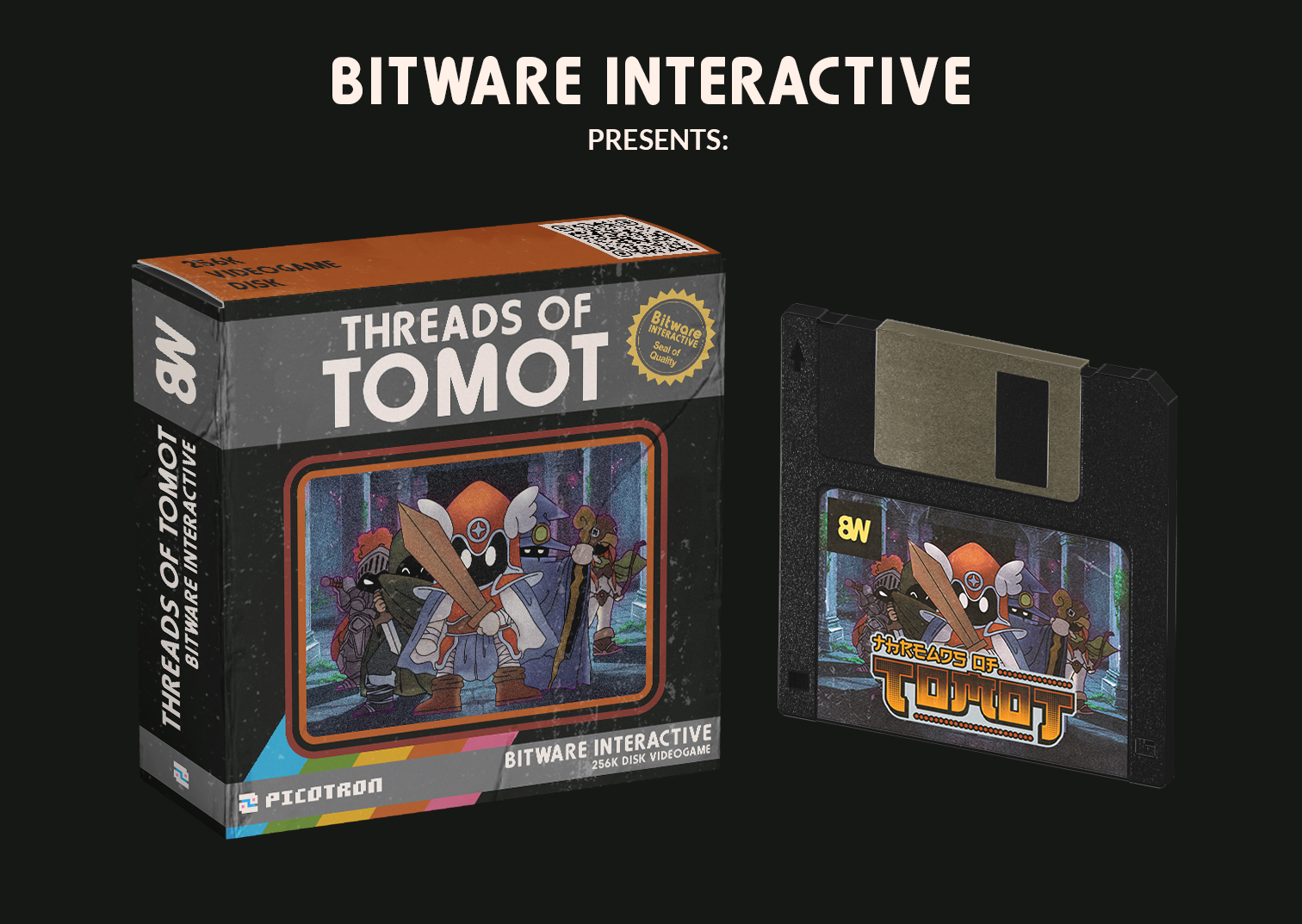
Game Overview :.
Threads of Tomot is a cute but deadly Traditional Roguelike where items value more than your life.
Fight against the minions of Tomot, an evil necromancer who rules a procedural generated maze collecting items,
defeating creatures, and mastering divine powers in a quest to save the world.
Controls :.
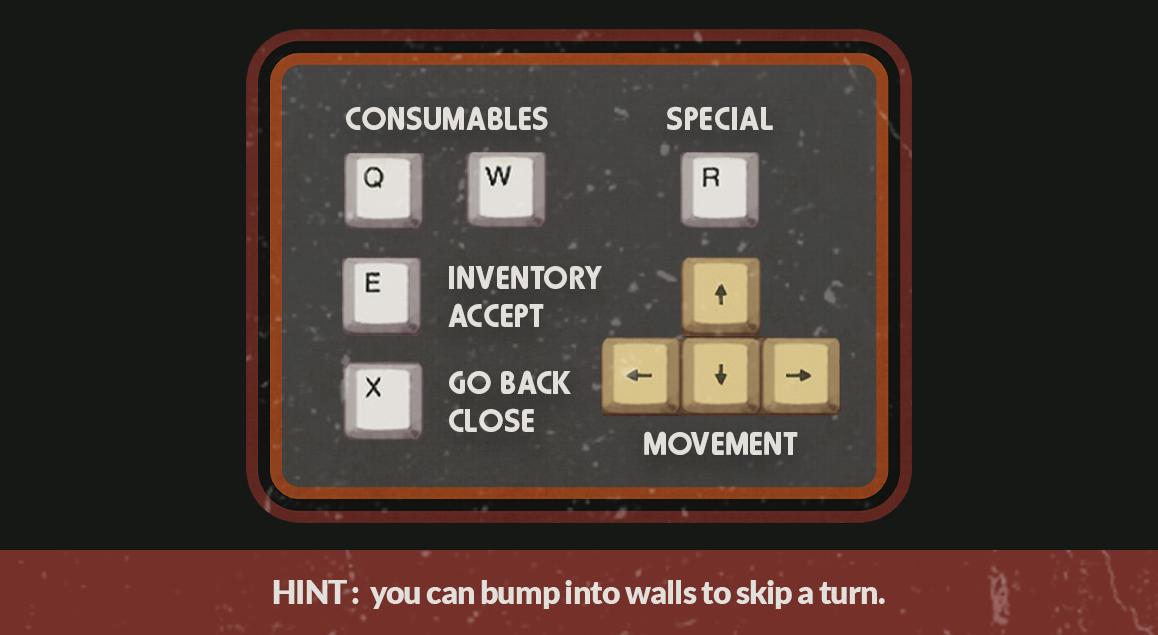
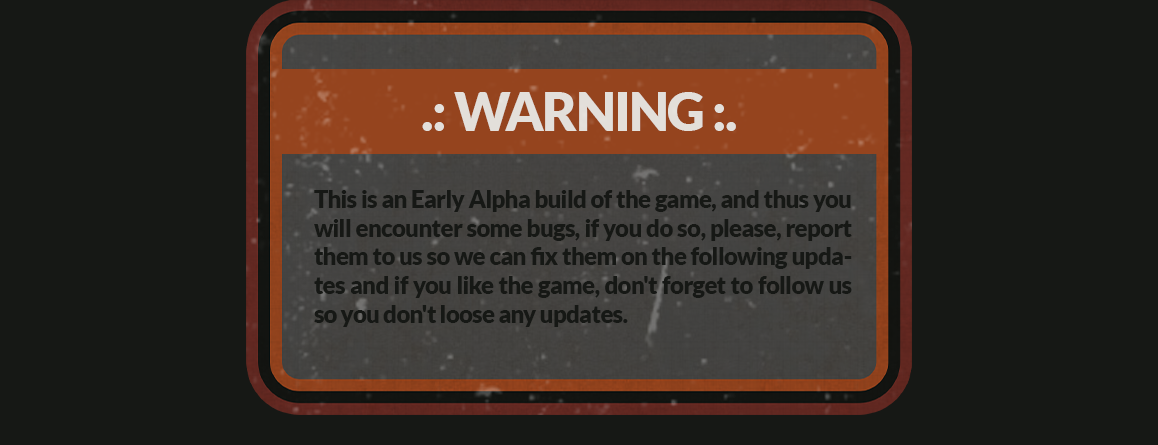
How to play:.
15 comments




This is an in-progress Picotron conversion of Combat Chopper.
It has no sfx yet, but should otherwise be functionally equivalent to the original. See the Pico-8 version for instructions.
Also saving your progression doesn't seem to be working.
0 comments


Just a small project to learn the basics of code.
controls
z to fire carrot missiles and x to fire carrot bombs.
rules
shoot enemies
collect pickups
shrimp on sale!
0 comments
.png)


Resgate na Floresta
Cinco alunos fogem da escola para matar aula e acabam se perdendo na floresta. Só você poderá ajudá-los.
Pressione X para ver o inventário e o score.
0 comments

So, Im Working On A New Game, Called Sonic The Icehog. The Game Will Publish In 26th January 2026. Come Back Soon! (Pls Follow Me And See The Post Pls) 
I Decided To Put Boggs BC The Next Game Is About Boggs.
Enjoy The Nomnom Sharon. 
1 comment

I was procrastinating another project and this came out of it… Anyways have fun playing!


v2.0 is here! Somehow I wasn't done procrastinating, so I overhauled a ton! I went from using the map and teleporting the player to using tables to make the layout. I also don't need 4 copies of each room anymore since I made the game able to read the map table rotated. I also used a template to make a small animation for rotating the world :) Links to the templates I used are at the top of the code.
2 comments



Welcome to Omega Wing, pilot!

Label art by me!
THE STORY
You are Laika, a skilled space force pilot tasked with saving the solar system...
Maneuvre through 9 waves of the evil parasitic Cyberzoids
to save your homeworld!
Use the Omega Wing to fire bolts of
Ohm Plasma to plough your way through the hordes of automatons
and defeat their commander... THE PANOPTICON.
CONTROLS
Your typical Pico-8 control scheme.
D-Pad/Arrows: Maneuvre Laika's Omega Wing
X button/X key: Fire standard bolt
O button/Z key: Fire Ohm Plasma spread shot (fuel required)
1 comment


Hey everyone! 👋
Just finished my first Break Out clone in PICO-8! It's been a great learning experience.
Features:
- Angle control based on paddle hit position
- Colorful brick rows (5 rows, 7 columns)
- Progressive difficulty (ball speeds up every 2 points)
- Juice effects: particles, screen shake, freeze frames
- Normalized ball physics (consistent speed at all angles)
Controls:
⬅️➡️ Move paddle
🅾️/❎ Launch ball / Restart
What I learned:
- AABB collision detection with axis response
- Vector normalization for consistent movement speed
- Blending player input with momentum for natural ball control
- State machine for game flow (start → idle → playing → win/lose)
0 comments

Field Jump
Field Jump is a side scrolling platformer, similar to the Chrome Dinosaur Game but with levels and many more features.


How to play

Objectives
- Collect coins to progress
- Avoid obstacles (hurdles, cars, birds etc)
- Collect chicken to replenish health
- Change lanes only when there's a gap in the fence
Controls
- Z/X to jump/select
- up/down to change lanes (when there's a gap in fence)
- right to speed up, left to slow down
Key features
- 8 levels with increasing difficulty
- 10 Achievements to unlock
- Easy and Normal modes to adjust the difficulty.
- Level scores and achievements are separate for each mode.
- Complete all 8 levels to unlock infinite run.
Screenshots
 5 comments










Calculator with postfix notation (aka RPN): operators follow
their operands. For example, to add 2 and 3 together, type
[2] [enter] [3] [+].
Features:
- Undo/redo.
- All lua math functions are available.
- Macros, to quickly repeat calculations.
- Easy stack manipulation ([tab] to swap, [enter] to
duplicate, [backspace] to drop). - Designed to be used from the (physical) keyboard, but
there is an on-screen keyboard for convenience.
0 comments


Can you survive?
Survive 10 minutes for victory
Tons of Monsters
Mini Bosses
Final Boss
Version 1.04
Added shake
new graphics
shadows
lots of bug fixes


Please report any bugs. Enjoy.
The WHY
Grassland Survivor - dimillian
Beckon the Hellspawn - LokiStriker
Fritato - schech1
If you like my game these game where my inspiration.
34 comments