

I'm not quite sure this is a bug and not intended behavior, but I can't see why it would be intentional; at least for my use case, it's quite an annoying quirk that I really can't come up with any good workaround for.
Here's an example of where this gets in the way:


I started using one-off characters to insert 5x5 icons into text, but it seems that as soon as the line has ANY one-off characters, print thinks that since it could theoretically take up to 8x8 pixels, the line height should be increased to 8.
For the width of the characters, I actually just add \-e at the end of each icon, so that the icon takes up 6 pixels horizontally; but I wasn't able to find any way to correct the line height - this behavior seems to completely override \^y as soon as a one-off character is present.
(in fact, bizarelly, setting line height to lower than 6 reveals that print will actually crop away the pixels of all characters EXCEPT for one-offs, while the vertical spacing remains at 8:)


 1 comment

 Hello!
This is my first game, so I hope you enjoy it.
Paddy Kapow is an interdimensional burgerpatty, that can send an eplosive shockwave outward from its body. It uses this power to avoid getting hit by varies sized scoops of raspberry iscream, while flighing throw space.
I have made a few changes, and added a highscore list, so everyone who plays, can earn bragging rights.


 2 comments


This is my first post,
I am looking to try and develop for Picotron and am curious if it runs using RISC-V instruction sets?
I am looking into if there is a stable FPGA core on any of the relevent FPGA projects which could host Picotron in a stable environment...
Does anyone have information on this topic?
1 comment


While I was playing Void Stranger, the topic of everyone's first Sokoban games came up and I mentioned Kwirk, which I played and loved back when it was new and I was a small child. Little did I know I would dig deep into it and fall in love all over again, leading to my porting it to Picotron, leading to this project, which combines some of my favorite elements of Kwirk and Void Stranger together (and much more).
Plus, it's got character customization, something I've always wanted to do.
This game would not exist without Puzzle Boy and Void Stranger (obv).
The demo can be played here for free, but the full game is available paid on Itch ( https://easypeazygames.itch.io/sokofox ), 40 levels vs the demo's 30. There's also a devlog there talking about some issues that came up and more about the game's status.
3 comments


Small tool / sample code to show off how to encode a 1-bit bitmap into CARTDATA. Uses the ability to utilize multiple CARTDATA IDs per Cart introduced in 0.2.7
Usage
- Use mouse and left mouse button to paint
- Use the menu to save, load or clear the image
- The image will also automatically load on _INIT
Functions for encoding are in Tab 1
As showcased in this video
Let me know if you have any questions!
1 comment


Simple tool to generate outlines with the text outline functions introduced in Pico 0.2.7
Usage:
- Click on the boxes in the center to define the outline
- Left click on the color boxes to set outline color
- Right click on the color boxes to set text color. Text color is just for preview purposes. It will be not encoded in the exported string
- Click on the button to export the P8SCII string into the clipboard
As showcased in this video
Let me know if there are any issues or anything you wanted to add!
3 comments




Template


Code
State Machine
function _init()
    gsm = sm:new()
    gsm:setsts({ s_title, s_game, s_gameover })
    gsm:init("title")
end

function _update()
    gsm:update()
end

function _draw()
    cls()
    gsm:draw()
end |
State
s_game = st:new("game")
function s_game:enter()
    psm = sm:new()
    psm:setsts({ ps_idle, ps_move, ps_dead:new() })
    psm:init("idle")
    player:spawn(64, 96)
end

function s_game:update()
    psm:update()
end

function s_game:draw()
    psm:draw()
    player:draw()
end |
Add State Properties
ps_dead = st:new("dead")
function ps_dead:new(o)
    -- inherited state
    o = state.new(self, "dead")
    o.timer = 0
    return o
end

function ps_dead:enter()
    start_shake(10, 10)
end

function ps_dead:update()
    update_shake()

    if self.timer >= 30 then
        gsm:trans("gameover")
    end

    self.timer += 1
end |
1 comment


A fighting fantasy adventure inspired by Ian Livingstone books!
It's still work in progress, but the game seems to be functioning as intended with a possibility of multiple endings.
Can be controlled with either mouse or keyboard/controller.
If you find any bugs or have feedback let me know!
1 comment


RGBEAM
How to Play
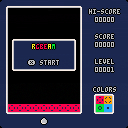
Shoot your laser at the falling blocks to change the color and match the bottom bar
Controls
Left & Right: Move
X: Shoot
0 comments

A simple little character widget

A widget that stares at your mouse with the ability to cycle between characters.
Right now its mostly My Little Pony and Fnaf characters.
a and d or left and right to cycle between characters.
z and x to cycle outline color.
0 comments


a little tool i made for myself to create one-off characters easy-peasy!
- left click to draw
- right click to erase
- ctrl+C to copy
- ctrl+X to cut
- ctrl+V to paste (sandboxing must be disabled!) (must be a 16-digit hex value, without "0x" at start)
9 comments


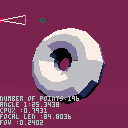
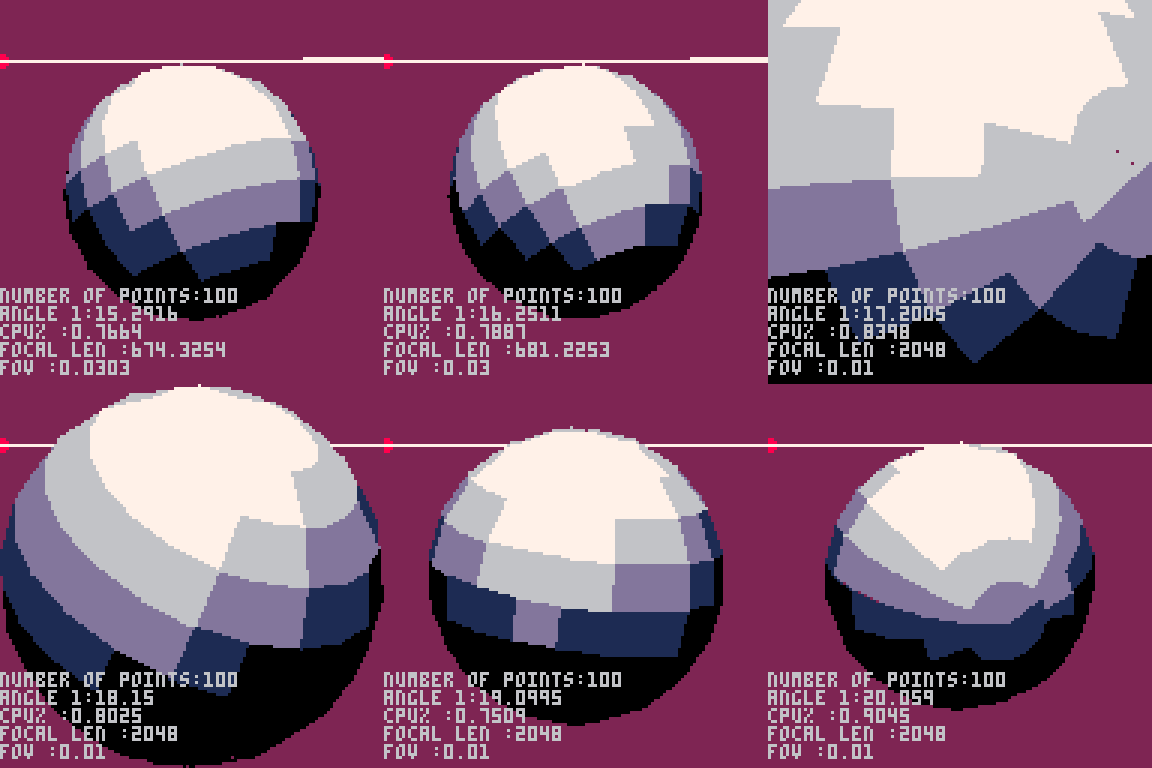
Updated torus(donut) 3D render with accurate FOV.
Feel free to scrutinize the code I know it needs a lot of work before it could be used for anything.
0 comments

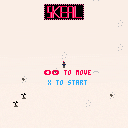
Teaching myself PICO-8 -- why not a demake of the holiday classic Skeal?
Still on the fence about whether trees/rocks should cause collisions or if that's more punishing than necessary for what's basically an extended joke.
0 comments

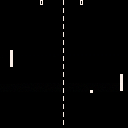


I've been enjoying playing with Picotron, but one thing that bugs me is that it keeps launching in a window that's fairly small for my (real) screen.
There doesn't seem to be a way to quickly resize the program window so it fits snugly to the next pixel scale increment. I keep just manually pulling the window edges until I get it just right.
Is there a command-line argument or something that controls the resolution that Picotron launches at? Or a setting I missed somewhere? If not, it'd be really nice to have!
4 comments

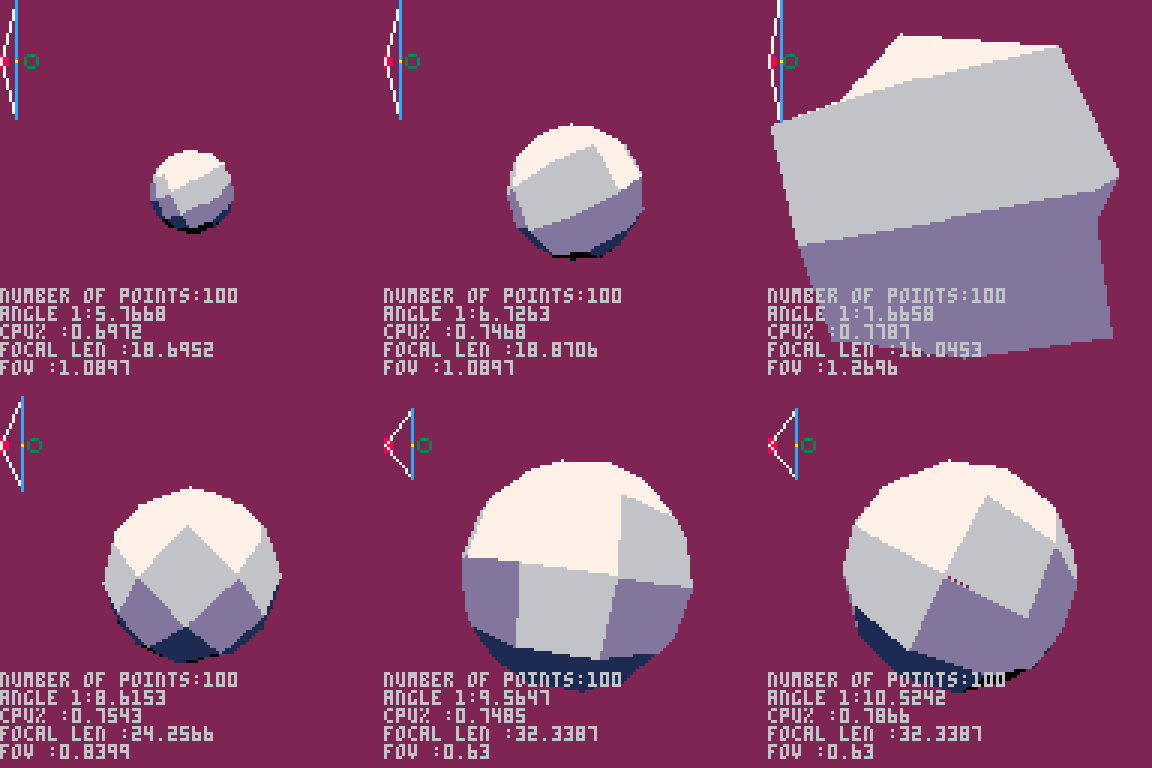

Sparkly particle fun for the pico 1k jam!
Use ←/→ to change the spin speed, mouse to move the cursor, left click to attract and right click to repel. Have fun!

 0 comments
I got my player character to walk, jump, die, and be idle. But I haven't been able to get its attack animation beyond one frame.
For context, this is how I update and draw the player:
function _init()
 plr={
  x=10,     --x position
  y=75,     --y position
  dx=0,     --movement direction
  fl=false, --flip sprite
  sp=1,     --sprite
  state="idle",
 }

function _update()
 moveplayer()
 animate_plr()
end

function _draw()
 spr(plr.sp,plr.x,plr.y,1,1,plr.fl)
end

function moveplayer()

 --attack
 if btn(🅾️) then
  plr.state="attack"

 --move left and right
 elseif btn(⬅️) then
  plr.dx=-1
  plr.fl=true
  plr.state="walk"
 elseif btn(➡️) then
  plr.dx=1
  plr.fl=false
  plr.state="walk"
 else
  plr.dx=0
  plr.state="idle"
 end
 plr.x+=plr.dx
end
|
To animate, I use the below function. plr.sp calls the sprite number, which are as follows:
1-2 = Walk
2 = Jump
3-5 = Attack
8 = dead
function animate_plr() --handle animation state if plr.state=="dead" then plr.sp=8 --idle elseif plr.state=="idle" then plr.sp=1 --attack elseif plr.state=="attack" then plr.dx=0 plr.sp=3 while plr.sp<5 do plr.sp+=1 end --walk elseif plr.state=="walk" then if plr.sp<2.75 then plr.sp+=0.25 else plr.sp=1 end --jump elseif plr.state=="jump" then plr.sp=2 end end |
So the problem is that when I use btnp in the code above it only shows sprite 5 and then immediately switches back to the walk frames. If I use btn then the character just stays frozen in sprite 5.
What I want to achieve, is to have it go through all three attack sprites (3, 4, 5) in succession and then revert back to its previous state, e.g. walking animation or standing still.
Thanks in advance.
6 comments


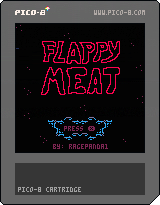
My First Solo Game Project!
This is my first time ever coding a single thing. When I started I had no idea how to code a single line, but with the help of SpaceCat on youtube and a few other resources I found my way into making a game that feels like a game! I ended up making most of the code up myself, and while it's a mess, it's functional!
Looking forward to making cleaner code in the next one.
Controls
Use X or Up to raise the meatball.
Press O/Z to skip the death animation or restart the game.
Unlike most Flappy Bird games I wanted a jump motion that felt more like a jetpack for our flaming meatball. Sometimes holding the button is better, and sometimes quick presses get the job done.
2 comments


@zep I was recently trying to make a dynamic soundtrack with Picotron but found it to be likely impossible. Ideally I'd like to switch between two tracks and have them sync up (if you're on beat 3 of measure 2 of track A, it should switch to beat 3 of measure 2 of track B). However, music() has no parameter to specify where to start a track. Since sfx() has an optional offset parameter, I can't imagine it would be hard to add, and it would help a lot with creating dynamic soundtracks or other things like pausing music and resuming at a specific point.
Edit: Alternatively, a good approach for creating dynamic soundtracks would be temporarily muting channels. Track A could be made on the first four channels, and Track B on the last four. Then, by changing which channels are muted, you could effectively switch between tracks. I don't know how this could be implemented, though.
Edit 2: it looks like in 0.2.1c, we can start music tracks at a specified tick, and we can change volume of channels dynamically. I've only played with the latter feature but this is perfect for dynamic music.
10 comments
.png)