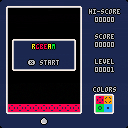
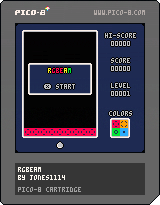
RGBEAM
How to Play
Shoot your laser at the falling blocks to change the color and match the bottom bar
Controls
Left & Right: Move
X: Shoot


 0 comments

A simple little character widget

A widget that stares at your mouse with the ability to cycle between characters.
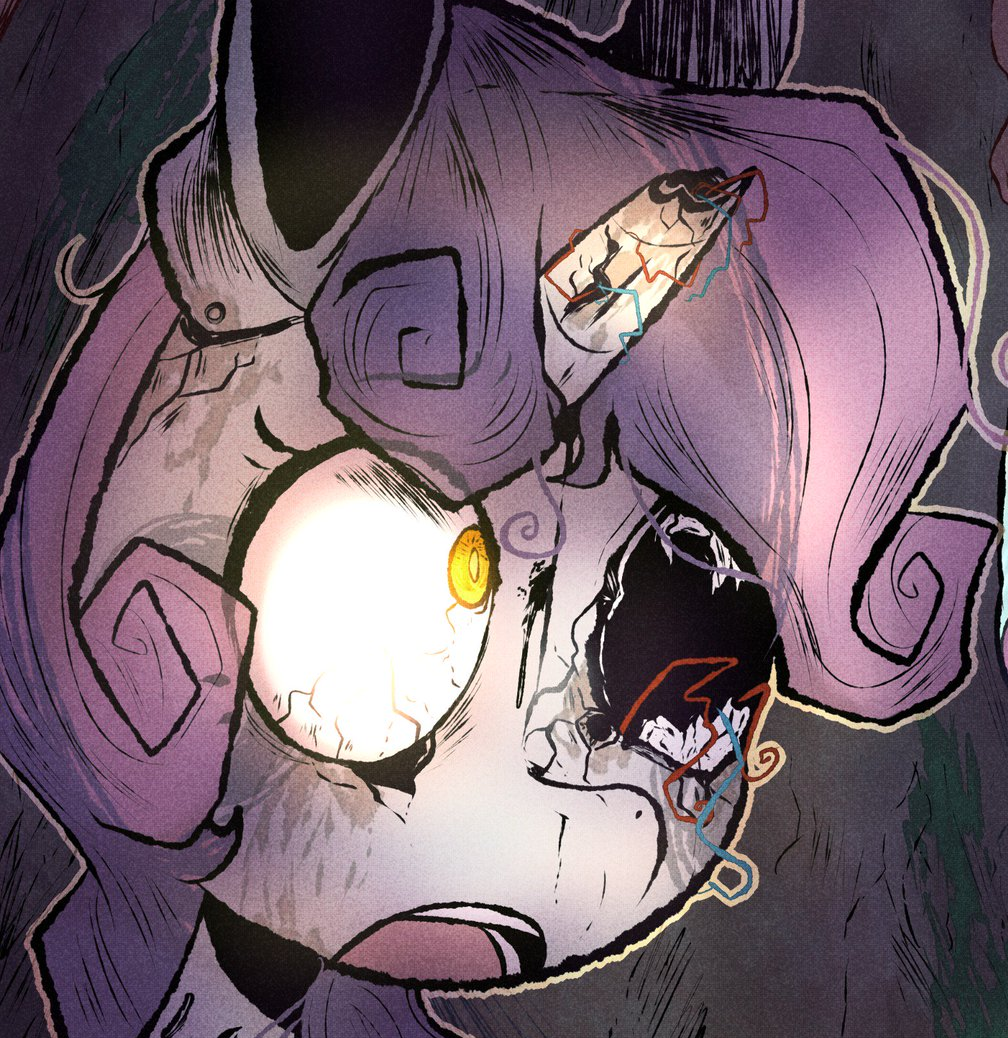
Right now its mostly My Little Pony and Fnaf characters.
a and d or left and right to cycle between characters.
z and x to cycle outline color.
0 comments



a little tool i made for myself to create one-off characters easy-peasy!
- left click to draw
- right click to erase
- ctrl+C to copy
- ctrl+X to cut
- ctrl+V to paste (sandboxing must be disabled!) (must be a 16-digit hex value, without "0x" at start)
9 comments


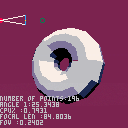
Updated torus(donut) 3D render with accurate FOV.
Feel free to scrutinize the code I know it needs a lot of work before it could be used for anything.
0 comments
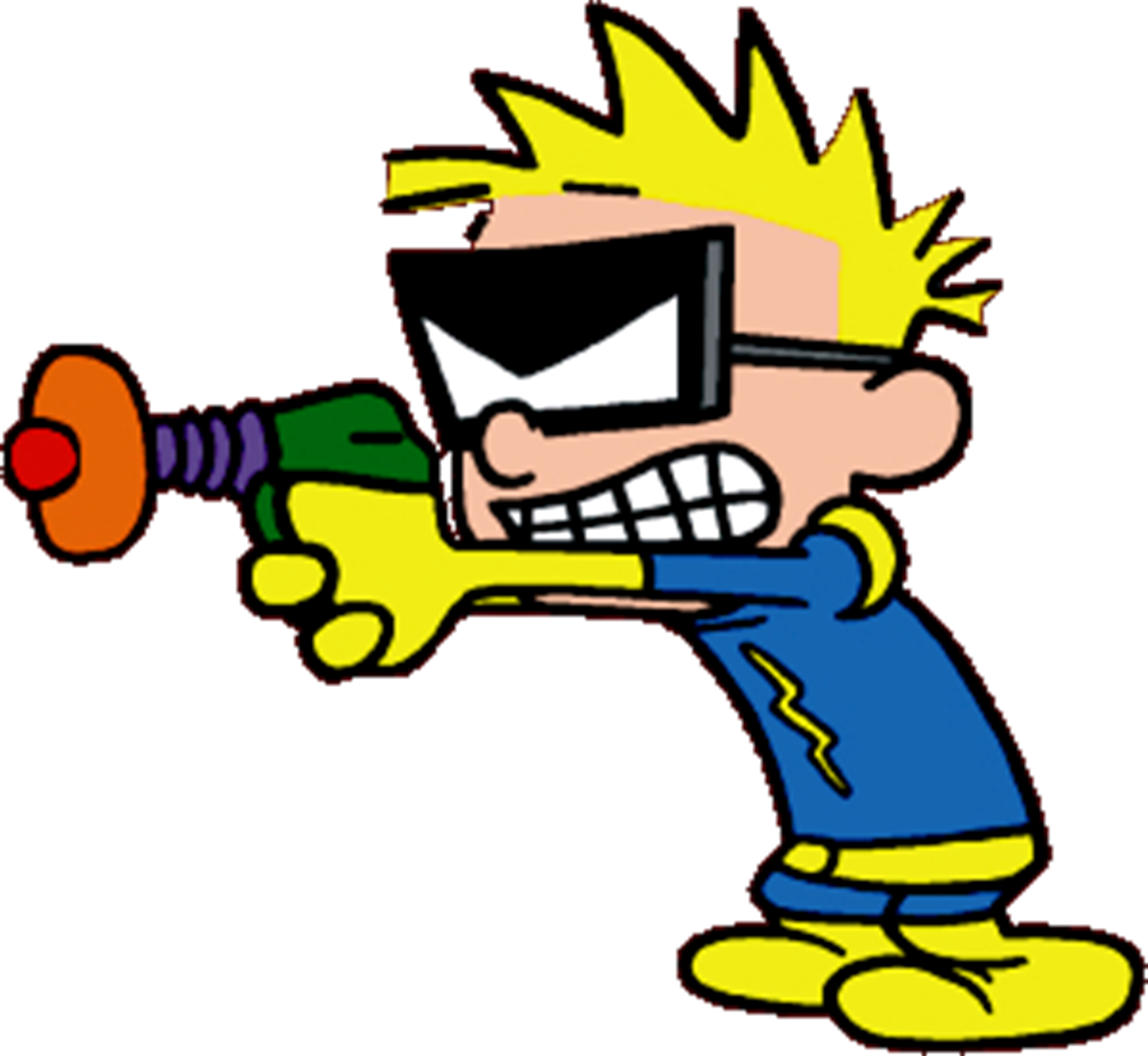
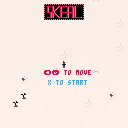
Teaching myself PICO-8 -- why not a demake of the holiday classic Skeal?
Still on the fence about whether trees/rocks should cause collisions or if that's more punishing than necessary for what's basically an extended joke.
0 comments

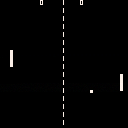


I've been enjoying playing with Picotron, but one thing that bugs me is that it keeps launching in a window that's fairly small for my (real) screen.
There doesn't seem to be a way to quickly resize the program window so it fits snugly to the next pixel scale increment. I keep just manually pulling the window edges until I get it just right.
Is there a command-line argument or something that controls the resolution that Picotron launches at? Or a setting I missed somewhere? If not, it'd be really nice to have!
4 comments

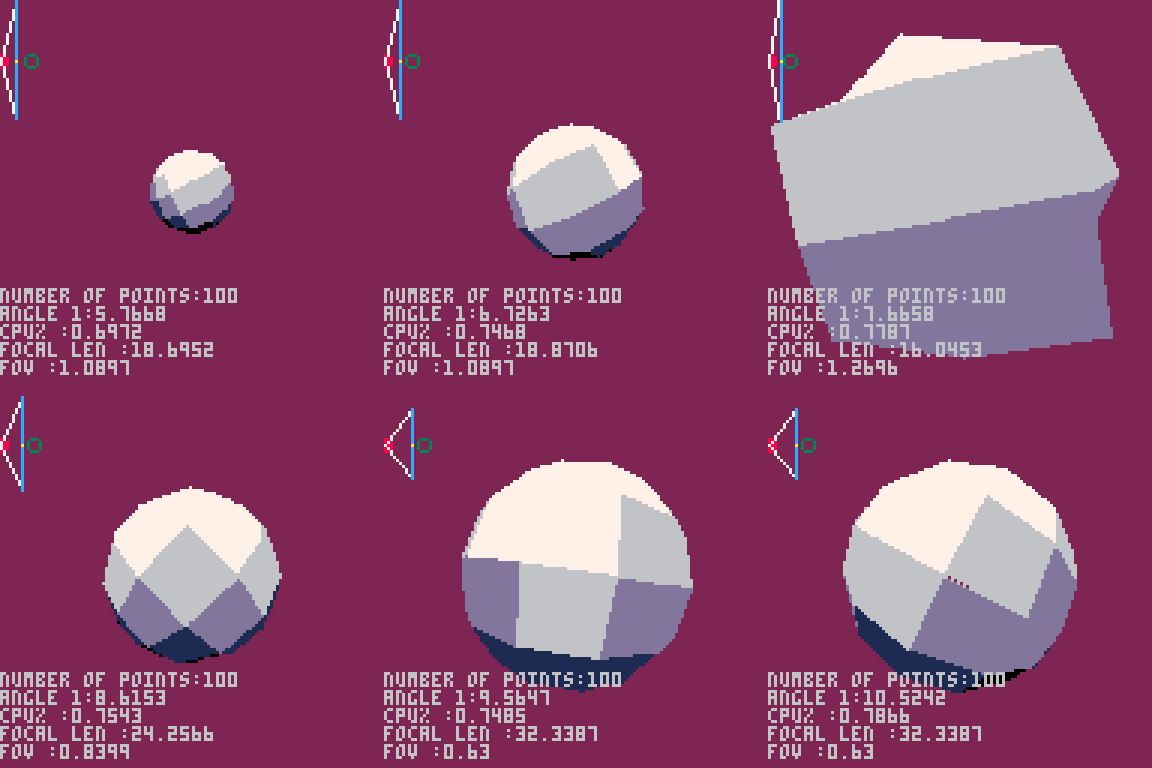
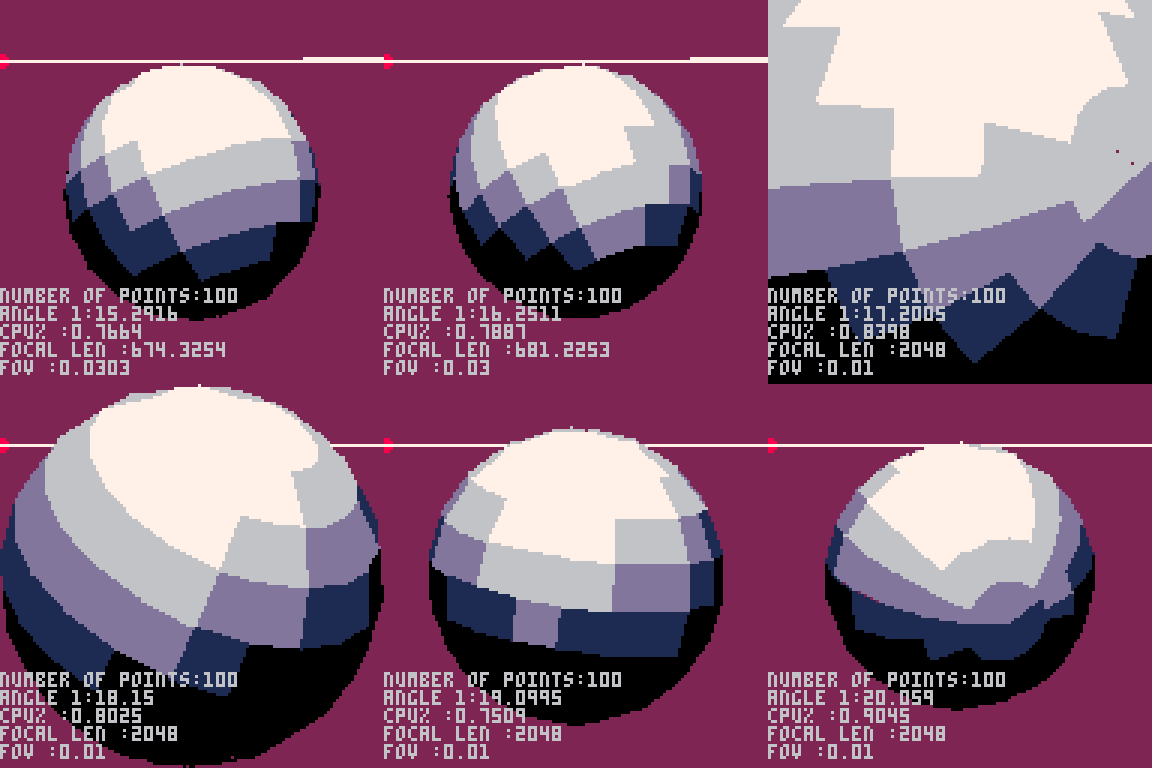


Sparkly particle fun for the pico 1k jam!
Use ←/→ to change the spin speed, mouse to move the cursor, left click to attract and right click to repel. Have fun!

 0 comments
I got my player character to walk, jump, die, and be idle. But I haven't been able to get its attack animation beyond one frame.
For context, this is how I update and draw the player:
function _init()
 plr={
  x=10,     --x position
  y=75,     --y position
  dx=0,     --movement direction
  fl=false, --flip sprite
  sp=1,     --sprite
  state="idle",
 }

function _update()
 moveplayer()
 animate_plr()
end

function _draw()
 spr(plr.sp,plr.x,plr.y,1,1,plr.fl)
end

function moveplayer()

 --attack
 if btn(🅾️) then
  plr.state="attack"

 --move left and right
 elseif btn(⬅️) then
  plr.dx=-1
  plr.fl=true
  plr.state="walk"
 elseif btn(➡️) then
  plr.dx=1
  plr.fl=false
  plr.state="walk"
 else
  plr.dx=0
  plr.state="idle"
 end
 plr.x+=plr.dx
end
|
To animate, I use the below function. plr.sp calls the sprite number, which are as follows:
1-2 = Walk
2 = Jump
3-5 = Attack
8 = dead
function animate_plr() --handle animation state if plr.state=="dead" then plr.sp=8 --idle elseif plr.state=="idle" then plr.sp=1 --attack elseif plr.state=="attack" then plr.dx=0 plr.sp=3 while plr.sp<5 do plr.sp+=1 end --walk elseif plr.state=="walk" then if plr.sp<2.75 then plr.sp+=0.25 else plr.sp=1 end --jump elseif plr.state=="jump" then plr.sp=2 end end |
So the problem is that when I use btnp in the code above it only shows sprite 5 and then immediately switches back to the walk frames. If I use btn then the character just stays frozen in sprite 5.
What I want to achieve, is to have it go through all three attack sprites (3, 4, 5) in succession and then revert back to its previous state, e.g. walking animation or standing still.
Thanks in advance.
6 comments


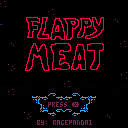
My First Solo Game Project!
This is my first time ever coding a single thing. When I started I had no idea how to code a single line, but with the help of SpaceCat on youtube and a few other resources I found my way into making a game that feels like a game! I ended up making most of the code up myself, and while it's a mess, it's functional!
Looking forward to making cleaner code in the next one.
Controls
Use X or Up to raise the meatball.
Press O/Z to skip the death animation or restart the game.
Unlike most Flappy Bird games I wanted a jump motion that felt more like a jetpack for our flaming meatball. Sometimes holding the button is better, and sometimes quick presses get the job done.
2 comments


@zep I was recently trying to make a dynamic soundtrack with Picotron but found it to be likely impossible. Ideally I'd like to switch between two tracks and have them sync up (if you're on beat 3 of measure 2 of track A, it should switch to beat 3 of measure 2 of track B). However, music() has no parameter to specify where to start a track. Since sfx() has an optional offset parameter, I can't imagine it would be hard to add, and it would help a lot with creating dynamic soundtracks or other things like pausing music and resuming at a specific point.
Edit: Alternatively, a good approach for creating dynamic soundtracks would be temporarily muting channels. Track A could be made on the first four channels, and Track B on the last four. Then, by changing which channels are muted, you could effectively switch between tracks. I don't know how this could be implemented, though.
Edit 2: it looks like in 0.2.1c, we can start music tracks at a specified tick, and we can change volume of channels dynamically. I've only played with the latter feature but this is perfect for dynamic music.
10 comments
.png)




BRGR BOSS
Take on the role of a brilliant entrepreneur who's taken a sizable loan out to buy an experimental food printer.
Pay off your crippling debt with your own Burger Business!
How to Play
-
Use the arrow keys to issue commands, holding X or O will open up different options.
-
Holding X- Hire employees to automate your process, buy more locations to make room for more employees.
- Holding O- Conduct research and train your existing employees to make even more money, even faster!
Tips
-
Watch out! Your loan accrues interest over time, it might be tempting to add more debt, but this only makes the interest rates worse!
-
Throw your employees a pizza part to (temporarily) motivate them.
-
The Bank limits your cash on hand to 30,000. They CLAIM its to avoid an overflow error that will actually give you a negative balance, but you're pretty sure its just to keep you down...
-
Cashiers work a LITTLE faster than cooks, what can I say- people love the Burgers!
- If your Burger/Combo count is -1, that just means they need help in the kitchen.
Updates
- 9/9/25 added prices to the R&D tab, and made it more obvious when they were purchased.
This is my first crack at a ground-up game for Pico 8, I think it went pretty well!
4 comments



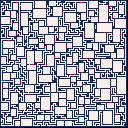
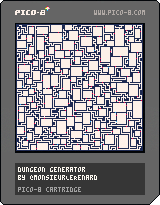
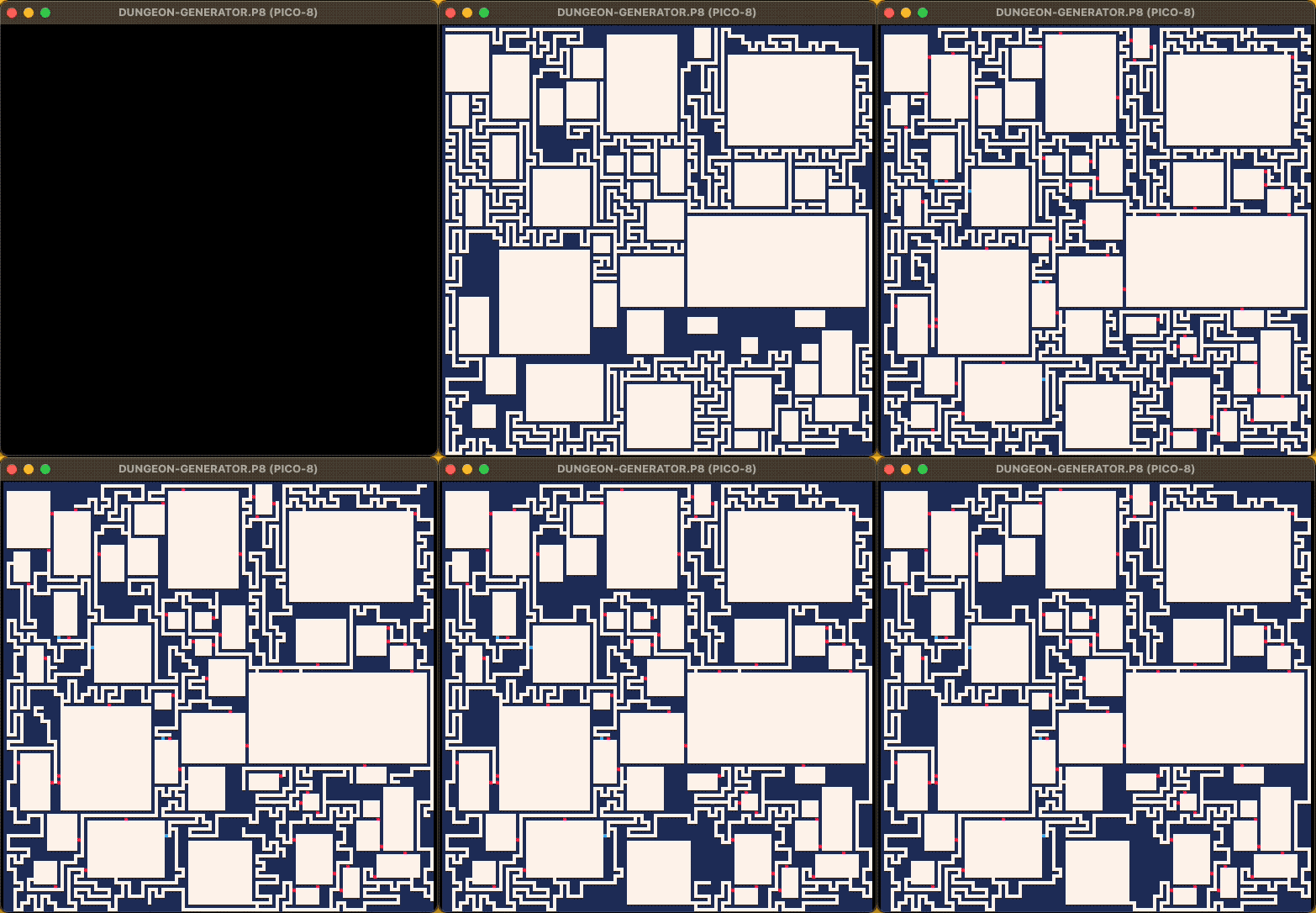
Ciao,
the famous Rooms and Mazes from Bob Nystrom for PICO-8
more info here
⚠️ sadly the script is token intensive ⚠️
[Z] New dungeon
[X] Show map
0 comments


A game heavily "inspired" by Among Us. Fans will find the map VERY familiar.
CONTROLS:
Mouse/Left/Right Arrows - Rotate left/right
Up/Down Arrows - Walk forward/backward
O button - Run forward
X button - Perform action
Player 2 X button - View map (Not everyone has this button)
FEATURES:
- Usable Command table
- Usable security cameras
- Usable vents
- Voting system
- Proximity-based NPC footsteps volume
- Stars go wooooooooo
UPDATES:
[09-21-25]
- ~10% performance speed boost (ironically by removing some early code meant to help optimize)
- 99.9% less instances of @JicamaLord within the walls (fixed a bug letting you go through walls)
9 comments




.png)
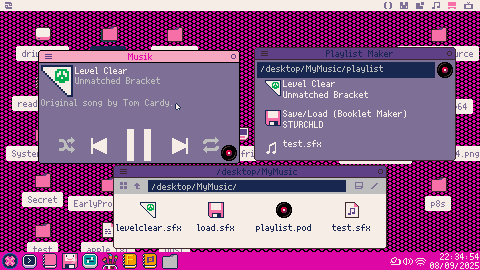
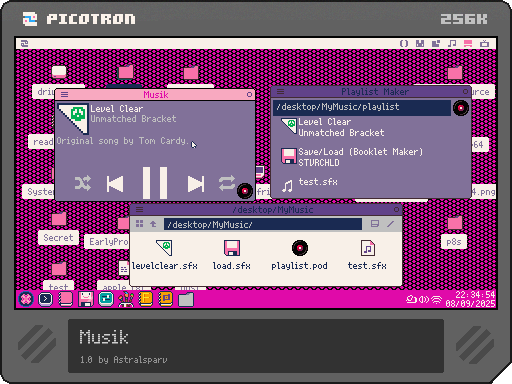
Shuffle button from Washburnello - "Wash: is good at art"
Drag and drop .sfx or .pod playlists onto Musik to play them!
You can shuffle or set playlists to repeat.
Selecting the vinyl record lets you edit playlists by:
dragging and dropping .sfx to add songs
dragging and dropping a playlist to load it
4 comments


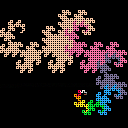
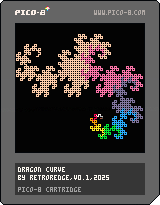
A simple graphical demo for the PICO-1K Jam 2025 which creates an animated Dragon Curve.
A Dragon Curve can be generated physically from repeatedly folding a strip of paper in half and hence the lines in a Dragon Curve never cross each other.
The different colours represent the level of recursion that each segment was generated at by the algorithm.
You can use the cursor keys to move he viewport and ZX / NM / CV to zoom in and out to explore the curve in more detail as it renders or once it has finished.
The compressed byte size of the cartridge is 643. I've made very little effort to save bytes because the program is so simple in the first place.
0 comments

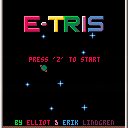
This is definitely not Tetris. We actually never played Tetris and have no idea what it is.
0 comments

Hello! I'm new joiner and following Dylan's zine.
I understood the relation btw map and sprite... partially. And seems something is incorrect. Please check my understanding!
- map has 128x64 tiles.
- each tile is 8x8 pixels.
- lower half of map, that is 128x32, is shared with sprite sheet.
- there are 4 sprite sheets. Each has 16x4 tiles, which has 128*32 pixels.
At this point, I'm confused because a single sprite sheet already covers lower half of map. So no need to use both 2nd and 3rd sheets!
...or isn't it?
5 comments