





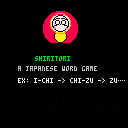
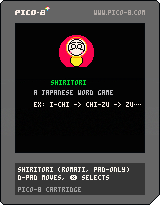
I was inspired by some of the other Japanese learning games I've seen the community make to give it a shot. Admittedly I bit off way more than I could chew with this.
So some background, shiritori is a word game in Japan where you have to come up with a word that starts with the same kana (like a letter) your opponent's last word ended with. The word you choose also can't end with an n sound.
You and your partner will go for as long as you can chaining words together until someone gets stumped and can't come up with another word.
The dictionary I made for this game is around 100, mostly, common Japanese words. And because I couldn't figure out a better input method that didn't create other issues, all the Japanese is written using the Roman alphabet (romaji).


 0 comments

Hi, everyone!
I was playing with Picotron text field and text editor recently and found some possible errors:
-
In
function GuiElement:attach_filed(gui.lua):
In line 239:local str = type(self.get == "function") and self:get() or "---"
I think this should belocal str = type(self.get) == "function" and self:get() or "---", or get will always be called - In
function attach_text_editor(gui_ed.lua):
In line 1250 there is a callcontent.key_callback(k)that causes errors for some keys.
Maybe this should becontent.key_callback[k](self, k)
Hope this was helpful!
0 comments

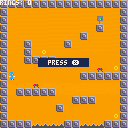
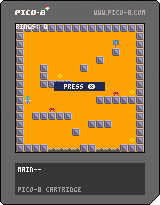


It's like browsing and launching "Featured Carts" in SPLORE...
But they are ranked by STARs! And you can filter by GAME GENRE!
Controls
- ⬅️➡️: previous / next page
- ⬆️⬇️: previous / next cart
- 🅾️: filter by game genre or by year
- ❎: run cart
After you are done with the cart, enter the pause menu and select the last option:
back to ★SPLORE
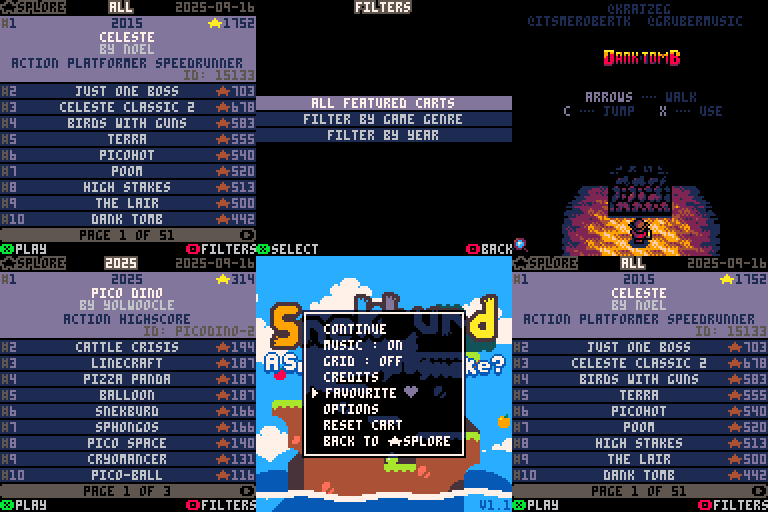
About
STAR SPLORE aims to help you discover some of the best PICO-8 carts ever made.
- That's why filters are provided.
- That's why this is a "featured carts only" browser / launcher.
28 comments












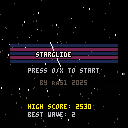
My first Pico-8 project i started a few days ago. I was originally planning on creating a Galaga-like game, or some space flying game but then ended up with this. No sound or music yet, haven't even looked at that. And yes graphics and gameplay is sloppy...

 2 comments







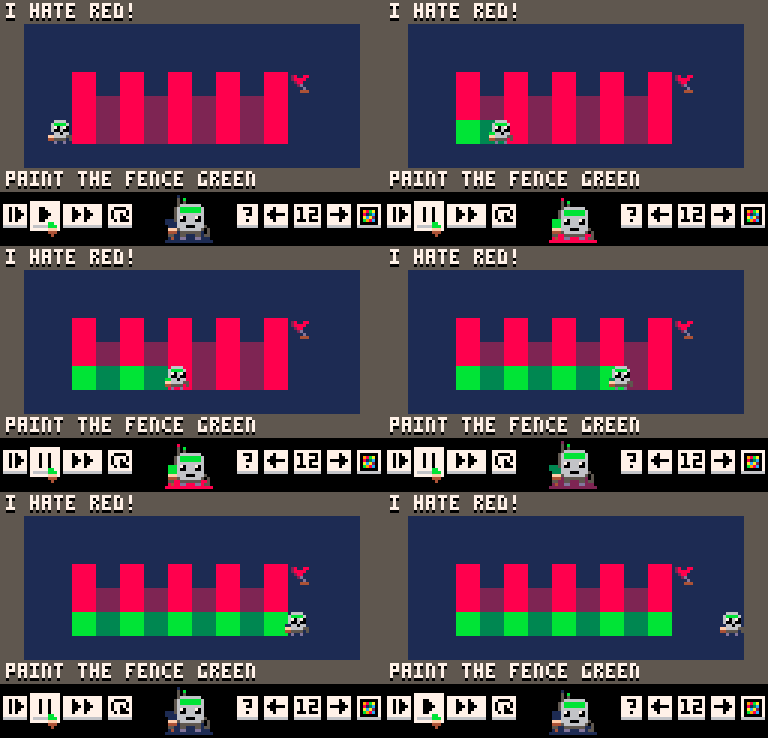
Description
Arto is a robot artist.

Program Arto to paint, feel and move to reach the flag:

There are eight paint colors, feelings, and movements:

Arto makes decisions depending on two variables:
1) Arto's current feelings,

2) and the current floor color.

Arto's brain is an 8 x 8 matrix you edit with the mouse:


1 comment


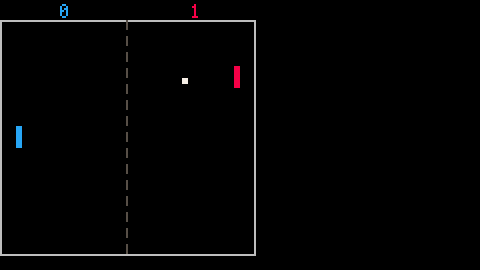
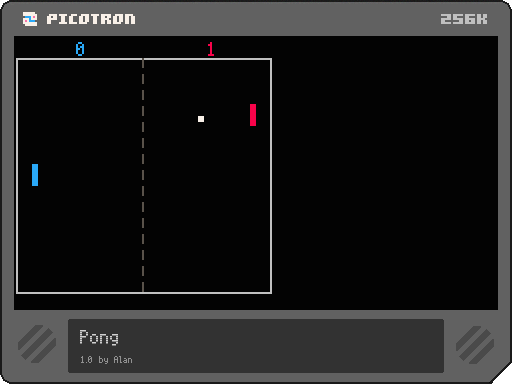
This is Pong based off of the Nerdy Teachers Pong tutorial, ported into Picotron, with help from PX8X. A major change is the ability to swap colours by pressing left and right.
1 comment




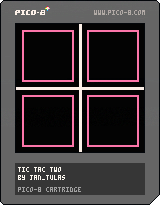
On a long, dark night in a Stockholm hotel while on vacation, a vision came to me of a version of Tic-Tac-Toe where there were only 4 tiles. The idea was so hilarious to me that I decided to spend the rest of my trip designing it. Enjoy!
4 comments




If you create a new text editor using the gui library, the :detach() function of the returned editor doesn't work as you would expect it to, only detaching the content of the editor, not the editor itself. This is an issue if you create/remove a number of editors, as each created editor still uses a small amount of CPU even after being detached.
This is caused because :attach_text_editor() returns the content, not the container, but it is the container that is added to the gui.
There is a simple workaround for this - instead of using text_ed:detach(), use text_ed.parent:detach(), where text_ed is the variable holding what is returned from :attach_text_editor(). However, this is not very intuitive for the user.
A simple fix would be to overwrite the :detach() function for the content so that it detaches its parent instead. I can't see many instances where this would be an issue/you'd actually want to detach just the content?
Hope this helps!
0 comments


First PICO-8 cart just making a little goofy stream of consciousness song and gfx
Press X to randomly swap palette colors, C to reset them
The caterpillar body rendering is adapted from zep's post about inverted draw operations
0 comments






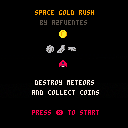
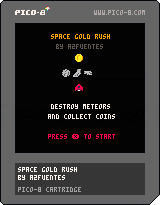
Third game project! A space survival shooter game. You have to dodge or destroy the meteors and collect gold coins. If you manage to get more than 3000 points you beat the game. I enjoyed creating the meteors, the explotion animation, and maybe in the future I learn how to make them more real (adding rotation, for example) I added a modify fire particle animation that I found in a youtube tutorial.
I hope you enjoy the game!
Any feedback is welcome
1 comment

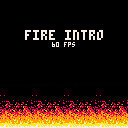
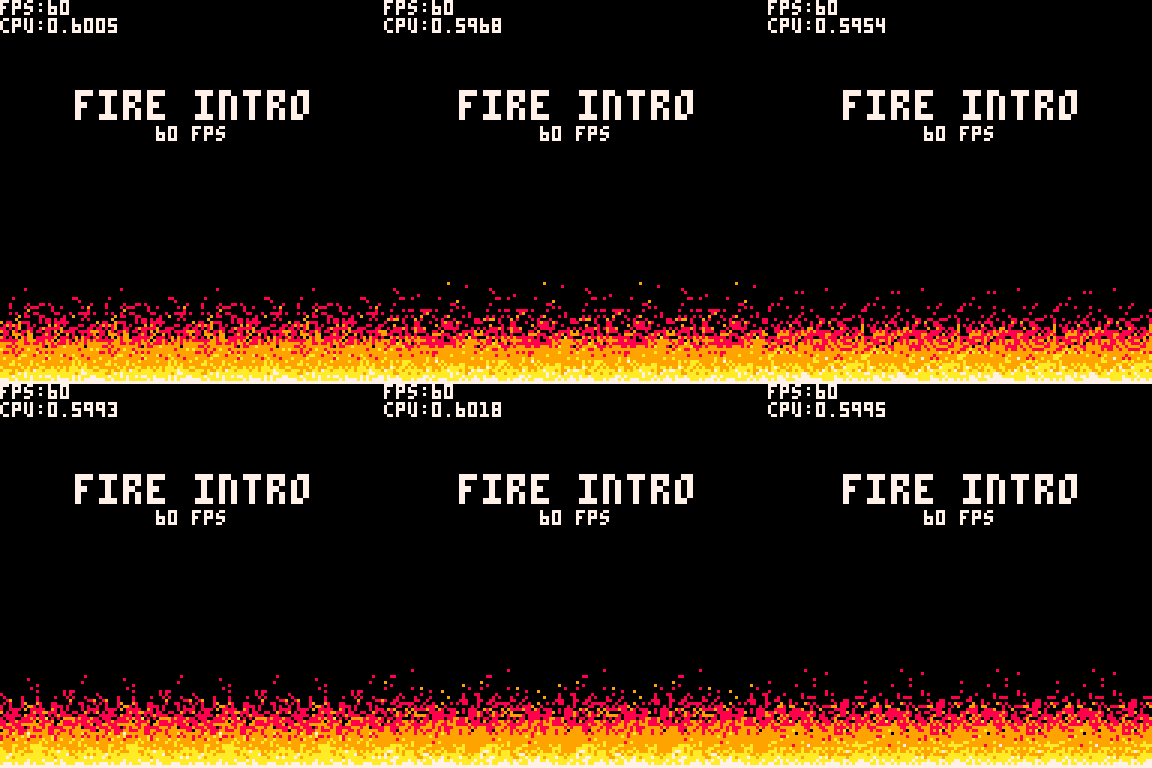
This tech demo recreates the iconic fire effect from the DOOM intro in PICO-8 running at a stable 60 FPS!
Technical Challenges
There aren't many detailed resources or tutorials online for implementing such effects efficiently. Many examples too simplistic, so a lot of trial and error is required to stay within the constraints. Here, I've used a 2D array for fire intensities that's updated per frame, and optimized drawing by rendering pixels in four sections to save computation time.
Implementation Highlights
- Initialization: A 32x36 pixel grid is filled with minimal intensity; the bottom row starts at white (maximum intensity).
0 comments


Just playing around :)
Will probably make something fun of this, maybe a game or maybe just graphics
lmk what you think!!
0 comments
I was reading the PICO-8 manual and playing around in the command line with the print functionality for sounds such as:
PRINT "\ACE-G" -- MINOR TRIAD |
However if you were to type in double (or more) flats/sharps:
PRINT "\ACE--G" PRINT "\AC##EG" |
Then PICO-8 immediately closes without warning by SIGTRAP:
Process: pico8 [58630] Path: /Applications/PICO-8.app/Contents/MacOS/pico8 Identifier: com.lexaloffle.pico8 Version: 0.2.7 (0.2.7) Code Type: ARM-64 (Native) Parent Process: launchd [1] User ID: 501 Date/Time: 2025-08-20 17:32:53.0360 -0500 OS Version: macOS 15.6 (24G84) Report Version: 12 Anonymous UUID: 01217DBF-B08E-382C-E758-048216A400FA Sleep/Wake UUID: E01F0963-2650-4FED-9FB1-A9EF074A1277 Time Awake Since Boot: 1000000 seconds [ [size=16][color=#ffaabb] [ Continue Reading.. ] [/color][/size] ](/bbs/?pid=172534#p) |
2 comments
