





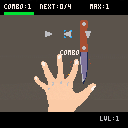



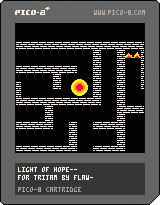
I made this game in 2 hours and 35min for the trijam game jam.
You need to sacrifice your light to see the maze, can you make it before your light fades?


 0 comments


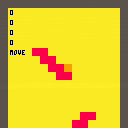
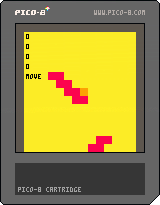
Regarding to the title, I tried to make a camera function which has 2 behaviors.
- Between room and room : Transition just like Zelda series
- In a large-sized room : Scrolls just like Mario series
However, 1.'s transition animation won't work. Screens just change instantly...
What should I do to solve this problem? Thanks in advance.
7 comments


My game Kingdom 8, developed entirely with Pico-8, just took 2nd place in the Abyssals Game Jam! 🎉
What makes this result even more exciting is that the theme of the jam was RPG, a very broad and challenging genre to tackle. Competing against games made in different engines and styles, I’m really proud that a project built on our beloved Pico-8 could stand out and achieve such recognition.
Thank you so much to everyone who played, rated, and supported the game! 🙏
0 comments

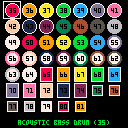

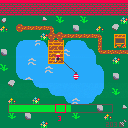
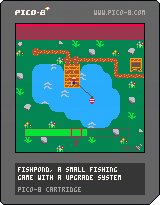
--Fixed bug where bus ticket cost nothing--
I have just finally finished my first PICO-8 Cart!
Its a small fishing game with a upgrade system, wich allows you to increase various stats.
The fishing mechanic is quite simple, press/hold x to advance the bar and try to keep it in the red area, as soon as the counter under the red bar counted to 10, you get a fish!
one run took me about 18 minutes to finish, so its a really quick play.
4 comments


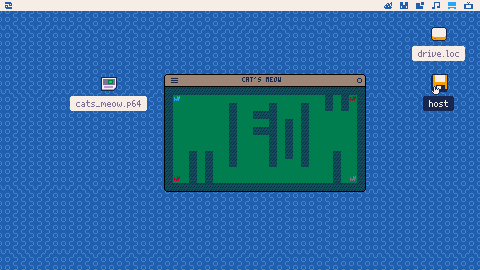
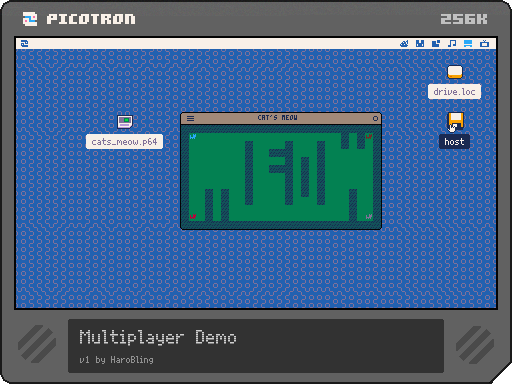
I've made a simple multiplayer demo to start to get this going on the Picotron.
It works, not well, but it works. Looking to you guys to help get a good base example with prediction and all that good stuff. Please take this and make it better and post your better versions.
I've borrowed from Picoroom, arnaught's HTTP Server and lots of other that post here, thanks!
Host starts a TCP server on port 8080
if you launch two on the same machine as host the second will default to a client and try to connect to localhost:8080
You can edit the client IP you are trying to connect to!! keep the format tcp://192.168.1.123:8080
z/button 4 will meow
I've seen it crash the whole (picotron) if you try to connect to an IP that doesn't exist. Doesn't always happen and I don't know exactly why, leme know if you can see how I am doing it wrong.
0 comments

I have been searching through this forum and other places online for a solution, but couldn't find the answer.
I would like to use the limited space for sprites more efficiently by splitting the sprites up in pieces, and would like to know how I can combine them. For example:
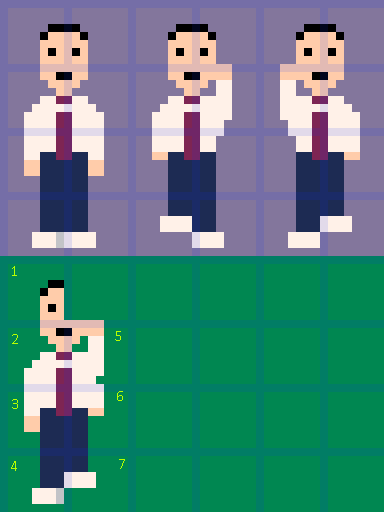
The top half with the lilac background are the full sprites. The bottom half with the green background is how I have split my sprites up.
So basically I could create the first sprite by combining them as follows:
1 1(mirrored)
2 2(mirrored)
3 3(mirrored)
4 4(mirrored)
The second sprite I would create like this:
1 1(mirrored)
2 5
6(mirrored) 3(mirrored)
7(mirrored) 4(mirrored)
I am new to PICO-8 and game development, and couldn't get much further than below code so far. But that just overlays both halves of the character over the same 4-sprite high unit.
function draw_player() spr(1,px,py,1,4) spr(1,px,py,1,4,true) [ [size=16][color=#ffaabb] [ Continue Reading.. ] [/color][/size] ](/bbs/?pid=171014#p) |
6 comments




hello!
learning game dev. pico-8 has really unlocked coding for me, and i feel like i'm making progress where i never have before.
wanted to use this thread as a blog for the games that i'm working on.
game 1
title: "PicoEco"
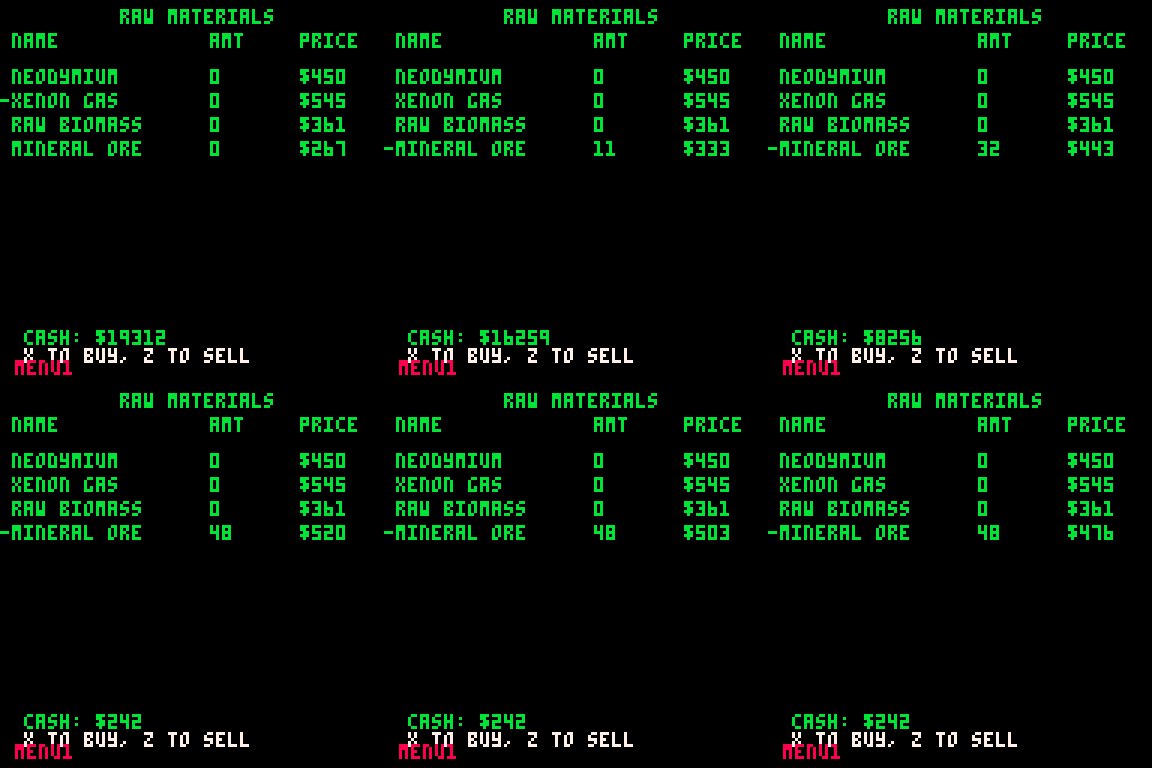
this game is an economic sim, similar to offworld trading company. the idea is to buy out your competition. currently have a bundle of raw materials, 4 of them are randomly picked every game. i also have an AI that takes a snapshot of the current prices - it then buys that item if the price is lower, or sells if it is higher. the prices are adjusted based on player and AI buys/sells.
to-do:
- add factories for raw material combos
- add more AI types
- add abilities to affect enemies/market
gifs:
early on, market adjusted prices based on buy/sell
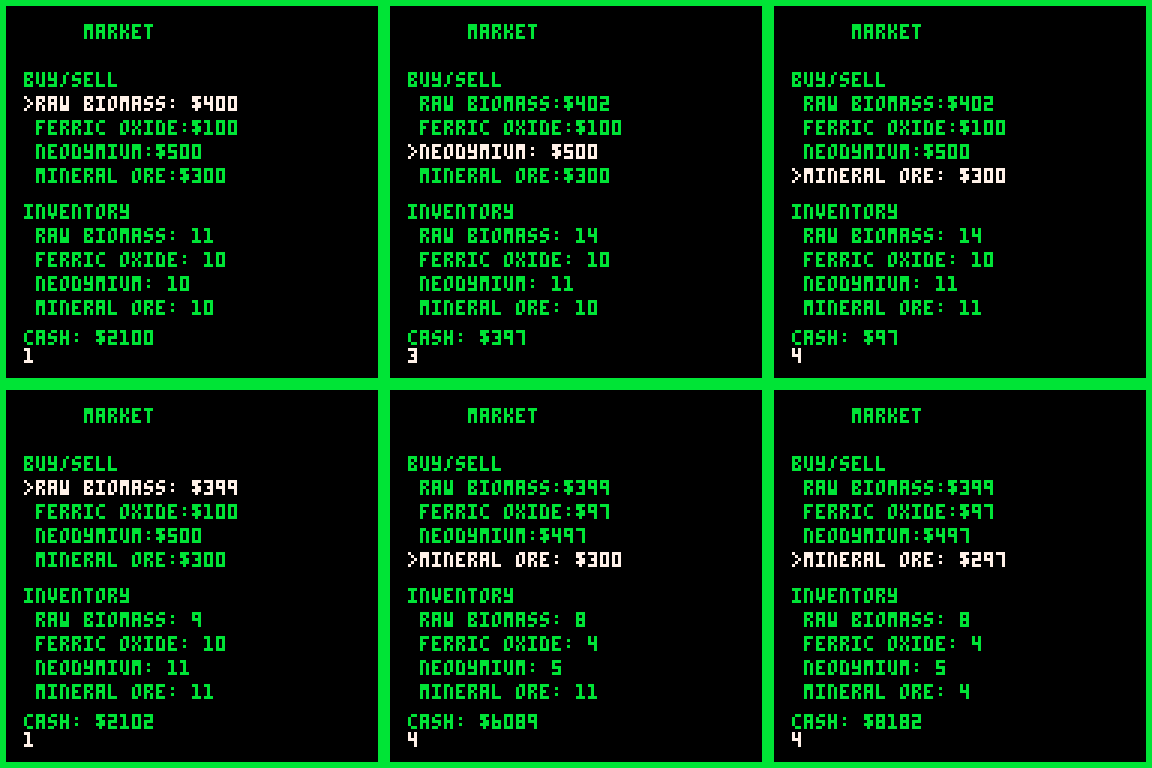
added effect to the cash that doesn't snap to the amount
if you notice the price for mineral ore, it is changing without us interacting with it, that is the AI selling its inventory seeing that the price is high
 0 comments






A Lua snippet that implements a stack of nested camera contexts. This makes it easier to apply translations when drawing composite graphics.
You can push new camera contexts with push_camera(x,y). This acts like a call to the standard camera function, but after this, all calls to camera are relative to x and y. You can return to the previous camera context by calling pop_camera().
You can push as many camera contexts onto the stack as memory allows.
An example of mixing push_camera and camera calls: Calling push_camera(-20,-30) sets the absolute camera coordinates to (-20,-30), like the standard camera function, and creates a new context. A subsequent call to camera(-1,2) sets the absolute camera coordinates to (-21,-28). Calling pop_camera() restores the absolute camera coordinates to the default of (0,0).
An example of pushing nested camera contexts: Calling to push_camera(-20,-30) sets the absolute camera coordinates to (-20,-30), like the standard camera function, and creates a new context. A subsequent call to push_camera(-1,2) sets the absolute camera coordinates to (-21,-28) and creates a new context. Calling pop_camera() restores the absolute camera coordinates to (-20,-30). Finally, calling pop_camera() restores the absolute camera coordinates to the default of (0,0).
do
 local cstack = {}
 local abscam = camera

 function push_camera(dx,dy)
  local cx,cy = peek2(0x5f28,2)
  add(cstack, {cx,cy})
  abscam(cx+dx,cy+dy)
 end

 function pop_camera()
  abscam(unpack(deli(cstack)))
 end

 function camera(dx,dy)
  local cx,cy =
    unpack(cstack

[ [size=16][color=#ffaabb] [ Continue Reading.. ] [/color][/size] ](/bbs/?pid=170984#p) |
1 comment


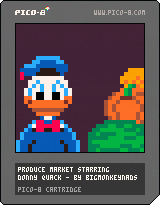
Produce Market Starring Donny Quack
Donny Quack is all out of bucks! His nephews wont let up on having their very own playground. Luckily a position has become available at the local Produce Market.
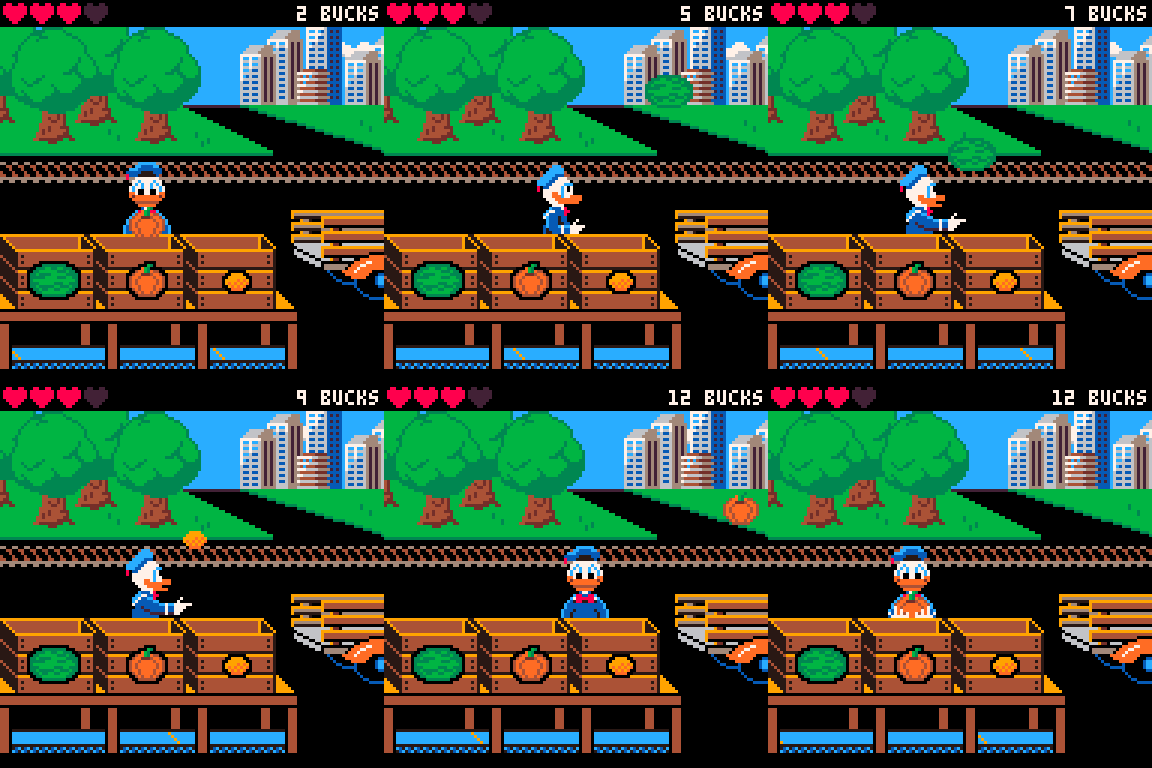
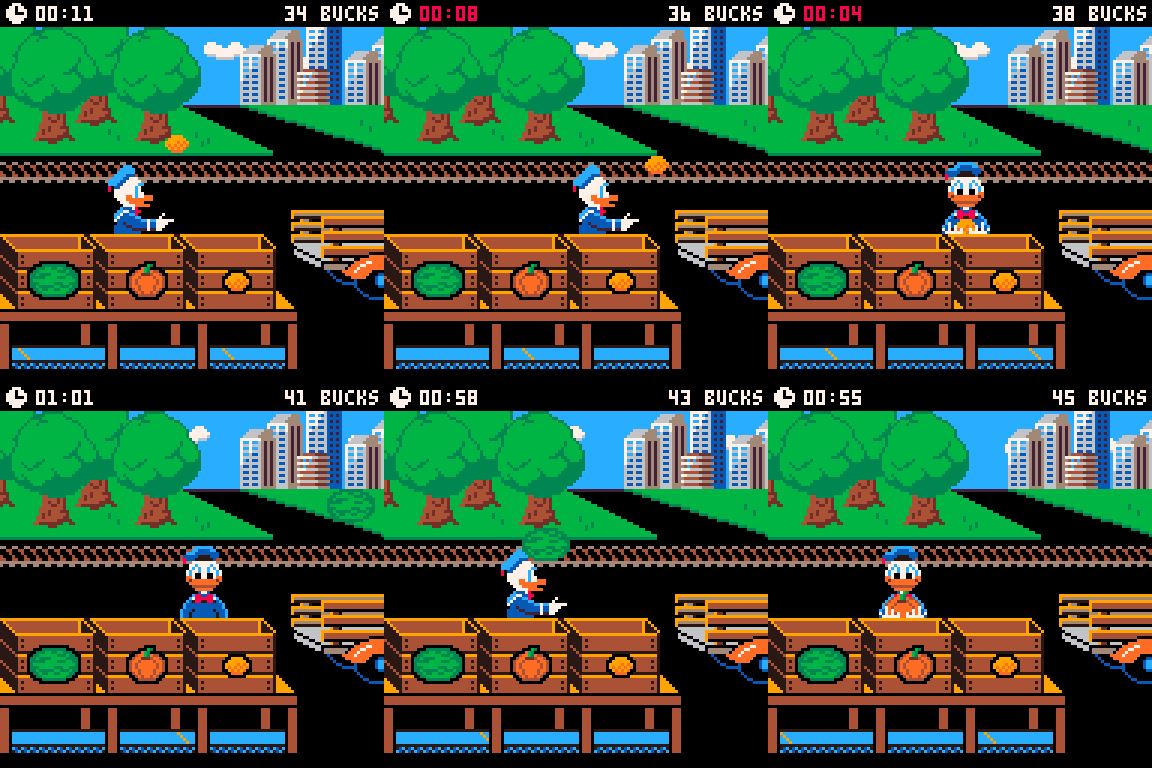
Your job at the market challenges you to catch products thrown off the market truck, then sort it into bins. Each bin is marked, showing which variety of product belongs there. You'll be paid for each product you catch and correctly sort.
Arcade mode
Timed mode
Controls
X/O: Drop produce
Arrow Keys: Move
Enter/P: Menu/Reset highscore
14 comments






Arrow keys to move
X to guess
A puzzle game made by Tate Maguire for the 2025 UNI Game Jam.
Check out the itch.io page here.
2 comments




don't stand too close to the glass it's still a little upset
(299 chars)
pal({1,3,9,140,13,12,6,0,8,11,10,12,14,135,7},1)
c,s,f=cos,sin,circfill
p=0::_::p+=1poke(24414,17<<p%4)f(0,0,99,0)camera(-64,-64)z=.5+c(t()/8)/2
for y=-40,40,3do for x=-38,38,3do
u,v=c(a)*x-s(a)*y,c(a)*y+x*s(a)q=c(y/4+t()+v/55)+s(x/3+t()+u/33)+c(v/66)+s(u/55)f(u,v,(.4+q/3)/z,15)end end
flip()goto _
|
2 comments



You can use arrow keys to revolve and move around!
I was inspired by a postcart, but i made my own spin on it! Please enjoy the vibes
P.S. Press X for something different!
 0 comments
.jpg)


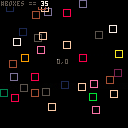
Use arrow keys to change the initial velocity of a spawned box, and reset the initial velocity by pressing right click.
Left click either spawns a box or, if hovering over another box, deletes it.
In the menu, you can delete all the boxes or change the colour of the box your spawning.
0 comments