





 I unlocked golden strawberries and C-sides. It's like the game wants me to drop it. (Still love it, though]


 0 comments

Oggi inzio con PICO-8. I giochi sembrano tutti belli.
Devo capire come farlo funzionare in RetroArch.
Devo capire se sia possibile scaricare i giochi o se rimangano esclusivamente nell'eseguibile del programma (nel senso, nella cartella di PICO-8, senza essere utilizzabili dall'esterno).
0 comments
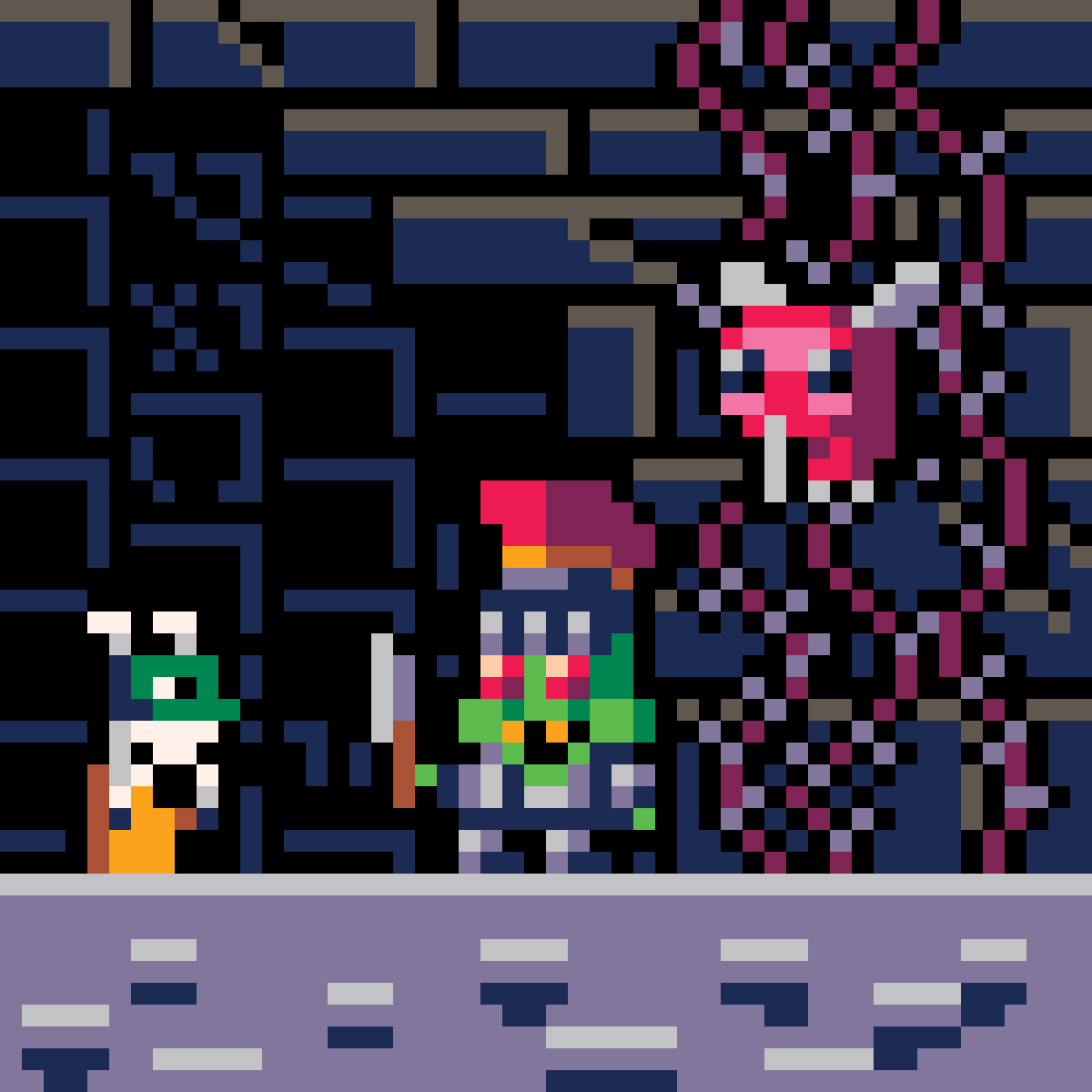
 This is what Berplo looks like in Berplo's Cave Trek for Treasure. They have a sentient hat with two white feathers on top (used for flight once a power-up is collected), one red eye, and a hidden mouth with a lizard-like tongue (used for eating certain objects once a power-up is collected). Berplo also has a cat-like face with four whiskers (might be utilized later in power-up form). And Berplo also has an orange robe (it's a robe).
0 comments






I realized I never uploaded my submission for the GMTK Game Jam 2022 on the PICO-8 BBS, so here's that (whoops!).
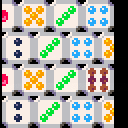
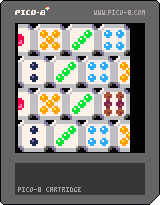
Dice Drop Dash
This game was made within a tight ~6 hour period rather than the 50 hour period of the GMTK Game Jam 2022.
- Left/Right: Move Target
- Down: Drop
When you drop a dice, its value will be subtracted from the value of the highest in the stack, and the difference will grant you points. Aim for the highest score without overflowing the stack!


 0 comments

Hello!
I would like to ask to zep if there are any plans of porting the applications (pico8, picotron, voxatron) to arm64 and aarch64 for Linux, Windows and MacOS.
Thanks!
2 comments





( Cover Art by @thesailor )
PICO-VIEW 2024 Quarter 2 & 3 Issue 14 is released!
It's another big one, and covers a lot that has happened since the last issue, as well as some very recent exciting news!
Read it here: https://nerdyteachers.com/PICO-8/Pico-View/?issue=14
Here's the Lineup:
- Tutorial Game Variants
- PICO-8 at 2D Con
- Useful Tidbits
- Dedicated PICO-8 Handheld
- Making Combat Interesting with Combos
- Pixel Art Academy: Learn Mode
- Extreme Token Saving
- New and Featured Games
- Diving into Picotron
- P8GO Mobile App
- Featured Game Review
- Game Recommendations
- Super World of Goo
- Beginner's Course Roadmap
- Gaming History: Final Fantasy 8
- Pixel Art Gallery
- Global Table of Contents
3 comments



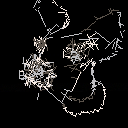
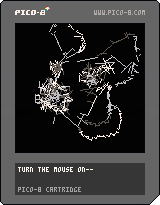

Apparently I like writing vector libraries. This one's specifically for working with hex-grids.
Code and full documentation on github: https://github.com/jasondelaat/hector/tree/release
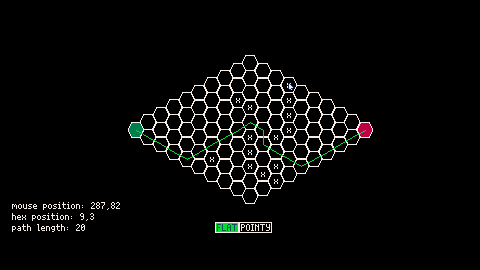
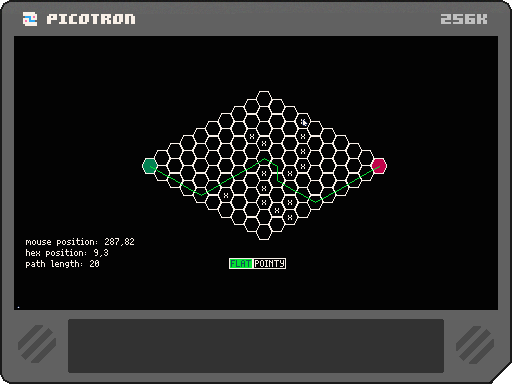
The above cart demonstrates simple path-finding. The grid starts off randomly populated. Click on the hexes to add/remove obstacles and re-calculate the path. You can also switch between a "flat" or "pointy" grid. The draw code is not optimized so it will get laggy if you make the path really long, especially on the web player. But you get the idea.
Example Usage:
include 'hector.lua' -- Initialize the library [ [size=16][color=#ffaabb] [ Continue Reading.. ] [/color][/size] ](/bbs/?pid=127324#p) |
0 comments

Hi everyone! I was just chilling the other day when I had the idea to make a BrainF*** Fantasy Console!
IN PICOTRON (Prototyping in p-8 is fine
It works the same as BrainF*** (See https://esolangs.org/wiki/Brainfuck)
Except...
-
{ And } work the same as [ and ] except they only jump when the current cell != 0
-
+,-,< And,> can now have a Base-10 byte (0-255) after them indicating how much to add/subtract/etc to the current cell.
-
Speaking of arithmetic, there will be a new symbol called "*" that just sets the current cell to the value after it.
-
"," Will now only output a number 1-6 depending on what PICO-8 Button is pressed. (L=0, R=1, etc)
-
"." Now Is more Complicated!
The number following number meansL
0: A1Z26 (prints in 0,0)
1: A number!- Hexadecimal
3: A GRID!!!
- Hexadecimal
The grid is as follows:
X,Y
0,0 ... ... ...
... ... ... ...
... ... ... ...
... ... ... 3,3
This works like So:
0 comments


With the release of Picotron to the digiverse, I feel as though the general consensus is to upgrade from less to MORE:
More sprites
More data
More map (extra files even!)
More detailed sound/music
But what I want to know is: in your opinion, does Picotron possess a comparable level of features to Pico-8 at this point in time?
Is the jump to Picotron recommended yet?
Thanks.
3 comments



I recently got PICO-8 with Picotron and Voxatron. The default icons looked out of place on my Mac and I decided to make icons and post them here for other Mac users.
The icons are for PICO-8, Picotron, Voxatron, Lexaloffle BBS, PicoCAD, and PicoSynth.
The icons are images that can be saved from the browser for use on a Mac running Big Sur or higher.
Icons
PICO-8

Voxatron

Picotron

Lexaloffle BBS

PicoCAD

PicoSynth
 0 comments

I've seen many people on the BBS/Discord struggling to grapple with intermediate pixel art concepts, so I wanted to write a post commemorating Pixel Art etiquette so that you, even you, reader, can create your own pixel art.
What is Pixel Art?
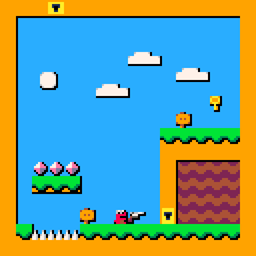
Pixel art is any drawing made from a set palette of colors where the colors act as though limited by a grid. Pixel art is art made from squares. It was widely used in early video game and computer graphics, and has grown a large following for its pleasing aesthetic.
Why Should I Learn Pixel Art?
There is no formal reason to learn pixel art. It is not often enough to stake a career on. In many circles, pixel art is considered dated, if not obsolete. The only reason to learn pixel art is for the fun of learning pixel art within itself, though it does have applications within stylized/indie game development and graphic design for retro machines. If you master pixel art, you may also find an improved skill in art and graphic design.
1 comment

I need help adding a variable to a menu. I've created simple menus that I can add plain text to with "", but I have no idea how to add a variable to that menu.
Context is that the variable is a hunger meter that will go down periodically. I want the menu to display the current number of hunger.
3 comments

