


Hello Lexaloffle community, I have spent a couple of days learning Picotron. Figuring out how to modify files etc. I was wondering if anyone would be interested in me writing a full tutorial/documentation on how to use it, containing a full list of terminal commands (not only the ones specified by using the help cmd) and a full list of commands for the programming language. Containing information about each command. If anyone is interested in this please tell me.
Best Wishes, @grandel234
Picotron Playground:
https://www.lexaloffle.com/picotron.php?page=playground
All Official Documentation:
Gfx Pipeline: https://www.lexaloffle.com/dl/docs/picotron_gfx_pipeline.html
Picotron Pod: https://www.lexaloffle.com/dl/docs/picotron_pod.html
Picotron Usr Data: https://www.lexaloffle.com/dl/docs/picotron_userdata.html


 11 comments










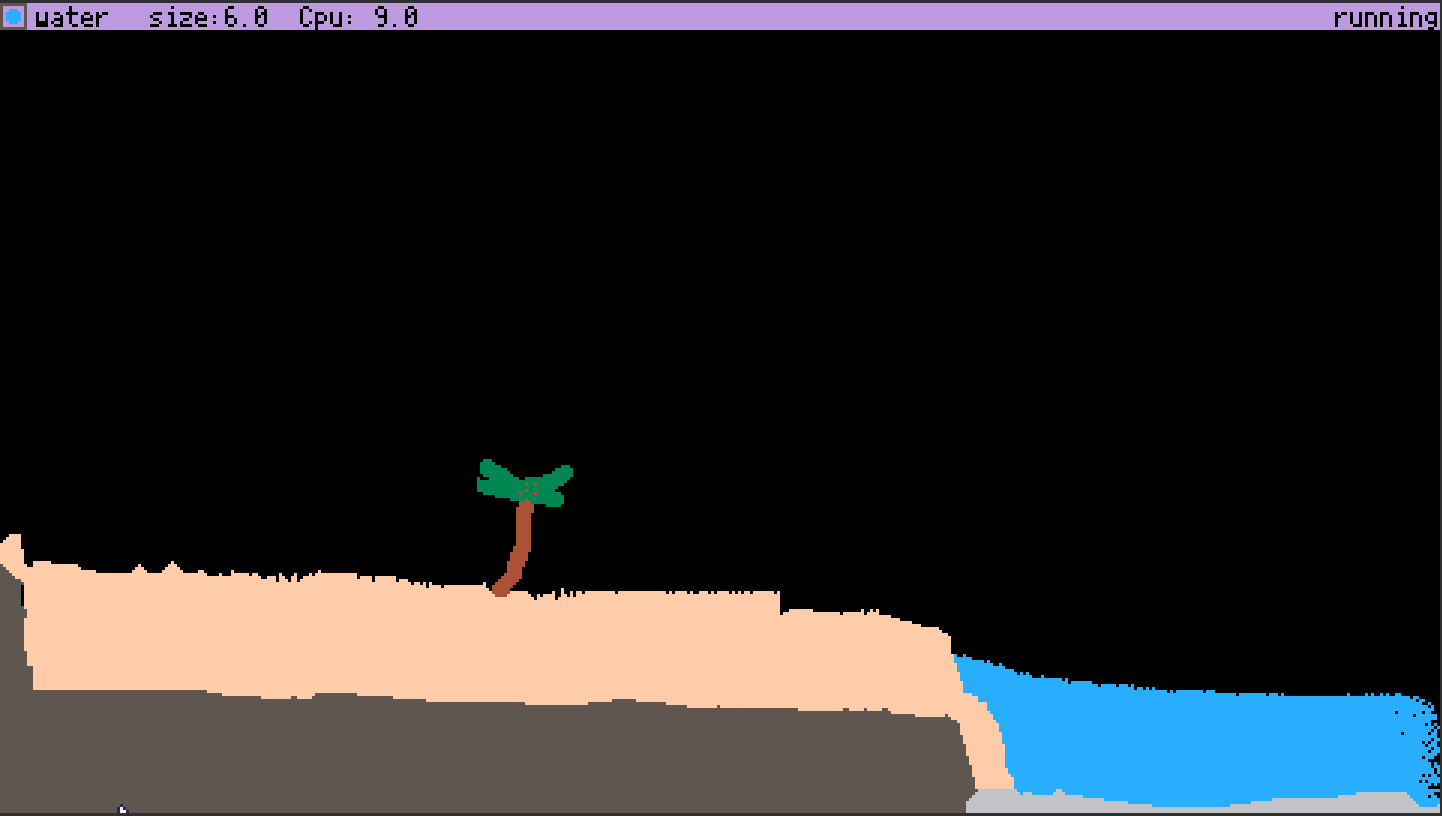
The Pixel Toy (TpxT)
2nd picotron game ever made!?
To play, copy and paste code below (click "show") into picotron playground (or actual picotron when it comes out!)
If it says "clipboard can not be read", then don't use base Firefox. if you aren't using base Firefox, then give picotron clipboard permissions in site settings.
vvv Code vvv
[hidden]
--	ThePixelToy
--	by antibrain

--[[

todo:
maybe some sort of GOL type
sounds/graphics/prebuilt maps when ptron 0.1 comes out
scene loader from clipboard to make something like TPT's save browser
more pixel types
more reactions
make neut/prot act like they do in TPT instead of acting like GAS/FIRE
saving/loading saves to hard disc. maybe using printh as file? cartdata?
chemestry?
air pressure
heat
simulate each pixel individualy so we can track its heat, speed, mass, weight, etc.
virus because virus in TPT is very satisfying
make fill/line tool not terrible
deco layers
ability to change sim speed
full keyboard support?

]]--
j=0
dc=5
size=0
sim=1

function _update() --update loop
	mx,my,mb=get_mouse() --get mouse data
	simulatepixels() --simulate pixels
   controls() --allow game to be controlled
end

function _draw() --draw loop
 mousedraw() --draw with mouse
 ui() --draw ui
end

function simulatepixels()
if sim==1 then
for i=1,4000 do	--4000 times per frame (30fps?)

		local x=rnd(480) --get random x and
		local y=rnd(270) --y values and
		local c=pget(x,y) --get the color of that pixel.
		if c==8 then --is red

			if pget(x,y+1)!=5 and pget(x,y+1)!=7 then --check all bordering pixels and if any of them arent a wall
				pset(x,y+1,c) --then set it to red
			end
			if pget(x,y-1)!=5 and pget(x,y-1)!=7 then --repeat for all other bordering pixels
				pset(x,y-1,c)
			end
			if pget(x+1,y)!=5 and pget(x+1,y)!=7 then
				pset(x+1,y,c)
			end
			if pget(x-1,y)!=5 and pget(x-1,y)!=7 then
				pset(x-1,y,c)
			end
		end

		if c==15 then --sand
		 if pget(x,y+1)==0 then --sand

			pset(x,y+1,c) --f a l l
			pset(x,y,0)
		 end
		 if pget(x,y+1)==12 then
		 	pset(x,y+1,c)
		 	pset(x,y,12)
		 end
		 if pget(x,y+1)==1 then
		 	pset(x,y+1,c)
		 	pset(x,y,1)
		 end
		end

		if c==2 or c==10 or c==11 then --gas (fire?)/neut/prot (i couldnt get neut/prot to act normal so i gave up :p )
				local j=flr(rnd(4)) --pick random number
				local q=flr(rnd(2))
				if q==1 and c==2 then --decay randoly
					pset(x,y,0)
				end
				if q!=4 and j==0 and pget(x+1,y)==0 then --go in random direction
					pset(x,y,0)
					pset(x+1,y,c)
				end
				if q!=4 and j==1 and pget(x-1,y)==0 then
					pset(x,y,0)
					pset(x-1,y,c)
				end
				if q!=4 and j==2 and pget(x,y+1)==0 then
					pset(x,y,0)
					pset(x,y+1,c)
				end
				if q!=4 and j==3 and pget(x,y-1)==0 then
					pset(x,y,0)
					pset(x,y-1,c)
				end
				if c==11 then
					if pget(x+1,y)==1 and pget(x+1,y)==0 then
					 pset(x+1,y,11)
					end
					if pget(x-1,y)==1 and pget(x-1,y)==0 then
					 pset(x-1,y,11)
					end
					if pget(x,y+1)==1 and pget(x,y+1)==0 then
					 pset(x,y+1,11)
					end
					if pget(x,y-1)==1 and pget(x,y-1)==0 then
					 pset(x,y-1,11)
					end

				end
				if c==2 and pget(x,y+1)==12 or pget(x,y-1)==12 or pget(x-1,y)==12 or pget(x+1,y)==12 then
					pset(x,y,0)
				end
		end
		if c==12 or c==1 or c==9 then --warder/deut/lava physics

			if pget(x,y+1)==0 then --let it fall down
				pset(x,y,0)
				pset(x,y+1,c)
			elseif pget(x-1,y)==0 then --if there's an open space and it isnt in free-fall,
				pset(x-1,y,c) --allow it to drip left and
				pset(x,y,0)
			elseif pget(x+1,y)==0 then
				pset(x+1,y,c) --right as well
				pset(x,y,0)
			end
			if c==1 and pget(x,y+1)==11 or pget(x,y-1)==11 or pget(x-1,y)==11 or pget(x+1,y)==11 then
				pset(x,y,11)
			end
		end
		if c==16 then --remove fill border
			pset(x,y,0)
		end
		if c==3 or c==4 then --wood/plant/foliage
		 if pget(x,y+1)==2 or pget(x,y+1)==9 then
		  pset(x,y,2)
		 end
		 if pget(x,y-1)==2 or pget(x,y-1)==9 then
		  pset(x,y,2)
		 end
		 if pget(x+1,y)==2 or pget(x+1,y)==9 then
		  pset(x,y,2)
		 end
		 if pget(x-1,y)==2 or pget(x-1,y)==9 then
		  pset(x,y,2)
		 end
		 if c==3 then
		  if pget(x,y+1)==12 then
		   pset(x,y+1,3)
		  end
		  if pget(x,y-1)==12 then
		   pset(x,y-1,3)
		  end
		  if pget(x+1,y)==12 then
		   pset(x+1,y,3)
		  end
		  if pget(x-1,y)==12 then
		   pset(x-1,y,3)
	   	  end
	   	end
		end
		if c==14 then
		 if pget(x,y+1)==0 then
		  pset(x,y,0)
		  pset(x,y+1,14)
		 end
		 if pget(x,y+1)>0 and pget(x,y+1)!=5 and pget(x,y+1)!=14 and pget(x,y+1)!=29 then
		  circfill(x-4,y-4,16,2)
		 end
		end
		if c==6 then
			if pget(x,y+1)==10 or pget(x,y+1)==9 then
				pset(x,y,9)
			end
			if pget(x,y-1)==10 or pget(x,y-1)==9 then
				pset(x,y,9)
			end
			if pget(x+1,y)==10 or pget(x+1,y)==9 then
				pset(x,y,9)
			end
			if pget(x-1,y)==10 or pget(x-1,y)==9 then
				pset(x,y,9)
			end

		end
		if c==7 then
			if pget(x,y+1)==0 then
				pset(x,y,0)
				pset(x,y+1,7)
			end
			if pget(x,y+1)==12 then
				pset(x,y+1,7)
			end
			if pget(x,y-1)==12 then
				pset(x,y-1,7)
			end
			if pget(x+1,y)==12 then
				pset(x+1,y,7)
			end
			if pget(x-1,y)==12 then
				pset(x-1,y,7)
			end

			if pget(x,y+1)==2 or pget(x,y+1)==9 then
				pset(x,y,12)
			end
			if pget(x,y-1)==2 or pget(x,y-1)==9 then
				pset(x,y,12)
			end
			if pget(x+1,y)==2 or pget(x+1,y)==9 then
				pset(x,y,12)
			end
			if pget(x-1,y)==2 or pget(x-1,y)==9 then
				pset(x,y,12)
			end
		end
		if c==9 then
			local q
			if pget(x+1,y)==6 and q==0 then
				pset(x+1,y,c)
			end
			if pget(x-1,y)==6 and q==0 then
				pset(x-1,y,c)
			end
			if pget(x,y+1)==6 and q==0 then
				pset(x,y+1,c)
			end
			if pget(x,y-1)==6 and q==0 then
				pset(x,y-1,c)
			end

			if pget(x+1,y)==12 or pget(x-1,y)==12 or pget(x,y+1)==12 or pget(x,y-1)==12 then
				pset(x,y,6)
				q=1
			else
			 q=0
			end

		end
	end
end
end

function mousedraw()

if mb==1 and not(btn(5)) then --if left click then
  circfill(mx,my,size,dc) --draw red/wall at mouse pos
 elseif mb==2 then --if right click (or ctrl click)
  circfill(mx,my,size,0) --erase (draw black at mouse pos)
 end
if btn(5) then --check if x is pressed
	if mb==1 and j==0 then --only do this once per fill!
		ox=mx --set old mx to mc
		oy=my --same for old my
		j=1 --j
	end
	if mb==1 then-- if mousedown
	 omb=1 --set old mouse click to 1
	 rect(ox,oy,mx,my,16) --fill outline
	elseif omb==1 then --if its one then
	 rectfill(ox,oy,mx,my,dc) --fill
	 omb=0 --set old mouse button to 0 (because mouse was released)
	 ox=nil --nil ox and oy
	 oy=nil
	 j=0 --j
	end
else
	ox=nil --if x isnt pressed, nil x and y, then j
	oy=nil
	j=0
end

end

function ui() --ui bar
 rectfill(0,0,480,8,29) --bar
 circfill(4,4,2,dc) --current color
 rect(0,0,8,8,5) --outline on current color
 print("size:"..flr(size),50,1,0)--brush size
 print(scolor,12,1,0)
 print("Cpu: "..flr(stat(1)*10),100,1,0)
 if sim==1 then
 	print("running",445,1,0)
 else
   print("paused!",445,1,0)
 end
 if dc==0 then scolor="erase"end
 if dc==1 then scolor="deut"end
 if dc==2 then scolor="fire"end
 if dc==3 then scolor="plant"end
 if dc==4 then scolor="wood"end
 if dc==5 then scolor="wall"end
 if dc==6 then scolor="stone"end
 if dc==7 then scolor="snow"end
 if dc==8 then scolor="eater"end
 if dc==9 then scolor="lava"end
 if dc==10 then scolor="proton"end
 if dc==11 then scolor="neutron"end
 if dc==12 then scolor="water"end
 if dc==13 then scolor="paint"end
 if dc==14 then scolor="bomb"end
 if dc==15 then scolor="sand"end
end

function controls() --controls
		if btn(1) then dc+=0.1 end --change brush color
		if btn(0) then dc-=0.1 end
		if dc<0 then dc=0 end --dont let color be too much or little or else
		if dc>15 then dc=15 end --the screen dies :(
		if btn(2) then size+=0.1 end --change brush size
		if btn(3) then size-=0.1 end
	   if size<0 then size=0 end--dont let it go negative
		if btn(4)==true then sim=0 else sim=1 end --pause when z is held
		if btn(1)==false and btn(0)==false then dc=flr(dc) end
end |
2 comments


Breakout clone - none of this stuff is serious, just playing with Lua for fun and to share with a couple of friends. Chill people.


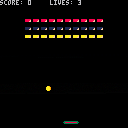
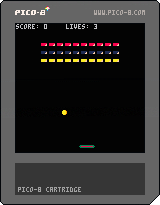
x launches the ball.
Probs need to break up the hitbox detection so that I can change the angle the ball bounces - at the moment it just reverses DY, so DX never changes - I did notice the ball can get trapped on the right edge if you launch the ball with the bat off screen. Bugs hey?
0 comments

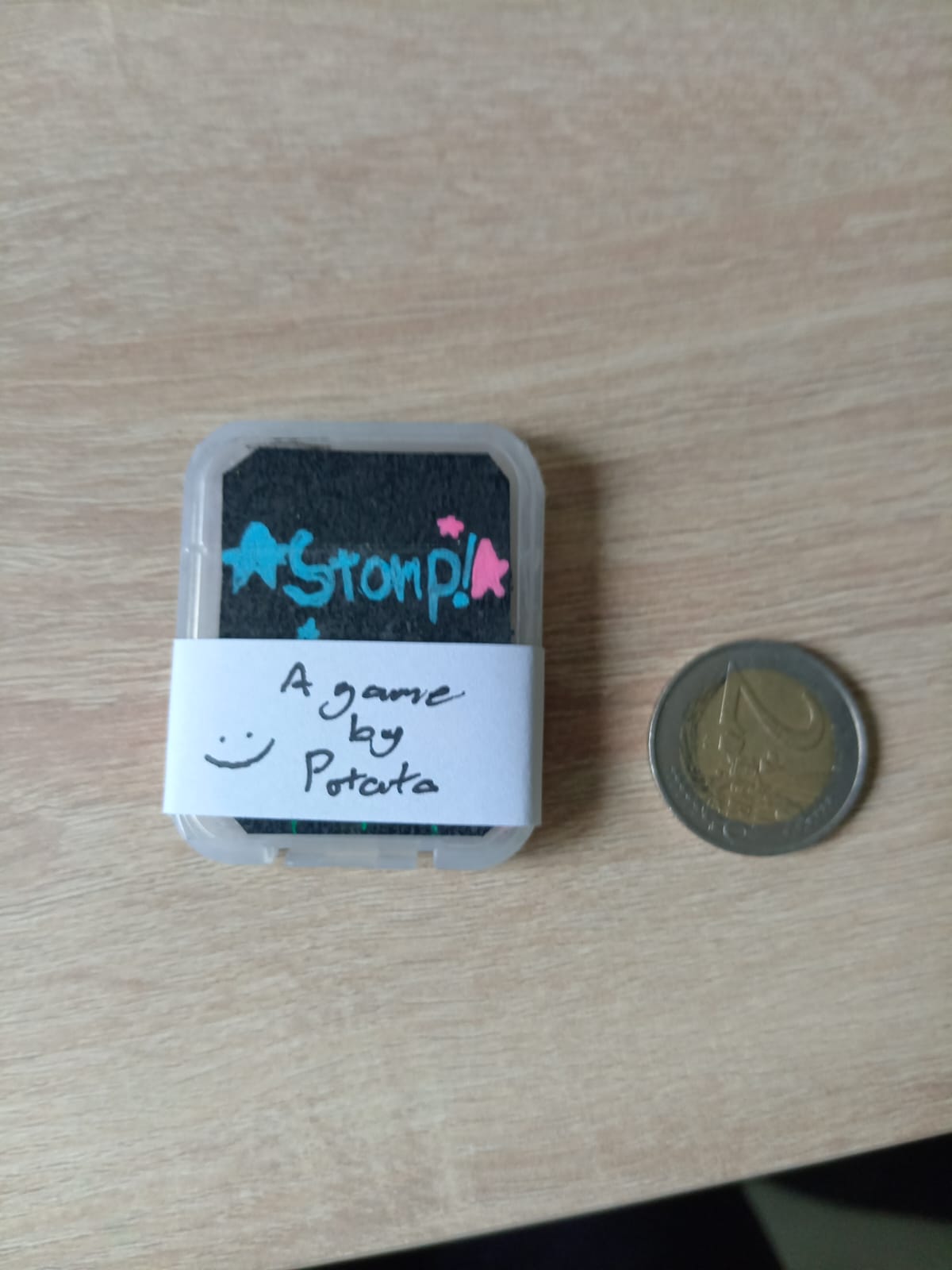
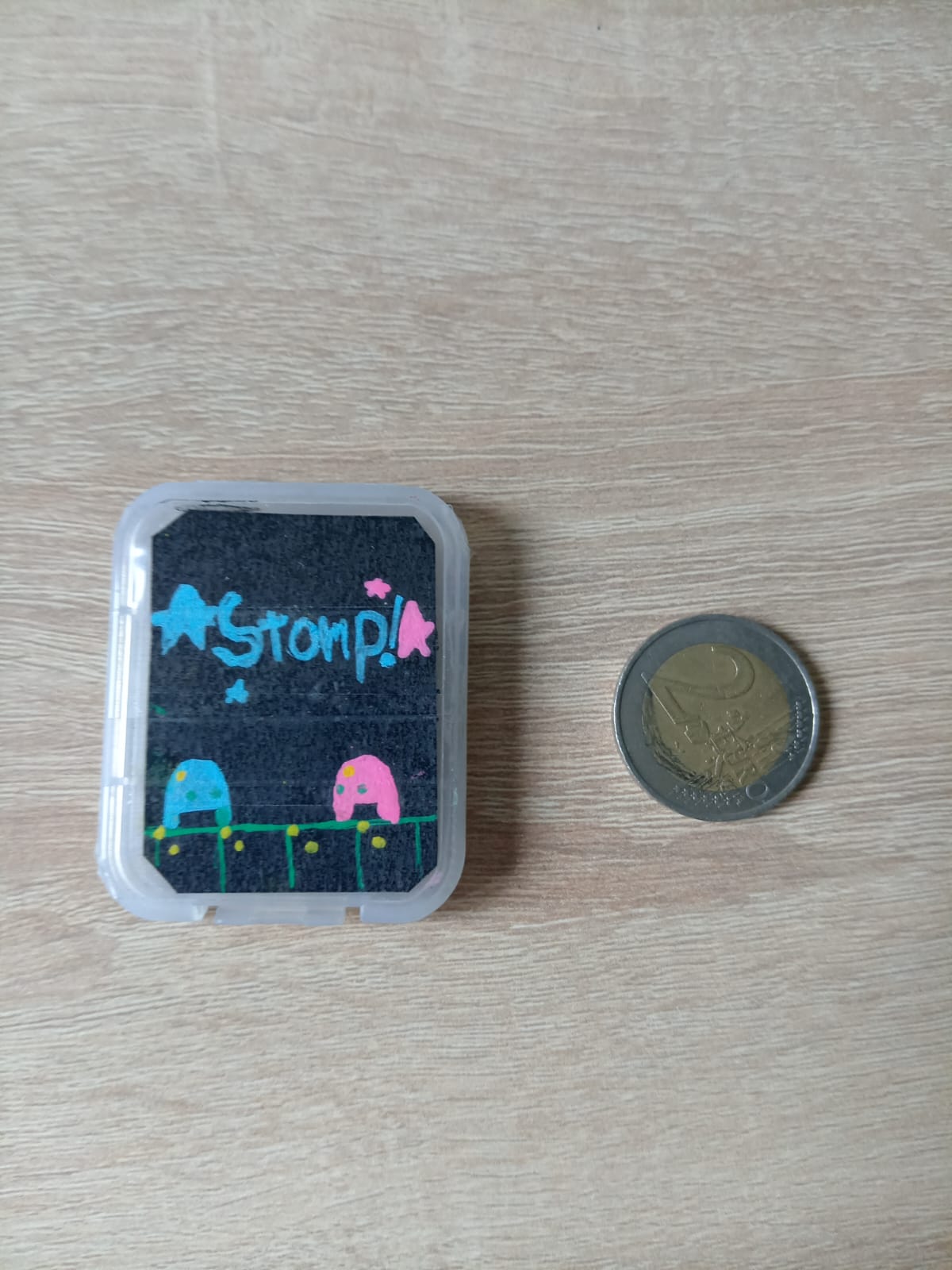
(Still working on the cover art, this is just a sketch)
I most likely ain't gonna publish this, maybe I'm gonna go do a yard sale or give to friends, dunno! (But gonna make a little bit of cash :D)
There is a Micro SD card inside of the case with the game and some bonuses inside!
0 comments
it has been a while since i talked about my game (or talked at all) so i am going to share the first demo clip: dialogue
.gif)
its really cool, its going to be in the first playable demo, too!
...and anything that has to do with "N O D E" and made by me
and remember to have a...

|
[62x10] |
0 comments

I want to put my own little message for my lazy little mod and I don't know what to really do. Help would be appreciated
2 comments


Just the list of chr() numbers and corresponding outputs.
Some are invisible, like chr(8) since this is backspace or chr(129)(▒) for no reason (?).
https://www.lexaloffle.com/bbs/files/62268/testing.txt.
As the above file is weird, you can check it out on google drive:
https://drive.google.com/file/d/1DdpsxRyfPPM7pB-ukgd8aD_0eL-WqgrU/view.
3 comments
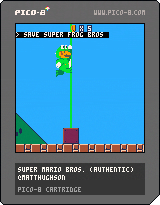






Pico-View webzine for August 2023 is out now!
Here's the lineup:
-Cover Art and Gallery by PJBGamer
-What is a Lerp - Fletch
-Making Music with Loops - c.diffin
-Game Jam Interviews & Lineups - Nerdy Teachers
-Featured Interview: Canyon Crisis Team ft. Marina
-Featured Game Review: Occult Gunner - Achie
-PICO-1k Jam Announcement - Liquidream
-Cre8 Jam Announcement - Pico-8 Gamer
-The Death of a Frog - Marina
-New Release Recommendations
-Prototype Party - Color Combo
Once again thank you to everyone who participates, contributes, and reads the zine! I hope you all had a wonderful month of August, and here's to an even better September!
Happy Reading 🤓
https://nerdyteachers.com/PICO-8/Pico-View/?issue=8
1 comment


The Death Of A Frog-
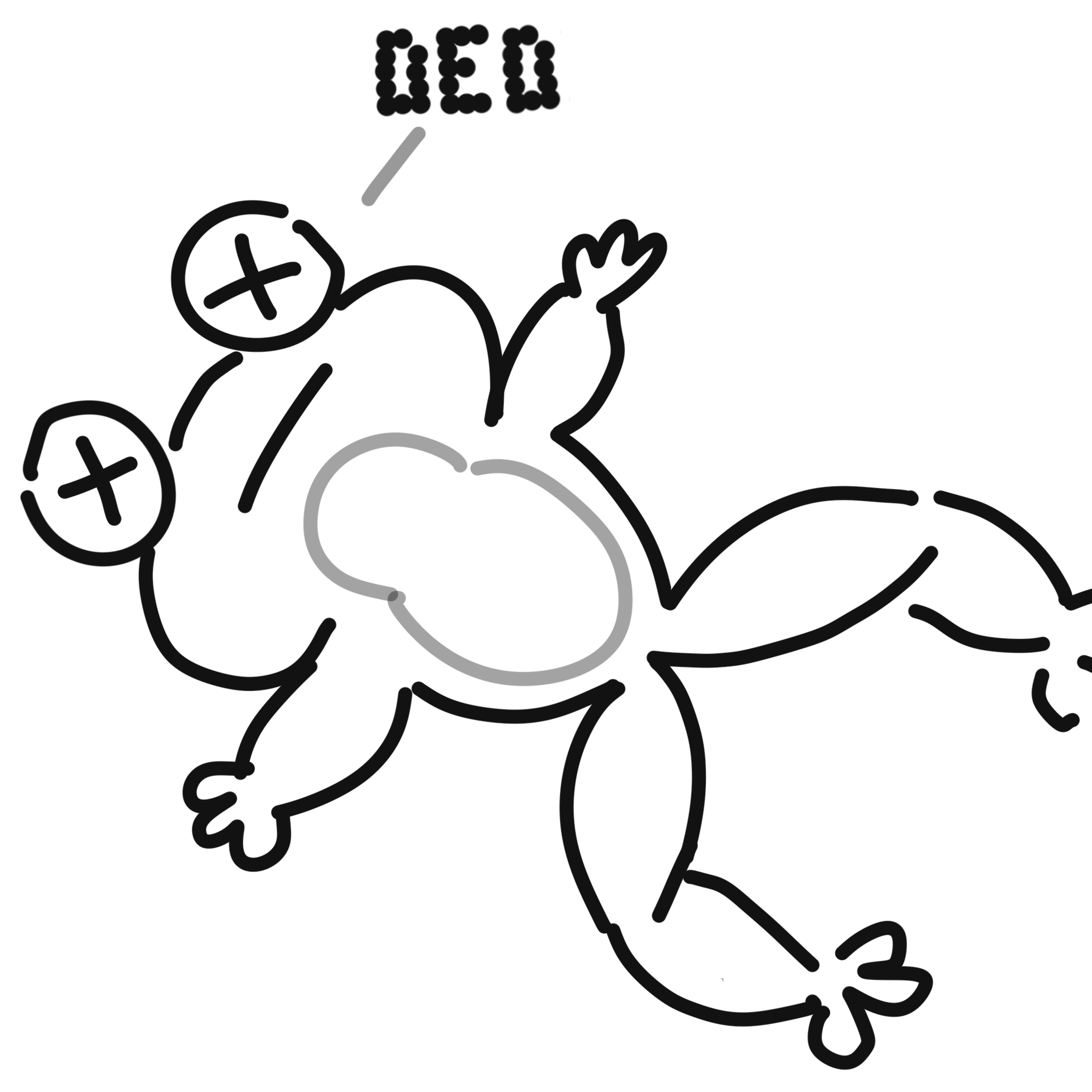
Introduction-
I come into this month from what might be my greatest failure as a game developer and artist- "Frogs vs Ghosts". Based off artwork by Jake Hall and developed for the "A Game By It's Cover" jam (a game jam where you pick from hundreds of imaginary Famicom game cartridges made months earlier).
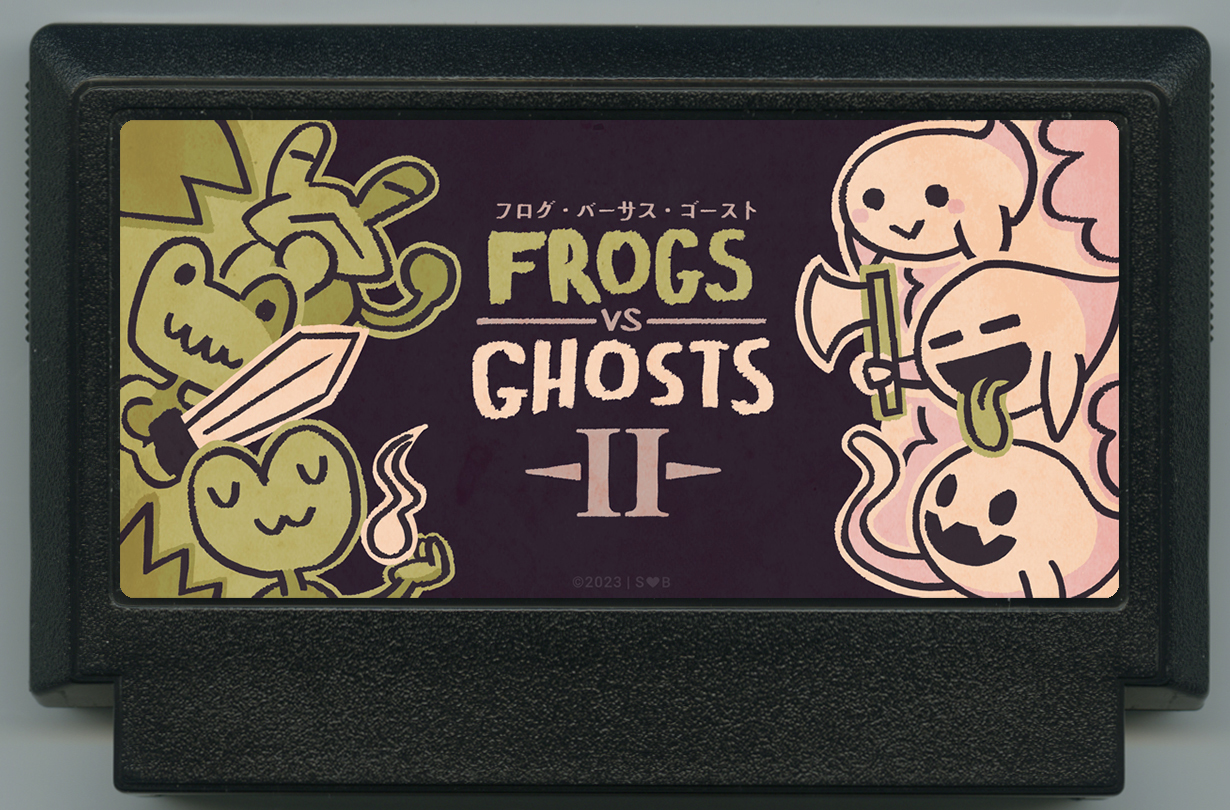
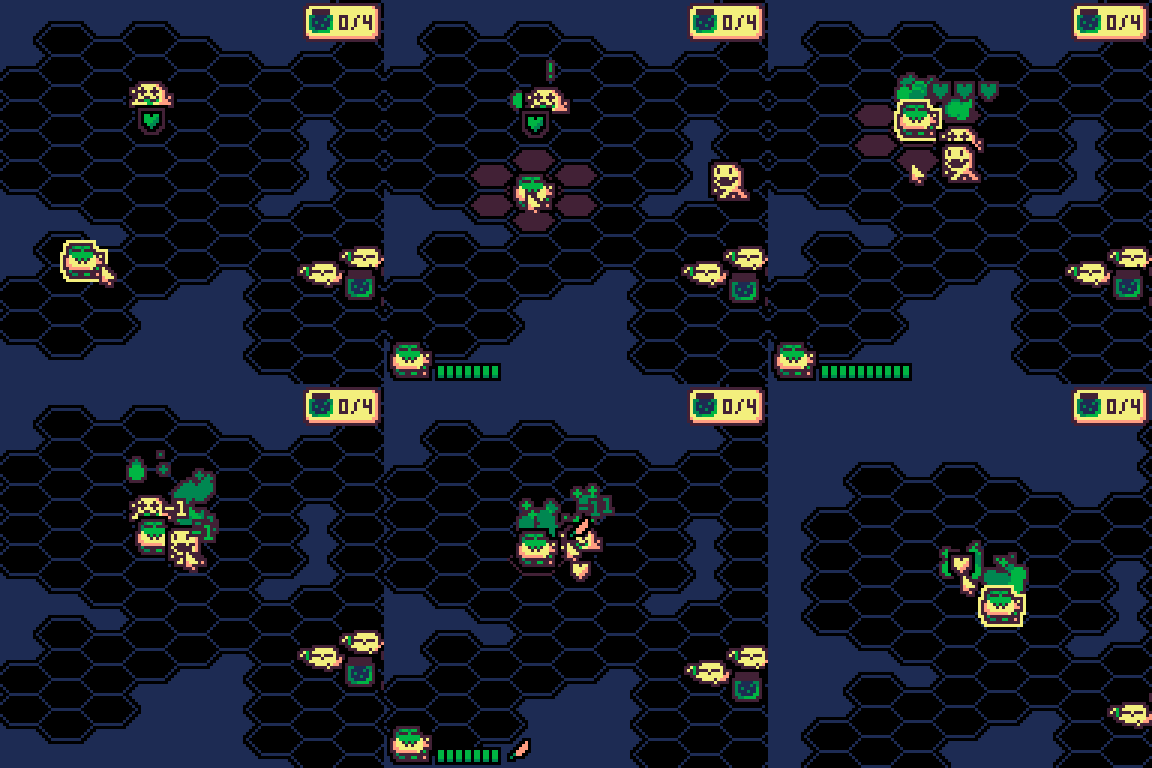
This article will cover my mistakes while sharing my lessons during the development of "Frogs vs Ghosts". It took two months to make it realize it wouldn't ship and will continue to go unshipped. It reached the finish line (without polish), but it was not a good game. The two greatest reasons for this were: OVERSCOPING and LACK OF GAME-CORE.
Overscoping-
The worst mistake was made during the most critical part of the art process, choosing which project to pursue. I went over all my options, and chose the one I wanted to make the most: "Frogs vs Ghosts". I did not consider the amount of motivation and time it would take to finish my grand turn-based brawler/collect-athon with 16 characters (this sounds silly in hindsight)... That's a lie. I assumed I could replenish my motivation, and do more work in less time. This is a textbook example of overscoping.
 5 comments






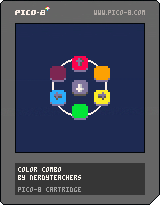
This prototype was made for Pico-View, a monthly web-zine hosted on NerdyTeachers.com.
This month's prototype is named "Color Combo". It is a template for building your own game similar to DanceDanceRevolution or Magicka.
The main mechanic in this prototype is to detect the combination of button inputs of the arrows in order to create different colors. This game has 6 different colors, which you can turn into elements, potions, weapons, anything! We kept it simple with just color matching.
- left = blue
- right = yellow
- up = red
The secondary colors are made by combining the appropriate primary colors.
- left+right = green
- left+up = purple
- right+up = orange
We decided to use down arrow as the submit button but you could include down as a fourth primary element, and increase the total number of combinations possible. We also only used a max of 2 input mixtures, but you could expand it to 3, but be careful because this will quickly multiply into too many possible combinations.
Go ahead and tweak, add, re-theme, and build whatever you want on this and let's make some great input-combo games!
Don't forget to share it here on the BBS with the tag "prototype-party" so we can see what you were inspired to create. And keep your eyes out for more in the coming issues of Pico-View!
Read the full issue here:
Pico-View #8 - August 2023: https://nerdyteachers.com/PICO-8/Pico-View/?issue=8
0 comments

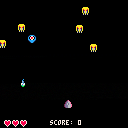

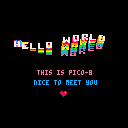
Hi,
We are TEAMJUVI (even tho were just a duo),
and we wanna make games for our enjoyment and others too.
We wanna start our journey right here, on lexaloffle, not only do we have the tools we need to make a game, but the simplicity of the PICO8/Picotron helps us (total noobs) to get a understanding on how the process works. We plan to upload our games on the BBS , Itch.io, Newgrounds, and heck maybe even a PS1. I look forward to be in this community with wonderful people with their wonderful creations.
PS: were not totally new but we still need help with some things.
Sincerely,
dyln (melodyl).
1 comment

I'm surprised no one has made a 3d PS1/N64 Style fantasy console yet. It should exist by now, there's a lot of people making fantasy consoles and using them, but apparently not. Would be cool to see though.
1 comment

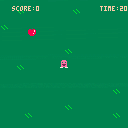
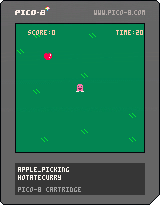
thats right, i made optimised sprite drawing for picotron, although, you might wanna have chatGPT do it for you...
function sprpt(s,x,y)
 if s=="star!" then
  rectfill(x+2,y+2,x+5,y+5,10)
  rectfill(x+3,y,x+4,y+1,10)
  pset(x,y+2,10)
  pset(x+1,y+2,10)
  pset(x+1,y+3,10)
  pset(x+7,y+2,10)
  pset(x+6,y+2,10)
  pset(x+6,y+3,10)
  pset(x+1,y+6,10)
  pset(x+2,y+6,10)
  pset(x+1,y+7,10)
  pset(x+6,y+6,10)
  pset(x+5,y+6,10)
  pset(x+6,y+7,10)
 end
 if s=="heart!" then
  rectfill(x,y+1,x+7,y+4,8)
  rectfill(x+1,y,x+2,y+5,8)
  rectfill(x+5,y,x+6,y+5,8)
  rectfill(x+2,y+5,x+5,y+6,8)
  rectfill(x+3,y+5,x+4,y+7,8)
 end
end
function _update()
 sprpt("star!",30,30)
end |
i spent more time on the star because even copy+paste does not save much
yes, admittedly, it does not work from data based sprites, its code based only! if you want an unoptimized lazy version, ill upload one later!
0 comments

Anyone know why the site was down for the past 7ish hours? maintenance? did we get hacked?
EDIT: DOWN AGAIN but it seems were back?
Ive also noticed its impossible to create posts/comments. strange. at least edits work?
@zep do you know whats going on? are we getting ddosed?
it also seems that times are incorrect. i am editing this at 10:09 GMT-7 , and the edit date is wrong.
edit 2: seems posts are back? someone posted abt their movement system, so i guess posts are back. comments still dont work. very odd.
edit 3: i guess posts are gone again. maybe its a me issue. someone try posting.
also ive noticed that if you try to post and cant, changing "pid=" in the search bar to "pid= any number" will, if there is a corresponding post, let you view that post as if you were editing posts. even drafts.
edit 4: ive still been getting update notifications from the automated lexaloffle thing, but the links are wrong. maybe an api is down or something broke somewhere.
5 comments


I need help! I have bought it and got that files, then I downloaded the files, but now what!?! there is no instructions and there is no videos on the subject. sooooo yeah, anyone know what to do?
1 comment