





Hi Zep,
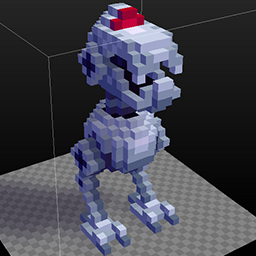
I noticed that when you pick up the sword the player is equipped with the body animation. I made a body animation for the laser gun so that the player is actually holding something, but it didn't work. The weapon only shows when you're shooting. How do you show the weapon when it's picked up?


 3 comments

Hello everyone,
I thought it would be fun to make a community pass down of levels. For this pass down level experiment there is some important rules, PLEASE READY CAREFULLY.
The first person that posts will make the next level (ONLY ONE ROOM).
This means there should only be two posts for each level creator (ONLY LEVEL CREATORS CAN POST): One to save your spot to avoid multiple submissions and the second for the attached .png to continue the pass down. NOTE: I may post to help keep the rules in order.
Once the .png is submitted whoever makes the next post must continue the level pass down.
Other Rules:
You must make the destination from the previous room to your room only. If you make a mistake the next person must connect the rooms.
The door should always be north and in the middle.
The room should only be the standard 128 x 128.
Make one block in the Block Folder and use it.
Make one object in the Object Folder and use it.
[b]Optional Rules
21 comments


I was playing with exporting and couldn't get console to open in-game. Is it still both shifts down? Thx in advance
6 comments


This is an experiment with switching player models. When henry leaves his (poorly furnished) castle, he enters a (sadly barren) world map as a tiny version of himself. In the world map mode henry moves slower (in voxels, faster in scale distance) and cannot jump.
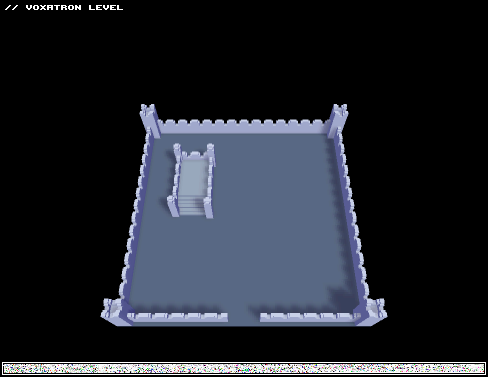
I achieved this using player modifiers triggered by player distance to a marker (distance < 500, so always while in room).
Edit: Found my error and updated the map.
0 comments

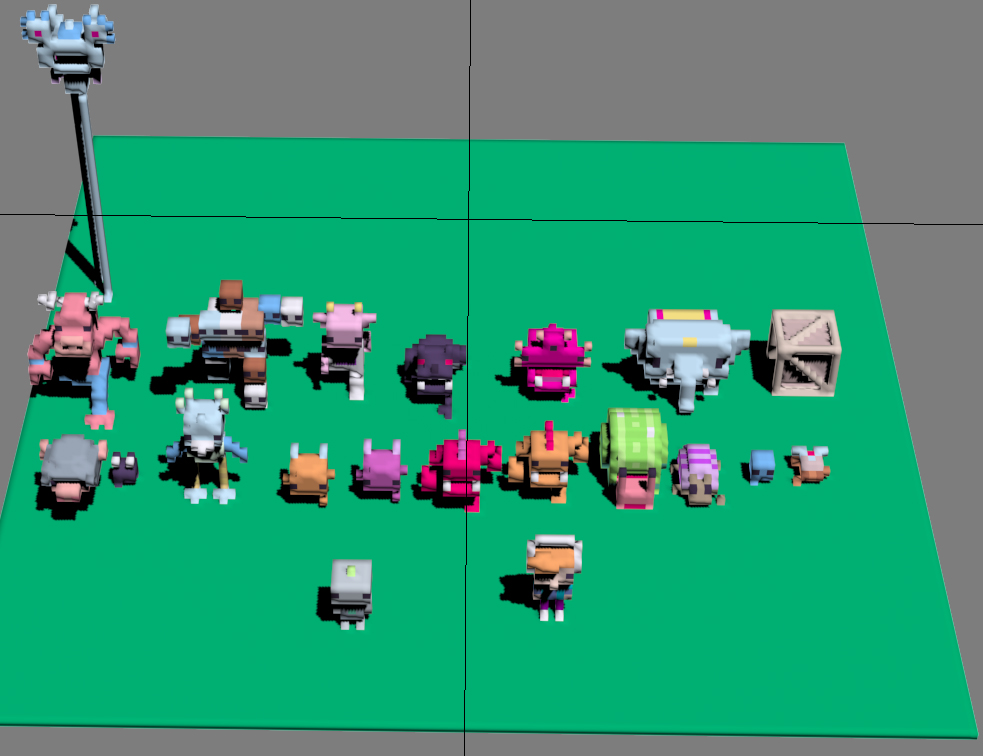

Voxatron is a really good game, but it can have a online multiplayer? I know it is very hard but it is possible? Is really good tink one day i will see voxatronians in a town.
0 comments
OK... i was creating a new level, after make the character, i started to create the rooms, but, the teleport no work, i tried all, but nofhing works, i tried the classic door but i no find the destination point. ANYONE CAN HELP ME?
5 comments


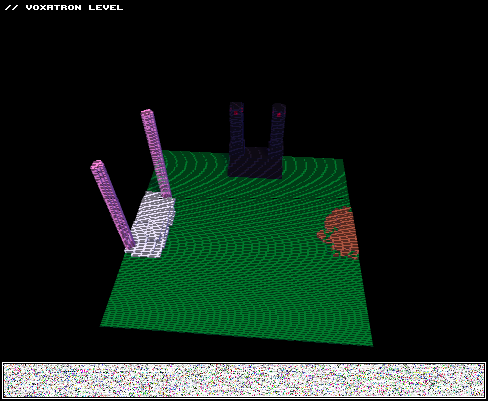
I suppose you could take this as a showcase for some stuff I've been working on.
Dig a little deeper in the editor to find some other goodies.
The first and second wizard are pretty unpolished, so they may be a bit too easy. The final wizard is the most polished and the one I worked on for the longest, so it may actually pose a challenge.
Feel free to make suggestions on how to improve anything you may find!
0 comments
Follow the path, and the bridge will appear as you go to cross it.
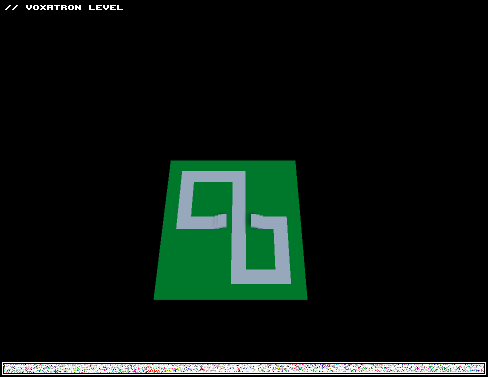
This is actually two rooms, one without and one with the bridge, with doors set of to jump between the rooms to make it appear as if the bridge is appearing and disappearing. It shows what I want to do, but I want this without switching rooms.
I can make the same effect with triggered props, but it will only work once, or as many iterations as I've placed duplicate props for creating and erasing the bridge. As best I can tell, once a prop is triggered, it cannot be triggered again.
I believe what I need is emitters. Unfortunately, I haven't managed to get them to work at all. :'( So, before I go back to banging my head against the wall, is what I want even possible? Can an emitter emit a prop? If so, how? I'm stumped.
2 comments


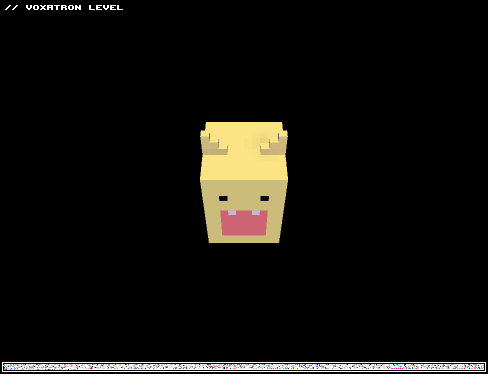
Title: Melon Munch
Version: Final
Type: ?
Difficulty: 3/5
I modified one of Zep's mobs, but everything else I created.
I wanted to make something that would not involve too much of my time. I have some other projects in the works that I may ask someone to help me with if they are interested.
3 comments

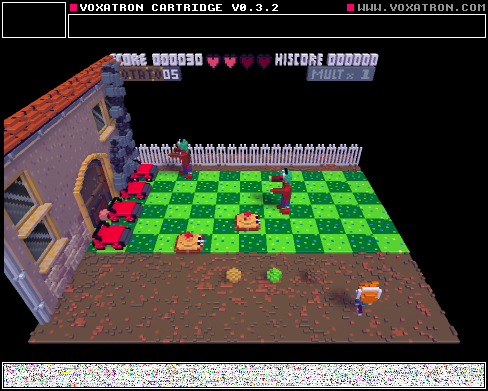
Fixed player dying in the second room bug.
This is just a gameplay mechanics test, not a complete game
Fill free to remix :)

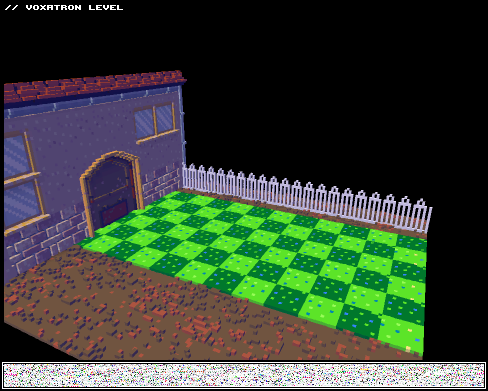
Updated plants vs zombies games mechanic test :)
9 comments



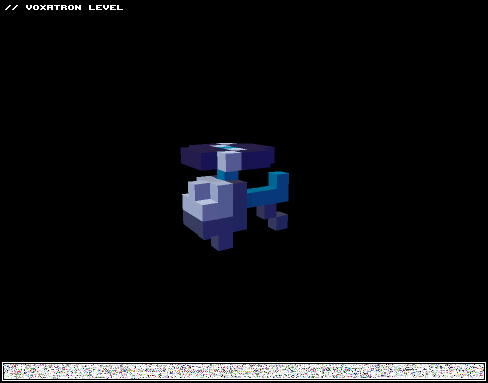
I was messing around with the new 'player' object. This player has its own set of controls, and I'm still trying to figure out how to do weapons for it. The model is loosely based off of Gastly/Haunter/Gengar pokemon (very loosely).
-Controls-
You can move normally.
SHOOT (the specific button not the directional keys) - releases a burst of gas in all directions, high damage, getting hit in this state will always result in death
JUMP - triggers a brief but quick dash, allows you to phase through monsters and absorb bullets
0 comments

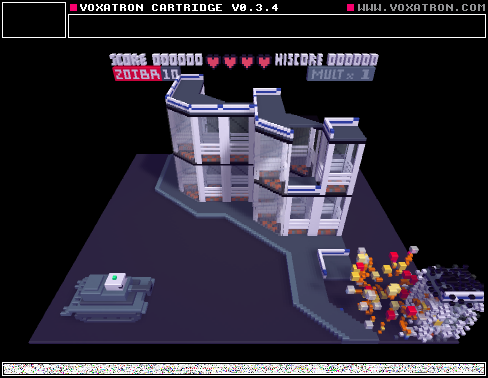



Hey All
Voxatron 0.2.11 builds are now up, and will shortly be up on Humble Store (check the version number in the filename). If you don't have a lexaloffle account (Games > My Games) and would like one, you can activate it from your humble store page (see this thread). To update from a Humble Store account, search your email for the download page link, or request a new one here.
v0.2.11 is mostly a bug-fixing update, but it does include one new type of object: fonts.
To use a font for drawing into a prop, make sure it is the only one selected as 'default font' (I'll make that easier later!), and then while editing the prop, open the console (escape) and type @Something. The text will be drawn in the currently selected colour.
Note that it's case sensitive, and the default font included only contains capital letters. To make your own font or extend the default one, just add the characters in any order and name them as themselves.
A couple of things I've bumped to 0.2.12 to get this update out earlier are the music importing bugs and also importing Qubicle .qb models. But next up is better documentation and some more tutorial carts!
Changes in v0.2.11:
Added: Fonts
Added: Collide events for particular sides
Fixed: Draw text command
Fixed: Shoot button triggered by movement button events
Fixed: Missing voxel cursor
Fixed: Actors can fall through thin pieces of floor
Fixed: Rotated non-square actors get stuck / climb walls
Fixed: +1 Life logic
Fixed: Sword base weapon starts as peagun for single shot
Fixed: Microscript DEF_ID, OBJ_ID selectors
Fixed: Paste into current item crashes
Fixed: Crash when saving world state
Fixed: Can draw boxes in title screen with mouse
Fixed: Freeze pickup destroys falling debris
Fixed: Bullet leaving debris incorrectly
Fixed: Crash for short rooms
Fixed: Invalid extend_walls value handled robustly
Fixed: LERP over 0 seconds crash
Fixed: help tip drawn over top of checkboxes
5 comments

welcome stranger!
post any suggestions here so the bbs can be more organized, please.
here you will find the link to voxatron's manual. (it's a work in progress)
79 comments



Version: 0.2.10
Platform: Linux (very messed up)
I get a Segmentation Fault in the level editor as follows:
- Edit a new room.
- Set the floor to NONE or VOID
- Place a block for the player to stand on such that it is at least 1 voxel above the bottom.
- Align player above said block.
(prior three steps are to prevent player from flying up out of the room of falling down out) - Enable extended walls feature (check box in EDITING ROOM box.
- Set the associated Z value to some value above 63.
- Start the play test of the room.
- Shoot.
If the value is set > 63, it seems it is clamped to 63 (the bottom of the room) for movement collision detection, but bullet collision detection does not seem to be protected and crashes immediately.
Now, why was I setting it to 127 instead of 63? Wetware bug, of course. :P
Edit: Fixed in 0.2.11
1 comment
*Edit
Howdy, just checking to see if this level file is attached to this post
A short level I've created to test out some of my custom enemies and weapons, it's eventually going to be part of a much bigger level. feedback is welcome.

 5 comments
