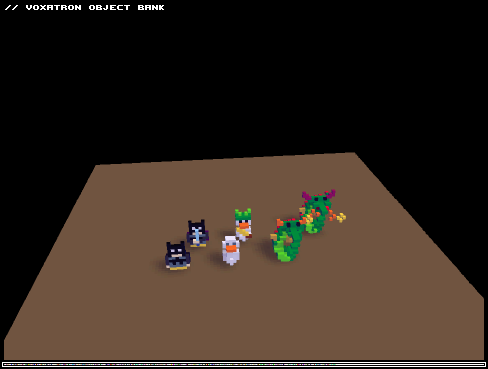


Another strange problem I've got. Started Voxatron shortcut as usual, intro shows... But when I press enter to skip intro or any other key... Game seems to not react at keys. After being able to use Alt-Tab after few seconds, l I notice in background that it tries to run Voxatron 3-4 times with no reason at all.
After switching and trying to close them, another anomaly comes. It seems that game somehow makes itself into fullscreen mode which is actually windowed. However, this "Windowed" mode forces mouse to stay on top left side of screen, not possible to control mouse even after unfocusing window.
I've had to terminate them with some difficulties through Task Manager, or when I can't even do that, I have to wait for every vox.exe to load and select quit.
Problem about this is that game shortcut was selected after double clicking, but game itself didn't capture the keyboard, so it caused to re-run game again. This could be really annoying for some people. I can't confirm is this affected by windib 1.
At some point right now, I don't see a point running game twice on screen as it's memory hog with no purpose IMO. Maybe ask user to check is game running, and if it is, terminate it or switch to it.


 0 comments



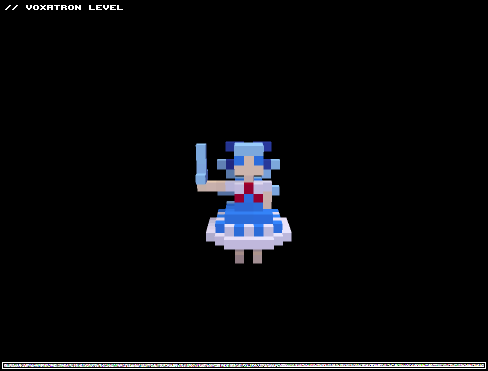

It might have gone unoticed, so I post it here : the second screen of "Viking Adventure V.2" crashes voxatron (including me) for many players.
The thread is here : https://www.lexaloffle.com/bbs/?tid=797
0 comments
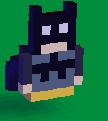
Check out my first three characters. Play as the Duck, Batman or Dragon. I put some effort into the animated attacks. Would be really good if someone could animate the Dragon so that his whole body moves as he walks. I've had enough of these for now though. Want to make some levels!
(Couldn't seem to get it to add the pic to the post)
0 comments


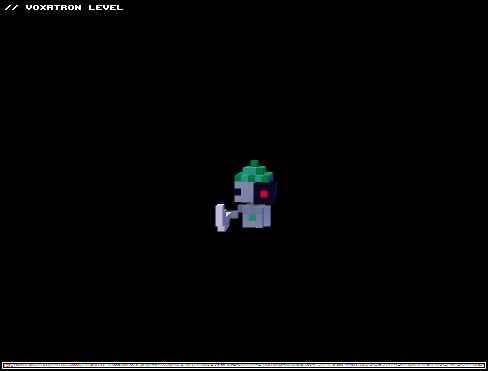

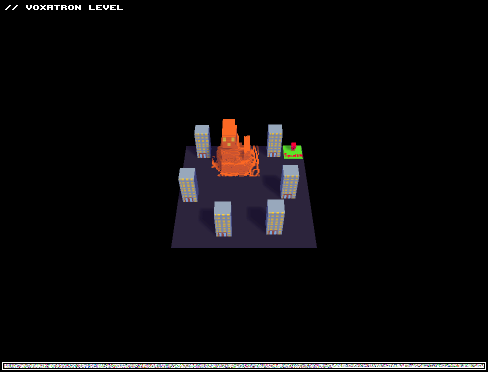

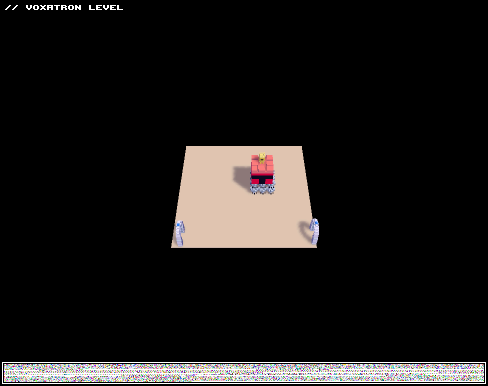


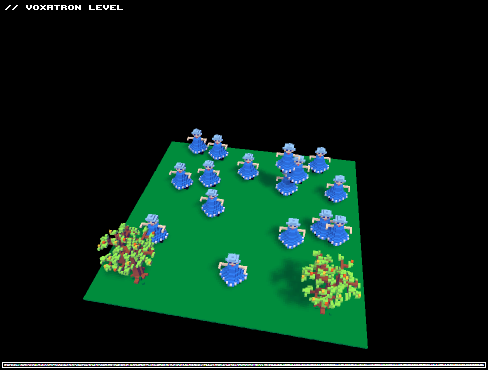


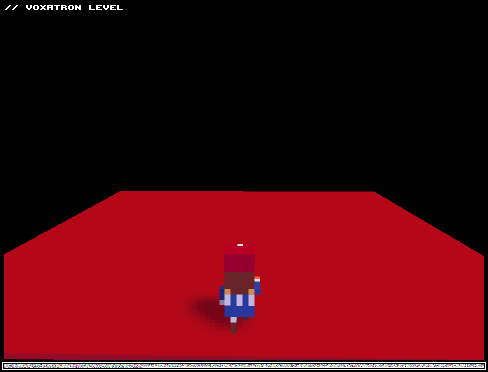
If you enjoyed this go check me out on Youtube http://www.youtube.com/user/WaffleGamingCentral?feature=mhee .
I suggest you download to make your own levels with the plumber. :)
WARNING: The game,in it's current state, loops forever. This will be fixed
1 comment


I got Voxatron via the Humble Bundle. I love it. However, something has happened to make it only run in Windowed mode on my HP Laptop (Windows 7). When I first got it, I was playing in full screen mode. However, the other day I went to play it and now it is in window only mode. And that sucks because the window is not resizable so the bottom is clipped off leaving me unable to see the bottom edge of the screen. And Win7 is very "helpful" and doesn't let me move the window up so far as to hide the drag bar.
The things I have tried:
A) Goto the Options menu in game and attempt to change from Windowed to Full Screen - Enter key does nothing.
B) Went to config file and changed Windowed 1 to Windowed 0 - does nothing
C) Downloaded the most recent version (1.6) from my Humble Bundle link just a couple of minutes ago - retested A and B and still stuck in windowed mode.
Any ideas on what I might need to do to finally return to full screen? Or is there someway to get the Windowed mode to maximize to match my desktop? I don't have to have full screen. I just cannot play the game with the current windowed mode.
2 comments



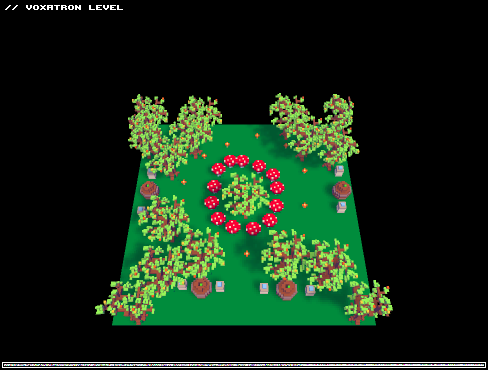
Oh no! Foliage is spreading all over voxatron! It's even started to mutate monsters! Help save Voxatron by destroying the foliage! Can you stop the invasion before it's too late?
0 comments



So when I make a new object in editor, sometimes my work are disapiring after I used shotrcut to undo (ctrl- z), after that reundo doesn't working and i must start over again.
8 comments






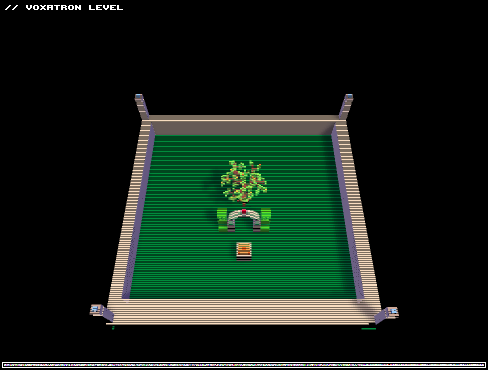

Today I planned to buy the game for a friend, but when I got home to buy it, there was literally 1 minute and 30 seconds of time to buy it. Anyway, I think it was quite hilarious, but is there a record what was the time of the last purchase of the game? I want to know if someone beat me.
1 comment



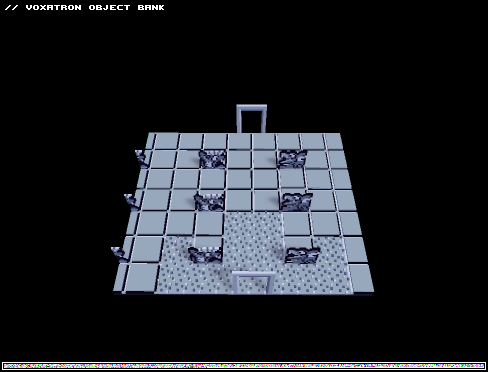
FINALLY, this is ready to use. I fixed my last blunder of saving it as a png instead of a vob, so now it's more convenient to use.
Copied description from previous: "I made this object set, based off the dungeons in The Legend of Zelda, and intended to make a level with them and then release the objects, but I've been too occupied with other things to actually make it. I WILL get around to making levels with this.
All objects in dungeons, excluding staircases and items, are here. I copied them directly from screenshots, pixel by pixel, with the exception of the doors, which I made myself, because I could find no way to make the actual doors from the game look proper, given Voxatron's camera angle, and the "angle" of the original graphics on the NES.
I took the liberty of giving the tiles and blocks a little dimension, so they don't just look painted on. I would have done the same for the statues, the old man, and the fire, but I couldn't find any way to do it without it looking awful.
I made a test room just to demonstrate how it can be used. I'm throwing this out there for anyone to use. Maybe I'll do this again in the future with a different game. Probably Dragon Warrior.
Edit: Just remembered about the existence of VOBs. Oh well, anyone who wants to use this can just open this level in the editor and use the objects like that, right?"
1 comment


I can't respawn in a level in the beginning of the game, so I'm stuck and can't continue. I thought I should report the bug, because I absolutely love the game!
Here is a link to my save file. I uploaded the whole save game folder as a Zip-file to Dropbox.
And here's some information about my system:
Distribution: Arch Linux
Kernel version: 3.1.0-4-ARCH
SDL: 1.2.14
Lib C: 2.14.1
Video card: NVIDIA GeForce 230GT
Video drivers: NVIDIA 285.05.09 for Linux
About the circumstances: I think I left my desk for quite some time, and when I returned, I couldn't respawn. That's it, I think.
0 comments