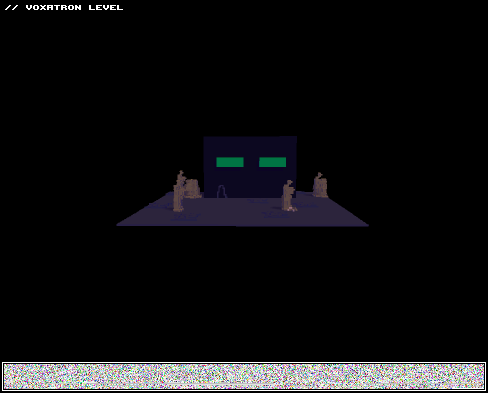
Hi! :)
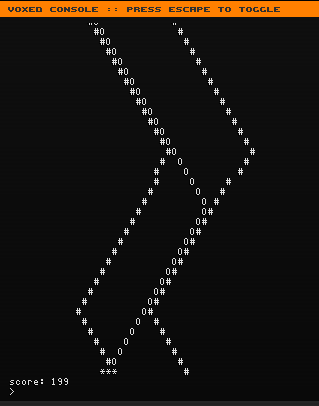
You tried the race-minigame/easteregg? No?! Open Voxde (that editor) and type "race" inside the console! Ta-da!


 4 comments







I am on Ubuntu Studio 11.04 (AMD64) and I have been unable to run Voxatron without a crash immediately on getting to the main menu selection screen, looks like some sort of ALSA bug, dunno what exactly:
$ gdb /opt/voxatron/vox
...
(gdb) run
Starting program: /opt/voxatron/vox
[Thread debugging using libthread_db enabled]
[New Thread 0xf5bdeb70 (LWP 11461)]
[New Thread 0xf43d2b70 (LWP 11462)]
Program received signal SIGSEGV, Segmentation fault.
[Switching to Thread 0xf43d2b70 (LWP 11462)]
0x0809e370 in update_mix_channel ()
(gdb) quit
$ cat ~/.lexaloffle/Voxatron/config.txt
video_mode 1024 768 32
windowed 1
force_32 1
sound 0
go_easy 0
sound_volume 256
music_volume 256
mix_buffer_size 1024
windib 0
opengl_blit 0
show_fps 0
large_window 0
version V0.1.4
ff_version 2
dummy 0
current_player 1
path
super_sample 0
soft_shadows 1
control_type 0
// controls setup
//keys
control_dat 0 0 0 1 276 0 1 97 0 0 0 0
control_dat 0 0 1 1 275 0 1 100 0 0 0 0
control_dat 0 0 2 1 273 0 1 119 0 0 0 0
control_dat 0 0 3 1 274 0 1 115 0 0 0 0
control_dat 0 0 4 1 120 0 1 118 0 0 0 0
control_dat 0 0 5 1 122 0 1 99 0 1 32 0
control_dat 0 0 6 1 106 0 1 260 0 0 0 0
control_dat 0 0 7 1 108 0 1 262 0 0 0 0
control_dat 0 0 8 1 105 0 1 264 0 0 0 0
control_dat 0 0 9 1 107 0 1 258 0 1 261 0
//keys + mouse
control_dat 0 1 0 1 97 0 0 0 0 0 0 0
control_dat 0 1 1 1 100 0 0 0 0 0 0 0
control_dat 0 1 2 1 119 0 0 0 0 0 0 0
control_dat 0 1 3 1 115 0 0 0 0 0 0 0
control_dat 0 1 4 2 0 0 0 0 0 0 0 0
control_dat 0 1 5 2 1 0 1 32 0 1 304 0
control_dat 0 1 6 2 6 0 0 0 0 0 0 0
control_dat 0 1 7 2 7 0 0 0 0 0 0 0
control_dat 0 1 8 2 8 0 0 0 0 0 0 0
control_dat 0 1 9 2 9 0 0 0 0 0 0 0
//joystick
control_dat 0 2 0 4 0 0 0 0 0 0 0 0
control_dat 0 2 1 4 1 0 0 0 0 0 0 0
control_dat 0 2 2 4 2 0 0 0 0 0 0 0
control_dat 0 2 3 4 3 0 0 0 0 0 0 0
control_dat 0 2 4 3 1 0 3 2 0 0 0 0
control_dat 0 2 5 3 0 0 3 3 0 0 0 0
control_dat 0 2 6 4 0 0 0 0 0 0 0 0
control_dat 0 2 7 4 1 0 0 0 0 0 0 0
control_dat 0 2 8 4 2 0 0 0 0 0 0 0
control_dat 0 2 9 4 3 0 0 0 0 0 0 0
Is there something I can do to turn off/disable sound, or some workaround to use something other than ALSA? I'm normally using Jack, with ALSA compatability set up .. normally works fine, but not in this case.[box=ffd030]
2 comments



hey guys! check out this third video. any requests? just send them to me on youtube or here!
2 comments


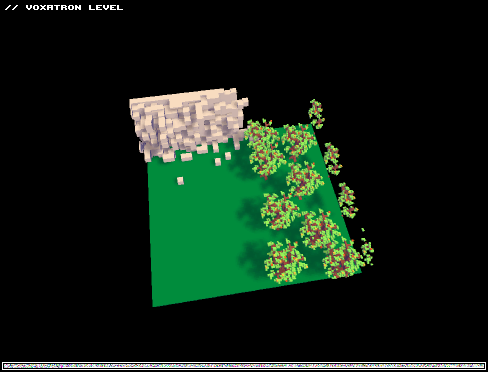

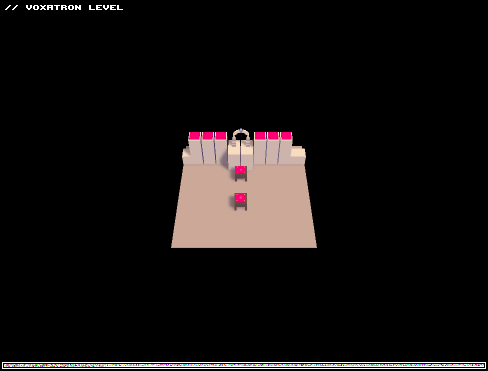

I was working on the editor and two times, the windows closes when I press a button. This was not when I re entered the windows, but I was in voxatron the entire time. One time was when I pressed ctrl-a to select everything and one was when if i remember correctly selecting a color or resizing the stage. Both of these crashes where between a restart.
It also did not appear to be not responding when it crashed, and windows gave no crash reports, the windows closed gently, fading away just like any other windows in win 7 aero. In addition to this eerie crash, other games, such as half life 2 have had lighting problems, physics problems ( a heavy electric cable floats in the air). I am guessing my processor is doing a divide by zero equation.
If you have a fix for this, or anything to contribute to find the cause of the problem, please reply.
my system:
pentium dual core 2.0 ghz
4 gb ddr3 ram
intel integrated graphics with 1.7 gb of ram
windows 7 home premium 64 bit
4 comments


Some of you create fairly long levels, with 10 or more rooms. In some cases they're quite hard. Then you spot some bugs and release a new version. Then a couple more bugs and another version. It's exhausting and sometimes just boring to play the same rooms over and over. The first rooms will get the most testing, but if you're working on a level you typically add rooms at the end.
The solution ? Warp zones.
I haven't made a single level so far (but I will), but it should work. Simply make the first room in the level a "teleporter central" with diamonds leading to various stages of your level. For instance your initial room could have teleporters to room #2, #5, #10, #15 and so forth. This would allow people who played your level before to test only those parts that changed. Bonus points for actually telling people which rooms changed. Then, once you consider your level complete and bug-free, you replace the initial Warp Room with something else, even a simple road leading to a gate.
Please do this.
4 comments




Eamon requested the robot as a _char, so I did it. Have fun editing!

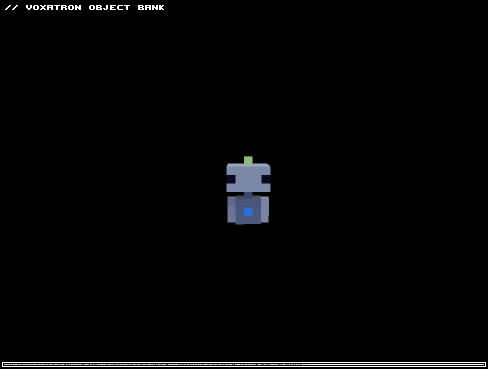
Don't forget to set your VOB (Voxel Object Bank) to 6, otherwise you would probably overwrite any other objects!
9 comments


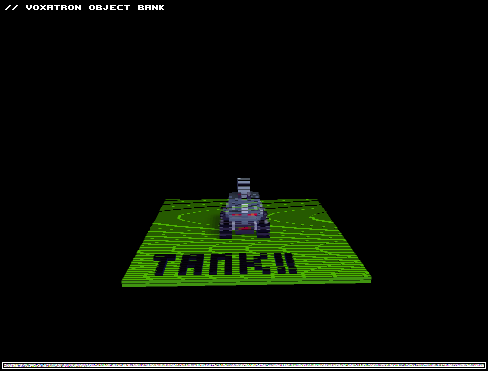
A simple tank to replace your character as shown (And requested!) elsewhere on the forums. As I mentioned there, These are based off a 16x16x16 frame rather than the 'proper' 15 15 16 one so some slight clipping may occur, Though I haven't had any truly terrible collisions yet.
VOB library might load in another slot besides 6, So you might need to move the frames to VOB6 manually via copy-paste. If so, Be sure the first frame is named _char or it won't work!
2 comments

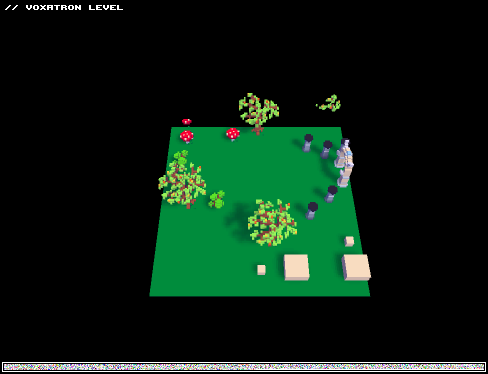
I'm new to Voxatron but i think this map is a good one
Enjoy :D
If you want more tell me and i will make better and longer maps
0 comments


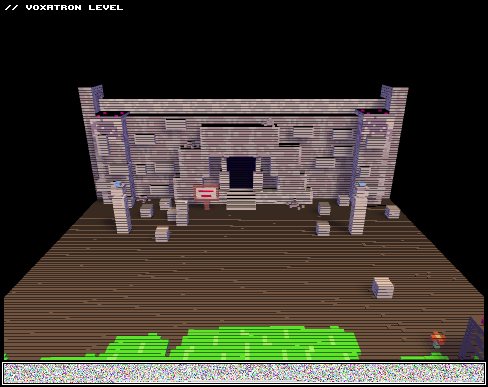
| HURR DURR NEW VERSION |
(old for now)
+more levels (6 new levels)
+changed some shit
EDIT:
latest version
V.2
0 comments


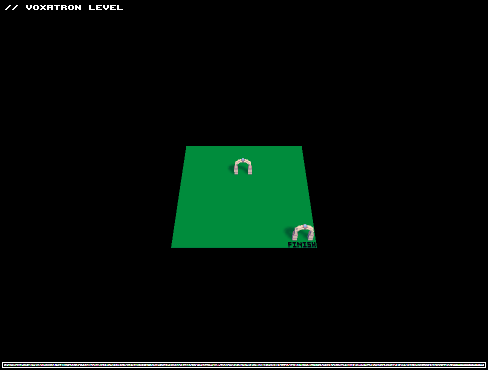
Just a little practice map involving the smallest enemies and a looping map cycle. You can end the game after each round by travelling into the portal marked "finish" or keep going to get a higher score.
0 comments

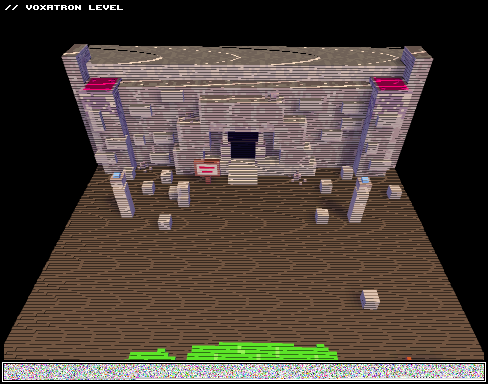


Hello!
This is my very first post and level.
I have been working on this for a few days, and it seems good enough to get an opinon on.
Please be welcome to comment anything that you like, would like to change, and that you want added.
Remember that this is a alpha map, so don't juge so harshly!!
Sincerly,
Joex (Minepow2)

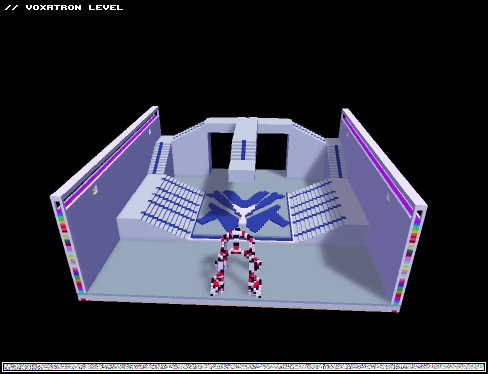
11/12/11
Next release Info:
-Include a room section room (only for testing, will be removed)
-Include a "shop" were you may fight for the item you desire
- Trigger for the shop will be in ever main room and before boss fights and will bring you back to the room you left
-Treasure Chests that when broken will contain items and keys that will open new areas of the world
-RELEASE BY 11/19/11 STAY FROSTY!
11/11/11
-FIRST release CODE NAME .01ALPHA
-Contains two rooms ( they are not planed to be in the order they are in when finished)
-Plans on making a two ending level, so that you can replay with a new set of rooms
-CHALLENGING but fun, or not?
++ROOMS LOOP YOU CAN NOT BEAT THIS LEVEL++
*Any feed back would be great! and suggestions even better!!
5 comments
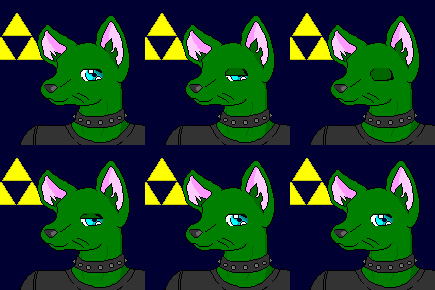


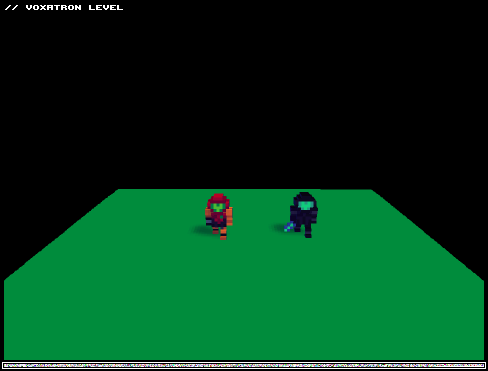
My first Character Model/Object for Level Creations. There might be some issues on clipping mask but I think if you place the objects carefully you can get away with it.
If you check #1 on Objects Tab, you can see Dark Samus in there, my plan was to make Samus transform into Dark Samus when she picks up a sword but the feet palette must be the same on the models or else it wont match the suit. Like Dark Samus' feet having the regular "orange" suit, lol.
edit:
i forgot to update the model on my objects 1 tab, failure. The Character Skin should be working though!
1 comment