


String Wrap Demo
This is just a small tech demo.
I couldn't find anything online helping me make a string wrapping function, so I made this, hopefully it helps!


 3 comments




A wallpaper/screensaver for Picotron inspired by From Rust To Ash's main menu.
I tried to make it as close as possible to the original, except for the repeating patterns. Points and their velocities are created at random.
I also used this to get my feet wet with Picotron userdata.
Settings
To edit the settings, just open the cart normally (not as the wallpaper) and new options will be available.
You can change the colors used by the wallpaper:
- background color
- line color
- point color
- or just use the system theme
You can also change:
5 comments


.jpg)


picopix 0.5
description
picopix is a utility for generating colored one-off characters using P8SCII. You can freely create, save, and load one-off characters with ease.
This software is compatible with any text fields where copy-pasted P8SCII is accepted.
The first 32 Picotron colors are supported. Black / 0 is used as a transparent color by default, but this can be changed by ctrl + clicking on a color in the palette.
Try it in-browser! Open Picotron's terminal app or a new text document and paste your creations freely!
hotkeys
Canvas Basics
- Left click: Paint pixel
- Right click: Select color
- Ctrl + Left click: Paint bucket (Not yet imp.)
- Ctrl + Right click: Paint whole canvas
Canvas Manipulation
- Arrows: Translate canvas
- Alt + E: Rotate canvas left
- Alt + R: Rotate canvas right
- Alt + D: Flip canvas horizontally
- Alt + F: Flip canvas vertically
Palette
- Left click: Select paint color
- Right click: Select transparent color
- Ctrl + Left click: Select both colors
- Ctrl + Right click: Select text color
File Storage
- Ctrl + C: Copy one-off character
- Alt + S: Save .pix
- Alt + W: Load .pix
fun facts
What is P8SCII?
P8SCII is a set of control codes commonly used to alter different parts of the printing process, such as text color, decorations, fonts, etc. These codes can be used to manipulate text all throughout Picotron.
One of the special commands made available through P8SCII is:
\^:
This command allows us to specify character data much like we would a sprite. This data can then be drawn to the screen as an 8x8 character, just like any letter or number you can type with your keyboard. This is called a one-off character.
By utilizing this and other control codes we can overlap multiple one-off characters to create multi-colored emotes!
Can you make an emote for me?
I already have, check the Presets folder in the Load pop-up window! But I'm planning on implementing LXO integration so that you can download emotes from other people with ease.
Can I steal your code?
- Yes, by all means!
roadmap
0 comments





Controls
↑ Program (Beat on/off, Bank 1, 2, 3)
↓ Keyboard
←, → Select Note/Program
X Play note
Z Bend note
Waveshredder
Shred to your favorite country's music. Classic beats available from China, USA, and Spain, along with their unique musical scales.
This game was inspired by Ikinari Musician, an old Famicom game.
I wanted to add square wave but I ran out of SFXs.
BANKS

|
[16x8] |
1 comment


An Efficient all-in-one Solution!


Demo Controls
- Arrow Keys - Move (Down arrow to fall through platforms)
- C - Jump (Demo has a controlled jump and double jump)
I did my best to optimize this, so rect_hbox(), at max, uses 0.0732% of the CPU per call!
If you aren't making a platformer, remove any instances of 'floored' and 'walled'.
Usage
x,y,xv,yv,walled,floored=rect_hbox(x,y,dx,dy,xv,yv,platcol)
- x - X position (#)
- y - Y position (#)
- dx - Hitbox width + 1 (0 to 8)
- dy - Hitbox height + 1 (0 to 8)
- xv - Horizontal speed (-8 to 8)
- yv - Vertical speed (-8 to 8)
- platcol - Platform collision (True/False)
Constraints
0 comments


Super Snake
I made a snake with a bunch of different game modes.
Inspired by Google Snake.
Arrows to move.
X to select.

This is my first project created to help me learn.
Let me know what you think.
Itch.io
0 comments





Made a myspace-like app called piSpace!
Name by @thattomhall
Wrapping logic by @WuffMakesGames
Experimental, and the profile maker is terrible; it's better to write a .pod file and drag and drop it, i'm sorry </3.
Possibly will add comments (63 total) using the space in a user's scoresub table.
@zep, please make it so you can tab sandboxed cartridges without forcing them to act like an editor... (like the pt wiki) would be perfect for this </3
You can now browse pages that have been published
2 comments


This is my new game, about ants eating bread.
Feel free to suggest features or bug fixes!
X to hit ants, Arrow keys to move
Don't let the ants snatch your bread!
Changelog
Previous Versions

 6 comments


Heya,
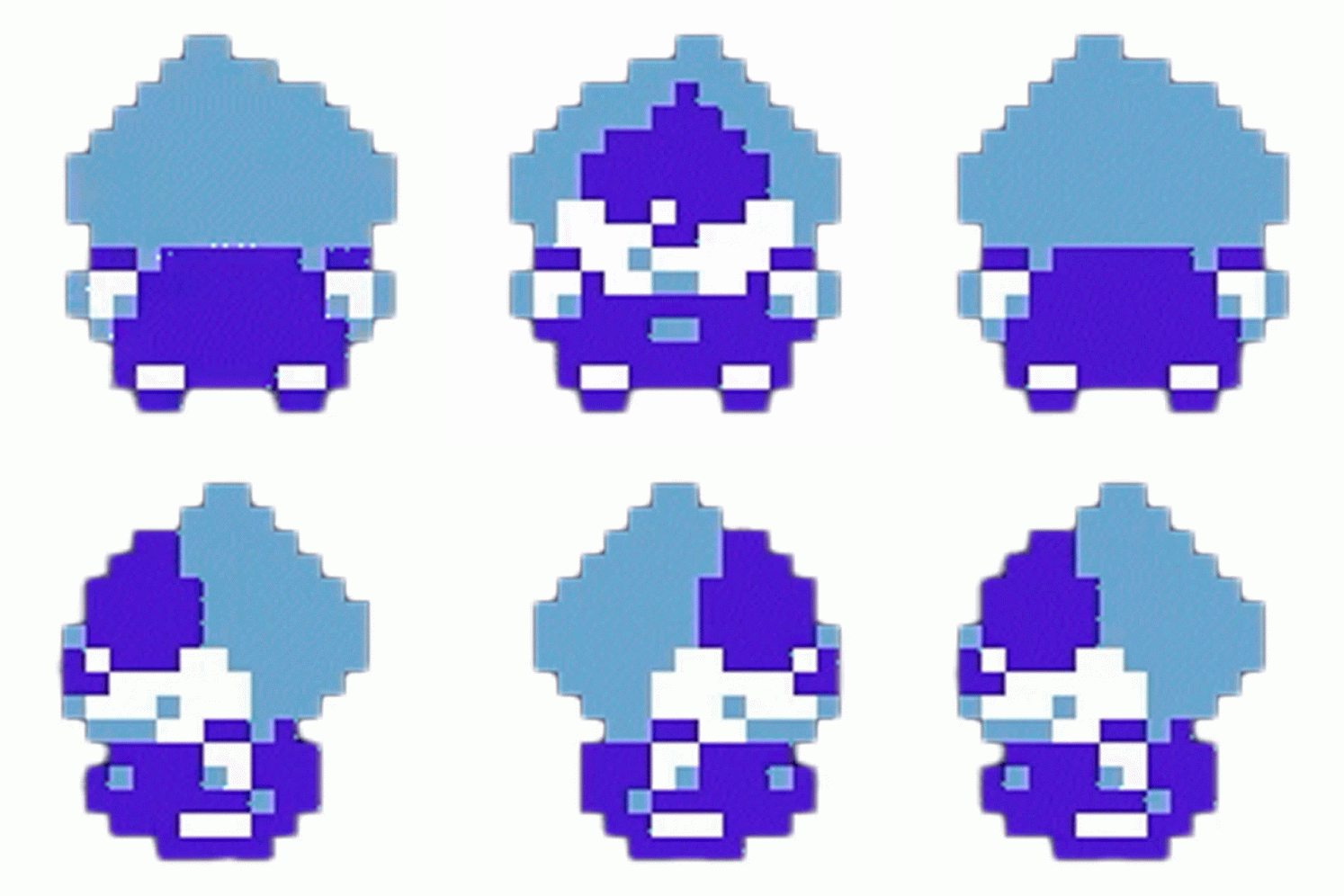
I've been working on a MySpace-like program today; part of this was setting up LXO icons.
I've thought that since 0 is transparent black, and 32 has been treated nearly universally as an opaque black; that this was the same case for LXO user icons? Even podnet does this (maybe unintentionally?)
Someone mentioned that you should always treat 0 as opaque when working with scoresub, so now I'm a little confused.
I feel like a lack of transparency in this makes icons look wrong or out of place, I was using transparency with my prior icon because it looked wrong opaque.
Much appreciated on any thoughts, most of me is still leaning towards 32 as opaque and 0 as transparent still.
Thanks!
0 comments





I am dealing with a program that is crashing due to an "out of memroy" runtime error despite stat(0) just returning ~1.8 million. I'm having trouble figuring out where in my program this crash is happening and how to debug this.
Are there any good tricks for dealing with memory exhaustion tracing? my assumption is that if I could just see a bit of my stack before crashing I'd be able to solve something here...
0 comments



Galaxy Hightail
A standard 2D, Arcade-styled Space Shmup where you must charge up your shots, shoot down asteroids, and avoid any and all things that fly your way in the depths of space! Inspired by many old-school arcade shoot em ups, namely Space Invaders, Asteroids, and Galaga.
Controls
Hold B (C on Keyboard) to shoot.
Left-Right (Arrow Keys on Keyboard) to move.
A (X on Keyboard) to disable star background (to help those with eyesight issues)
2 comments
