


PICO Cellular Automata
A configurable cellular automata made using PICO-8!
Itch.io Page -> https://stadam.itch.io/pico-life
CONTROLS:
X - Pause or play simulation
Z - Toggle simulation menu
HOW IT WORKS:
- Each new simulation will spawn a population of cells with random ACTIONS and SENSES
- ACTIONS dictate the movement behaviors of a cell
- SENSES dictate how far a cell can see
- Each generation of cells will die, survive or give birth depending on their neighbor count
- New cells will inherit their parent's behaviors, with occasional mutations
- Look out for emergent behaviors!
- TIP: If the game is running slowly, try increasing the number of GEN STEPS


 0 comments


Initially I just wanted to play other people's games, but I got fascinated by the PICO-8 editor and felt like making something of my own.
I used this project to learn the basics of the console and Lua. At first I wanted to make a minimal working Flappy Bird clone in one evening, but I ended up taking it a bit more seriously: refactoring the code and redrawing all the sprites in my favorite 1-bit style.
It had been a long time since I enjoyed programming this much. Working in PICO-8 feels lightweight and playful, and it was a real pleasure to fully immerse myself in making this little game.

|
[12x8] |
2 comments







I'm excited to share my first entry to a mini-challenge on SpaceCat's Skool website. The theme was "One button", and i did a demake of Canabalt. It's more of a prototype, and I join a mockup of what it could look like after some polish.
Crumbling buildings, corridors to squeeze through, boxes to kick, don't look down! See how far you can run before falling to your death! Enjoy!
 2 comments



[#utalasike-3


o lukin e musi ni la o pana e pilin tan utala! o toki tan utala. o musi pona!
pilin mi la musi ni li pini ala
nanpa 0.1.3 la namako ni li lon
- sike ale li ken mama e lili
- lili li ken ante e tawa sike
- sina ken pana e sike wile tawa utala
- (taso sike pi nimi ala li lon taso)
nanpa 0.1.2 la namako ni li lon
- sike ale li ken utala lon tenpo sama a!
2 comments

whats stopping me from just, using pico 8 EDU and making carts and posting them that way?
3 comments


I am making a background for my game, and have made a template for trees and mountains. I'm not sure which is better, what do you think?
Trees: (The current background)

Mountains:

Thanks in advance!
2 comments



Wizard Game


My first Pico-8 game I've made in years. Any feedback is appreciated. Kill all the wizards!
4 comments


Someone else most likely already did this, but I didn't find it, so I made it.
The font from the Commodore 64 to be used in Picotron.
Feel free to use it for whatever you like.
podnet://12855/fonts/c64.font
https://podnet.flp.io/12855/fonts/c64.font
You don't actually need the file. You can just write:
fetch("podnet://12855/fonts/c64.font"):poke(0x4000)
in your _init()-function, to change the font.
Example:
function _init()
	fetch("podnet://12855/fonts/c64.font"):poke(0x4000)
end

function _draw()
	cls(0)
	print("Hello World!")
end
|
4 comments


In Brazil, the agreste 🌵 is a transition area between the wet coast and the dry sertão — not fully desert, but still harsh and natural
This is a mod of Celeste Classic https://www.lexaloffle.com/bbs/?tid=2145
Thanks to:
- Matt Thorson and Noel Berry @noel to create the amazing celeste game in pico8
- Pico8 community to provide amazing feedback
12 comments





i did a web browser, uh yeah and also try pressing that question mark thing in the top right and scroll down until you find the one hyperlink there, thats where you get the bridge
note this will NOT work outside of the desktop version, maybe ill add a website constructor for people on the bbs, to where this project can still have some use taken from it.
2 comments
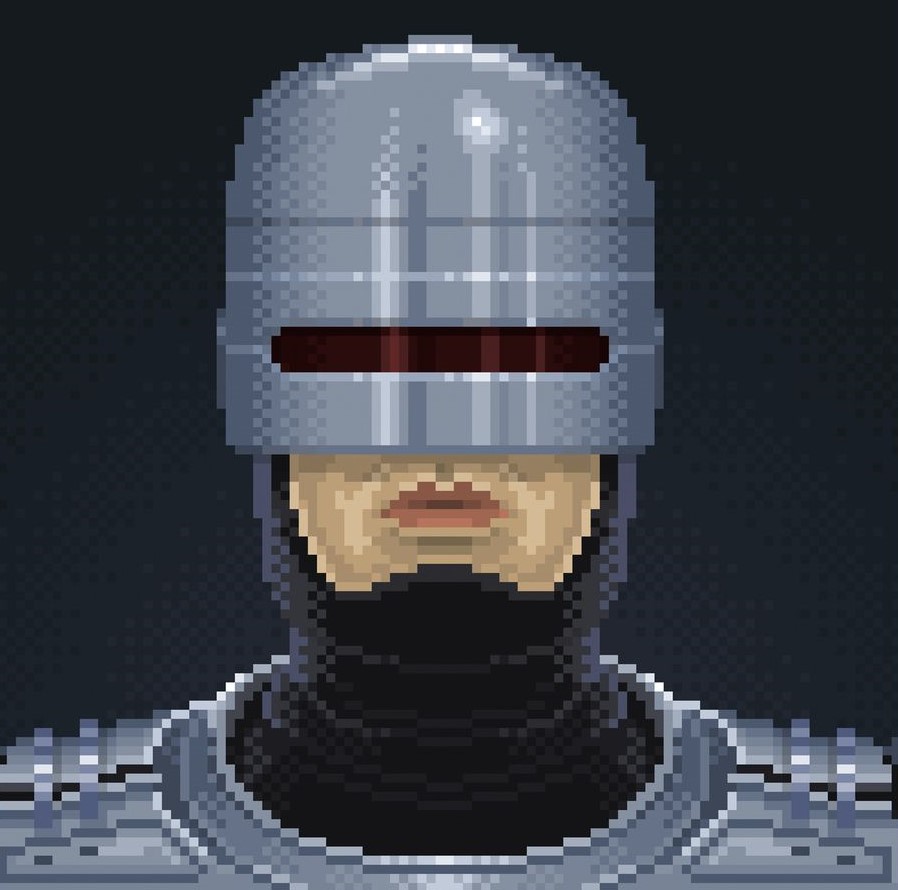


Hi all and thank you for clicking on my very first game, BotaPic!
If you are interested in the story behind it, you can check out my article. Amongst other things you’ll learn where the inspiration came from and what led to its development.
Here’s are the quick start rules:
Two players compete to build the highest scoring machine.
Each round, players draft tiles from a pool of 3 in the board phase. player 1 chooses first and last, player 2 chooses second
On the board, tiles are placed either in the middle column or in the player column, if they match the middle tile.
When middle tiles change, non-matching tiles are ejected and these tiles must be placed in your machine; connected them to the starting point to have them count.
To score points, you can connect same-coloured tiles (at least 3), attach flowers and fruits to similarly coloured pipes for extra points. You get extra points if your pipes have a small flower attached.
2 comments


Setup RG CUBE XX pico 8 theme

Notes:
- Always turn off your device before remove or insert the sd card
- ANBERNIC RG CubeXX bought on 2025. In case there is a new version
ANBERNIC RG CubeXX
Download Rufus
Download MustardOS 2502.0 Pixie
https://muos.dev/release/archive/2502_0
Instalation
- Use a good sd card (32 gb or more)
- Install image muOS-RGCUBEXX-H-2502.0_PIXIE-7c4e6a8f on sd card using Rufus
- Turn on your RG CubeXX and wait for instalation
- Turn off device and remove sd card
PICO-Cube Theme
- Download PICO-Cube.muxthm (PICO-Cube v1.4: Pixie) https://github.com/jimmyfinazzo/PICO-Cube/releases
- Place PICO-Cube.muxthm file on your device on SD1 or SD2 within the ARCHIVE folder.
- Insert the sd card again on your device
- Turn on the device
- Apps > Archive Manager > select PICO-Cube
3 comments


