

A PBM parser library
This library allows you to load PBM and PPM files, specifically ones with either the "P1" or the "P3" headers.
PBM on Wikipedia
Updates
V1.0
Initial release
V1.1
Added optional Bayer dithering to the P3 decoder.
Conversion
Below is some python code that can convert an image to PBM or PPM:
you will need to "pip install pillow"
P1 (B/W)
from pathlib import Path
from PIL import Image

ASCII_BITS = '0', '1'
imagepath = Path('checkers.png')

img = Image.open(imagepath).convert('1')  # Convert image to bitmap.
width, height = img.size

[ [size=16][color=#ffaabb] [ Continue Reading.. ] [/color][/size] ](/bbs/?pid=177705#p) |


 0 comments


@zep I was recording a GIF to test out some stats, not even pushing the limits, just recording and checking stat(321) a bit, if that helps, and I checked the output folder and it was completely wiped! Not sure what happened.
2 comments

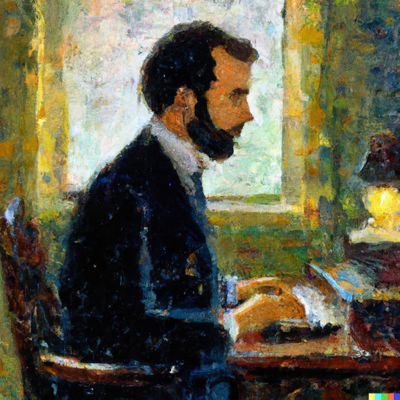


Caravan Angel, THIRD devbuild


There's no surprises as far as controls here. X and O shoot, the arrow keys move.
UPDATE: I have updated the game to the most recent devbuild!! There's still a bunch of tiny things to add, but I have all the enemies in. I've found that the optimal play is to sit in the middle of the screen with the highest upgrade and I'm wondering if using more bullet firing enemies will make this challenge a bit more fun. Otherwise, I like the balance of difficulty: a breezy shooting gallery with all power-ups and a desperate race for survival with none.
So...ya'll getting tired of LazyGameDev simple shmups just yet? :3 Hopefully you have love in your heart for one more! This one's heavily inspired by the caravan modes in Turbographx-16/PC Engine games. As such the difficulty is kind of low, but optimizing your score may take a lot more work.
6 comments



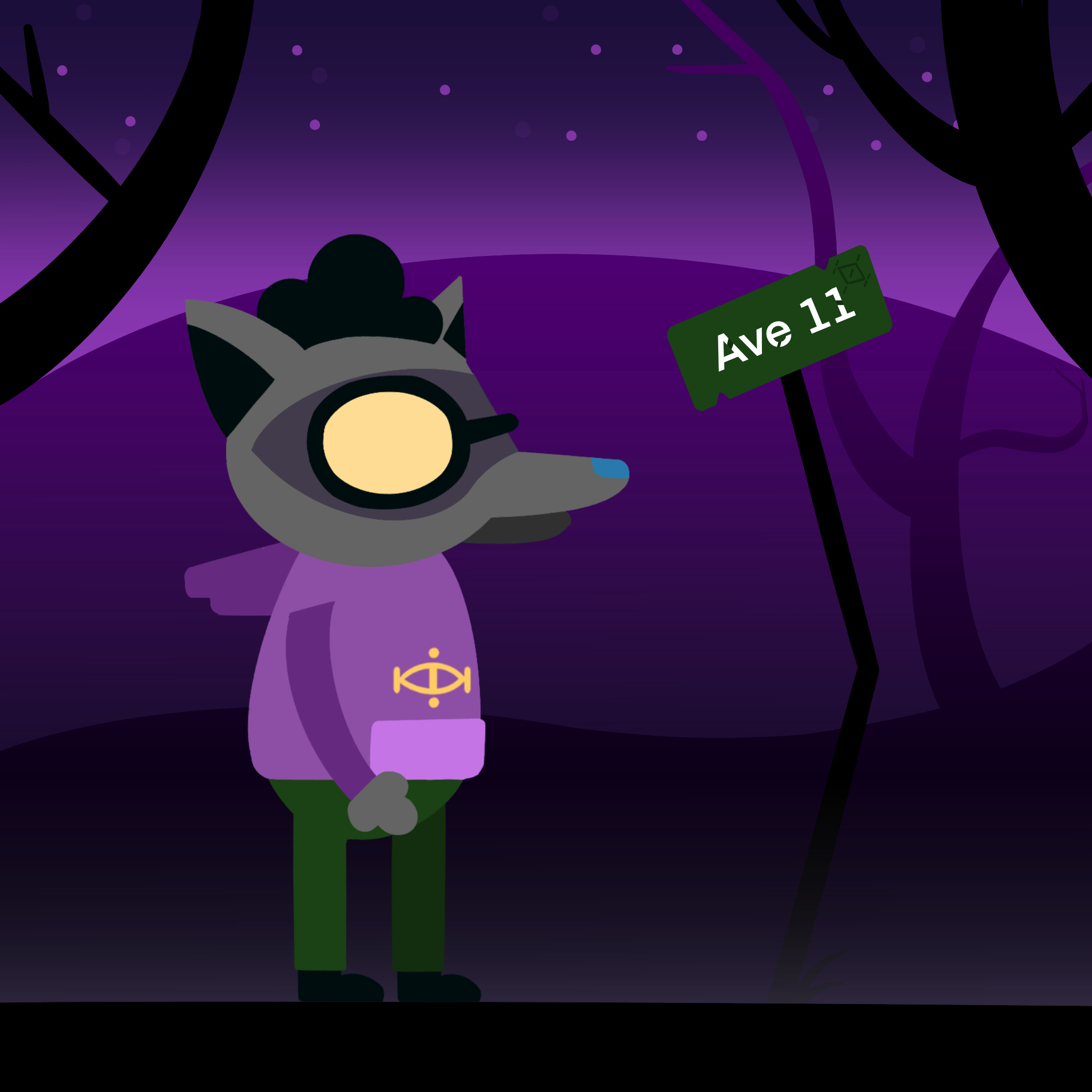


Umbra is a combat based story platformer. Play as Rem making her way through the world of Umbra trying to stop the forces of light from destroying your home. You're picked up by 2 mysterious strangers, they get you back to mostly full health, minus a missing arm, and send you on your way. Use the sword of the previous vessel to hack and slash your way to victory.
This demo only contains two levels and the tutorial. There's more on the way including a big boss fight so stay tuned!
This demo is also a sort of beta. I'd like to get opinions on it, so if you don't like something please do tell me, and likewise if theres soemthing you'd want more of also lmk! Thank you to everyone whose given feedback so far!
38 comments






Put together some documentation on stat() function with help from @Soupster
0 memory usage // triggers a garbage collection
1 cpu usage // try to stay under ~0.9 to maintain 60fps)
2 reserved
3 raw memory usage // no GC, so value jumps around)
5 runtime, system version
7 operating fps (60,30,20,15)
86 epoch time
87 timezone delta in seconds
101 web: player cart id (when playing a bbs cart; nil otherwise)
150 web: window.location.href
151 web: stat(150) up to the end of the window.location.pathname
152 web: window.location.host
153 web: window.location.hash
301 total cpu usage
302 unknown: local mapped_name = stat(302, i), something about scancodes
303 unknown: printh(" ul -> "..pod{stat(303), stat(301)\0.001, stat(304)\0.001})
304 unknown: print(string.format("\014cpu: %02d mem: %04dk syscpu: %02d awin:%02d", stat(1)\0.01, stat(0)\1024, stat(304)\0.01, awin and awin.proc_id or 0), 30,251,7)
10 comments







So I found an interesting approximation algorithm for converting to and from floating point data (bitwise not in a supported variable) but the issue is its based on the assumption one has u32 to work with.
I got some of the base code working in theory but the big int library doesn't work with byte anding and oring totally in a way I'm wrapping my head around entirely yet.
The problem is while I could do it one by one with a string, that would not be efficient.
Splitting bytes and relocating to just a high byte set on two variables should work but is melting my brain. Anyone else fall down this rabbit hole before?
0 comments


this is a prototype for my ms paint roguelike. simulating what it is like to be an artist
the rules are a bit cryptic. i didnt have space for a tutorial.
i have an explainer on the itch page.
https://isyung.itch.io/fruit-game-003
looking for someone to help make this a full game. i have a lot of ideas for enemies, canvas behaviors and upgrades.
4 comments


I recently upgraded my handheld. Out goes the original RG 35XX, in comes the RG CubeXX.
The stock OS (mine came with version 1.0.3) is actually pretty good and supports native PICO-8.
But I've decided to flash muOS on a separate SD card... And I don't reget it one bit! Experience is definitely superior, IMHO.
I could even enable the performance monitor. The steps are simple...
-
Make sure you run a cart and shutdown from the pause menu (do not press SELECT+START), so PICO-8 saves a default
config.txt. By the way, I prefer to always shutdown from the pause menu. SELECT+START is my last resource when a cart crashes to the prompt. - Open
config.txtin/MUOS/save/pico8. Change the line
map_scancodes |
to
map_scancodes 29=224, |
This will remap the L1 button to the left CTRL key. As the START button is already mapped to the P key, just press L1+START to open / close the performance monitor.
4 comments

(screen).png)


First pico-8 project here!!!!!
Just a ittle project without ending.
Controls:
Arrow Up / Arrow Down — change the selected upgrade (Samples / Amplitude / Frequency)
Arrow Right — buy the selected upgrade
Arrow Left — sell the selected upgrade
❎ (X) — press the main button to generate score
1 comment




Controls
For a 1 player game, use the Up and Down arrows to move the palette.
For a 2 players game, you can use W and S to move the second player palette.
Rules
This is a simple remake of Atari's classic Pong. Move the palette to throw the ball to the opponent and continue playing. The first player to obtain 5 points win the game.
Behind the scenes
This is my second game (first using Picotron). My goal was to make the game by myself, without following any tutorial, and I am very happy that I could solve all the obstacles to finally recreate Pong successfully. 😀
3 comments






Bullrush western
You need to provide for your family, so your task is to gather meat and protect the horses. Good luck!
Controls:
- move with arrow keys
- confirm with C
- shoot with X
- only shoot the bison
Have fun !
1 comment


I'm really happy because this is the first game I made by myself without following a guide :)
I referenced some info I found online when reading about collision detection and also a post I found regarding button press logic (to keep the function from being called again until the button is lifted).
Update - 2025/11/19
I fixed an oversite where the player was able to move in the opposite direction which triggered a game over. This wasn't really a problem on PC with a keyboard, but I quickly found it when playing the Pico-8 cartridge in a web browser from my phone.
I also added a title screen and updated the continue functionality on game over to account for this change rather than simply resetting the game.
1 comment