Hi all:)
I've recently started developing a shooter in pico8 and i'm loving it:)
This is my first post form my new setup. Hopefully i manage to be consistent at this and i'll look back at this in this 5 years and be happy about the games and friends i made along the line:)


 0 comments


A small, well-documented cart designed to show some of the very basics of physics simulation in code.
2 comments


Refreshed with final version! 5th september 2026 with more levels and now with bones that allow you to reduce gravity affection and jump safer!!


original post: Beta version of our first platformer, done by 8 years old Noa!
new version, now with life counter and end of game, plus hearts for life.
first refresh: Refreshed with more levels. We are still working on it!
Refresh september the 6th: some minor bugs fixed
0 comments
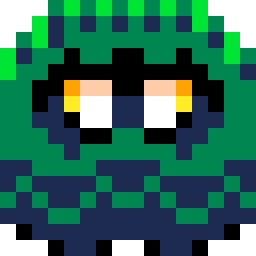


Hello Pico-8 players! Today I’ll be releasing Bubble Madness 0.2 sooner than I expected. It turns out it wasn’t that difficult to include the two new stages and the new game mode I wanted, so here is version 0.2 with the following changes:
2 new stages:
- Cosmic Calamity: A space-themed map where you must dodge meteors and space junk that is attracted by a planet.
- Between Trams: A map set between two mountains, with rail tracks where trams pass at different speeds. The goal is to dodge the trams to win.
In addition to that, I added a new game mode that features random stages each round. The player can choose which stages will be included. (To switch between choosing the mode or choosing the map/number of rounds, you must press the X button.)
0 comments
Hey,guys! I recently discovered Pico with a friend and we've started toward building games together.
I noticed VSCode had no support for Pico-8, so built an extension I'd like to share.
PICO-8 Enhanced for VS Code



> 🎮 Complete PICO-8 development support for Visual Studio Code
Turn VS Code into a powerful PICO-8 IDE with comprehensive API documentation, intelligent code completion, beautiful syntax highlighting, and more!
Perfect for fantasy console game development with PICO-8.
🌟 Why This Extension?
- 📚 850+ lines of comprehensive PICO-8 API documentation
- 💡 Smart IntelliSense for all PICO-8 functions
- 🎨 Beautiful syntax highlighting tailored for
.p8files
0 comments


Hi everyone.
I've searched the BBS and the documentation, but I can't find a way to tell which key was pressed in Picotron, something similar to pico8's stat(31) that returns the last character read from the keyboard. I know you can query each key with key() and keyp(), but I wanted to know if there's a method that directly returns the character or key that was read.
Thank you!
Best regards,
0 comments


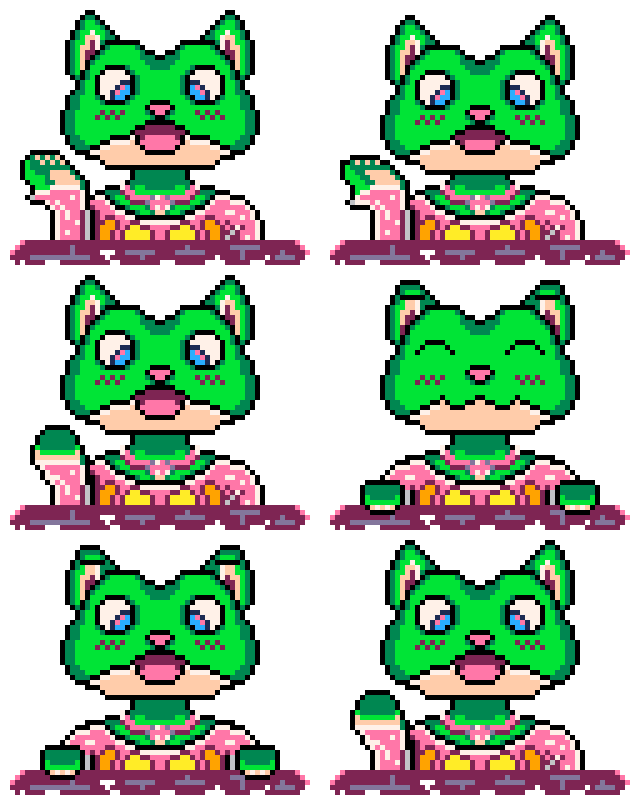





hey @zep! bug report:
0x5f54 (spritesheet remapping) is not resetting properly when I press ctrl-R in a running cart.
(The value at 0x5f54 is correct after resetting, but the data in the spritesheet is wrong)
I didn't test 0x5f55 or 0x5f56
minimal example
function _init() --move first row of sprites to bank 0x80 memcpy(0x8000, 0x0000, 64*8) --clear spritesheet to blue stripes memset(0x0000, 0xcd, 0x2000) end function _draw() cls() --draw sprite 0 from bank 0x80 poke(0x5f54,0x80) spr(0,0,0) --reset sprite banks -- poke(0x5f54,0x00) --uncomment this to work around the bug end |
Run this cart and mash ctrl-R: sprite 0 will only be drawn on the very first run. On all other runs it will be blue/lavender stripes
slightly larger example
Still pretty small, but it has a bit of extra code to narrow down why the behavior isn't working right

 0 comments


I made this in about 2 hours using my knowlege of python and watching a few videos on the syntax. Please share your comments and recommendations on how I can improve this game.
3 comments



.png)


Controls
-Up and Down to scroll through tabs
-O to click
-X to buy an upgrade
Versions
-V1: First release
-V1.05: Bugfixes:
-Button is only down when it is pressed; not toggled
-Prevented holding (basically spam)
-V1.1: Current version; critical hit upgrade added
12 comments


I was trying to change my wallpaper but I keep getting the message "can not set wallpaper from sandboxed process."
What I did was click the Picotron menu at the top left > System Settings > and then the wallpaper section under the desktop tab. This is without any custom wallpapers, trying to switch between the default ones.
Whenever I click a wallpaper it shows the error message. It only gets applied after a reboot.

Adding:
It happens on both my Windows 10 Desktop and Windows 11 Laptop.
4 comments




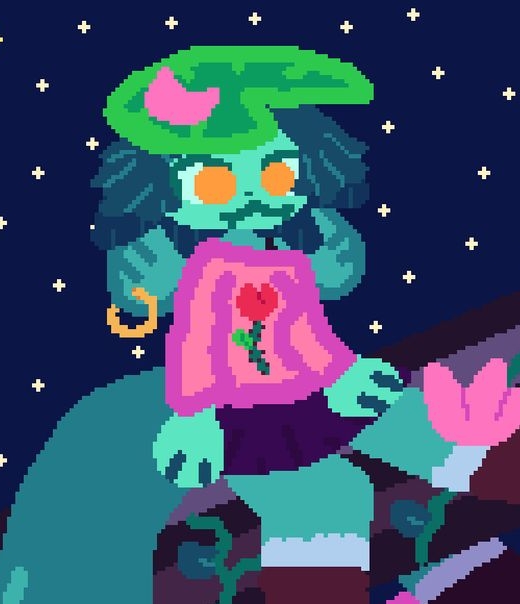


Speed tech is not required in most of this mod. You'll know when you need it!
List of tricks for the late levels: https://celesteclassic.github.io/glossary/
If flashing visuals can hurt you, please disable the effect in the pause screen after starting.
Huge thanks to these really cool people:
**
bacon_good - playtesting
flyingpenguin223 - playtesting
kikooDX - playtesting, getting me to release the mod, also inspired visual effects
petthepetra - playtesting, really valuable feedback, inspiration (foreberregd...)
wisper - playtesting, being way too determined
faith - idea for the 3d model, being an amazing friend (rest in peace bestie)
warspyking - playtesting (and recording it all- that was so nice)
8 comments




NoonShade | Multiplayer Duelling Game
NoonShade is a multiplayer game where two players try to out-duel each other in a best of 7 format. Both players can jump and shoot once per turn. The key is to fire your weapon exactly at noon. If you shoot before noon, you automatically lose that turn. The game mixes strategy and guessing with quick reflexes.
It’s a small game, but fun to play with a friend. I hope you enjoy it!
Feedback is always appreciated.
How to Play
Wait for the perfect moment! Shoot before noon and you’ll lose the turn.
Best of 7 format, first to 4 wins.
Player 1 Controls (Left Side)
Jump: (O) - Z on Keyboard
Shoot: (X) - X on Keyboard
3 comments





|
[8x8] |
latest version
1.0.2


 3 comments