
Hi!
I'm Ch0p5h0p, but I'm known here as Blooper7.
I mainly specialize in firmware writing in C/x86 and making other projects in Python, but I like to make some games every now and then. I'm into platformers, story games, shmups, and bullet hells.


 1 comment


okay so basically this trick almost gives you infinite savedata
first, choose a memory address above 0x7fff to represent a progress counter, a memory address above 0x7fff to represent if the game has already set the progress counter to 0, a memory address above 0x7fff to represent the progress before updating, a memory address to declare if the game has started, a variable declaring if the game is calibrating the save values, and a variable inside the game declaring how many extra groups of 64 savedata values are required.
second, in the _init function, set the initial progress counter to the actual progress counter. make an if statement which checks if the progress counter is equal or over the limit. inside that statement, run cartdata with an id concatenated with the progress, set a group of memory addresses to the cartdata values, change the progress counter by one by using the initial progress counter, and then finally load the cartridge again.
third, in the _update function, add an if statement which checks if the game has started. move all of the previous code inside of the _update function into that statement.
0 comments
this method exists which almost no information is spread about on the internet
all you have to do is print "\A" concatenated with the note, and then the octave e.g:print("\AD#3"). this plays the D# note on the third octave you can also print a message as it plays if you concatenate the string with a space, and then the message e.g:print("\AD#2 Hello World!"). one thing i find really cool about this feature is that you can harmonize notes by concatenating multiple notes by a space e.g:print("\AD#3 \AD2 \AD1 \AC#1 \AD0").
0 comments

Hello!
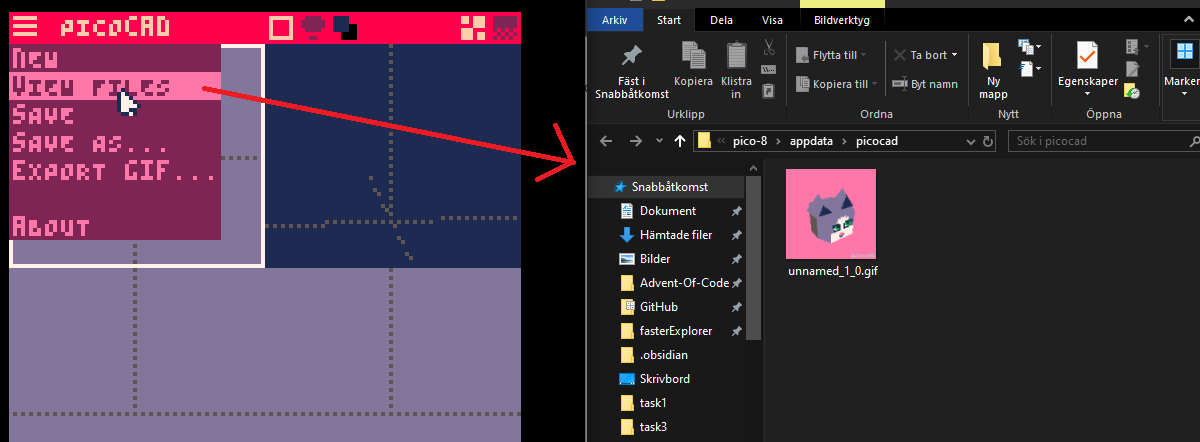
I'm currently working on a system for loading and saving text files. My end goal is to have an exported binary for my Pico-8 program. This however introduces some limitations, as exported binaries can not import user-editable files from disk. It is however possible to load files that are dropped from a file explorer into the Pico-8 program. To make it easier for users, I want to open the OS file explorer from within Pico-8. Usually this can be done from the Pico-8 terminal by typing folder, however this command does not appear to work from within a cart.
I'm fairly certain this can be done, as the Picocad binary allows the opening of the file explorer.
Appreciate all answers/ suggestions!
2 comments

fairly simple question, is there a way that a cart can write data to disk to produce another cart? I ask because I am wanting to make a tamagotchi type thing to learn some of the more of the pico-8 API that i otherwise wouldn't,such as multi-cart projects, as well as making a menu, something I surprisingly haven't done before. (any tips on that would be appreciated 😅). my current idea is that you would have the main menu, a standalone cart. it's sole job would be to create and load another cart, that being the main tamagotchi cart. each pet would have its own cart, that could be loaded by just skipping the main menu and loading the cart. my current issue is that I don't know how a cart would create another, or even if that's a possibility. another option would be to have a template cart that then maybe gets loaded with arguments, allowing for customisation that way?
0 comments




Soul Survivor
A small game I made to learn pico-8!
You've taken part in an ill-considered ritual to summon a demon! Little do you know the process has put a hole in your membrane, the one defense you have against the colorful bouncy spirits lurking in your home! (and everywhere else).

|
[16x16] |

|
[8x8] |
0 comments



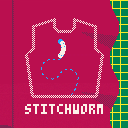
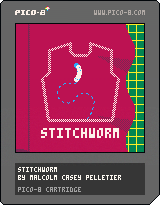
You are a silkworm who wants to make a dress. Use left and right arrow keys to turn, forward and back to adjust speed, and x to chew or sew along the marked pattern lines. When cutting, you will move only when holding x. When sewing, you will move continuously and will stop sewing when you let go of x.
For now, the final screen is just after you attach the skirt. You'll be able to tell because the score will probably have a decimal in it. There's not much to do once you're done except stitch all over your hard work and see exactly how little stitching it takes to tank the framerate, since my fancy stitch-drawing technique is very inefficient and recalculates all its math every frame.
0 comments

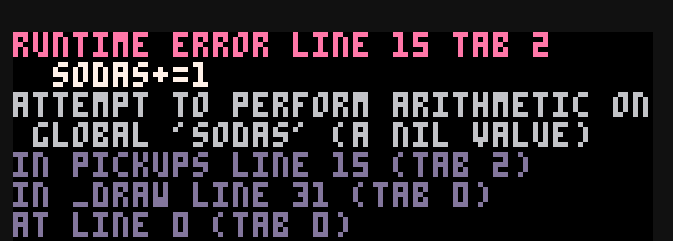




What is stopping an official wasm port for development from being made? Sure we can get exports to wasm but port development to other systems and evolving oses is going to require hoops. Android hasn't happened but a containerized web version might solve that if there is some way to export p8s and lua.
0 comments


Hi y'all!
This is the third version of Pico Pad!! (I made a version 2 but didn't release it lol)
It's not totally finished, but I'm very happy with it now and I think it's about 90% done.
If I release version 4, it'll be the last one.
Controls
- 🅾️ to delete the last stroke (not a general undo)
- ❎ to toggle the gui
- ⬆️ and ⬇️ to change the brush size
- ⬅️ and ➡️ to cycle the current tool
Tools:
- Pencil: draws lines
- Bucket: fills background or changes color of a line
- Pull/Front: moves the targeted stroke to the top
- Push/Back: moves the targeted stroke to the bottom
- Eraser: deletes the targeted stroke
0 comments


Controls in Spotytron
- Up / Down arrows: Navigate albums or tracks (scroll is automatic)
- Left arrow: Return to album selection from track mode
- Button O: Enter album / Play selected track
- Button X: Stop music
Where to Place POD Files
To use your albums in Spotytron, place all .pod files in this folder:
/appdata/albums
Spotytron will automatically detect them and show them in the album list.
Overview
The encodepod() function is a simple utility for creating a music POD file in Picotron.
It takes one or more SFX files, encodes them into POD-compatible binaries, and packages them into an album with multiple tracks.
How It Works
-
Fetch SFX files: The function fetches SFX files from
/desktop/. -
Encode to POD binary: Each SFX userdata is converted into a POD binary using the
pod()function. -
Define album structure:
sfx_files: List of encoded SFX binaries used in the album.tracks: Table of tracks, each containing:name: Track namesfx_file: Number referencing the SFX usedpattern: Starting pattern number
-
Define metadata: Metadata includes
albumname andartist. - Save the POD: The album and metadata are saved into
/appdata/<AlbumName>.podusing thestore()function.
Example Code
function encodepod()
	local sfx_pod1 = fetch("/desktop/sfx1.sfx")
	local sfx_bin1 = pod(sfx_pod1) -- encode the userdata into POD binary

	local sfx_pod2 = fetch("/desktop/sfx2.sfx")
	local sfx_bin2 = pod(sfx_pod2)

	local album = {
		sfx_files = { sfx_bin1, sfx_bin2 },
		tracks = {
			{ name = "Intro", sfx_file = 1, pattern = 0 },
			{ name = "Theme principal", sfx_file = 2, pattern = 10 },
			{ name = "Outro", sfx_file = 1, pattern = 20 },
		}
	}

	local meta = {
		album = "Test Album",
		artist = "Me",
	}

store("/appdata/test_album.pod", album, meta) |
0 comments


hey so i've come to the realisation that as i continue to work on new celeste mods, i am most likely going to come across alot more techs which i am not familiar with, so i guess this post can be like an area for creating cc techs and verifying which cc techs already existed.
-- dash trajectory manipulation --
the logic of this tech is pretty strange so prepare yourselves
anyway basically what i mean by "dash trajectory manipulation", is changing the direction of your dash midway through the dash itself
i don't really know how it works
i was just kinda messing around and then i got this
| | | | | | | | | | | | | | | | | | | | | | | | | |
V V V V V V V V V V V V V V V V V V V V V V V V V V
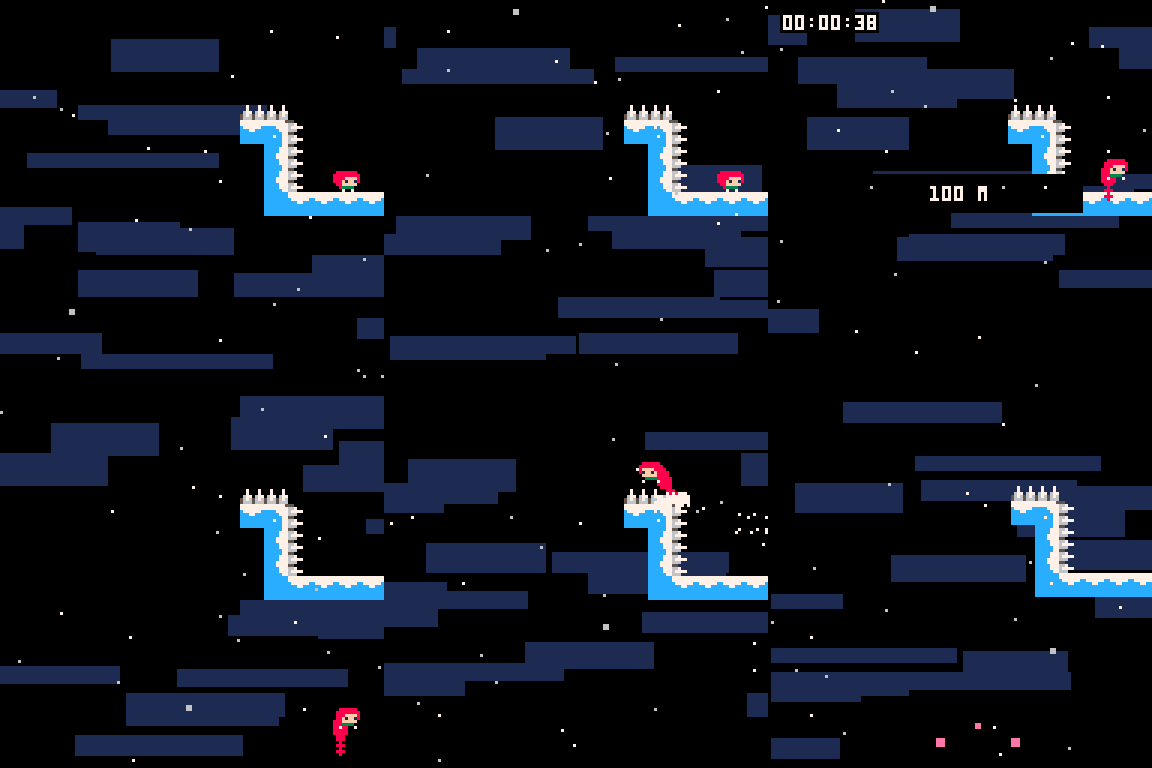
i think i was turning around as soon as i got to the edge of the screen, then performing the spike walk.
for some reason it only works on the edges of the screen tho?
anyone know anything about this?
-- vertical movement manipulation --
0 comments